Cheat
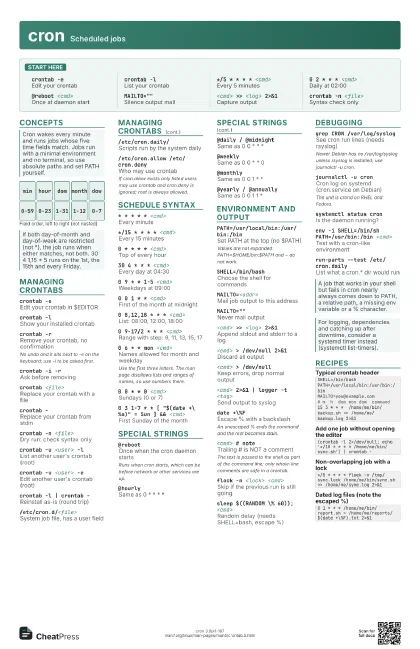
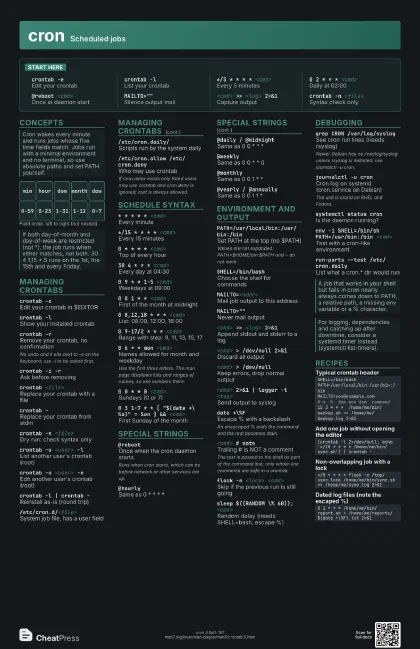
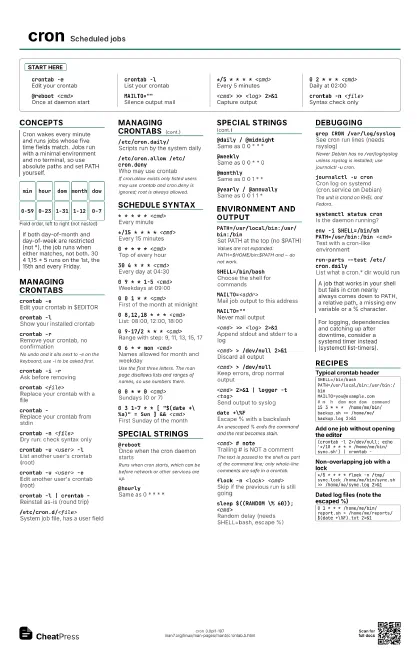
cron Scheduled jobs
 Light · Postcard
102 × 152 mm · PDF
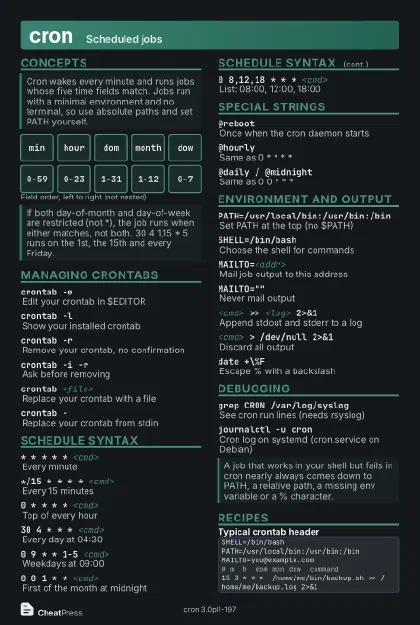 Dark · Postcard
102 × 152 mm · PDF
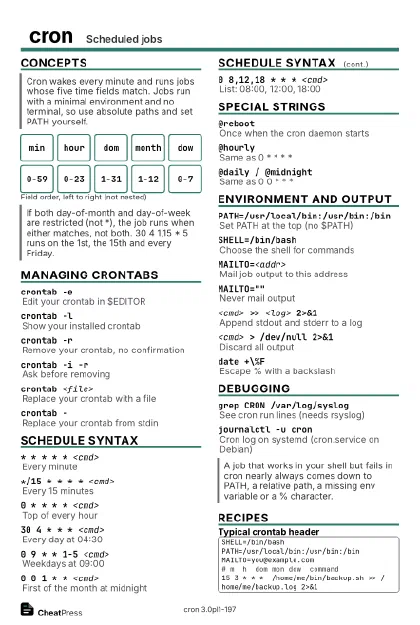 Ink saver · Postcard
102 × 152 mm · PDF
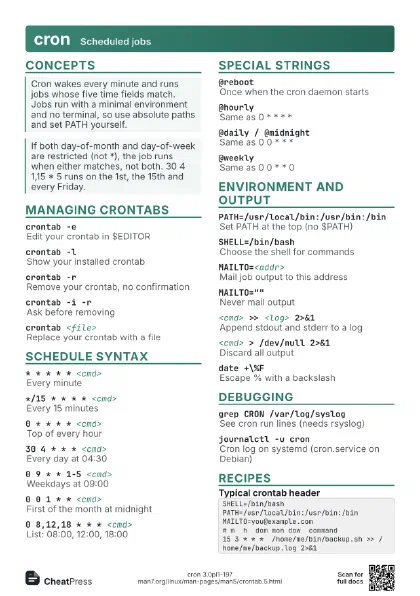
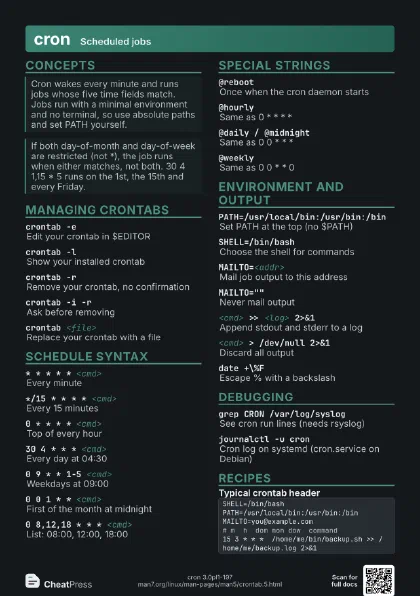
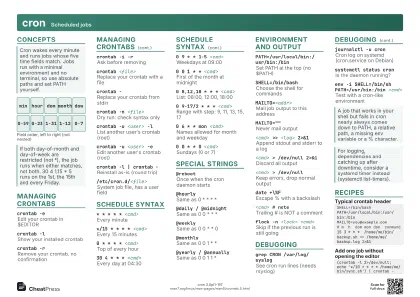 Light · A4 landscape
297 × 210 mm · PDF
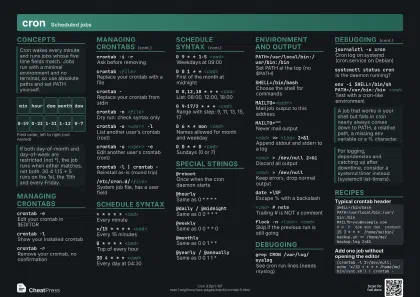 Dark · A4 landscape
297 × 210 mm · PDF
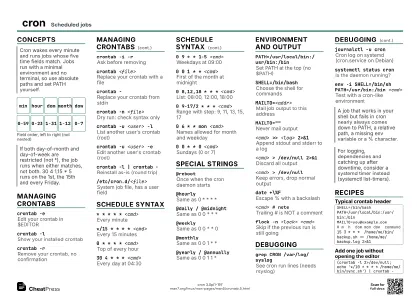 Ink saver · A4 landscape
297 × 210 mm · PDF
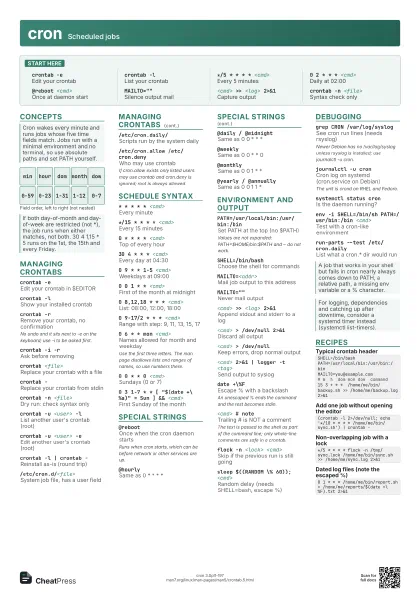
 Light · A3 landscape
420 × 297 mm · PDF
 Dark · A3 landscape
420 × 297 mm · PDF
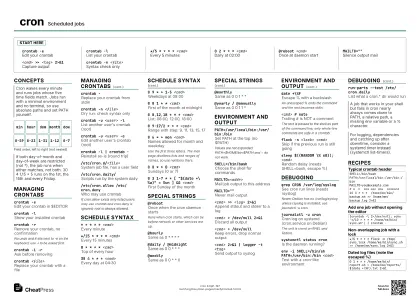 Ink saver · A3 landscape
420 × 297 mm · PDF
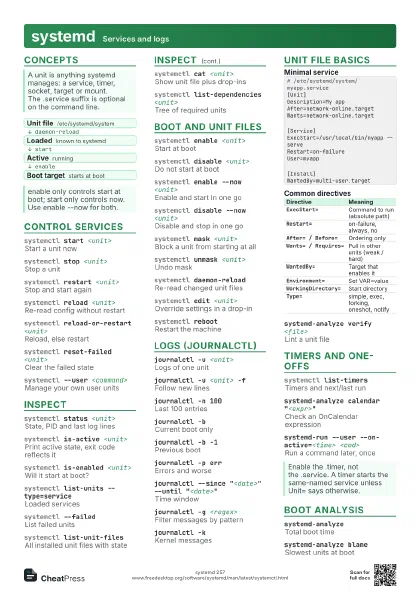
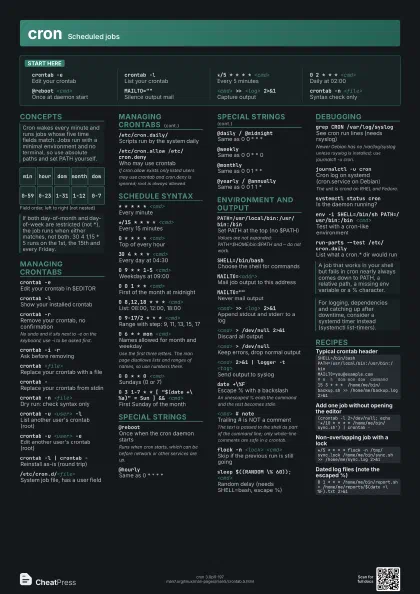
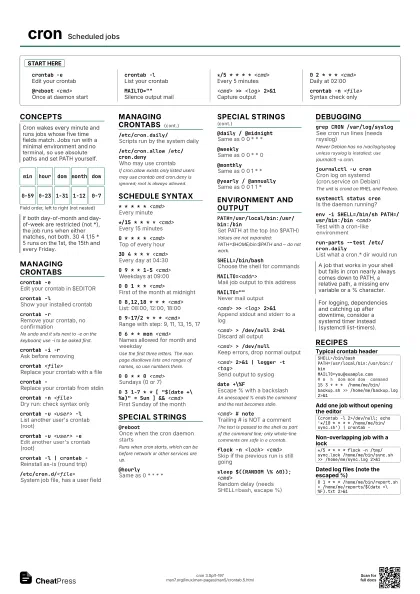
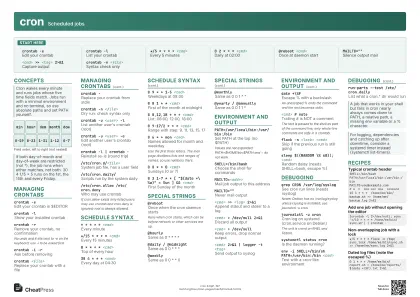
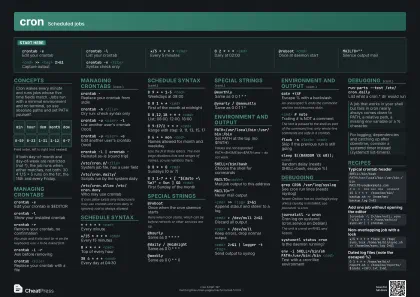
Start here
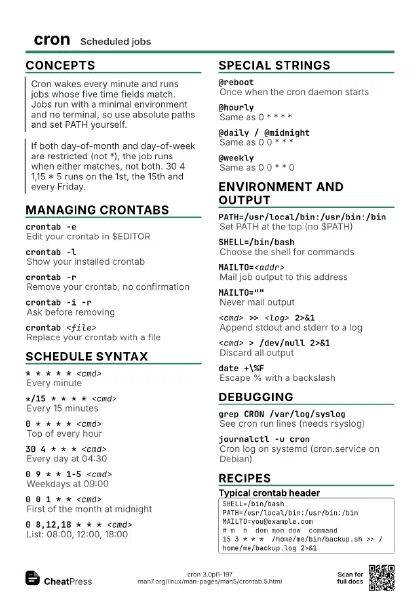
crontab -eEdit your crontab
crontab -lList your crontab
*/5 * * * * <cmd>
Every 5 minutes
0 2 * * * <cmd>
Daily at 02:00
@reboot <cmd>
Once at daemon start
MAILTO=""
Silence output mail
<cmd> >> <log> 2>&1
Capture output
crontab -n <file>
Syntax check only
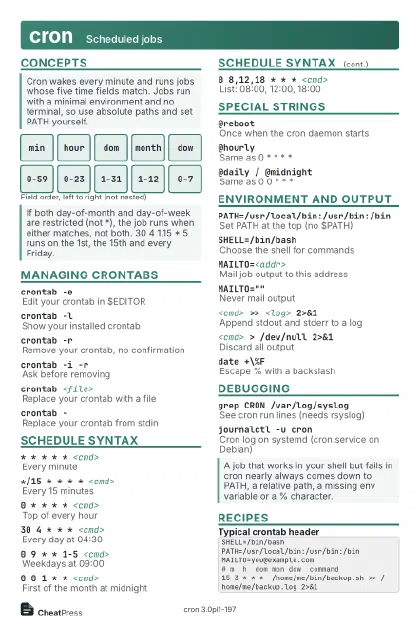
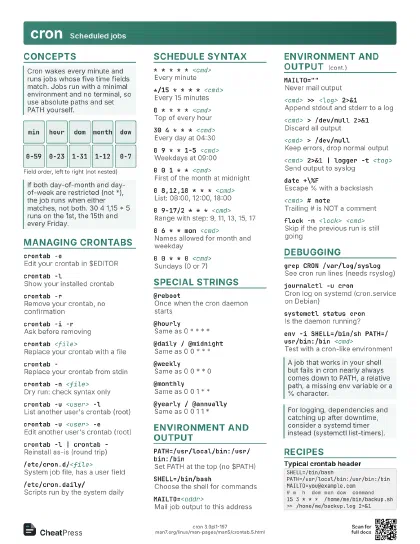
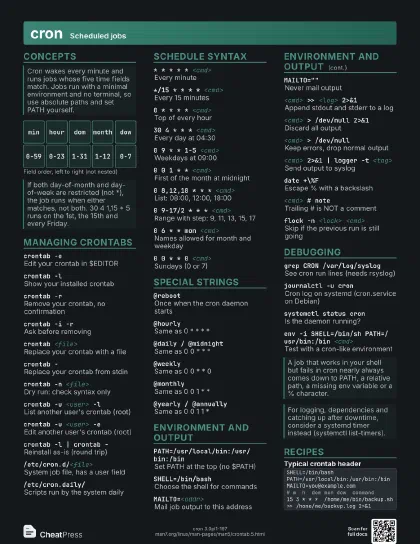
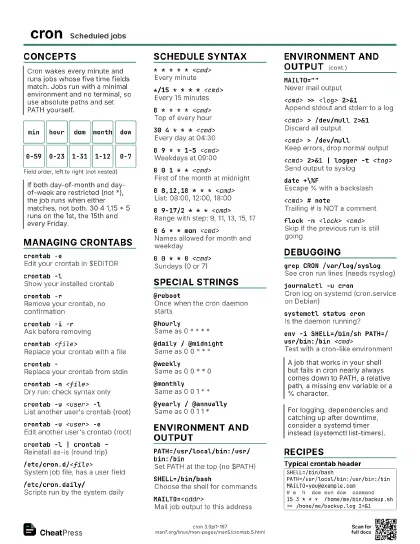
Concepts
min
0-59
hour
0-23
dom
1-31
month
1-12
dow
0-7
Managing crontabs
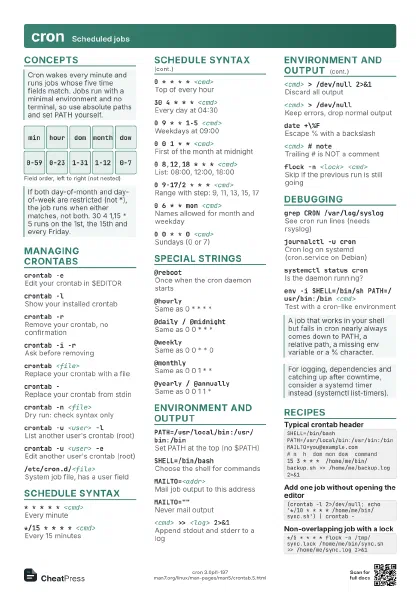
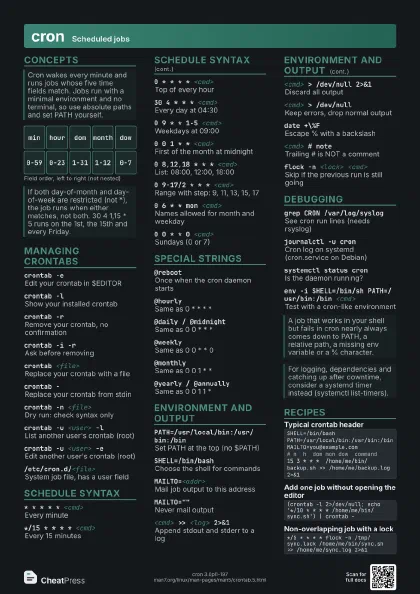
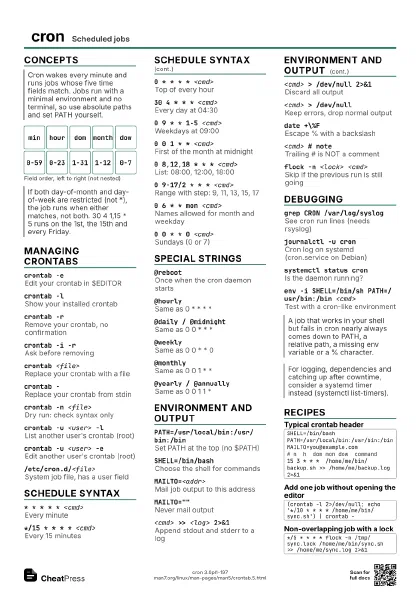
crontab -eEdit your crontab in $EDITOR
crontab -lShow your installed crontab
crontab -rRemove your crontab, no confirmation
No undo and it sits next to -e on the keyboard; use -i to be
asked first.
crontab -i -rAsk before removing
crontab <file>
Replace your crontab with a file
crontab -Replace your crontab from stdin
crontab -n <file>
Dry run: check syntax only
crontab -u <user> -l
List another user's crontab (root)
crontab -u <user> -e
Edit another user's crontab (root)
crontab -l | crontab -
Reinstall as-is (round trip)
/etc/cron.d/<file>
System job file, has a user field
/etc/cron.daily/
Scripts run by the system daily
/etc/cron.allow /etc/cron.deny
Who may use crontab
If cron.allow exists only listed users may use crontab and
cron.deny is ignored; root is always allowed.
Schedule syntax
* * * * * <cmd>
Every minute
*/15 * * * * <cmd>
Every 15 minutes
0 * * * * <cmd>
Top of every hour
30 4 * * * <cmd>
Every day at 04:30
0 9 * * 1-5 <cmd>
Weekdays at 09:00
0 0 1 * * <cmd>
First of the month at midnight
0 8,12,18 * * * <cmd>
List: 08:00, 12:00, 18:00
0 9-17/2 * * * <cmd>
Range with step: 9, 11, 13, 15, 17
0 6 * * mon <cmd>
Names allowed for month and weekday
Use the first three letters. The man page disallows lists and
ranges of names, so use numbers there.
0 0 * * 0 <cmd>
Sundays (0 or 7)
0 3 1-7 * * [ "$(date +\%a)" = Sun ] &&
                    <cmd>
First Sunday of the month
Special strings
@rebootOnce when the cron daemon starts
Runs when cron starts, which can be before network or other
services are up.
@hourlySame as 0 * * * *
@daily / @midnight
Same as 0 0 * * *
@weeklySame as 0 0 * * 0
@monthlySame as 0 0 1 * *
@yearly / @annually
Same as 0 0 1 1 *
Environment and output
PATH=/usr/local/bin:/usr/bin:/bin
Set PATH at the top (no $PATH)
Values are not expanded: PATH=$HOME/bin:$PATH and ~ do not
work.
SHELL=/bin/bashChoose the shell for commands
MAILTO=<addr>
Mail job output to this address
MAILTO=""
Never mail output
<cmd> >> <log> 2>&1
Append stdout and stderr to a log
<cmd> > /dev/null 2>&1
Discard all output
<cmd> > /dev/null
Keep errors, drop normal output
<cmd> 2>&1 | logger -t <tag>
Send output to syslog
date +\%FEscape % with a backslash
An unescaped % ends the command and the rest becomes stdin.
<cmd> # note
Trailing # is NOT a comment
The text is passed to the shell as part of the command line;
only whole-line comments are safe in a crontab.
flock -n <lock> <cmd>
Skip if the previous run is still going
sleep $((RANDOM \% 60)); <cmd>
Random delay (needs SHELL=bash, escape %)
Debugging
grep CRON /var/log/syslog
See cron run lines (needs rsyslog)
Newer Debian has no /var/log/syslog unless rsyslog is
installed; use journalctl -u cron.
journalctl -u cron
Cron log on systemd (cron.service on Debian)
The unit is crond on RHEL and Fedora.
systemctl status cron
Is the daemon running?
env -i SHELL=/bin/sh PATH=/usr/bin:/bin <cmd>
Test with a cron-like environment
run-parts --test /etc/cron.daily
List what a cron.* dir would run
Recipes
SHELL=/bin/bashPATH=/usr/local/bin:/usr/bin:/binMAILTO=you@example.com# m h dom mon dow command15 3 * * * /home/me/bin/backup.sh >> /home/me/backup.log 2>&1(crontab -l 2>/dev/null; echo '*/10 * * * * /home/me/bin/sync.sh') | crontab -*/5 * * * * flock -n /tmp/sync.lock /home/me/bin/sync.sh >> /home/me/sync.log 2>&10 1 * * * /home/me/bin/report.sh > /home/me/reports/$(date +\%F).txt 2>&1