Cheat
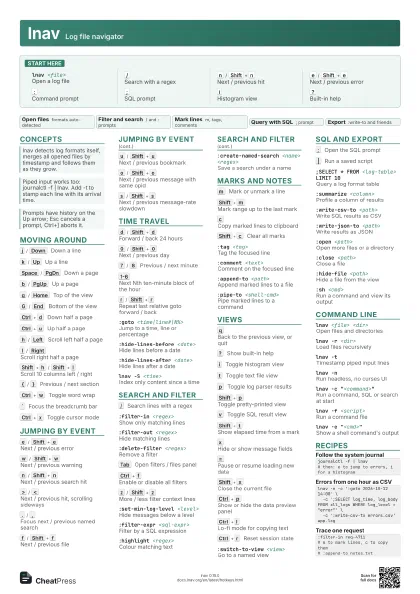
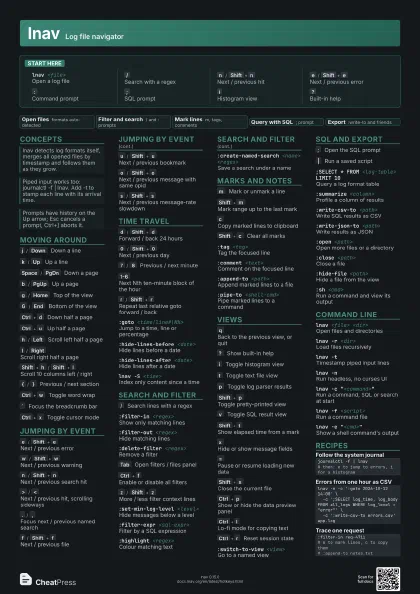
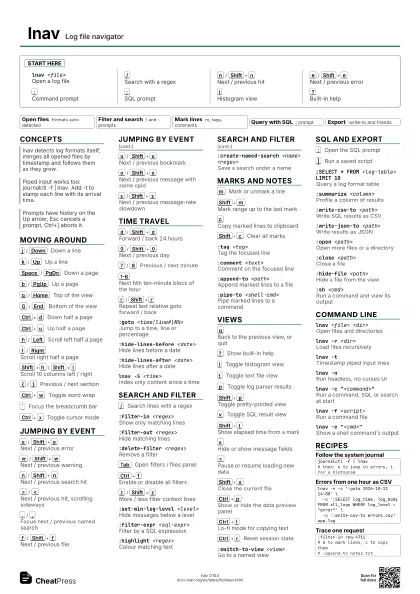
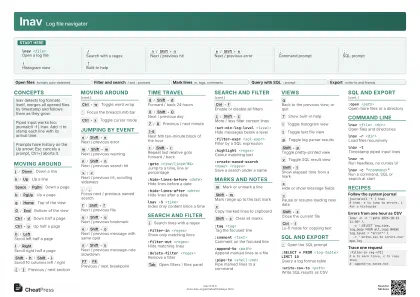
lnav Log file navigator
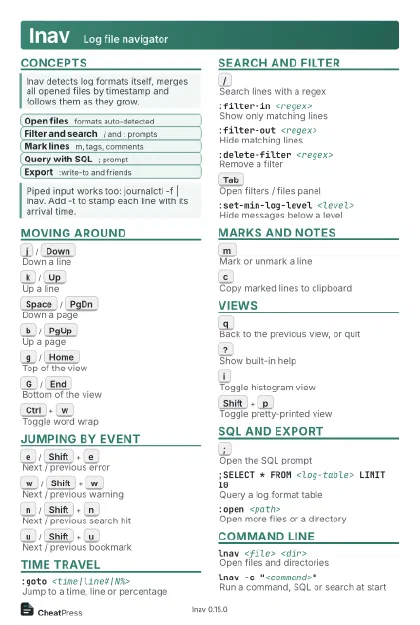 Light · Postcard
102 × 152 mm · PDF
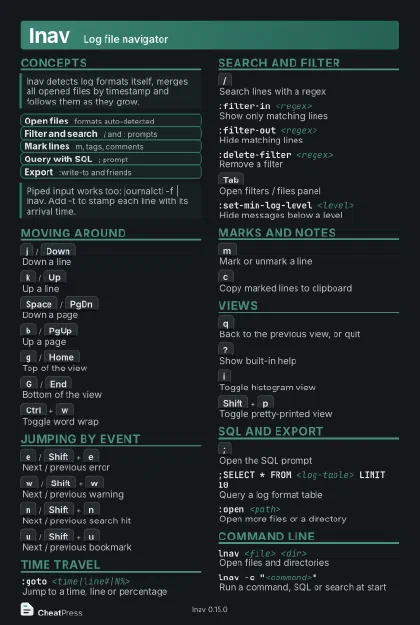 Dark · Postcard
102 × 152 mm · PDF
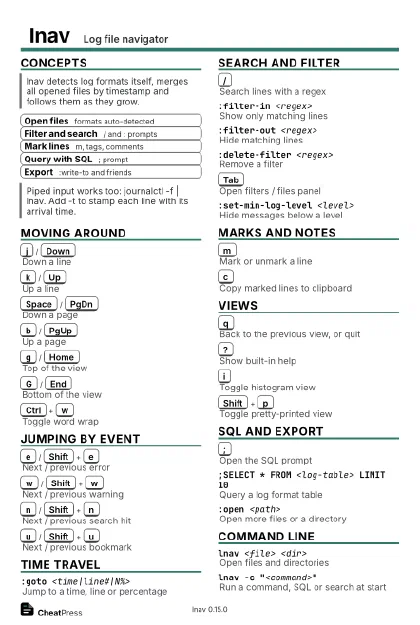 Ink saver · Postcard
102 × 152 mm · PDF
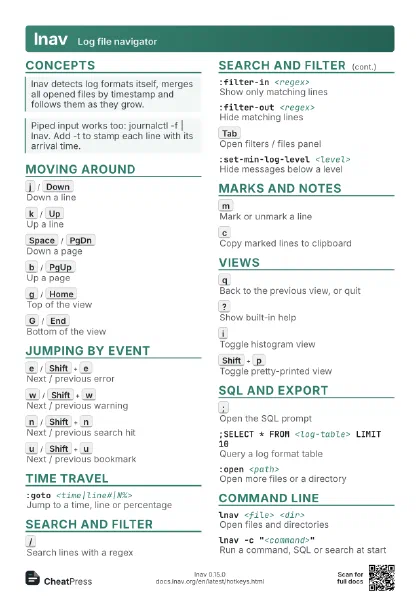
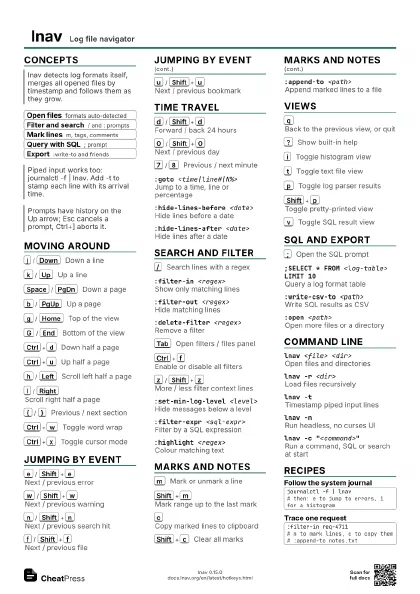
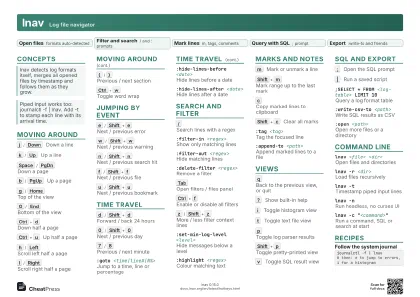 Light · A4 landscape
297 × 210 mm · PDF
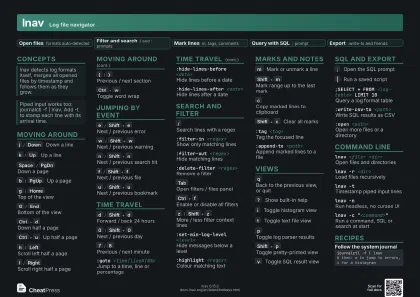 Dark · A4 landscape
297 × 210 mm · PDF
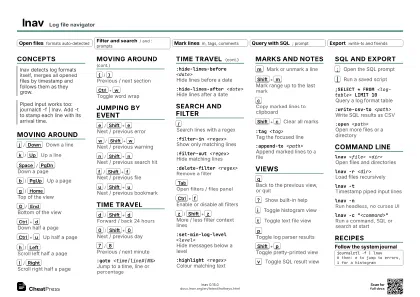 Ink saver · A4 landscape
297 × 210 mm · PDF
 Light · A3 landscape
420 × 297 mm · PDF
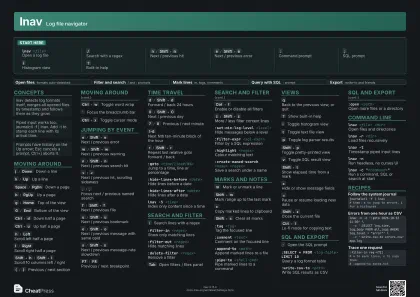 Dark · A3 landscape
420 × 297 mm · PDF
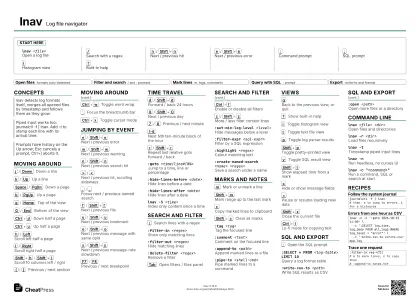 Ink saver · A3 landscape
420 × 297 mm · PDF
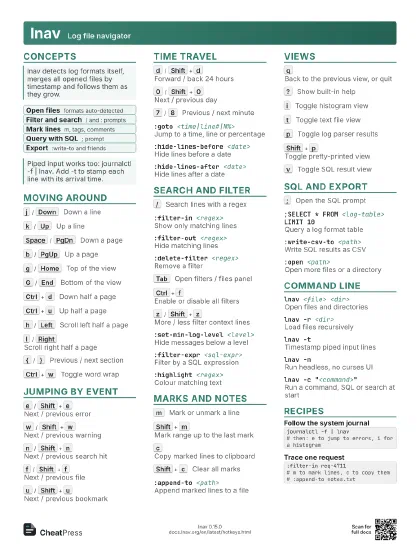
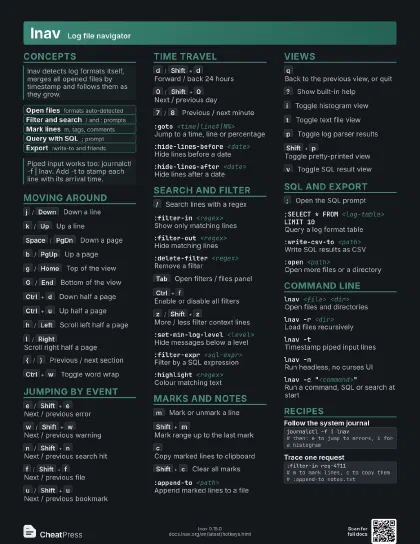
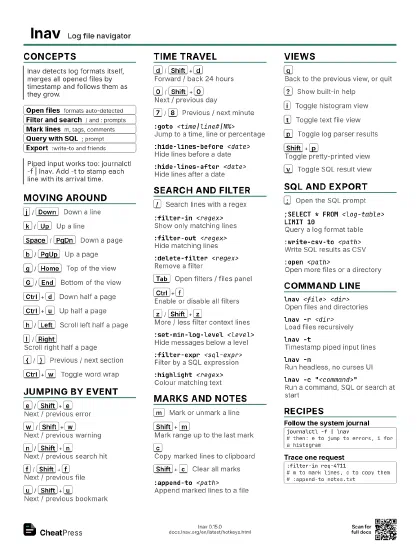
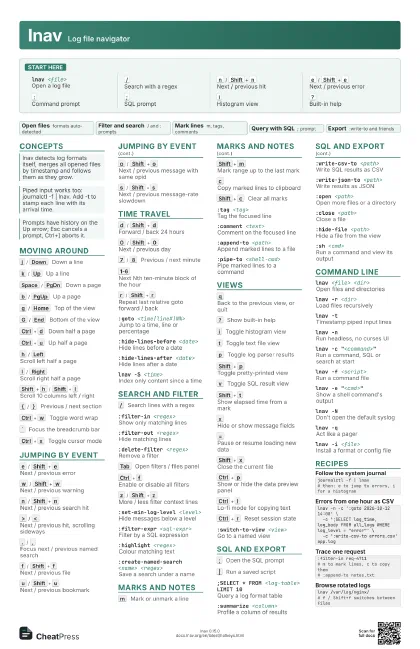
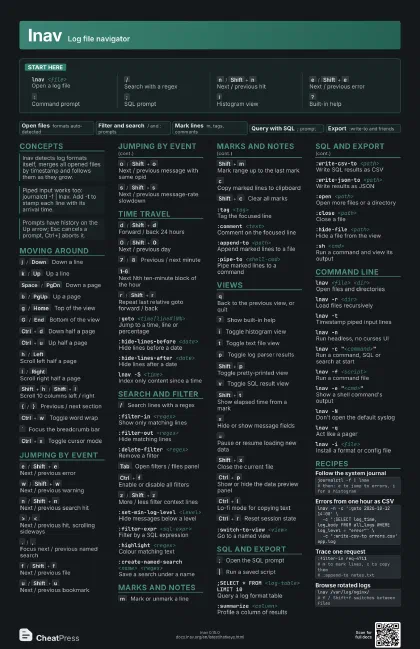
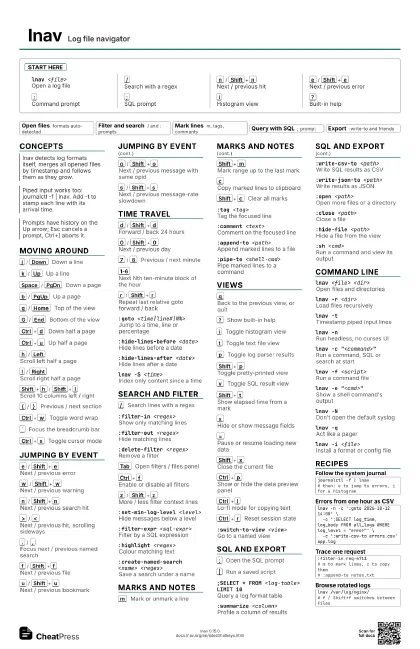
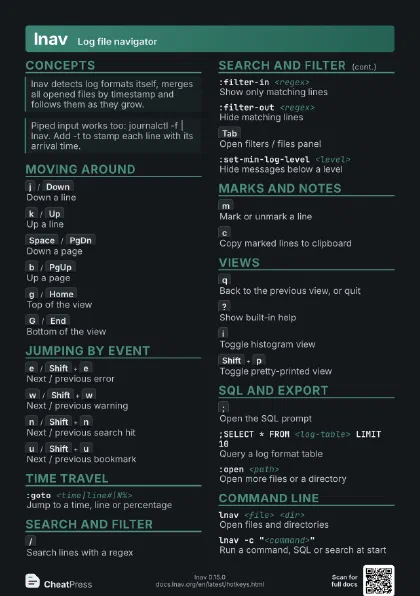
Start here
lnav <file>
Open a log file
/
Search with a regex
n
/
Shift+n
Next / previous hit
e
/
Shift+e
Next / previous error
:
Command prompt
;
SQL prompt
i
Histogram view
?
Built-in help
Concepts
- Open files formats auto-detected
- Filter and search / and : prompts
- Mark lines m, tags, comments
- Query with SQL ; prompt
- Export :write-to and friends
Moving around
j
/
Down
Down a line
k
/
Up
Up a line
Space
/
PgDn
Down a page
b
/
PgUp
Up a page
g
/
Home
Top of the view
G
/
End
Bottom of the view
Ctrl+d
Down half a page
Ctrl+u
Up half a page
h
/
Left
Scroll left half a page
l
/
Right
Scroll right half a page
Shift+h
/
Shift+l
Scroll 10 columns left / right
{
/
}
Previous / next section
Ctrl+w
Toggle word wrap
`
Focus the breadcrumb bar
Ctrl+x
Toggle cursor mode
Jumping by event
e
/
Shift+e
Next / previous error
w
/
Shift+w
Next / previous warning
n
/
Shift+n
Next / previous search hit
>
/
<
Next / previous hit, scrolling sideways
.
/
,
Focus next / previous named search
f
/
Shift+f
Next / previous file
u
/
Shift+u
Next / previous bookmark
o
/
Shift+o
Next / previous message with same opid
s
/
Shift+s
Next / previous message-rate slowdown
F7
/
F8
Previous / next breakpoint
Time travel
d
/
Shift+d
Forward / back 24 hours
0
/
Shift+0
Next / previous day
7
/
8
Previous / next minute
1-6
Next Nth ten-minute block of the hour
r
/
Shift+r
Repeat last relative goto forward / back
:goto <time|line#|N%>
Jump to a time, line or percentage
:hide-lines-before <date>
Hide lines before a date
:hide-lines-after <date>
Hide lines after a date
lnav -S <time>
Index only content since a time
Search and filter
/
Search lines with a regex
:filter-in <regex>
Show only matching lines
:filter-out <regex>
Hide matching lines
:delete-filter <regex>
Remove a filter
Tab
Open filters / files panel
Ctrl+f
Enable or disable all filters
z
/
Shift+z
More / less filter context lines
:set-min-log-level <level>
Hide messages below a level
:filter-expr <sql-expr>
Filter by a SQL expression
:highlight <regex>
Colour matching text
:create-named-search <name> <regex>
Save a search under a name
Marks and notes
m
Mark or unmark a line
Shift+m
Mark range up to the last mark
c
Copy marked lines to clipboard
Shift+c
Clear all marks
:tag <tag>
Tag the focused line
:comment <text>
Comment on the focused line
:append-to <path>
Append marked lines to a file
:pipe-to <shell-cmd>
Pipe marked lines to a command
Ctrl+b
Toggle a breakpoint on the line
Views
q
Back to the previous view, or quit
?
Show built-in help
i
Toggle histogram view
t
Toggle text file view
p
Toggle log parser results
Shift+p
Toggle pretty-printed view
v
Toggle SQL result view
Shift+t
Show elapsed time from a mark
x
Hide or show message fields
=
Pause or resume loading new data
Shift+x
Close the current file
F2
Toggle mouse support
Ctrl+p
Show or hide the data preview panel
Ctrl+l
Lo-fi mode for copying text
F5
Reload the view
Ctrl+r
Reset session state
:switch-to-view <view>
Go to a named view
SQL and export
;
Open the SQL prompt
|
Run a saved script
;SELECT * FROM <log-table> LIMIT 10
Query a log format table
:summarize <column>
Profile a column of results
:write-csv-to <path>
Write SQL results as CSV
:write-json-to <path>
Write results as JSON
:open <path>
Open more files or a directory
:close <path>
Close a file
:hide-file <path>
Hide a file from the view
:sh <cmd>Run a command and view its output
Command line
lnav <file> <dir>
Open files and directories
lnav -r <dir>
Load files recursively
lnav -tTimestamp piped input lines
lnav -nRun headless, no curses UI
lnav -c "<command>"
Run a command, SQL or search at start
lnav -f <script>
Run a command file
lnav -e "<cmd>"
Show a shell command's output
lnav -NDon't open the default syslog
lnav -qAct like a pager
lnav -i <file>
Install a format or config file
lnav -CCheck config for errors
lnav -VPrint the version
Recipes
journalctl -f | lnav# then: e to jump to errors, i for a histogramlnav -n -c ':goto 2026-10-12 14:00' \ -c ';SELECT log_time, log_body FROM all_logs WHERE log_level = "error"' \ -c ':write-csv-to errors.csv' app.log:filter-in req-4711# m to mark lines, c to copy them# :append-to notes.txtlnav /var/log/nginx/# f / Shift+f switches between files