Cheat
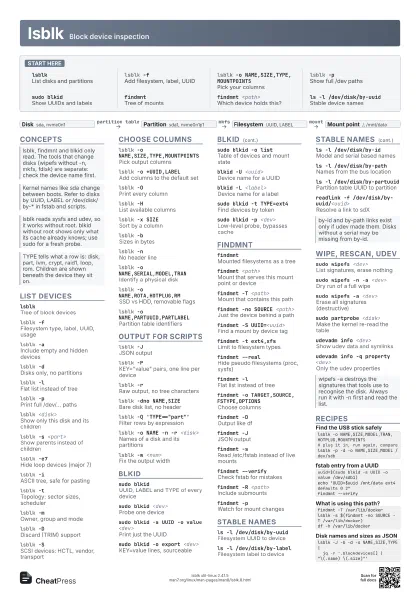
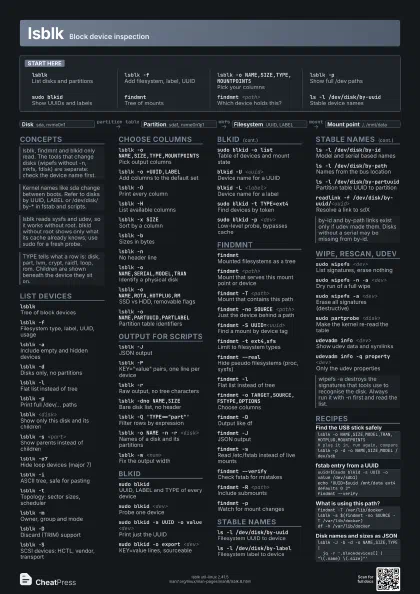
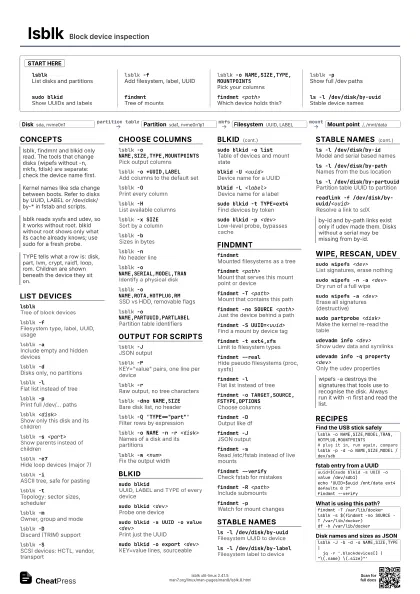
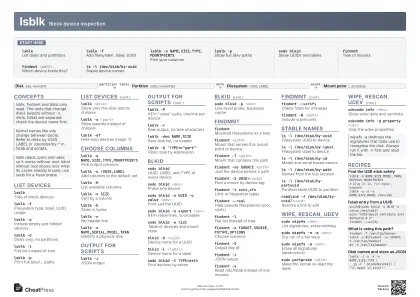
lsblk Block device inspection
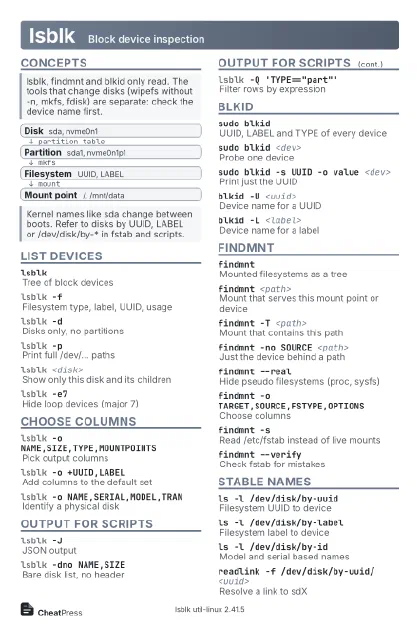 Light · Postcard
102 × 152 mm · PDF
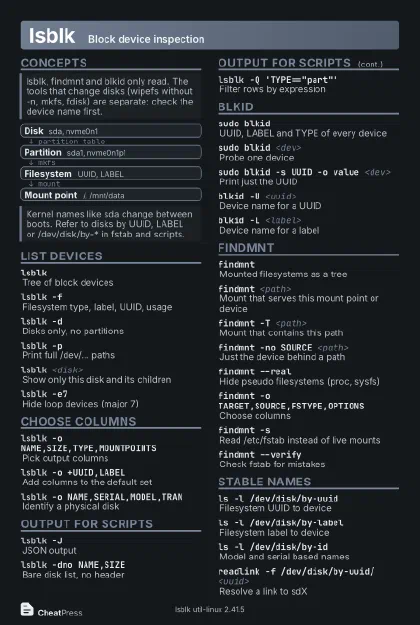 Dark · Postcard
102 × 152 mm · PDF
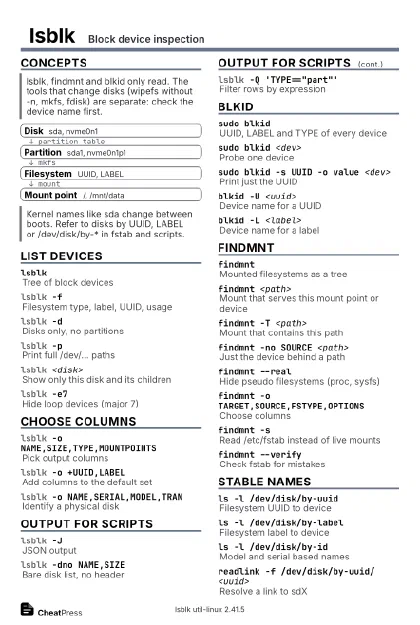 Ink saver · Postcard
102 × 152 mm · PDF
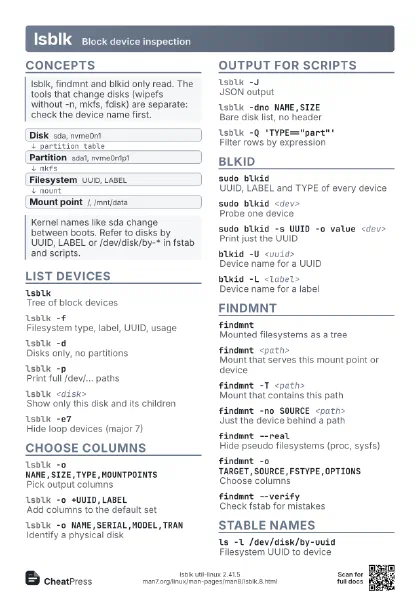
 Light · A4 landscape
297 × 210 mm · PDF
 Dark · A4 landscape
297 × 210 mm · PDF
 Ink saver · A4 landscape
297 × 210 mm · PDF
 Light · A3 landscape
420 × 297 mm · PDF
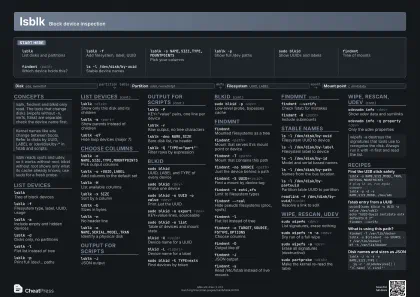 Dark · A3 landscape
420 × 297 mm · PDF
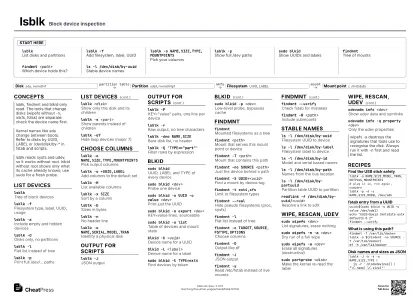 Ink saver · A3 landscape
420 × 297 mm · PDF
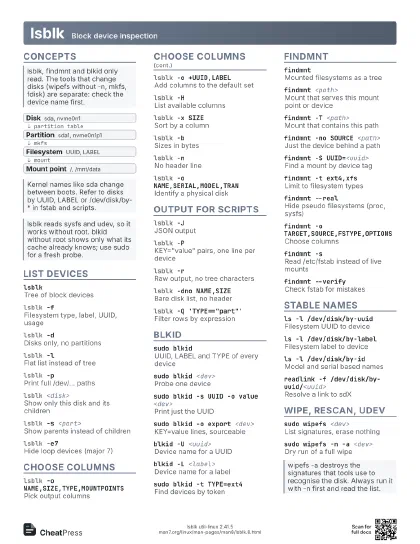
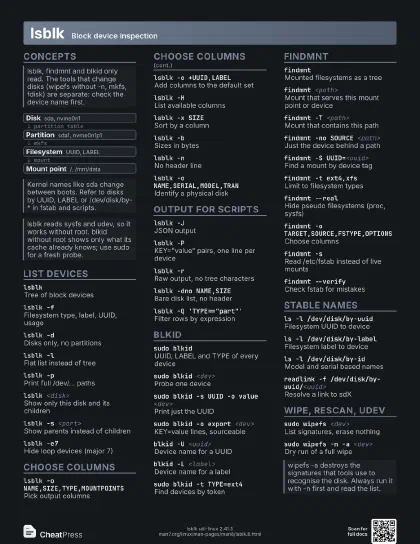
Start here
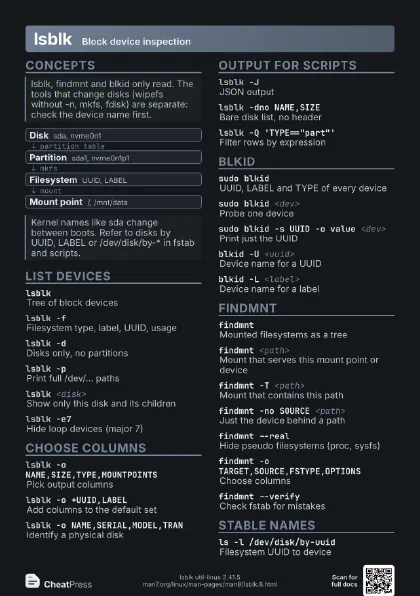
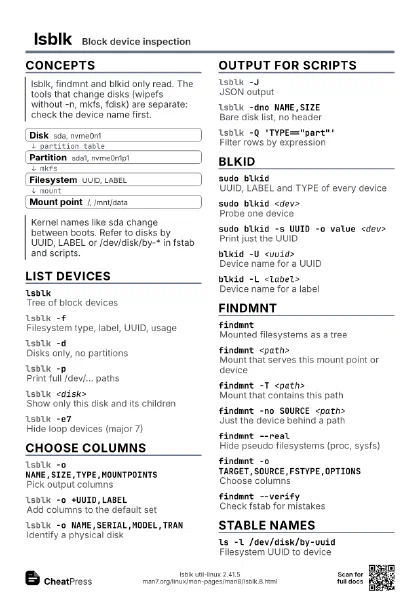
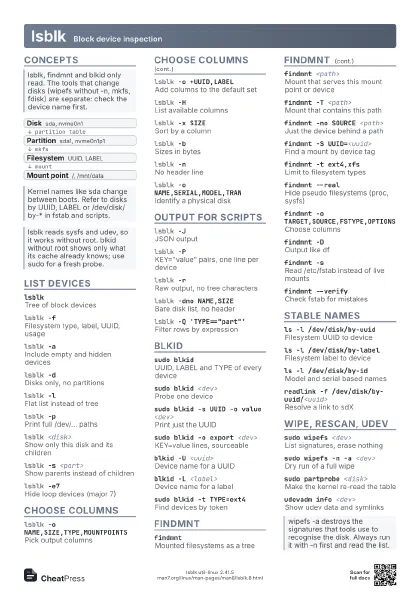
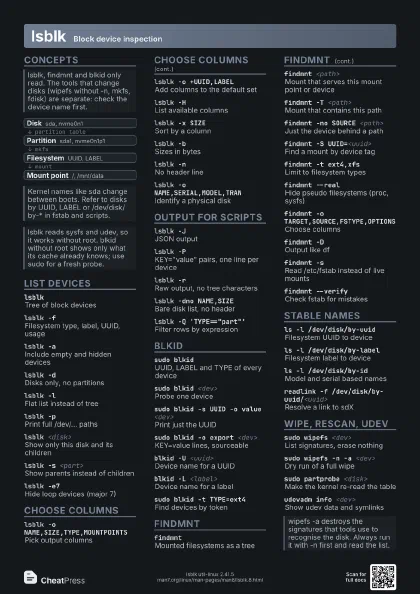
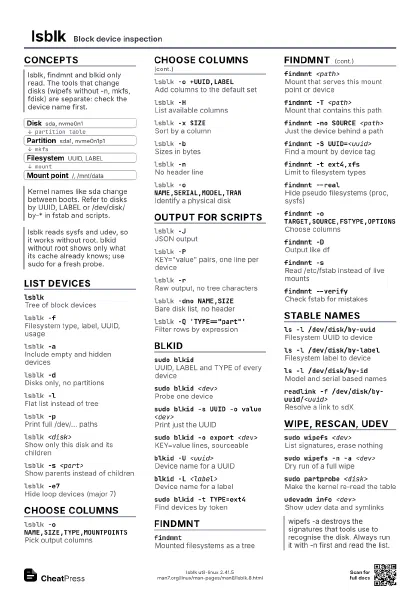
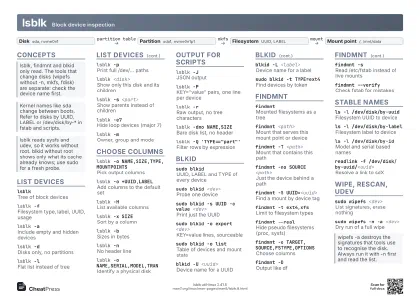
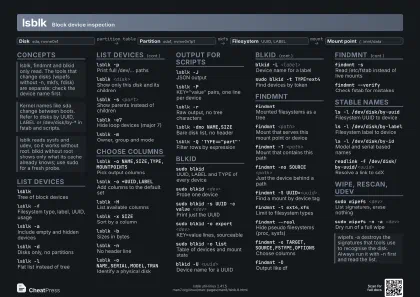
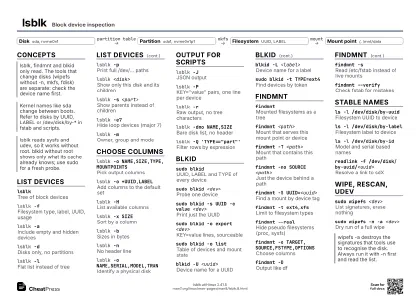
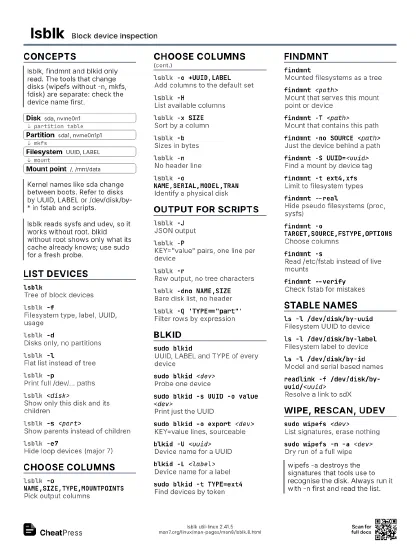
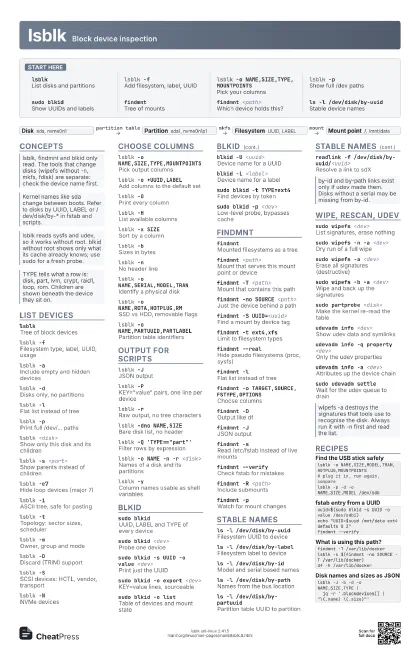
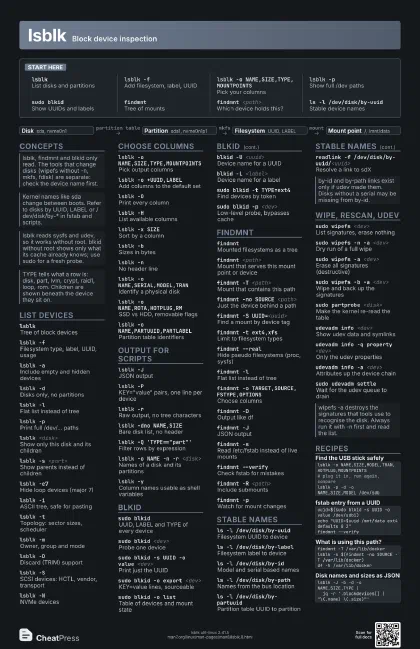
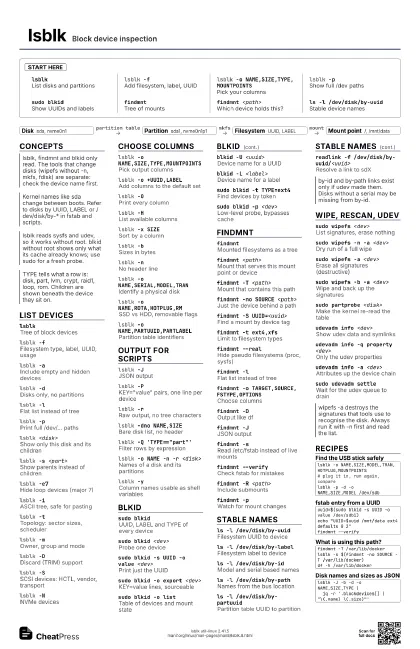
lsblkList disks and partitions
lsblk -fAdd filesystem, label, UUID
lsblk -o NAME,SIZE,TYPE,MOUNTPOINTS
Pick your columns
lsblk -pShow full /dev paths
sudo blkidShow UUIDs and labels
findmntTree of mounts
findmnt <path>
Which device holds this?
ls -l /dev/disk/by-uuid
Stable device names
Concepts
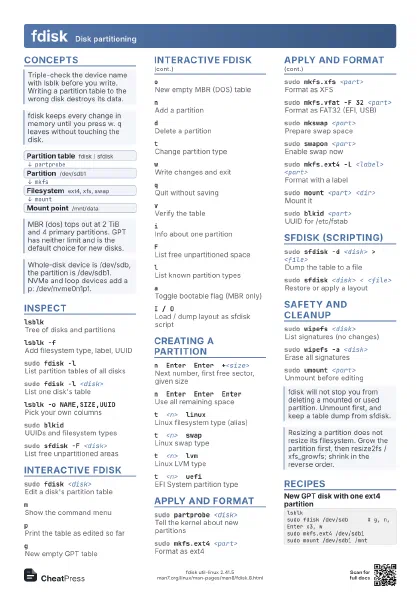
- Disk sda, nvme0n1
- Partition sda1, nvme0n1p1
- Filesystem UUID, LABEL
- Mount point /, /mnt/data
List devices
lsblkTree of block devices
lsblk -fFilesystem type, label, UUID, usage
lsblk -aInclude empty and hidden devices
lsblk -dDisks only, no partitions
lsblk -lFlat list instead of tree
lsblk -pPrint full /dev/... paths
lsblk <disk>
Show only this disk and its children
lsblk -s <part>
Show parents instead of children
lsblk -e7Hide loop devices (major 7)
lsblk -iASCII tree, safe for pasting
lsblk -tTopology: sector sizes, scheduler
lsblk -mOwner, group and mode
lsblk -DDiscard (TRIM) support
lsblk -SSCSI devices: HCTL, vendor, transport
lsblk -NNVMe devices
Choose columns
lsblk -o NAME,SIZE,TYPE,MOUNTPOINTS
Pick output columns
lsblk -o +UUID,LABEL
Add columns to the default set
lsblk -OPrint every column
lsblk -HList available columns
lsblk -x SIZESort by a column
lsblk -bSizes in bytes
lsblk -nNo header line
lsblk -o NAME,SERIAL,MODEL,TRAN
Identify a physical disk
lsblk -o NAME,ROTA,HOTPLUG,RM
SSD vs HDD, removable flags
lsblk -o NAME,PARTUUID,PARTLABEL
Partition table identifiers
Output for scripts
lsblk -JJSON output
lsblk -P
KEY="value" pairs, one line per device
lsblk -rRaw output, no tree characters
lsblk -dno NAME,SIZE
Bare disk list, no header
lsblk -Q 'TYPE=="part"'
Filter rows by expression
lsblk -o NAME -n -r <disk>
Names of a disk and its partitions
lsblk -yColumn names usable as shell variables
lsblk -w <num>
Fix the output width
blkid
sudo blkidUUID, LABEL and TYPE of every device
sudo blkid <dev>
Probe one device
sudo blkid -s UUID -o value <dev>
Print just the UUID
sudo blkid -o export <dev>
KEY=value lines, sourceable
sudo blkid -o list
Table of devices and mount state
blkid -U <uuid>
Device name for a UUID
blkid -L <label>
Device name for a label
sudo blkid -t TYPE=ext4
Find devices by token
sudo blkid -p <dev>
Low-level probe, bypasses cache
sudo blkid -i <dev>
I/O limits of the device
blkid -kList supported filesystems
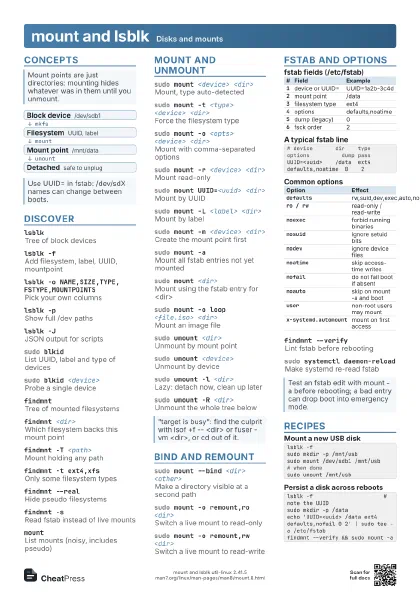
findmnt
findmntMounted filesystems as a tree
findmnt <path>
Mount that serves this mount point or device
findmnt -T <path>
Mount that contains this path
findmnt -no SOURCE <path>
Just the device behind a path
findmnt -S UUID=<uuid>
Find a mount by device tag
findmnt -t ext4,xfs
Limit to filesystem types
findmnt --realHide pseudo filesystems (proc, sysfs)
findmnt -lFlat list instead of tree
findmnt -o TARGET,SOURCE,FSTYPE,OPTIONS
Choose columns
findmnt -DOutput like df
findmnt -JJSON output
findmnt -sRead /etc/fstab instead of live mounts
findmnt --verify
Check fstab for mistakes
findmnt -R <path>
Include submounts
findmnt -pWatch for mount changes
Stable names
ls -l /dev/disk/by-uuid
Filesystem UUID to device
ls -l /dev/disk/by-label
Filesystem label to device
ls -l /dev/disk/by-id
Model and serial based names
ls -l /dev/disk/by-path
Names from the bus location
ls -l /dev/disk/by-partuuid
Partition table UUID to partition
readlink -f /dev/disk/by-uuid/<uuid>
Resolve a link to sdX
Wipe, rescan, udev
sudo wipefs <dev>
List signatures, erase nothing
sudo wipefs -n -a <dev>
Dry run of a full wipe
sudo wipefs -a <dev>
Erase all signatures (destructive)
sudo wipefs -b -a <dev>
Wipe and back up the signatures
sudo partprobe <disk>
Make the kernel re-read the table
udevadm info <dev>
Show udev data and symlinks
udevadm info -q property <dev>
Only the udev properties
udevadm info -a <dev>
Attributes up the device chain
sudo udevadm trigger
Replay udev events
sudo udevadm settle
Wait for the udev queue to drain
Recipes
lsblk -o NAME,SIZE,MODEL,TRAN,HOTPLUG,MOUNTPOINTS# plug it in, run again, comparelsblk -p -d -o NAME,SIZE,MODEL /dev/sdbuuid=$(sudo blkid -s UUID -o value /dev/sdb1)echo "UUID=$uuid /mnt/data ext4 defaults 0 2"findmnt --verifyfindmnt -T /var/lib/dockerlsblk -s $(findmnt -no SOURCE -T /var/lib/docker)df -h /var/lib/dockerlsblk -J -b -d -o NAME,SIZE,TYPE | jq -r '.blockdevices[] | "\(.name) \(.size)"'