Cheat
lf Terminal file manager
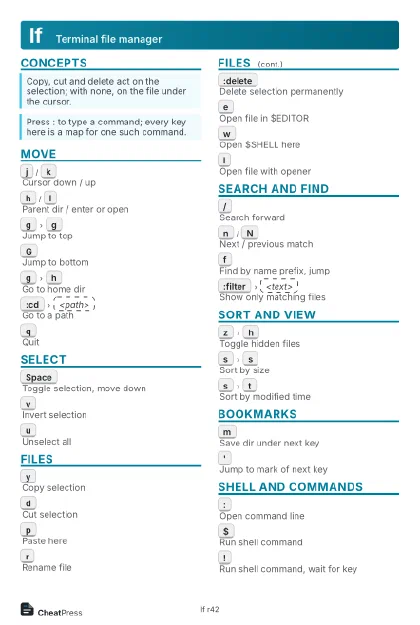 Light · Postcard
102 × 152 mm · PDF
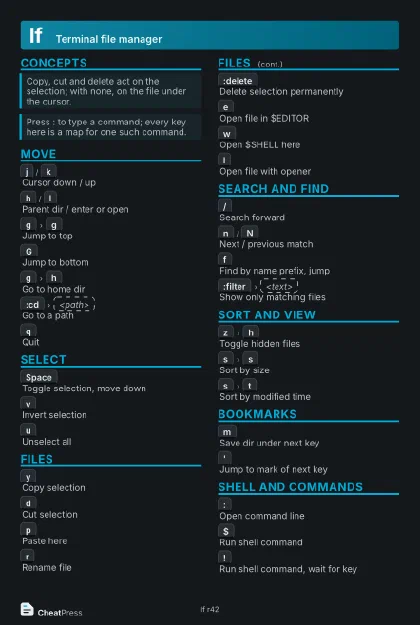 Dark · Postcard
102 × 152 mm · PDF
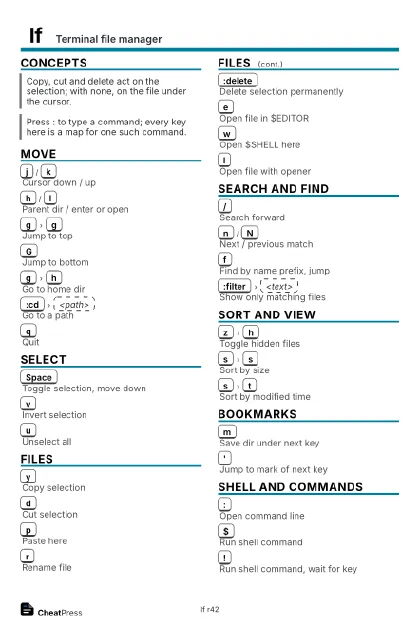 Ink saver · Postcard
102 × 152 mm · PDF
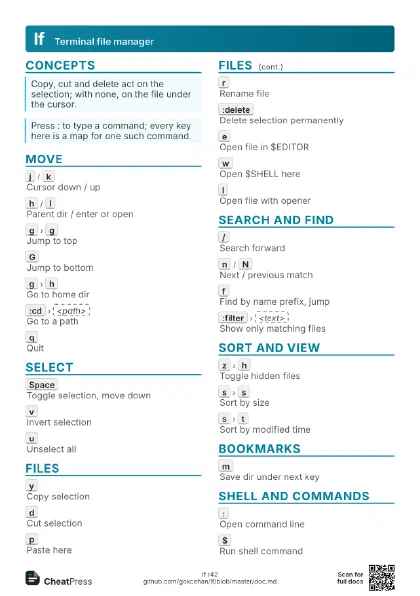
 Light · A4 landscape
297 × 210 mm · PDF
 Dark · A4 landscape
297 × 210 mm · PDF
 Ink saver · A4 landscape
297 × 210 mm · PDF
 Light · A3 landscape
420 × 297 mm · PDF
 Dark · A3 landscape
420 × 297 mm · PDF
 Ink saver · A3 landscape
420 × 297 mm · PDF
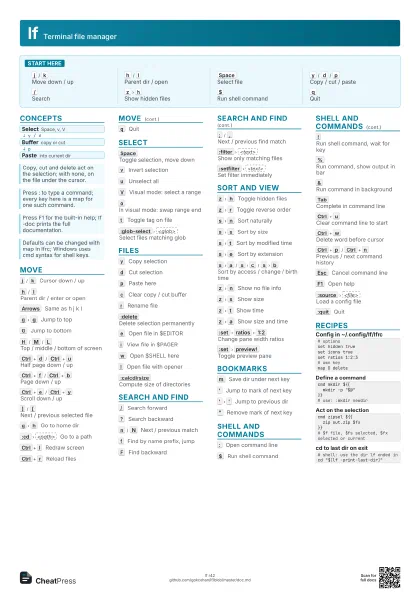
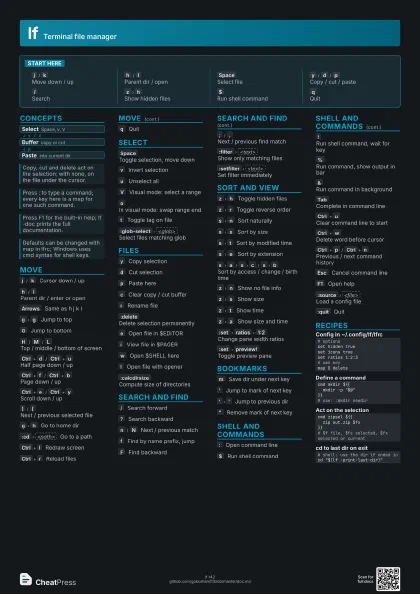
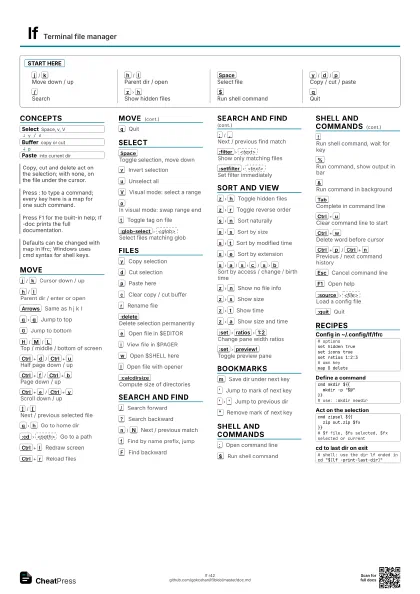
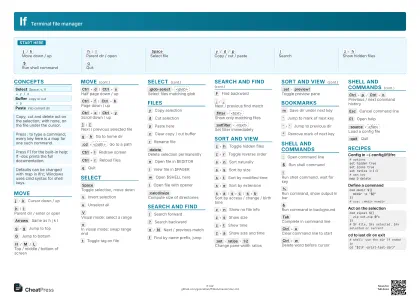
Start here
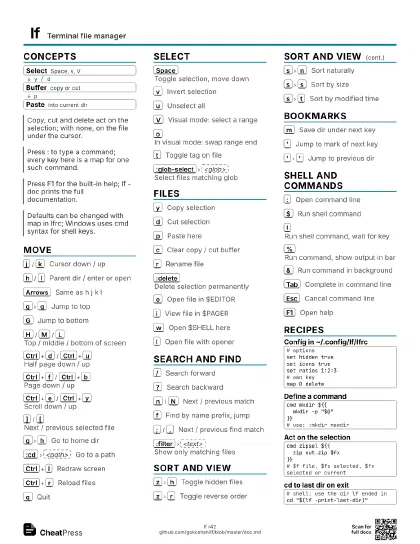
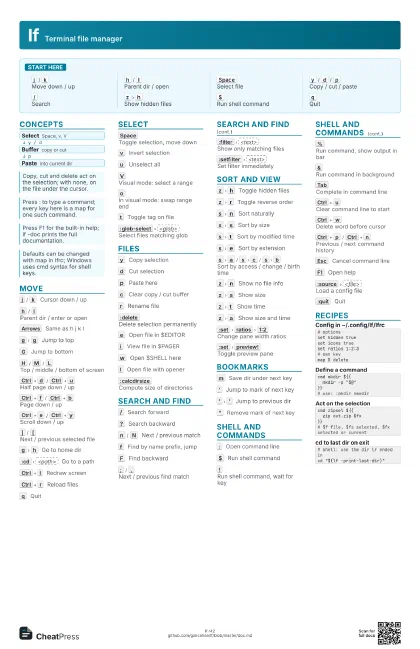
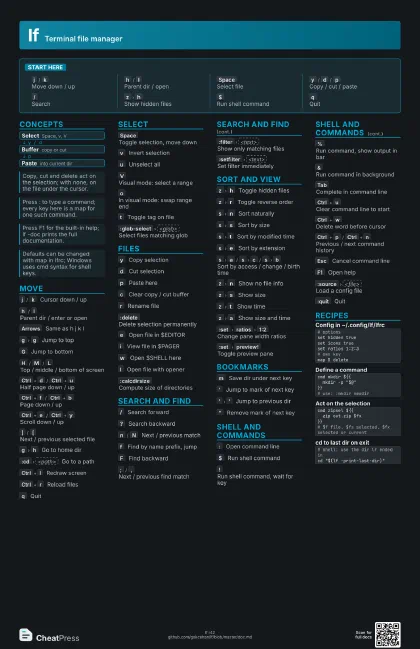
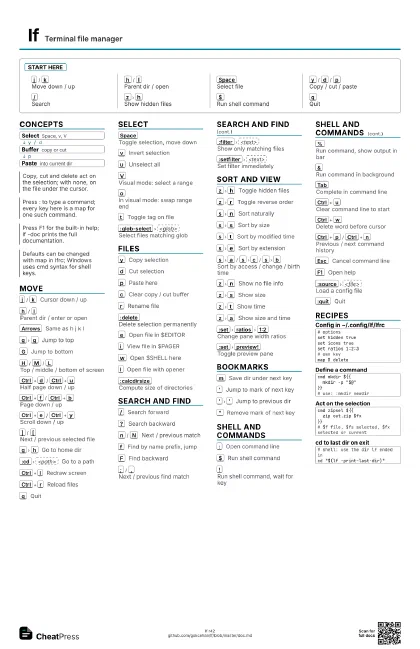
j
/
k
Move down / up
h
/
l
Parent dir / open
Space
Select file
y
/
d
/
p
Copy / cut / paste
/
Search
z
h
Show hidden files
$
Run shell command
q
Quit
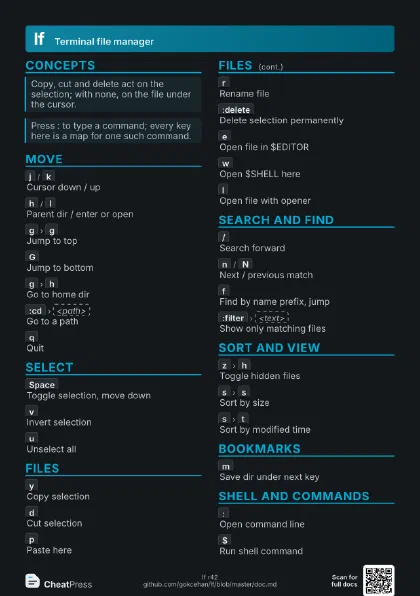
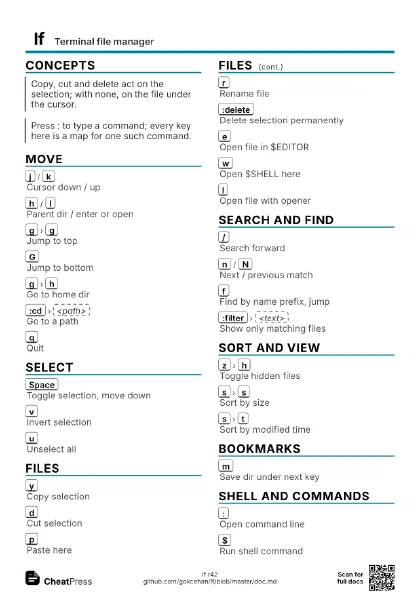
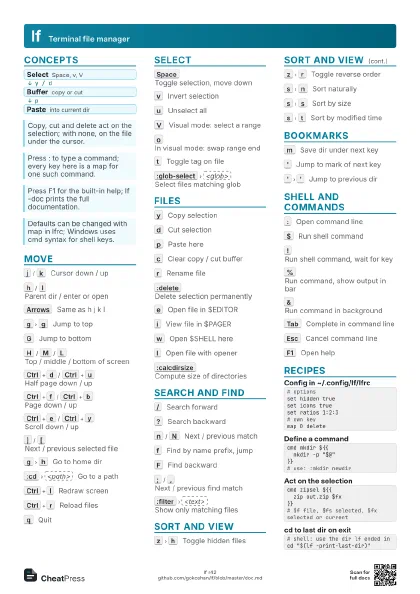
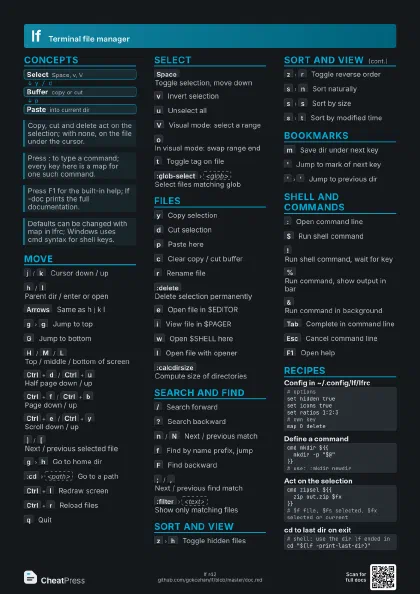
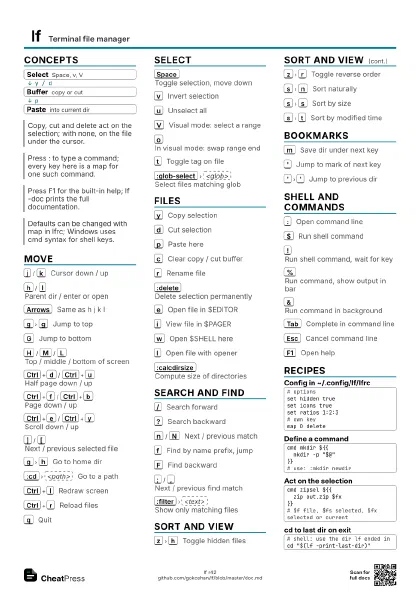
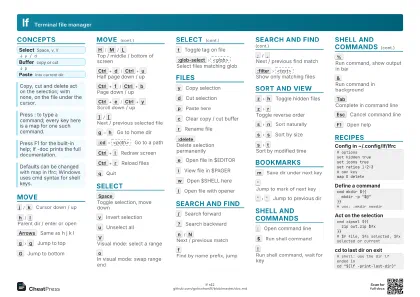
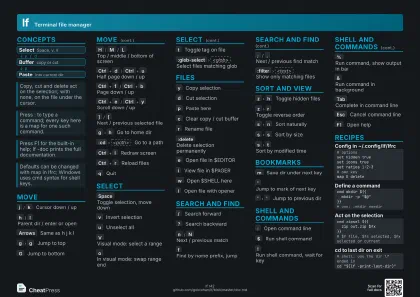
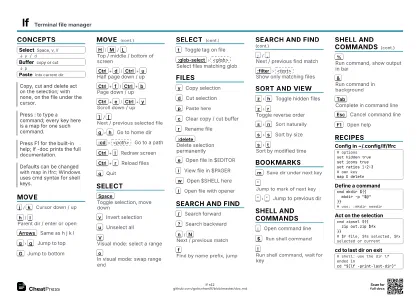
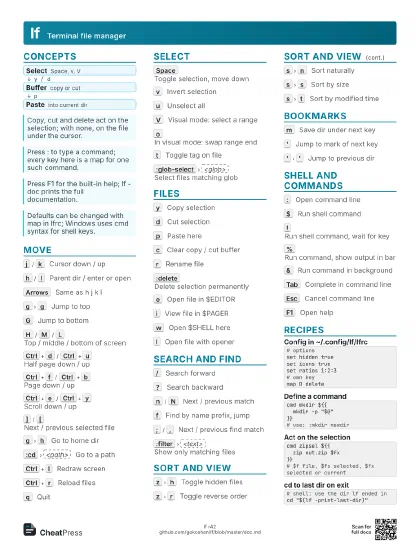
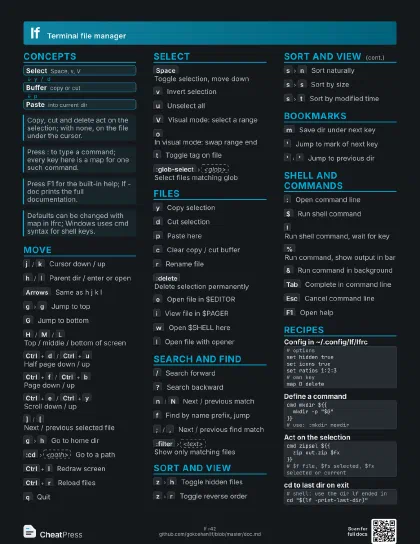
Concepts
- Select Space, v, V
- Buffer copy or cut
- Paste into current dir
Move
j
/
k
Cursor down / up
h
/
l
Parent dir / enter or open
Arrows
Same as h j k l
g
g
Jump to top
G
Jump to bottom
H
/
M
/
L
Top / middle / bottom of screen
Ctrl+d
/
Ctrl+u
Half page down / up
Ctrl+f
/
Ctrl+b
Page down / up
Ctrl+e
/
Ctrl+y
Scroll down / up
]
/
[
Next / previous selected file
g
h
Go to home dir
:cd
<path>
Go to a path
Ctrl+l
Redraw screen
Ctrl+r
Reload files
q
Quit
Select
Space
Toggle selection, move down
v
Invert selection
u
Unselect all
V
Visual mode: select a range
o
In visual mode: swap range end
t
Toggle tag on file
:glob-select
<glob>
Select files matching glob
Files
y
Copy selection
d
Cut selection
p
Paste here
c
Clear copy / cut buffer
r
Rename file
:delete
Delete selection permanently
e
Open file in $EDITOR
i
View file in $PAGER
w
Open $SHELL here
l
Open file with opener
:calcdirsize
Compute size of directories
Search and find
/
Search forward
?
Search backward
n
/
N
Next / previous match
f
Find by name prefix, jump
F
Find backward
;
/
,
Next / previous find match
:filter
<text>
Show only matching files
:setfilter
<text>
Set filter immediately
Sort and view
z
h
Toggle hidden files
z
r
Toggle reverse order
s
n
Sort naturally
s
s
Sort by size
s
t
Sort by modified time
s
e
Sort by extension
s
a
/
s
c
/
s
b
Sort by access / change / birth time
z
n
Show no file info
z
s
Show size
z
t
Show time
z
a
Show size and time
:set
ratios
1:2
Change pane width ratios
:set
preview!
Toggle preview pane
Bookmarks
m
Save dir under next key
'
Jump to mark of next key
'
'
Jump to previous dir
"
Remove mark of next key
Shell and commands
:
Open command line
$
Run shell command
!
Run shell command, wait for key
%
Run command, show output in bar
&
Run command in background
Tab
Complete in command line
Ctrl+u
Clear command line to start
Ctrl+w
Delete word before cursor
Ctrl+p
/
Ctrl+n
Previous / next command history
Esc
Cancel command line
F1
Open help
:source
<file>
Load a config file
:quit
Quit
Recipes
# optionsset hidden trueset icons trueset ratios 1:2:3# own keymap D deletecmd mkdir ${{ mkdir -p "$@"}}# use: :mkdir newdircmd zipsel ${{ zip out.zip $fx}}# $f file, $fs selected, $fx selected or current# shell: use the dir lf ended incd "$(lf -print-last-dir)"