Cheat
Konsole KDE terminal emulator
 Light · Postcard
102 × 152 mm · PDF
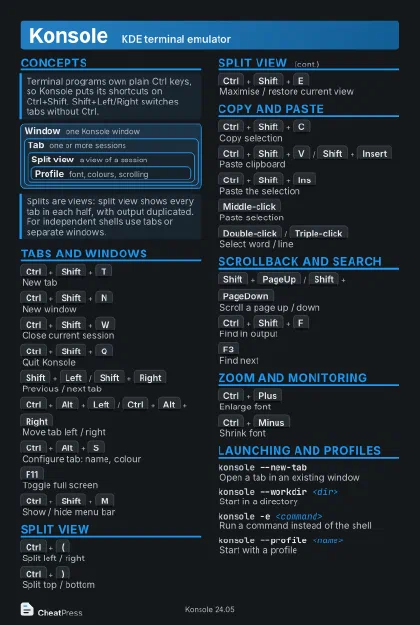 Dark · Postcard
102 × 152 mm · PDF
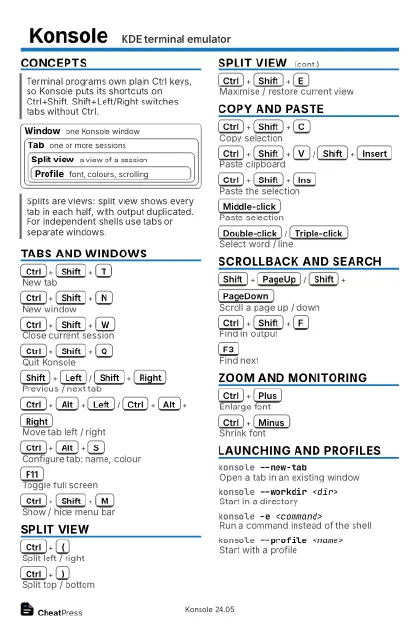 Ink saver · Postcard
102 × 152 mm · PDF
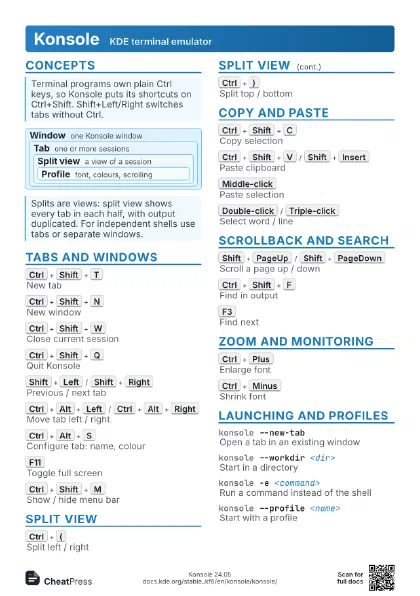
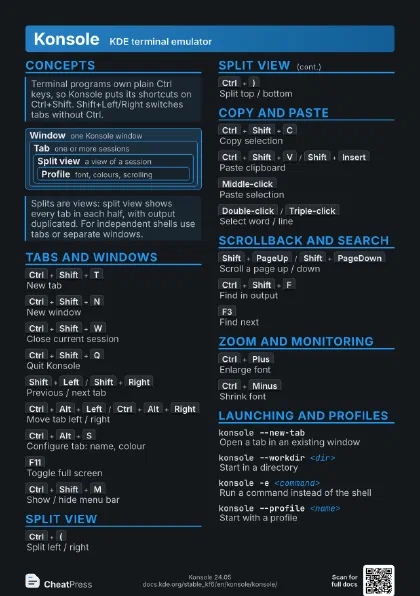
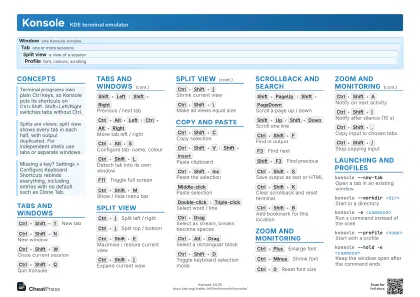 Light · A4 landscape
297 × 210 mm · PDF
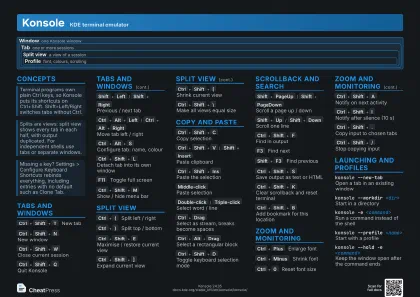 Dark · A4 landscape
297 × 210 mm · PDF
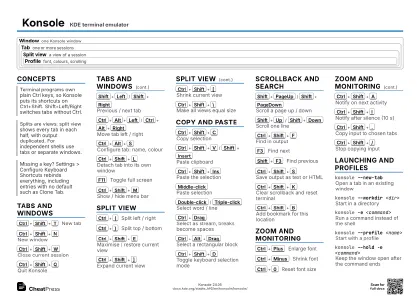 Ink saver · A4 landscape
297 × 210 mm · PDF
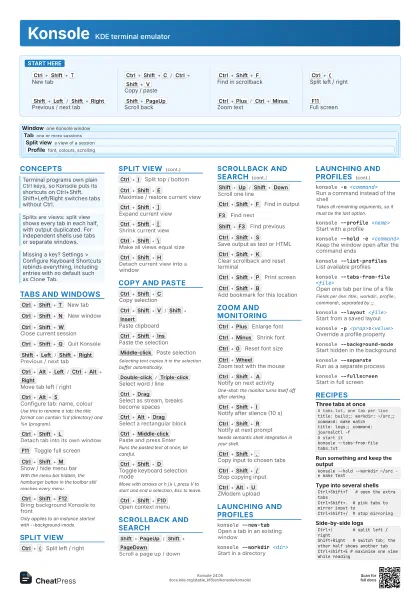
 Light · A3 landscape
420 × 297 mm · PDF
 Dark · A3 landscape
420 × 297 mm · PDF
 Ink saver · A3 landscape
420 × 297 mm · PDF
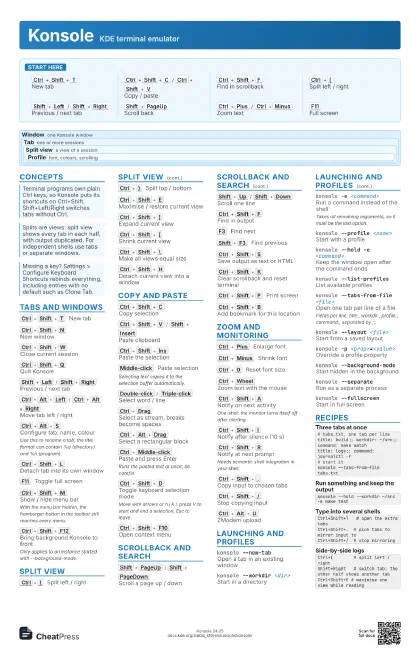
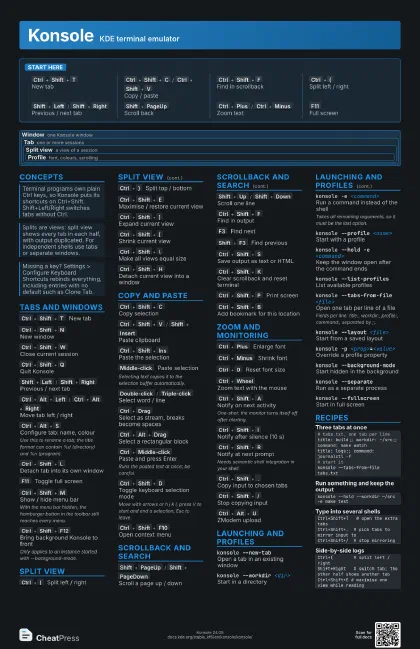
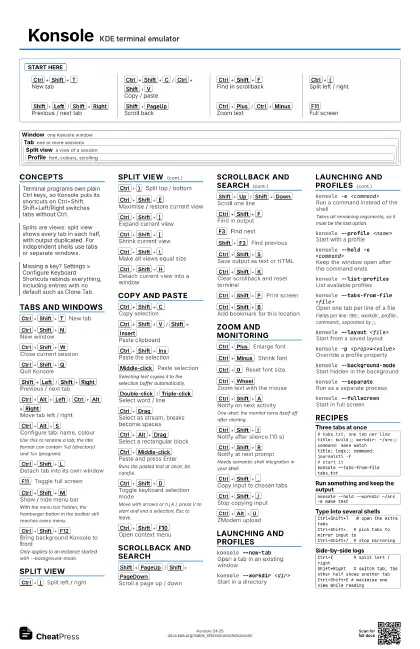
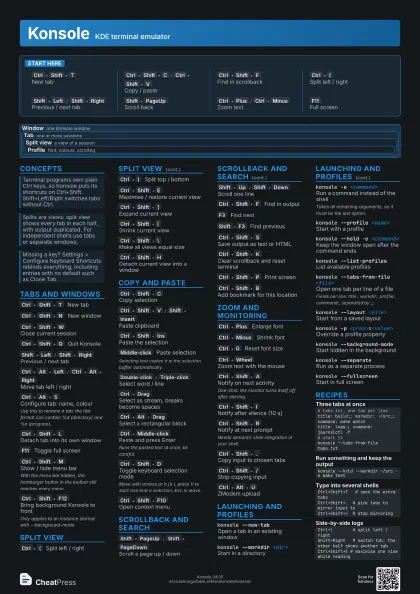
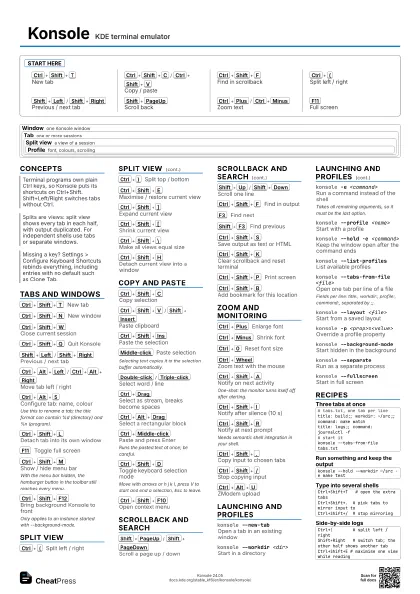
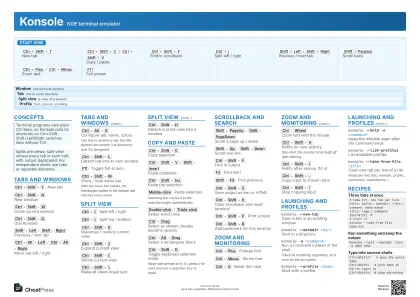
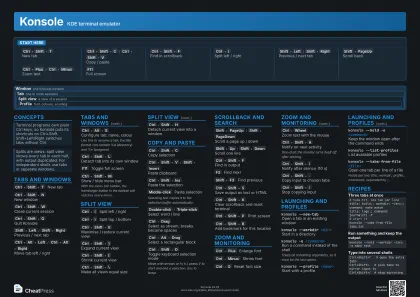
Start here
Ctrl+Shift+T
New tab
Ctrl+Shift+C
/
Ctrl+Shift+V
Copy / paste
Ctrl+Shift+F
Find in scrollback
Ctrl+(
Split left / right
Shift+Left
/
Shift+Right
Previous / next tab
Shift+PageUp
Scroll back
Ctrl+Plus
/
Ctrl+Minus
Zoom text
F11
Full screen
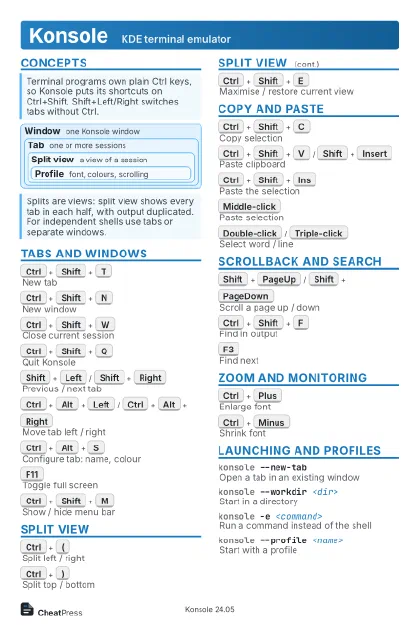
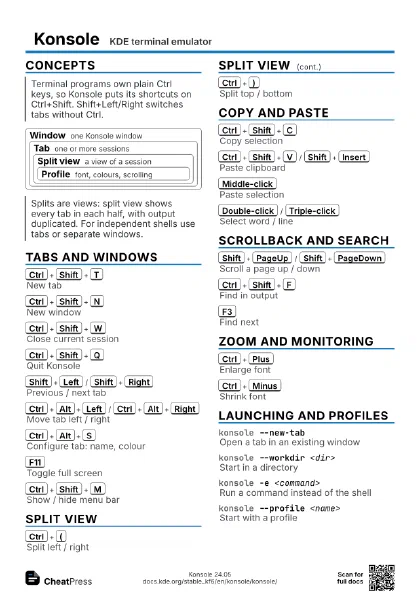
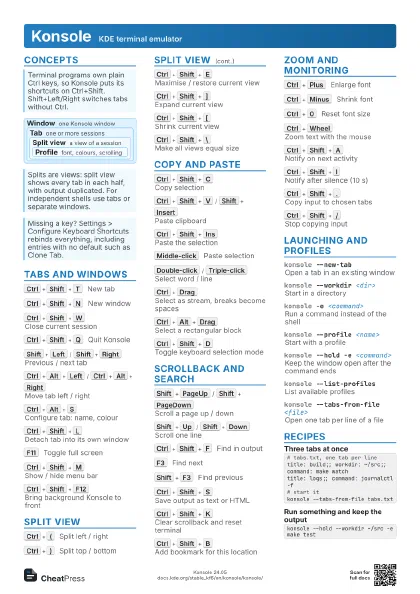
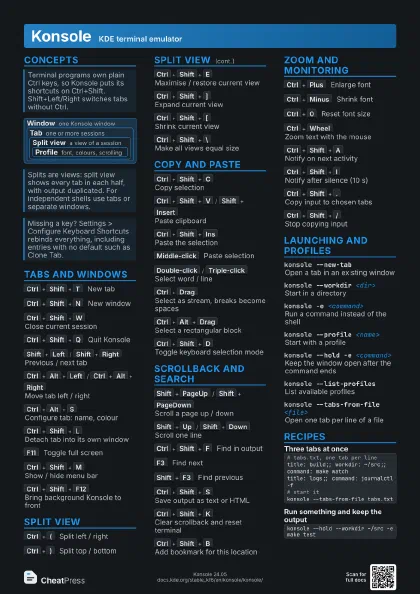
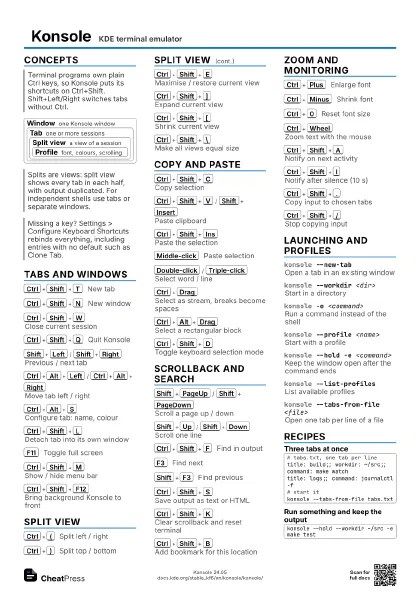
Concepts
Window one Konsole window
Tab one or more sessions
Split view
a view of a session
Profile
font, colours, scrolling
Tabs and Windows
Ctrl+Shift+T
New tab
Ctrl+Shift+N
New window
Ctrl+Shift+W
Close current session
Ctrl+Shift+Q
Quit Konsole
Shift+Left
/
Shift+Right
Previous / next tab
Ctrl+Alt+Left
/
Ctrl+Alt+Right
Move tab left / right
Ctrl+Alt+S
Configure tab: name, colour
Use this to rename a tab; the title format can contain %d
(directory) and %n (program).
Ctrl+Shift+L
Detach tab into its own window
F11
Toggle full screen
Ctrl+Shift+M
Show / hide menu bar
With the menu bar hidden, the hamburger button in the toolbar
still reaches every menu.
Ctrl+Shift+F12
Bring background Konsole to front
Only applies to an instance started with --background-mode.
Split View
Ctrl+(
Split left / right
Ctrl+)
Split top / bottom
Ctrl+Shift+E
Maximise / restore current view
Ctrl+Shift+]
Expand current view
Ctrl+Shift+[
Shrink current view
Ctrl+Shift+\
Make all views equal size
Ctrl+Shift+H
Detach current view into a window
Copy and Paste
Ctrl+Shift+C
Copy selection
Ctrl+Shift+V
/
Shift+Insert
Paste clipboard
Ctrl+Shift+Ins
Paste the selection
Middle-click
Paste selection
Selecting text copies it to the selection buffer
automatically.
Double-click
/
Triple-click
Select word / line
Ctrl+Drag
Select as stream, breaks become spaces
Ctrl+Alt+Drag
Select a rectangular block
Ctrl+Middle-click
Paste and press Enter
Runs the pasted text at once; be careful.
Ctrl+Shift+D
Toggle keyboard selection mode
Move with arrows or h j k l, press V to start and end a
selection, Esc to leave.
Ctrl+Shift+F10
Open context menu
Scrollback and Search
Shift+PageUp
/
Shift+PageDown
Scroll a page up / down
Shift+Up
/
Shift+Down
Scroll one line
Ctrl+Shift+F
Find in output
F3
Find next
Shift+F3
Find previous
Ctrl+Shift+S
Save output as text or HTML
Ctrl+Shift+K
Clear scrollback and reset terminal
Ctrl+Shift+P
Print screen
Ctrl+Shift+B
Add bookmark for this location
Zoom and Monitoring
Ctrl+Plus
Enlarge font
Ctrl+Minus
Shrink font
Ctrl+0
Reset font size
Ctrl+Wheel
Zoom text with the mouse
Ctrl+Shift+A
Notify on next activity
One-shot: the monitor turns itself off after alerting.
Ctrl+Shift+I
Notify after silence (10 s)
Ctrl+Shift+R
Notify at next prompt
Needs semantic shell integration in your shell.
Ctrl+Shift+.
Copy input to chosen tabs
Ctrl+Shift+/
Stop copying input
Ctrl+Alt+U
ZModem upload
Launching and Profiles
konsole --new-tab
Open a tab in an existing window
konsole --workdir <dir>
Start in a directory
konsole -e <command>
Run a command instead of the shell
Takes all remaining arguments, so it must be the last option.
konsole --profile <name>
Start with a profile
konsole --hold -e <command>
Keep the window open after the command ends
konsole --list-profiles
List available profiles
konsole --tabs-from-file <file>
Open one tab per line of a file
Fields per line: title:, workdir:, profile:, command:,
separated by ;;.
konsole --layout <file>
Start from a saved layout
konsole -p <prop>=<value>
Override a profile property
konsole --background-mode
Start hidden in the background
konsole --separate
Run as a separate process
konsole --fullscreen
Start in full screen
Recipes
# tabs.txt, one tab per linetitle: build;; workdir: ~/src;; command: make watchtitle: logs;; command: journalctl -f# start itkonsole --tabs-from-file tabs.txtkonsole --hold --workdir ~/src -e make testCtrl+Shift+T # open the extra tabsCtrl+Shift+. # pick tabs to mirror input toCtrl+Shift+/ # stop mirroringCtrl+( # split left / rightShift+Right # switch tab; the other half shows another tabCtrl+Shift+E # maximise one view while reading