Cheat
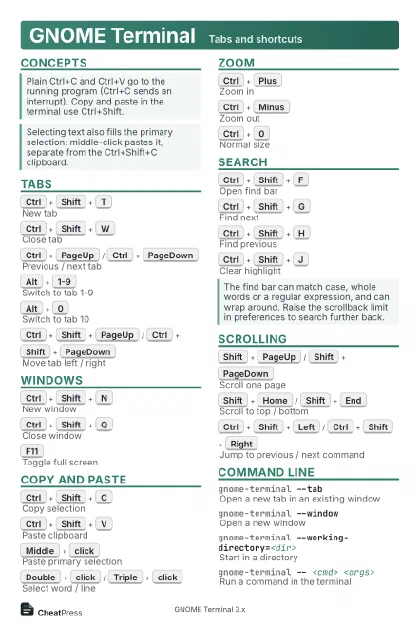
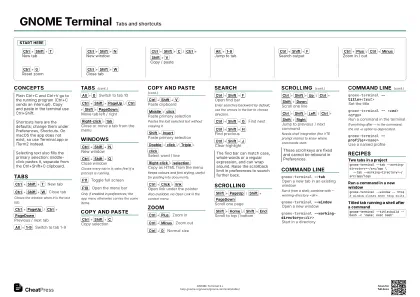
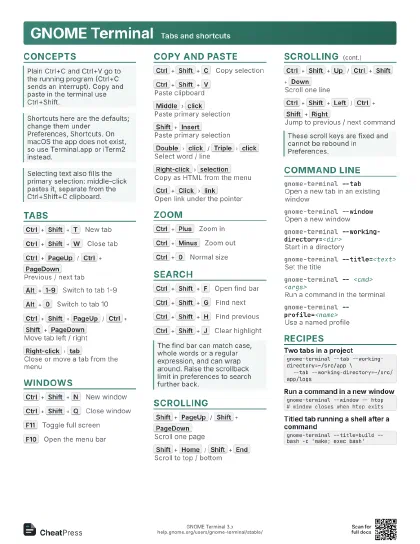
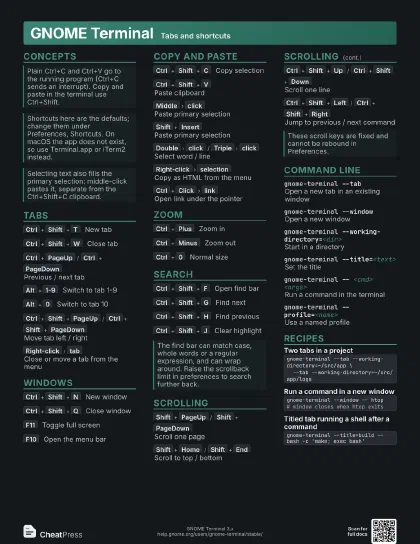
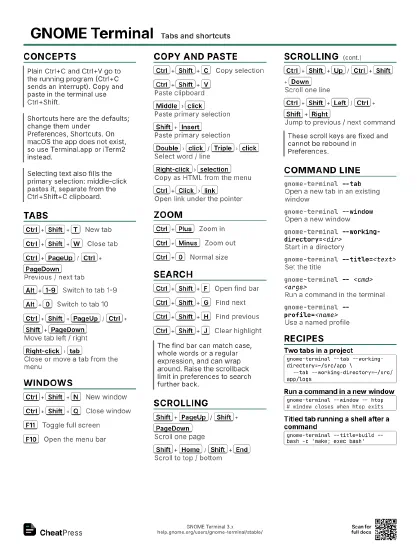
GNOME Terminal Tabs and shortcuts
 Light · Postcard
102 × 152 mm · PDF
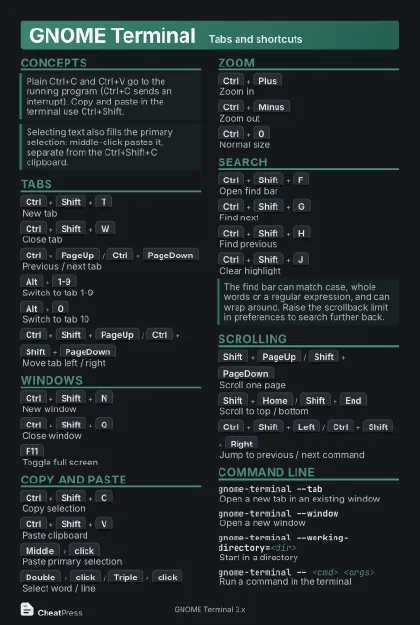 Dark · Postcard
102 × 152 mm · PDF
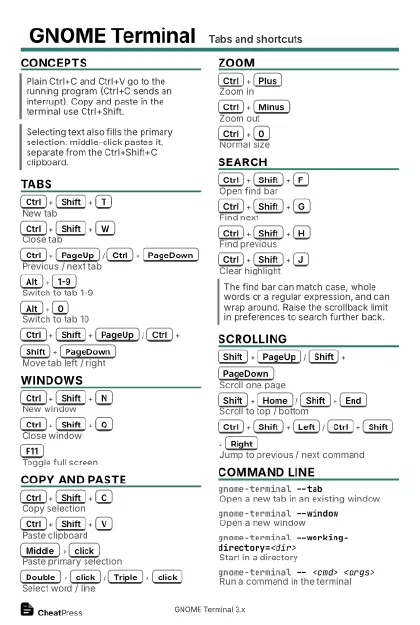 Ink saver · Postcard
102 × 152 mm · PDF
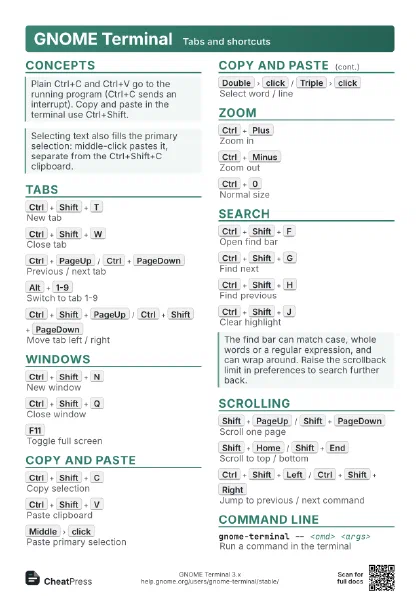
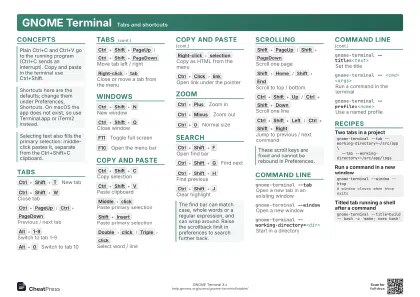 Light · A4 landscape
297 × 210 mm · PDF
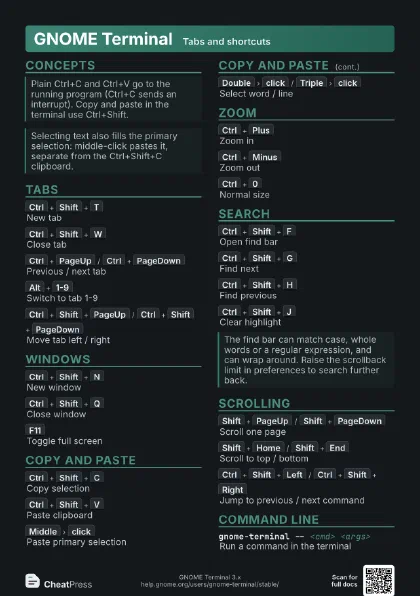
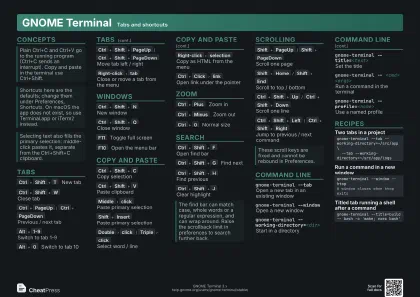 Dark · A4 landscape
297 × 210 mm · PDF
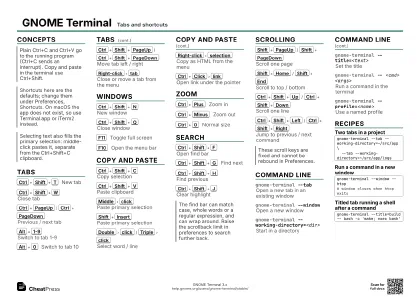 Ink saver · A4 landscape
297 × 210 mm · PDF
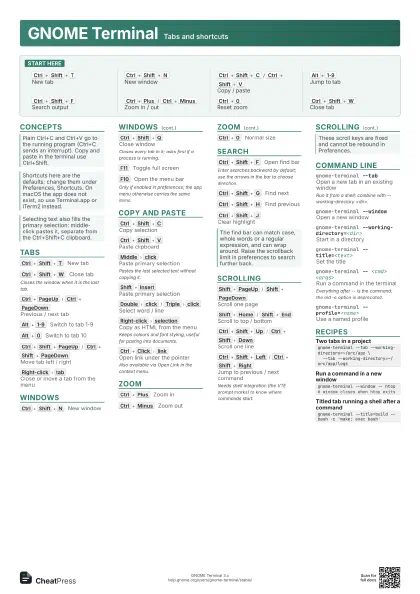
 Light · A3 landscape
420 × 297 mm · PDF
 Dark · A3 landscape
420 × 297 mm · PDF
 Ink saver · A3 landscape
420 × 297 mm · PDF
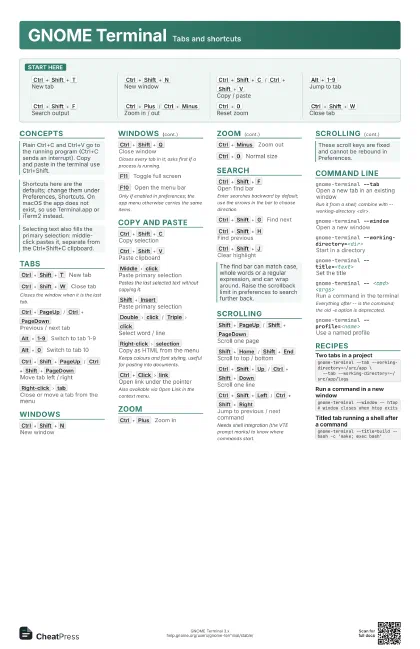
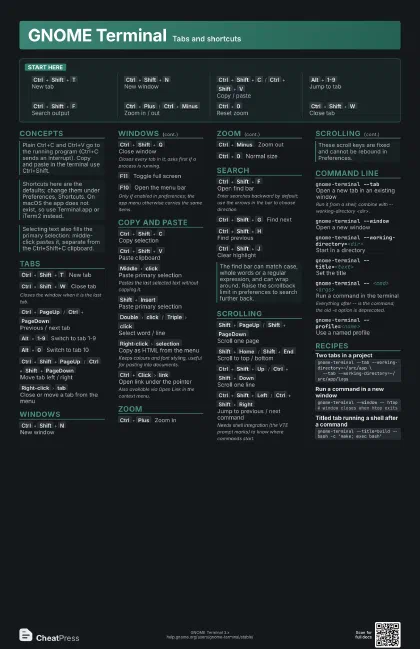
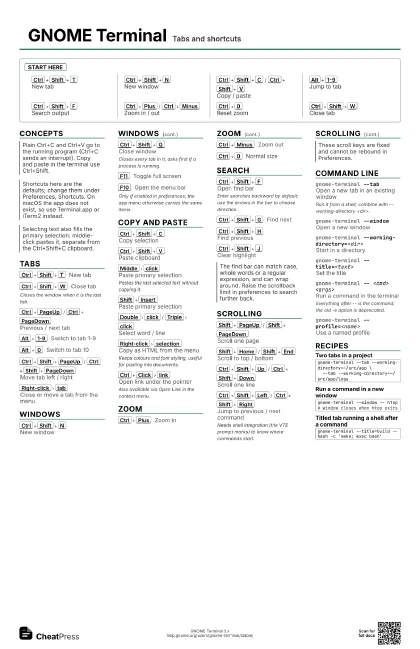
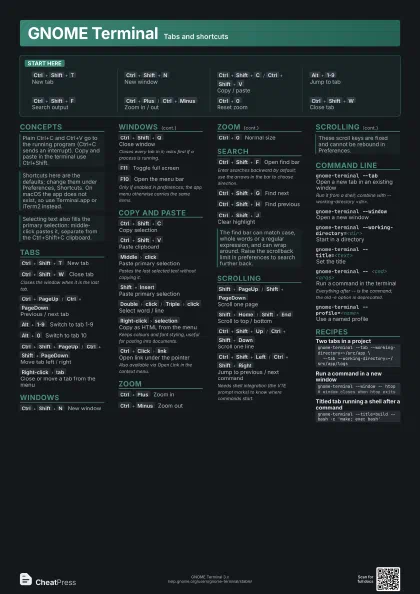
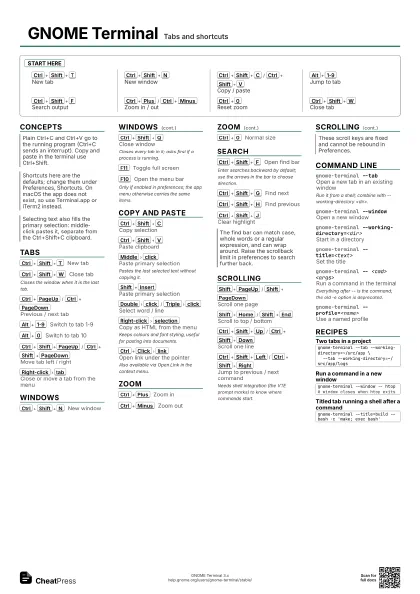
Start here
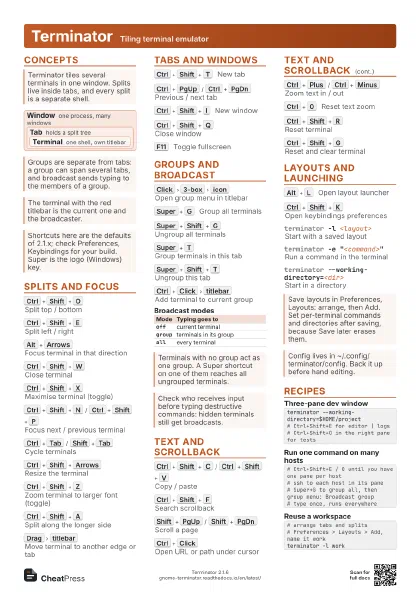
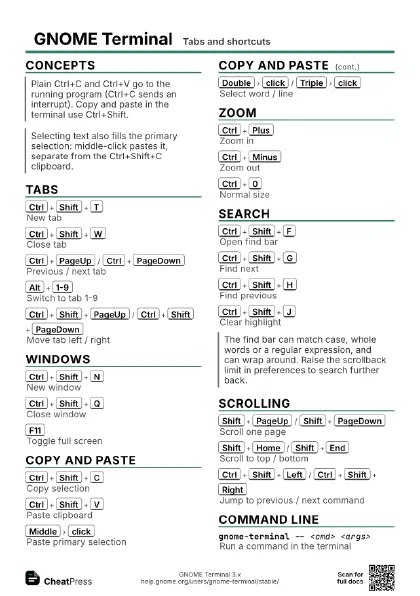
Ctrl+Shift+T
New tab
Ctrl+Shift+N
New window
Ctrl+Shift+C
/
Ctrl+Shift+V
Copy / paste
Alt+1-9
Jump to tab
Ctrl+Shift+F
Search output
Ctrl+Plus
/
Ctrl+Minus
Zoom in / out
Ctrl+0
Reset zoom
Ctrl+Shift+W
Close tab
Concepts
Tabs
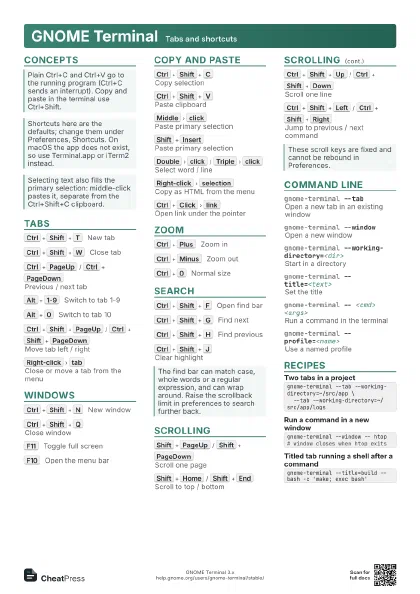
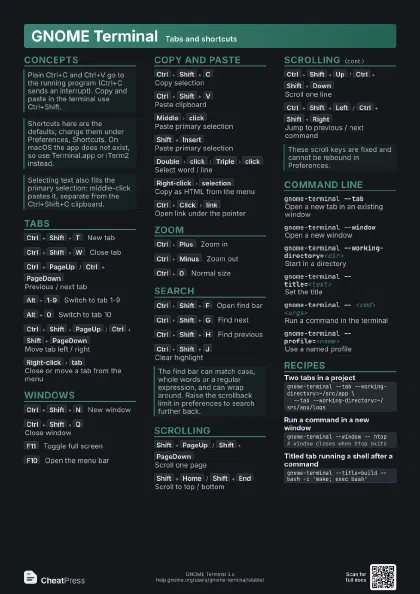
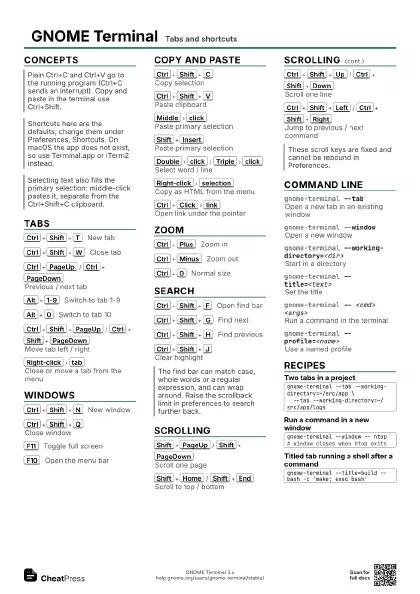
Ctrl+Shift+T
New tab
Ctrl+Shift+W
Close tab
Closes the window when it is the last tab.
Ctrl+PageUp
/
Ctrl+PageDown
Previous / next tab
Alt+1-9
Switch to tab 1-9
Alt+0
Switch to tab 10
Ctrl+Shift+PageUp
/
Ctrl+Shift+PageDown
Move tab left / right
Right-click
tab
Close or move a tab from the menu
Windows
Ctrl+Shift+N
New window
Ctrl+Shift+Q
Close window
Closes every tab in it; asks first if a process is running.
F11
Toggle full screen
F10
Open the menu bar
Only if enabled in preferences; the app menu otherwise carries
the same items.
Copy and Paste
Ctrl+Shift+C
Copy selection
Ctrl+Shift+V
Paste clipboard
Middle
click
Paste primary selection
Pastes the last selected text without copying it.
Shift+Insert
Paste primary selection
Double
click
/
Triple
click
Select word / line
Right-click
selection
Copy as HTML from the menu
Keeps colours and font styling, useful for pasting into
documents.
Ctrl+Click
link
Open link under the pointer
Also available via Open Link in the context menu.
Zoom
Ctrl+Plus
Zoom in
Ctrl+Minus
Zoom out
Ctrl+0
Normal size
Search
Ctrl+Shift+F
Open find bar
Enter searches backward by default; use the arrows in the bar
to choose direction.
Ctrl+Shift+G
Find next
Ctrl+Shift+H
Find previous
Ctrl+Shift+J
Clear highlight
Scrolling
Shift+PageUp
/
Shift+PageDown
Scroll one page
Shift+Home
/
Shift+End
Scroll to top / bottom
Ctrl+Shift+Up
/
Ctrl+Shift+Down
Scroll one line
Ctrl+Shift+Left
/
Ctrl+Shift+Right
Jump to previous / next command
Needs shell integration (the VTE prompt marks) to know where
commands start.
Command Line
gnome-terminal --tab
Open a new tab in an existing window
Run it from a shell; combine with --working-directory
<dir>.
gnome-terminal --window
Open a new window
gnome-terminal --working-directory=<dir>
Start in a directory
gnome-terminal --title=<text>
Set the title
gnome-terminal -- <cmd> <args>
Run a command in the terminal
Everything after -- is the command; the old -e option is
deprecated.
gnome-terminal --profile=<name>
Use a named profile
Recipes
gnome-terminal --tab --working-directory=~/src/app \ --tab --working-directory=~/src/app/logsgnome-terminal --window -- htop# window closes when htop exitsgnome-terminal --title=build -- bash -c 'make; exec bash'