Cheat
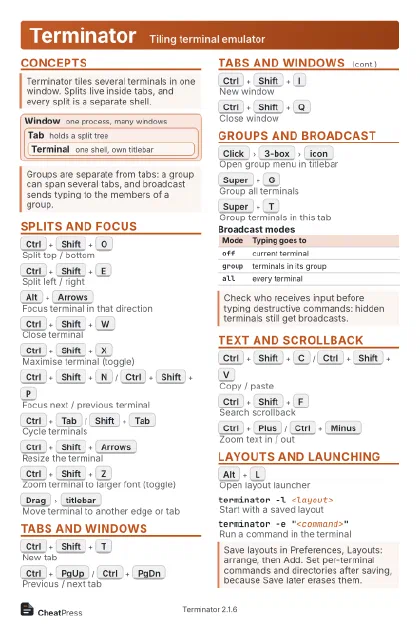
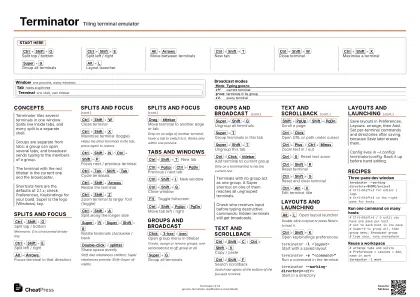
Terminator Tiling terminal emulator
 Light · Postcard
102 × 152 mm · PDF
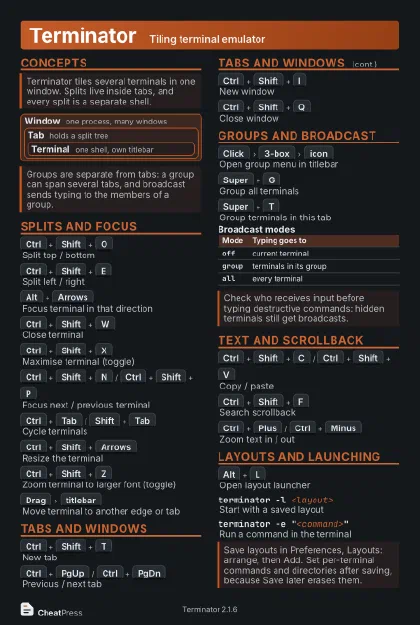 Dark · Postcard
102 × 152 mm · PDF
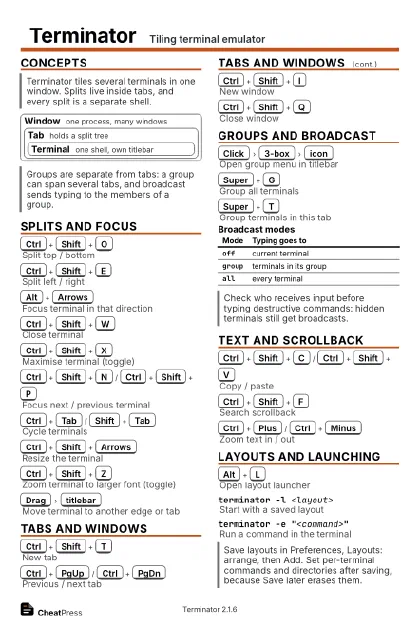 Ink saver · Postcard
102 × 152 mm · PDF
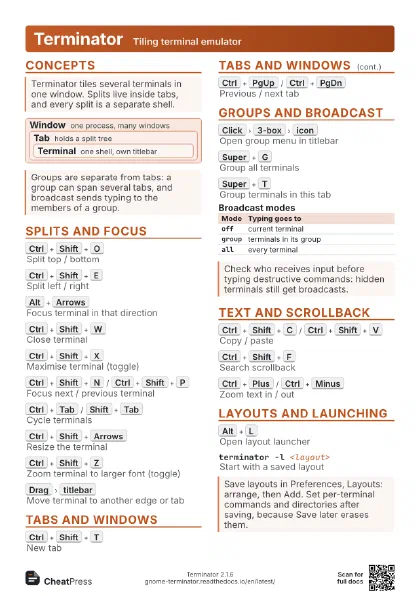
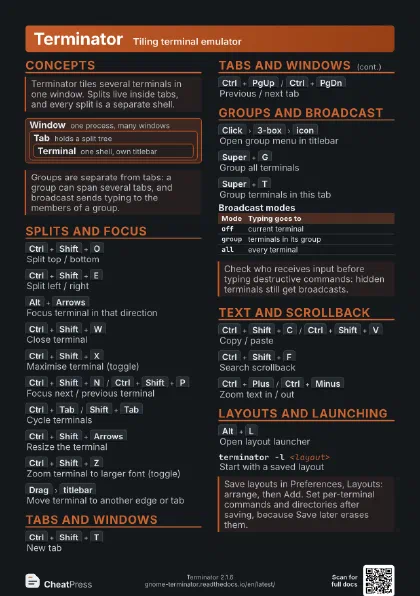
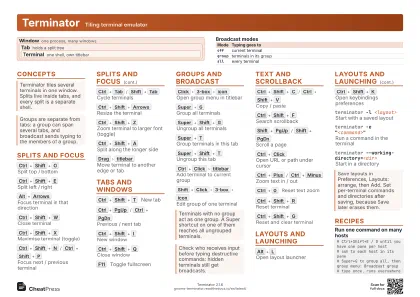 Light · A4 landscape
297 × 210 mm · PDF
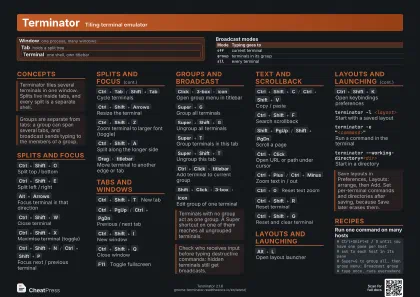 Dark · A4 landscape
297 × 210 mm · PDF
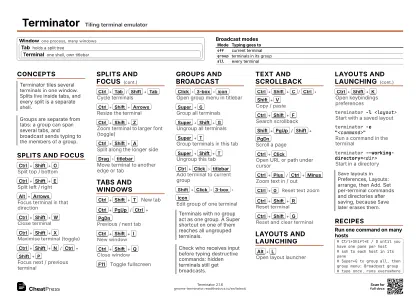 Ink saver · A4 landscape
297 × 210 mm · PDF
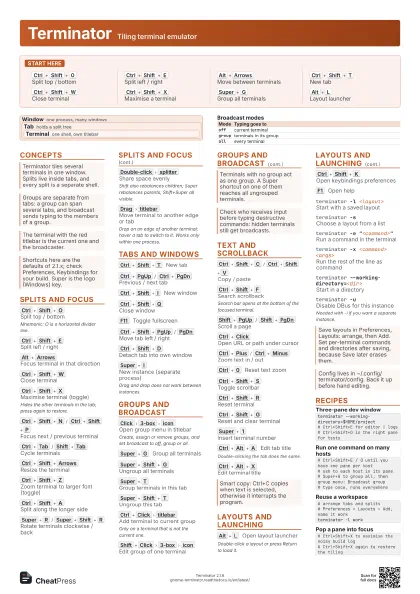
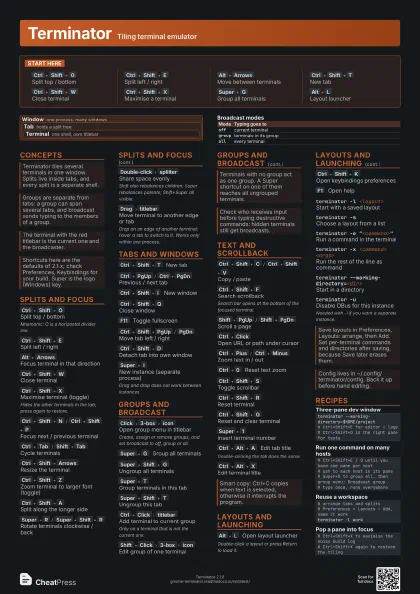
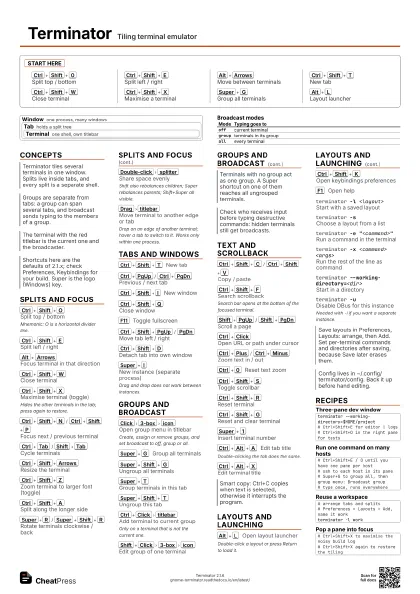
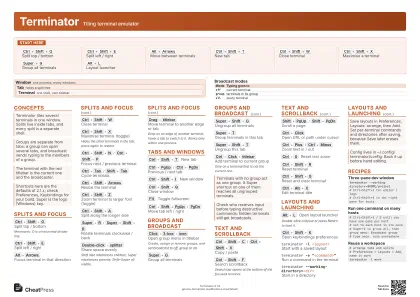 Light · A3 landscape
420 × 297 mm · PDF
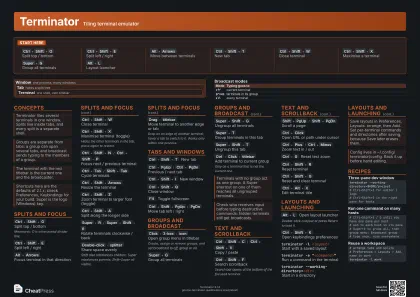 Dark · A3 landscape
420 × 297 mm · PDF
 Ink saver · A3 landscape
420 × 297 mm · PDF
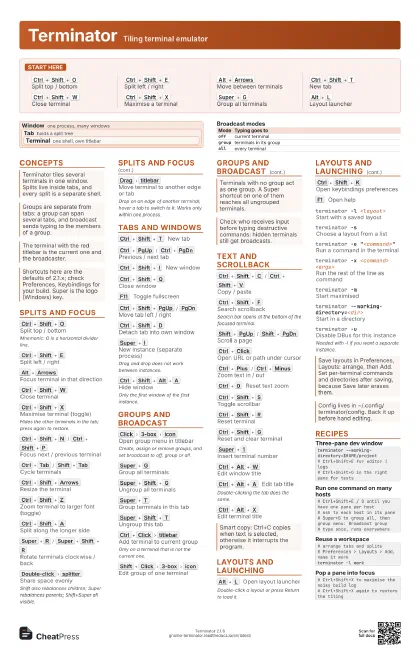
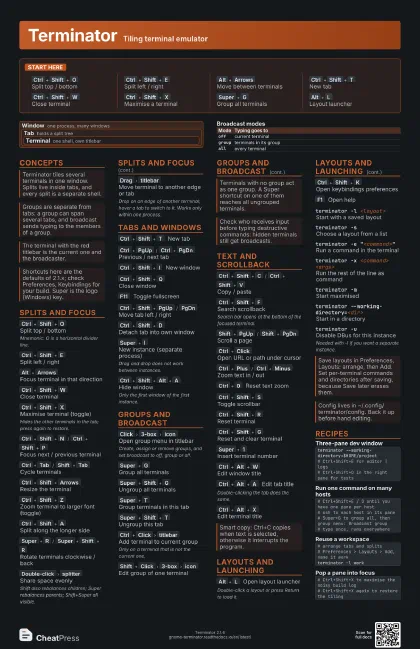
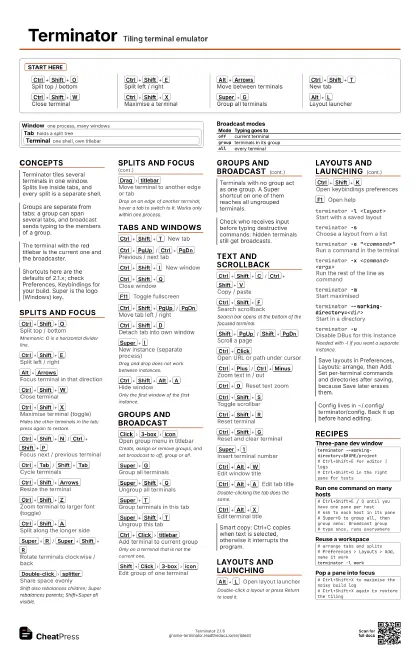
Start here
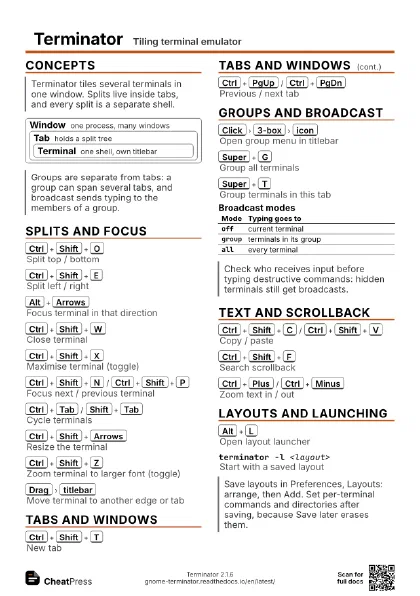
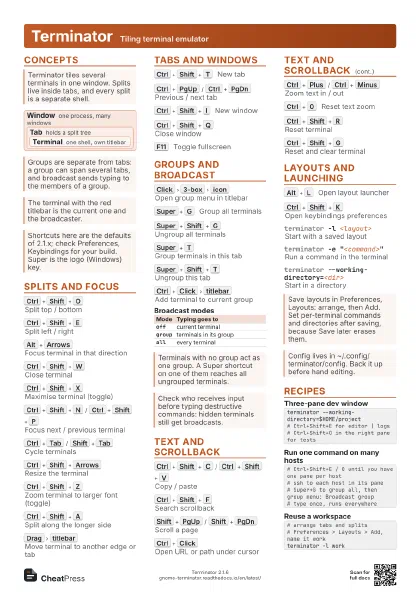
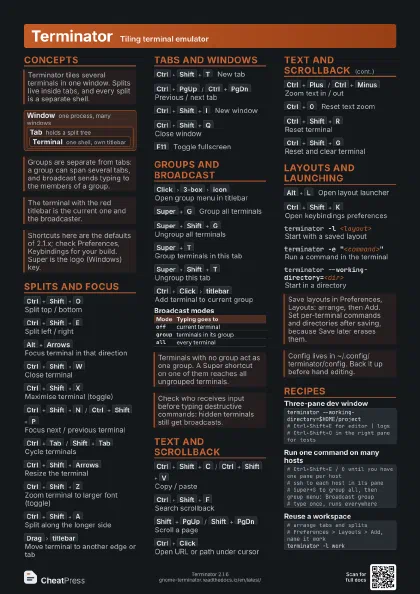
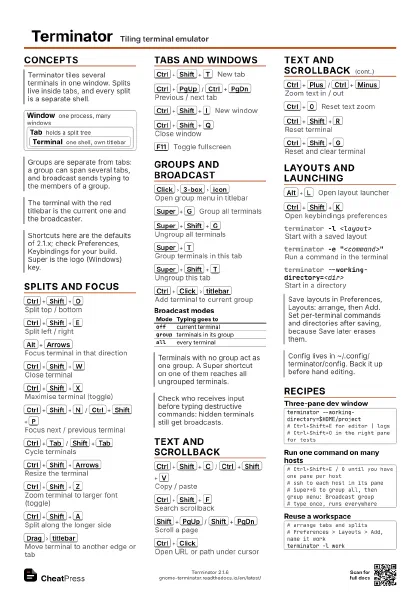
Ctrl+Shift+O
Split top / bottom
Ctrl+Shift+E
Split left / right
Alt+Arrows
Move between terminals
Ctrl+Shift+T
New tab
Ctrl+Shift+W
Close terminal
Ctrl+Shift+X
Maximise a terminal
Super+G
Group all terminals
Alt+L
Layout launcher
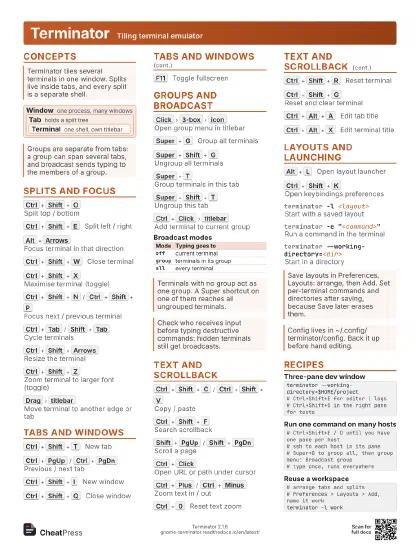
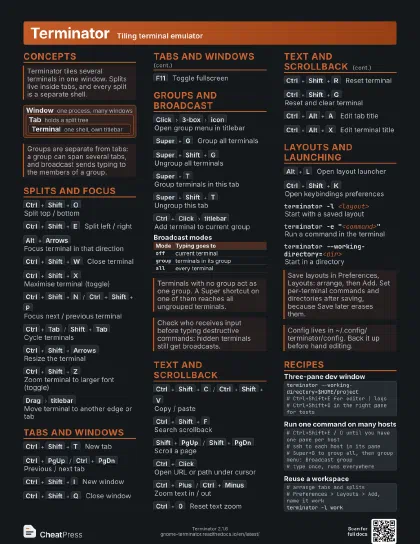
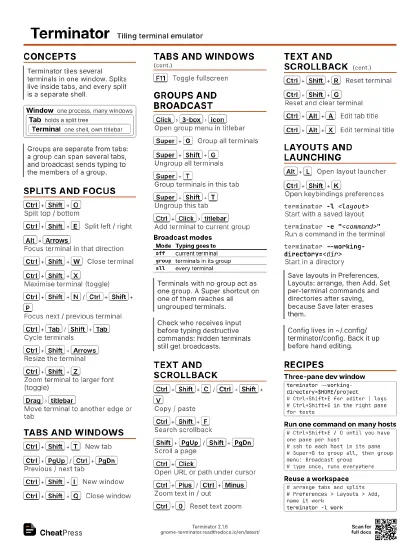
Concepts
Window
one process, many windows
Tab holds a split tree
Terminal
one shell, own titlebar
Splits and Focus
Ctrl+Shift+O
Split top / bottom
Mnemonic: O is a horizontal divider line.
Ctrl+Shift+E
Split left / right
Alt+Arrows
Focus terminal in that direction
Ctrl+Shift+W
Close terminal
Ctrl+Shift+X
Maximise terminal (toggle)
Hides the other terminals in the tab; press again to restore.
Ctrl+Shift+N
/
Ctrl+Shift+P
Focus next / previous terminal
Ctrl+Tab
/
Shift+Tab
Cycle terminals
Ctrl+Shift+Arrows
Resize the terminal
Ctrl+Shift+Z
Zoom terminal to larger font (toggle)
Ctrl+Shift+A
Split along the longer side
Super+R
/
Super+Shift+R
Rotate terminals clockwise / back
Double-click
splitter
Share space evenly
Shift also rebalances children; Super rebalances parents;
Shift+Super all visible.
Drag
titlebar
Move terminal to another edge or tab
Drop on an edge of another terminal; hover a tab to switch to
it. Works only within one process.
Tabs and Windows
Ctrl+Shift+T
New tab
Ctrl+PgUp
/
Ctrl+PgDn
Previous / next tab
Ctrl+Shift+I
New window
Ctrl+Shift+Q
Close window
F11
Toggle fullscreen
Ctrl+Shift+PgUp
/
PgDn
Move tab left / right
Ctrl+Shift+D
Detach tab into own window
Super+I
New instance (separate process)
Drag and drop does not work between instances.
Ctrl+Shift+Alt+A
Hide window
Only the first window of the first instance.
Groups and Broadcast
Click
3-box
icon
Open group menu in titlebar
Create, assign or remove groups, and set broadcast to off,
group or all.
Super+G
Group all terminals
Super+Shift+G
Ungroup all terminals
Super+T
Group terminals in this tab
Super+Shift+T
Ungroup this tab
Ctrl+Click
titlebar
Add terminal to current group
Only on a terminal that is not the current one.
Shift+Click
3-box
icon
Edit group of one terminal
| Mode | Typing goes to |
|---|---|
off |
current terminal |
group |
terminals in its group |
all |
every terminal |
Text and Scrollback
Ctrl+Shift+C
/
Ctrl+Shift+V
Copy / paste
Ctrl+Shift+F
Search scrollback
Search bar opens at the bottom of the focused terminal.
Shift+PgUp
/
Shift+PgDn
Scroll a page
Ctrl+Click
Open URL or path under cursor
Ctrl+Plus
/
Ctrl+Minus
Zoom text in / out
Ctrl+0
Reset text zoom
Ctrl+Shift+S
Toggle scrollbar
Ctrl+Shift+R
Reset terminal
Ctrl+Shift+G
Reset and clear terminal
Super+1
Insert terminal number
Ctrl+Alt+W
Edit window title
Ctrl+Alt+A
Edit tab title
Double-clicking the tab does the same.
Ctrl+Alt+X
Edit terminal title
Layouts and Launching
Alt+L
Open layout launcher
Double-click a layout or press Return to load it.
Ctrl+Shift+K
Open keybindings preferences
F1
Open help
terminator -l <layout>
Start with a saved layout
terminator -sChoose a layout from a list
terminator -e "<command>"
Run a command in the terminal
terminator -x <command> <args>
Run the rest of the line as command
terminator -mStart maximised
terminator --working-directory=<dir>
Start in a directory
terminator -uDisable DBus for this instance
Needed with -l if you want a separate instance.
Recipes
terminator --working-directory=$HOME/project# Ctrl+Shift+E for editor | logs# Ctrl+Shift+O in the right pane for tests# Ctrl+Shift+E / O until you have one pane per host# ssh to each host in its pane# Super+G to group all, then group menu: Broadcast group# type once, runs everywhere# arrange tabs and splits# Preferences > Layouts > Add, name it workterminator -l work# Ctrl+Shift+X to maximise the noisy build log# Ctrl+Shift+X again to restore the tiling