Cheat
kind Kubernetes in Docker
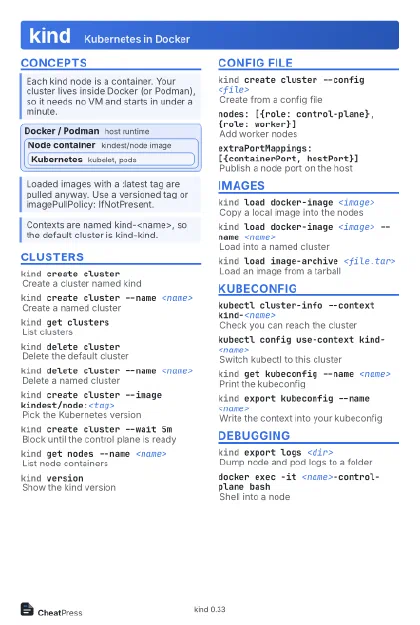 Light · Postcard
102 × 152 mm · PDF
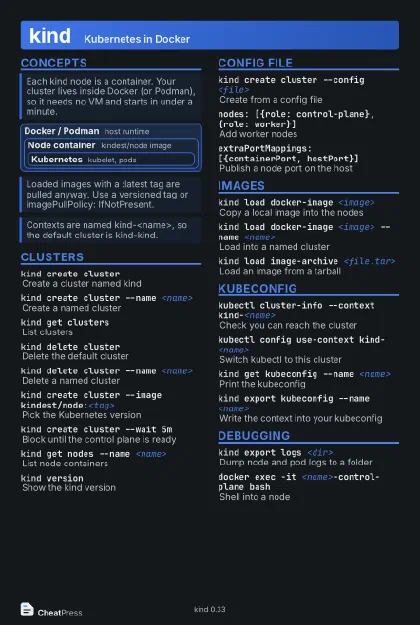 Dark · Postcard
102 × 152 mm · PDF
 Ink saver · Postcard
102 × 152 mm · PDF
 Light · A4 landscape
297 × 210 mm · PDF
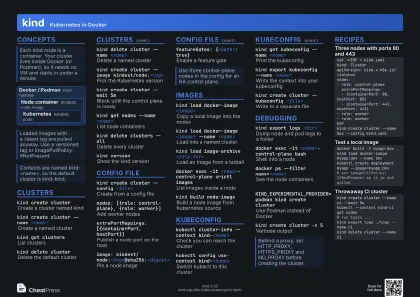 Dark · A4 landscape
297 × 210 mm · PDF
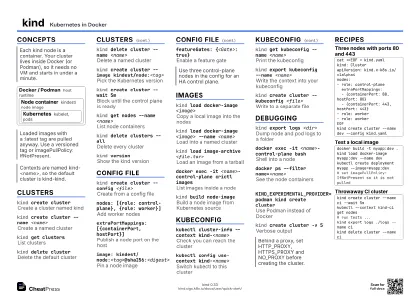 Ink saver · A4 landscape
297 × 210 mm · PDF
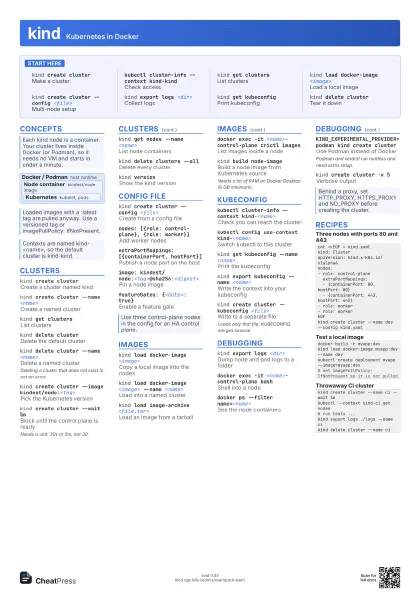
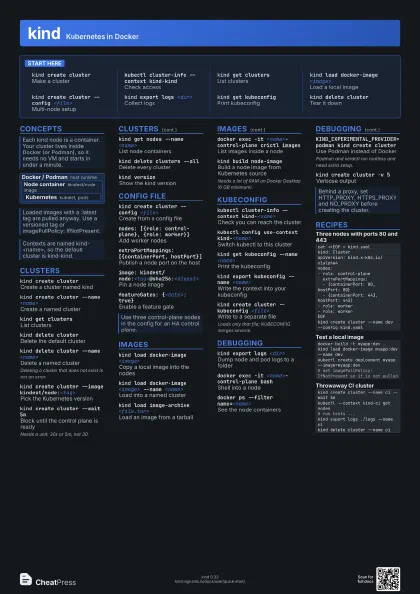
 Light · A3 landscape
420 × 297 mm · PDF
 Dark · A3 landscape
420 × 297 mm · PDF
 Ink saver · A3 landscape
420 × 297 mm · PDF
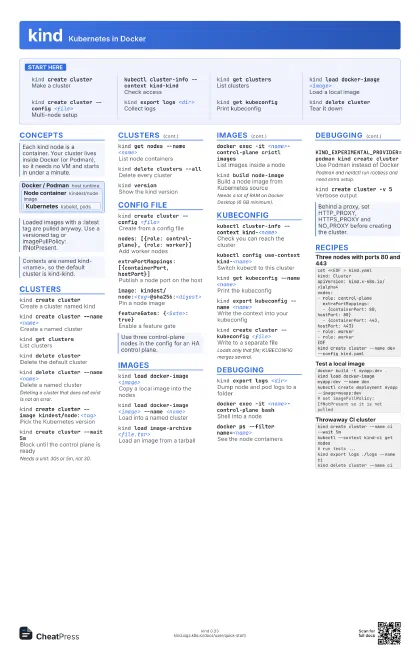
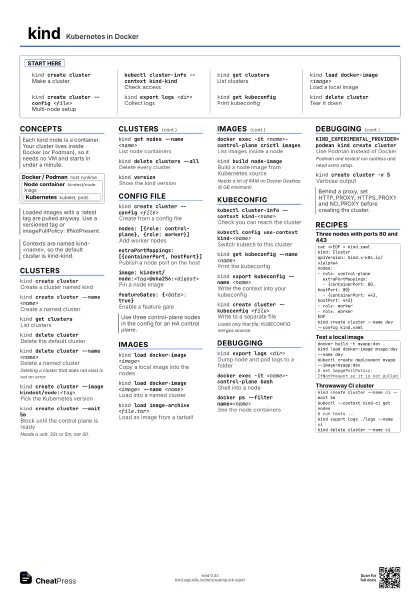
Start here
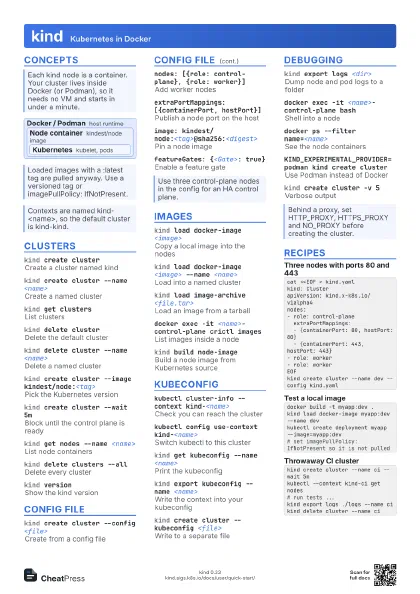
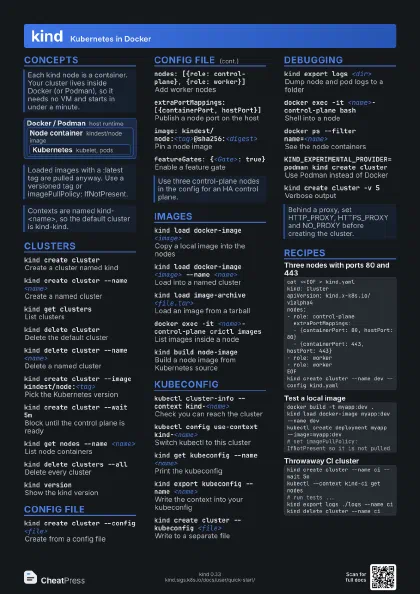
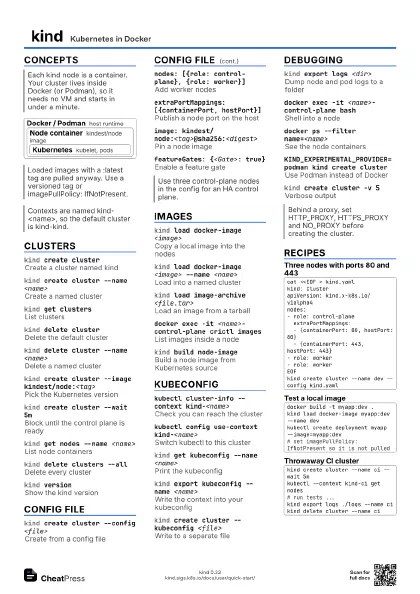
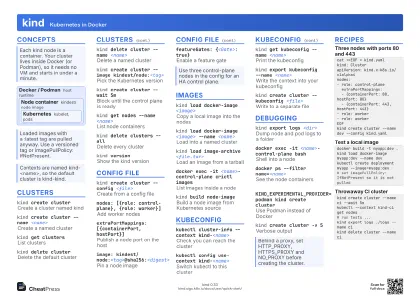
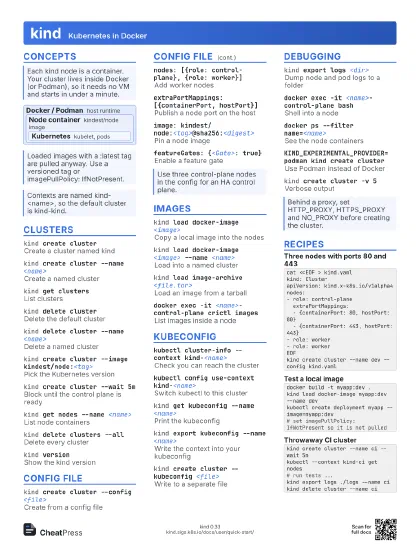
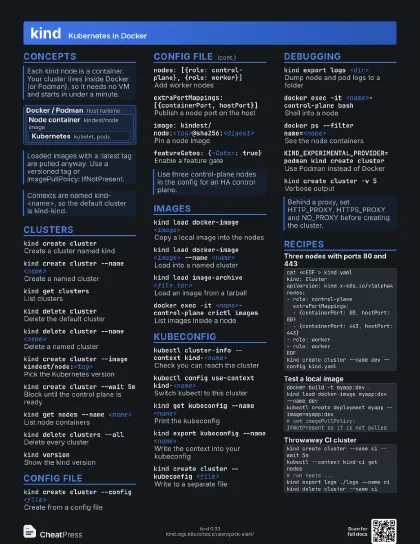
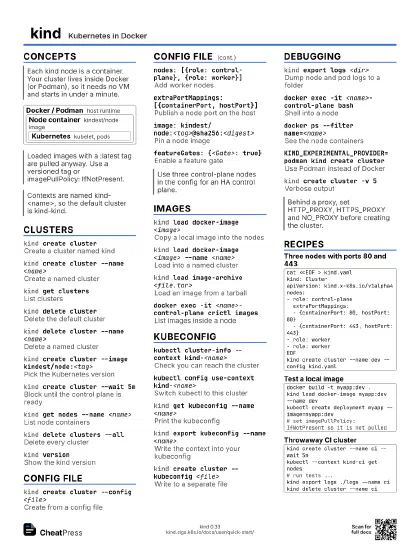
kind create cluster
Make a cluster
kubectl cluster-info --context kind-kind
Check access
kind get clusters
List clusters
kind load docker-image <image>
Load a local image
kind create cluster --config <file>
Multi-node setup
kind export logs <dir>
Collect logs
kind get kubeconfig
Print kubeconfig
kind delete cluster
Tear it down
Concepts
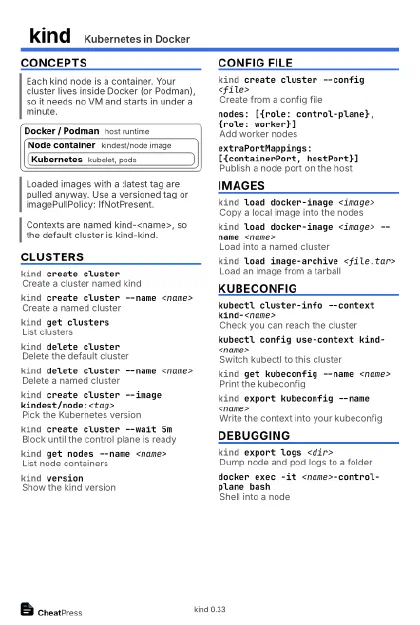
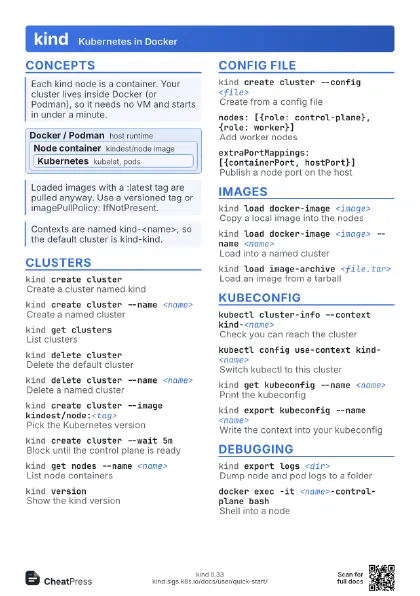
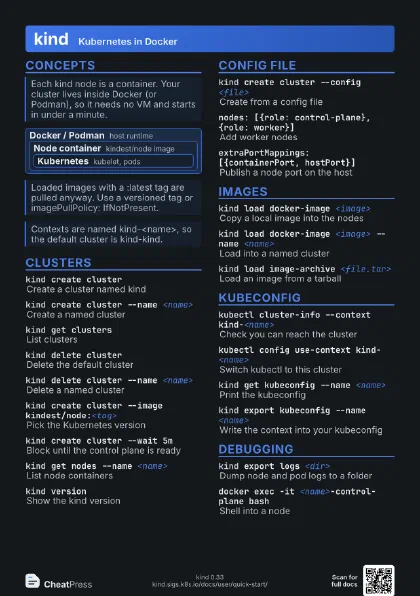
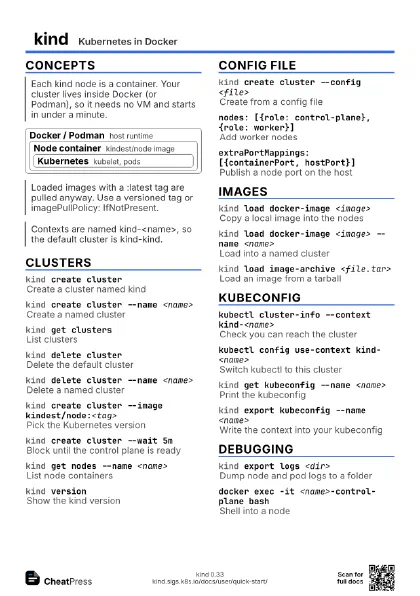
Docker / Podman host runtime
Node container
kindest/node image
Kubernetes kubelet, pods
Clusters
kind create cluster
Create a cluster named kind
kind create cluster --name <name>
Create a named cluster
kind get clusters
List clusters
kind delete cluster
Delete the default cluster
kind delete cluster --name <name>
Delete a named cluster
Deleting a cluster that does not exist is not an error.
kind create cluster --image kindest/node:<tag>
Pick the Kubernetes version
kind create cluster --wait 5m
Block until the control plane is ready
Needs a unit: 30s or 5m, not 30.
kind get nodes --name <name>
List node containers
kind delete clusters --all
Delete every cluster
kind versionShow the kind version
Config file
kind create cluster --config <file>
Create from a config file
nodes: [{role: control-plane}, {role: worker}]
Add worker nodes
extraPortMappings: [{containerPort, hostPort}]
Publish a node port on the host
image: kindest/node:<tag>@sha256:<digest>
Pin a node image
featureGates: {<Gate>: true}
Enable a feature gate
Images
kind load docker-image <image>
Copy a local image into the nodes
kind load docker-image <image> --name
                    <name>
Load into a named cluster
kind load image-archive <file.tar>
Load an image from a tarball
docker exec -it <name>-control-plane crictl
                    images
List images inside a node
kind build node-image
Build a node image from Kubernetes source
Needs a lot of RAM on Docker Desktop (6 GB minimum).
Kubeconfig
kubectl cluster-info --context kind-<name>
Check you can reach the cluster
kubectl config use-context kind-<name>
Switch kubectl to this cluster
kind get kubeconfig --name <name>
Print the kubeconfig
kind export kubeconfig --name <name>
Write the context into your kubeconfig
kind create cluster --kubeconfig <file>
Write to a separate file
Loads only that file; KUBECONFIG merges several.
Debugging
kind export logs <dir>
Dump node and pod logs to a folder
docker exec -it <name>-control-plane bash
Shell into a node
docker ps --filter name=<name>
See the node containers
KIND_EXPERIMENTAL_PROVIDER=podman kind create cluster
Use Podman instead of Docker
Podman and nerdctl run rootless and need extra setup.
kind create cluster -v 5
Verbose output
Recipes
cat <<EOF > kind.yamlkind: ClusterapiVersion: kind.x-k8s.io/v1alpha4nodes:- role: control-plane extraPortMappings: - {containerPort: 80, hostPort: 80} - {containerPort: 443, hostPort: 443}- role: worker- role: workerEOFkind create cluster --name dev --config kind.yamldocker build -t myapp:dev .kind load docker-image myapp:dev --name devkubectl create deployment myapp --image=myapp:dev# set imagePullPolicy: IfNotPresent so it is not pulledkind create cluster --name ci --wait 5mkubectl --context kind-ci get nodes# run tests ...kind export logs ./logs --name cikind delete cluster --name ci