Cheat
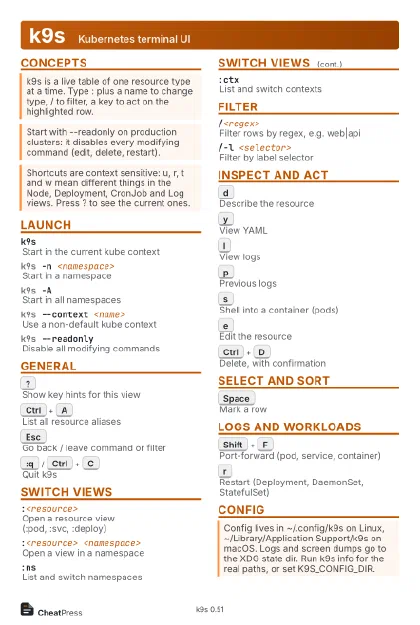
k9s Kubernetes terminal UI
 Light · Postcard
102 × 152 mm · PDF
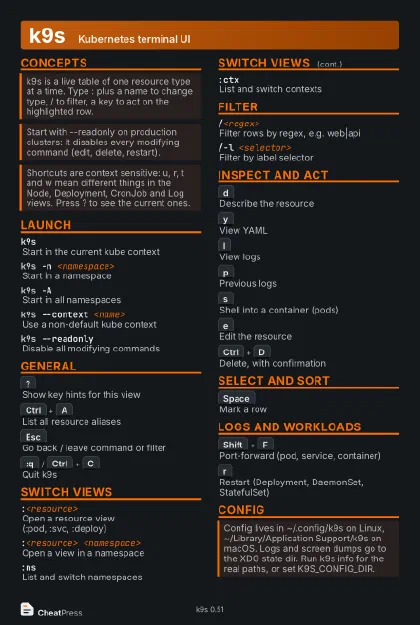 Dark · Postcard
102 × 152 mm · PDF
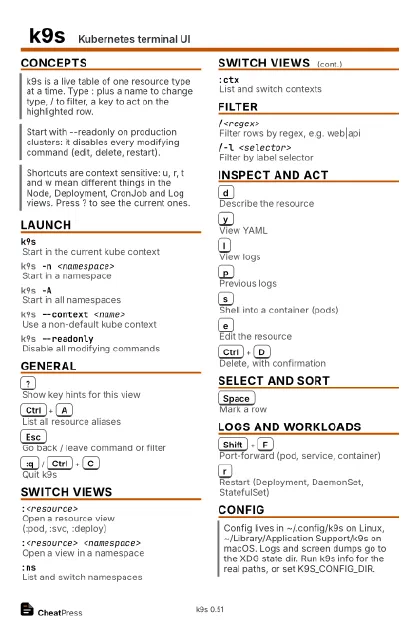 Ink saver · Postcard
102 × 152 mm · PDF
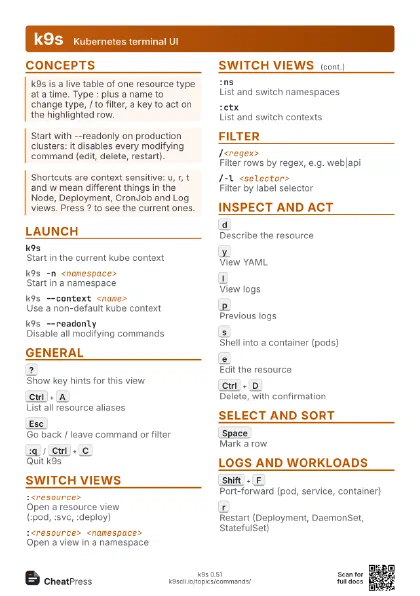
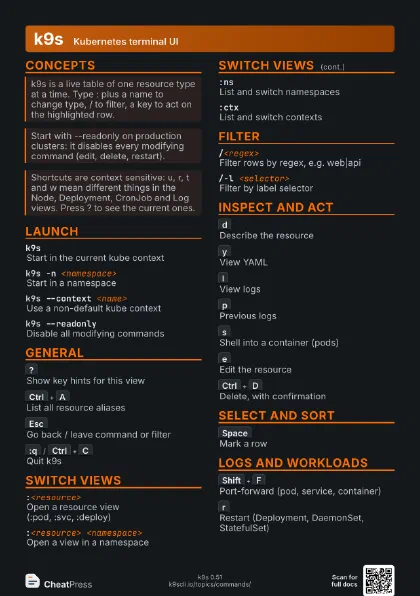
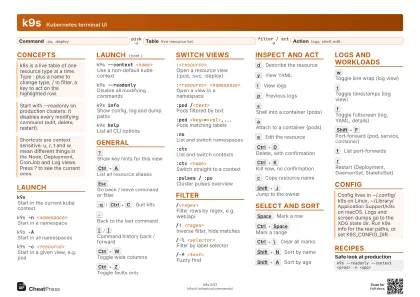 Light · A4 landscape
297 × 210 mm · PDF
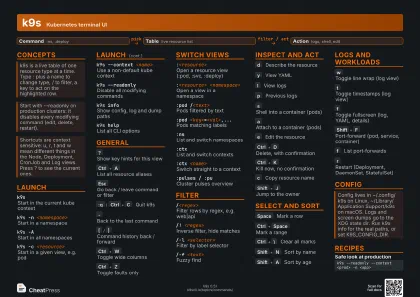 Dark · A4 landscape
297 × 210 mm · PDF
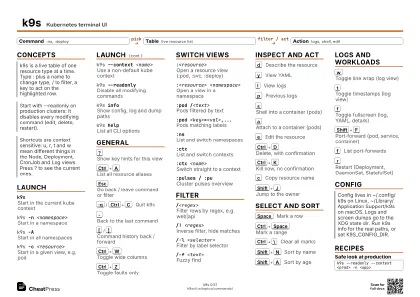 Ink saver · A4 landscape
297 × 210 mm · PDF
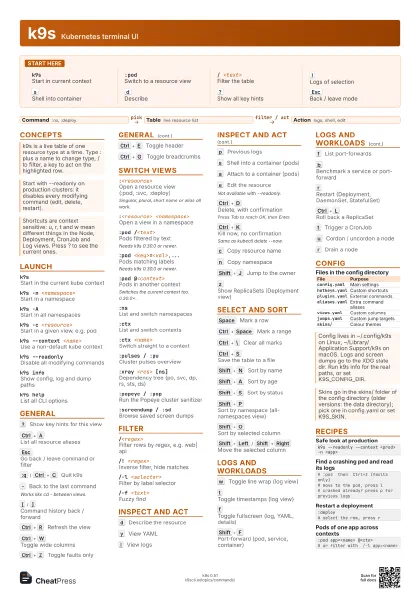
 Light · A3 landscape
420 × 297 mm · PDF
 Dark · A3 landscape
420 × 297 mm · PDF
 Ink saver · A3 landscape
420 × 297 mm · PDF
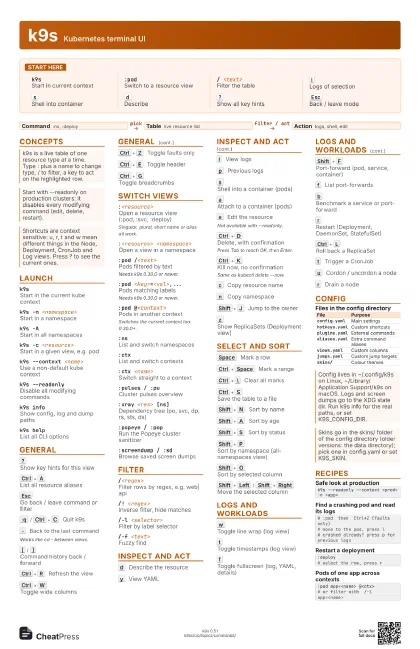
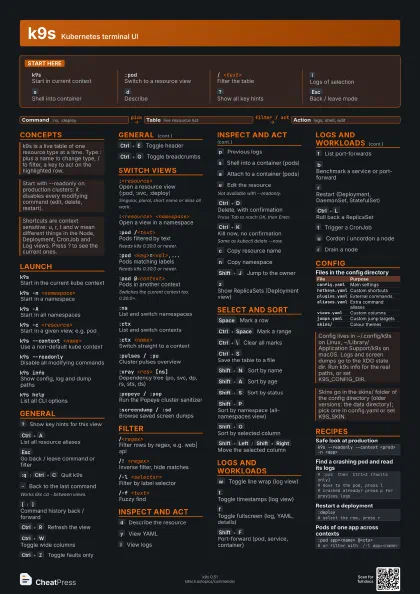
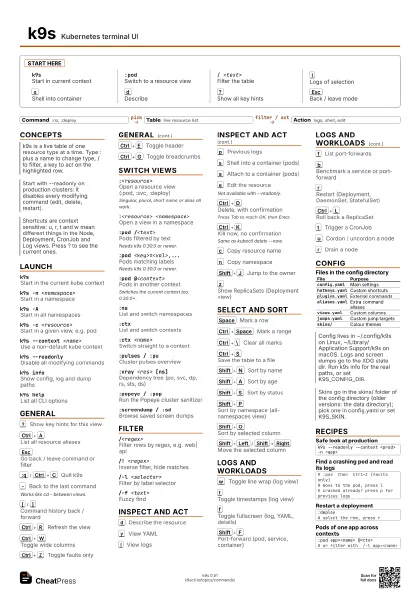
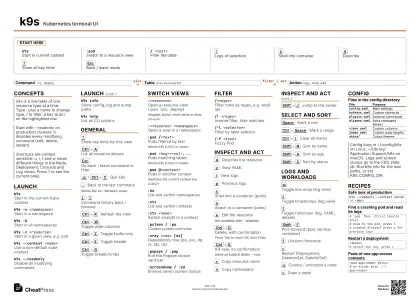
Start here
k9sStart in current context
:podSwitch to a resource view
/ <text>Filter the table
l
Logs of selection
s
Shell into container
d
Describe
?
Show all key hints
Esc
Back / leave mode
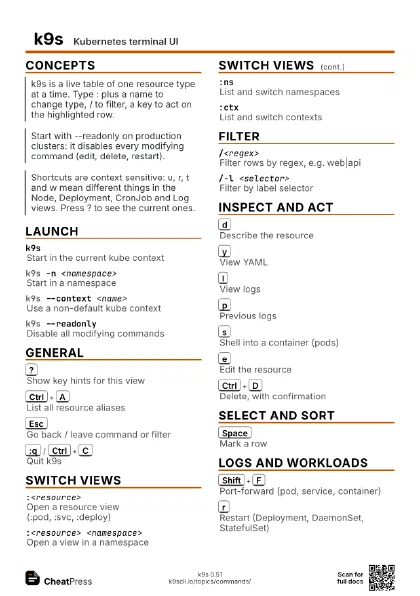
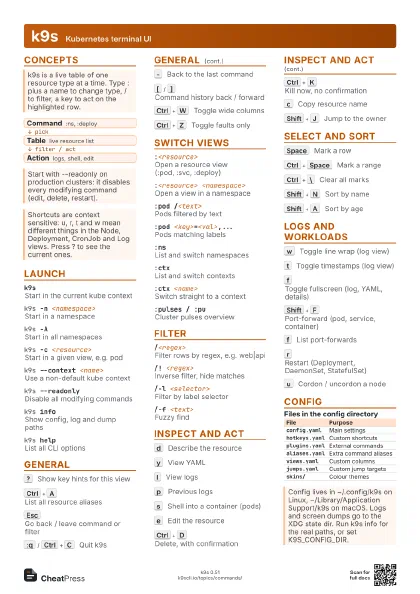
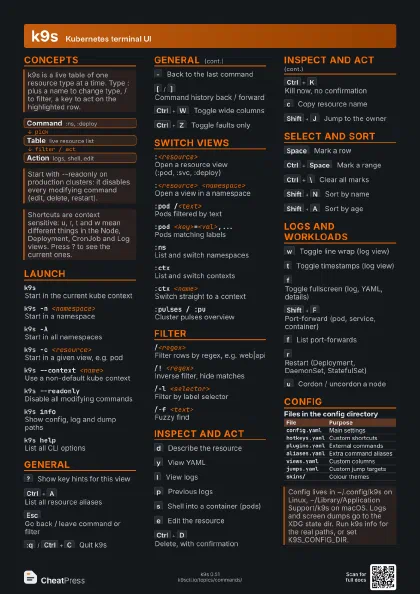
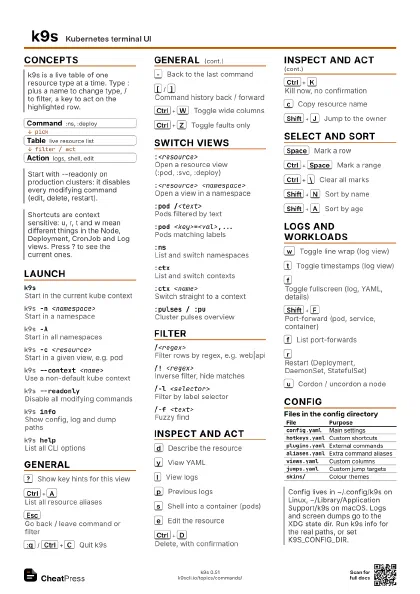
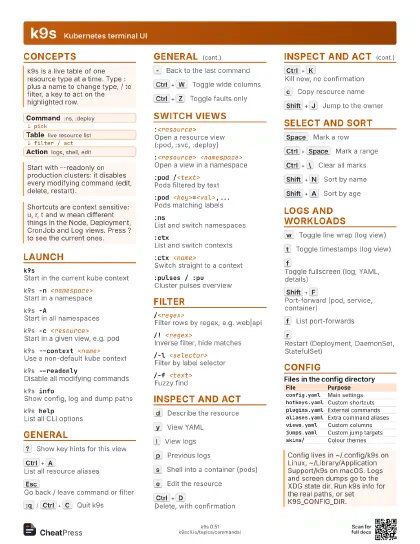
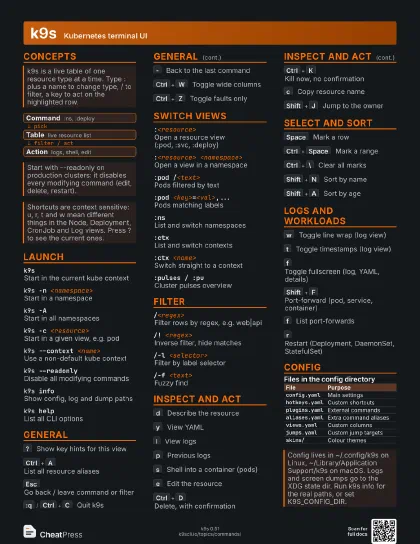
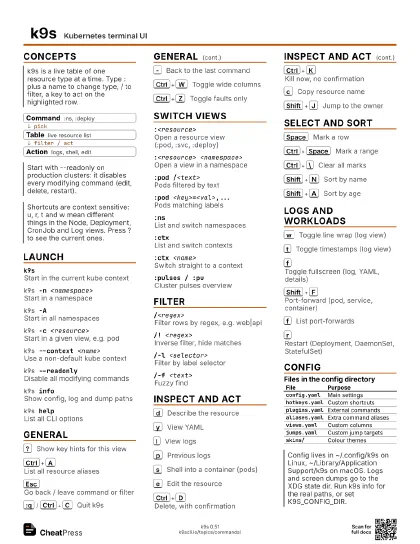
Concepts
- Command :ns, :deploy
- Table live resource list
- Action logs, shell, edit
Launch
k9sStart in the current kube context
k9s -n <namespace>
Start in a namespace
k9s -AStart in all namespaces
k9s -c <resource>
Start in a given view, e.g. pod
k9s --context <name>
Use a non-default kube context
k9s --readonlyDisable all modifying commands
k9s infoShow config, log and dump paths
k9s helpList all CLI options
General
?
Show key hints for this view
Ctrl+A
List all resource aliases
Esc
Go back / leave command or filter
:q
/
Ctrl+C
Quit k9s
-
Back to the last command
Works like cd - between views.
[
/
]
Command history back / forward
Ctrl+R
Refresh the view
Ctrl+W
Toggle wide columns
Ctrl+Z
Toggle faults only
Ctrl+E
Toggle header
Ctrl+G
Toggle breadcrumbs
Switch views
:<resource>
Open a resource view (:pod, :svc, :deploy)
Singular, plural, short name or alias all work.
:<resource> <namespace>
Open a view in a namespace
:pod /<text>
Pods filtered by text
Needs k9s 0.30.0 or newer.
:pod <key>=<val>,...
Pods matching labels
Needs k9s 0.30.0 or newer.
:pod @<context>
Pods in another context
Switches the current context too. 0.30.0+.
:nsList and switch namespaces
:ctxList and switch contexts
:ctx <name>
Switch straight to a context
:pulses / :puCluster pulses overview
:xray <res> [ns]
Dependency tree (po, svc, dp, rs, sts, ds)
:popeye / :popRun the Popeye cluster sanitizer
:screendump / :sd
Browse saved screen dumps
Filter
/<regex>Filter rows by regex, e.g. web|api
/! <regex>
Inverse filter, hide matches
/-l <selector>
Filter by label selector
/-f <text>
Fuzzy find
Inspect and act
d
Describe the resource
y
View YAML
l
View logs
p
Previous logs
s
Shell into a container (pods)
a
Attach to a container (pods)
e
Edit the resource
Not available with --readonly.
Ctrl+D
Delete, with confirmation
Press Tab to reach OK, then Enter.
Ctrl+K
Kill now, no confirmation
Same as kubectl delete --now.
c
Copy resource name
n
Copy namespace
Shift+J
Jump to the owner
z
Show ReplicaSets (Deployment view)
Select and sort
Space
Mark a row
Ctrl+Space
Mark a range
Ctrl+\
Clear all marks
Ctrl+S
Save the table to a file
Shift+N
Sort by name
Shift+A
Sort by age
Shift+S
Sort by status
Shift+P
Sort by namespace (all-namespaces view)
Shift+O
Sort by selected column
Shift+Left
/
Shift+Right
Move the selected column
Logs and workloads
w
Toggle line wrap (log view)
t
Toggle timestamps (log view)
f
Toggle fullscreen (log, YAML, details)
Shift+F
Port-forward (pod, service, container)
f
List port-forwards
b
Benchmark a service or port-forward
r
Restart (Deployment, DaemonSet, StatefulSet)
Ctrl+L
Roll back a ReplicaSet
t
Trigger a CronJob
u
Cordon / uncordon a node
r
Drain a node
Config
| File | Purpose |
|---|---|
config.yaml |
Main settings |
hotkeys.yaml |
Custom shortcuts |
plugins.yaml |
External commands |
aliases.yaml |
Extra command aliases |
views.yaml |
Custom columns |
jumps.yaml |
Custom jump targets |
skins/ |
Colour themes |
Recipes
k9s --readonly --context <prod> -n <app># :pod then Ctrl+Z (faults only)# move to the pod, press l# crashed already? press p for previous logs:deploy# select the row, press r:pod app=<name> @<ctx># or filter with /-l app=<name>