Cheat
Helm Kubernetes package manager
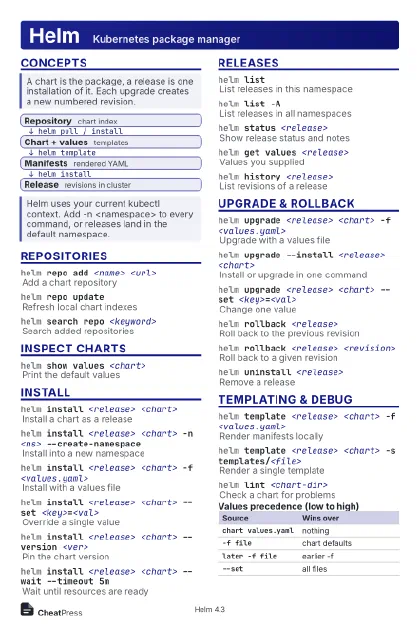 Light · Postcard
102 × 152 mm · PDF
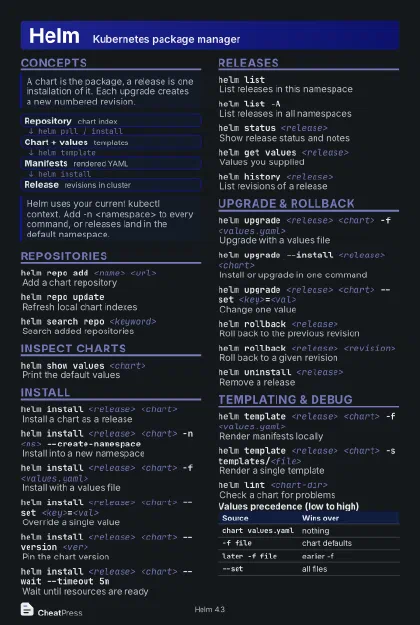 Dark · Postcard
102 × 152 mm · PDF
 Ink saver · Postcard
102 × 152 mm · PDF
 Light · A4 landscape
297 × 210 mm · PDF
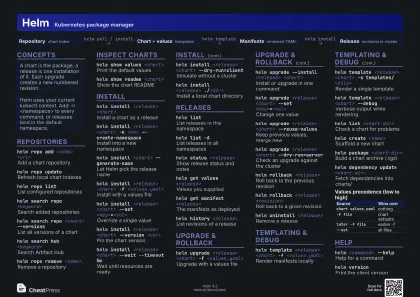 Dark · A4 landscape
297 × 210 mm · PDF
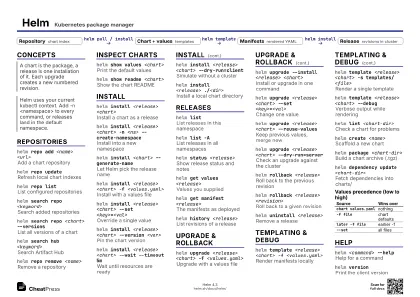 Ink saver · A4 landscape
297 × 210 mm · PDF
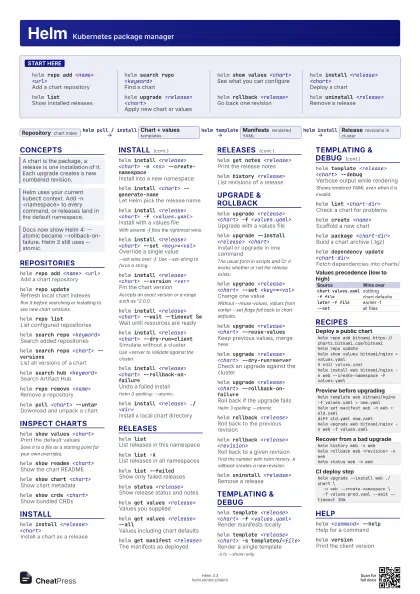
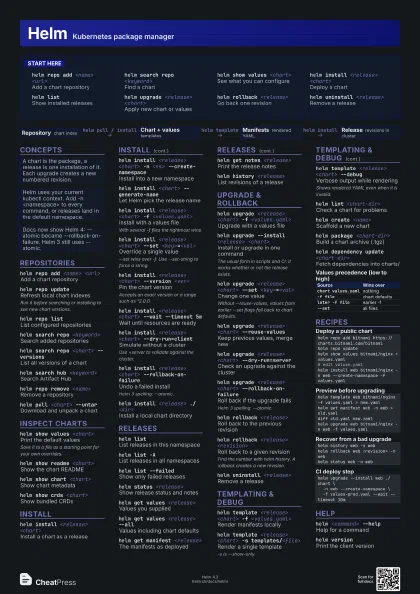
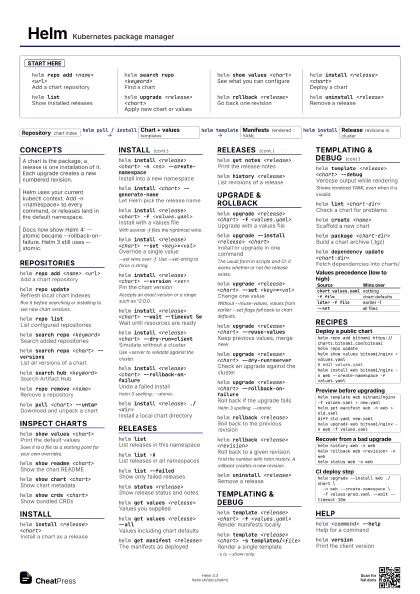
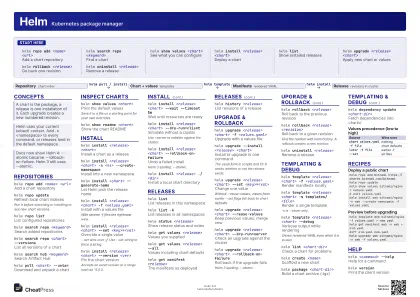 Light · A3 landscape
420 × 297 mm · PDF
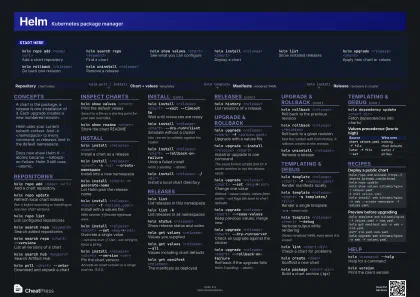 Dark · A3 landscape
420 × 297 mm · PDF
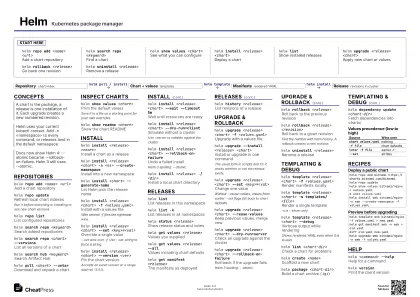 Ink saver · A3 landscape
420 × 297 mm · PDF
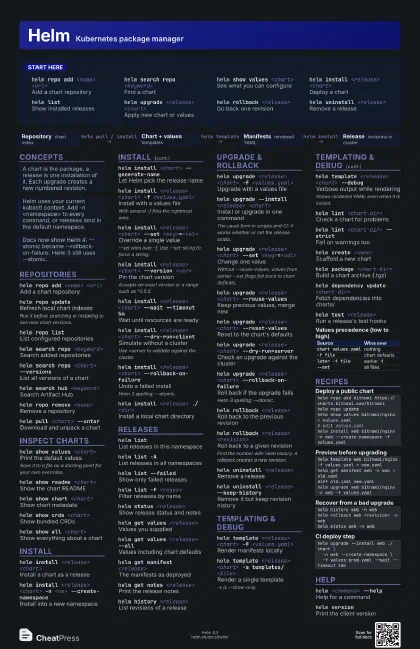
Start here
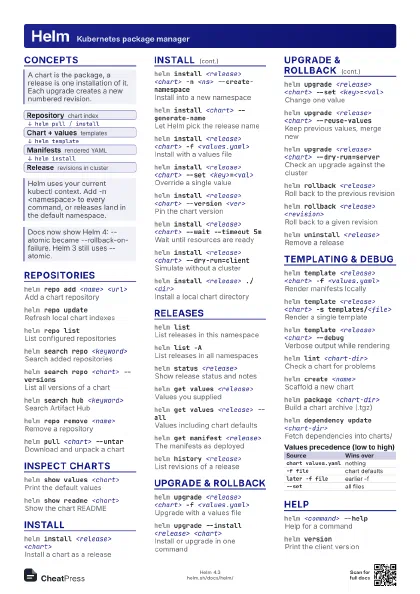
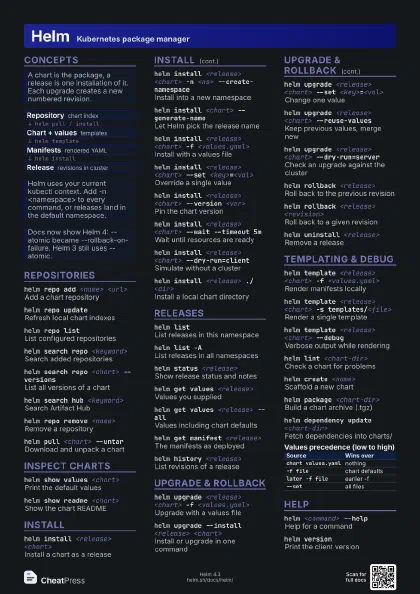
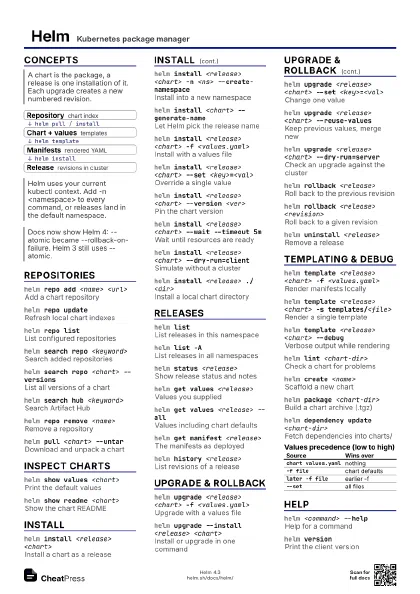
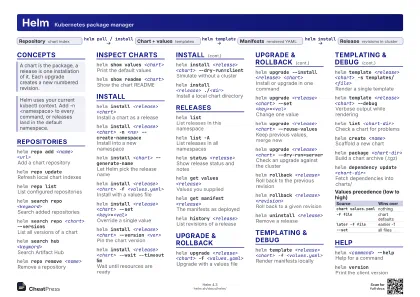
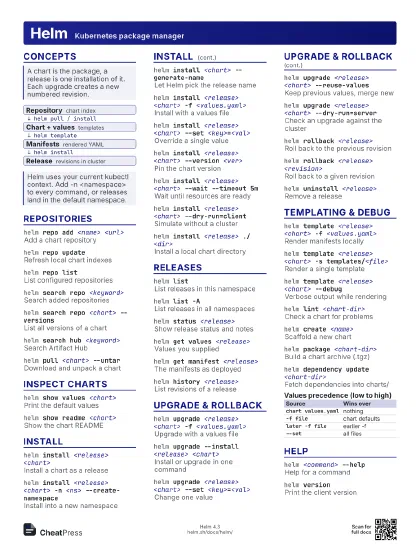
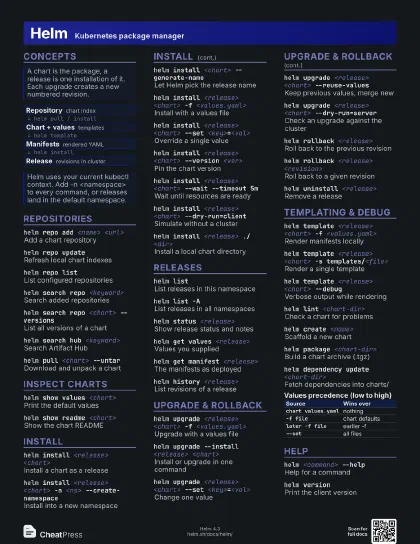
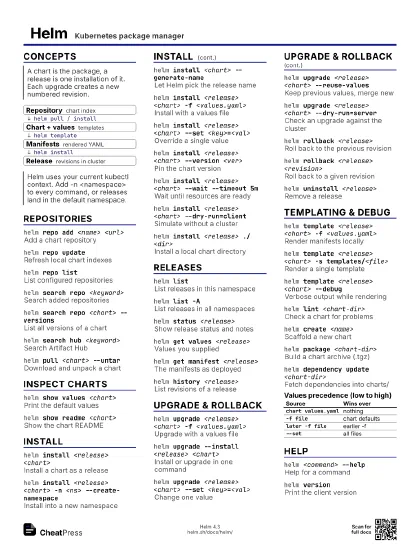
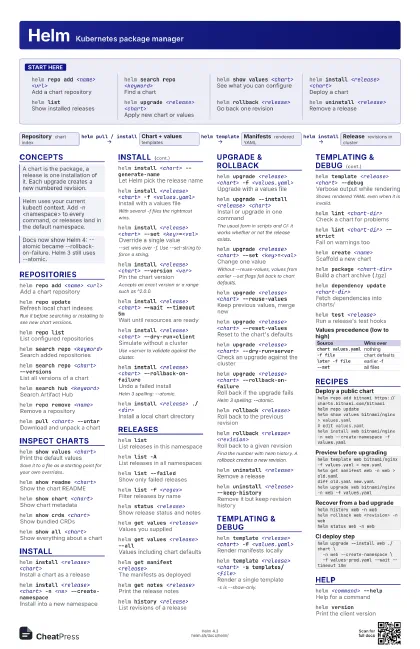
helm repo add <name> <url>
Add a chart repository
helm search repo <keyword>
Find a chart
helm show values <chart>
See what you can configure
helm install <release> <chart>
Deploy a chart
helm listShow installed releases
helm upgrade <release> <chart>
Apply new chart or values
helm rollback <release>
Go back one revision
helm uninstall <release>
Remove a release
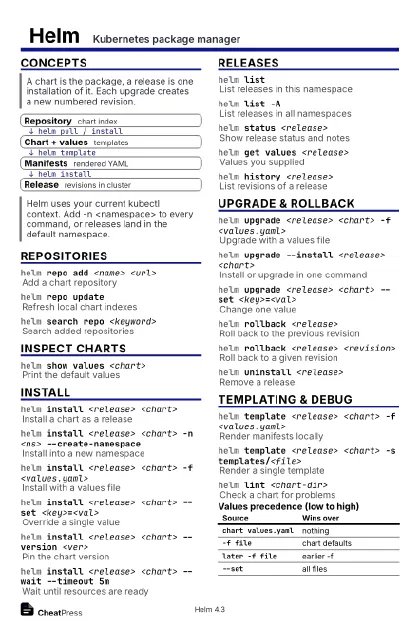
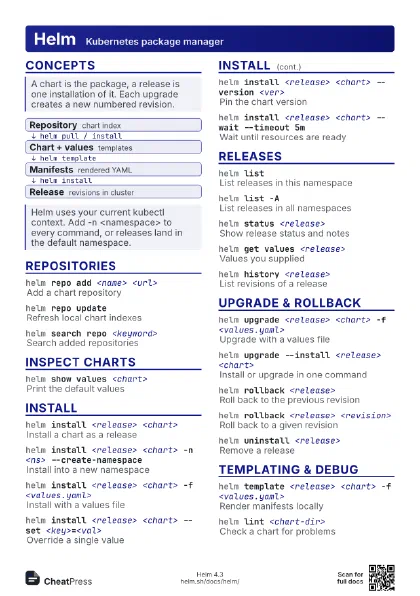
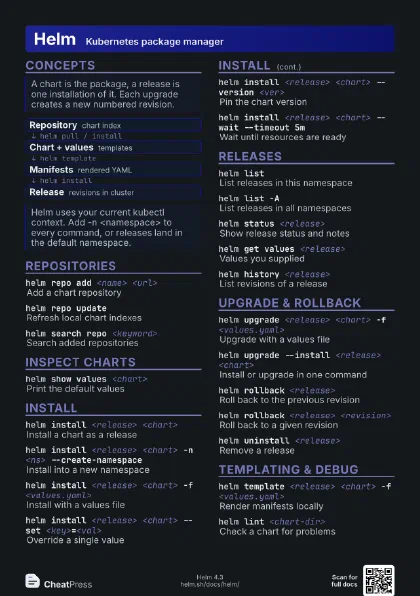
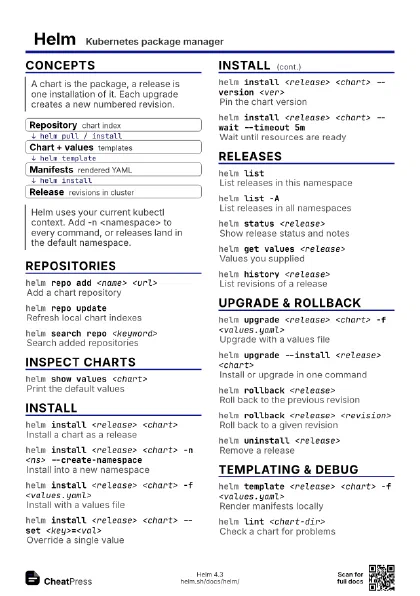
Concepts
- Repository chart index
- Chart + values templates
- Manifests rendered YAML
- Release revisions in cluster
Repositories
helm repo add <name> <url>
Add a chart repository
helm repo update
Refresh local chart indexes
Run it before searching or installing to see new chart
versions.
helm repo listList configured repositories
helm search repo <keyword>
Search added repositories
helm search repo <chart> --versions
List all versions of a chart
helm search hub <keyword>
Search Artifact Hub
helm repo remove <name>
Remove a repository
helm pull <chart> --untar
Download and unpack a chart
Inspect charts
helm show values <chart>
Print the default values
Save it to a file as a starting point for your own overrides.
helm show readme <chart>
Show the chart README
helm show chart <chart>
Show chart metadata
helm show crds <chart>
Show bundled CRDs
helm show all <chart>
Show everything about a chart
Install
helm install <release> <chart>
Install a chart as a release
helm install <release> <chart> -n <ns>
                    --create-namespace
Install into a new namespace
helm install <chart> --generate-name
Let Helm pick the release name
helm install <release> <chart> -f
                    <values.yaml>
Install with a values file
With several -f files the rightmost wins.
helm install <release> <chart> --set
                    <key>=<val>
Override a single value
--set wins over -f. Use --set-string to force a string.
helm install <release> <chart> --version
                    <ver>
Pin the chart version
Accepts an exact version or a range such as ^2.0.0.
helm install <release> <chart> --wait --timeout
                    5m
Wait until resources are ready
helm install <release> <chart>
                    --dry-run=client
Simulate without a cluster
Use =server to validate against the cluster.
helm install <release> <chart>
                    --rollback-on-failure
Undo a failed install
Helm 3 spelling: --atomic.
helm install <release> ./<dir>
Install a local chart directory
Releases
helm listList releases in this namespace
helm list -AList releases in all namespaces
helm list --failed
Show only failed releases
helm list -f <regex>
Filter releases by name
helm status <release>
Show release status and notes
helm get values <release>
Values you supplied
helm get values <release> --all
Values including chart defaults
helm get manifest <release>
The manifests as deployed
helm get notes <release>
Print the release notes
helm history <release>
List revisions of a release
Upgrade & rollback
helm upgrade <release> <chart> -f
                    <values.yaml>
Upgrade with a values file
helm upgrade --install <release> <chart>
Install or upgrade in one command
The usual form in scripts and CI: it works whether or not the
release exists.
helm upgrade <release> <chart> --set
                    <key>=<val>
Change one value
Without --reuse-values, values from earlier --set flags fall
back to chart defaults.
helm upgrade <release> <chart>
                    --reuse-values
Keep previous values, merge new
helm upgrade <release> <chart>
                    --reset-values
Reset to the chart's defaults
helm upgrade <release> <chart>
                    --dry-run=server
Check an upgrade against the cluster
helm upgrade <release> <chart>
                    --rollback-on-failure
Roll back if the upgrade fails
Helm 3 spelling: --atomic.
helm rollback <release>
Roll back to the previous revision
helm rollback <release> <revision>
Roll back to a given revision
Find the number with helm history. A rollback creates a new
revision.
helm uninstall <release>
Remove a release
helm uninstall <release> --keep-history
Remove it but keep revision history
Templating & debug
helm template <release> <chart> -f
                    <values.yaml>
Render manifests locally
helm template <release> <chart> -s
                    templates/<file>
Render a single template
-s is --show-only.
helm template <release> <chart> --debug
Verbose output while rendering
Shows rendered YAML even when it is invalid.
helm lint <chart-dir>
Check a chart for problems
helm lint <chart-dir> --strict
Fail on warnings too
helm create <name>
Scaffold a new chart
helm package <chart-dir>
Build a chart archive (.tgz)
helm dependency update <chart-dir>
Fetch dependencies into charts/
helm template <release> <chart>
                    --include-crds
Include CRDs in the output
helm test <release>
Run a release's test hooks
| Source | Wins over |
|---|---|
chart values.yaml |
nothing |
-f file |
chart defaults |
later -f file |
earlier -f |
--set |
all files |
Recipes
helm repo add bitnami https://charts.bitnami.com/bitnamihelm repo updatehelm show values bitnami/nginx > values.yaml# edit values.yamlhelm install web bitnami/nginx -n web --create-namespace -f values.yamlhelm template web bitnami/nginx -f values.yaml > new.yamlhelm get manifest web -n web > old.yamldiff old.yaml new.yamlhelm upgrade web bitnami/nginx -n web -f values.yamlhelm history web -n webhelm rollback web <revision> -n webhelm status web -n webhelm upgrade --install web ./chart \ -n web --create-namespace \ -f values-prod.yaml --wait --timeout 10mHelp
helm <command> --help
Help for a command
helm versionPrint the client version
helm envShow client paths and settings