Cheat
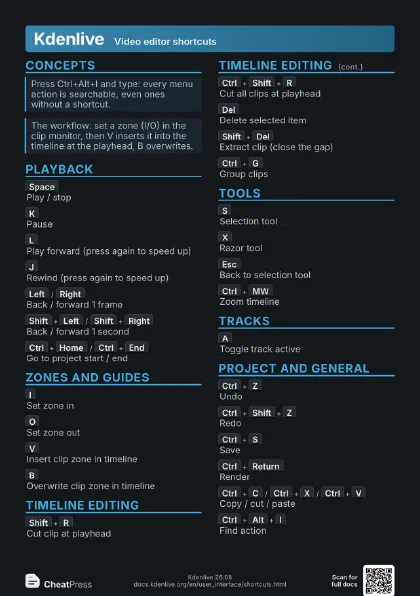
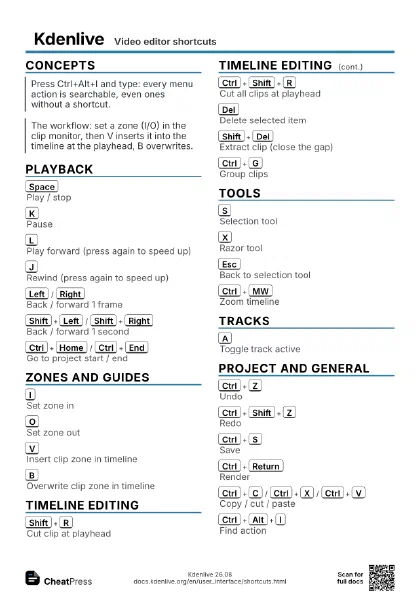
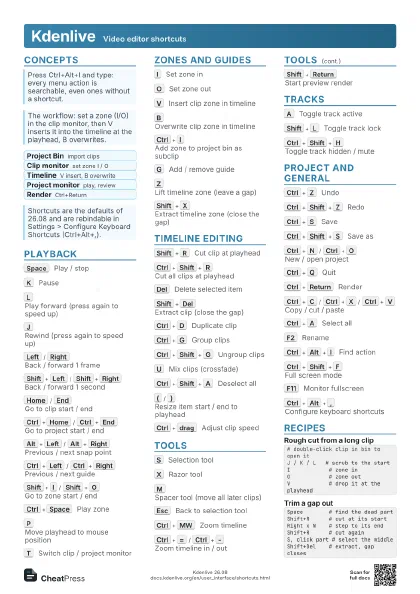
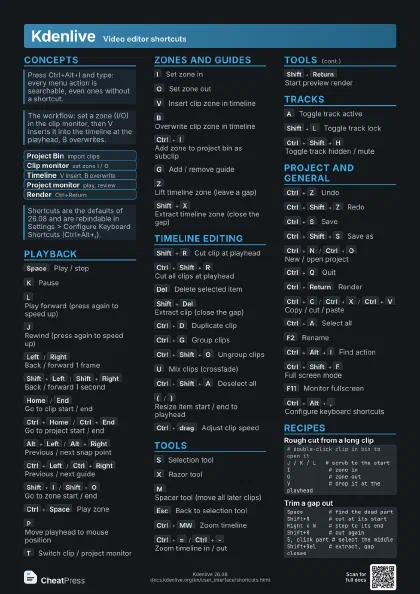
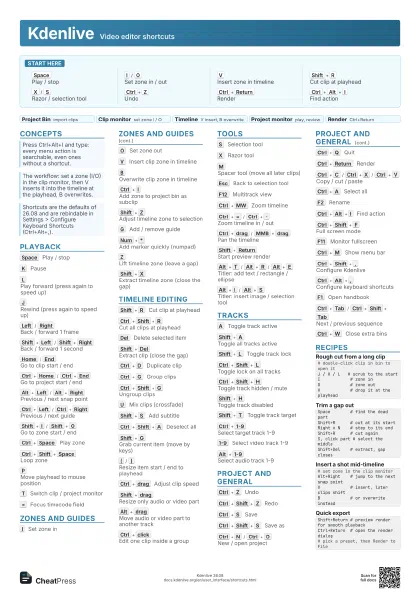
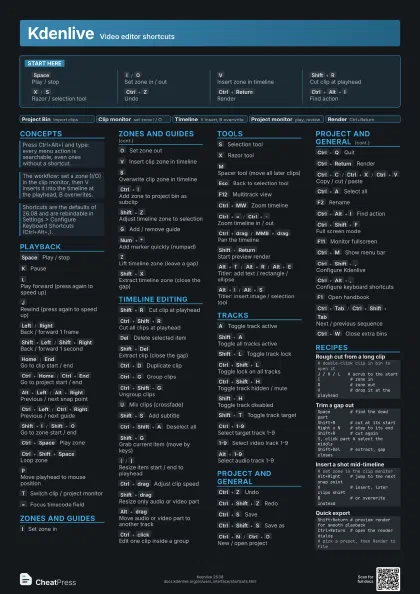
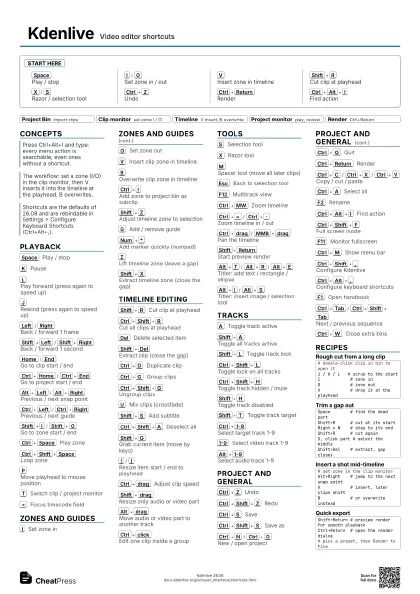
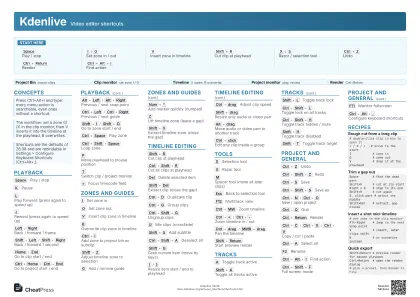
Kdenlive Video editor shortcuts
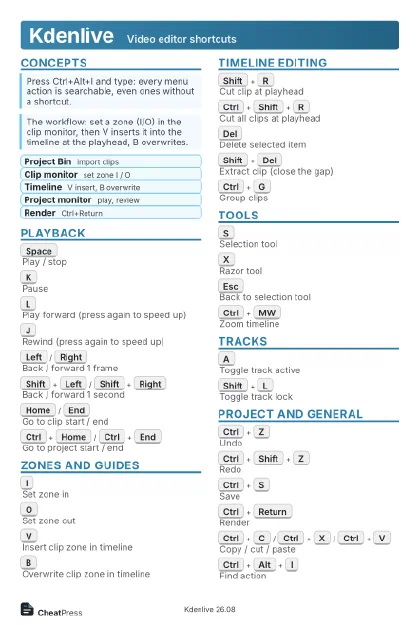 Light · Postcard
102 × 152 mm · PDF
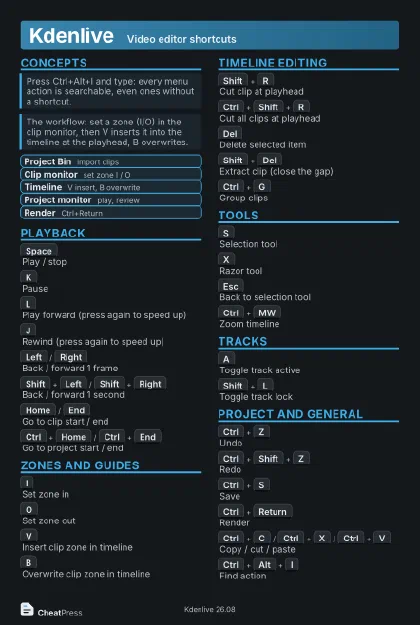 Dark · Postcard
102 × 152 mm · PDF
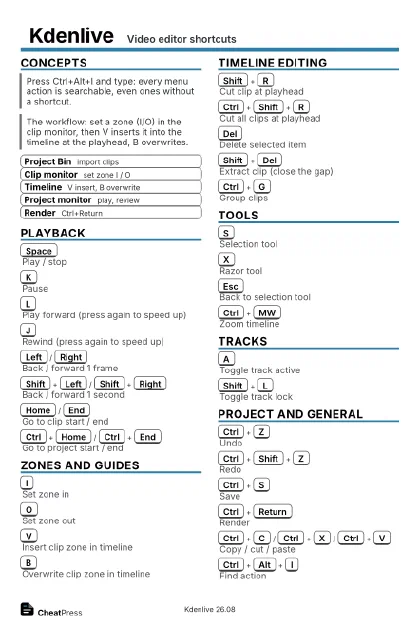 Ink saver · Postcard
102 × 152 mm · PDF
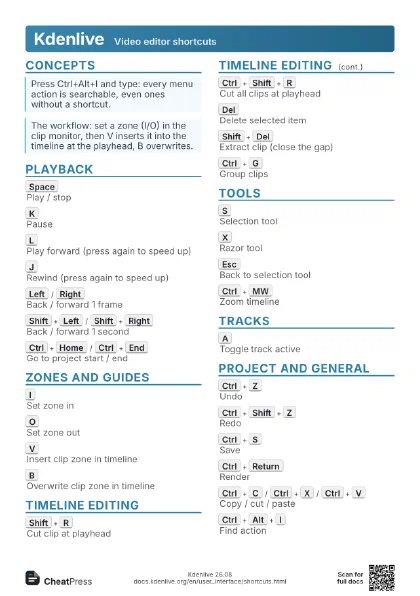
 Light · A4 landscape
297 × 210 mm · PDF
 Dark · A4 landscape
297 × 210 mm · PDF
 Ink saver · A4 landscape
297 × 210 mm · PDF
 Light · A3 landscape
420 × 297 mm · PDF
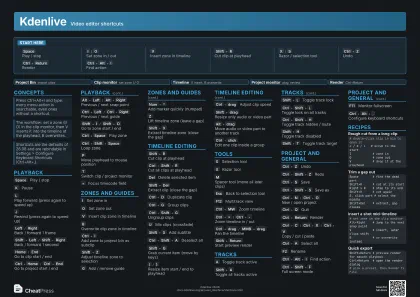 Dark · A3 landscape
420 × 297 mm · PDF
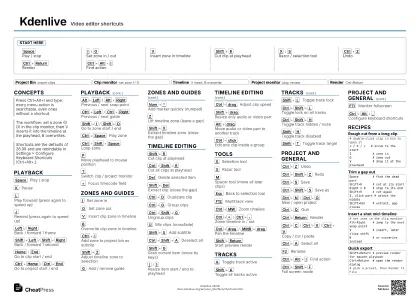 Ink saver · A3 landscape
420 × 297 mm · PDF
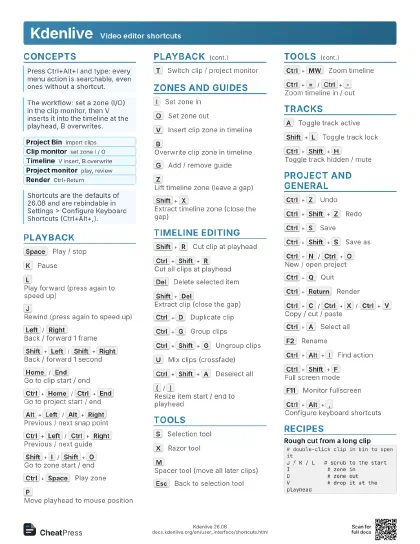
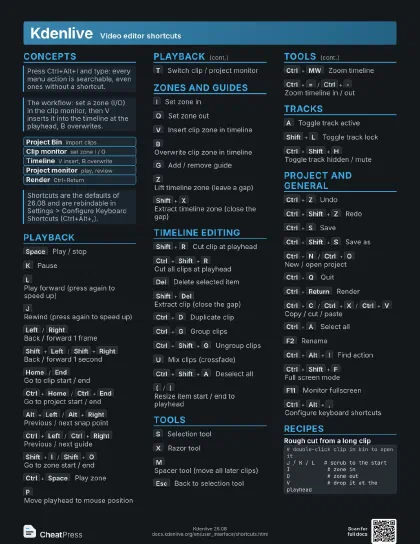
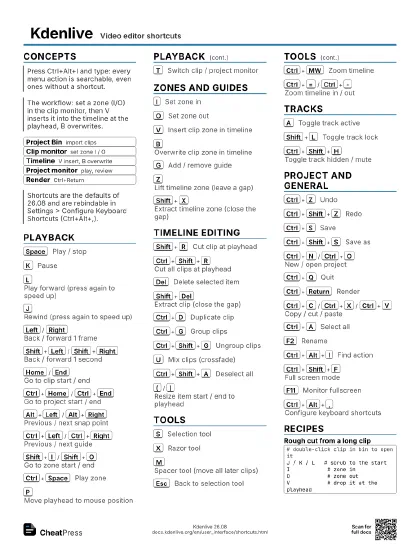
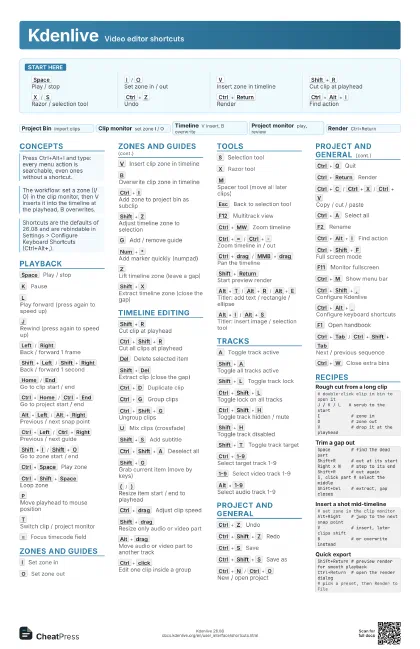
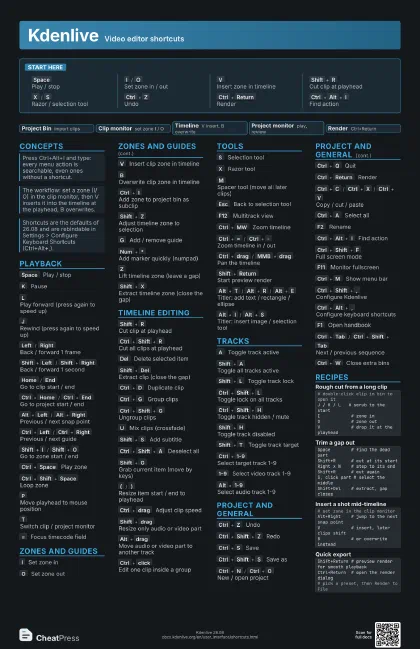
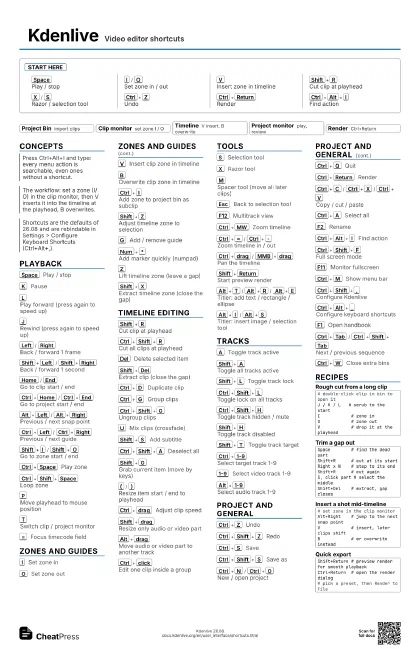
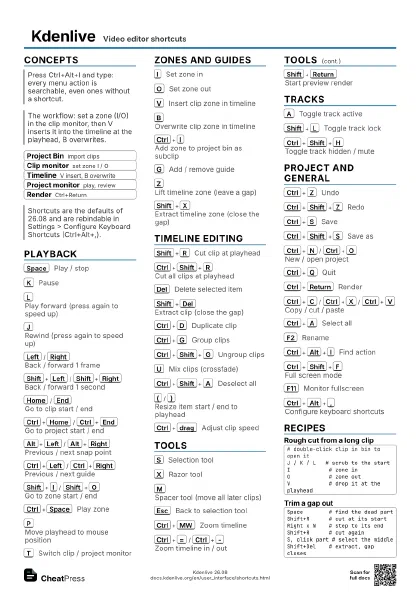
Start here
Space
Play / stop
I
/
O
Set zone in / out
V
Insert zone in timeline
Shift+R
Cut clip at playhead
X
/
S
Razor / selection tool
Ctrl+Z
Undo
Ctrl+Return
Render
Ctrl+Alt+I
Find action
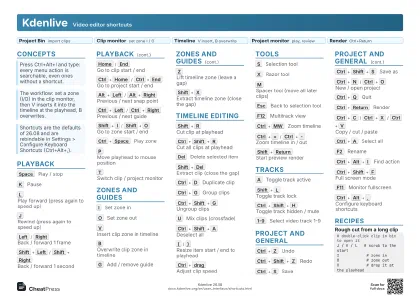
Concepts
- Project Bin import clips
- Clip monitor set zone I / O
- Timeline V insert, B overwrite
- Project monitor play, review
- Render Ctrl+Return
Playback
Space
Play / stop
K
Pause
L
Play forward (press again to speed up)
J
Rewind (press again to speed up)
Left
/
Right
Back / forward 1 frame
Shift+Left
/
Shift+Right
Back / forward 1 second
Home
/
End
Go to clip start / end
Ctrl+Home
/
Ctrl+End
Go to project start / end
Alt+Left
/
Alt+Right
Previous / next snap point
Ctrl+Left
/
Ctrl+Right
Previous / next guide
Shift+I
/
Shift+O
Go to zone start / end
Ctrl+Space
Play zone
Ctrl+Shift+Space
Loop zone
P
Move playhead to mouse position
T
Switch clip / project monitor
=
Focus timecode field
Zones and Guides
I
Set zone in
O
Set zone out
V
Insert clip zone in timeline
B
Overwrite clip zone in timeline
Ctrl+I
Add zone to project bin as subclip
Shift+Z
Adjust timeline zone to selection
G
Add / remove guide
Num+*
Add marker quickly (numpad)
Z
Lift timeline zone (leave a gap)
Shift+X
Extract timeline zone (close the gap)
Timeline Editing
Shift+R
Cut clip at playhead
Ctrl+Shift+R
Cut all clips at playhead
Del
Delete selected item
Shift+Del
Extract clip (close the gap)
Ctrl+D
Duplicate clip
Ctrl+G
Group clips
Ctrl+Shift+G
Ungroup clips
U
Mix clips (crossfade)
Shift+S
Add subtitle
Ctrl+Shift+A
Deselect all
Shift+G
Grab current item (move by keys)
(
/
)
Resize item start / end to playhead
Ctrl+drag
Adjust clip speed
Shift+drag
Resize only audio or video part
Alt+drag
Move audio or video part to another track
Ctrl+click
Edit one clip inside a group
Tools
S
Selection tool
X
Razor tool
M
Spacer tool (move all later clips)
Esc
Back to selection tool
F12
Multitrack view
Ctrl+MW
Zoom timeline
Ctrl+=
/
Ctrl+-
Zoom timeline in / out
Ctrl+drag
/
MMB+drag
Pan the timeline
Shift+Return
Start preview render
Alt+T
/
Alt+R
/
Alt+E
Titler: add text / rectangle / ellipse
Alt+I
/
Alt+S
Titler: insert image / selection tool
Tracks
A
Toggle track active
Shift+A
Toggle all tracks active
Shift+L
Toggle track lock
Ctrl+Shift+L
Toggle lock on all tracks
Ctrl+Shift+H
Toggle track hidden / mute
Shift+H
Toggle track disabled
Shift+T
Toggle track target
Ctrl+1-9
Select target track 1-9
1-9
Select video track 1-9
Alt+1-9
Select audio track 1-9
Project and General
Ctrl+Z
Undo
Ctrl+Shift+Z
Redo
Ctrl+S
Save
Ctrl+Shift+S
Save as
Ctrl+N
/
Ctrl+O
New / open project
Ctrl+Q
Quit
Ctrl+Return
Render
Ctrl+C
/
Ctrl+X
/
Ctrl+V
Copy / cut / paste
Ctrl+A
Select all
F2
Rename
Ctrl+Alt+I
Find action
Ctrl+Shift+F
Full screen mode
F11
Monitor fullscreen
Ctrl+M
Show menu bar
Ctrl+Shift+,
Configure Kdenlive
Ctrl+Alt+,
Configure keyboard shortcuts
F1
Open handbook
Ctrl+Tab
/
Ctrl+Shift+Tab
Next / previous sequence
Ctrl+W
Close extra bins
Recipes
# double-click clip in bin to open itJ / K / L # scrub to the startI # zone inO # zone outV # drop it at the playheadSpace # find the dead partShift+R # cut at its startRight x N # step to its endShift+R # cut againS, click part # select the middleShift+Del # extract, gap closes# set zone in the clip monitorAlt+Right # jump to the next snap pointV # insert, later clips shiftB # or overwrite insteadShift+Return # preview render for smooth playbackCtrl+Return # open the render dialog# pick a preset, then Render to File