Cheat
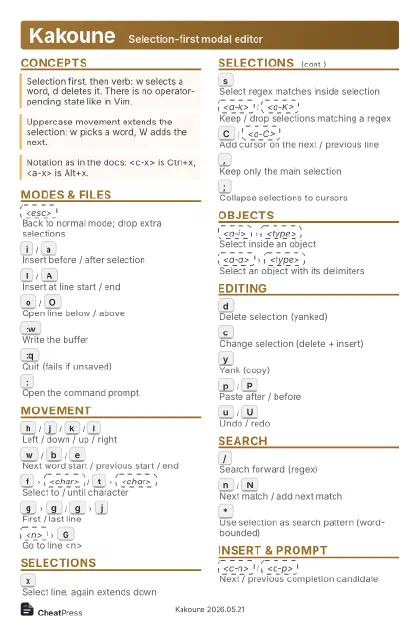
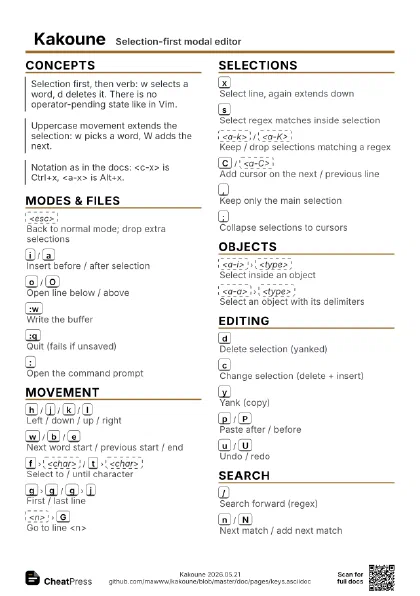
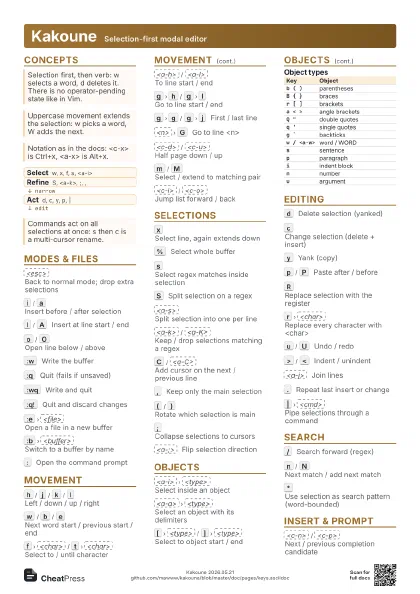
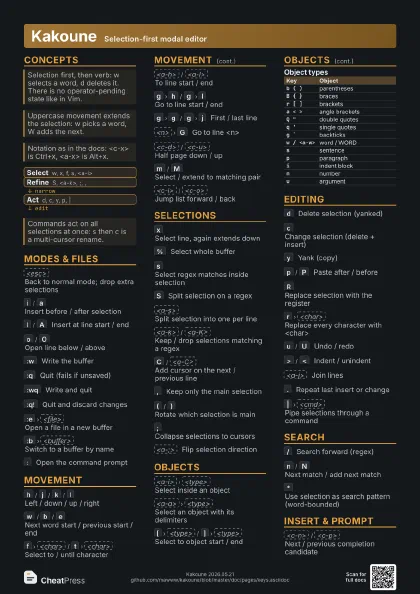
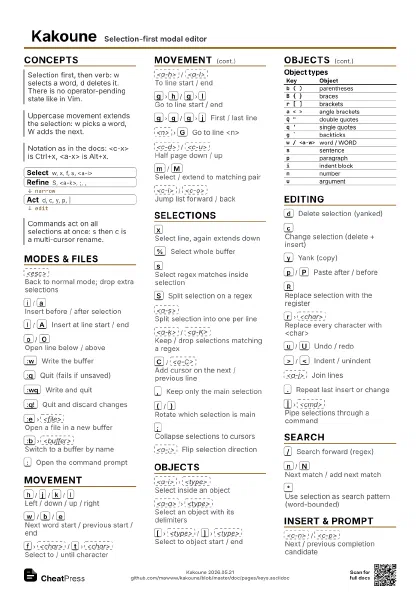
Kakoune Selection-first modal editor
 Light · Postcard
102 × 152 mm · PDF
 Dark · Postcard
102 × 152 mm · PDF
 Ink saver · Postcard
102 × 152 mm · PDF
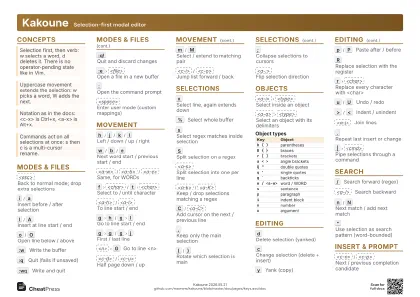 Light · A4 landscape
297 × 210 mm · PDF
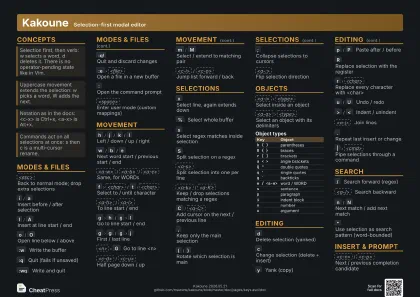 Dark · A4 landscape
297 × 210 mm · PDF
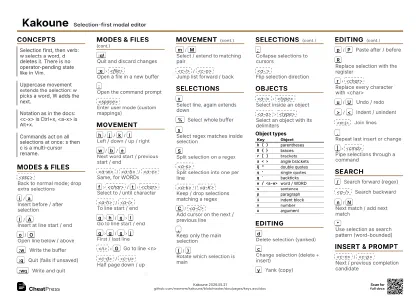 Ink saver · A4 landscape
297 × 210 mm · PDF
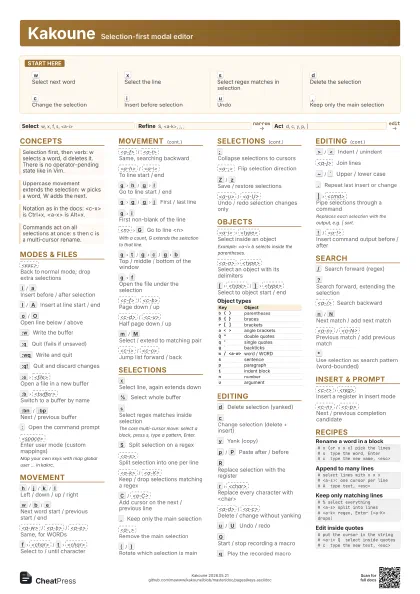
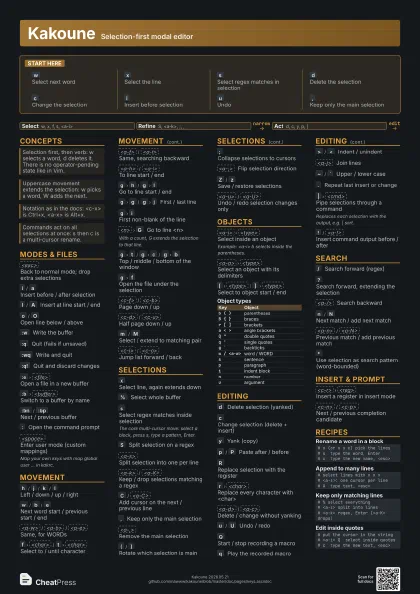
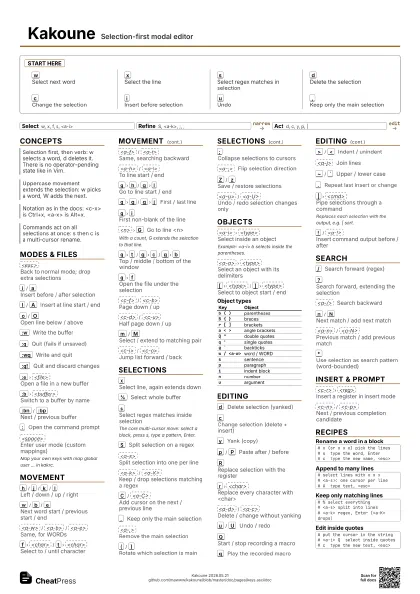
 Light · A3 landscape
420 × 297 mm · PDF
 Dark · A3 landscape
420 × 297 mm · PDF
 Ink saver · A3 landscape
420 × 297 mm · PDF
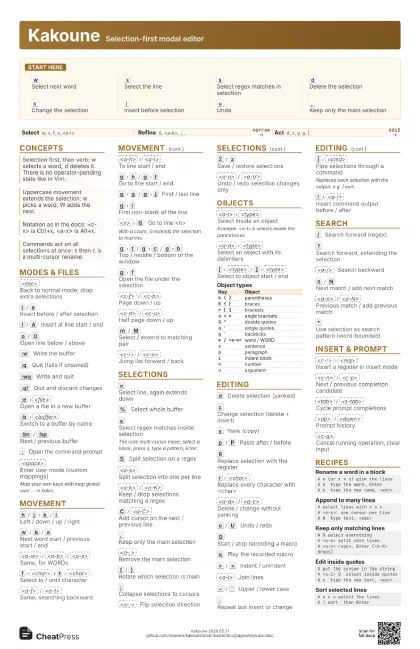
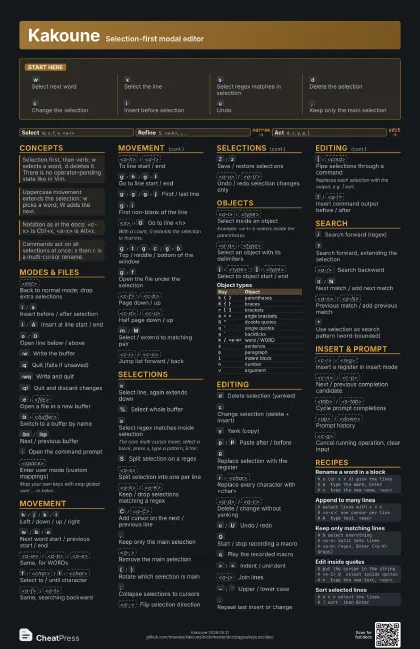
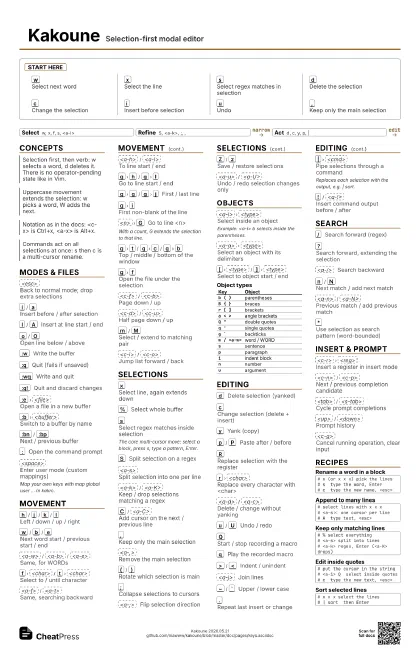
Start here
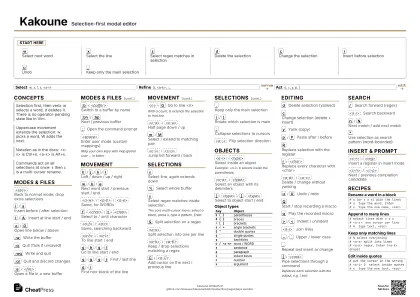
w
Select next word
x
Select the line
s
Select regex matches in selection
d
Delete the selection
c
Change the selection
i
Insert before selection
u
Undo
,
Keep only the main selection
Concepts
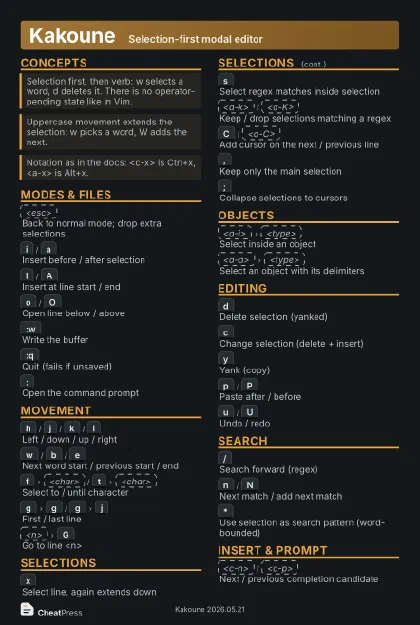
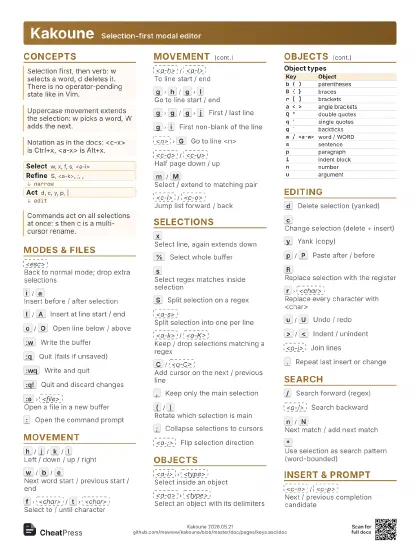
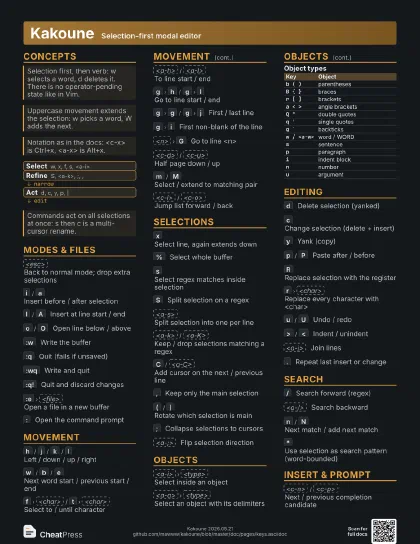
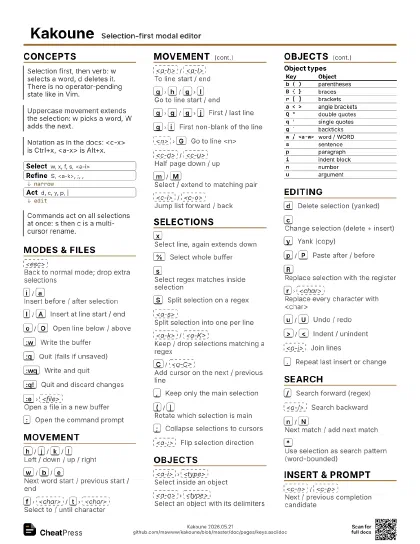
- Select w, x, f, s, <a-i>
- Refine S, <a-k>, ;, ,
- Act d, c, y, p, |
Modes & Files
<esc>
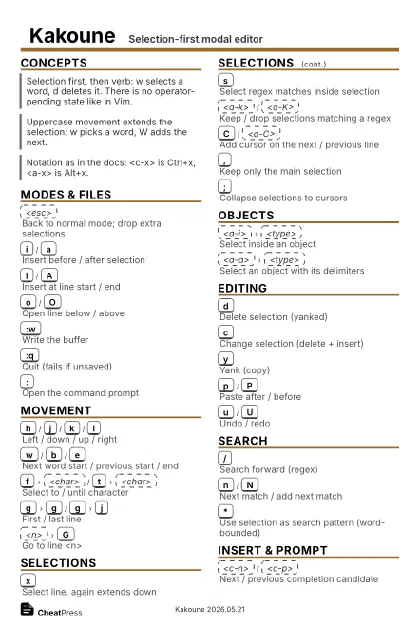
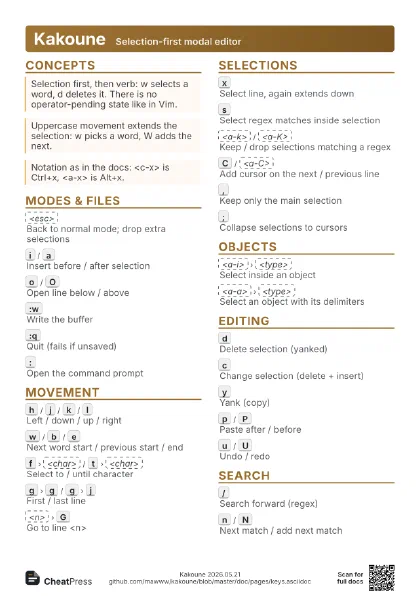
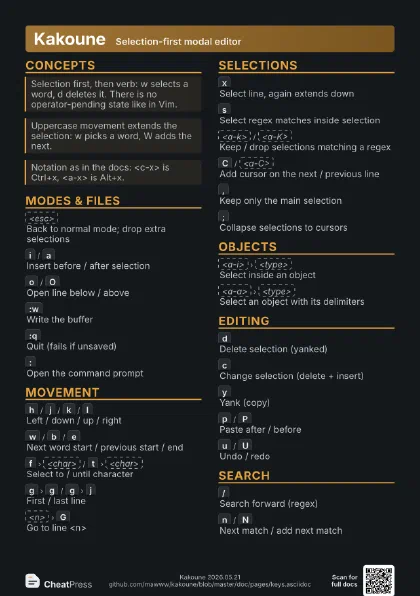
Back to normal mode; drop extra selections
i
/
a
Insert before / after selection
I
/
A
Insert at line start / end
o
/
O
Open line below / above
:w
Write the buffer
:q
Quit (fails if unsaved)
:wq
Write and quit
:q!
Quit and discard changes
:e
<file>
Open a file in a new buffer
:b
<buffer>
Switch to a buffer by name
:bn
/
:bp
Next / previous buffer
:
Open the command prompt
<space>
Enter user mode (custom mappings)
Map your own keys with map global user ... in kakrc.
Movement
h
/
j
/
k
/
l
Left / down / up / right
w
/
b
/
e
Next word start / previous start / end
<a-w>
/
<a-b>
/
<a-e>
Same, for WORDs
f
<char>
/
t
<char>
Select to / until character
<a-f>
/
<a-t>
Same, searching backward
<a-h>
/
<a-l>
To line start / end
g
h
/
g
l
Go to line start / end
g
g
/
g
j
First / last line
g
i
First non-blank of the line
<n>
G
Go to line <n>
With a count, G extends the selection to that line.
g
t
/
g
c
/
g
b
Top / middle / bottom of the window
g
f
Open the file under the selection
<c-f>
/
<c-b>
Page down / up
<c-d>
/
<c-u>
Half page down / up
m
/
M
Select / extend to matching pair
<c-i>
/
<c-o>
Jump list forward / back
Selections
x
Select line, again extends down
%
Select whole buffer
s
Select regex matches inside selection
The core multi-cursor move: select a block, press s, type a
pattern, Enter.
S
Split selection on a regex
<a-s>
Split selection into one per line
<a-k>
/
<a-K>
Keep / drop selections matching a regex
C
/
<a-C>
Add cursor on the next / previous line
,
Keep only the main selection
<a-,>
Remove the main selection
(
/
)
Rotate which selection is main
;
Collapse selections to cursors
<a-;>
Flip selection direction
Z
/
z
Save / restore selections
<a-u>
/
<a-U>
Undo / redo selection changes only
Objects
<a-i>
<type>
Select inside an object
Example: <a-i> b selects inside the parentheses.
<a-a>
<type>
Select an object with its delimiters
[
<type>
/
]
<type>
Select to object start / end
| Key | Object |
|---|---|
b ( ) |
parentheses |
B { } |
braces |
r [ ] |
brackets |
a < > |
angle brackets |
Q " |
double quotes |
q ' |
single quotes |
g ` |
backticks |
w / <a-w> |
word / WORD |
s |
sentence |
p |
paragraph |
i |
indent block |
n |
number |
u |
argument |
Editing
d
Delete selection (yanked)
c
Change selection (delete + insert)
y
Yank (copy)
p
/
P
Paste after / before
R
Replace selection with the register
r
<char>
Replace every character with <char>
<a-d>
/
<a-c>
Delete / change without yanking
u
/
U
Undo / redo
Q
Start / stop recording a macro
q
Play the recorded macro
>
/
<
Indent / unindent
<a-j>
Join lines
~
/
`
Upper / lower case
.
Repeat last insert or change
|
<cmd>
Pipe selections through a command
Replaces each selection with the output, e.g. | sort.
!
/
<a-!>
Insert command output before / after
Search
/
Search forward (regex)
?
Search forward, extending the selection
<a-/>
Search backward
n
/
N
Next match / add next match
<a-n>
/
<a-N>
Previous match / add previous match
*
Use selection as search pattern (word-bounded)
Insert & Prompt
<c-r>
<reg>
Insert a register in insert mode
<c-n>
/
<c-p>
Next / previous completion candidate
<tab>
/
<s-tab>
Cycle prompt completions
<up>
/
<down>
Prompt history
<c-g>
Cancel running operation, clear input
Recipes
# x (or x x x) pick the lines# s type the word, Enter# c type the new name, <esc># select lines with x x x# <a-s>: one cursor per line# A type text, <esc># % select everything# <a-s> split into lines# <a-k> regex, Enter (<a-K> drops)# put the cursor in the string# <a-i> Q select inside quotes# c type the new text, <esc># x x x select the lines# | sort then Enter