Cheat
Audacity Audio editor shortcuts
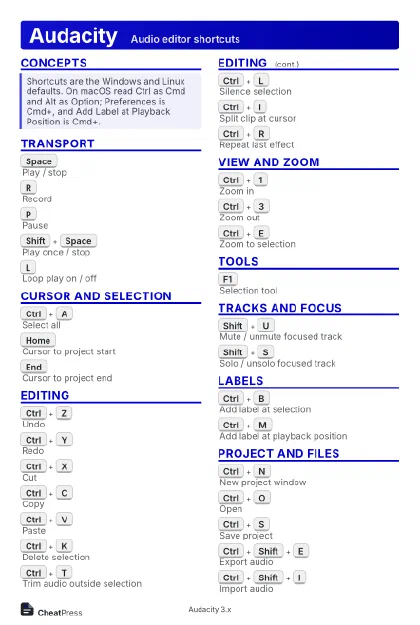 Light · Postcard
102 × 152 mm · PDF
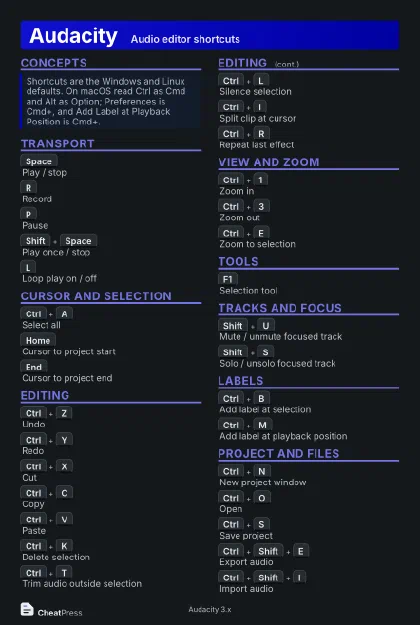 Dark · Postcard
102 × 152 mm · PDF
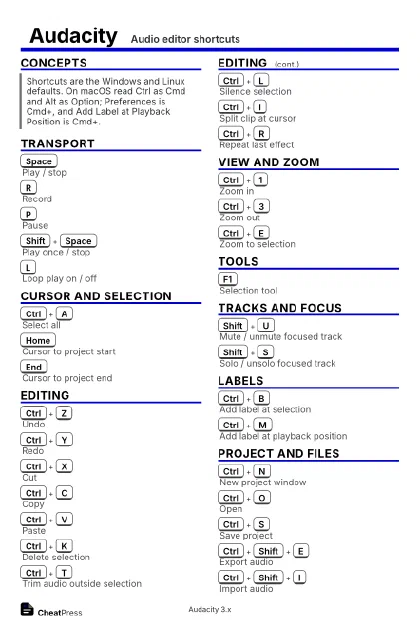 Ink saver · Postcard
102 × 152 mm · PDF
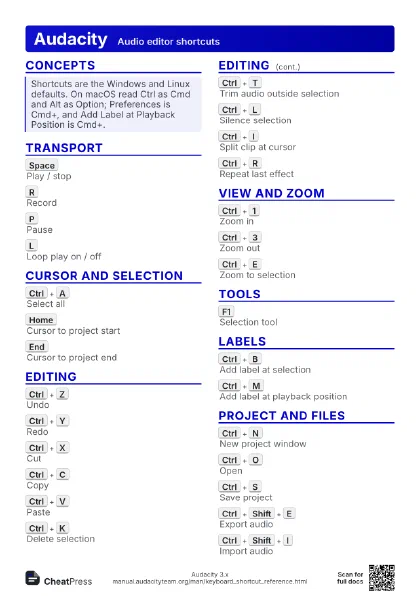
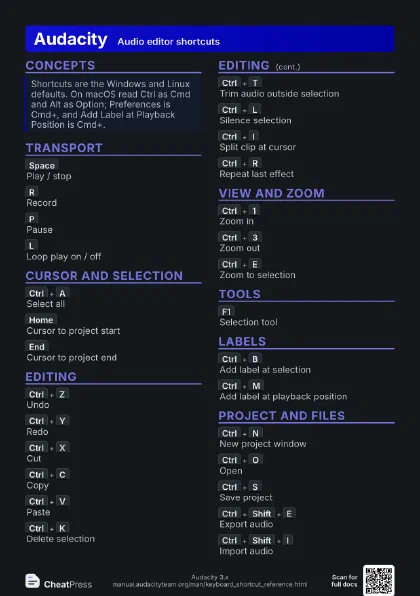
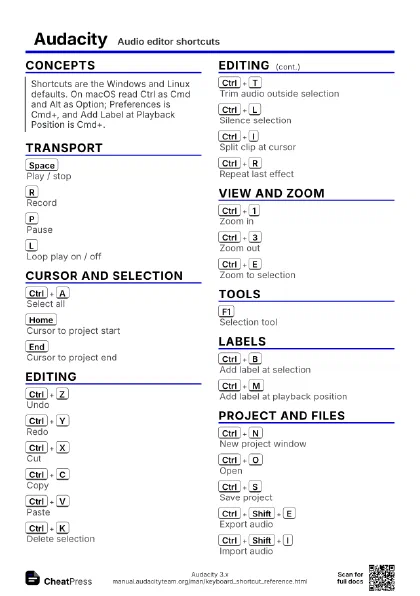
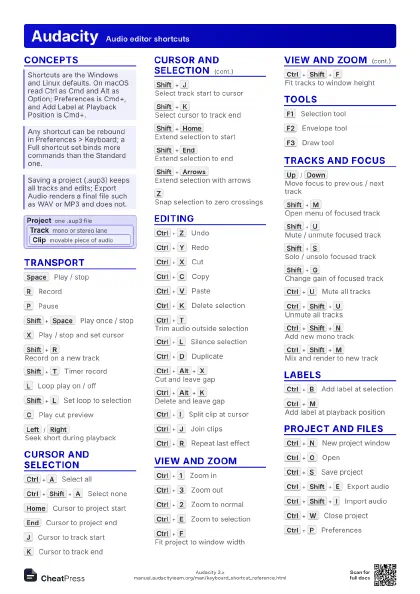
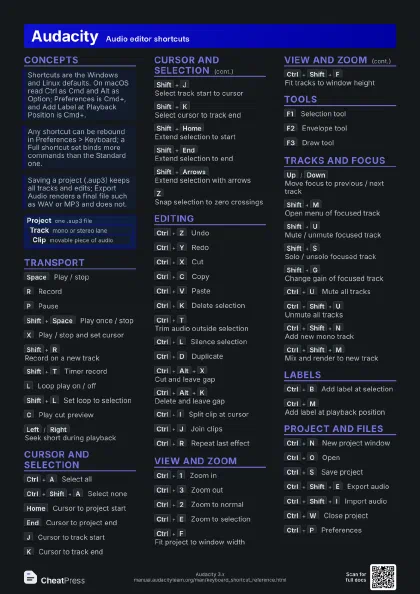
 Light · A4 landscape
297 × 210 mm · PDF
 Dark · A4 landscape
297 × 210 mm · PDF
 Ink saver · A4 landscape
297 × 210 mm · PDF
 Light · A3 landscape
420 × 297 mm · PDF
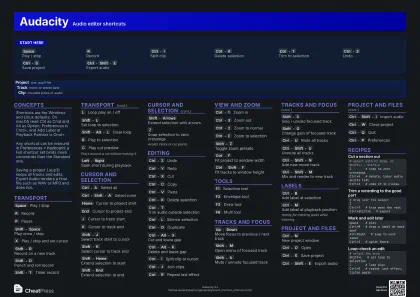 Dark · A3 landscape
420 × 297 mm · PDF
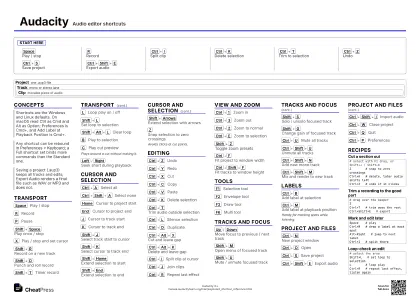 Ink saver · A3 landscape
420 × 297 mm · PDF
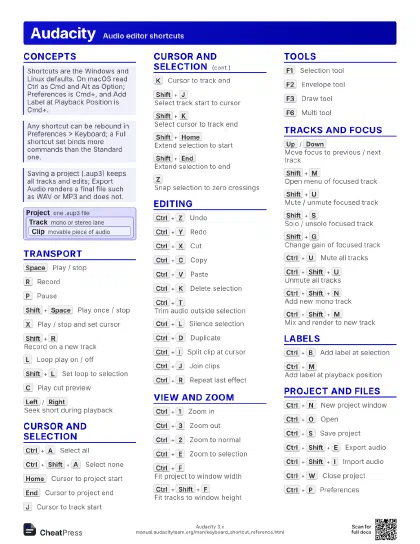
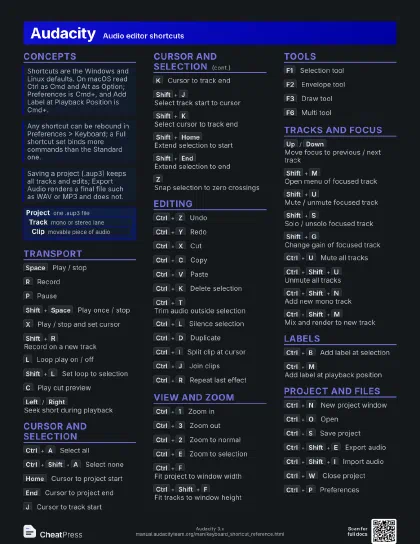
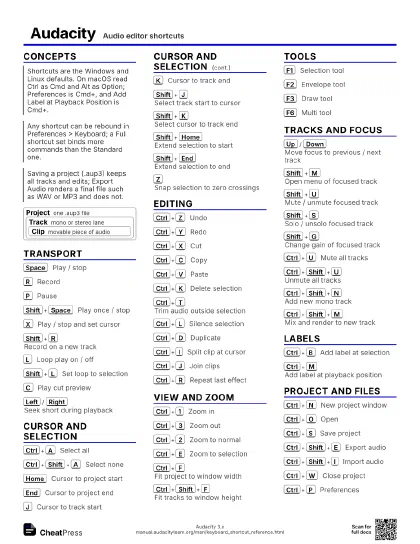
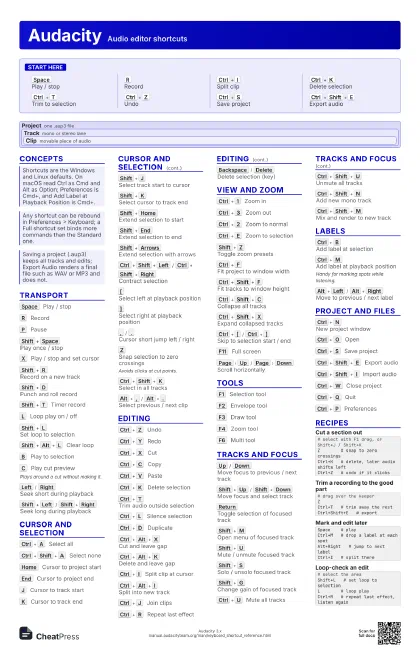
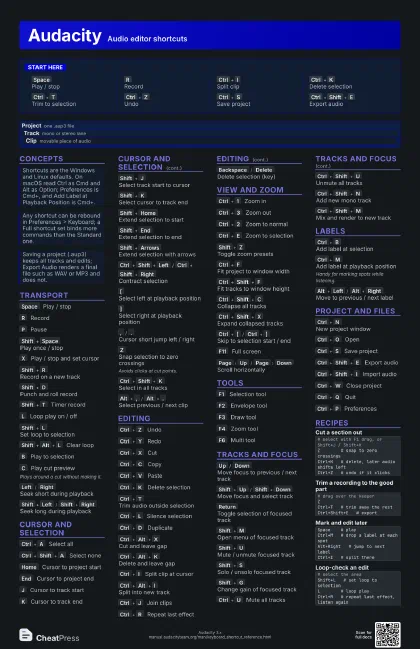
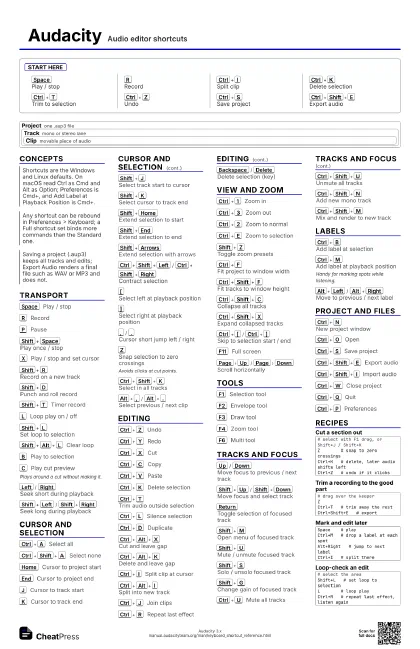
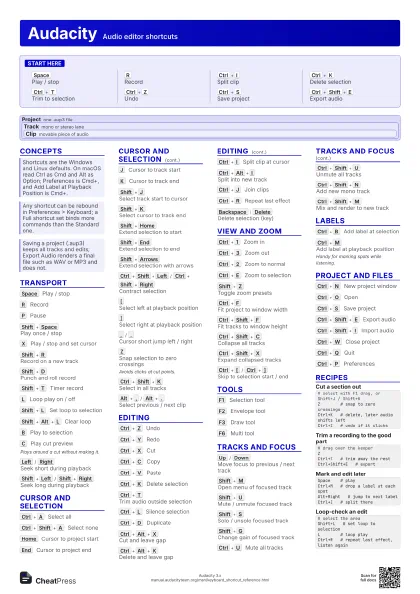
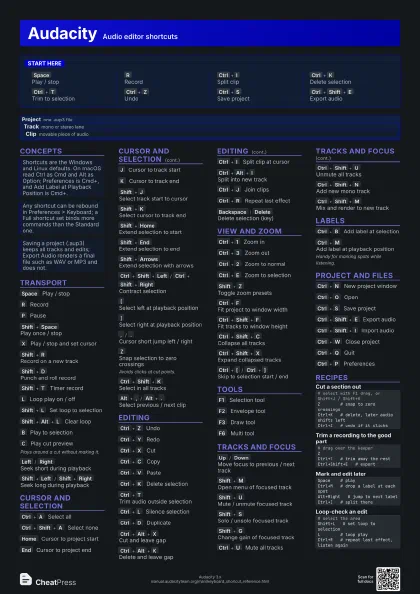
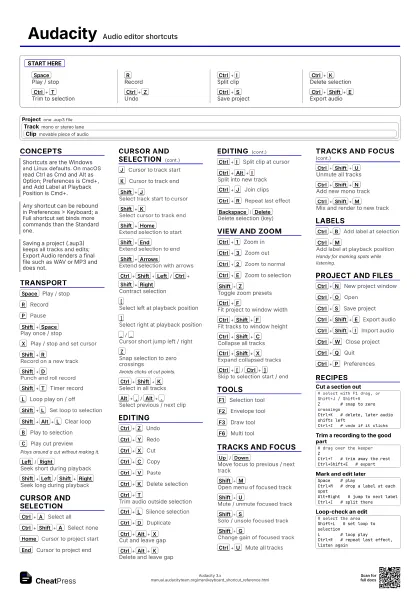
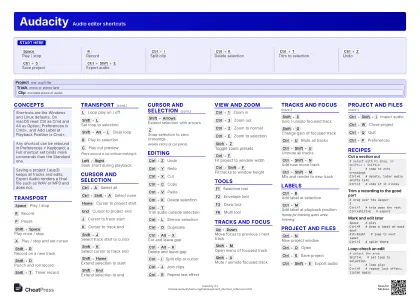
Start here
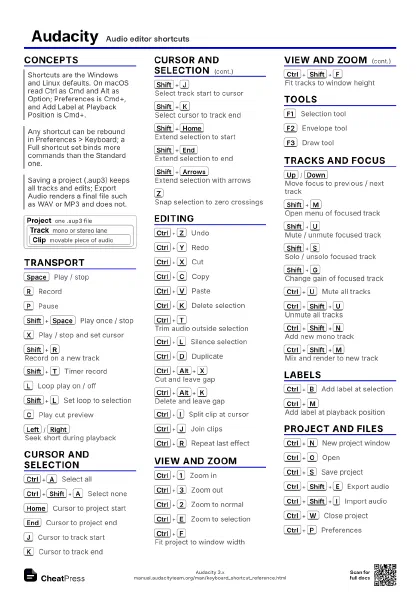
Space
Play / stop
R
Record
Ctrl+I
Split clip
Ctrl+K
Delete selection
Ctrl+T
Trim to selection
Ctrl+Z
Undo
Ctrl+S
Save project
Ctrl+Shift+E
Export audio
Concepts
Project one .aup3 file
Track mono or stereo lane
Clip
movable piece of audio
Transport
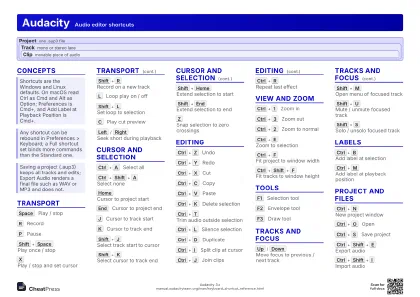
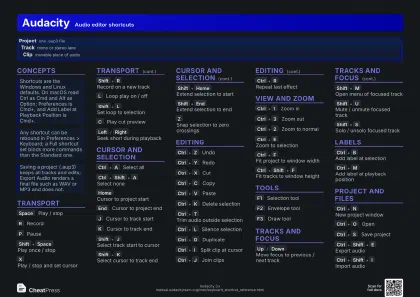
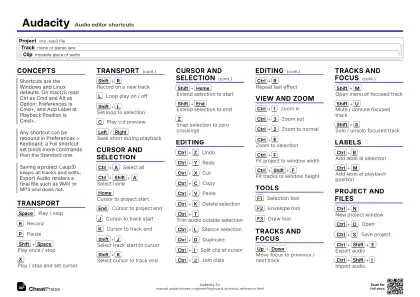
Space
Play / stop
R
Record
P
Pause
Shift+Space
Play once / stop
X
Play / stop and set cursor
Shift+R
Record on a new track
Shift+D
Punch and roll record
Shift+T
Timer record
L
Loop play on / off
Shift+L
Set loop to selection
Shift+Alt+L
Clear loop
B
Play to selection
C
Play cut preview
Plays around a cut without making it.
Left
/
Right
Seek short during playback
Shift+Left
/
Shift+Right
Seek long during playback
Cursor and Selection
Ctrl+A
Select all
Ctrl+Shift+A
Select none
Home
Cursor to project start
End
Cursor to project end
J
Cursor to track start
K
Cursor to track end
Shift+J
Select track start to cursor
Shift+K
Select cursor to track end
Shift+Home
Extend selection to start
Shift+End
Extend selection to end
Shift+Arrows
Extend selection with arrows
Ctrl+Shift+Left
/
Ctrl+Shift+Right
Contract selection
[
Select left at playback position
]
Select right at playback position
,
/
.
Cursor short jump left / right
Z
Snap selection to zero crossings
Avoids clicks at cut points.
Ctrl+Shift+K
Select in all tracks
Alt+,
/
Alt+.
Select previous / next clip
Editing
Ctrl+Z
Undo
Ctrl+Y
Redo
Ctrl+X
Cut
Ctrl+C
Copy
Ctrl+V
Paste
Ctrl+K
Delete selection
Ctrl+T
Trim audio outside selection
Ctrl+L
Silence selection
Ctrl+D
Duplicate
Ctrl+Alt+X
Cut and leave gap
Ctrl+Alt+K
Delete and leave gap
Ctrl+I
Split clip at cursor
Ctrl+Alt+I
Split into new track
Ctrl+J
Join clips
Ctrl+R
Repeat last effect
Backspace
/
Delete
Delete selection (key)
View and Zoom
Ctrl+1
Zoom in
Ctrl+3
Zoom out
Ctrl+2
Zoom to normal
Ctrl+E
Zoom to selection
Shift+Z
Toggle zoom presets
Ctrl+F
Fit project to window width
Ctrl+Shift+F
Fit tracks to window height
Ctrl+Shift+C
Collapse all tracks
Ctrl+Shift+X
Expand collapsed tracks
Ctrl+[
/
Ctrl+]
Skip to selection start / end
F11
Full screen
Page
Up
/
Page
Down
Scroll horizontally
Tools
F1
Selection tool
F2
Envelope tool
F3
Draw tool
F4
Zoom tool
F6
Multi tool
Tracks and Focus
Up
/
Down
Move focus to previous / next track
Shift+Up
/
Shift+Down
Move focus and select track
Return
Toggle selection of focused track
Shift+M
Open menu of focused track
Shift+U
Mute / unmute focused track
Shift+S
Solo / unsolo focused track
Shift+G
Change gain of focused track
Shift+P
Change pan of focused track
Shift+C
Close focused track
Ctrl+U
Mute all tracks
Ctrl+Shift+U
Unmute all tracks
Ctrl+Shift+N
Add new mono track
Ctrl+Shift+M
Mix and render to new track
Labels
Ctrl+B
Add label at selection
Ctrl+M
Add label at playback position
Handy for marking spots while listening.
Alt+Left
/
Alt+Right
Move to previous / next label
Project and Files
Ctrl+N
New project window
Ctrl+O
Open
Ctrl+S
Save project
Ctrl+Shift+E
Export audio
Ctrl+Shift+I
Import audio
Ctrl+W
Close project
Ctrl+Q
Quit
Ctrl+P
Preferences
Recipes
# select with F1 drag, or Shift+J / Shift+KZ # snap to zero crossingsCtrl+K # delete, later audio shifts leftCtrl+Z # undo if it clicks# drag over the keeperZCtrl+T # trim away the restCtrl+Shift+E # exportSpace # playCtrl+M # drop a label at each spotAlt+Right # jump to next labelCtrl+I # split there# select the areaShift+L # set loop to selectionL # loop playCtrl+R # repeat last effect, listen again