Cheat
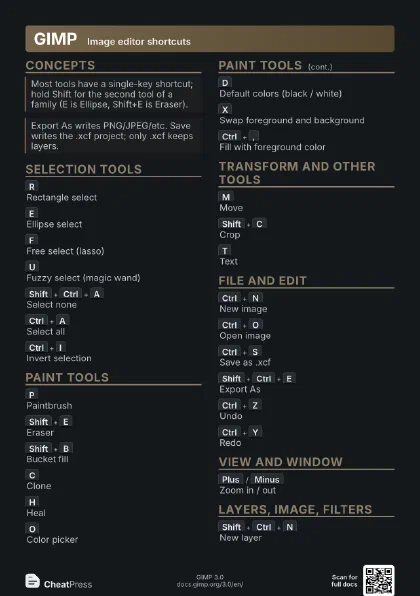
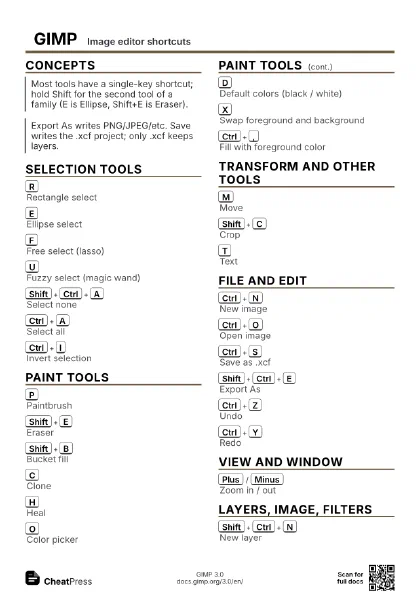
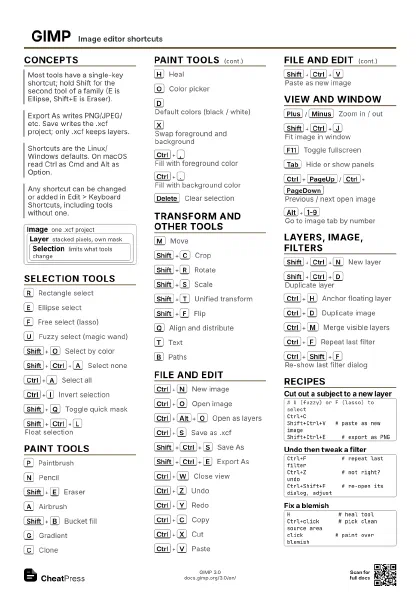
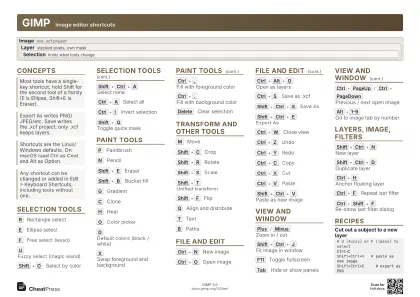
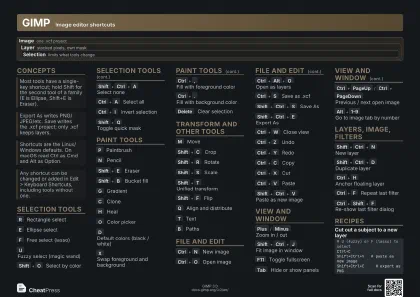
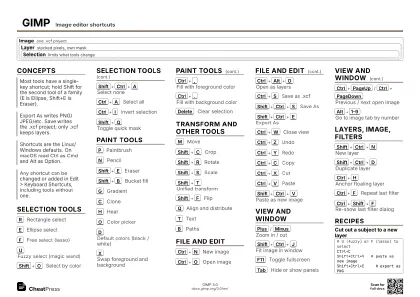
GIMP Image editor shortcuts
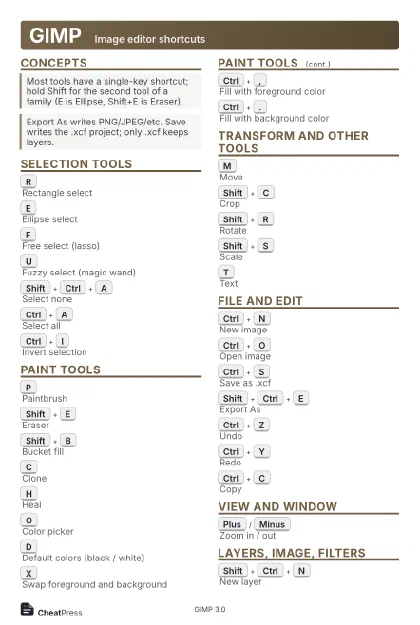 Light · Postcard
102 × 152 mm · PDF
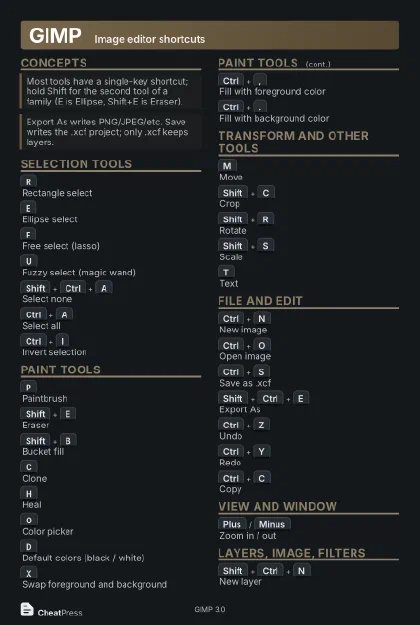 Dark · Postcard
102 × 152 mm · PDF
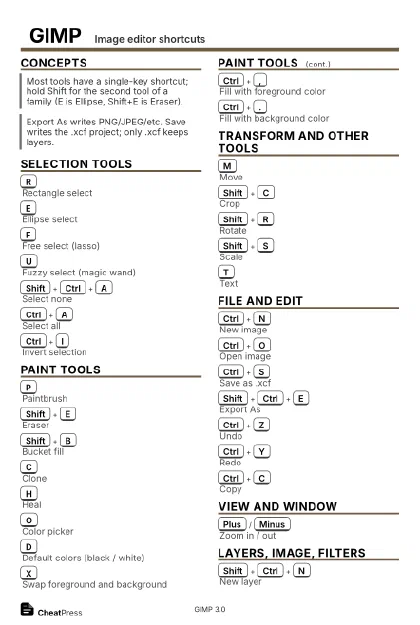 Ink saver · Postcard
102 × 152 mm · PDF
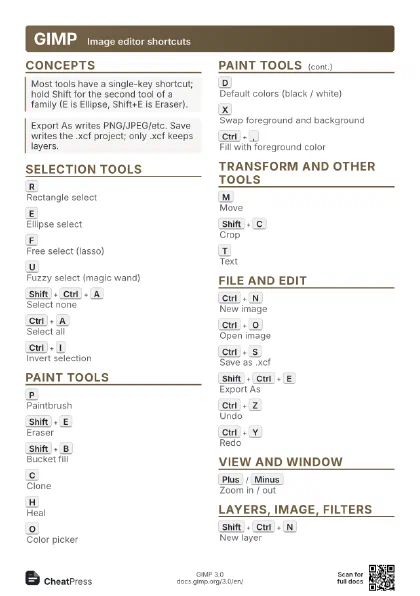
 Light · A4 landscape
297 × 210 mm · PDF
 Dark · A4 landscape
297 × 210 mm · PDF
 Ink saver · A4 landscape
297 × 210 mm · PDF
 Light · A3 landscape
420 × 297 mm · PDF
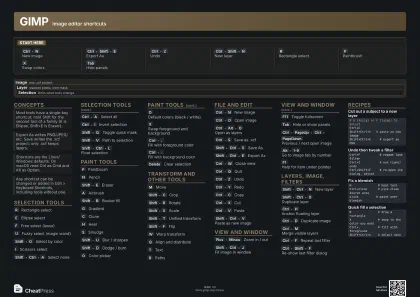 Dark · A3 landscape
420 × 297 mm · PDF
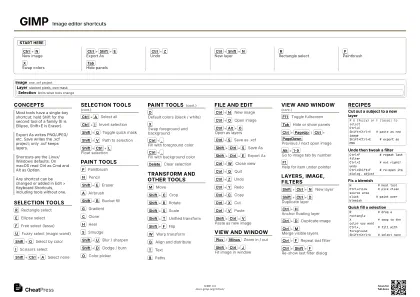 Ink saver · A3 landscape
420 × 297 mm · PDF
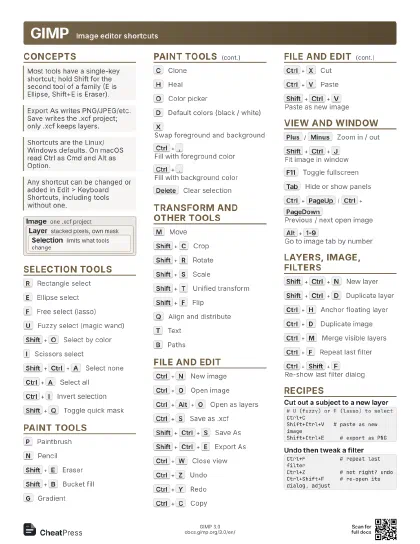
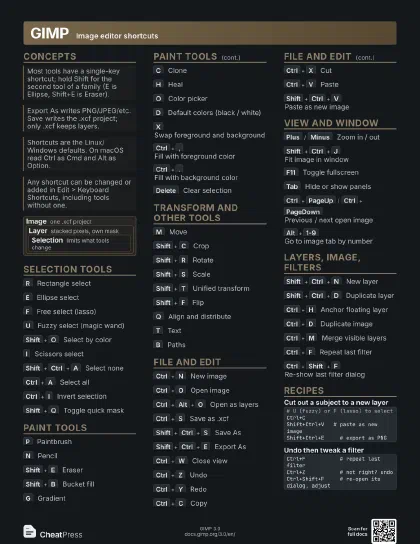
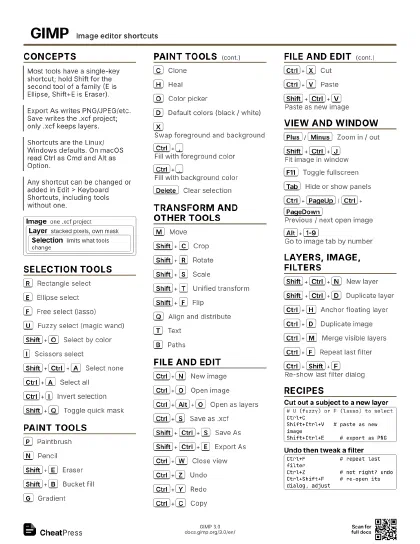
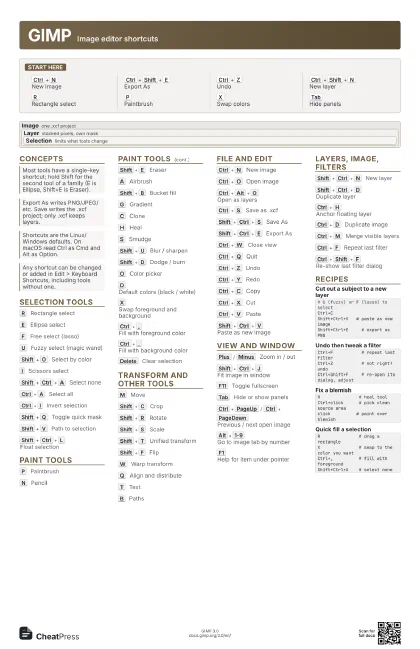
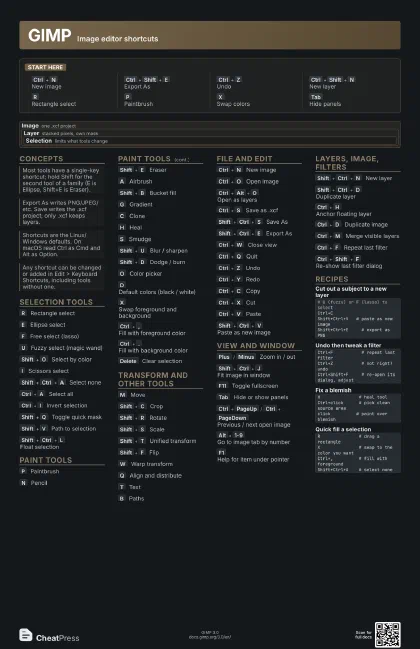
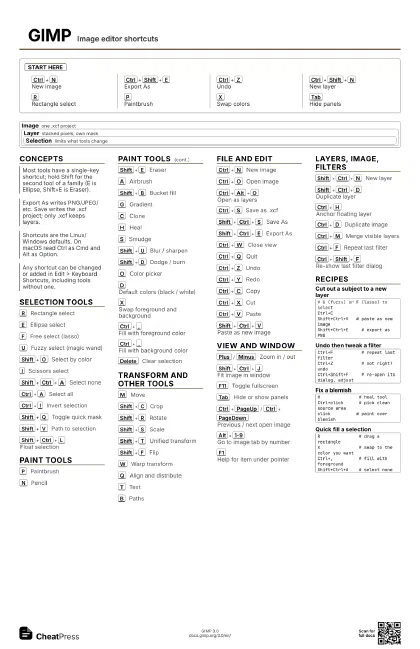
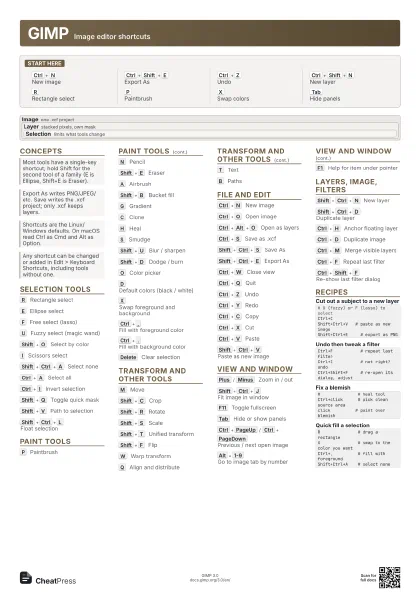
Start here
Ctrl+N
New image
Ctrl+Shift+E
Export As
Ctrl+Z
Undo
Ctrl+Shift+N
New layer
R
Rectangle select
P
Paintbrush
X
Swap colors
Tab
Hide panels
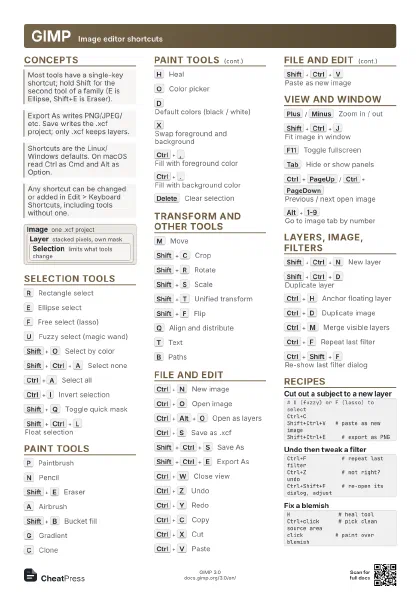
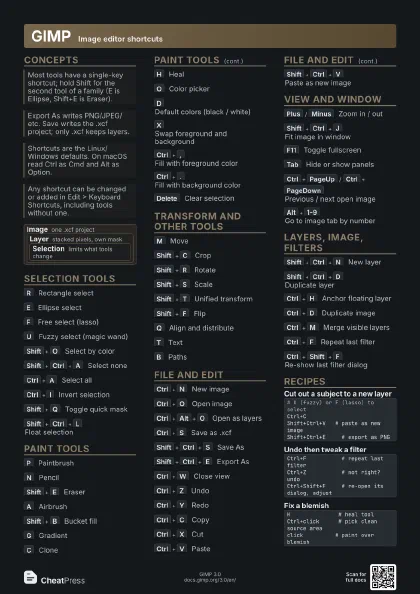
Concepts
Image one .xcf project
Layer
stacked pixels, own mask
Selection
limits what tools change
Selection tools
R
Rectangle select
E
Ellipse select
F
Free select (lasso)
U
Fuzzy select (magic wand)
Shift+O
Select by color
I
Scissors select
Shift+Ctrl+A
Select none
Ctrl+A
Select all
Ctrl+I
Invert selection
Shift+Q
Toggle quick mask
Shift+V
Path to selection
Shift+Ctrl+L
Float selection
Paint tools
P
Paintbrush
N
Pencil
Shift+E
Eraser
A
Airbrush
Shift+B
Bucket fill
G
Gradient
C
Clone
H
Heal
S
Smudge
Shift+U
Blur / sharpen
Shift+D
Dodge / burn
O
Color picker
D
Default colors (black / white)
X
Swap foreground and background
Ctrl+,
Fill with foreground color
Ctrl+.
Fill with background color
Delete
Clear selection
Transform and other tools
M
Move
Shift+C
Crop
Shift+R
Rotate
Shift+S
Scale
Shift+T
Unified transform
Shift+F
Flip
W
Warp transform
Q
Align and distribute
T
Text
B
Paths
File and edit
Ctrl+N
New image
Ctrl+O
Open image
Ctrl+Alt+O
Open as layers
Ctrl+S
Save as .xcf
Shift+Ctrl+S
Save As
Shift+Ctrl+E
Export As
Ctrl+W
Close view
Ctrl+Q
Quit
Ctrl+Z
Undo
Ctrl+Y
Redo
Ctrl+C
Copy
Ctrl+X
Cut
Ctrl+V
Paste
Shift+Ctrl+V
Paste as new image
View and window
Plus
/
Minus
Zoom in / out
Shift+Ctrl+J
Fit image in window
F11
Toggle fullscreen
Tab
Hide or show panels
Ctrl+PageUp
/
Ctrl+PageDown
Previous / next open image
Alt+1-9
Go to image tab by number
F1
Help for item under pointer
Layers, image, filters
Shift+Ctrl+N
New layer
Shift+Ctrl+D
Duplicate layer
Ctrl+H
Anchor floating layer
Ctrl+D
Duplicate image
Ctrl+M
Merge visible layers
Ctrl+F
Repeat last filter
Ctrl+Shift+F
Re-show last filter dialog
Recipes
# U (fuzzy) or F (lasso) to selectCtrl+CShift+Ctrl+V # paste as new imageShift+Ctrl+E # export as PNGCtrl+F # repeat last filterCtrl+Z # not right? undoCtrl+Shift+F # re-open its dialog, adjustH # heal toolCtrl+click # pick clean source areaclick # paint over blemishR # drag a rectangleX # swap to the color you wantCtrl+, # fill with foregroundShift+Ctrl+A # select none