Cheat
jc CLI output to JSON
 Light · Postcard
102 × 152 mm · PDF
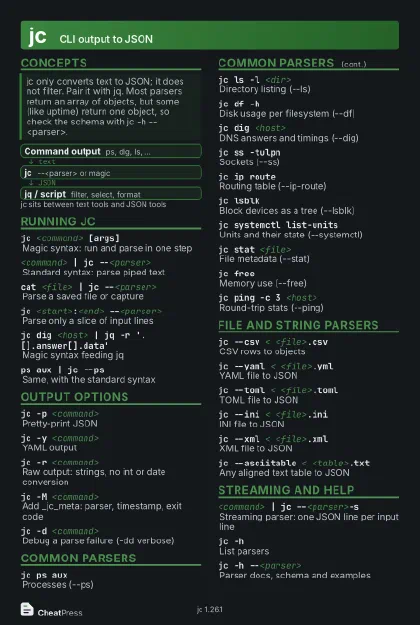 Dark · Postcard
102 × 152 mm · PDF
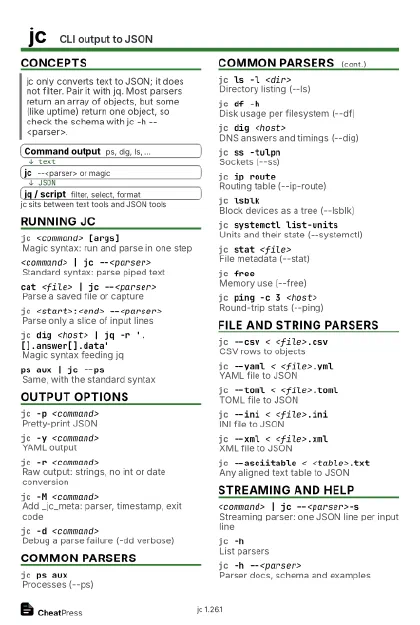 Ink saver · Postcard
102 × 152 mm · PDF
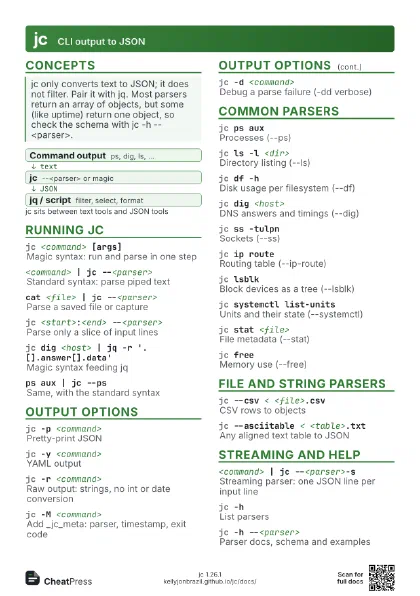
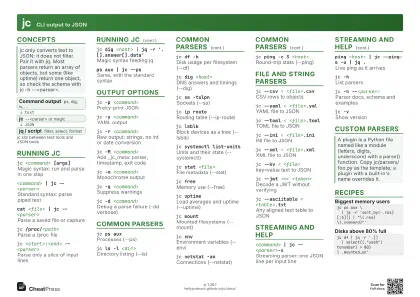 Light · A4 landscape
297 × 210 mm · PDF
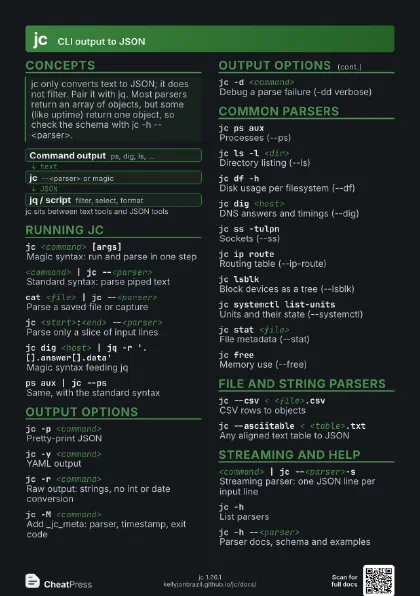
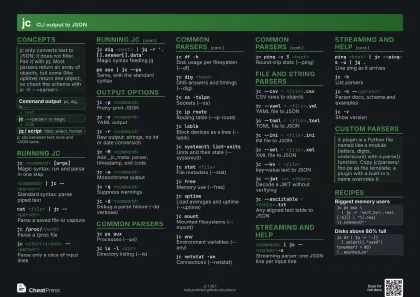 Dark · A4 landscape
297 × 210 mm · PDF
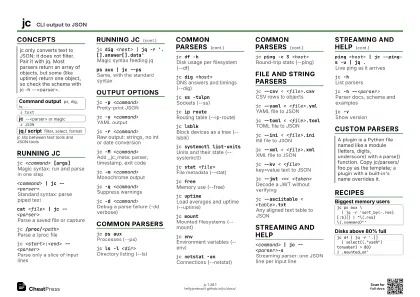 Ink saver · A4 landscape
297 × 210 mm · PDF
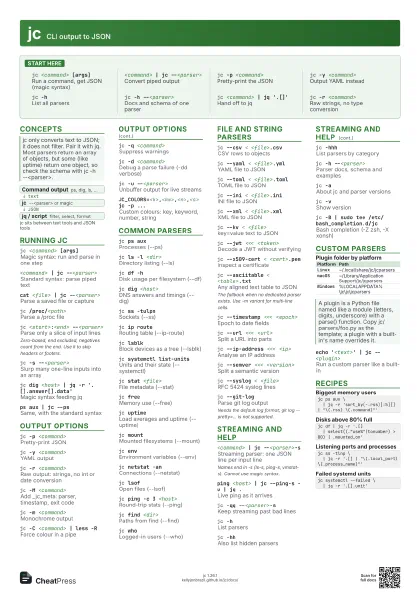
 Light · A3 landscape
420 × 297 mm · PDF
 Dark · A3 landscape
420 × 297 mm · PDF
 Ink saver · A3 landscape
420 × 297 mm · PDF
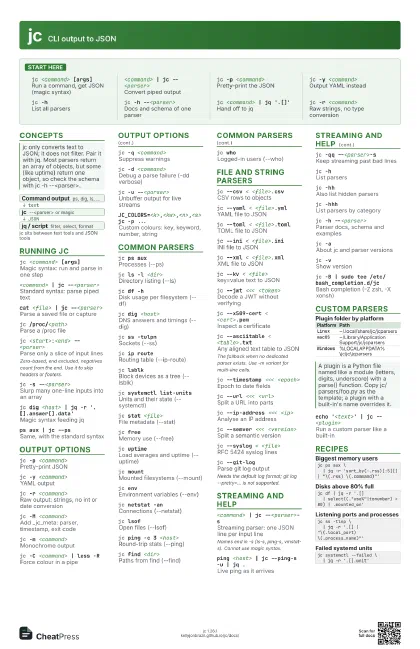
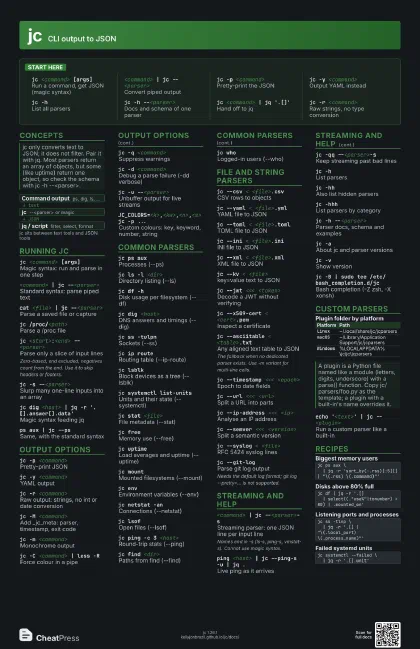
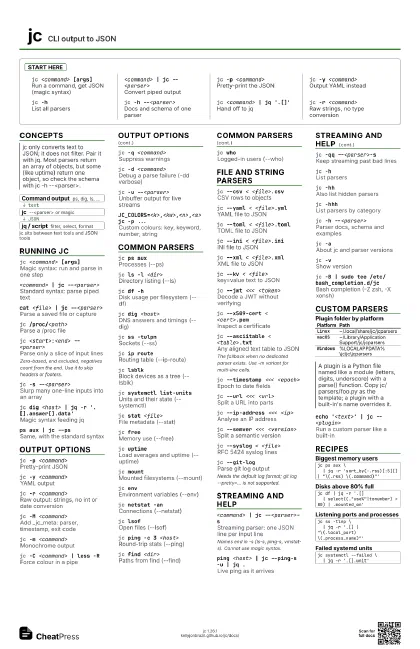
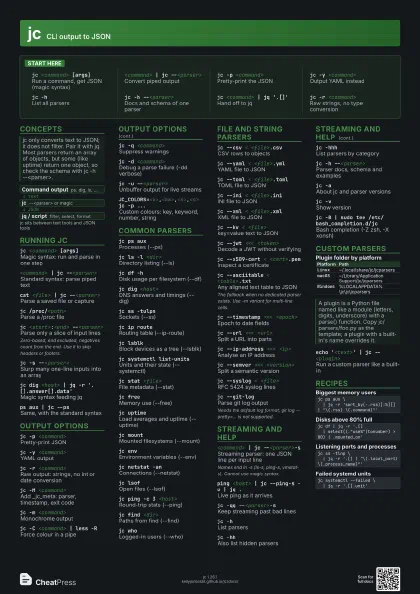
Start here
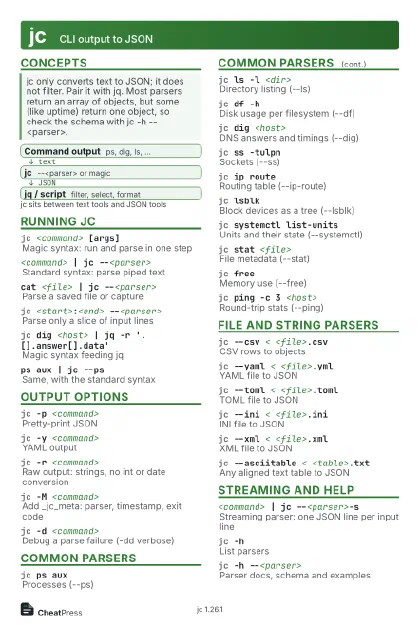
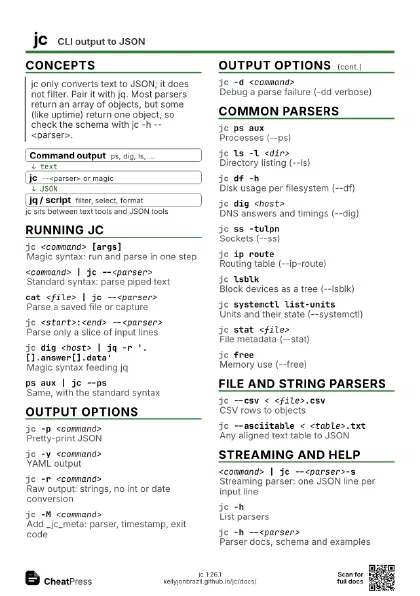
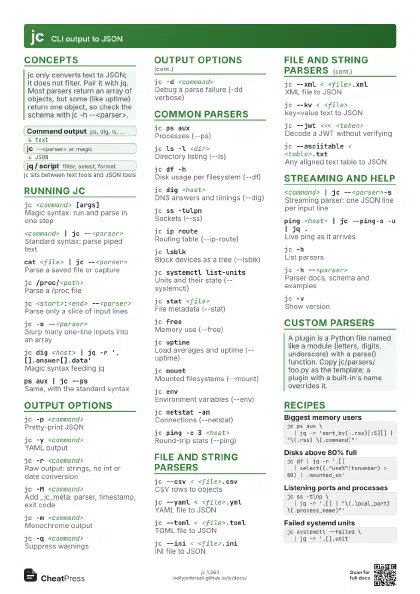
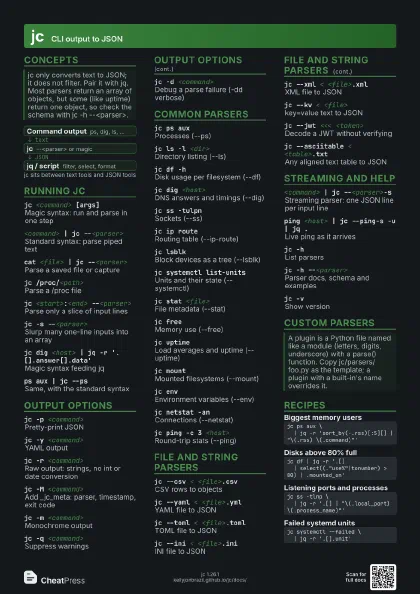
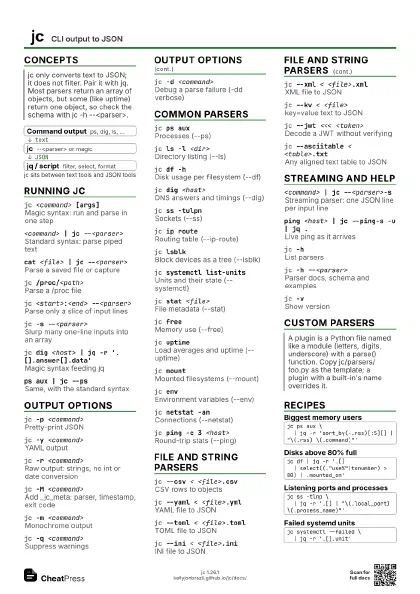
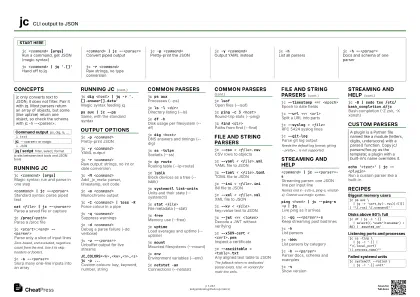
jc <command> [args]
Run a command, get JSON (magic syntax)
<command> | jc --<parser>
Convert piped output
jc -p <command>
Pretty-print the JSON
jc -y <command>
Output YAML instead
jc -hList all parsers
jc -h --<parser>
Docs and schema of one parser
jc <command> | jq '.[]'
Hand off to jq
jc -r <command>
Raw strings, no type conversion
Concepts
- Command output ps, dig, ls, ...
- jc --<parser> or magic
- jq / script filter, select, format
Running jc
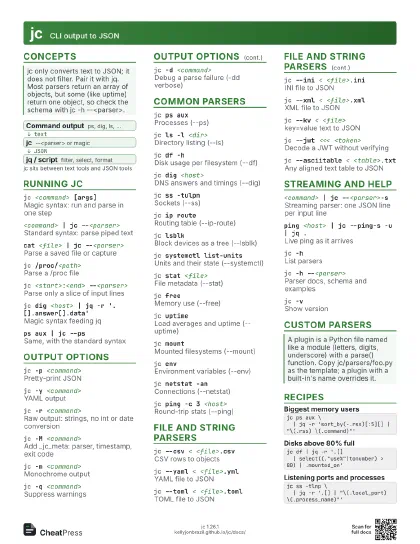
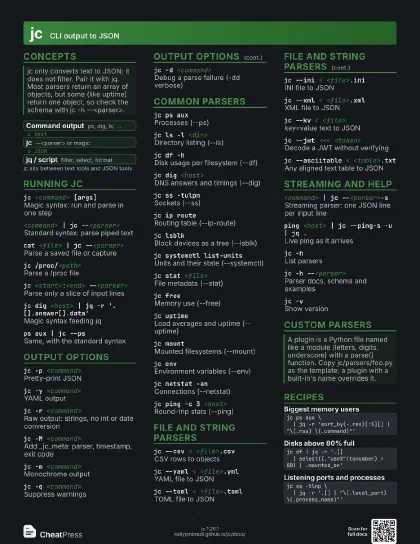
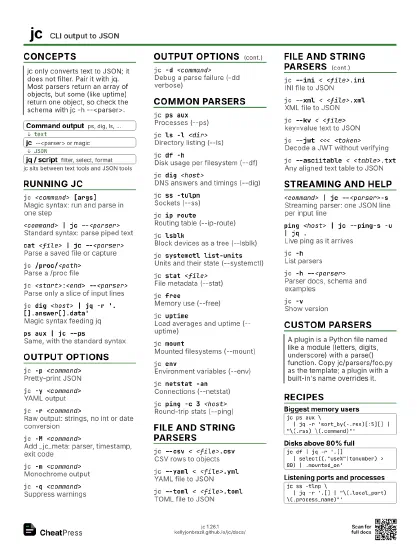
jc <command> [args]
Magic syntax: run and parse in one step
<command> | jc --<parser>
Standard syntax: parse piped text
cat <file> | jc --<parser>
Parse a saved file or capture
jc /proc/<path>
Parse a /proc file
jc <start>:<end> --<parser>
Parse only a slice of input lines
Zero-based, end excluded, negatives count from the end. Use it
to skip headers or footers.
jc -s --<parser>
Slurp many one-line inputs into an array
jc dig <host> | jq -r
                    '.[].answer[].data'
Magic syntax feeding jq
ps aux | jc --ps
Same, with the standard syntax
Output options
jc -p <command>
Pretty-print JSON
jc -y <command>
YAML output
jc -r <command>
Raw output: strings, no int or date conversion
jc -M <command>
Add _jc_meta: parser, timestamp, exit code
jc -m <command>
Monochrome output
jc -C <command> | less -R
Force colour in a pipe
jc -q <command>
Suppress warnings
jc -d <command>
Debug a parse failure (-dd verbose)
jc -u --<parser>
Unbuffer output for live streams
JC_COLORS=<k>,<kw>,<n>,<s> jc -p
                    ...
Custom colours: key, keyword, number, string
Common parsers
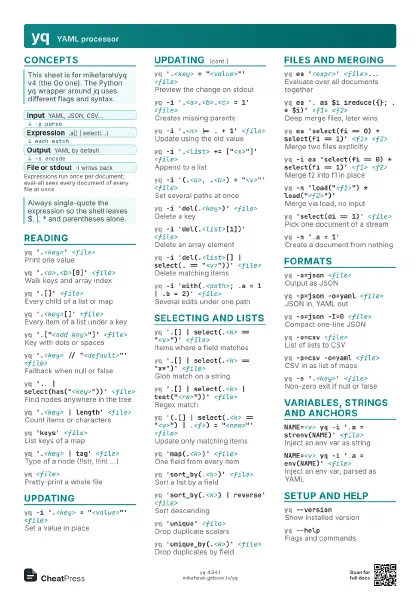
jc ps auxProcesses (--ps)
jc ls -l <dir>
Directory listing (--ls)
jc df -hDisk usage per filesystem (--df)
jc dig <host>
DNS answers and timings (--dig)
jc ss -tulpnSockets (--ss)
jc ip routeRouting table (--ip-route)
jc lsblkBlock devices as a tree (--lsblk)
jc systemctl list-units
Units and their state (--systemctl)
jc stat <file>
File metadata (--stat)
jc freeMemory use (--free)
jc uptimeLoad averages and uptime (--uptime)
jc mountMounted filesystems (--mount)
jc envEnvironment variables (--env)
jc netstat -anConnections (--netstat)
jc lsofOpen files (--lsof)
jc ping -c 3 <host>
Round-trip stats (--ping)
jc find <dir>
Paths from find (--find)
jc whoLogged-in users (--who)
File and string parsers
jc --csv < <file>.csv
CSV rows to objects
jc --yaml < <file>.yml
YAML file to JSON
jc --toml < <file>.toml
TOML file to JSON
jc --ini < <file>.ini
INI file to JSON
jc --xml < <file>.xml
XML file to JSON
jc --kv < <file>
key=value text to JSON
jc --jwt <<< <token>
Decode a JWT without verifying
jc --x509-cert < <cert>.pem
Inspect a certificate
jc --asciitable < <table>.txt
Any aligned text table to JSON
The fallback when no dedicated parser exists. Use -m variant
for multi-line cells.
jc --timestamp <<< <epoch>
Epoch to date fields
jc --url <<< <url>
Split a URL into parts
jc --ip-address <<< <ip>
Analyse an IP address
jc --semver <<< <version>
Split a semantic version
jc --syslog < <file>
RFC 5424 syslog lines
jc --git-logParse git log output
Needs the default log format; git log --pretty=... is not
supported.
Streaming and help
<command> | jc --<parser>-s
Streaming parser: one JSON line per input line
Names end in -s (ls-s, ping-s, vmstat-s). Cannot use magic
syntax.
ping <host> | jc --ping-s -u | jq .
Live ping as it arrives
jc -qq --<parser>-s
Keep streaming past bad lines
jc -hList parsers
jc -hhAlso list hidden parsers
jc -hhhList parsers by category
jc -h --<parser>
Parser docs, schema and examples
jc -aAbout jc and parser versions
jc -vShow version
jc -B | sudo tee /etc/bash_completion.d/jc
Bash completion (-Z zsh, -X xonsh)
Custom parsers
| Platform | Path |
|---|---|
Linux |
~/.local/share/jc/jcparsers |
macOS |
~/Library/Application Support/jc/jcparsers |
Windows |
%LOCALAPPDATA%\jc\jc\jcparsers |
echo '<text>' | jc --<plugin>
Run a custom parser like a built-in
Recipes
jc ps aux \ | jq -r 'sort_by(-.rss)[:5][] | "\(.rss) \(.command)"'jc df | jq -r '.[] | select((."use%"|tonumber) > 80) | .mounted_on'jc ss -tlnp \ | jq -r '.[] | "\(.local_port) \(.process_name)"'jc systemctl --failed \ | jq -r '.[].unit'