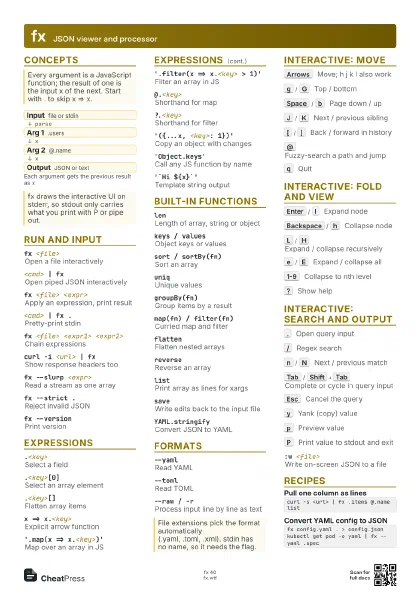
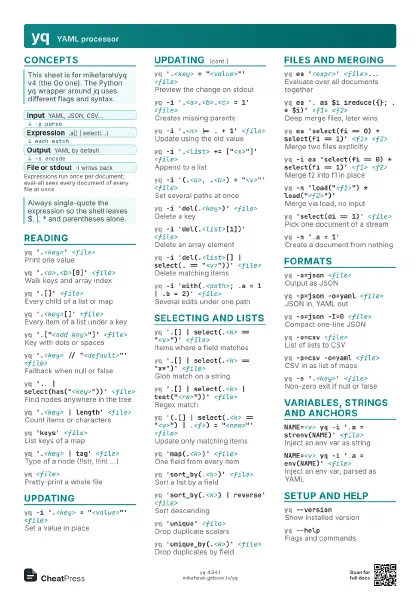
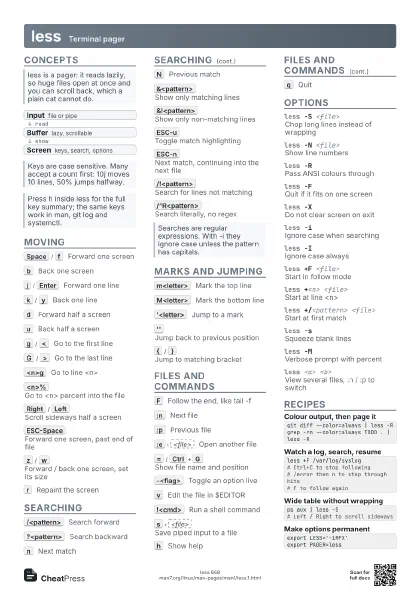
Cheat
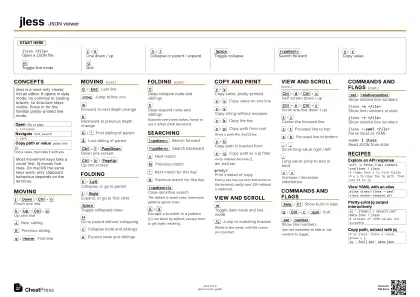
jless JSON viewer
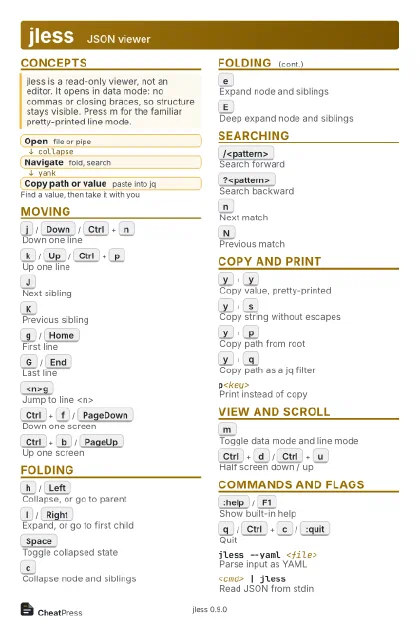 Light · Postcard
102 × 152 mm · PDF
 Dark · Postcard
102 × 152 mm · PDF
 Ink saver · Postcard
102 × 152 mm · PDF
 Light · A4 landscape
297 × 210 mm · PDF
 Dark · A4 landscape
297 × 210 mm · PDF
 Ink saver · A4 landscape
297 × 210 mm · PDF
 Light · A3 landscape
420 × 297 mm · PDF
 Dark · A3 landscape
420 × 297 mm · PDF
 Ink saver · A3 landscape
420 × 297 mm · PDF
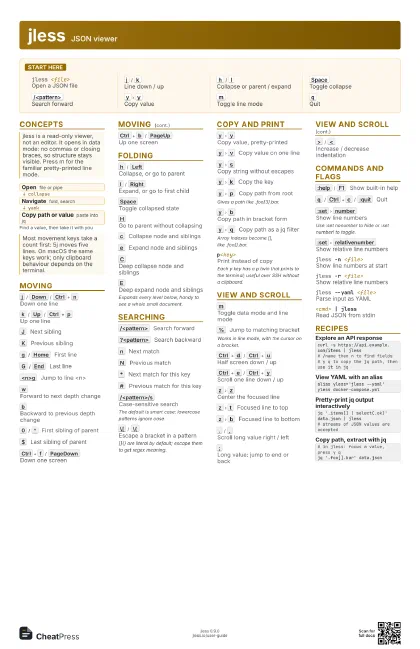
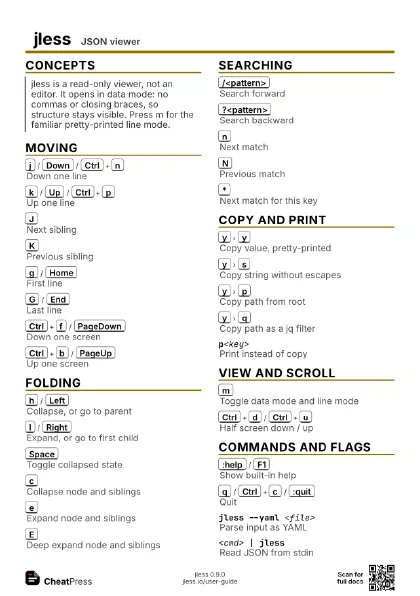
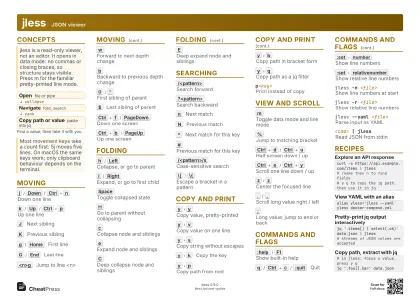
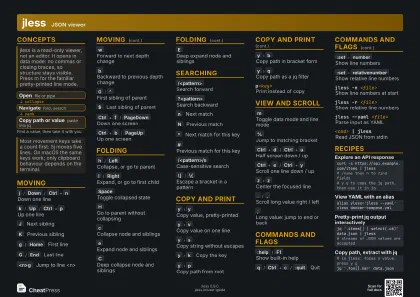
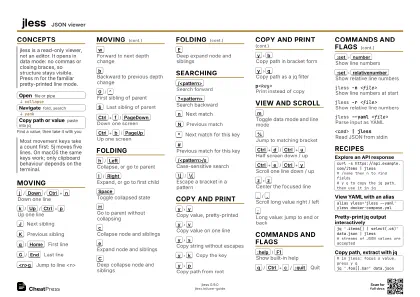
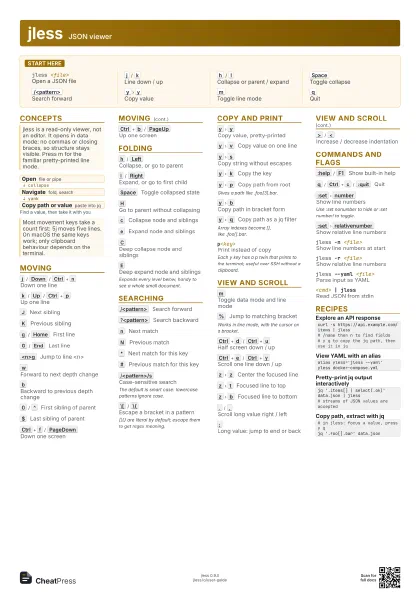
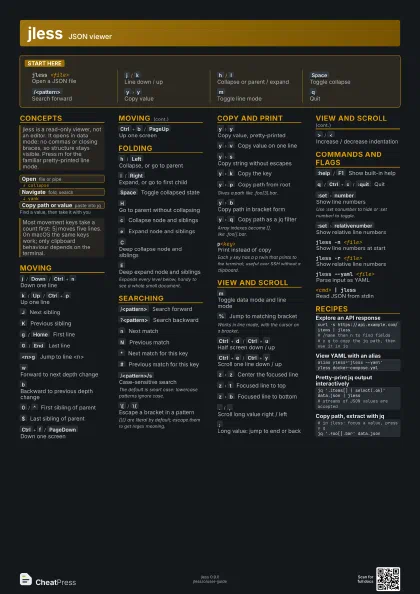
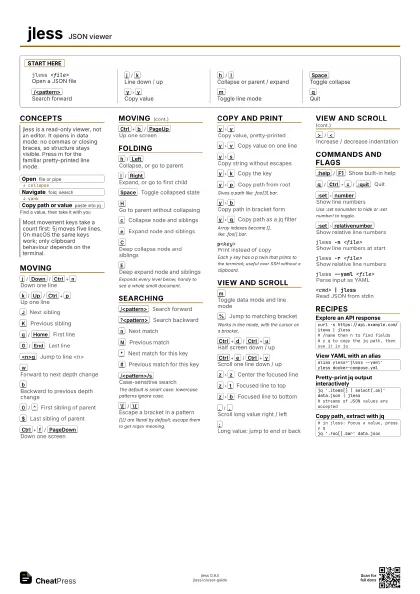
Start here
jless <file>
Open a JSON file
j
/
k
Line down / up
h
/
l
Collapse or parent / expand
Space
Toggle collapse
/<pattern>
Search forward
y
y
Copy value
m
Toggle line mode
q
Quit
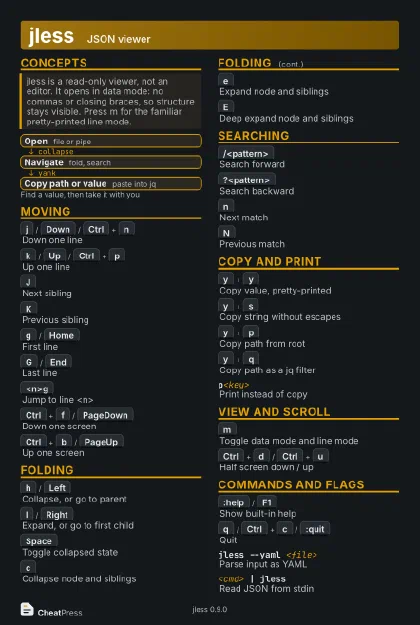
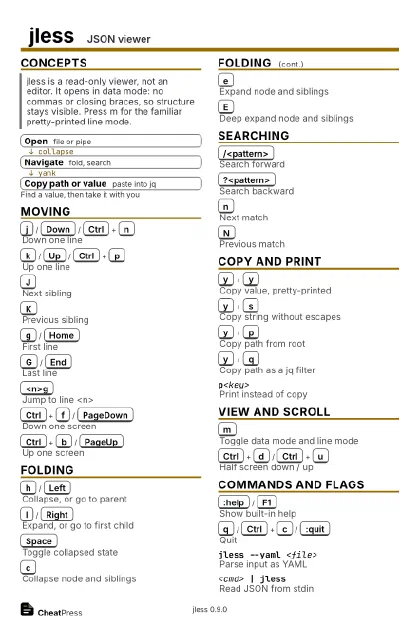
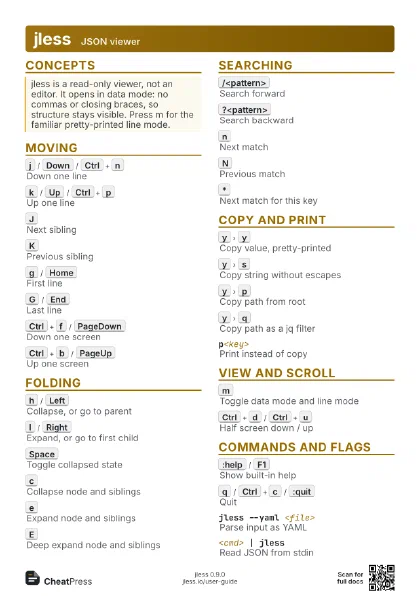
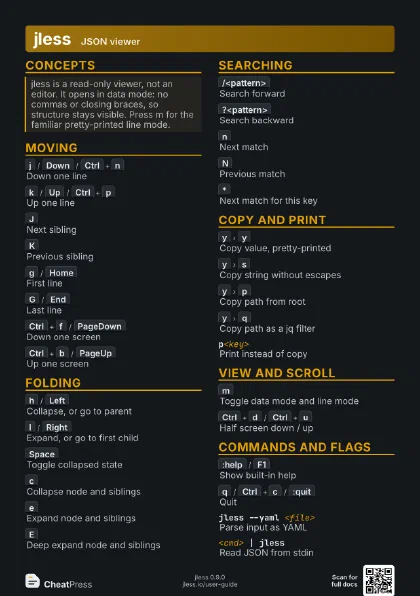
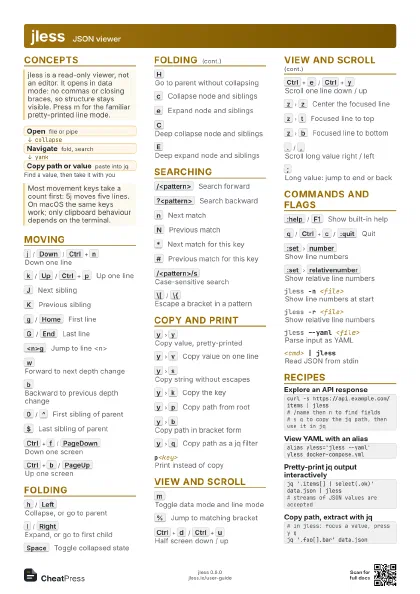
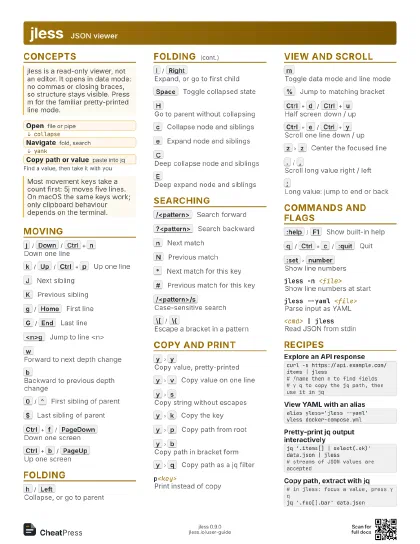
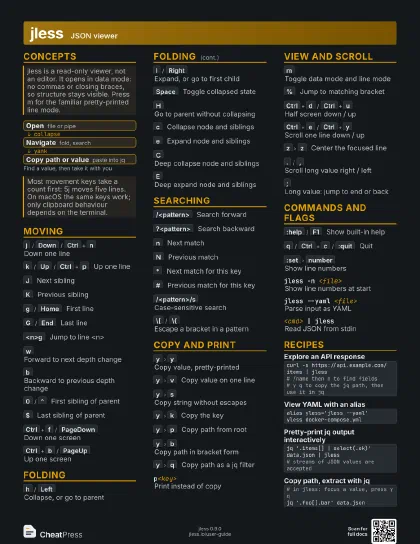
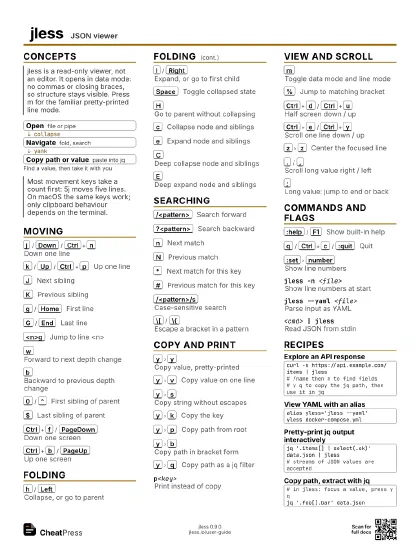
Concepts
- Open file or pipe
- Navigate fold, search
- Copy path or value paste into jq
Moving
j
/
Down
/
Ctrl+n
Down one line
k
/
Up
/
Ctrl+p
Up one line
J
Next sibling
K
Previous sibling
g
/
Home
First line
G
/
End
Last line
<n>g
Jump to line <n>
w
Forward to next depth change
b
Backward to previous depth change
0
/
^
First sibling of parent
$
Last sibling of parent
Ctrl+f
/
PageDown
Down one screen
Ctrl+b
/
PageUp
Up one screen
Folding
h
/
Left
Collapse, or go to parent
l
/
Right
Expand, or go to first child
Space
Toggle collapsed state
H
Go to parent without collapsing
c
Collapse node and siblings
e
Expand node and siblings
C
Deep collapse node and siblings
E
Deep expand node and siblings
Expands every level below, handy to see a whole small
document.
Searching
/<pattern>
Search forward
?<pattern>
Search backward
n
Next match
N
Previous match
*
Next match for this key
#
Previous match for this key
/<pattern>/s
Case-sensitive search
The default is smart case: lowercase patterns ignore case.
\[
/
\{
Escape a bracket in a pattern
[]{} are literal by default; escape them to get regex meaning.
Copy and Print
y
y
Copy value, pretty-printed
y
v
Copy value on one line
y
s
Copy string without escapes
y
k
Copy the key
y
p
Copy path from root
Gives a path like .foo[3].bar.
y
b
Copy path in bracket form
y
q
Copy path as a jq filter
Array indexes become [], like .foo[].bar.
p<key>Print instead of copy
Each y key has a p twin that prints to the terminal; useful
over SSH without a clipboard.
View and Scroll
m
Toggle data mode and line mode
%
Jump to matching bracket
Works in line mode, with the cursor on a bracket.
Ctrl+d
/
Ctrl+u
Half screen down / up
Ctrl+e
/
Ctrl+y
Scroll one line down / up
z
z
Center the focused line
z
t
Focused line to top
z
b
Focused line to bottom
.
/
,
Scroll long value right / left
;
Long value: jump to end or back
>
/
<
Increase / decrease indentation
Commands and Flags
:help
/
F1
Show built-in help
q
/
Ctrl+c
/
:quit
Quit
:set
number
Show line numbers
Use :set nonumber to hide or :set number! to toggle.
:set
relativenumber
Show relative line numbers
jless -n <file>
Show line numbers at start
jless -r <file>
Show relative line numbers
jless --yaml <file>
Parse input as YAML
<cmd> | jless
Read JSON from stdin
Recipes
curl -s https://api.example.com/items | jless# /name then n to find fields# y q to copy the jq path, then use it in jqalias yless='jless --yaml'yless docker-compose.ymljq '.items[] | select(.ok)' data.json | jless# streams of JSON values are accepted# in jless: focus a value, press y qjq '.foo[].bar' data.json