Cheat
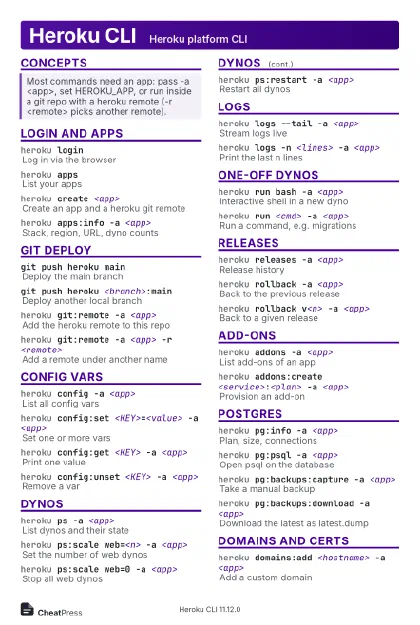
Heroku CLI Heroku platform CLI
 Light · Postcard
102 × 152 mm · PDF
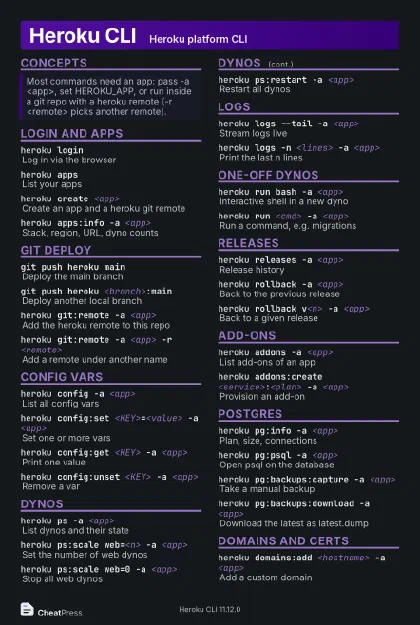 Dark · Postcard
102 × 152 mm · PDF
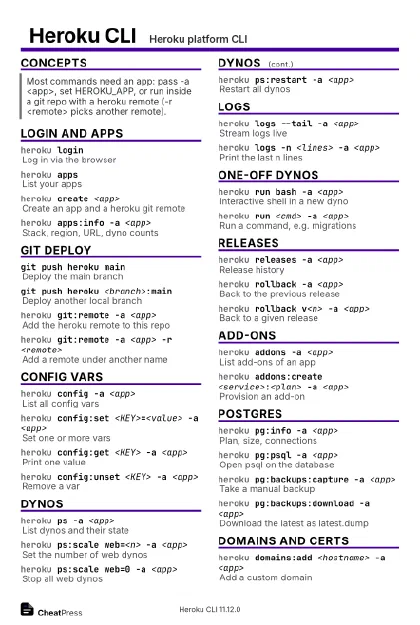 Ink saver · Postcard
102 × 152 mm · PDF
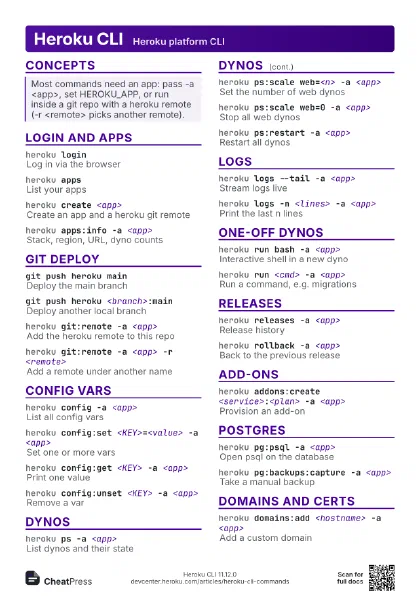
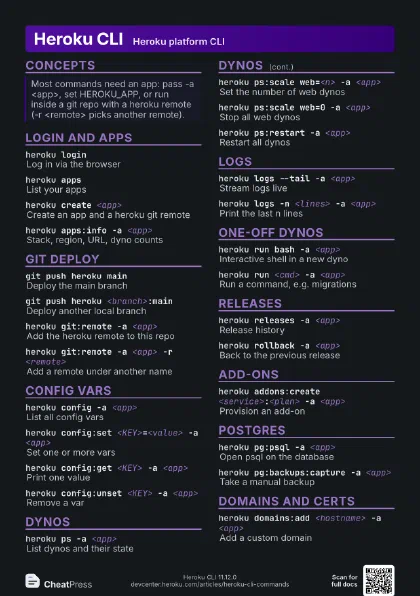
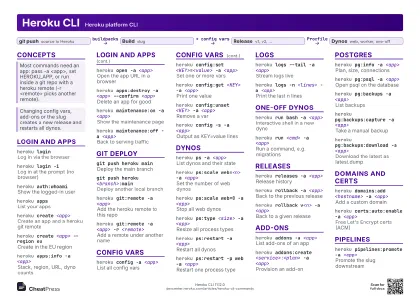 Light · A4 landscape
297 × 210 mm · PDF
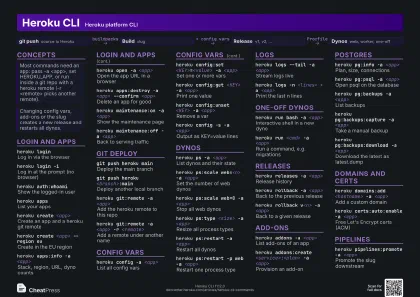 Dark · A4 landscape
297 × 210 mm · PDF
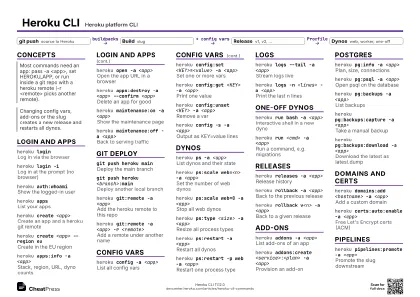 Ink saver · A4 landscape
297 × 210 mm · PDF
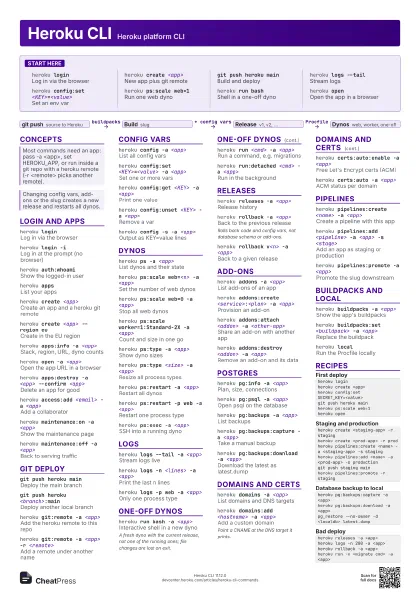
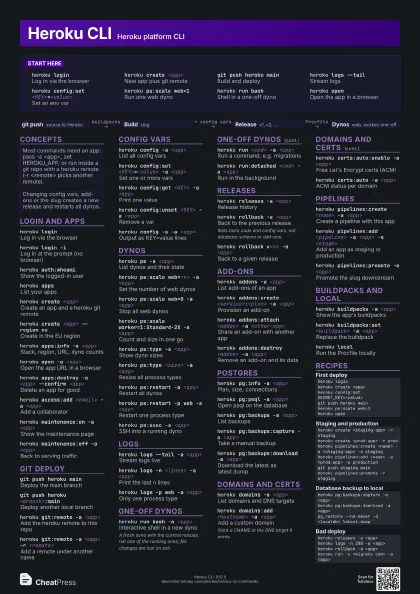
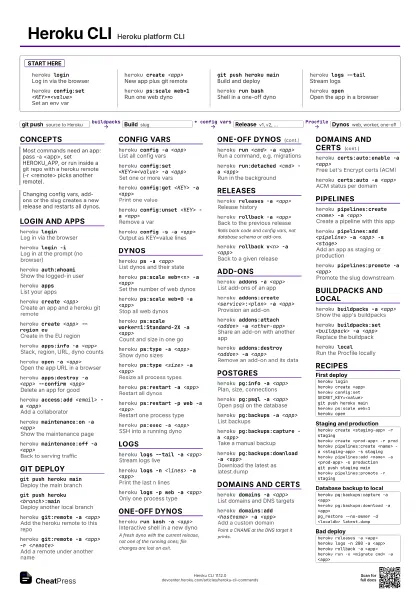
 Light · A3 landscape
420 × 297 mm · PDF
 Dark · A3 landscape
420 × 297 mm · PDF
 Ink saver · A3 landscape
420 × 297 mm · PDF
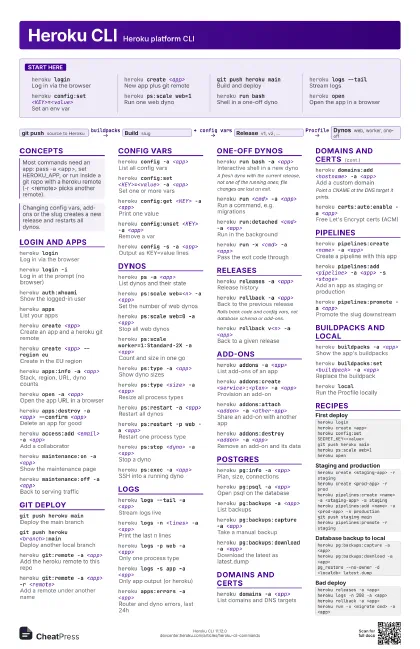
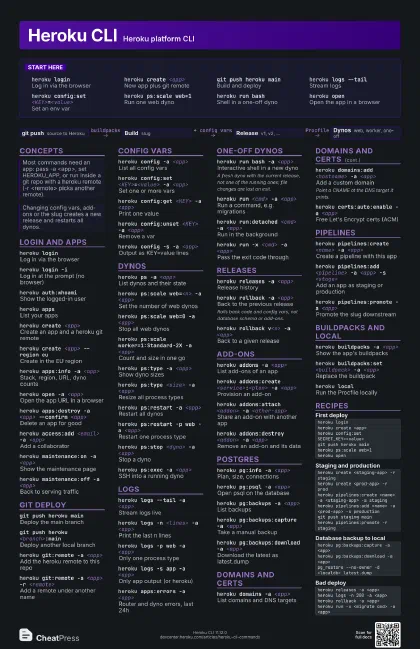
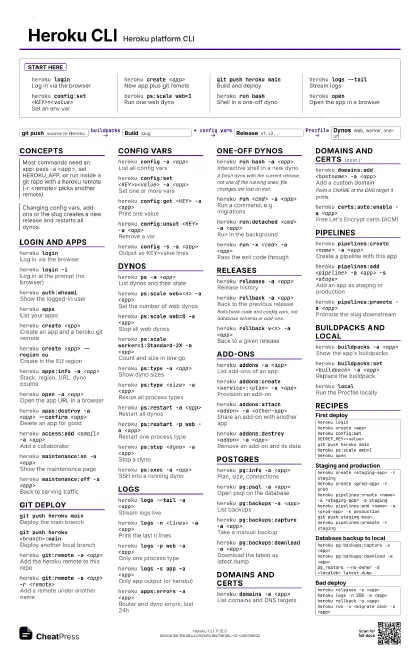
Start here
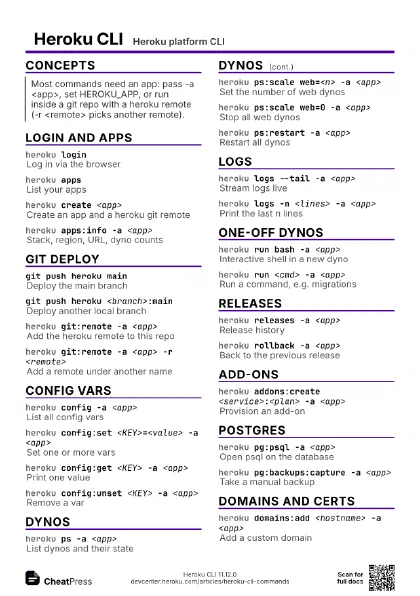
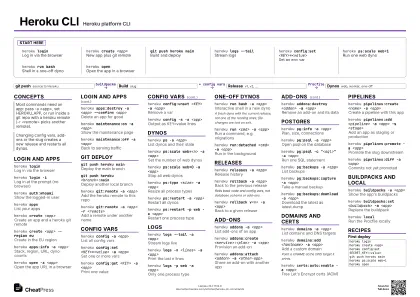
heroku loginLog in via the browser
heroku create <app>
New app plus git remote
git push heroku main
Build and deploy
heroku logs --tail
Stream logs
heroku config:set <KEY>=<value>
Set an env var
heroku ps:scale web=1
Run one web dyno
heroku run bashShell in a one-off dyno
heroku openOpen the app in a browser
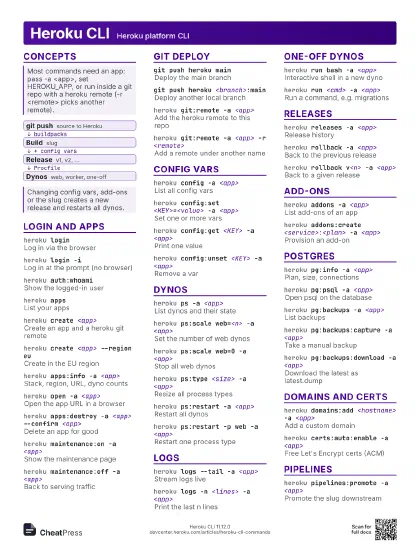
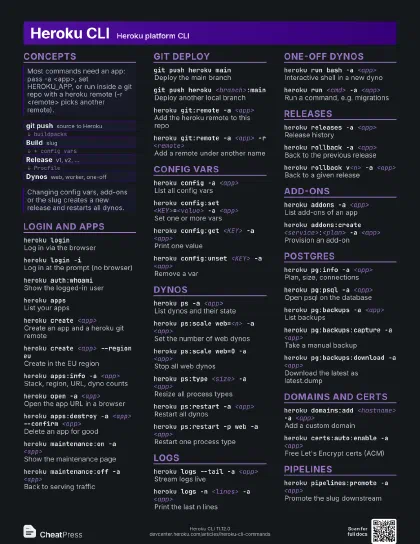
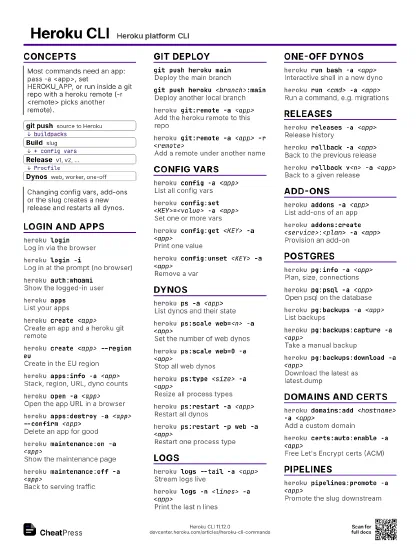
Concepts
- git push source to Heroku
- Build slug
- Release v1, v2, ...
- Dynos web, worker, one-off
Login and apps
heroku loginLog in via the browser
heroku login -iLog in at the prompt (no browser)
heroku auth:whoami
Show the logged-in user
heroku appsList your apps
heroku create <app>
Create an app and a heroku git remote
heroku create <app> --region eu
Create in the EU region
heroku apps:info -a <app>
Stack, region, URL, dyno counts
heroku open -a <app>
Open the app URL in a browser
heroku apps:rename <new> -a <app>
Rename an app
Update the git remote URL afterwards; the old herokuapp.com
host stops working.
heroku apps:destroy -a <app> --confirm
                    <app>
Delete an app for good
heroku access:add <email> -a <app>
Add a collaborator
heroku maintenance:on -a <app>
Show the maintenance page
heroku maintenance:off -a <app>
Back to serving traffic
Git deploy
git push heroku main
Deploy the main branch
git push heroku <branch>:main
Deploy another local branch
heroku git:remote -a <app>
Add the heroku remote to this repo
heroku git:remote -a <app> -r <remote>
Add a remote under another name
heroku stack:set <stack> -a <app>
Switch stack for the next build
Config vars
heroku config -a <app>
List all config vars
heroku config:set <KEY>=<value> -a
                    <app>
Set one or more vars
heroku config:get <KEY> -a <app>
Print one value
heroku config:unset <KEY> -a <app>
Remove a var
heroku config -s -a <app>
Output as KEY=value lines
Dynos
heroku ps -a <app>
List dynos and their state
heroku ps:scale web=<n> -a <app>
Set the number of web dynos
heroku ps:scale web=0 -a <app>
Stop all web dynos
heroku ps:scale worker=1:Standard-2X -a <app>
Count and size in one go
heroku ps:type -a <app>
Show dyno sizes
heroku ps:type <size> -a <app>
Resize all process types
heroku ps:restart -a <app>
Restart all dynos
heroku ps:restart -p web -a <app>
Restart one process type
heroku ps:stop <dyno> -a <app>
Stop a dyno
heroku ps:exec -a <app>
SSH into a running dyno
Logs
heroku logs --tail -a <app>
Stream logs live
heroku logs -n <lines> -a <app>
Print the last n lines
heroku logs -p web -a <app>
Only one process type
heroku logs -s app -a <app>
Only app output (or heroku)
heroku apps:errors -a <app>
Router and dyno errors, last 24h
One-off dynos
heroku run bash -a <app>
Interactive shell in a new dyno
A fresh dyno with the current release, not one of the running
ones; file changes are lost on exit.
heroku run <cmd> -a <app>
Run a command, e.g. migrations
heroku run:detached <cmd> -a <app>
Run in the background
heroku run -s <size> <cmd> -a <app>
Use a bigger dyno size
heroku run -e "<KEY>=<value>"
                    <cmd>
Extra env vars for this run
heroku run -x <cmd> -a <app>
Pass the exit code through
Releases
heroku releases -a <app>
Release history
heroku releases:info v<n> -a <app>
Details of one release
heroku releases:output v<n> -a <app>
Release phase output
heroku rollback -a <app>
Back to the previous release
Rolls back code and config vars, not database schema or
add-ons.
heroku rollback v<n> -a <app>
Back to a given release
Add-ons
heroku addons -a <app>
List add-ons of an app
heroku addons:create <service>:<plan> -a
                    <app>
Provision an add-on
heroku addons:attach <addon> -a
                    <other-app>
Share an add-on with another app
heroku addons:destroy <addon> -a <app>
Remove an add-on and its data
Postgres
heroku pg:info -a <app>
Plan, size, connections
heroku pg:psql -a <app>
Open psql on the database
heroku pg:psql -c "<sql>" -a
                    <app>
Run one SQL statement
heroku pg:backups -a <app>
List backups
heroku pg:backups:capture -a <app>
Take a manual backup
heroku pg:backups:download -a <app>
Download the latest as latest.dump
heroku pg:backups:restore <backup> DATABASE_URL -a
                    <app>
Restore into a database
Overwrites the target database; asks for confirmation.
heroku pg:backups:schedule --at '02:00 UTC' -a
                    <app>
Daily automatic backups
heroku pg:pull DATABASE_URL <localdb> -a
                    <app>
Copy remote DB to a local one
heroku pg:push <localdb> DATABASE_URL -a
                    <app>
Copy a local DB to an empty remote
Domains and certs
heroku domains -a <app>
List domains and DNS targets
heroku domains:add <hostname> -a <app>
Add a custom domain
Point a CNAME at the DNS target it prints.
heroku certs:auto:enable -a <app>
Free Let's Encrypt certs (ACM)
heroku certs:auto -a <app>
ACM status per domain
heroku certs:add <crt> <key> -a
                    <app>
Upload your own certificate
Pipelines
heroku pipelines:create <name> -a <app>
Create a pipeline with this app
heroku pipelines:add <pipeline> -a <app> -s
                    <stage>
Add an app as staging or production
heroku pipelines:promote -a <app>
Promote the slug downstream
heroku pipelines:diff -a <app>
Commits not yet promoted
Buildpacks and local
heroku buildpacks -a <app>
Show the app's buildpacks
heroku buildpacks:set <buildpack> -a
                    <app>
Replace the buildpack
heroku buildpacks:add -i 1 <buildpack> -a
                    <app>
Insert at a position
heroku localRun the Procfile locally
Recipes
heroku loginheroku create <app>heroku config:set SECRET_KEY=<value>git push heroku mainheroku ps:scale web=1heroku openheroku create <staging-app> -r stagingheroku create <prod-app> -r prodheroku pipelines:create <name> -a <staging-app> -s stagingheroku pipelines:add <name> -a <prod-app> -s productiongit push staging mainheroku pipelines:promote -r stagingheroku pg:backups:capture -a <app>heroku pg:backups:download -a <app>pg_restore --no-owner -d <localdb> latest.dumpheroku releases -a <app>heroku logs -n 200 -a <app>heroku rollback -a <app>heroku run -x <migrate cmd> -a <app>