Cheat
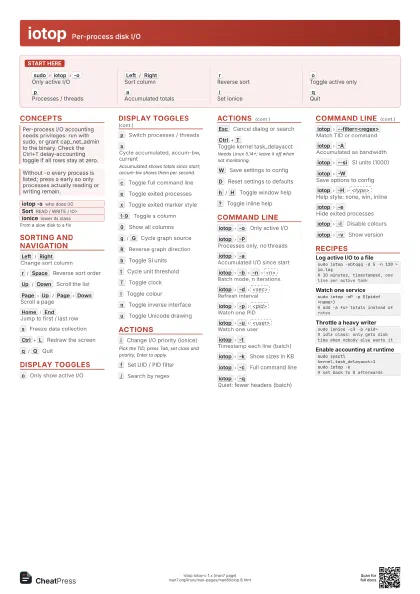
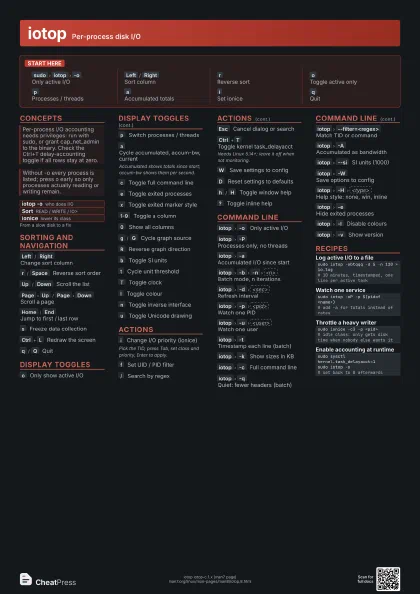
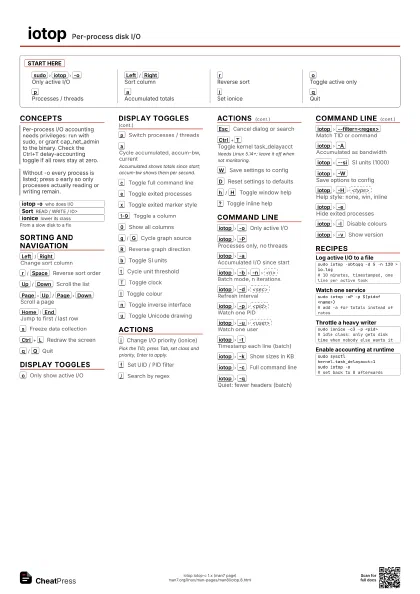
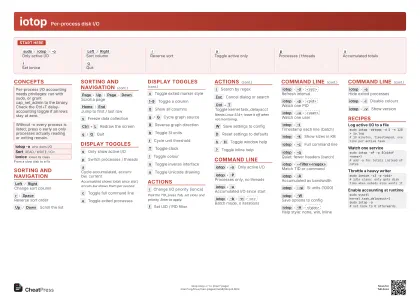
iotop Per-process disk I/O
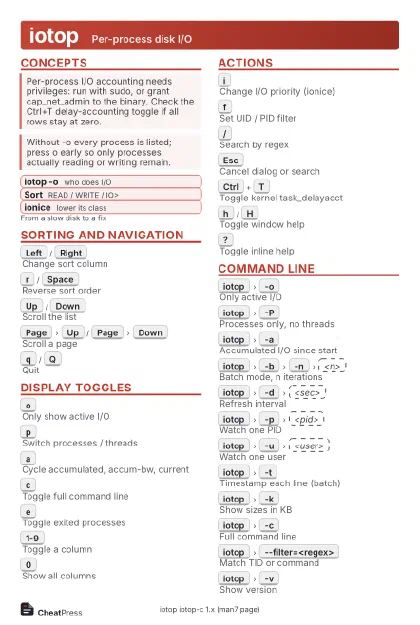 Light · Postcard
102 × 152 mm · PDF
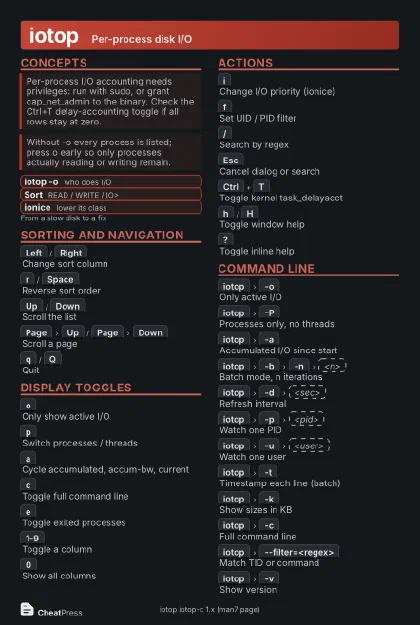 Dark · Postcard
102 × 152 mm · PDF
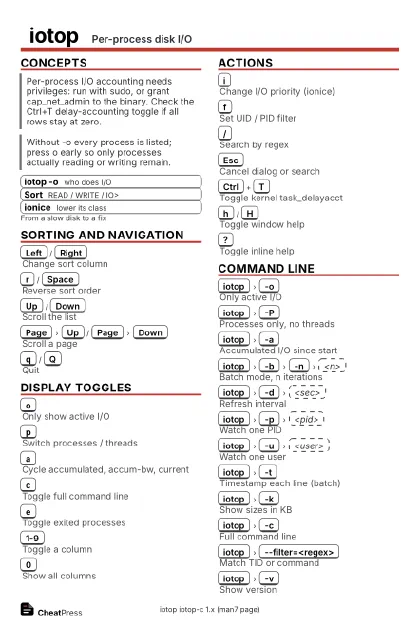 Ink saver · Postcard
102 × 152 mm · PDF
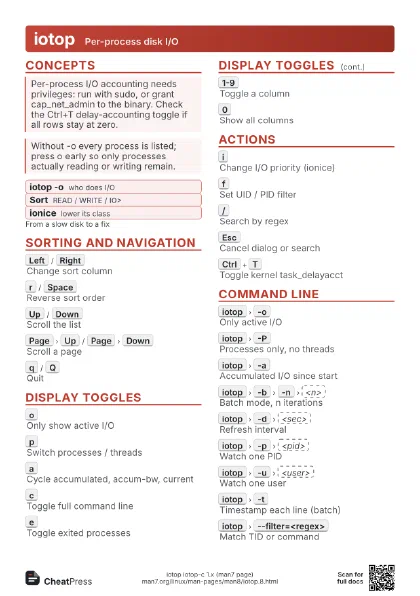
 Light · A4 landscape
297 × 210 mm · PDF
 Dark · A4 landscape
297 × 210 mm · PDF
 Ink saver · A4 landscape
297 × 210 mm · PDF
 Light · A3 landscape
420 × 297 mm · PDF
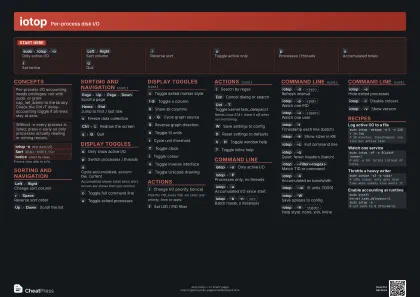 Dark · A3 landscape
420 × 297 mm · PDF
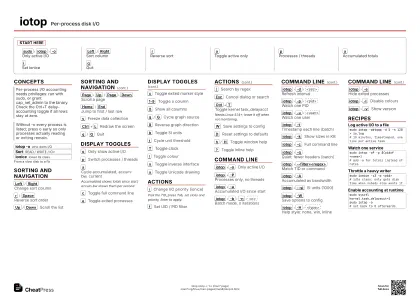 Ink saver · A3 landscape
420 × 297 mm · PDF
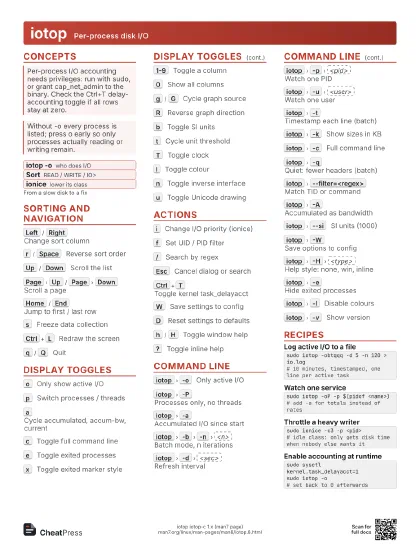
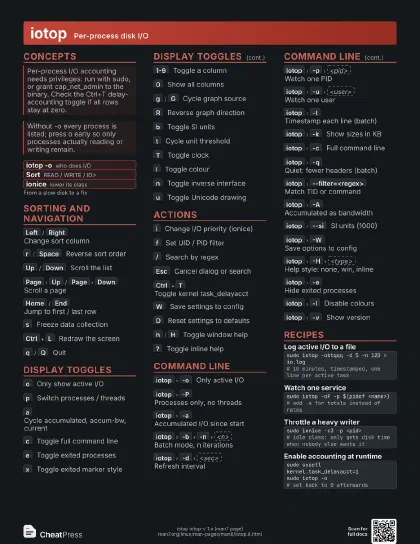
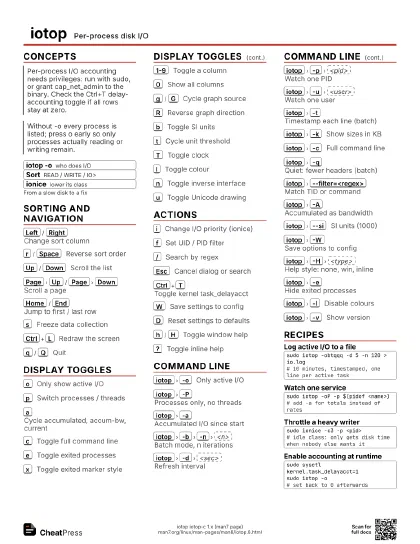
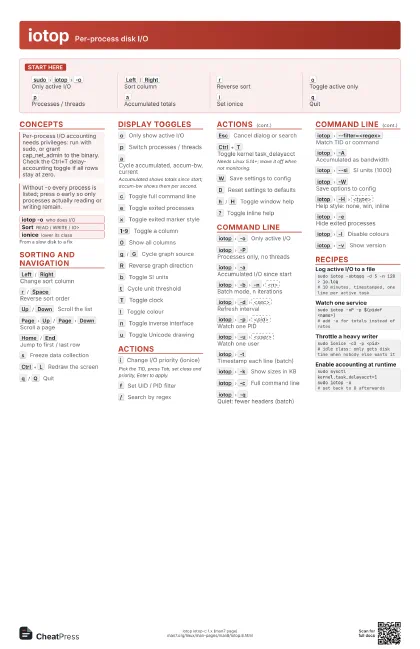
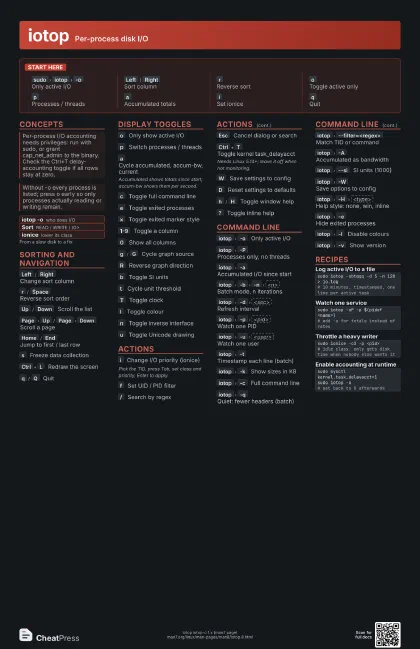
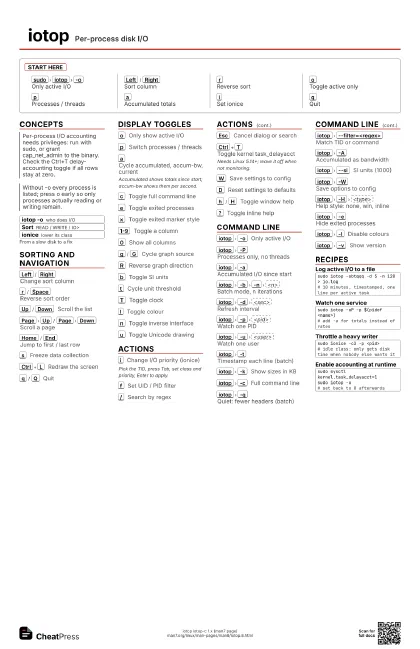
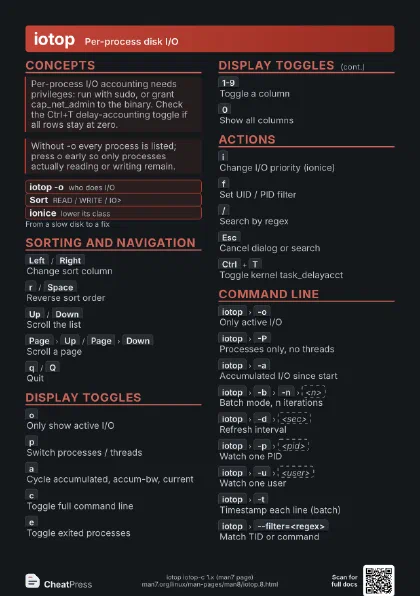
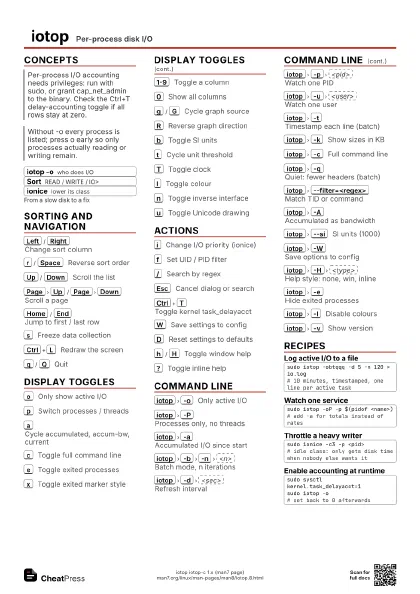
Start here
sudo
iotop
-o
Only active I/O
Left
/
Right
Sort column
r
Reverse sort
o
Toggle active only
p
Processes / threads
a
Accumulated totals
i
Set ionice
q
Quit
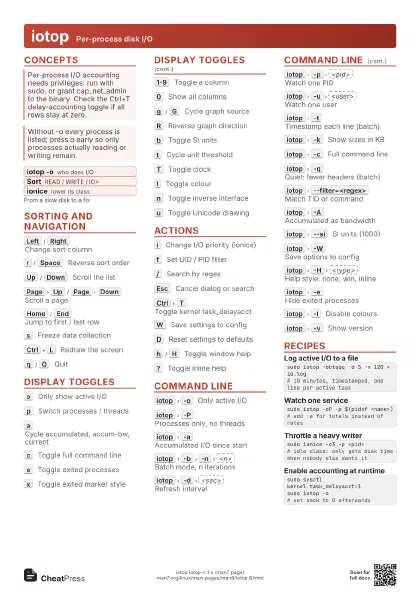
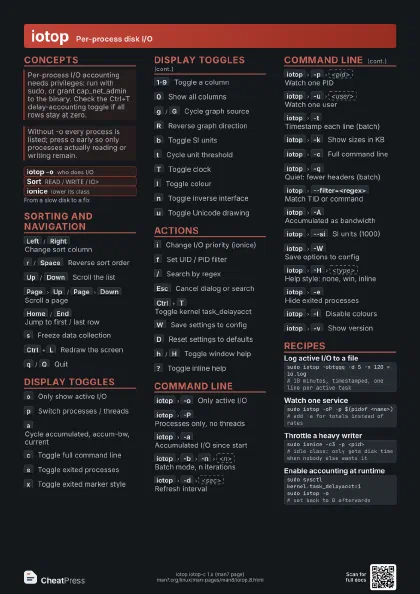
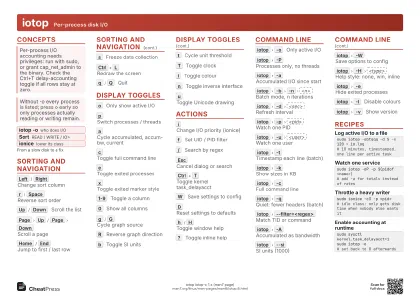
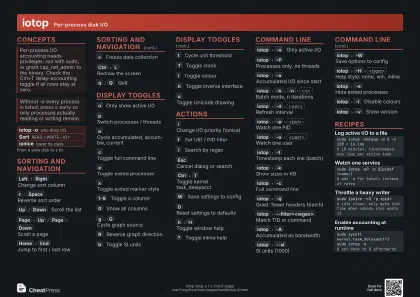
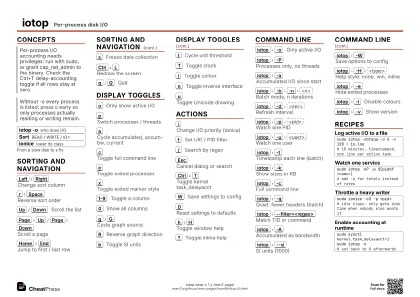
Concepts
- iotop -o who does I/O
- Sort READ / WRITE / IO>
- ionice lower its class
Sorting and Navigation
Left
/
Right
Change sort column
r
/
Space
Reverse sort order
Up
/
Down
Scroll the list
Page
Up
/
Page
Down
Scroll a page
Home
/
End
Jump to first / last row
s
Freeze data collection
Ctrl+L
Redraw the screen
q
/
Q
Quit
Display Toggles
o
Only show active I/O
p
Switch processes / threads
a
Cycle accumulated, accum-bw, current
Accumulated shows totals since start; accum-bw shows them per
second.
c
Toggle full command line
e
Toggle exited processes
x
Toggle exited marker style
1-9
Toggle a column
0
Show all columns
g
/
G
Cycle graph source
R
Reverse graph direction
b
Toggle SI units
t
Cycle unit threshold
T
Toggle clock
l
Toggle colour
n
Toggle inverse interface
u
Toggle Unicode drawing
Actions
i
Change I/O priority (ionice)
Pick the TID, press Tab, set class and priority, Enter to
apply.
f
Set UID / PID filter
/
Search by regex
Esc
Cancel dialog or search
Ctrl+T
Toggle kernel task_delayacct
Needs Linux 5.14+; leave it off when not monitoring.
W
Save settings to config
D
Reset settings to defaults
h
/
H
Toggle window help
?
Toggle inline help
Command Line
iotop
-o
Only active I/O
iotop
-P
Processes only, no threads
iotop
-a
Accumulated I/O since start
iotop
-b
-n
<n>
Batch mode, n iterations
iotop
-d
<sec>
Refresh interval
iotop
-p
<pid>
Watch one PID
iotop
-u
<user>
Watch one user
iotop
-t
Timestamp each line (batch)
iotop
-k
Show sizes in KB
iotop
-c
Full command line
iotop
-q
Quiet: fewer headers (batch)
iotop
--filter=<regex>
Match TID or command
iotop
-A
Accumulated as bandwidth
iotop
--si
SI units (1000)
iotop
-W
Save options to config
iotop
-H
<type>
Help style: none, win, inline
iotop
-e
Hide exited processes
iotop
-l
Disable colours
iotop
-v
Show version
Recipes
sudo iotop -obtqqq -d 5 -n 120 > io.log# 10 minutes, timestamped, one line per active tasksudo iotop -oP -p $(pidof <name>)# add -a for totals instead of ratessudo ionice -c3 -p <pid># idle class: only gets disk time when nobody else wants itsudo sysctl kernel.task_delayacct=1sudo iotop -o# set back to 0 afterwards