Cheat
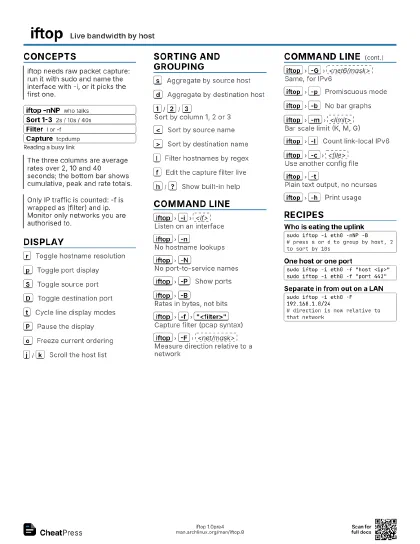
iftop Live bandwidth by host
 Light · Postcard
102 × 152 mm · PDF
 Dark · Postcard
102 × 152 mm · PDF
 Ink saver · Postcard
102 × 152 mm · PDF
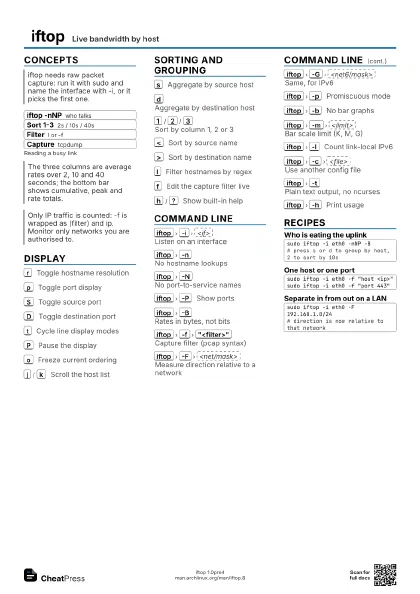
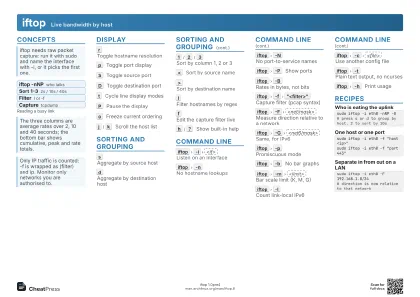 Light · A4 landscape
297 × 210 mm · PDF
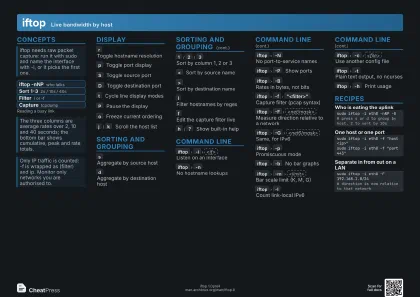 Dark · A4 landscape
297 × 210 mm · PDF
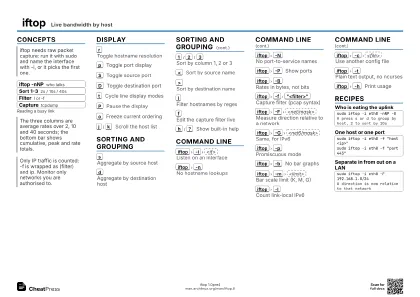 Ink saver · A4 landscape
297 × 210 mm · PDF
 Light · A3 landscape
420 × 297 mm · PDF
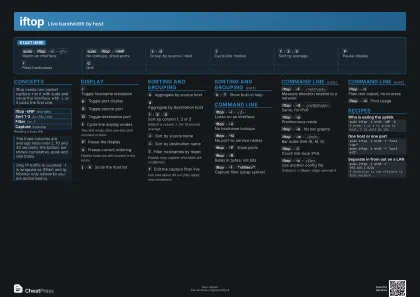 Dark · A3 landscape
420 × 297 mm · PDF
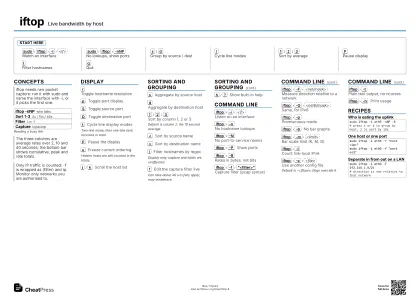 Ink saver · A3 landscape
420 × 297 mm · PDF
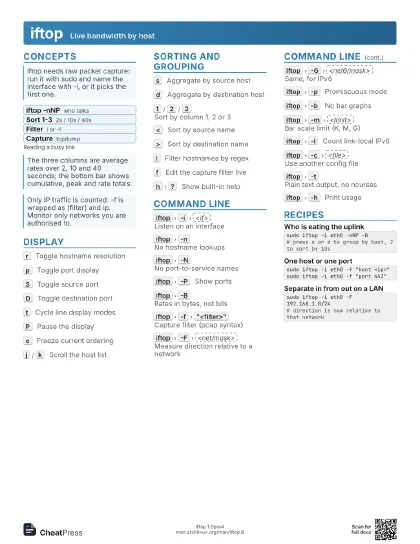
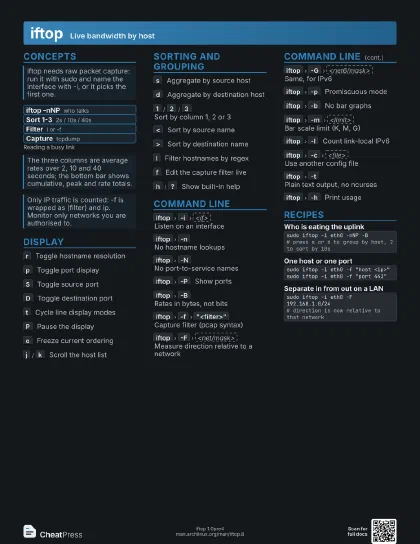
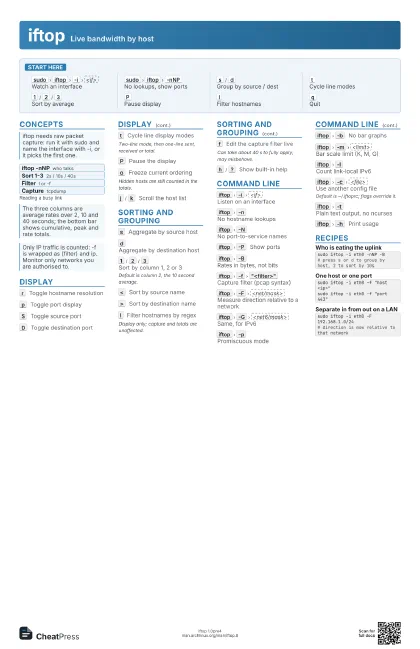
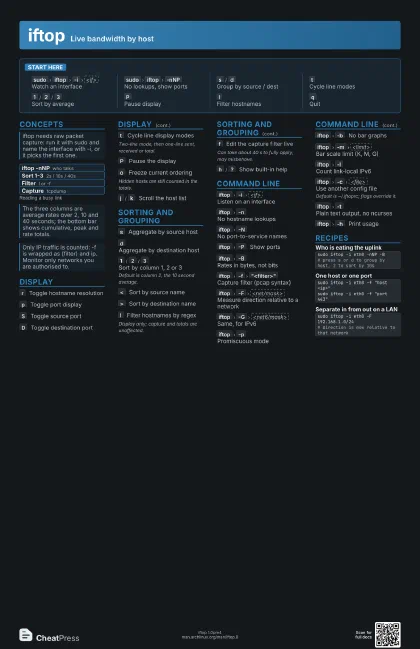
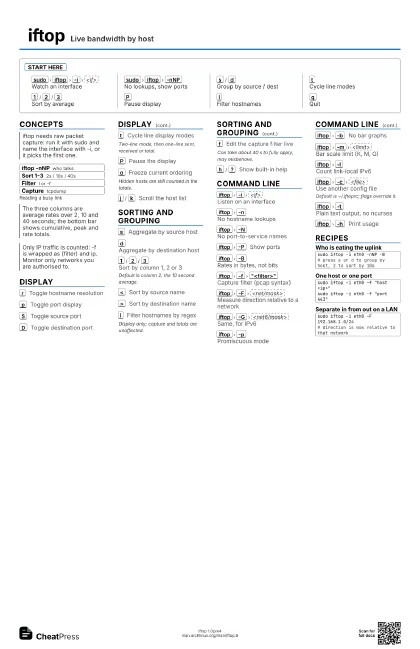
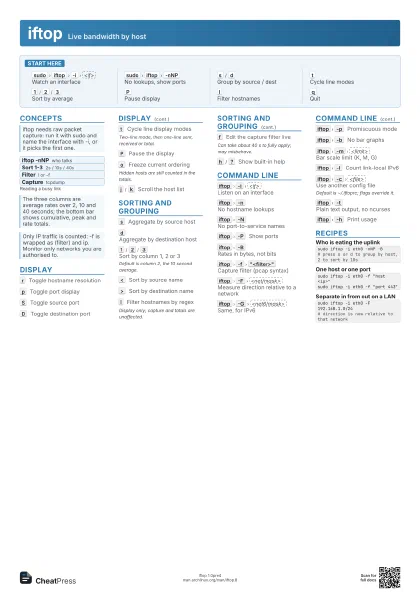
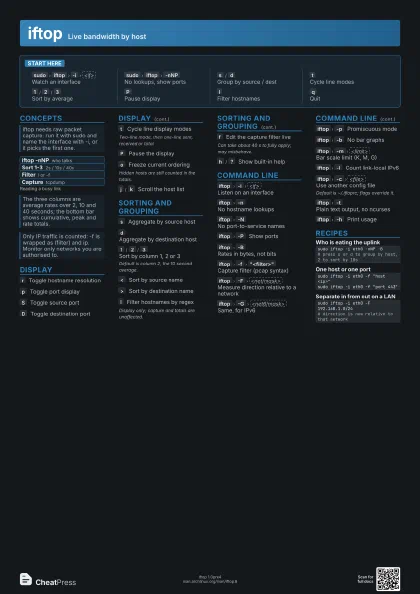
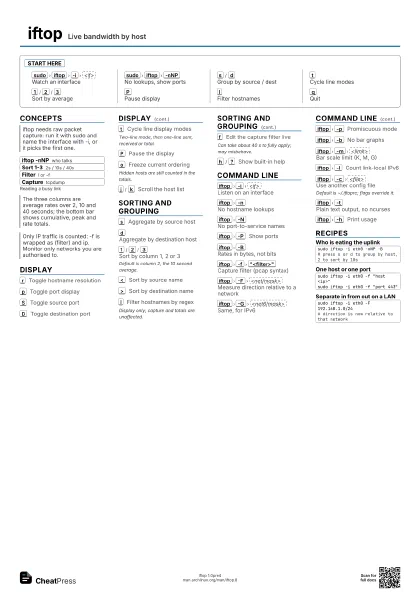
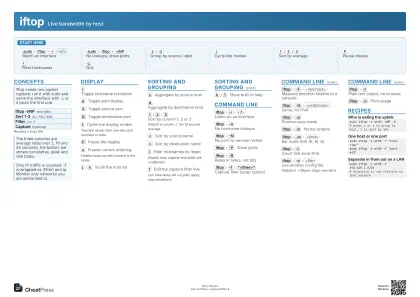
Start here
sudo
iftop
-i
<if>
Watch an interface
sudo
iftop
-nNP
No lookups, show ports
s
/
d
Group by source / dest
t
Cycle line modes
1
/
2
/
3
Sort by average
P
Pause display
l
Filter hostnames
q
Quit
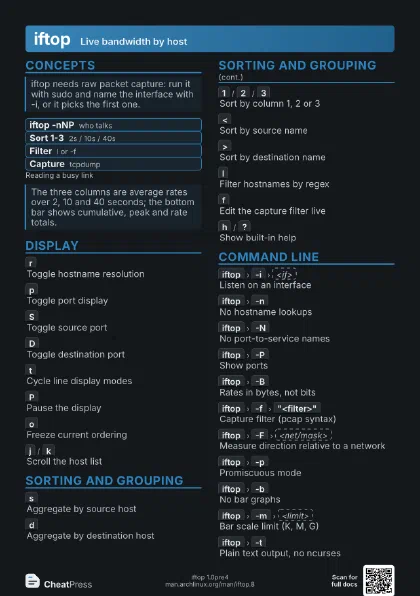
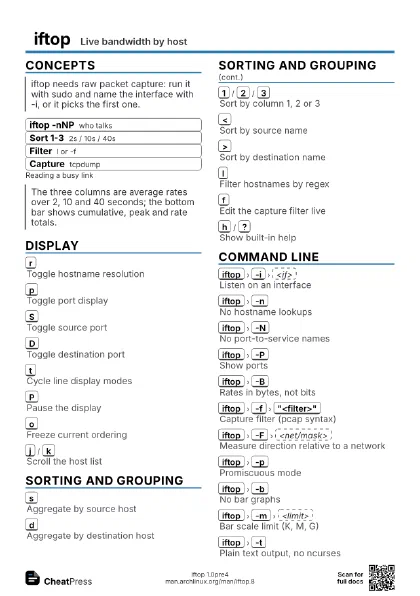
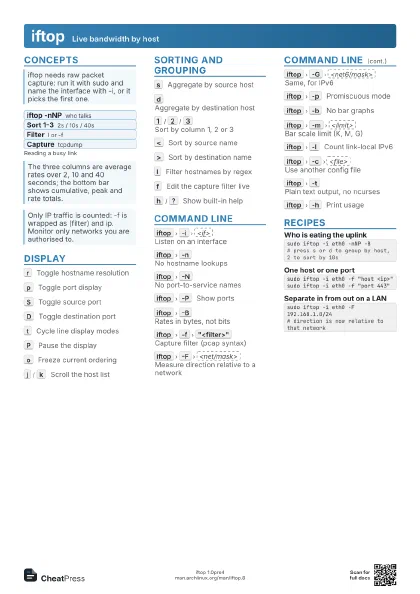
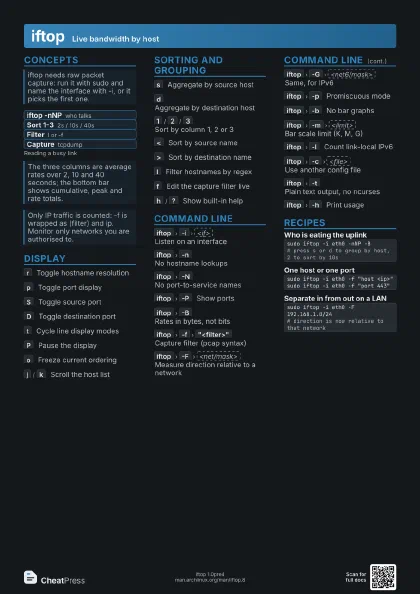
Concepts
- iftop -nNP who talks
- Sort 1-3 2s / 10s / 40s
- Filter l or -f
- Capture tcpdump
Display
r
Toggle hostname resolution
p
Toggle port display
S
Toggle source port
D
Toggle destination port
t
Cycle line display modes
Two-line mode, then one-line sent, received or total.
P
Pause the display
o
Freeze current ordering
Hidden hosts are still counted in the totals.
j
/
k
Scroll the host list
Sorting and Grouping
s
Aggregate by source host
d
Aggregate by destination host
1
/
2
/
3
Sort by column 1, 2 or 3
Default is column 2, the 10 second average.
<
Sort by source name
>
Sort by destination name
l
Filter hostnames by regex
Display only; capture and totals are unaffected.
f
Edit the capture filter live
Can take about 40 s to fully apply; may misbehave.
h
/
?
Show built-in help
Command Line
iftop
-i
<if>
Listen on an interface
iftop
-n
No hostname lookups
iftop
-N
No port-to-service names
iftop
-P
Show ports
iftop
-B
Rates in bytes, not bits
iftop
-f
"<filter>"
Capture filter (pcap syntax)
iftop
-F
<net/mask>
Measure direction relative to a network
iftop
-G
<net6/mask>
Same, for IPv6
iftop
-p
Promiscuous mode
iftop
-b
No bar graphs
iftop
-m
<limit>
Bar scale limit (K, M, G)
iftop
-l
Count link-local IPv6
iftop
-c
<file>
Use another config file
Default is ~/.iftoprc; flags override it.
iftop
-t
Plain text output, no ncurses
iftop
-h
Print usage
Recipes
sudo iftop -i eth0 -nNP -B# press s or d to group by host, 2 to sort by 10ssudo iftop -i eth0 -f "host <ip>"sudo iftop -i eth0 -f "port 443"sudo iftop -i eth0 -F 192.168.1.0/24# direction is now relative to that network