Cheat
iperf3 Network throughput tester
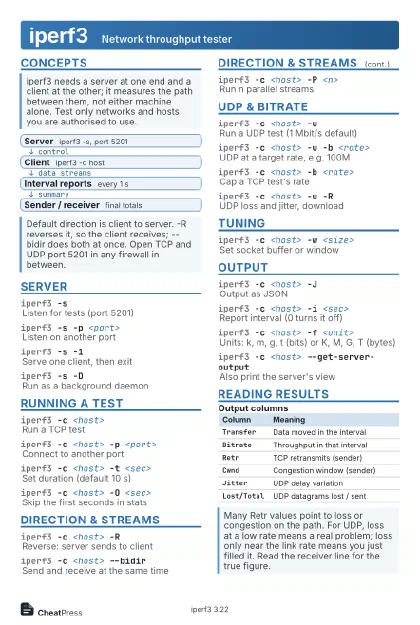 Light · Postcard
102 × 152 mm · PDF
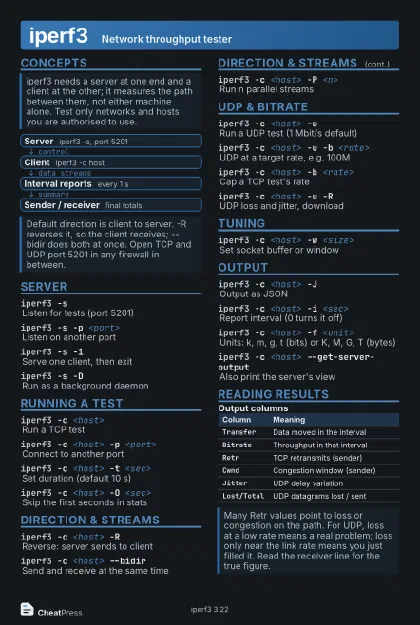 Dark · Postcard
102 × 152 mm · PDF
 Ink saver · Postcard
102 × 152 mm · PDF
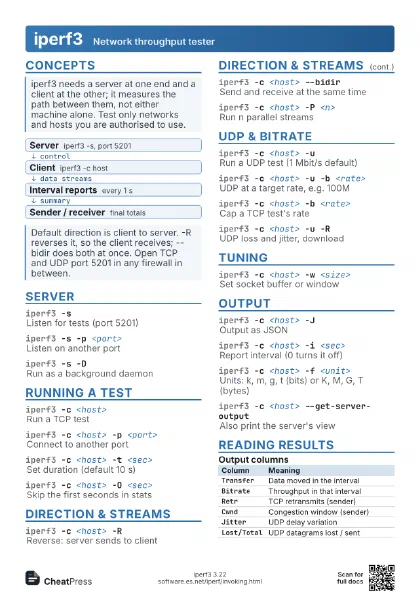
 Light · A4 landscape
297 × 210 mm · PDF
 Dark · A4 landscape
297 × 210 mm · PDF
 Ink saver · A4 landscape
297 × 210 mm · PDF
 Light · A3 landscape
420 × 297 mm · PDF
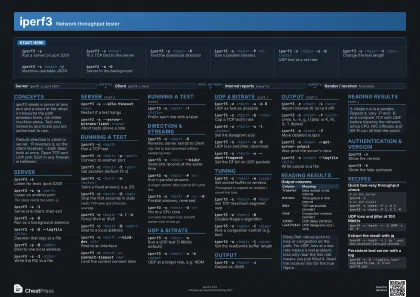 Dark · A3 landscape
420 × 297 mm · PDF
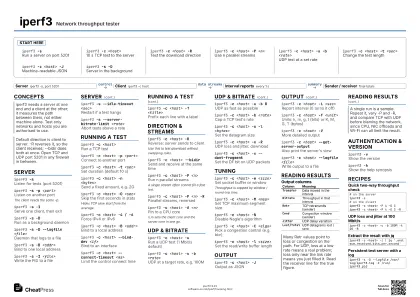 Ink saver · A3 landscape
420 × 297 mm · PDF
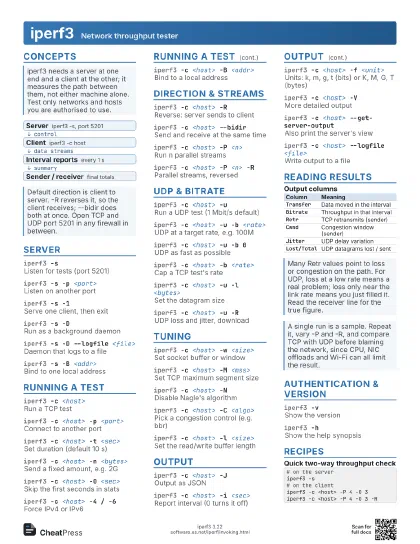
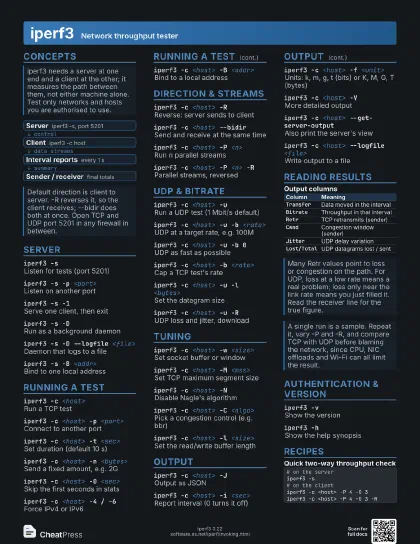
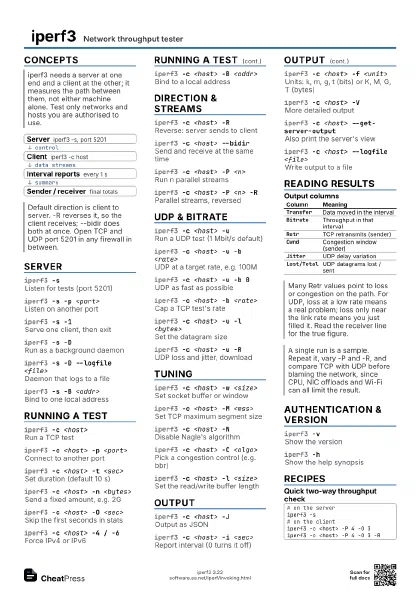
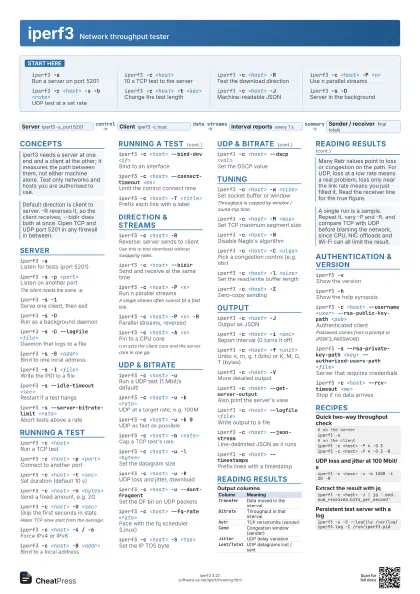
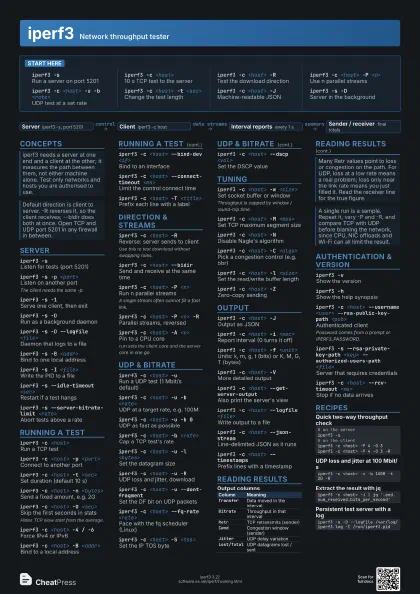
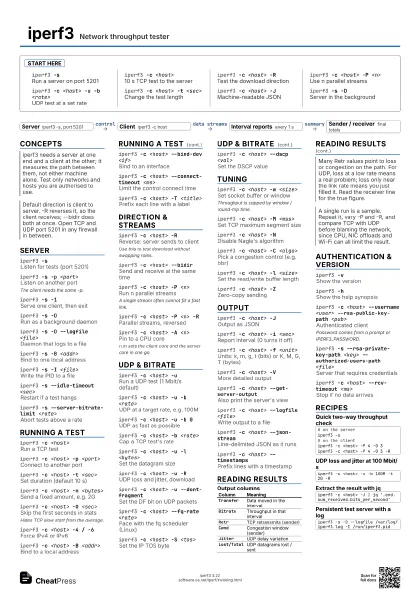
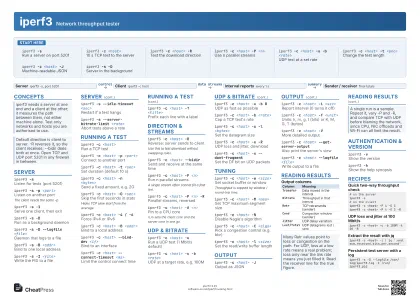
Start here
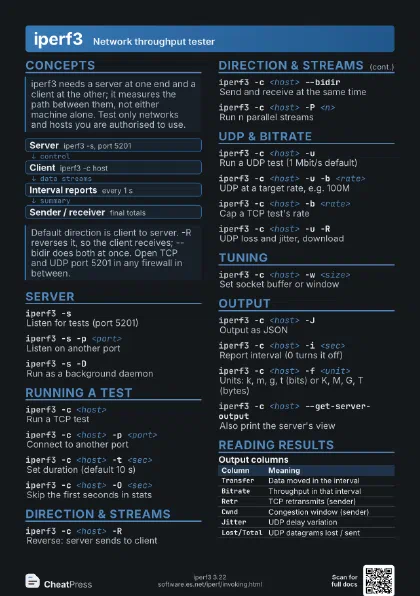
iperf3 -sRun a server on port 5201
iperf3 -c <host>
10 s TCP test to the server
iperf3 -c <host> -R
Test the download direction
iperf3 -c <host> -P <n>
Use n parallel streams
iperf3 -c <host> -u -b <rate>
UDP test at a set rate
iperf3 -c <host> -t <sec>
Change the test length
iperf3 -c <host> -J
Machine-readable JSON
iperf3 -s -DServer in the background
Concepts
- Server iperf3 -s, port 5201
- Client iperf3 -c host
- Interval reports every 1 s
- Sender / receiver final totals
Server
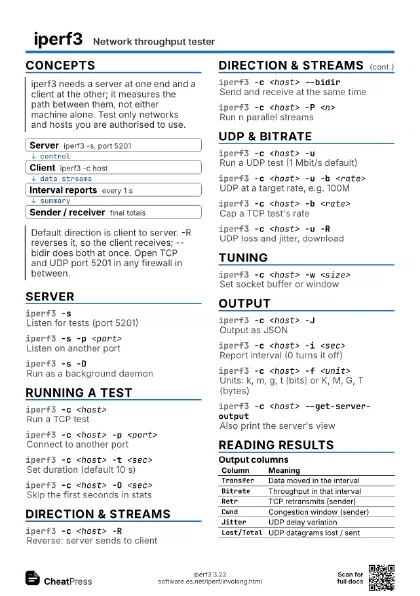
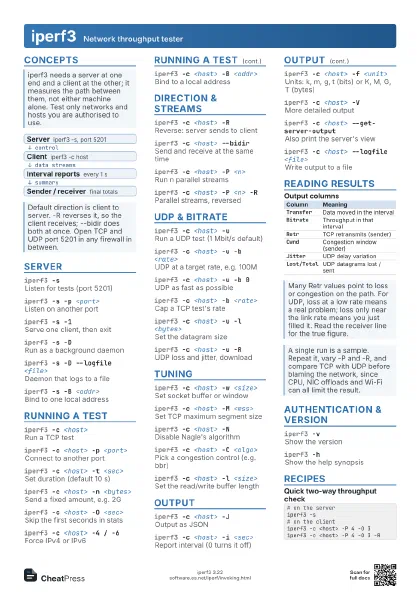
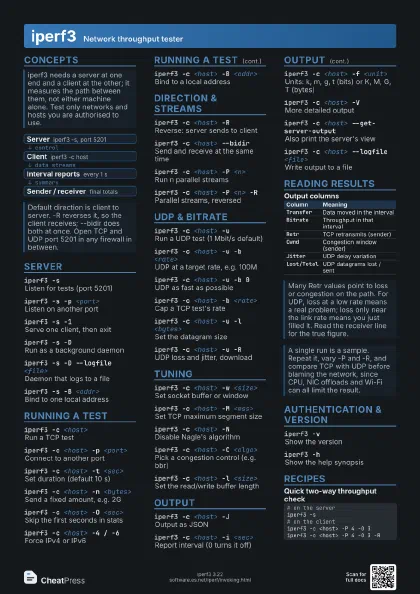
iperf3 -sListen for tests (port 5201)
iperf3 -s -p <port>
Listen on another port
The client needs the same -p.
iperf3 -s -1Serve one client, then exit
iperf3 -s -DRun as a background daemon
iperf3 -s -D --logfile <file>
Daemon that logs to a file
iperf3 -s -B <addr>
Bind to one local address
iperf3 -s -I <file>
Write the PID to a file
iperf3 -s --idle-timeout <sec>
Restart if a test hangs
iperf3 -s --server-bitrate-limit <rate>
Abort tests above a rate
iperf3 -s --server-max-duration <sec>
Reject overly long tests
Running a Test
iperf3 -c <host>
Run a TCP test
iperf3 -c <host> -p <port>
Connect to another port
iperf3 -c <host> -t <sec>
Set duration (default 10 s)
iperf3 -c <host> -n <bytes>
Send a fixed amount, e.g. 2G
iperf3 -c <host> -k <blocks>
Send a fixed number of blocks
iperf3 -c <host> -O <sec>
Skip the first seconds in stats
Hides TCP slow start from the average.
iperf3 -c <host> -4 / -6
Force IPv4 or IPv6
iperf3 -c <host> -B <addr>
Bind to a local address
iperf3 -c <host> --bind-dev <if>
Bind to an interface
iperf3 -c <host> --connect-timeout <ms>
Limit the control connect time
iperf3 -c <host> -T <title>
Prefix each line with a label
iperf3 -c <host> -F <file>
Send a file instead of test data
Direction & Streams
iperf3 -c <host> -R
Reverse: server sends to client
Use this to test download without swapping roles.
iperf3 -c <host> --bidir
Send and receive at the same time
iperf3 -c <host> -P <n>
Run n parallel streams
A single stream often cannot fill a fast link.
iperf3 -c <host> -P <n> -R
Parallel streams, reversed
iperf3 -c <host> --cport <port>
Fix the client data port
iperf3 -c <host> -A <n>
Pin to a CPU core
n,m sets the client core and the server core in one go.
UDP & Bitrate
iperf3 -c <host> -u
Run a UDP test (1 Mbit/s default)
iperf3 -c <host> -u -b <rate>
UDP at a target rate, e.g. 100M
iperf3 -c <host> -u -b 0
UDP as fast as possible
iperf3 -c <host> -b <rate>
Cap a TCP test's rate
iperf3 -c <host> -u -l <bytes>
Set the datagram size
iperf3 -c <host> -u -R
UDP loss and jitter, download
iperf3 -c <host> -u --dont-fragment
Set the DF bit on UDP packets
iperf3 -c <host> -u --udp-counters-64bit
Use 64-bit packet counters
iperf3 -c <host> --fq-rate <rate>
Pace with the fq scheduler (Linux)
iperf3 -c <host> -S <tos>
Set the IP TOS byte
iperf3 -c <host> --dscp <val>
Set the DSCP value
Tuning
iperf3 -c <host> -w <size>
Set socket buffer or window
Throughput is capped by window / round-trip time.
iperf3 -c <host> -M <mss>
Set TCP maximum segment size
iperf3 -c <host> -N
Disable Nagle's algorithm
iperf3 -c <host> -C <algo>
Pick a congestion control (e.g. bbr)
iperf3 -c <host> -l <size>
Set the read/write buffer length
iperf3 -c <host> -Z
Zero-copy sending
iperf3 -c <host> --skip-rx-copy
Discard received data in the kernel
iperf3 -c <host> -m
Use multipath TCP
Output
iperf3 -c <host> -J
Output as JSON
iperf3 -c <host> -i <sec>
Report interval (0 turns it off)
iperf3 -c <host> -f <unit>
Units: k, m, g, t (bits) or K, M, G, T (bytes)
iperf3 -c <host> -V
More detailed output
iperf3 -c <host> --get-server-output
Also print the server's view
iperf3 -c <host> --logfile <file>
Write output to a file
iperf3 -c <host> --json-stream
Line-delimited JSON as it runs
iperf3 -c <host> --timestamps
Prefix lines with a timestamp
iperf3 -c <host> --forceflush
Flush every interval for pipes
iperf3 -c <host> --extra-data <str>
Embed a string in the JSON
Reading Results
| Column | Meaning |
|---|---|
Transfer |
Data moved in the interval |
Bitrate |
Throughput in that interval |
Retr |
TCP retransmits (sender) |
Cwnd |
Congestion window (sender) |
Jitter |
UDP delay variation |
Lost/Total |
UDP datagrams lost / sent |
Authentication & Version
iperf3 -vShow the version
iperf3 -hShow the help synopsis
iperf3 -c <host> --username <user>
                    --rsa-public-key-path <pub>
Authenticated client
Password comes from a prompt or IPERF3_PASSWORD.
iperf3 -s --rsa-private-key-path <key>
                    --authorized-users-path <file>
Server that requires credentials
iperf3 -c <host> --rcv-timeout <ms>
Stop if no data arrives
Recipes
# on the serveriperf3 -s# on the clientiperf3 -c <host> -P 4 -O 3iperf3 -c <host> -P 4 -O 3 -Riperf3 -c <host> -u -b 100M -t 20 -Riperf3 -c <host> -J | jq '.end.sum_received.bits_per_second'iperf3 -s -D --logfile /var/log/iperf3.log -I /run/iperf3.pid