Cheat
Homebrew Package manager
 Light · Postcard
102 × 152 mm · PDF
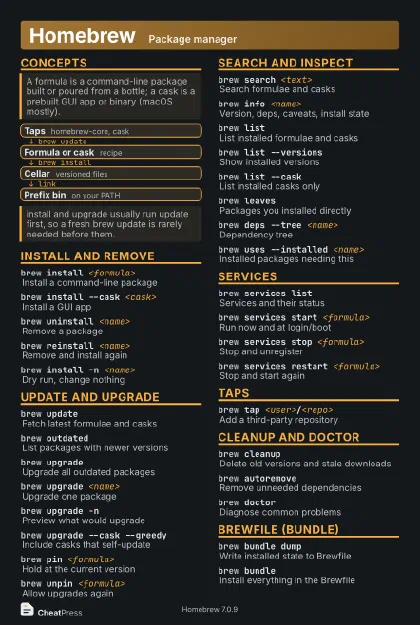 Dark · Postcard
102 × 152 mm · PDF
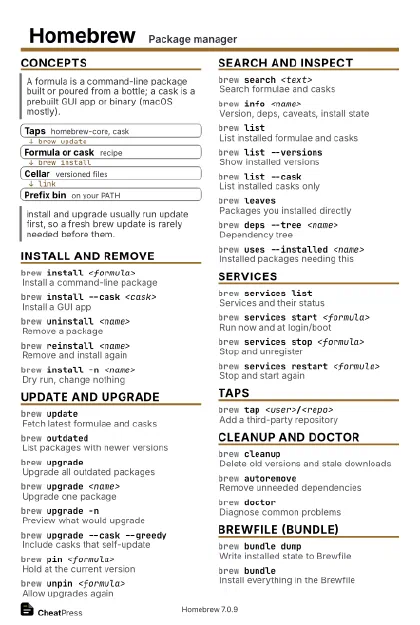 Ink saver · Postcard
102 × 152 mm · PDF
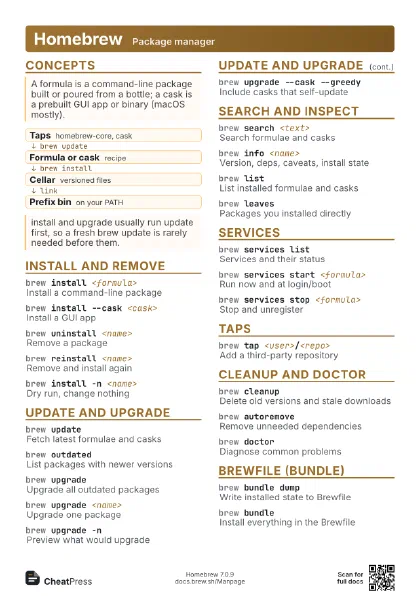
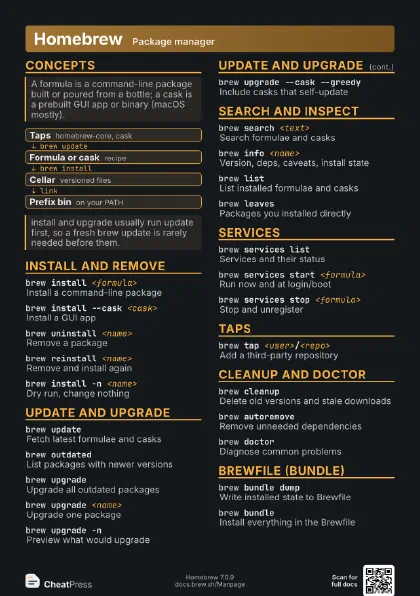
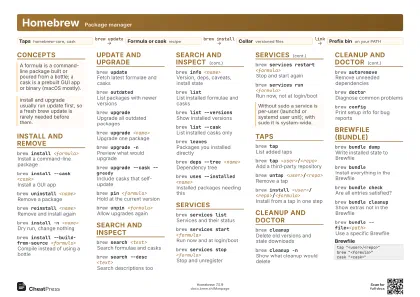 Light · A4 landscape
297 × 210 mm · PDF
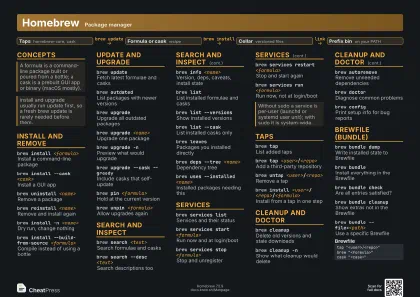 Dark · A4 landscape
297 × 210 mm · PDF
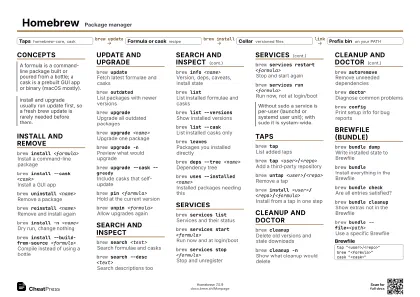 Ink saver · A4 landscape
297 × 210 mm · PDF
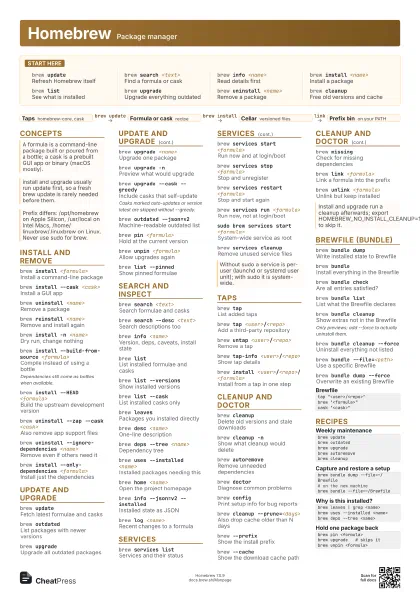
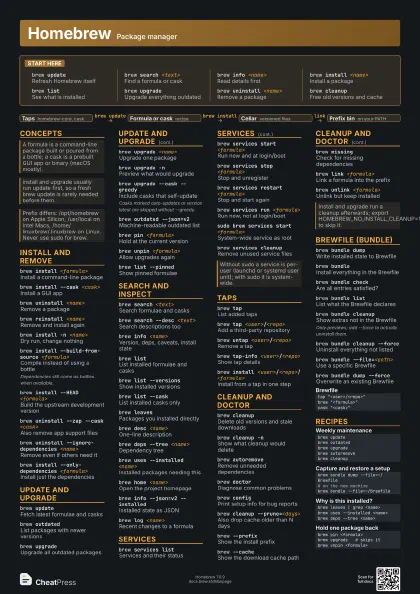
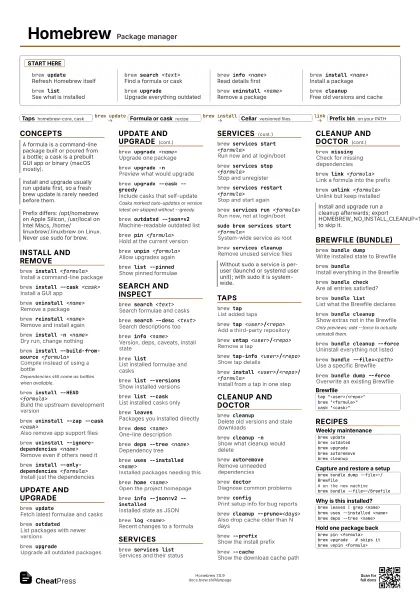
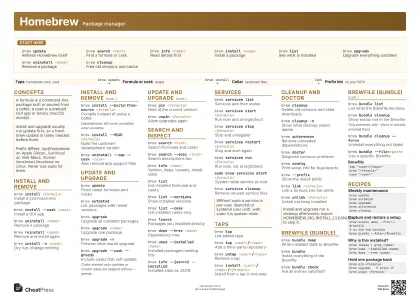 Light · A3 landscape
420 × 297 mm · PDF
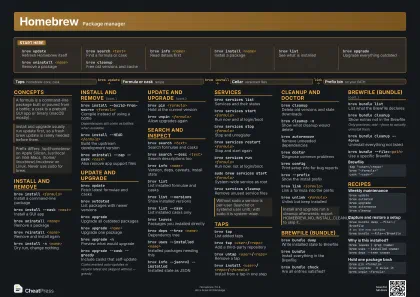 Dark · A3 landscape
420 × 297 mm · PDF
 Ink saver · A3 landscape
420 × 297 mm · PDF
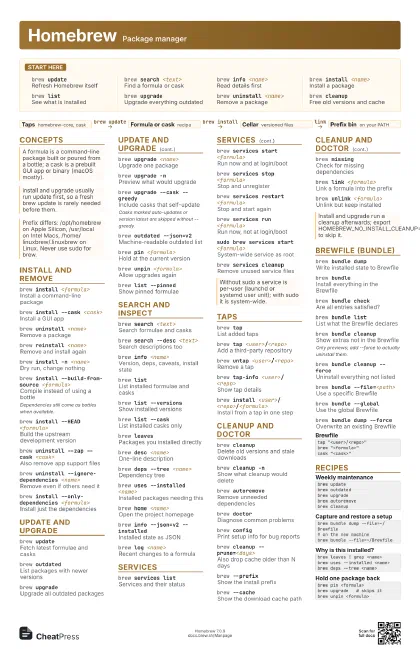
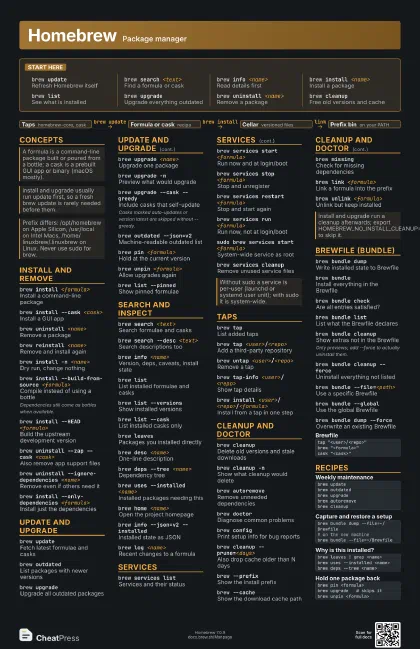
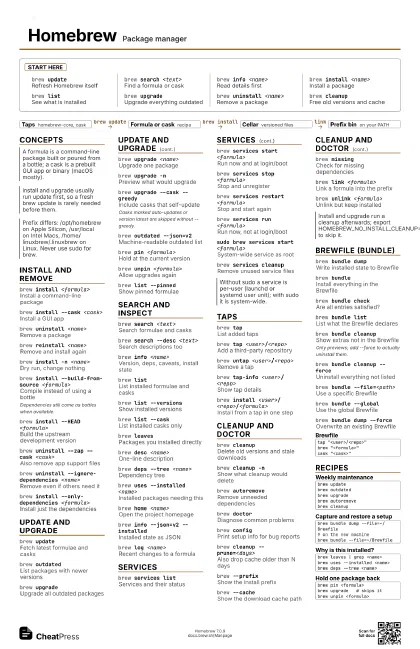
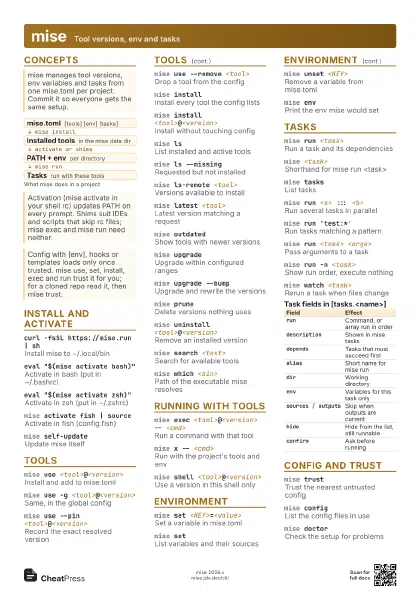
Start here
brew updateRefresh Homebrew itself
brew search <text>
Find a formula or cask
brew info <name>
Read details first
brew install <name>
Install a package
brew listSee what is installed
brew upgradeUpgrade everything outdated
brew uninstall <name>
Remove a package
brew cleanupFree old versions and cache
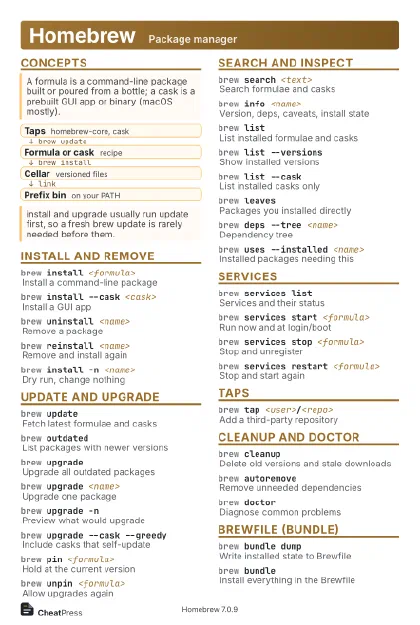
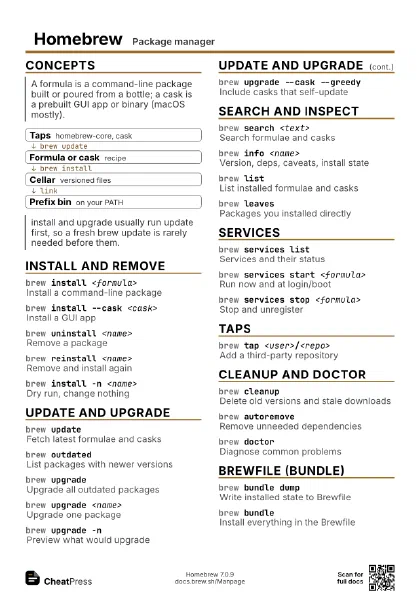
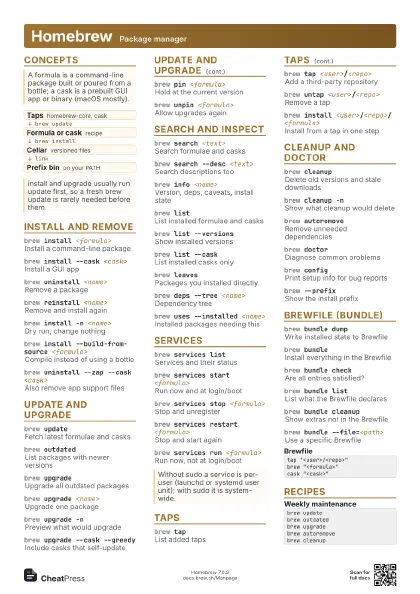
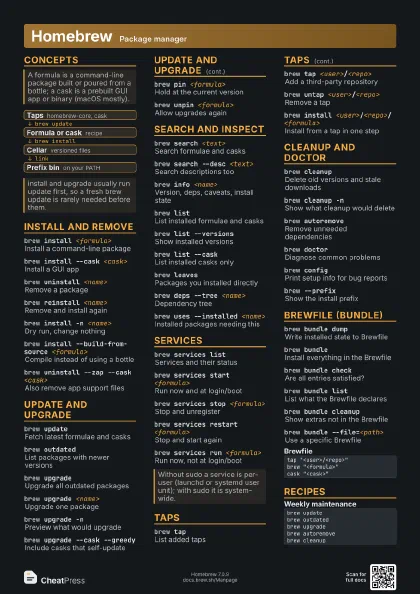
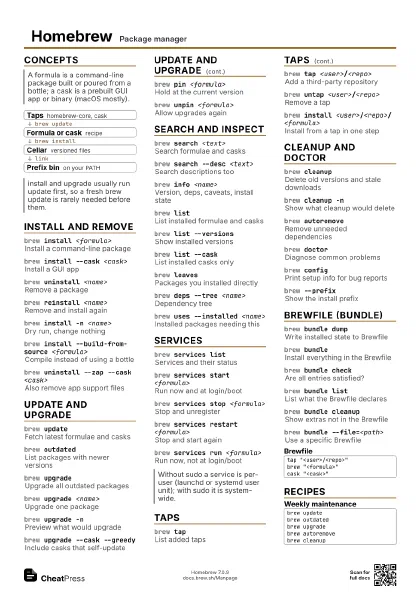
Concepts
- Taps homebrew-core, cask
- Formula or cask recipe
- Cellar versioned files
- Prefix bin on your PATH
Install and remove
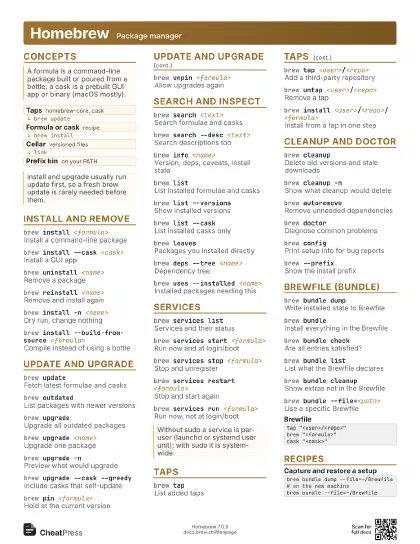
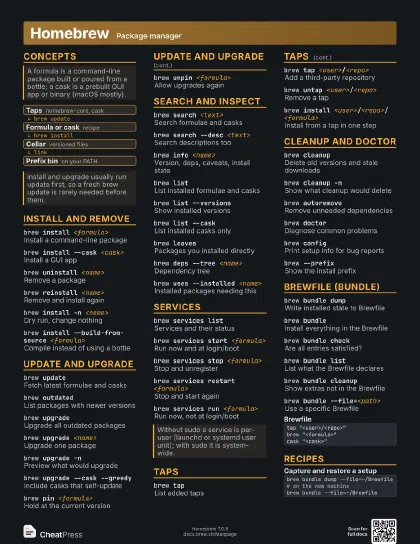
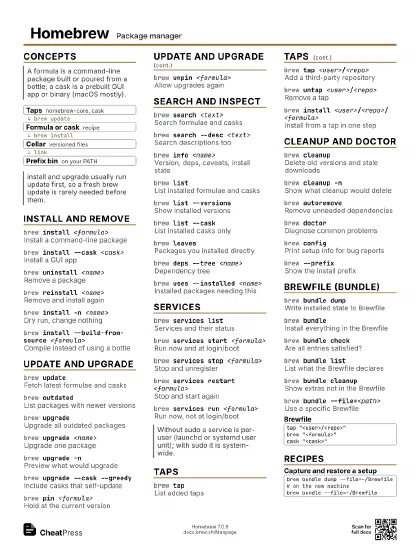
brew install <formula>
Install a command-line package
brew install --cask <cask>
Install a GUI app
brew uninstall <name>
Remove a package
brew reinstall <name>
Remove and install again
brew install -n <name>
Dry run, change nothing
brew install --build-from-source <formula>
Compile instead of using a bottle
Dependencies still come as bottles when available.
brew install --HEAD <formula>
Build the upstream development version
brew uninstall --zap --cask <cask>
Also remove app support files
brew uninstall --ignore-dependencies <name>
Remove even if others need it
brew install --only-dependencies <formula>
Install just the dependencies
Update and upgrade
brew updateFetch latest formulae and casks
brew outdatedList packages with newer versions
brew upgradeUpgrade all outdated packages
brew upgrade <name>
Upgrade one package
brew upgrade -nPreview what would upgrade
brew upgrade --cask --greedy
Include casks that self-update
Casks marked auto-updates or version latest are skipped
without --greedy.
brew outdated --json=v2
Machine-readable outdated list
brew pin <formula>
Hold at the current version
brew unpin <formula>
Allow upgrades again
brew list --pinned
Show pinned formulae
Search and inspect
brew search <text>
Search formulae and casks
brew search --desc <text>
Search descriptions too
brew info <name>
Version, deps, caveats, install state
brew listList installed formulae and casks
brew list --versions
Show installed versions
brew list --cask
List installed casks only
brew leavesPackages you installed directly
brew desc <name>
One-line description
brew deps --tree <name>
Dependency tree
brew uses --installed <name>
Installed packages needing this
brew home <name>
Open the project homepage
brew info --json=v2 --installed
Installed state as JSON
brew log <name>
Recent changes to a formula
Services
brew services list
Services and their status
brew services start <formula>
Run now and at login/boot
brew services stop <formula>
Stop and unregister
brew services restart <formula>
Stop and start again
brew services run <formula>
Run now, not at login/boot
sudo brew services start <formula>
System-wide service as root
brew services cleanup
Remove unused service files
Taps
brew tapList added taps
brew tap <user>/<repo>
Add a third-party repository
brew untap <user>/<repo>
Remove a tap
brew tap-info <user>/<repo>
Show tap details
brew install
                    <user>/<repo>/<formula>
Install from a tap in one step
Cleanup and doctor
brew cleanupDelete old versions and stale downloads
brew cleanup -nShow what cleanup would delete
brew autoremoveRemove unneeded dependencies
brew doctorDiagnose common problems
brew configPrint setup info for bug reports
brew cleanup --prune=<days>
Also drop cache older than N days
brew --prefixShow the install prefix
brew --cacheShow the download cache path
brew missingCheck for missing dependencies
brew link <formula>
Link a formula into the prefix
brew unlink <formula>
Unlink but keep installed
Brewfile (bundle)
brew bundle dump
Write installed state to Brewfile
brew bundleInstall everything in the Brewfile
brew bundle check
Are all entries satisfied?
brew bundle list
List what the Brewfile declares
brew bundle cleanup
Show extras not in the Brewfile
Only previews; add --force to actually uninstall them.
brew bundle cleanup --force
Uninstall everything not listed
brew bundle --file=<path>
Use a specific Brewfile
brew bundle --global
Use the global Brewfile
brew bundle dump --force
Overwrite an existing Brewfile
tap "<user>/<repo>"brew "<formula>"cask "<cask>"Recipes
brew updatebrew outdatedbrew upgradebrew autoremovebrew cleanupbrew bundle dump --file=~/Brewfile# on the new machinebrew bundle --file=~/Brewfilebrew leaves | grep <name>brew uses --installed <name>brew deps --tree <name>brew pin <formula>brew upgrade # skips itbrew unpin <formula>