Cheat
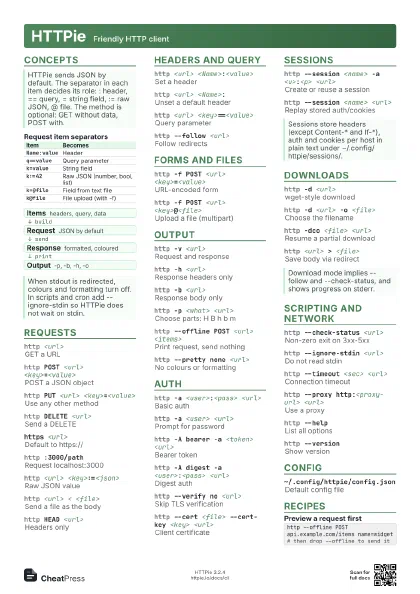
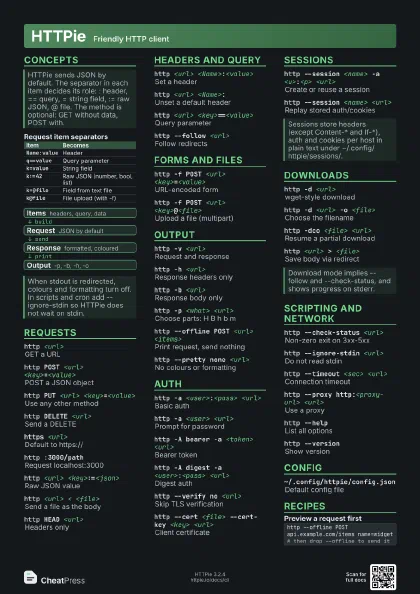
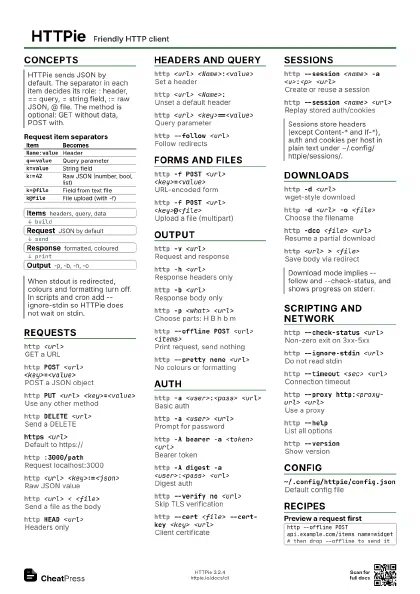
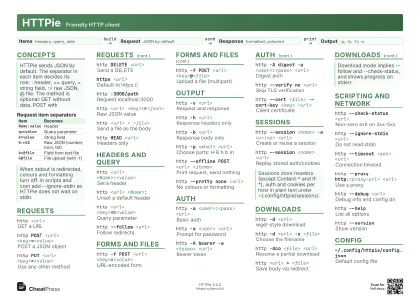
HTTPie Friendly HTTP client
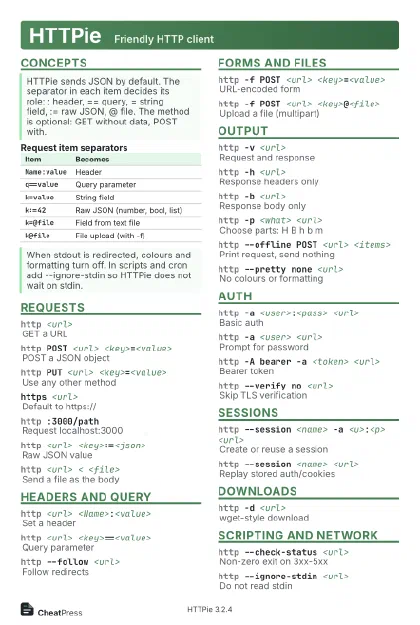 Light · Postcard
102 × 152 mm · PDF
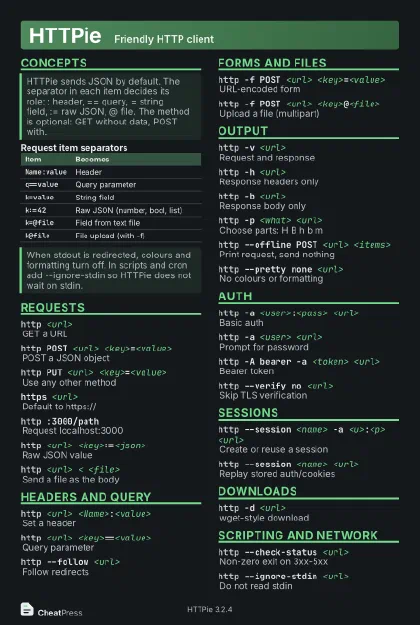 Dark · Postcard
102 × 152 mm · PDF
 Ink saver · Postcard
102 × 152 mm · PDF
 Light · A4 landscape
297 × 210 mm · PDF
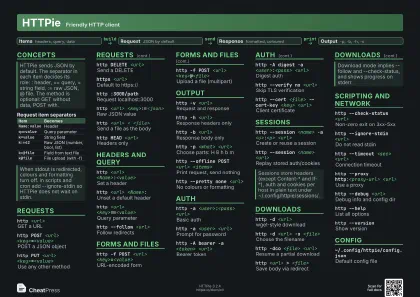 Dark · A4 landscape
297 × 210 mm · PDF
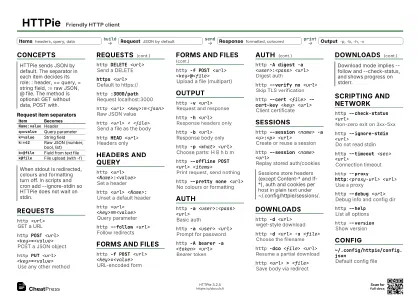 Ink saver · A4 landscape
297 × 210 mm · PDF
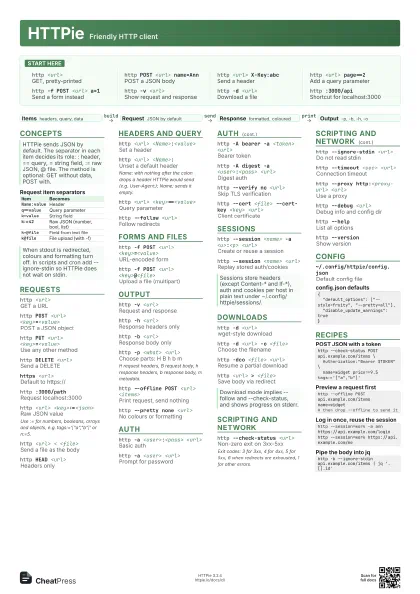
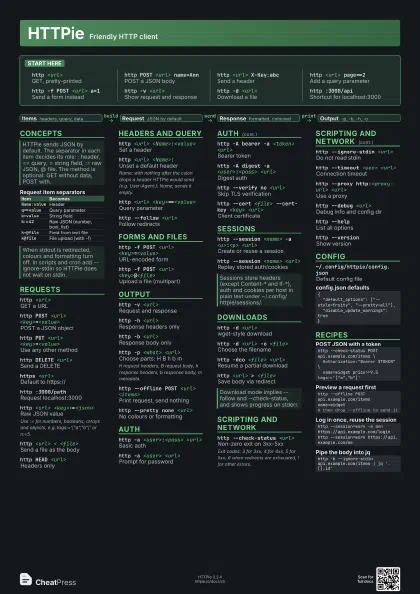
 Light · A3 landscape
420 × 297 mm · PDF
 Dark · A3 landscape
420 × 297 mm · PDF
 Ink saver · A3 landscape
420 × 297 mm · PDF
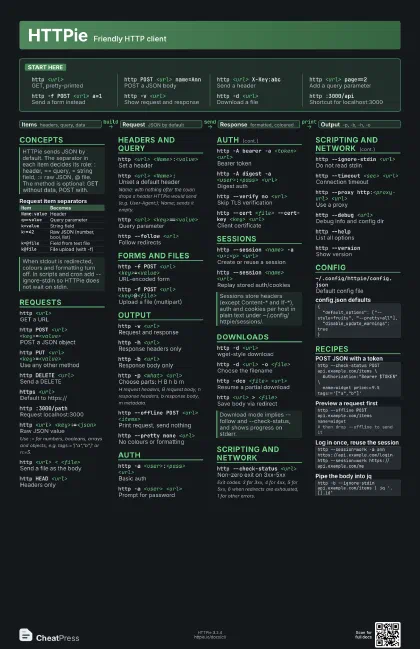
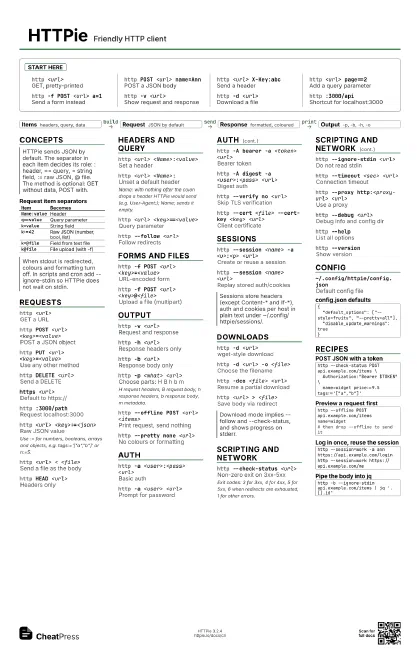
Start here
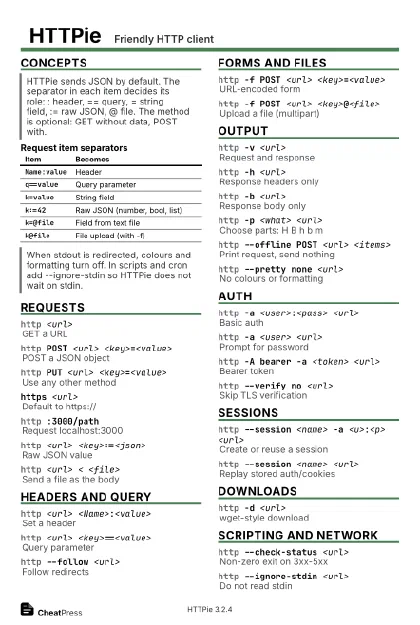
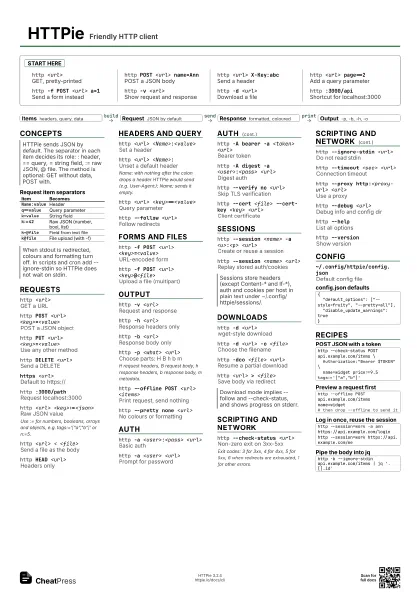
http <url>
GET, pretty-printed
http POST <url> name=Ann
POST a JSON body
http <url> X-Key:abc
Send a header
http <url> page==2
Add a query parameter
http -f POST <url> a=1
Send a form instead
http -v <url>
Show request and response
http -d <url>
Download a file
http :3000/apiShortcut for localhost:3000
Concepts
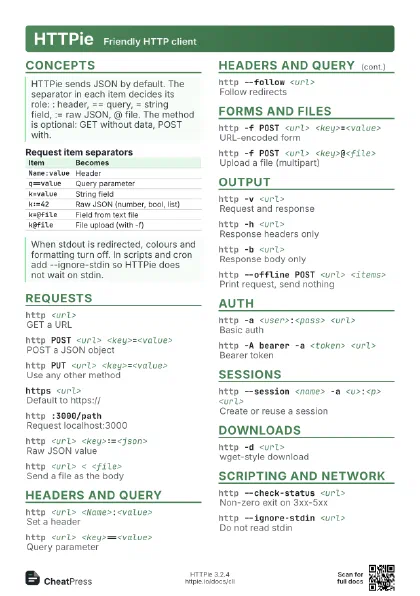
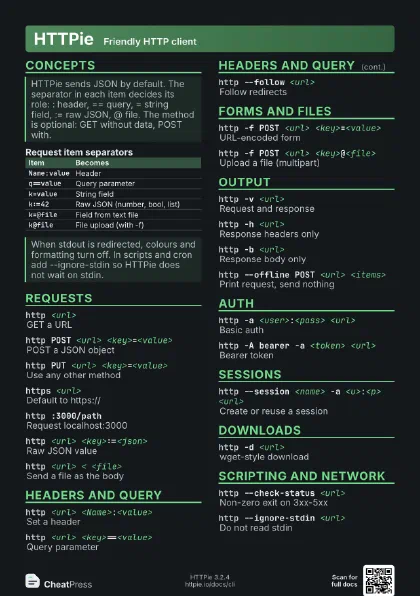
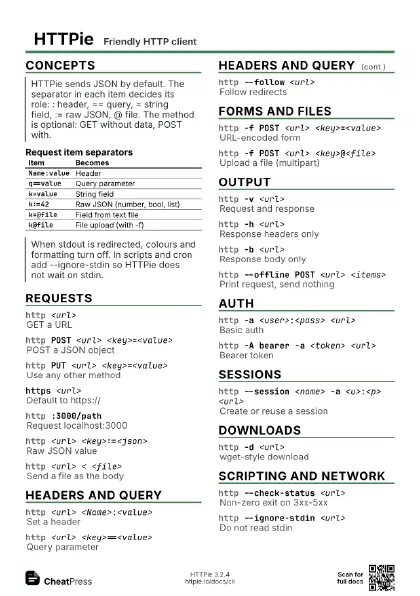
| Item | Becomes |
|---|---|
Name:value |
Header |
q==value |
Query parameter |
k=value |
String field |
k:=42 |
Raw JSON (number, bool, list) |
k=@file |
Field from text file |
k@file |
File upload (with -f) |
- Items headers, query, data
- Request JSON by default
- Response formatted, coloured
- Output -p, -b, -h, -o
Requests
http <url>
GET a URL
http POST <url> <key>=<value>
POST a JSON object
http PUT <url> <key>=<value>
Use any other method
http DELETE <url>
Send a DELETE
https <url>
Default to https://
http :3000/pathRequest localhost:3000
http <url> <key>:=<json>
Raw JSON value
Use := for numbers, booleans, arrays and objects, e.g.
tags:='["a","b"]' or n:=5.
http <url> < <file>
Send a file as the body
http HEAD <url>
Headers only
Headers and query
http <url> <Name>:<value>
Set a header
http <url> <Name>:
Unset a default header
Name: with nothing after the colon drops a header HTTPie would
send (e.g. User-Agent:); Name; sends it empty.
http <url> <key>==<value>
Query parameter
http --follow <url>
Follow redirects
Forms and files
http -f POST <url> <key>=<value>
URL-encoded form
http -f POST <url> <key>@<file>
Upload a file (multipart)
Output
http -v <url>
Request and response
http -h <url>
Response headers only
http -b <url>
Response body only
http -p <what> <url>
Choose parts: H B h b m
H request headers, B request body, h response headers, b
response body, m metadata.
http --offline POST <url> <items>
Print request, send nothing
http --pretty none <url>
No colours or formatting
Auth
http -a <user>:<pass> <url>
Basic auth
http -a <user> <url>
Prompt for password
http -A bearer -a <token> <url>
Bearer token
http -A digest -a <user>:<pass>
                    <url>
Digest auth
http --verify no <url>
Skip TLS verification
http --cert <file> --cert-key <key>
                    <url>
Client certificate
Sessions
http --session <name> -a <u>:<p>
                    <url>
Create or reuse a session
http --session <name> <url>
Replay stored auth/cookies
Downloads
http -d <url>
wget-style download
http -d <url> -o <file>
Choose the filename
http -dco <file> <url>
Resume a partial download
http <url> > <file>
Save body via redirect
Scripting and network
http --check-status <url>
Non-zero exit on 3xx-5xx
Exit codes: 3 for 3xx, 4 for 4xx, 5 for 5xx, 6 when redirects
are exhausted, 1 for other errors.
http --ignore-stdin <url>
Do not read stdin
http --timeout <sec> <url>
Connection timeout
http --proxy http:<proxy-url> <url>
Use a proxy
http --debug <url>
Debug info and config dir
http --helpList all options
http --versionShow version
Config
~/.config/httpie/config.json
Default config file
{ "default_options": ["--style=fruity", "--pretty=all"], "disable_update_warnings": true}Recipes
http --check-status POST api.example.com/items \ Authorization:"Bearer $TOKEN" \ name=widget price:=9.5 tags:='["a","b"]'http --offline POST api.example.com/items name=widget# then drop --offline to send ithttp --session=work -a ann https://api.example.com/loginhttp --session=work https://api.example.com/mehttp -b --ignore-stdin api.example.com/items | jq '.[].id'