Cheat
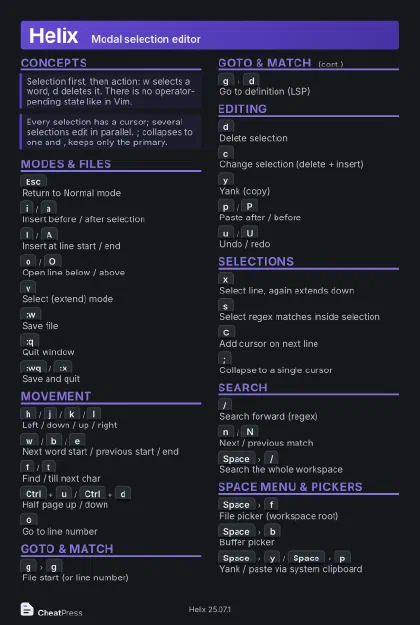
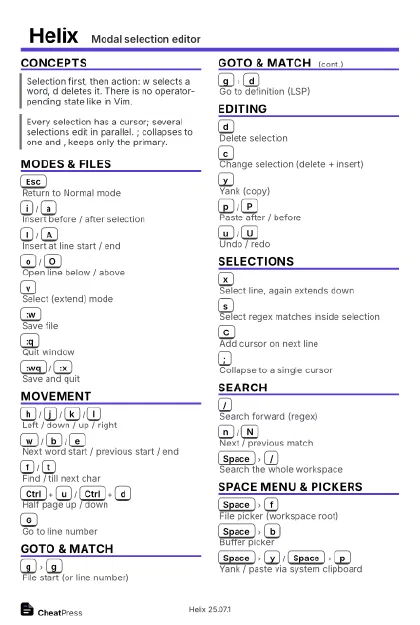
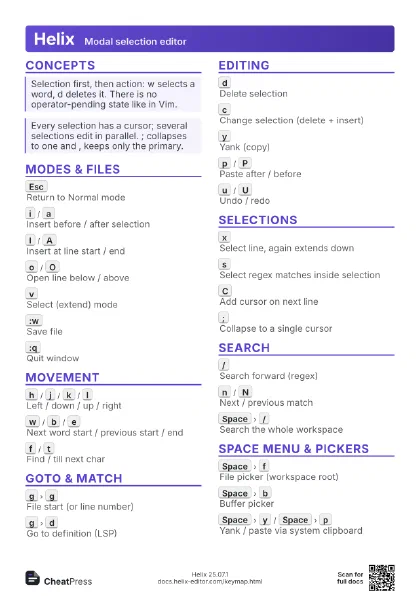
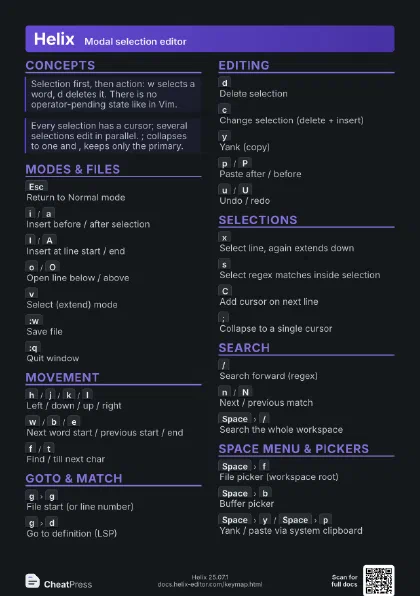
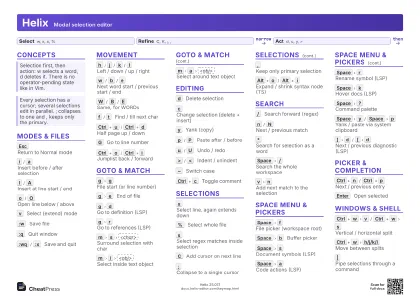
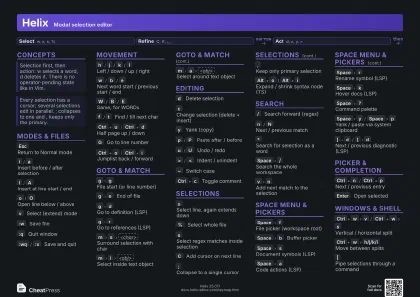
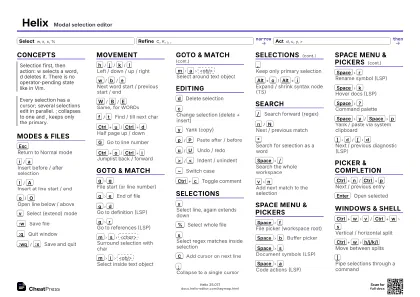
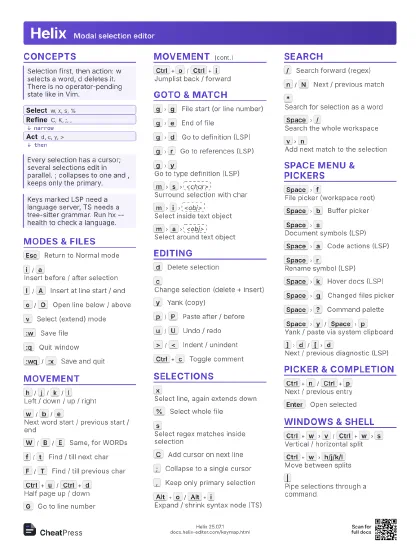
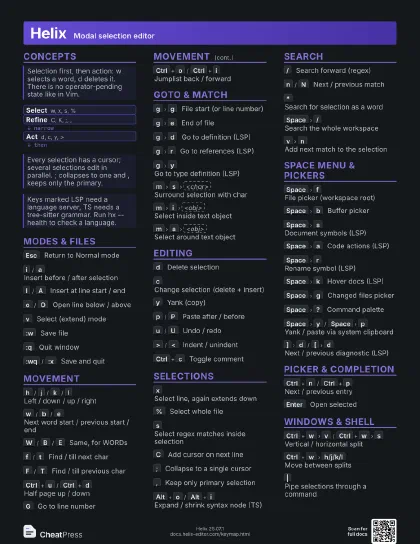
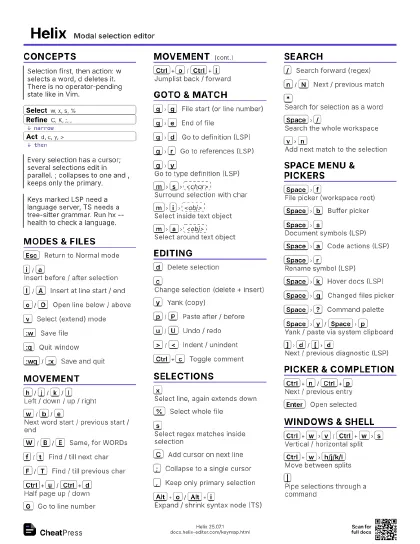
Helix Modal selection editor
 Light · Postcard
102 × 152 mm · PDF
 Dark · Postcard
102 × 152 mm · PDF
 Ink saver · Postcard
102 × 152 mm · PDF
 Light · A4 landscape
297 × 210 mm · PDF
 Dark · A4 landscape
297 × 210 mm · PDF
 Ink saver · A4 landscape
297 × 210 mm · PDF
 Light · A3 landscape
420 × 297 mm · PDF
 Dark · A3 landscape
420 × 297 mm · PDF
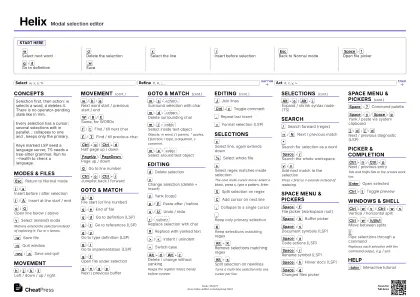 Ink saver · A3 landscape
420 × 297 mm · PDF
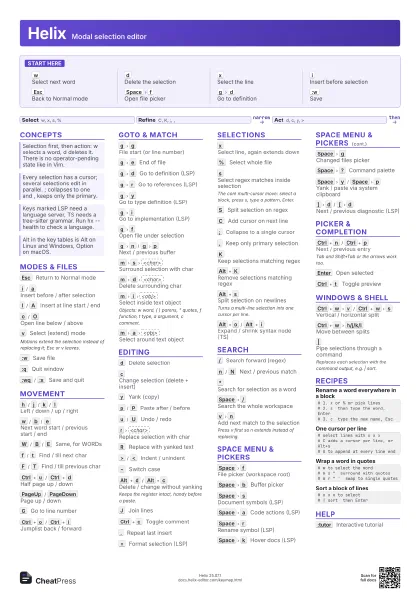
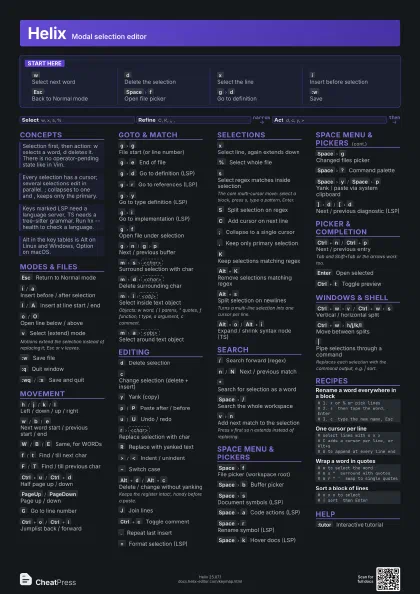
Start here
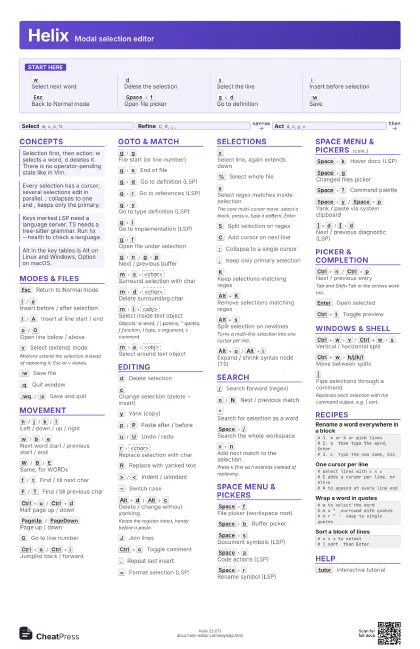
w
Select next word
d
Delete the selection
x
Select the line
i
Insert before selection
Esc
Back to Normal mode
Space
f
Open file picker
g
d
Go to definition
:w
Save
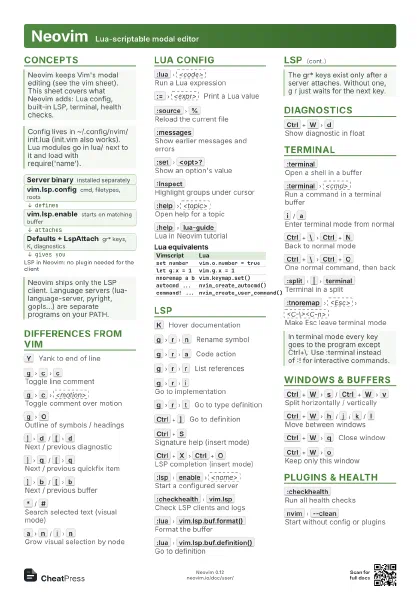
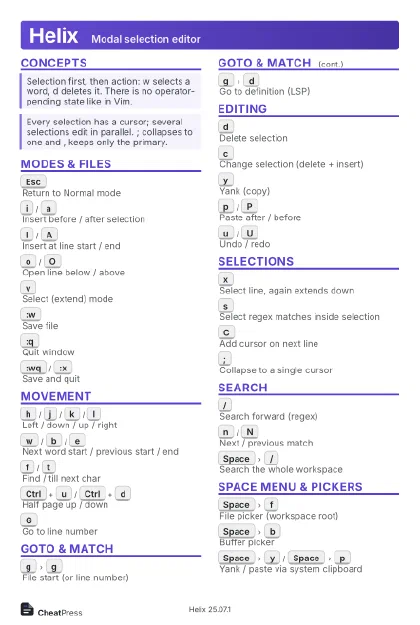
Concepts
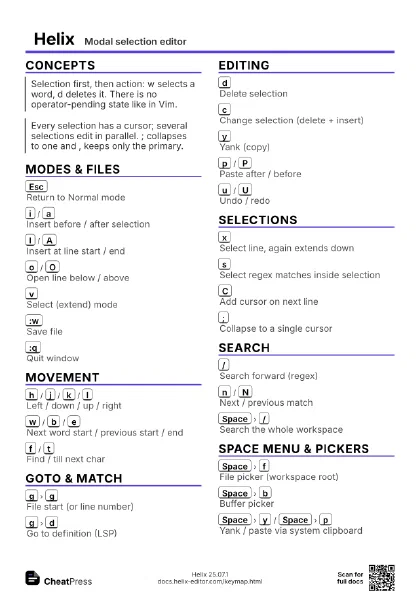
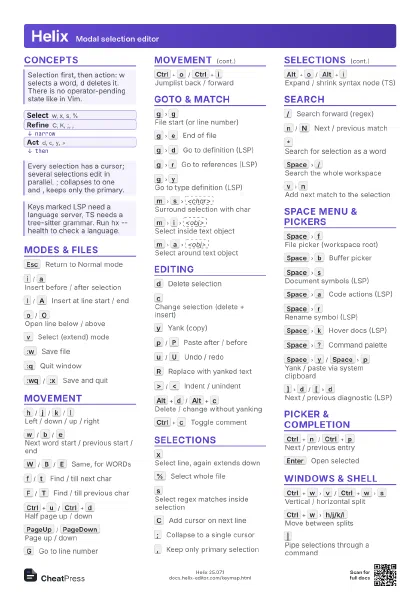
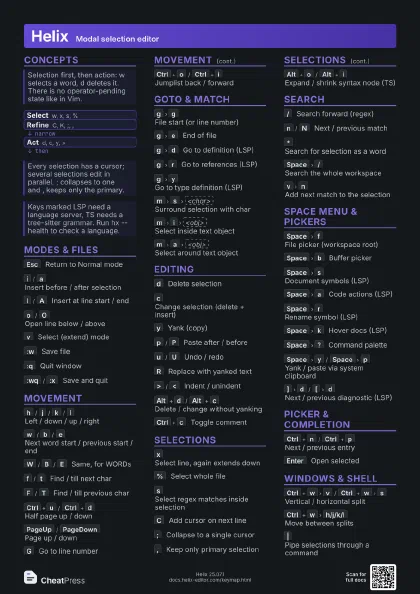
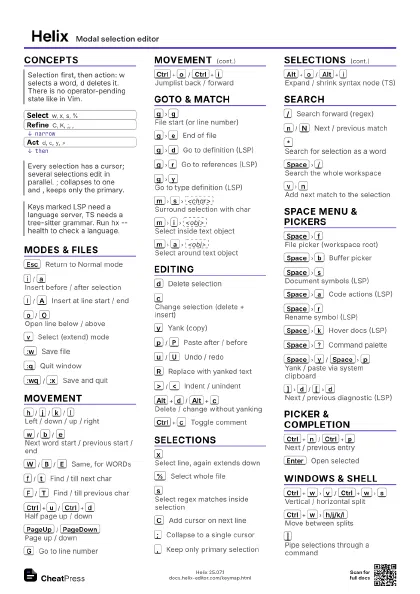
- Select w, x, s, %
- Refine C, K, ;, ,
- Act d, c, y, >
Modes & Files
Esc
Return to Normal mode
i
/
a
Insert before / after selection
I
/
A
Insert at line start / end
o
/
O
Open line below / above
v
Select (extend) mode
Motions extend the selection instead of replacing it; Esc or v
leaves.
:w
Save file
:q
Quit window
:wq
/
:x
Save and quit
Movement
h
/
j
/
k
/
l
Left / down / up / right
w
/
b
/
e
Next word start / previous start / end
W
/
B
/
E
Same, for WORDs
f
/
t
Find / till next char
F
/
T
Find / till previous char
Ctrl+u
/
Ctrl+d
Half page up / down
PageUp
/
PageDown
Page up / down
G
Go to line number
Ctrl+o
/
Ctrl+i
Jumplist back / forward
Goto & Match
g
g
File start (or line number)
g
e
End of file
g
d
Go to definition (LSP)
g
r
Go to references (LSP)
g
y
Go to type definition (LSP)
g
i
Go to implementation (LSP)
g
f
Open file under selection
g
n
/
g
p
Next / previous buffer
m
s
<char>
Surround selection with char
m
d
<char>
Delete surrounding char
m
i
<obj>
Select inside text object
Objects: w word, ( ) parens, " quotes, f function, t type,
a argument, c comment.
m
a
<obj>
Select around text object
Editing
d
Delete selection
c
Change selection (delete + insert)
y
Yank (copy)
p
/
P
Paste after / before
u
/
U
Undo / redo
r
<char>
Replace selection with char
R
Replace with yanked text
>
/
<
Indent / unindent
~
Switch case
Alt+d
/
Alt+c
Delete / change without yanking
Keeps the register intact, handy before a paste.
J
Join lines
Ctrl+c
Toggle comment
.
Repeat last insert
=
Format selection (LSP)
Selections
x
Select line, again extends down
%
Select whole file
s
Select regex matches inside selection
The core multi-cursor move: select a block, press s, type a
pattern, Enter.
S
Split selection on regex
C
Add cursor on next line
;
Collapse to a single cursor
,
Keep only primary selection
K
Keep selections matching regex
Alt+K
Remove selections matching regex
Alt+s
Split selection on newlines
Turns a multi-line selection into one cursor per line.
Alt+o
/
Alt+i
Expand / shrink syntax node (TS)
Search
/
Search forward (regex)
n
/
N
Next / previous match
*
Search for selection as a word
Space
/
Search the whole workspace
v
n
Add next match to the selection
Press v first so n extends instead of replacing.
Space Menu & Pickers
Space
f
File picker (workspace root)
Space
b
Buffer picker
Space
s
Document symbols (LSP)
Space
a
Code actions (LSP)
Space
r
Rename symbol (LSP)
Space
k
Hover docs (LSP)
Space
g
Changed files picker
Space
?
Command palette
Space
y
/
Space
p
Yank / paste via system clipboard
]
d
/
[
d
Next / previous diagnostic (LSP)
Picker & Completion
Ctrl+n
/
Ctrl+p
Next / previous entry
Tab and Shift+Tab or the arrows work too.
Enter
Open selected
Ctrl+t
Toggle preview
Windows & Shell
Ctrl+w
v
/
Ctrl+w
s
Vertical / horizontal split
Ctrl+w
h/j/k/l
Move between splits
|
Pipe selections through a command
Replaces each selection with the command output, e.g. | sort.
Recipes
# 1. x or % or pick lines# 2. s then type the word, Enter# 3. c type the new name, Esc# select lines with x x x# C adds a cursor per line, or Alt+s# A to append at every line end# w to select the word# m s " surround with quotes# m r " ' swap to single quotes# x x x to select# | sort then EnterHelp
:tutor
Interactive tutorial