Cheat
Inkscape Vector graphics editor
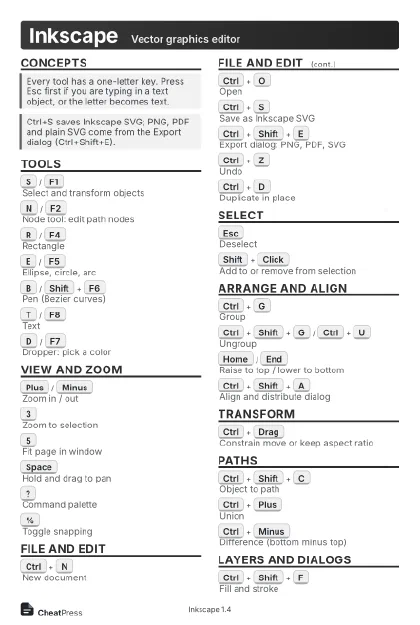 Light · Postcard
102 × 152 mm · PDF
 Dark · Postcard
102 × 152 mm · PDF
 Ink saver · Postcard
102 × 152 mm · PDF
 Light · A4 landscape
297 × 210 mm · PDF
 Dark · A4 landscape
297 × 210 mm · PDF
 Ink saver · A4 landscape
297 × 210 mm · PDF
 Light · A3 landscape
420 × 297 mm · PDF
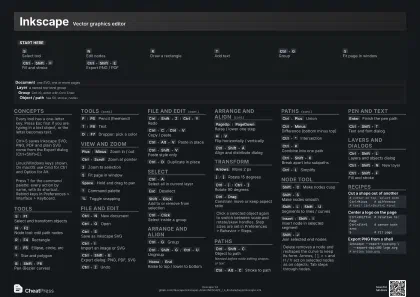 Dark · A3 landscape
420 × 297 mm · PDF
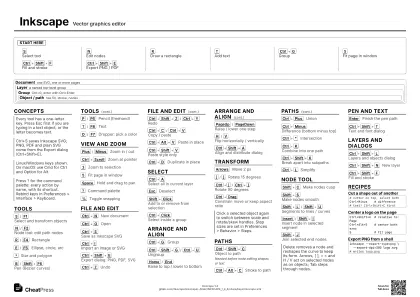 Ink saver · A3 landscape
420 × 297 mm · PDF
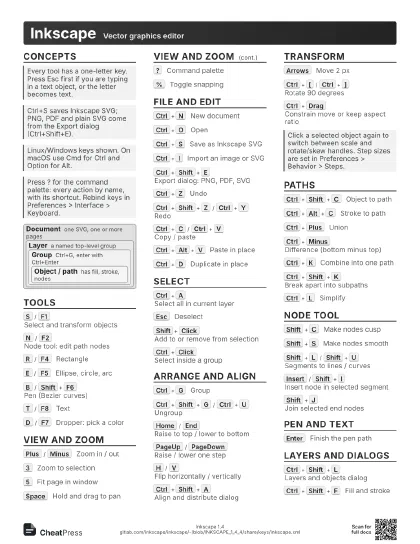
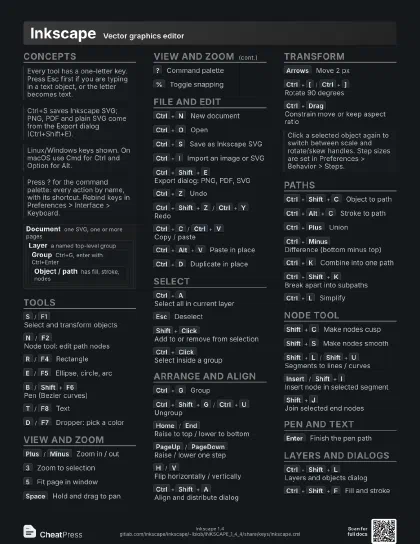
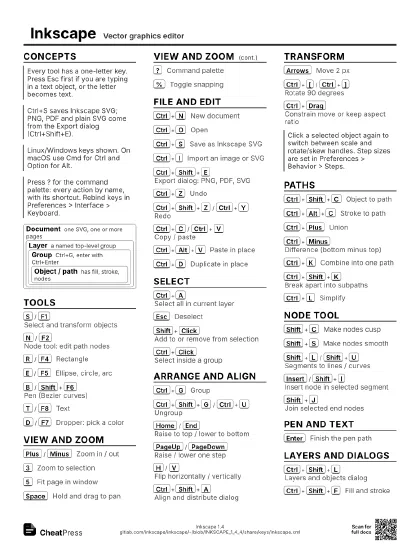
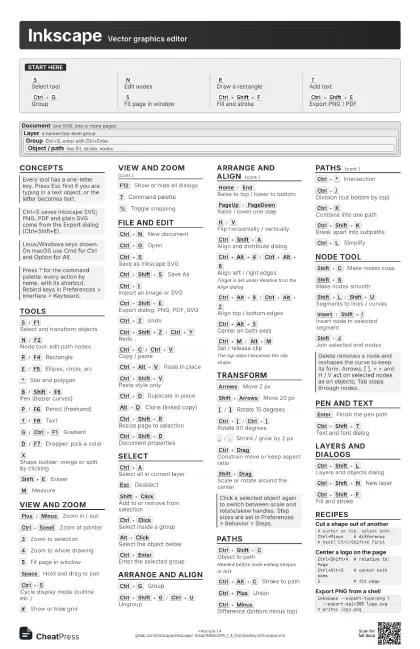
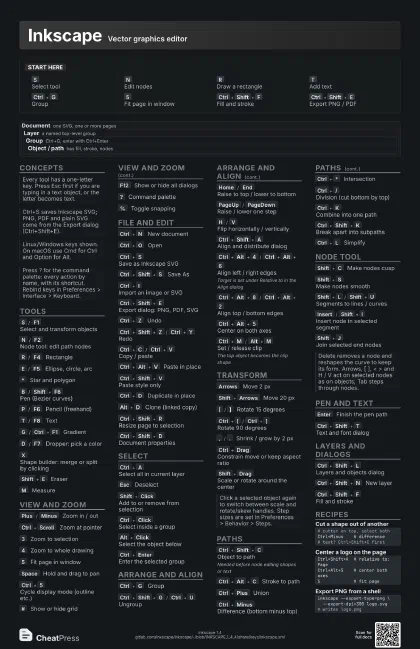
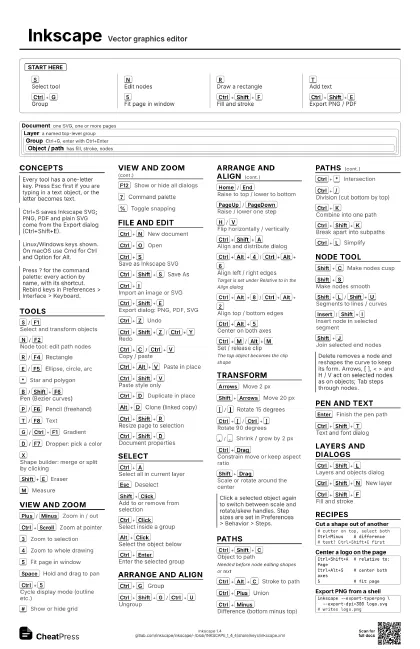
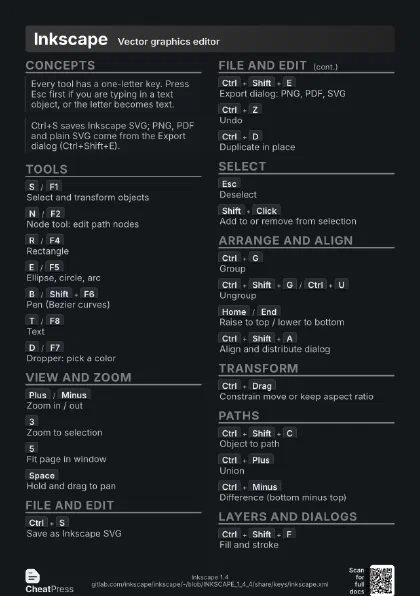
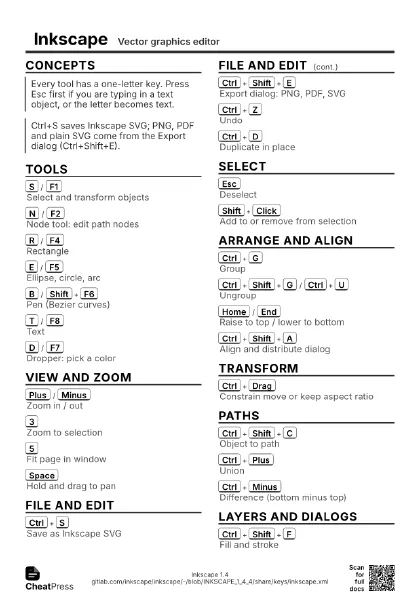
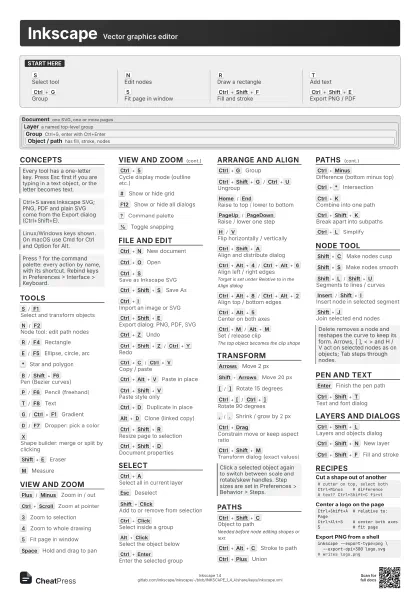
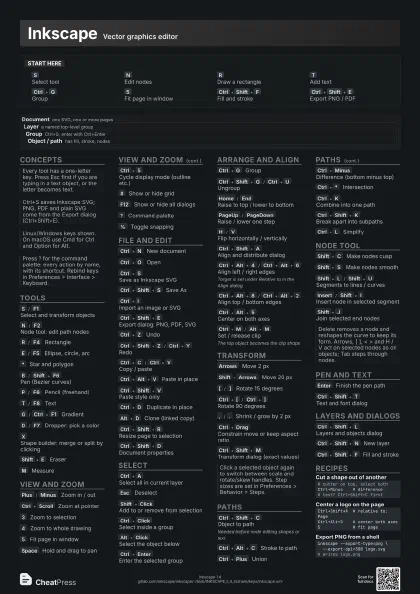
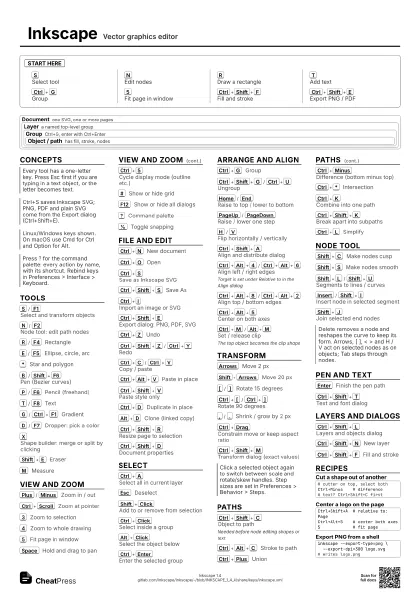
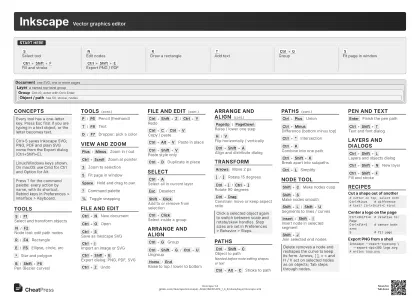
Start here
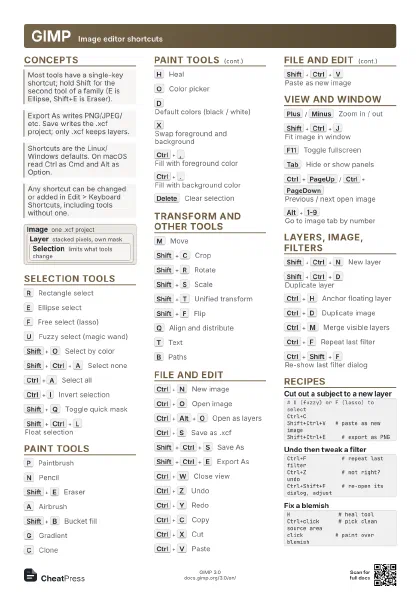
S
Select tool
N
Edit nodes
R
Draw a rectangle
T
Add text
Ctrl+G
Group
5
Fit page in window
Ctrl+Shift+F
Fill and stroke
Ctrl+Shift+E
Export PNG / PDF
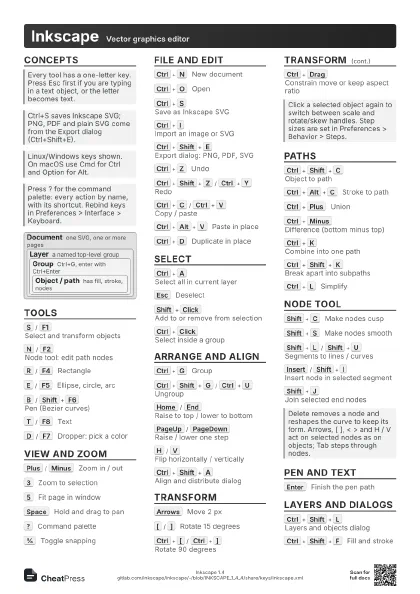
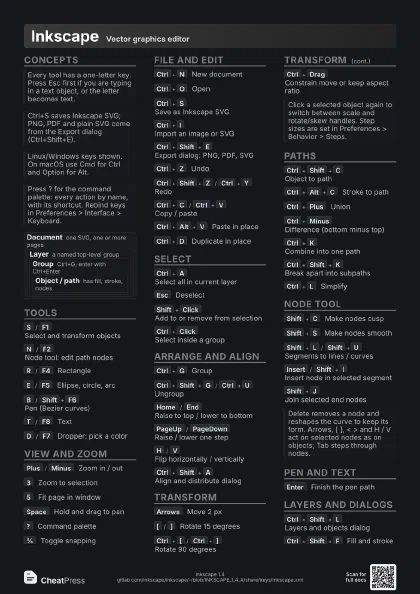
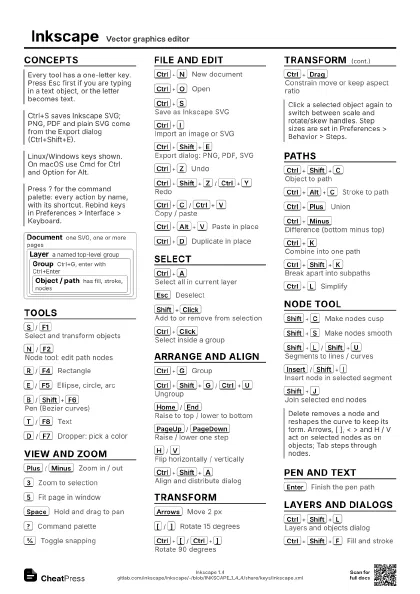
Concepts
Document
one SVG, one or more pages
Layer
a named top-level group
Group
Ctrl+G, enter with Ctrl+Enter
Object / path
has fill, stroke, nodes
Tools
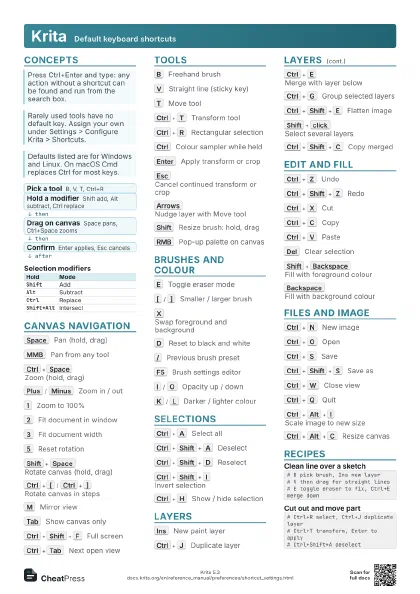
S
/
F1
Select and transform objects
N
/
F2
Node tool: edit path nodes
R
/
F4
Rectangle
E
/
F5
Ellipse, circle, arc
*
Star and polygon
B
/
Shift+F6
Pen (Bezier curves)
P
/
F6
Pencil (freehand)
T
/
F8
Text
G
/
Ctrl+F1
Gradient
D
/
F7
Dropper: pick a color
X
Shape builder: merge or split by clicking
Shift+E
Eraser
M
Measure
View and zoom
Plus
/
Minus
Zoom in / out
Ctrl+Scroll
Zoom at pointer
3
Zoom to selection
4
Zoom to whole drawing
5
Fit page in window
Space
Hold and drag to pan
Ctrl+5
Cycle display mode (outline etc.)
#
Show or hide grid
F12
Show or hide all dialogs
?
Command palette
%
Toggle snapping
File and edit
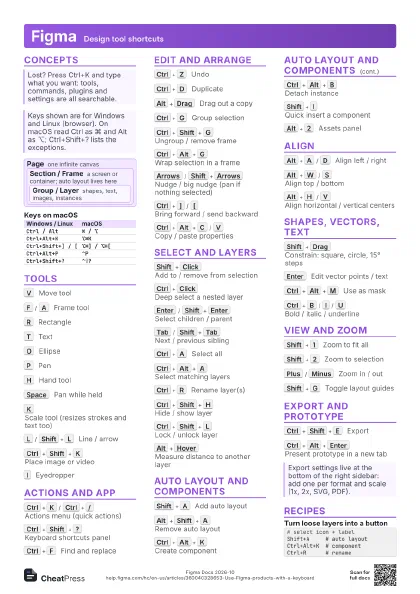
Ctrl+N
New document
Ctrl+O
Open
Ctrl+S
Save as Inkscape SVG
Ctrl+Shift+S
Save As
Ctrl+I
Import an image or SVG
Ctrl+Shift+E
Export dialog: PNG, PDF, SVG
Ctrl+Z
Undo
Ctrl+Shift+Z
/
Ctrl+Y
Redo
Ctrl+C
/
Ctrl+V
Copy / paste
Ctrl+Alt+V
Paste in place
Ctrl+Shift+V
Paste style only
Ctrl+D
Duplicate in place
Alt+D
Clone (linked copy)
Ctrl+Shift+R
Resize page to selection
Ctrl+Shift+D
Document properties
Select
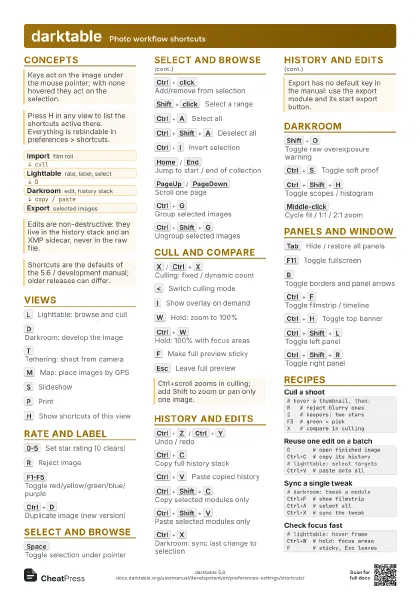
Ctrl+A
Select all in current layer
Esc
Deselect
Shift+Click
Add to or remove from selection
Ctrl+Click
Select inside a group
Alt+Click
Select the object below
Ctrl+Enter
Enter the selected group
Arrange and align
Ctrl+G
Group
Ctrl+Shift+G
/
Ctrl+U
Ungroup
Home
/
End
Raise to top / lower to bottom
PageUp
/
PageDown
Raise / lower one step
H
/
V
Flip horizontally / vertically
Ctrl+Shift+A
Align and distribute dialog
Ctrl+Alt+4
/
Ctrl+Alt+6
Align left / right edges
Target is set under Relative to in the Align dialog
Ctrl+Alt+8
/
Ctrl+Alt+2
Align top / bottom edges
Ctrl+Alt+5
Center on both axes
Ctrl+M
/
Alt+M
Set / release clip
The top object becomes the clip shape
Transform
Arrows
Move 2 px
Shift+Arrows
Move 20 px
[
/
]
Rotate 15 degrees
Ctrl+[
/
Ctrl+]
Rotate 90 degrees
,
/
.
Shrink / grow by 2 px
Ctrl+Drag
Constrain move or keep aspect ratio
Shift+Drag
Scale or rotate around the center
Ctrl+Shift+M
Transform dialog (exact values)
Paths
Ctrl+Shift+C
Object to path
Needed before node editing shapes or text
Ctrl+Alt+C
Stroke to path
Ctrl+Plus
Union
Ctrl+Minus
Difference (bottom minus top)
Ctrl+*
Intersection
Ctrl+/
Division (cut bottom by top)
Ctrl+K
Combine into one path
Ctrl+Shift+K
Break apart into subpaths
Ctrl+(
/
Ctrl+)
Inset / outset
Ctrl+L
Simplify
Ctrl+&
Path effects dialog
Shift+Alt+B
Trace bitmap
Node tool
Shift+C
Make nodes cusp
Shift+S
Make nodes smooth
Shift+Y
Make nodes symmetric
Shift+L
/
Shift+U
Segments to lines / curves
Insert
/
Shift+I
Insert node in selected segment
Alt+Delete
Delete segment between nodes
Shift+J
Join selected end nodes
Shift+B
Break path at selected nodes
Pen and text
Enter
Finish the pen path
Backspace
Undo last pen node
Ctrl+B
/
Ctrl+I
Bold / italic in text
Alt+<
/
Alt+>
Letter spacing tighter / looser
Ctrl+Shift+T
Text and font dialog
Layers and dialogs
Ctrl+Shift+L
Layers and objects dialog
Ctrl+Shift+N
New layer
Ctrl+PageUp
/
Ctrl+PageDown
Switch to layer above / below
Shift+PageUp
/
Shift+PageDown
Move selection to layer above / below
Ctrl+Shift+F
Fill and stroke
Ctrl+Shift+X
XML editor
Recipes
# cutter on top, select bothCtrl+Minus # difference# text? Ctrl+Shift+C firstCtrl+Shift+A # relative to: PageCtrl+Alt+5 # center both axes5 # fit pageCtrl+Alt+C # stroke to pathN # node toolShift+C # sharp cornersinkscape --export-type=png \ --export-dpi=300 logo.svg# writes logo.png