Cheat
HandBrake CLI Video transcoder
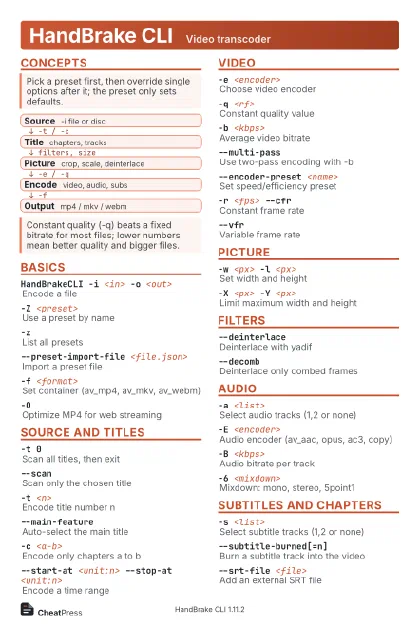 Light · Postcard
102 × 152 mm · PDF
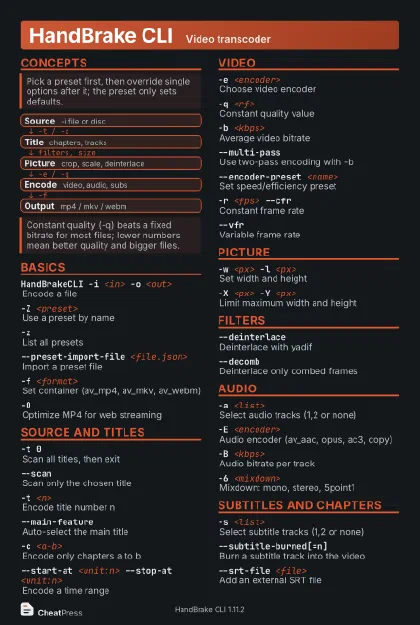 Dark · Postcard
102 × 152 mm · PDF
 Ink saver · Postcard
102 × 152 mm · PDF
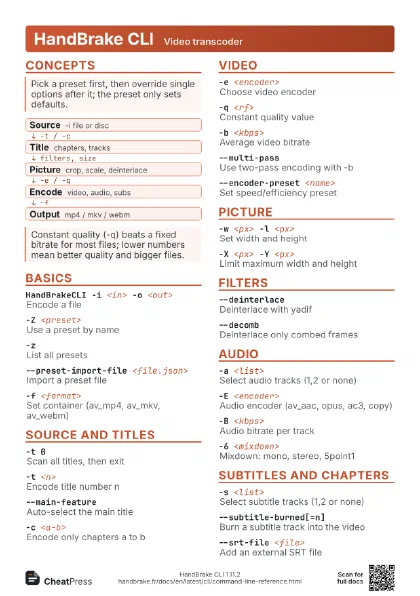
 Light · A4 landscape
297 × 210 mm · PDF
 Dark · A4 landscape
297 × 210 mm · PDF
 Ink saver · A4 landscape
297 × 210 mm · PDF
 Light · A3 landscape
420 × 297 mm · PDF
 Dark · A3 landscape
420 × 297 mm · PDF
 Ink saver · A3 landscape
420 × 297 mm · PDF
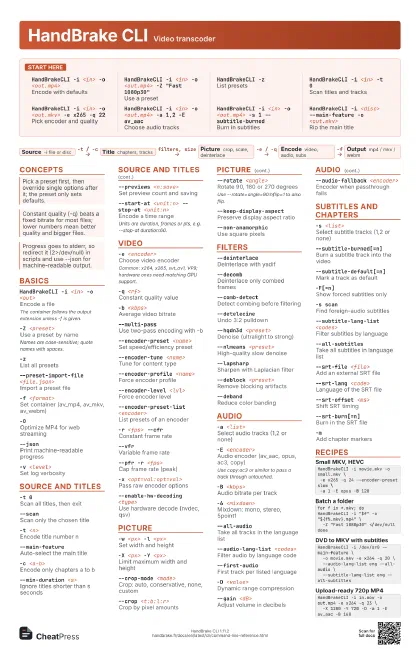
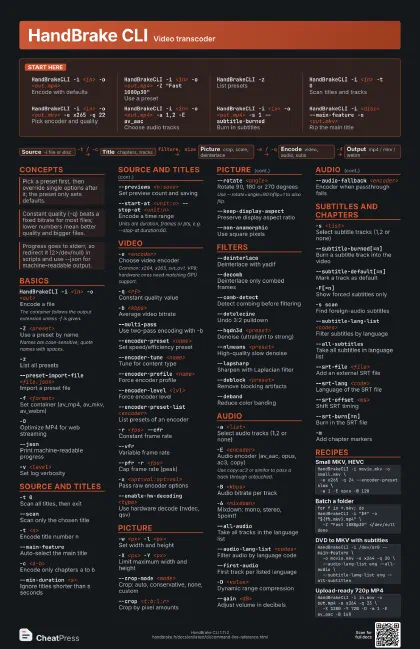
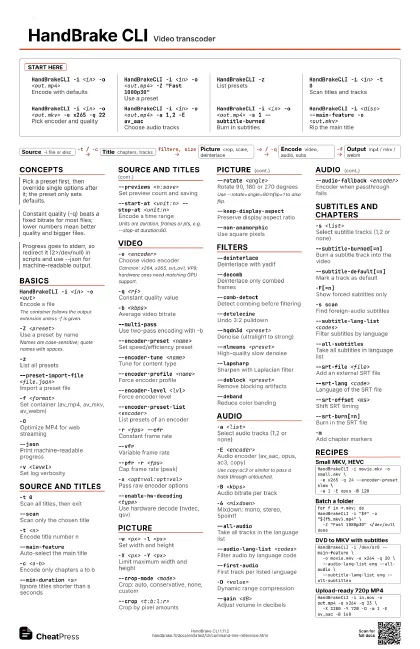
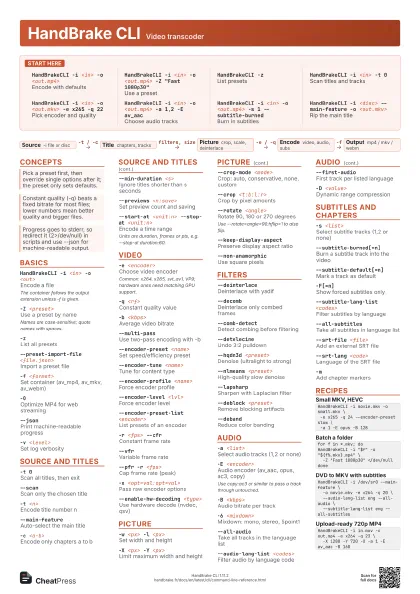
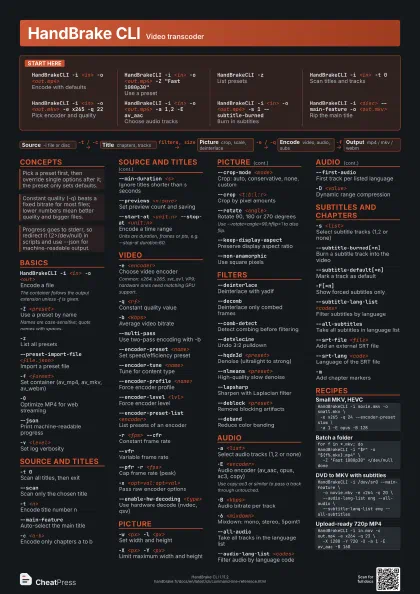
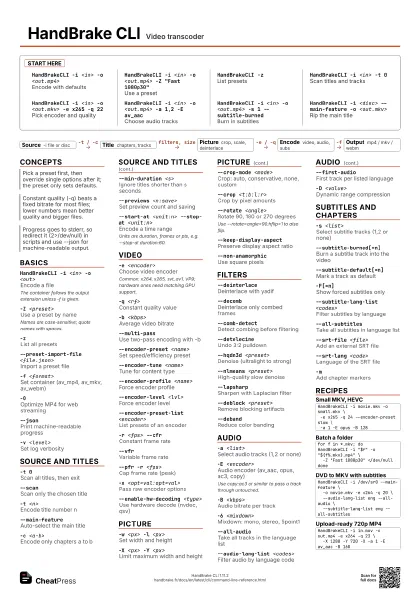
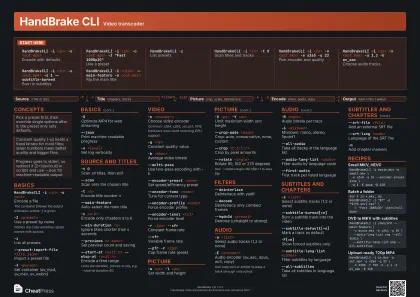
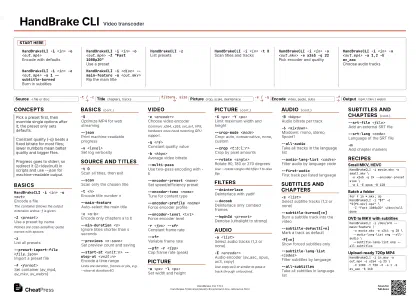
Start here
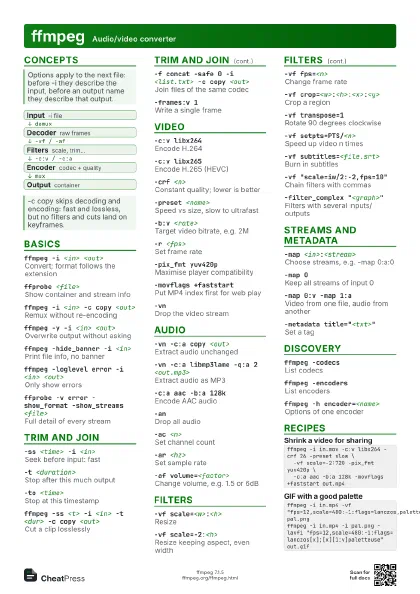
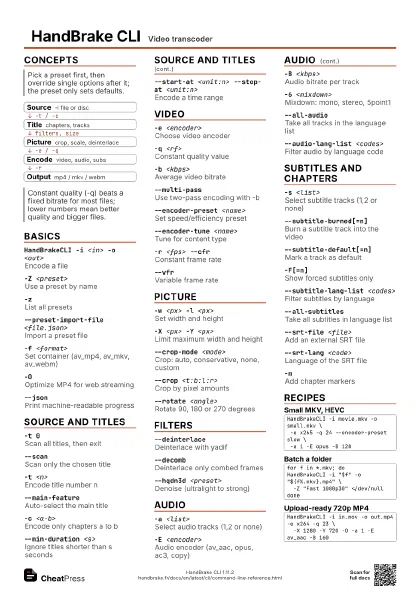
HandBrakeCLI -i <in> -o <out.mp4>
Encode with defaults
HandBrakeCLI -i <in> -o <out.mp4> -Z "Fast
                    1080p30"
Use a preset
HandBrakeCLI -zList presets
HandBrakeCLI -i <in> -t 0
Scan titles and tracks
HandBrakeCLI -i <in> -o <out.mkv> -e x265 -q
                    22
Pick encoder and quality
HandBrakeCLI -i <in> -o <out.mp4> -a 1,2 -E
                    av_aac
Choose audio tracks
HandBrakeCLI -i <in> -o <out.mp4> -s 1
                    --subtitle-burned
Burn in subtitles
HandBrakeCLI -i <disc> --main-feature -o
                    <out.mkv>
Rip the main title
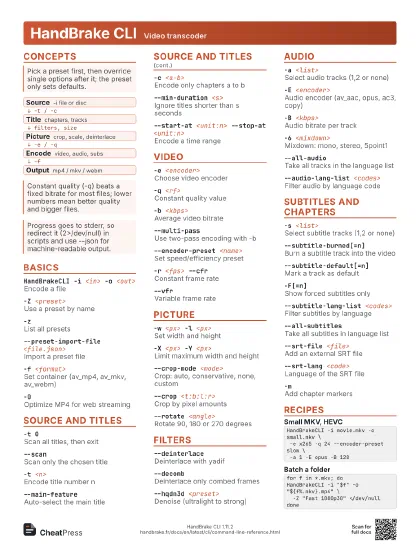
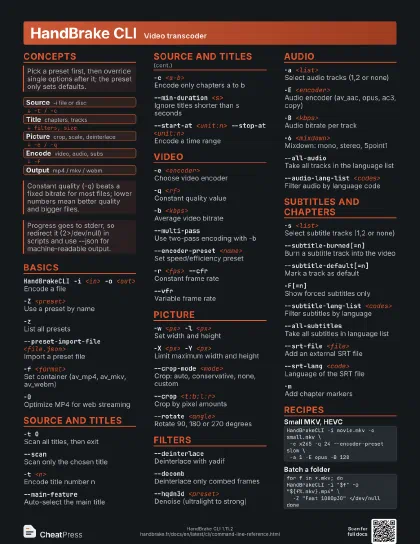
Concepts
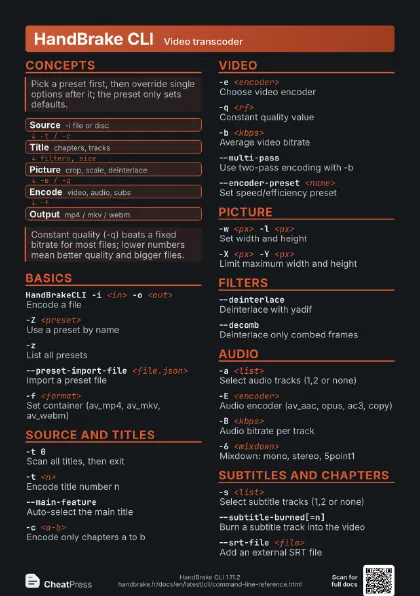
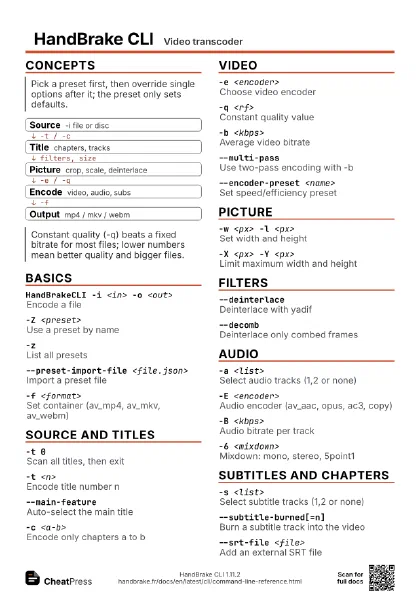
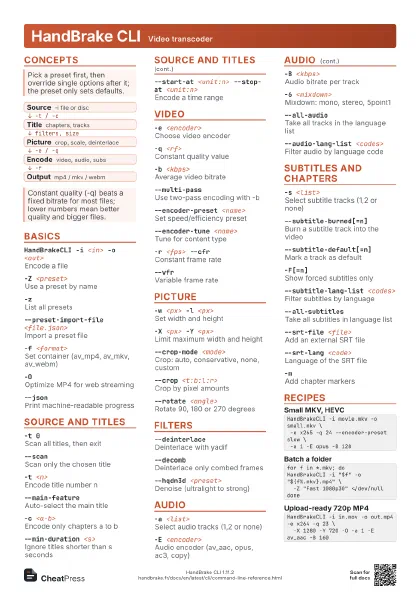
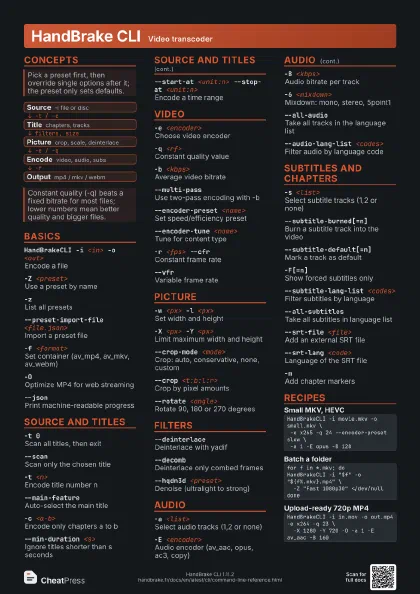
- Source -i file or disc
- Title chapters, tracks
- Picture crop, scale, deinterlace
- Encode video, audio, subs
- Output mp4 / mkv / webm
Basics
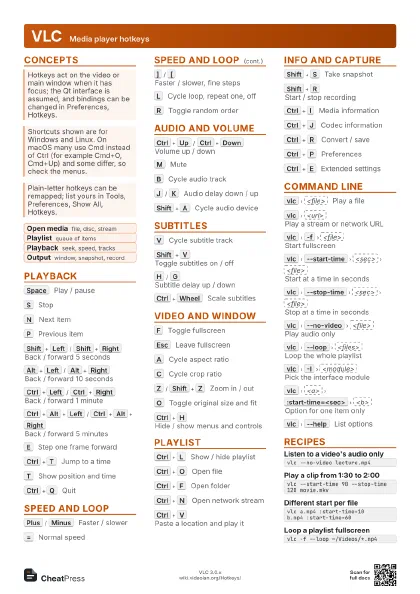
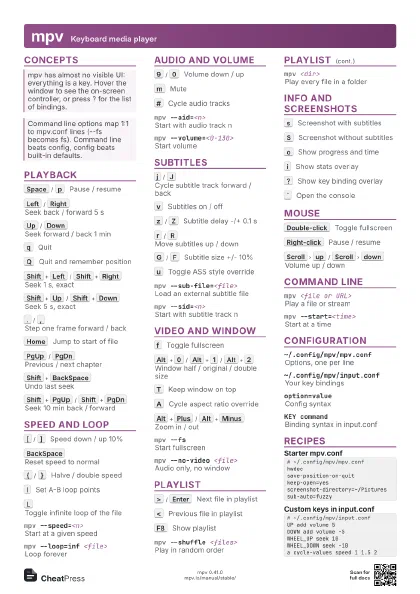
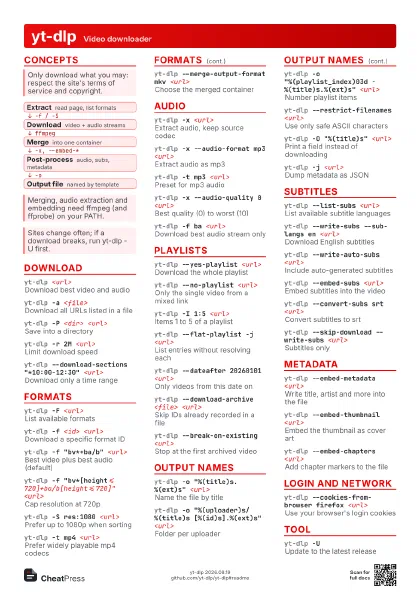
HandBrakeCLI -i <in> -o <out>
Encode a file
The container follows the output extension unless -f is given.
-Z <preset>
Use a preset by name
Names are case-sensitive; quote names with spaces.
-zList all presets
--preset-import-file <file.json>
Import a preset file
-f <format>
Set container (av_mp4, av_mkv, av_webm)
-OOptimize MP4 for web streaming
--jsonPrint machine-readable progress
-v <level>
Set log verbosity
Source and titles
-t 0Scan all titles, then exit
--scanScan only the chosen title
-t <n>Encode title number n
--main-featureAuto-select the main title
-c <a-b>Encode only chapters a to b
--min-duration <s>
Ignore titles shorter than s seconds
--previews <n:save>
Set preview count and saving
--start-at <unit:n> --stop-at <unit:n>
Encode a time range
Units are duration, frames or pts, e.g. --stop-at duration:60.
Video
-e <encoder>
Choose video encoder
Common: x264, x265, svt_av1, VP9; hardware ones need matching
GPU support.
-q <rf>Constant quality value
-b <kbps>Average video bitrate
--multi-passUse two-pass encoding with -b
--encoder-preset <name>
Set speed/efficiency preset
--encoder-tune <name>
Tune for content type
--encoder-profile <name>
Force encoder profile
--encoder-level <lvl>
Force encoder level
--encoder-preset-list <encoder>
List presets of an encoder
-r <fps> --cfr
Constant frame rate
--vfrVariable frame rate
--pfr -r <fps>
Cap frame rate (peak)
-x <opt=val:opt=val>
Pass raw encoder options
--enable-hw-decoding <type>
Use hardware decode (nvdec, qsv)
--hdr-dynamic-metadata <type>
Keep HDR10+ or Dolby Vision data
Picture
-w <px> -l <px>
Set width and height
-X <px> -Y <px>
Limit maximum width and height
--crop-mode <mode>
Crop: auto, conservative, none, custom
--crop <t:b:l:r>
Crop by pixel amounts
--rotate <angle>
Rotate 90, 180 or 270 degrees
Use --rotate=angle=90:hflip=1 to also flip.
--keep-display-aspect
Preserve display aspect ratio
--non-anamorphic
Use square pixels
--modulus <n>
Round dimensions to a multiple
--pad <spec>
Add padding around the picture
--color-range <range>
Set color range (auto, limited, full)
Filters
--deinterlaceDeinterlace with yadif
--decombDeinterlace only combed frames
--comb-detectDetect combing before filtering
--detelecineUndo 3:2 pulldown
--hqdn3d <preset>
Denoise (ultralight to strong)
--nlmeans <preset>
High-quality slow denoise
--lapsharpSharpen with Laplacian filter
--unsharpSharpen with unsharp mask
--deblock <preset>
Remove blocking artifacts
--debandReduce color banding
--grayscaleConvert to grayscale
Audio
-a <list>Select audio tracks (1,2 or none)
-E <encoder>
Audio encoder (av_aac, opus, ac3, copy)
Use copy:ac3 or similar to pass a track through untouched.
-B <kbps>Audio bitrate per track
-6 <mixdown>
Mixdown: mono, stereo, 5point1
--all-audioTake all tracks in the language list
--audio-lang-list <codes>
Filter audio by language code
--first-audioFirst track per listed language
-R <khz>Audio sample rate
-D <value>
Dynamic range compression
--gain <dB>
Adjust volume in decibels
--audio-fallback <encoder>
Encoder when passthrough fails
-A <names>
Name audio tracks
Subtitles and chapters
-s <list>Select subtitle tracks (1,2 or none)
--subtitle-burned[=n]
Burn a subtitle track into the video
--subtitle-default[=n]
Mark a track as default
-F[=n]Show forced subtitles only
-s scanFind foreign-audio subtitles
--subtitle-lang-list <codes>
Filter subtitles by language
--all-subtitlesTake all subtitles in language list
--srt-file <file>
Add an external SRT file
--srt-lang <code>
Language of the SRT file
--srt-offset <ms>
Shift SRT timing
--srt-burn[=n]Burn in the SRT file
-mAdd chapter markers
--no-markersDrop chapter markers
Recipes
HandBrakeCLI -i movie.mkv -o small.mkv \ -e x265 -q 24 --encoder-preset slow \ -a 1 -E opus -B 128for f in *.mkv; doHandBrakeCLI -i "$f" -o "${f%.mkv}.mp4" \ -Z "Fast 1080p30" </dev/nulldoneHandBrakeCLI -i /dev/sr0 --main-feature \ -o movie.mkv -e x264 -q 20 \ --audio-lang-list eng --all-audio \ --subtitle-lang-list eng --all-subtitlesHandBrakeCLI -i in.mov -o out.mp4 -e x264 -q 23 \ -X 1280 -Y 720 -O -a 1 -E av_aac -B 160