Cheat
gzip, xz and zstd Compress files
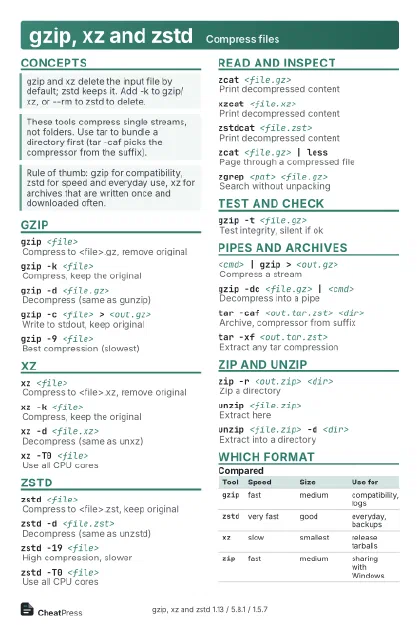 Light · Postcard
102 × 152 mm · PDF
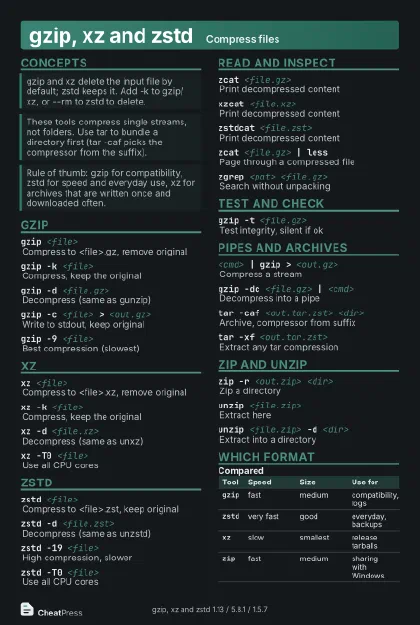 Dark · Postcard
102 × 152 mm · PDF
 Ink saver · Postcard
102 × 152 mm · PDF
 Light · A4 landscape
297 × 210 mm · PDF
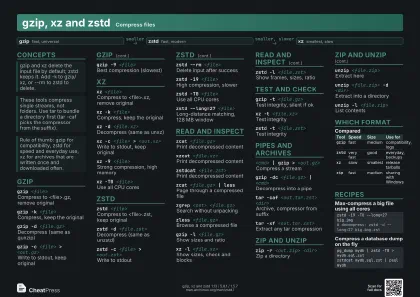 Dark · A4 landscape
297 × 210 mm · PDF
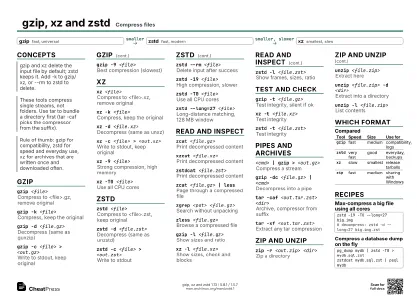 Ink saver · A4 landscape
297 × 210 mm · PDF
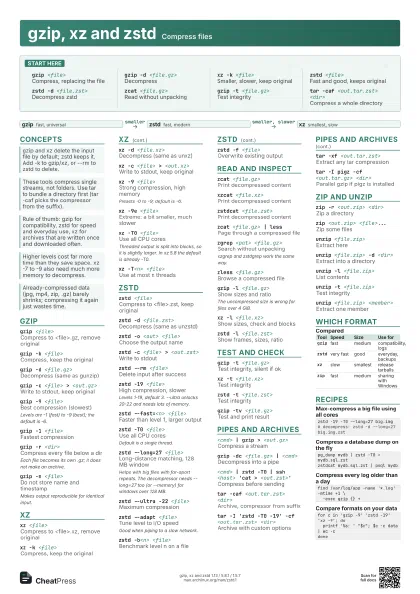
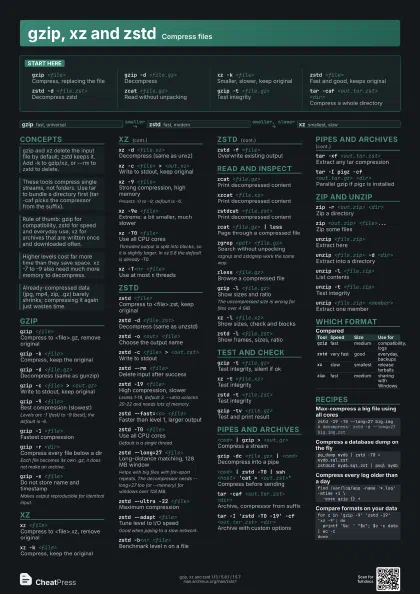
 Light · A3 landscape
420 × 297 mm · PDF
 Dark · A3 landscape
420 × 297 mm · PDF
 Ink saver · A3 landscape
420 × 297 mm · PDF
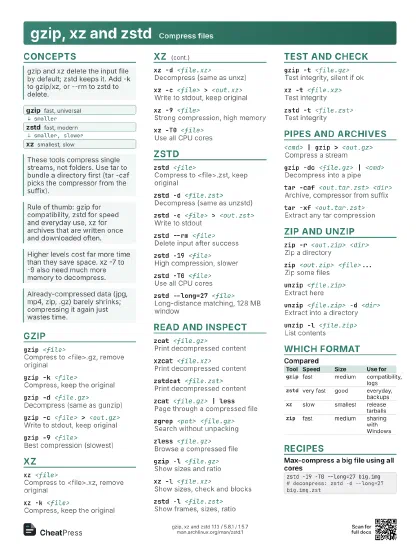
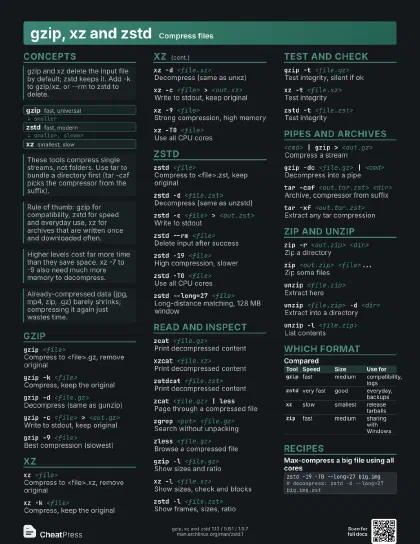
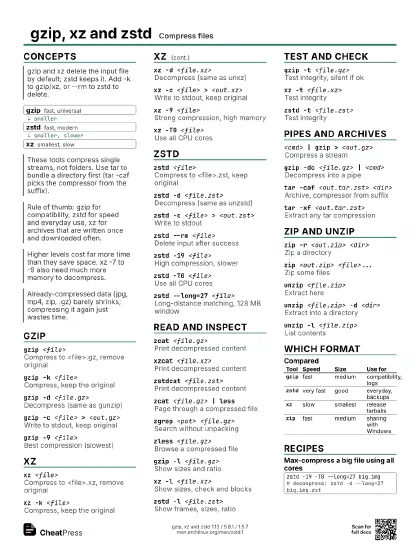
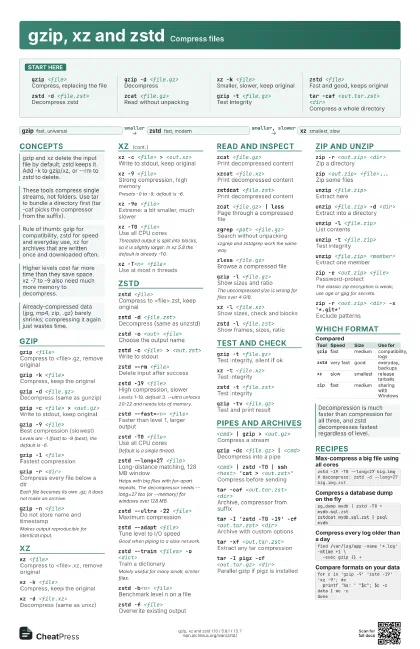
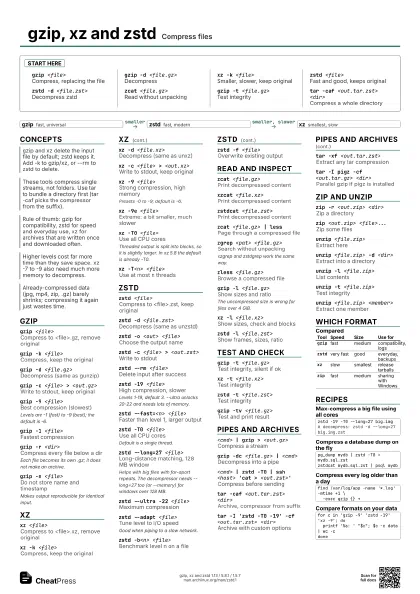
Start here
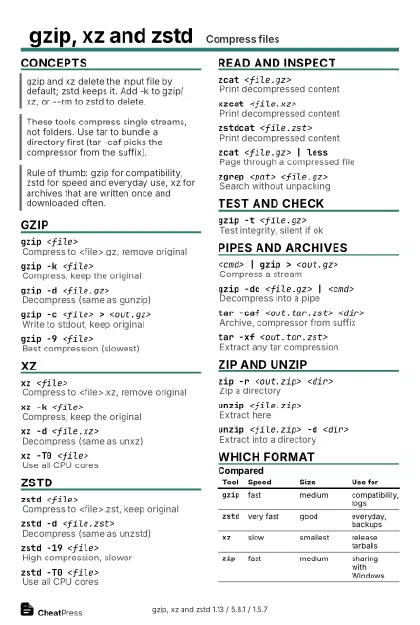
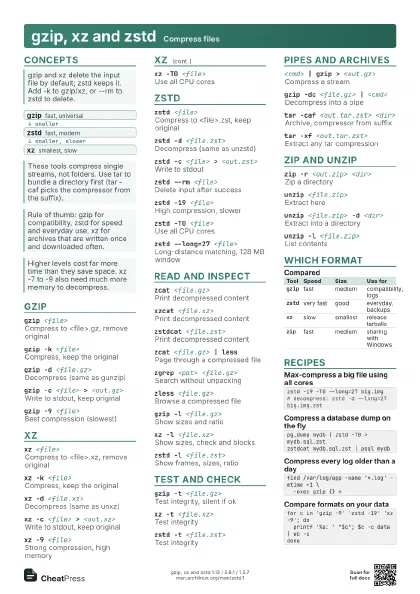
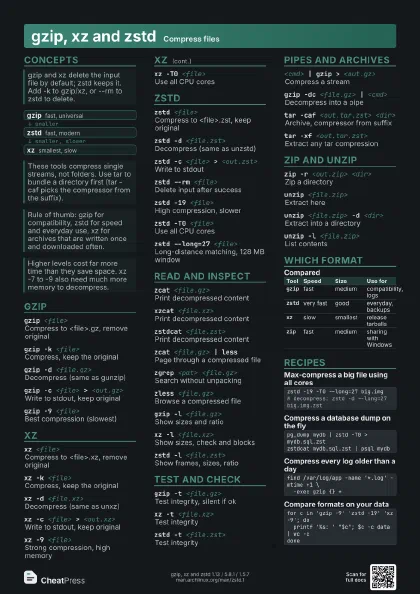
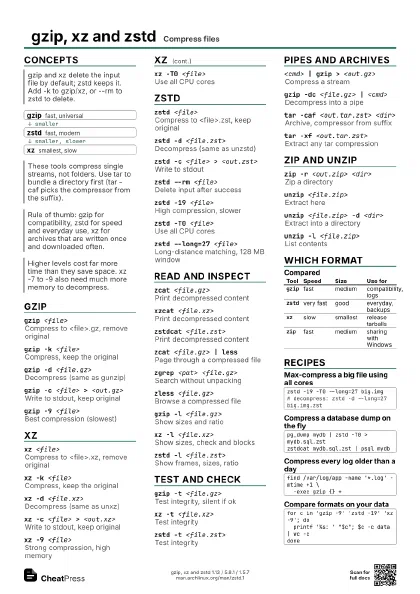
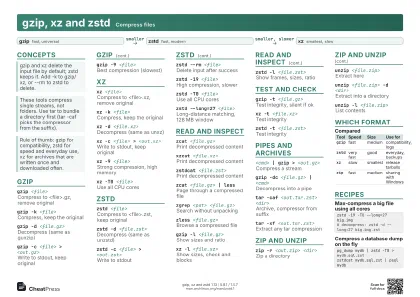
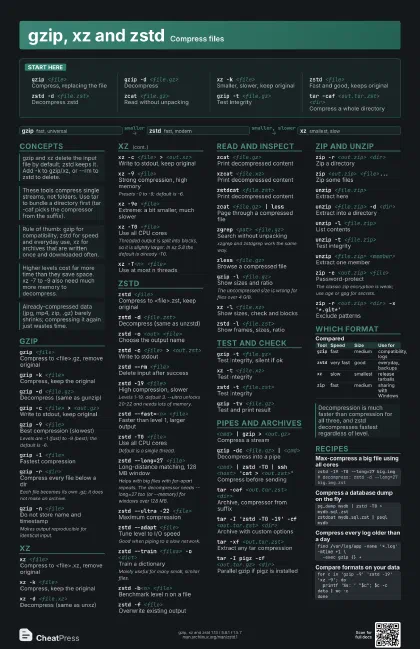
gzip <file>
Compress, replacing the file
gzip -d <file.gz>
Decompress
xz -k <file>
Smaller, slower, keep original
zstd <file>
Fast and good, keeps original
zstd -d <file.zst>
Decompress zstd
zcat <file.gz>
Read without unpacking
gzip -t <file.gz>
Test integrity
tar -caf <out.tar.zst> <dir>
Compress a whole directory
Concepts
- gzip fast, universal
- zstd fast, modern
- xz smallest, slow
gzip
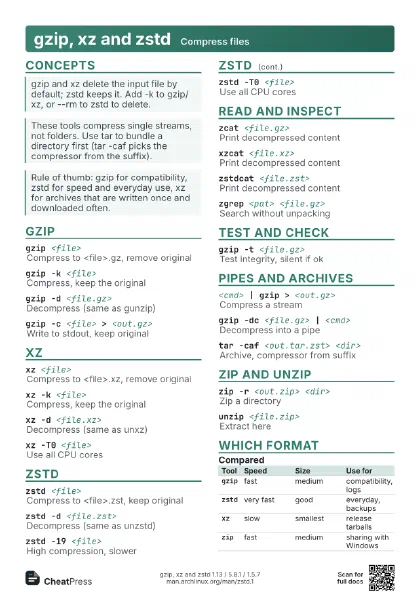
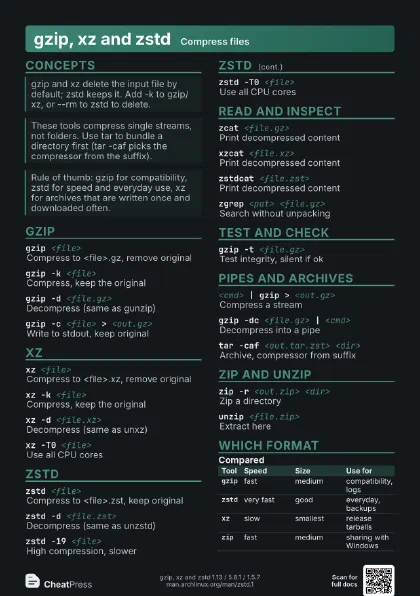
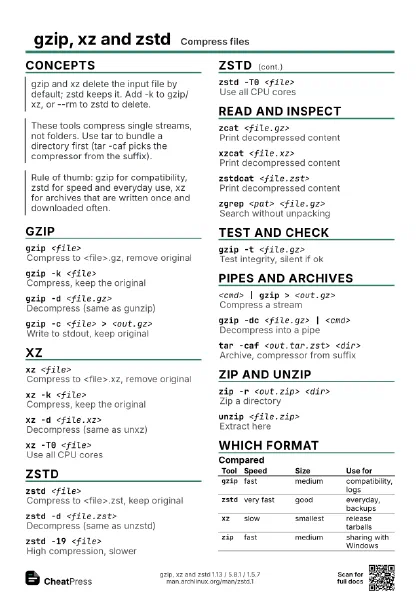
gzip <file>
Compress to <file>.gz, remove original
gzip -k <file>
Compress, keep the original
gzip -d <file.gz>
Decompress (same as gunzip)
gzip -c <file> > <out.gz>
Write to stdout, keep original
gzip -9 <file>
Best compression (slowest)
Levels are -1 (fast) to -9 (best); the default is -6.
gzip -1 <file>
Fastest compression
gzip -r <dir>
Compress every file below a dir
Each file becomes its own .gz; it does not make an archive.
gzip -n <file>
Do not store name and timestamp
Makes output reproducible for identical input.
xz
xz <file>
Compress to <file>.xz, remove original
xz -k <file>
Compress, keep the original
xz -d <file.xz>
Decompress (same as unxz)
xz -c <file> > <out.xz>
Write to stdout, keep original
xz -9 <file>
Strong compression, high memory
Presets -0 to -9; default is -6.
xz -9e <file>
Extreme: a bit smaller, much slower
xz -T0 <file>
Use all CPU cores
Threaded output is split into blocks, so it is slightly
larger. In xz 5.8 the default is already -T0.
xz -T<n> <file>
Use at most n threads
zstd
zstd <file>
Compress to <file>.zst, keep original
zstd -d <file.zst>
Decompress (same as unzstd)
zstd -o <out> <file>
Choose the output name
zstd -c <file> > <out.zst>
Write to stdout
zstd --rm <file>
Delete input after success
zstd -19 <file>
High compression, slower
Levels 1-19, default 3. --ultra unlocks 20-22 and needs lots
of memory.
zstd --fast=<n> <file>
Faster than level 1, larger output
zstd -T0 <file>
Use all CPU cores
Default is a single thread.
zstd --long=27 <file>
Long-distance matching, 128 MB window
Helps with big files with far-apart repeats. The decompressor
needs --long=27 too (or --memory) for windows over 128 MB.
zstd --ultra -22 <file>
Maximum compression
zstd --adapt <file>
Tune level to I/O speed
Good when piping to a slow network.
zstd --train <files> -o <dict>
Train a dictionary
Mainly useful for many small, similar files.
zstd --patch-from=<old> <new> -o
                    <patch>
Make a binary diff
zstd -b<n> <file>
Benchmark level n on a file
zstd -f <file>
Overwrite existing output
Read and inspect
zcat <file.gz>
Print decompressed content
xzcat <file.xz>
Print decompressed content
zstdcat <file.zst>
Print decompressed content
zcat <file.gz> | less
Page through a compressed file
zgrep <pat> <file.gz>
Search without unpacking
xzgrep and zstdgrep work the same way.
zless <file.gz>
Browse a compressed file
gzip -l <file.gz>
Show sizes and ratio
The uncompressed size is wrong for files over 4 GiB.
xz -l <file.xz>
Show sizes, check and blocks
zstd -l <file.zst>
Show frames, sizes, ratio
Test and check
gzip -t <file.gz>
Test integrity, silent if ok
xz -t <file.xz>
Test integrity
zstd -t <file.zst>
Test integrity
gzip -tv <file.gz>
Test and print result
Pipes and archives
<cmd> | gzip > <out.gz>
Compress a stream
gzip -dc <file.gz> | <cmd>
Decompress into a pipe
<cmd> | zstd -T0 | ssh <host> 'cat >
                    <out.zst>'
Compress before sending
tar -caf <out.tar.zst> <dir>
Archive, compressor from suffix
tar -I 'zstd -T0 -19' -cf <out.tar.zst>
                    <dir>
Archive with custom options
tar -xf <out.tar.zst>
Extract any tar compression
tar -I pigz -cf <out.tar.gz> <dir>
Parallel gzip if pigz is installed
zip and unzip
zip -r <out.zip> <dir>
Zip a directory
zip <out.zip> <file>...
Zip some files
unzip <file.zip>
Extract here
unzip <file.zip> -d <dir>
Extract into a directory
unzip -l <file.zip>
List contents
unzip -t <file.zip>
Test integrity
unzip <file.zip> <member>
Extract one member
zip -e <out.zip> <file>
Password-protect
The classic zip encryption is weak; use age or gpg for
secrets.
zip -r <out.zip> <dir> -x
                    '*.git*'
Exclude patterns
Which format
| Tool | Speed | Size | Use for |
|---|---|---|---|
gzip |
fast | medium | compatibility, logs |
zstd |
very fast | good | everyday, backups |
xz |
slow | smallest | release tarballs |
zip |
fast | medium | sharing with Windows |
Recipes
zstd -19 -T0 --long=27 big.img# decompress: zstd -d --long=27 big.img.zstpg_dump mydb | zstd -T0 > mydb.sql.zstzstdcat mydb.sql.zst | psql mydbfind /var/log/app -name '*.log' -mtime +1 \ -exec gzip {} +for c in 'gzip -9' 'zstd -19' 'xz -9'; do printf '%s: ' "$c"; $c -c data | wc -cdone