Cheat
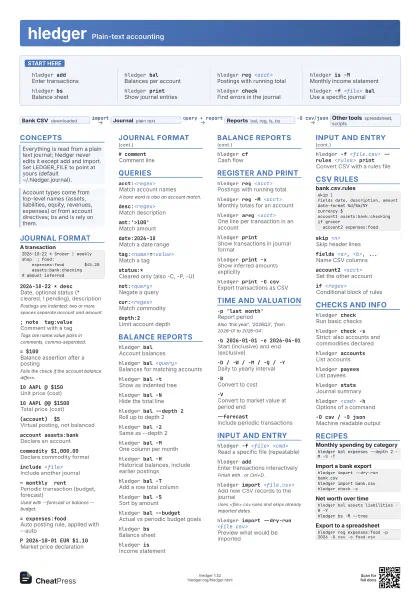
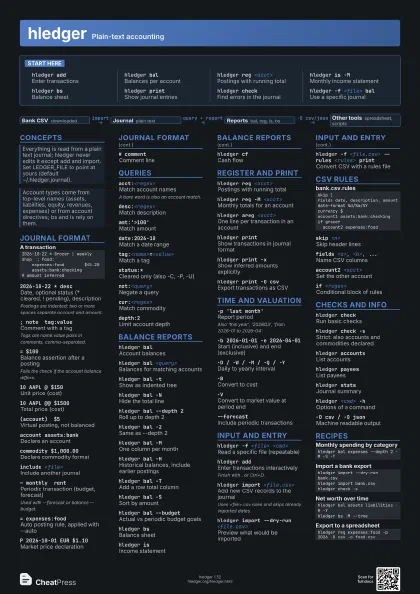
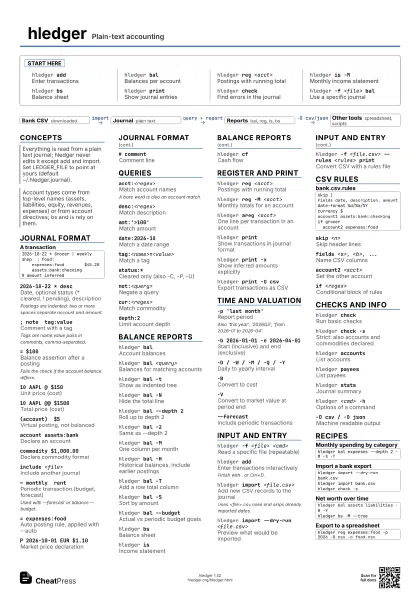
hledger Plain-text accounting
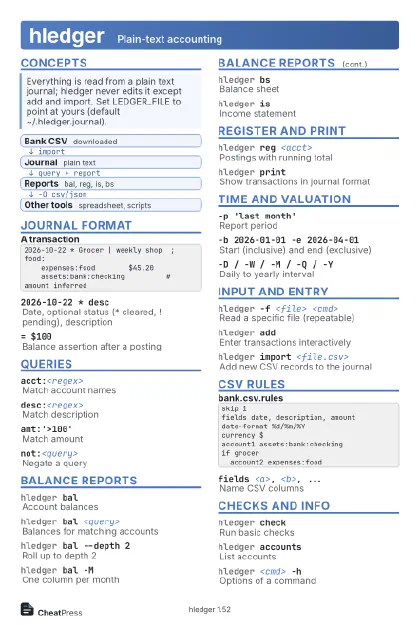 Light · Postcard
102 × 152 mm · PDF
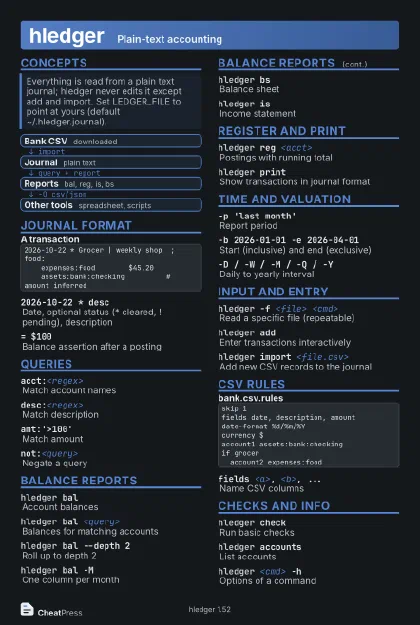 Dark · Postcard
102 × 152 mm · PDF
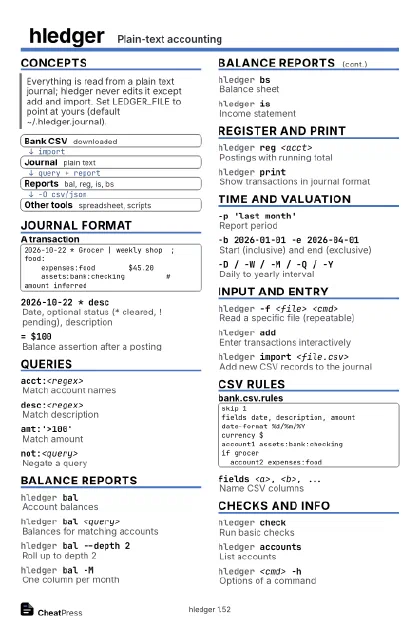 Ink saver · Postcard
102 × 152 mm · PDF
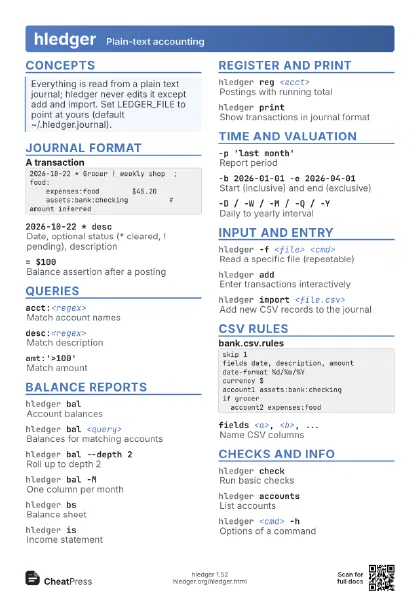
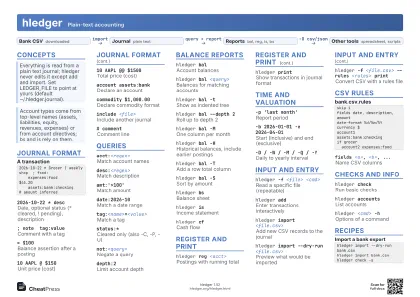 Light · A4 landscape
297 × 210 mm · PDF
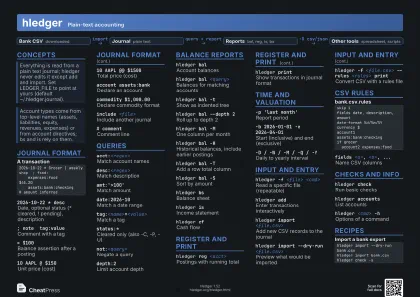 Dark · A4 landscape
297 × 210 mm · PDF
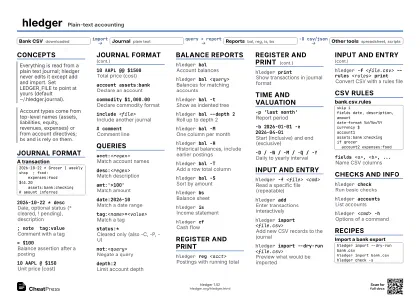 Ink saver · A4 landscape
297 × 210 mm · PDF
 Light · A3 landscape
420 × 297 mm · PDF
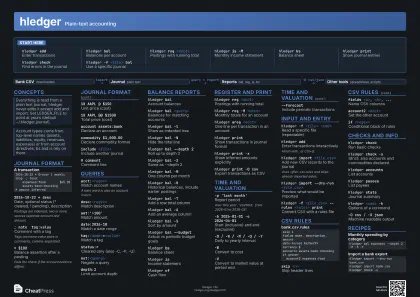 Dark · A3 landscape
420 × 297 mm · PDF
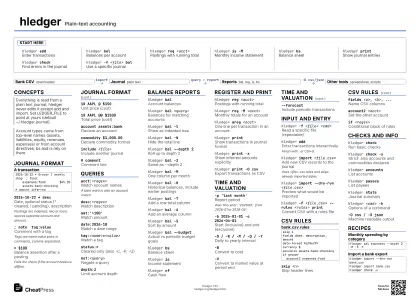 Ink saver · A3 landscape
420 × 297 mm · PDF
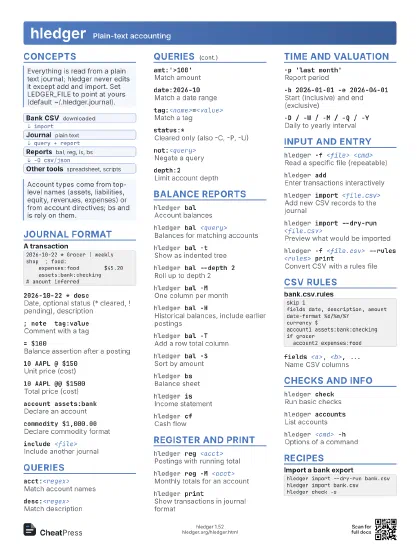
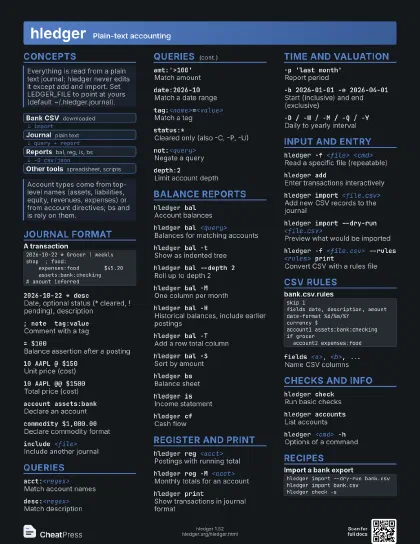
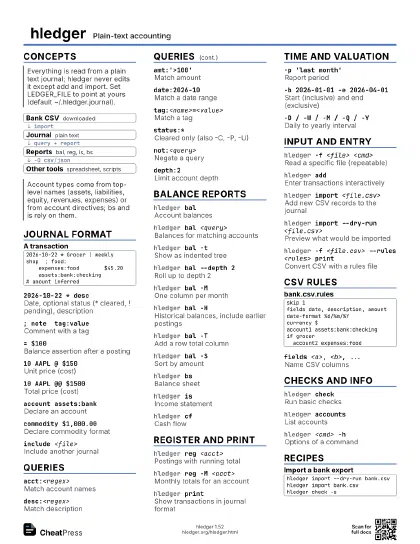
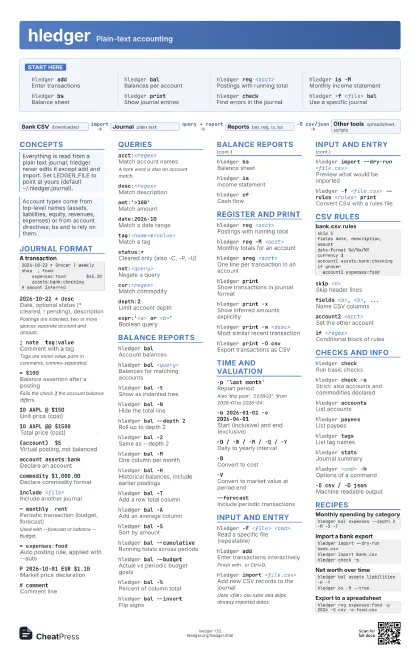
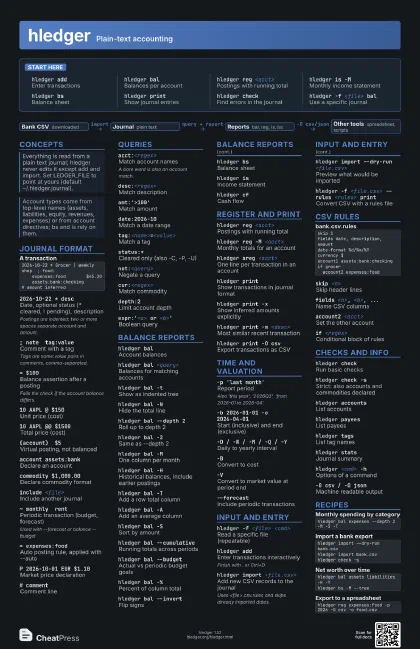
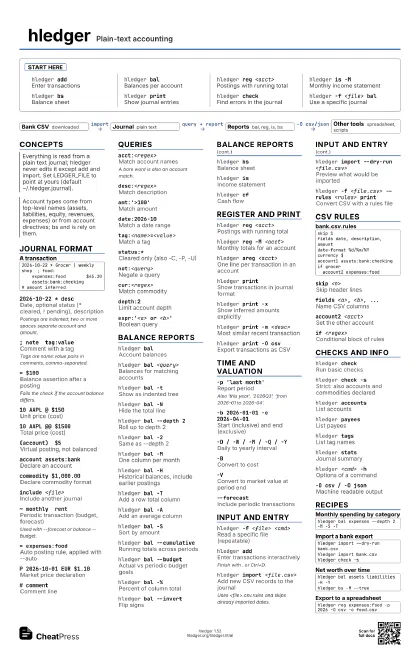
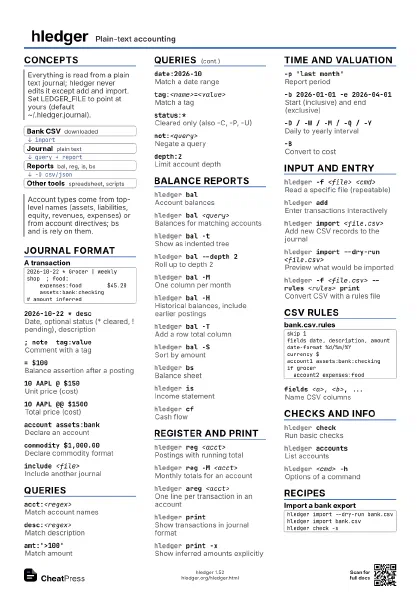
Start here
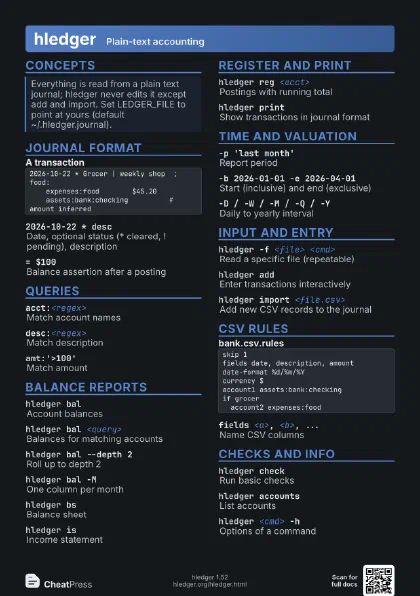
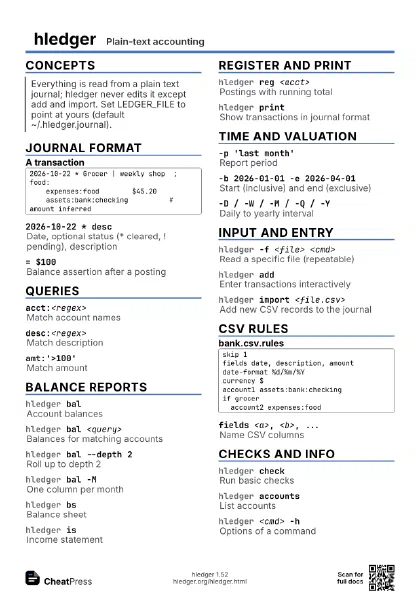
hledger addEnter transactions
hledger balBalances per account
hledger reg <acct>
Postings with running total
hledger is -MMonthly income statement
hledger bsBalance sheet
hledger printShow journal entries
hledger checkFind errors in the journal
hledger -f <file> bal
Use a specific journal
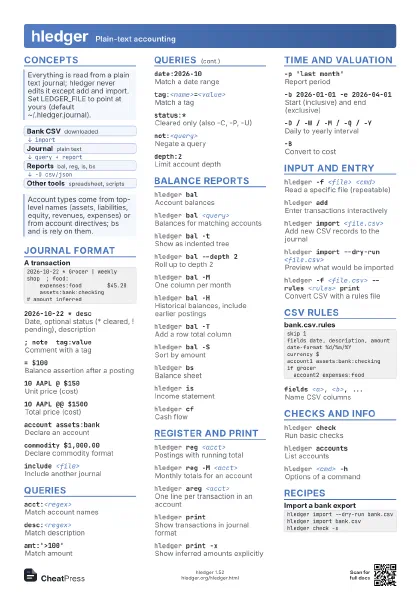
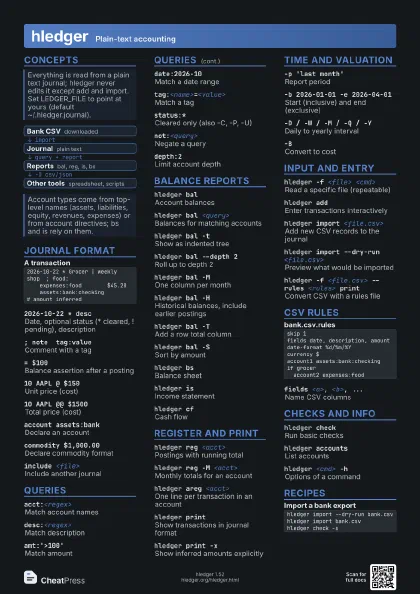
Concepts
- Bank CSV downloaded
- Journal plain text
- Reports bal, reg, is, bs
- Other tools spreadsheet, scripts
Journal format
2026-10-22 * Grocer | weekly shop ; food: expenses:food $45.20 assets:bank:checking # amount inferred2026-10-22 * desc
Date, optional status (* cleared, ! pending), description
Postings are indented; two or more spaces separate account and
amount.
; note tag:value
Comment with a tag
Tags are name:value pairs in comments, comma-separated.
= $100Balance assertion after a posting
Fails the check if the account balance differs.
10 AAPL @ $150Unit price (cost)
10 AAPL @@ $1500
Total price (cost)
(account) $5Virtual posting, not balanced
account assets:bank
Declare an account
commodity $1,000.00
Declare commodity format
include <file>
Include another journal
~ monthly rentPeriodic transaction (budget, forecast)
Used with --forecast or balance --budget.
= expenses:foodAuto posting rule, applied with --auto
P 2026-10-01 EUR $1.10
Market price declaration
# commentComment line
Queries
acct:<regex>
Match account names
A bare word is also an account match.
desc:<regex>
Match description
amt:'>100'
Match amount
date:2026-10Match a date range
tag:<name>=<value>
Match a tag
status:*Cleared only (also -C, -P, -U)
not:<query>
Negate a query
cur:<regex>
Match commodity
depth:2Limit account depth
expr:'<a> or <b>'
Boolean query
Balance reports
hledger balAccount balances
hledger bal <query>
Balances for matching accounts
hledger bal -tShow as indented tree
hledger bal -NHide the total line
hledger bal --depth 2
Roll up to depth 2
hledger bal -2Same as --depth 2
hledger bal -MOne column per month
hledger bal -H
Historical balances, include earlier postings
hledger bal -TAdd a row total column
hledger bal -AAdd an average column
hledger bal -SSort by amount
hledger bal --cumulative
Running totals across periods
hledger bal --budget
Actual vs periodic budget goals
hledger bal -%Percent of column total
hledger bal --invert
Flip signs
hledger bal --transpose
Swap rows and columns
hledger bsBalance sheet
hledger isIncome statement
hledger cfCash flow
Register and print
hledger reg <acct>
Postings with running total
hledger reg -M <acct>
Monthly totals for an account
hledger reg -ARunning average
hledger reg -H
Running balance including earlier postings
hledger areg <acct>
One line per transaction in an account
hledger printShow transactions in journal format
hledger print -x
Show inferred amounts explicitly
hledger print -m <desc>
Most similar recent transaction
hledger print --new
Only transactions not seen before
hledger print -O csv
Export transactions as CSV
Time and valuation
-p 'last month'
Report period
Also 'this year', '2026Q3', 'from 2026-01
to 2026-04'.
-b 2026-01-01 -e 2026-04-01
Start (inclusive) and end (exclusive)
-D / -W / -M / -Q / -Y
Daily to yearly interval
-BConvert to cost
-VConvert to market value at period end
-X <commodity>
Convert to a given commodity
--value=then,<commodity>
Value at posting date
--forecastInclude periodic transactions
--autoApply auto posting rules
-EShow zero balances
-RReal postings only
Input and entry
hledger -f <file> <cmd>
Read a specific file (repeatable)
hledger -f - <cmd>
Read the journal from stdin
hledger addEnter transactions interactively
Finish with . or Ctrl+D.
hledger add --no-new-accounts
Refuse unknown accounts
hledger import <file.csv>
Add new CSV records to the journal
Uses <file>.csv.rules and skips already imported dates.
hledger import --dry-run <file.csv>
Preview what would be imported
hledger import --catchup <file.csv>
Mark everything as imported
hledger -f <file.csv> --rules <rules>
                    print
Convert CSV with a rules file
hledger close --clopen
Closing and opening entries for year end
hledger rewrite --add-posting='<acct> *0.2'
                    <query>
Add a computed posting
CSV rules
skip 1fields date, description, amountdate-format %d/%m/%Ycurrency $account1 assets:bank:checkingif grocer account2 expenses:foodskip <n>Skip header lines
fields <a>, <b>, ...
Name CSV columns
account2 <acct>
Set the other account
if <regex>
Conditional block of rules
include <rules-file>
Reuse another rules file
Checks and info
hledger checkRun basic checks
hledger check -s
Strict: also accounts and commodities declared
hledger check ordereddates
Check date order
hledger accounts
List accounts
hledger accounts --undeclared
Accounts used but not declared
hledger accounts -t
Account tree
hledger payeesList payees
hledger tagsList tag names
hledger statsJournal summary
hledger filesList included files
hledger <cmd> -h
Options of a command
hledger --version
Show version
-O csv / -O json
Machine readable output
-o <file>Write report to a file
Recipes
hledger bal expenses --depth 2 -M -S -Thledger import --dry-run bank.csvhledger import bank.csvhledger check -shledger bal assets liabilities -H -Yhledger bs -M --treehledger reg expenses:food -p 2026 -O csv -o food.csv