Cheat
gum Glamorous shell scripts
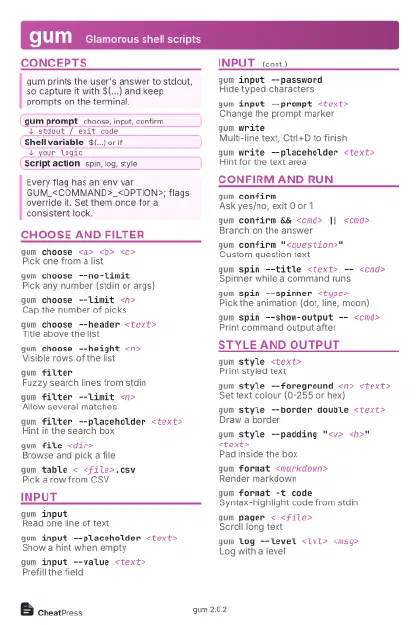 Light · Postcard
102 × 152 mm · PDF
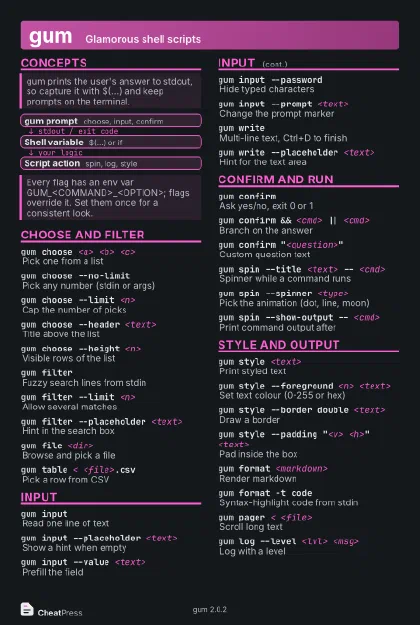 Dark · Postcard
102 × 152 mm · PDF
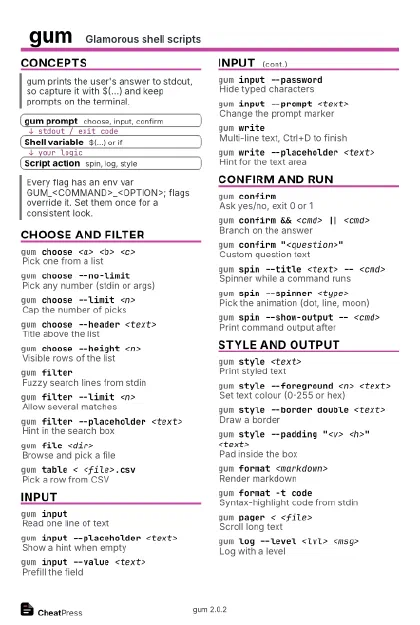 Ink saver · Postcard
102 × 152 mm · PDF
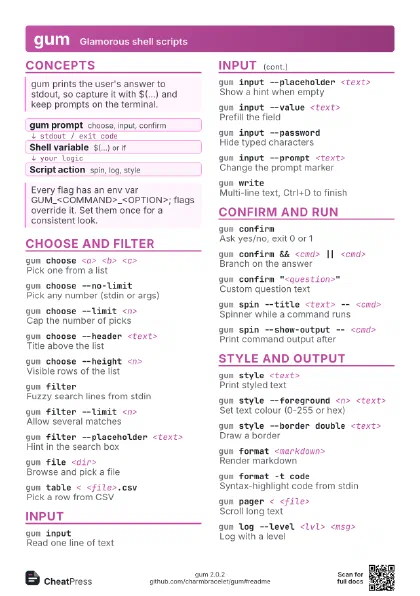
 Light · A4 landscape
297 × 210 mm · PDF
 Dark · A4 landscape
297 × 210 mm · PDF
 Ink saver · A4 landscape
297 × 210 mm · PDF
 Light · A3 landscape
420 × 297 mm · PDF
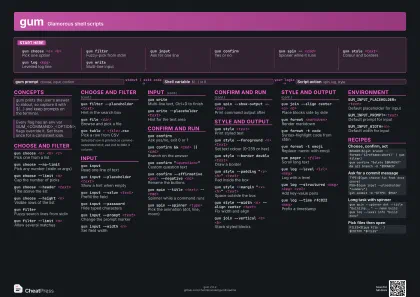 Dark · A3 landscape
420 × 297 mm · PDF
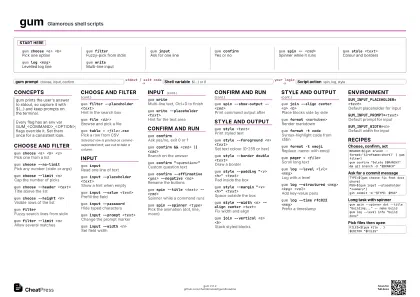 Ink saver · A3 landscape
420 × 297 mm · PDF
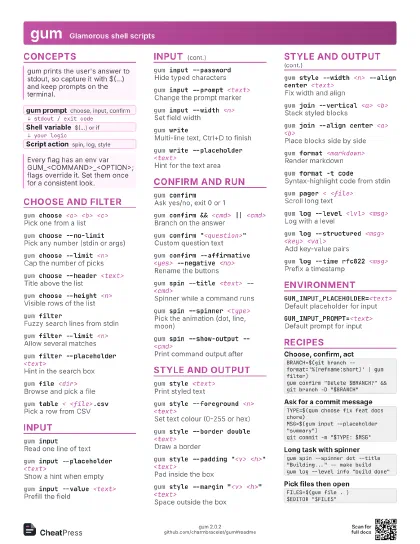
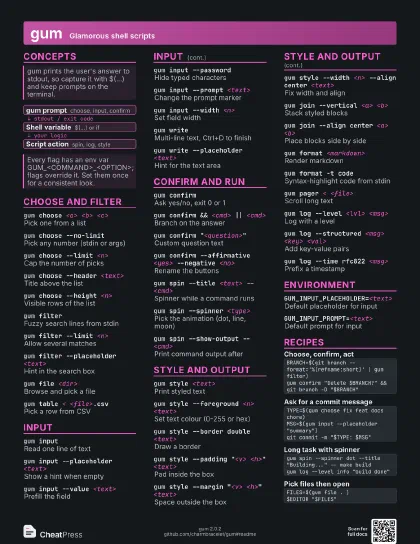
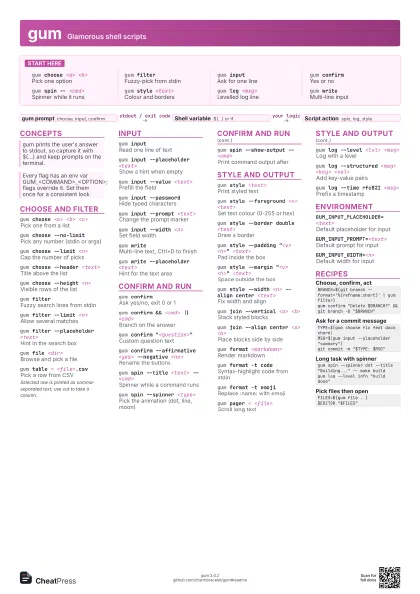
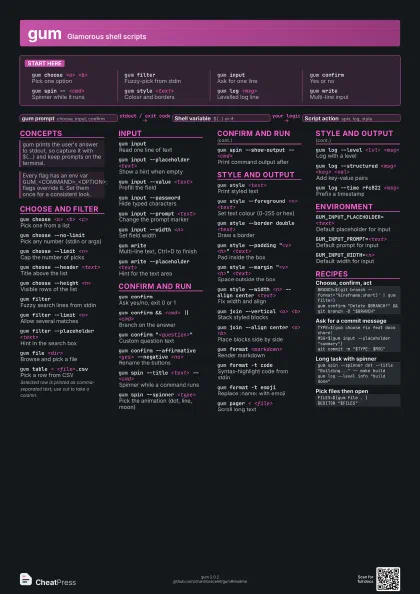
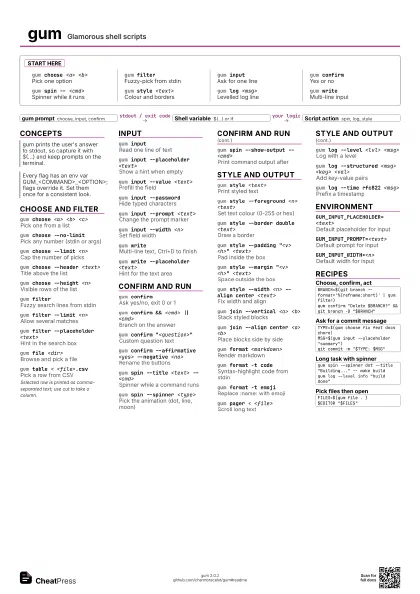
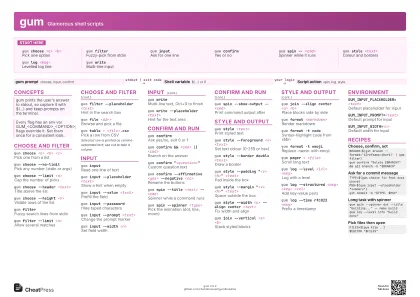
Start here
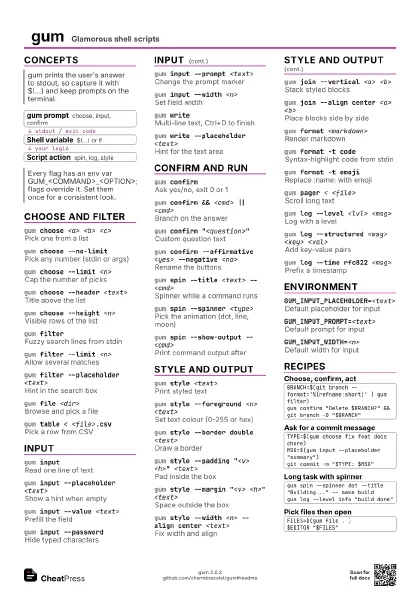
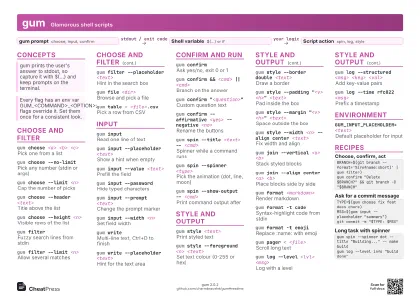
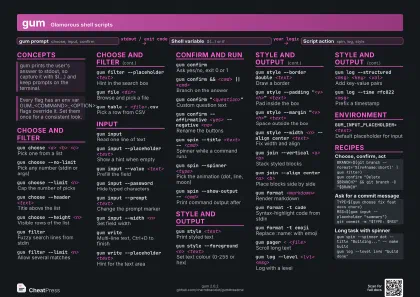
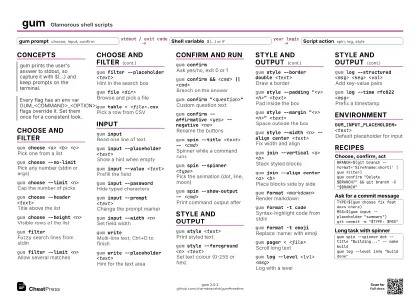
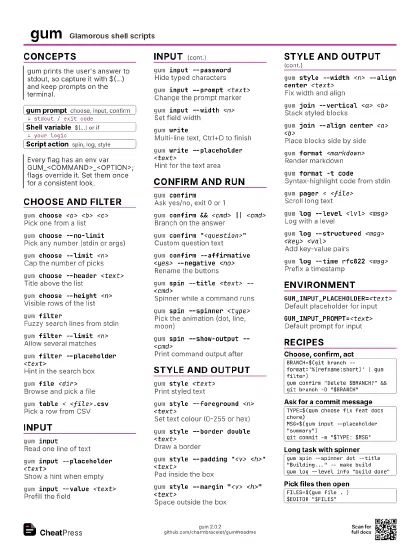
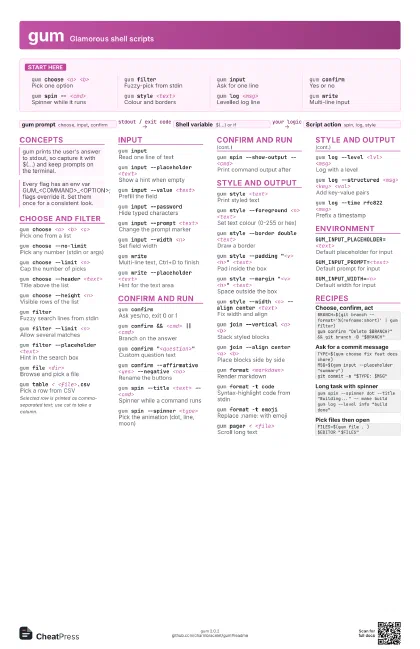
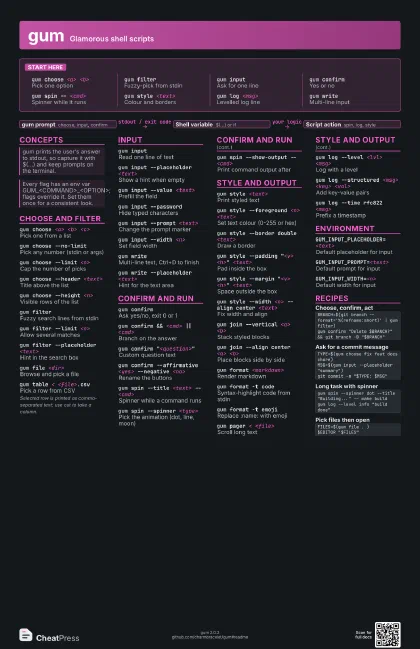
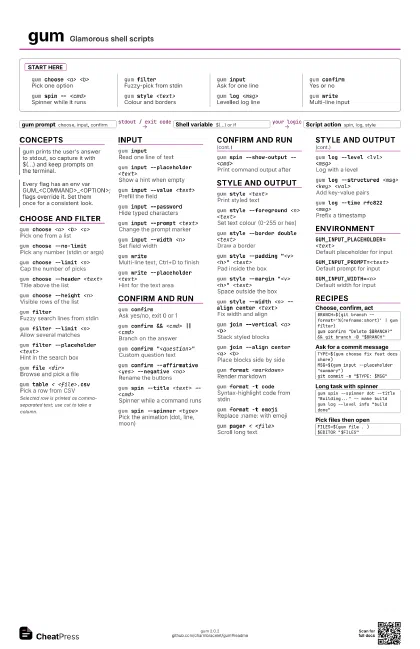
gum choose <a> <b>
Pick one option
gum filterFuzzy-pick from stdin
gum inputAsk for one line
gum confirmYes or no
gum spin -- <cmd>
Spinner while it runs
gum style <text>
Colour and borders
gum log <msg>
Levelled log line
gum writeMulti-line input
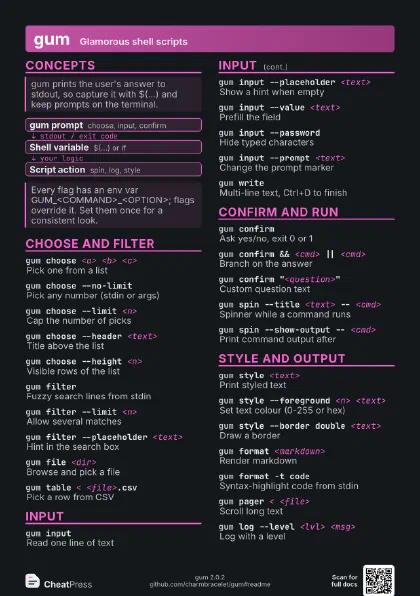
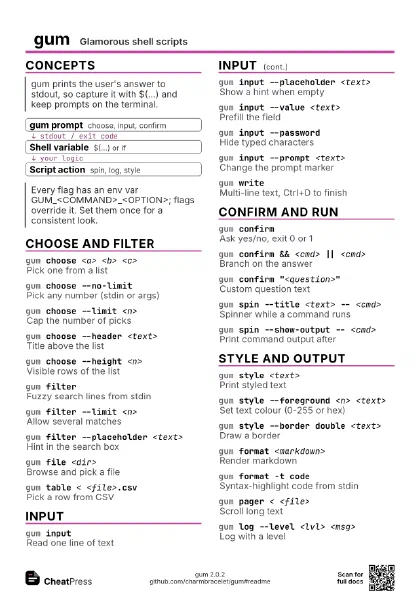
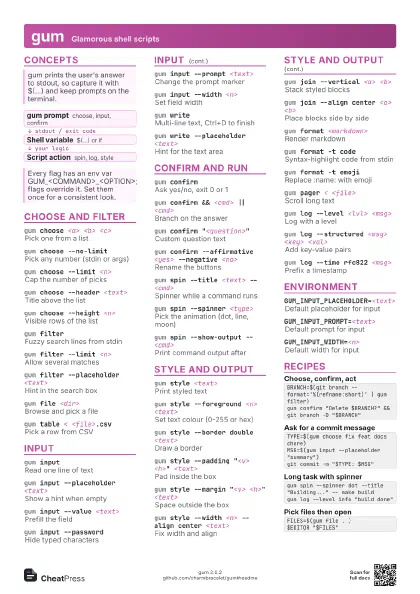
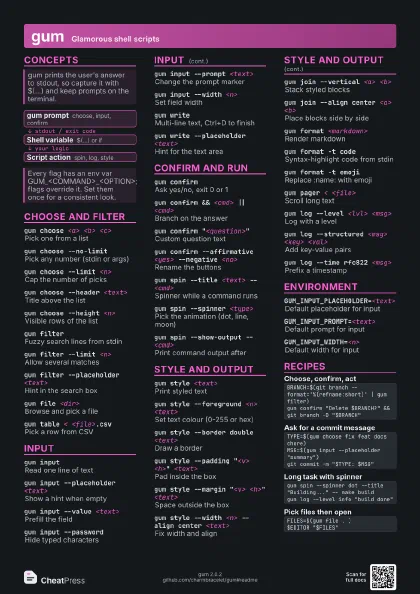
Concepts
- gum prompt choose, input, confirm
- Shell variable $(...) or if
- Script action spin, log, style
Choose and filter
gum choose <a> <b> <c>
Pick one from a list
gum choose --no-limit
Pick any number (stdin or args)
gum choose --limit <n>
Cap the number of picks
gum choose --header <text>
Title above the list
gum choose --height <n>
Visible rows of the list
gum filterFuzzy search lines from stdin
gum filter --limit <n>
Allow several matches
gum filter --placeholder <text>
Hint in the search box
gum file <dir>
Browse and pick a file
gum table < <file>.csv
Pick a row from CSV
Selected row is printed as comma-separated text; use cut to
take a column.
Input
gum inputRead one line of text
gum input --placeholder <text>
Show a hint when empty
gum input --value <text>
Prefill the field
gum input --password
Hide typed characters
gum input --prompt <text>
Change the prompt marker
gum input --width <n>
Set field width
gum writeMulti-line text, Ctrl+D to finish
gum write --placeholder <text>
Hint for the text area
Confirm and run
gum confirmAsk yes/no, exit 0 or 1
gum confirm && <cmd> || <cmd>
Branch on the answer
gum confirm "<question>"
Custom question text
gum confirm --affirmative <yes> --negative
                    <no>
Rename the buttons
gum spin --title <text> -- <cmd>
Spinner while a command runs
gum spin --spinner <type>
Pick the animation (dot, line, moon)
gum spin --show-output -- <cmd>
Print command output after
Style and output
gum style <text>
Print styled text
gum style --foreground <n> <text>
Set text colour (0-255 or hex)
gum style --border double <text>
Draw a border
gum style --padding "<v> <h>"
                    <text>
Pad inside the box
gum style --margin "<v> <h>"
                    <text>
Space outside the box
gum style --width <n> --align center
                    <text>
Fix width and align
gum join --vertical <a> <b>
Stack styled blocks
gum join --align center <a> <b>
Place blocks side by side
gum format <markdown>
Render markdown
gum format -t code
Syntax-highlight code from stdin
gum format -t emoji
Replace :name: with emoji
gum pager < <file>
Scroll long text
gum log --level <lvl> <msg>
Log with a level
gum log --structured <msg> <key>
                    <val>
Add key-value pairs
gum log --time rfc822 <msg>
Prefix a timestamp
Environment
GUM_INPUT_PLACEHOLDER=<text>
Default placeholder for input
GUM_INPUT_PROMPT=<text>
Default prompt for input
GUM_INPUT_WIDTH=<n>
Default width for input
Recipes
BRANCH=$(git branch --format='%(refname:short)' | gum filter)gum confirm "Delete $BRANCH?" && git branch -D "$BRANCH"TYPE=$(gum choose fix feat docs chore)MSG=$(gum input --placeholder "summary")git commit -m "$TYPE: $MSG"gum spin --spinner dot --title "Building..." -- make buildgum log --level info "build done"FILES=$(gum file . )$EDITOR "$FILES"