Cheat
bandwhich Bandwidth by process
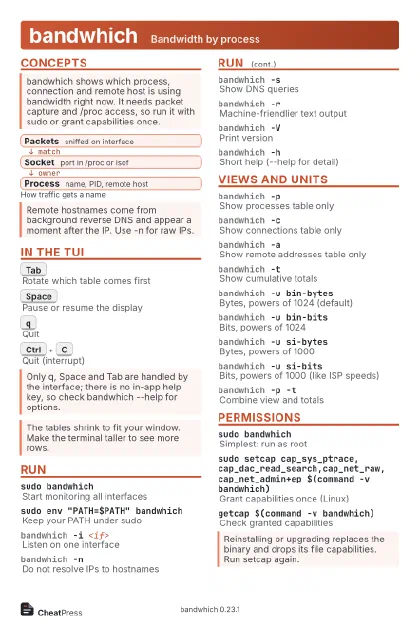 Light · Postcard
102 × 152 mm · PDF
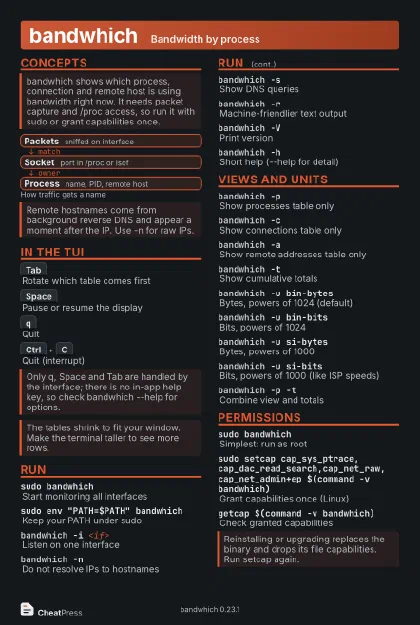 Dark · Postcard
102 × 152 mm · PDF
 Ink saver · Postcard
102 × 152 mm · PDF
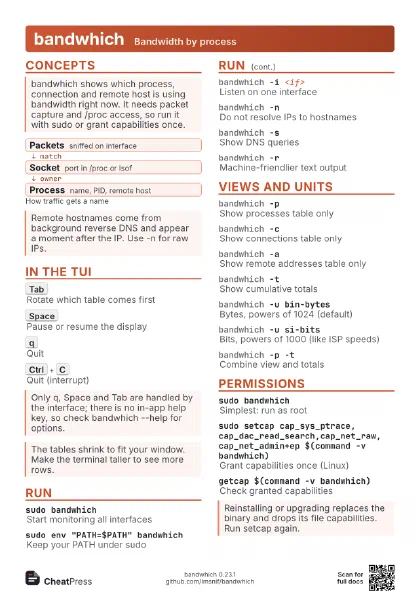
 Light · A4 landscape
297 × 210 mm · PDF
 Dark · A4 landscape
297 × 210 mm · PDF
 Ink saver · A4 landscape
297 × 210 mm · PDF
 Light · A3 landscape
420 × 297 mm · PDF
 Dark · A3 landscape
420 × 297 mm · PDF
 Ink saver · A3 landscape
420 × 297 mm · PDF
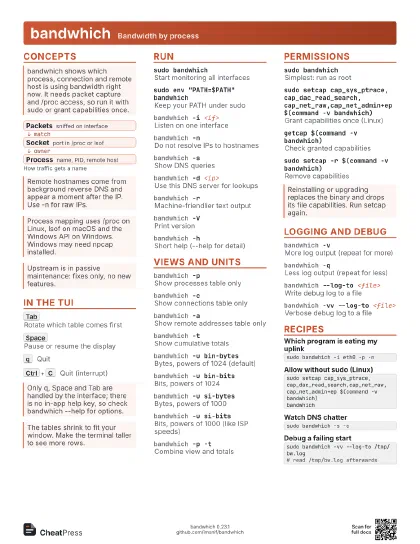
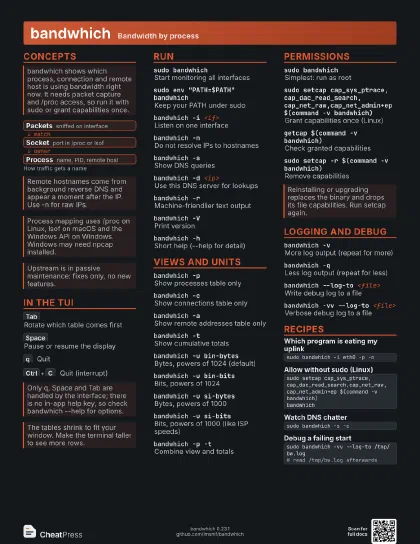
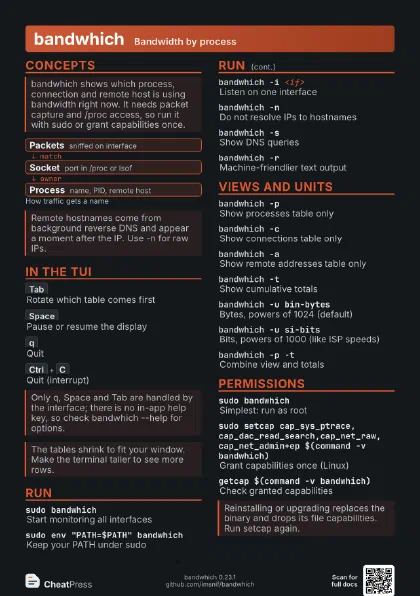
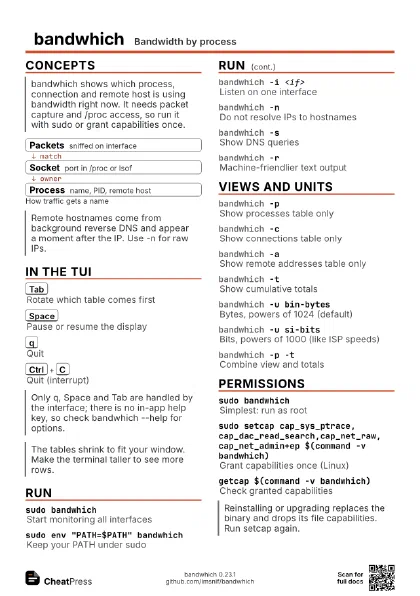
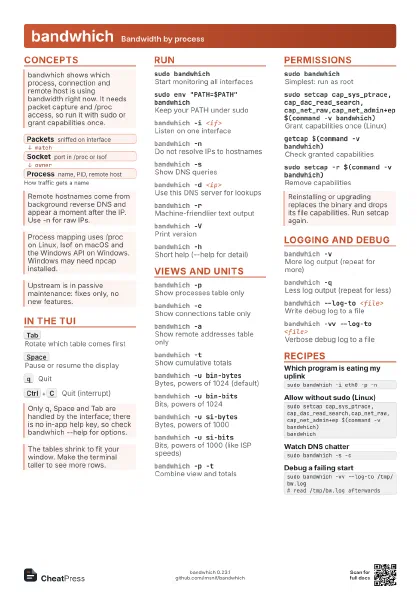
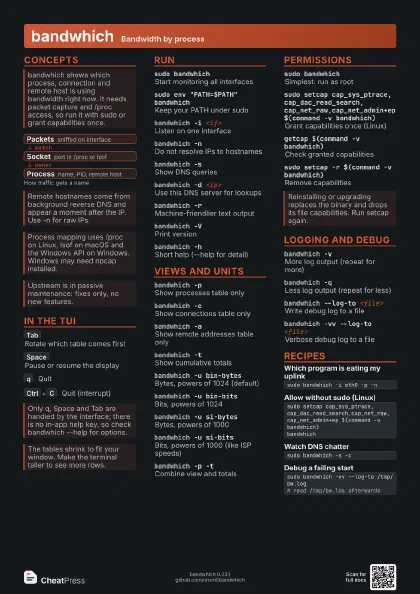
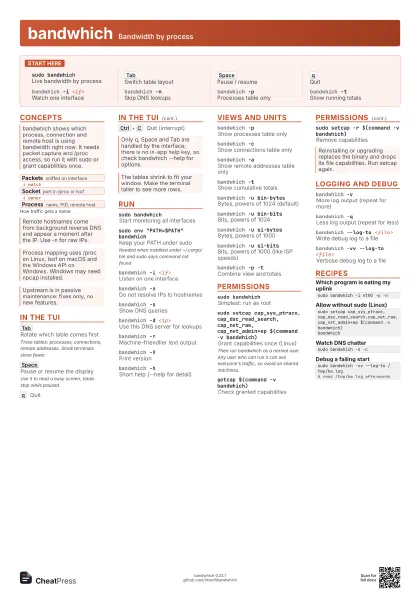
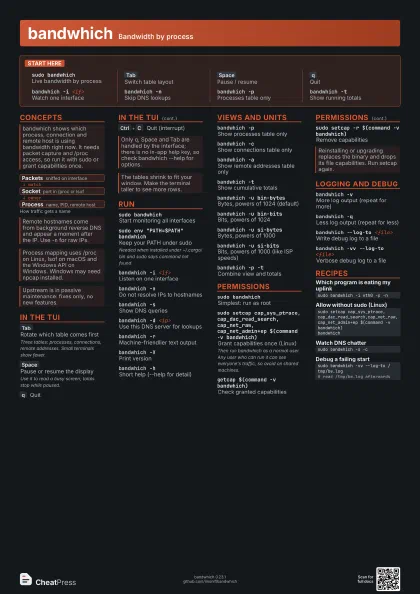
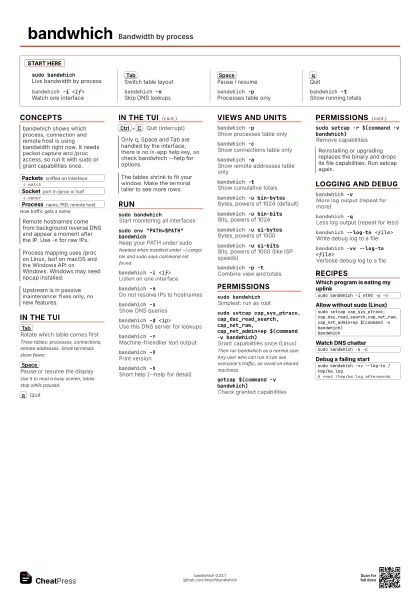
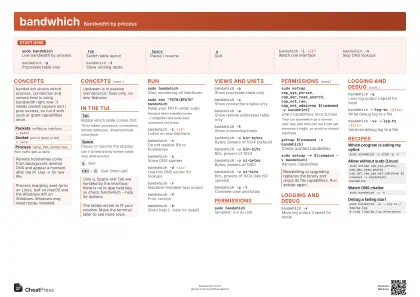
Start here
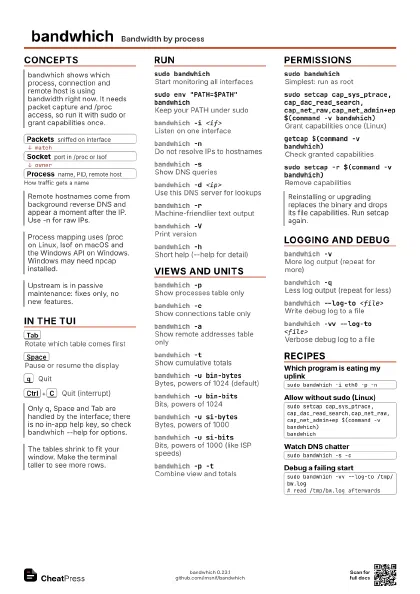
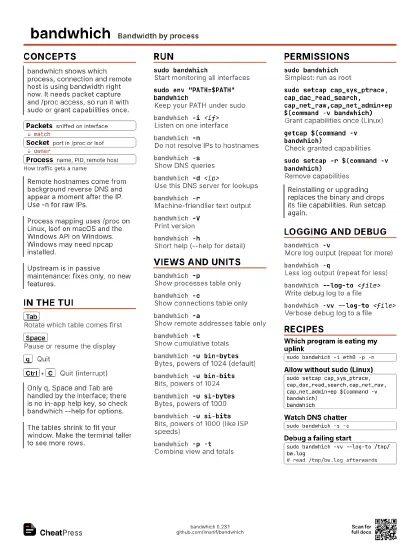
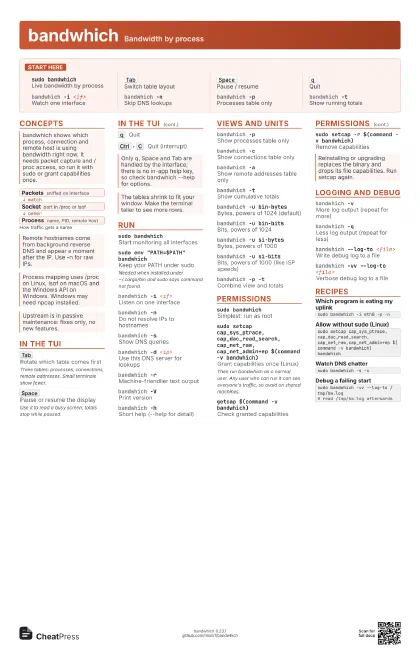
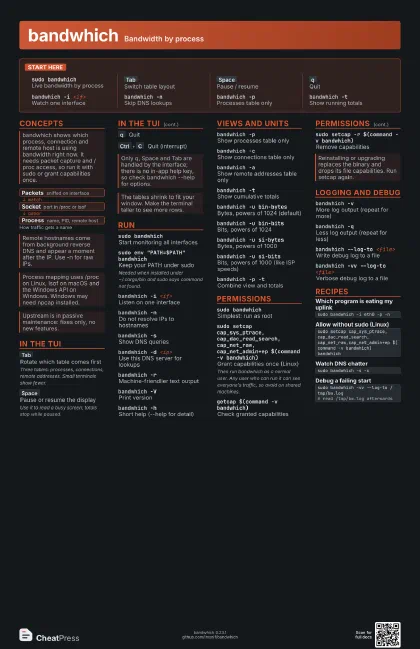
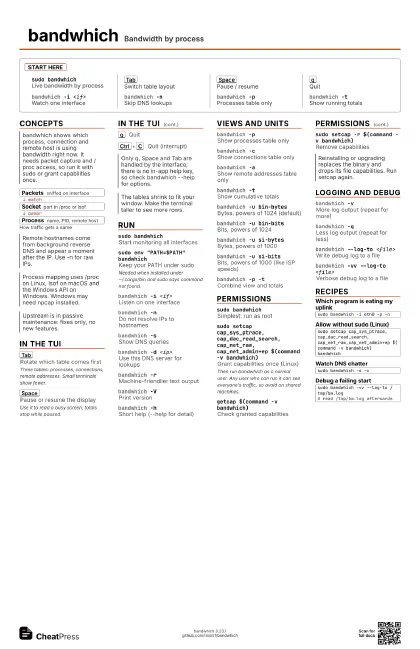
sudo bandwhichLive bandwidth by process
Tab
Switch table layout
Space
Pause / resume
q
Quit
bandwhich -i <if>
Watch one interface
bandwhich -nSkip DNS lookups
bandwhich -pProcesses table only
bandwhich -tShow running totals
Concepts
- Packets sniffed on interface
- Socket port in /proc or lsof
- Process name, PID, remote host
In the TUI
Tab
Rotate which table comes first
Three tables: processes, connections, remote addresses. Small
terminals show fewer.
Space
Pause or resume the display
Use it to read a busy screen; totals stop while paused.
q
Quit
Ctrl+C
Quit (interrupt)
Run
sudo bandwhichStart monitoring all interfaces
sudo env "PATH=$PATH" bandwhich
Keep your PATH under sudo
Needed when installed under ~/.cargo/bin and sudo says command
not found.
bandwhich -i <if>
Listen on one interface
bandwhich -nDo not resolve IPs to hostnames
bandwhich -sShow DNS queries
bandwhich -d <ip>
Use this DNS server for lookups
bandwhich -rMachine-friendlier text output
bandwhich -VPrint version
bandwhich -hShort help (--help for detail)
Views and units
bandwhich -pShow processes table only
bandwhich -cShow connections table only
bandwhich -aShow remote addresses table only
bandwhich -tShow cumulative totals
bandwhich -u bin-bytes
Bytes, powers of 1024 (default)
bandwhich -u bin-bits
Bits, powers of 1024
bandwhich -u si-bytes
Bytes, powers of 1000
bandwhich -u si-bits
Bits, powers of 1000 (like ISP speeds)
bandwhich -p -tCombine view and totals
Permissions
sudo bandwhichSimplest: run as root
sudo setcap
                    cap_sys_ptrace,cap_dac_read_search,cap_net_raw,cap_net_admin+ep
                    $(command -v bandwhich)
Grant capabilities once (Linux)
Then run bandwhich as a normal user. Any user who can run it
can see everyone's traffic, so avoid on shared machines.
getcap $(command -v bandwhich)
Check granted capabilities
sudo setcap -r $(command -v bandwhich)
Remove capabilities
Logging and debug
bandwhich -vMore log output (repeat for more)
bandwhich -qLess log output (repeat for less)
bandwhich --log-to <file>
Write debug log to a file
bandwhich -vv --log-to <file>
Verbose debug log to a file
Recipes
sudo bandwhich -i eth0 -p -nsudo setcap cap_sys_ptrace,cap_dac_read_search,cap_net_raw,cap_net_admin+ep $(command -v bandwhich)bandwhichsudo bandwhich -s -csudo bandwhich -vv --log-to /tmp/bw.log# read /tmp/bw.log afterwards