Cheat
Figma Design tool shortcuts
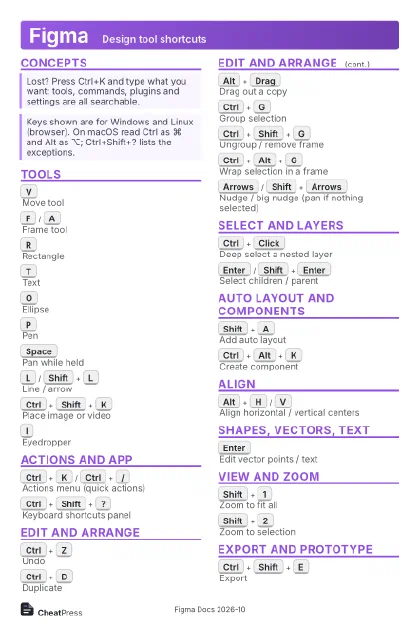 Light · Postcard
102 × 152 mm · PDF
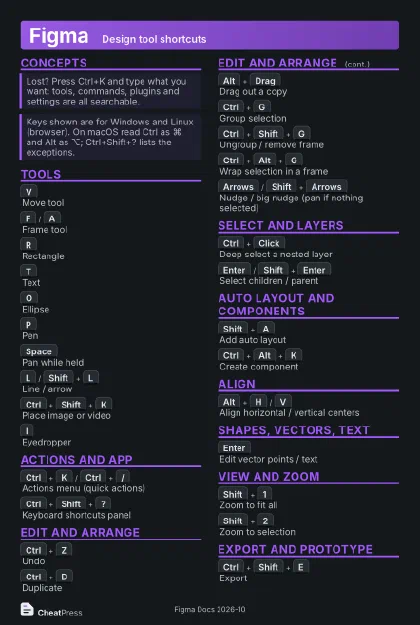 Dark · Postcard
102 × 152 mm · PDF
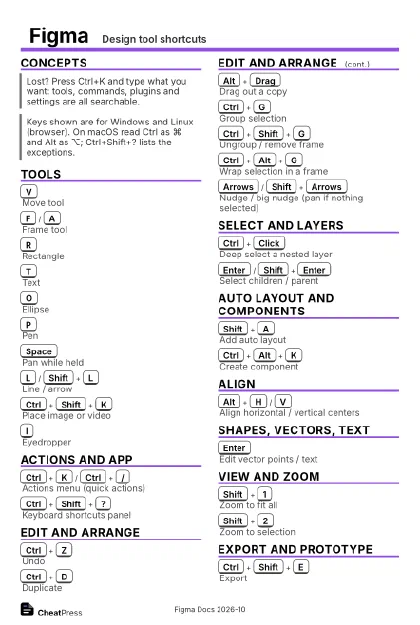 Ink saver · Postcard
102 × 152 mm · PDF
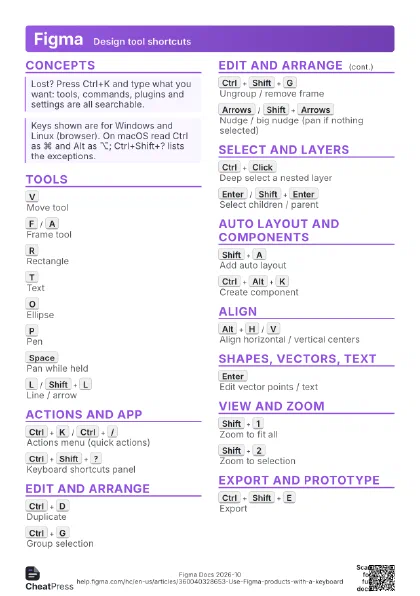
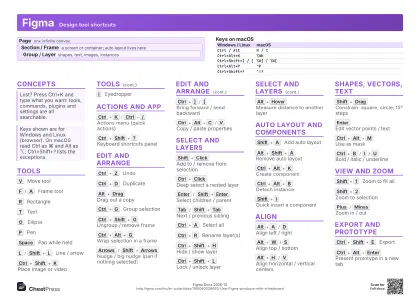 Light · A4 landscape
297 × 210 mm · PDF
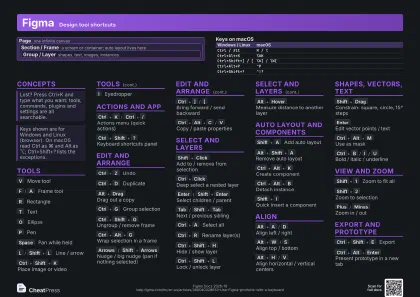 Dark · A4 landscape
297 × 210 mm · PDF
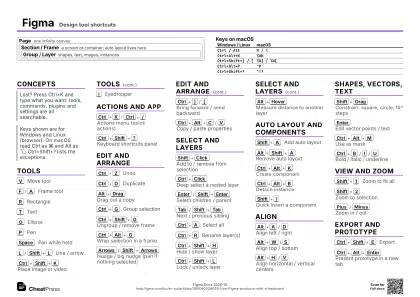 Ink saver · A4 landscape
297 × 210 mm · PDF
 Light · A3 landscape
420 × 297 mm · PDF
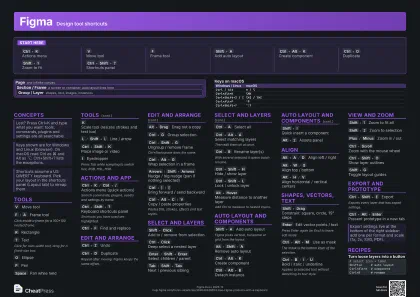 Dark · A3 landscape
420 × 297 mm · PDF
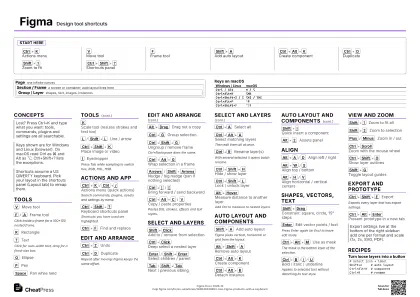 Ink saver · A3 landscape
420 × 297 mm · PDF
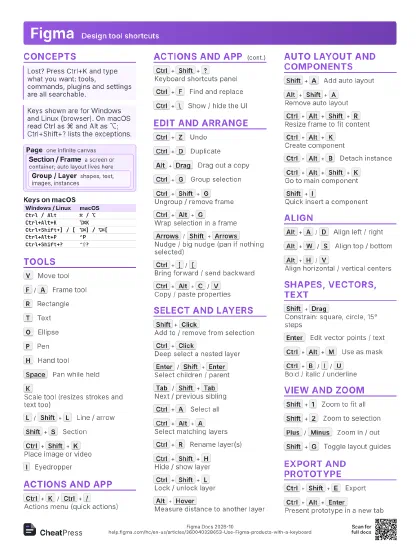
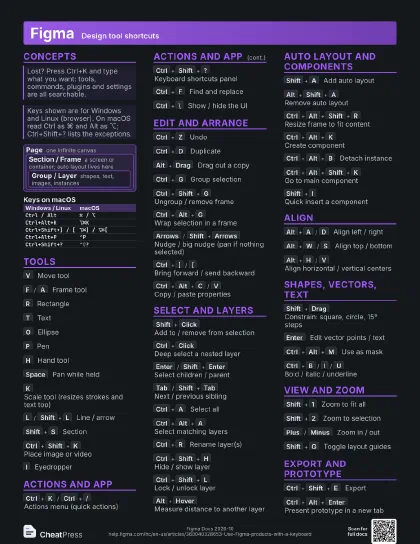
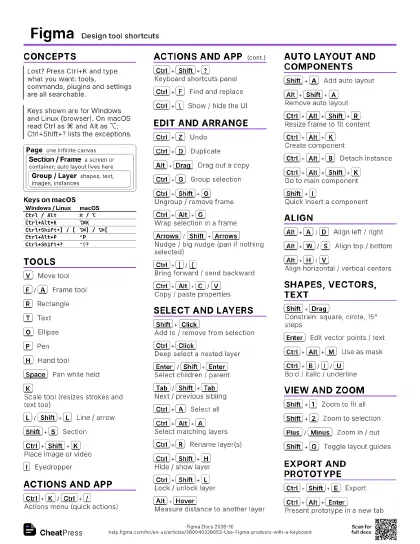
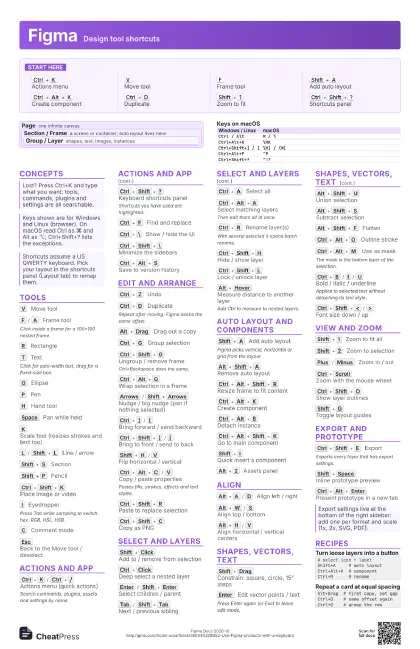
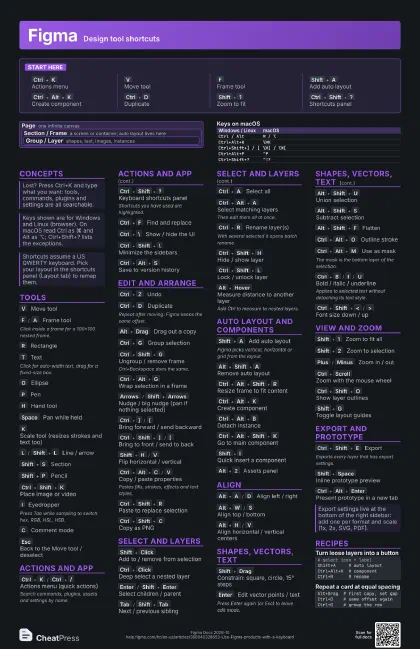
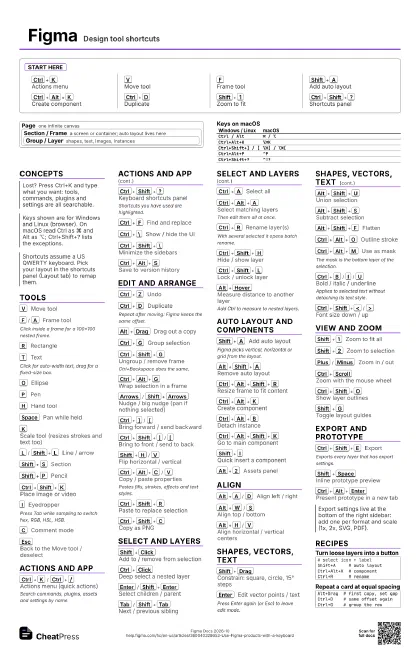
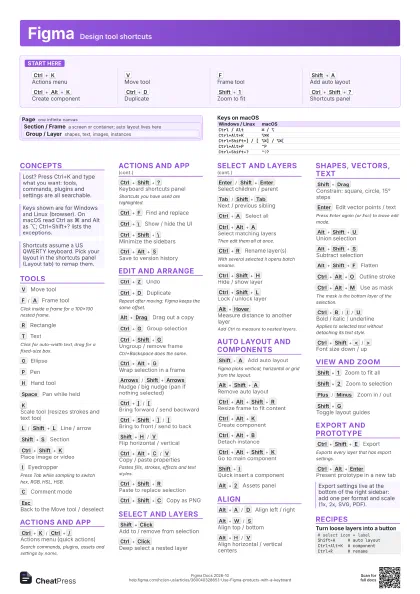
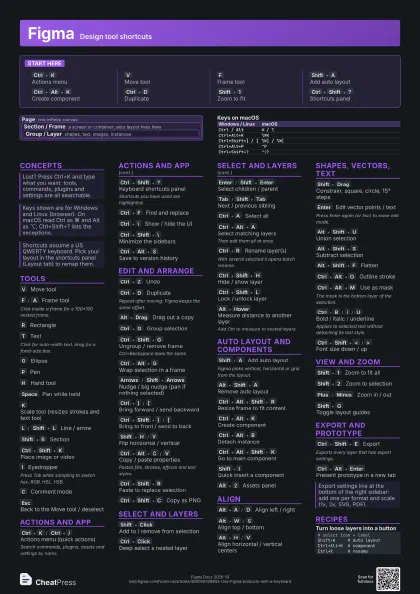
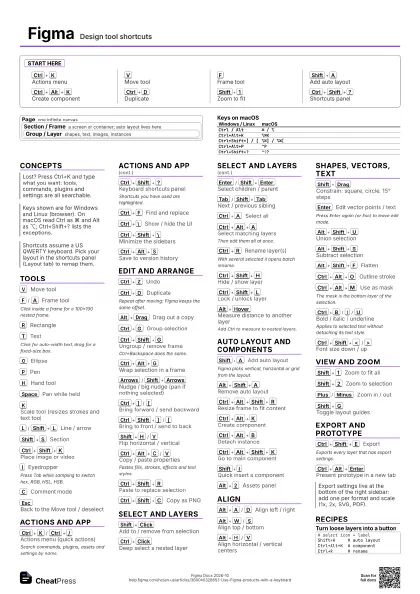
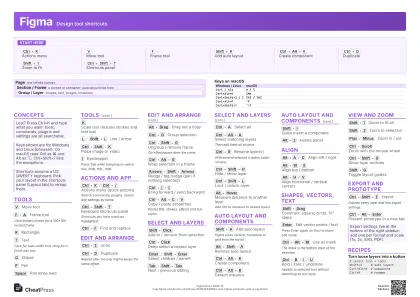
Start here
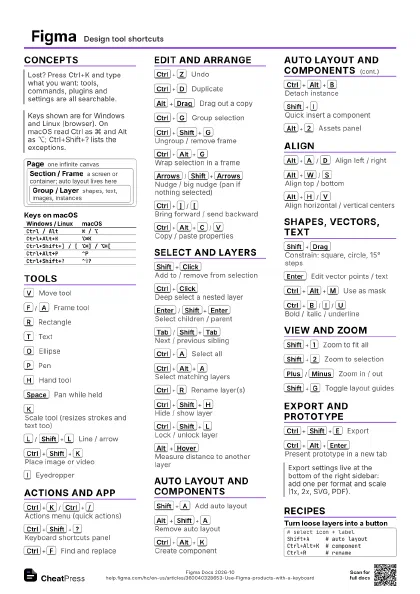
Ctrl+K
Actions menu
V
Move tool
F
Frame tool
Shift+A
Add auto layout
Ctrl+Alt+K
Create component
Ctrl+D
Duplicate
Shift+1
Zoom to fit
Ctrl+Shift+?
Shortcuts panel
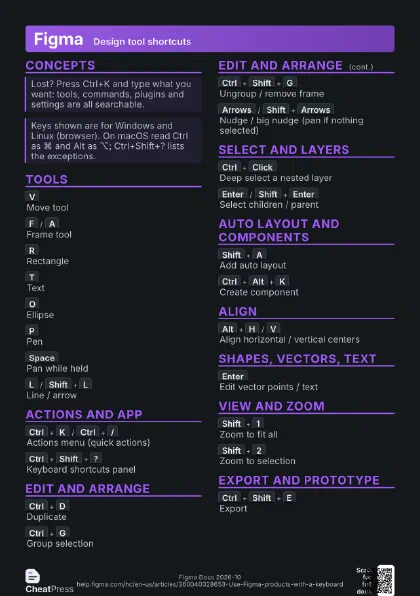
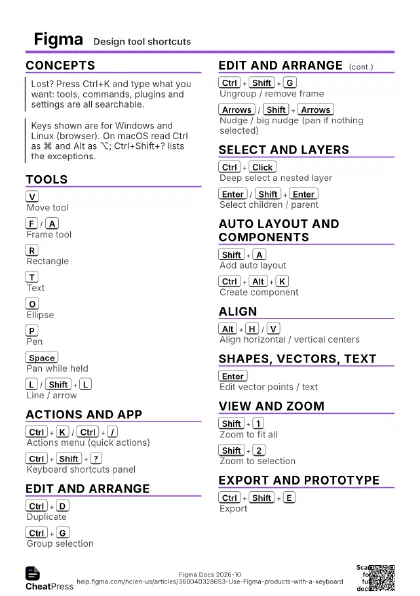
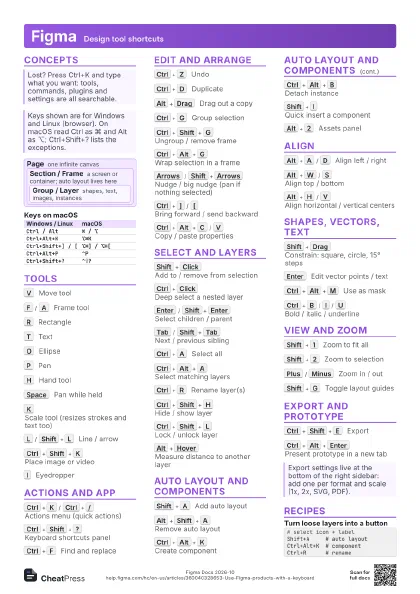
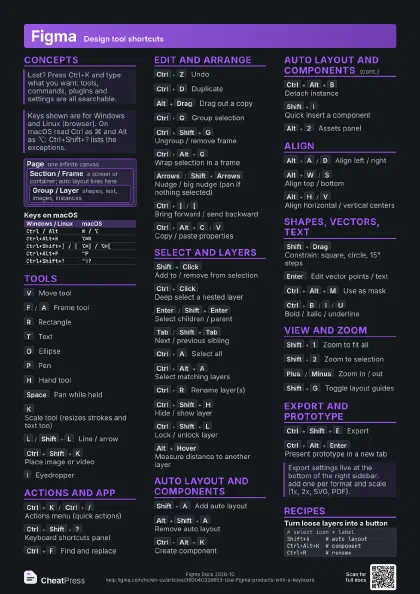
Concepts
Page one infinite canvas
Section / Frame
a screen or container; auto layout lives here
Group / Layer
shapes, text, images, instances
| Windows / Linux | macOS |
|---|---|
Ctrl / Alt |
⌘ / ⌥ |
Ctrl+Alt+K |
⌥⌘K |
Ctrl+Shift+] / [ |
⌥⌘] / ⌥⌘[ |
Ctrl+Alt+P |
⌃P |
Ctrl+Shift+? |
⌃⇧? |
Tools
V
Move tool
F
/
A
Frame tool
Click inside a frame for a 100×100 nested frame.
R
Rectangle
T
Text
Click for auto-width text, drag for a fixed-size box.
O
Ellipse
P
Pen
H
Hand tool
Space
Pan while held
K
Scale tool (resizes strokes and text too)
L
/
Shift+L
Line / arrow
Shift+S
Section
Shift+P
Pencil
Ctrl+Shift+K
Place image or video
I
Eyedropper
Press Tab while sampling to switch hex, RGB, HSL, HSB.
C
Comment mode
Esc
Back to the Move tool / deselect
Actions and app
Ctrl+K
/
Ctrl+/
Actions menu (quick actions)
Search commands, plugins, assets and settings by name.
Ctrl+Shift+?
Keyboard shortcuts panel
Shortcuts you have used are highlighted.
Ctrl+F
Find and replace
Ctrl+\
Show / hide the UI
Ctrl+Shift+\
Minimize the sidebars
Ctrl+Alt+S
Save to version history
Edit and arrange
Ctrl+Z
Undo
Ctrl+D
Duplicate
Repeat after moving: Figma keeps the same offset.
Alt+Drag
Drag out a copy
Ctrl+G
Group selection
Ctrl+Shift+G
Ungroup / remove frame
Ctrl+Backspace does the same.
Ctrl+Alt+G
Wrap selection in a frame
Arrows
/
Shift+Arrows
Nudge / big nudge (pan if nothing selected)
Ctrl+]
/
[
Bring forward / send backward
Ctrl+Shift+]
/
[
Bring to front / send to back
Shift+H
/
V
Flip horizontal / vertical
Ctrl+Alt+C
/
V
Copy / paste properties
Pastes fills, strokes, effects and text styles.
Ctrl+Shift+R
Paste to replace selection
Ctrl+Shift+C
Copy as PNG
Select and layers
Shift+Click
Add to / remove from selection
Ctrl+Click
Deep select a nested layer
Enter
/
Shift+Enter
Select children / parent
Tab
/
Shift+Tab
Next / previous sibling
Ctrl+A
Select all
Ctrl+Alt+A
Select matching layers
Then edit them all at once.
Ctrl+R
Rename layer(s)
With several selected it opens batch rename.
Ctrl+Shift+H
Hide / show layer
Ctrl+Shift+L
Lock / unlock layer
Alt+Hover
Measure distance to another layer
Add Ctrl to measure to nested layers.
Auto layout and components
Shift+A
Add auto layout
Figma picks vertical, horizontal or grid from the layout.
Alt+Shift+A
Remove auto layout
Ctrl+Alt+Shift+R
Resize frame to fit content
Ctrl+Alt+K
Create component
Ctrl+Alt+B
Detach instance
Ctrl+Alt+Shift+K
Go to main component
Shift+I
Quick insert a component
Alt+2
Assets panel
Align
Alt+A
/
D
Align left / right
Alt+W
/
S
Align top / bottom
Alt+H
/
V
Align horizontal / vertical centers
Shapes, vectors, text
Shift+Drag
Constrain: square, circle, 15° steps
Enter
Edit vector points / text
Press Enter again (or Esc) to leave edit mode.
Alt+Shift+U
Union selection
Alt+Shift+S
Subtract selection
Alt+Shift+I
/
E
Intersect / exclude
Alt+Shift+F
Flatten
Ctrl+Alt+O
Outline stroke
Ctrl+Alt+M
Use as mask
The mask is the bottom layer of the selection.
Shift+X
Swap fill and stroke
Ctrl+B
/
I
/
U
Bold / italic / underline
Applies to selected text without detaching its text style.
Ctrl+Shift+<
/
>
Font size down / up
Ctrl+Alt+<
/
>
Font weight down / up
View and zoom
Shift+1
Zoom to fit all
Shift+2
Zoom to selection
Plus
/
Minus
Zoom in / out
Ctrl+Scroll
Zoom with the mouse wheel
Ctrl+Shift+O
Show layer outlines
Shift+G
Toggle layout guides
Ctrl+Shift+'
Snap to pixel grid
Ctrl+Alt+P
Pixel preview
Export and prototype
Ctrl+Shift+E
Export
Exports every layer that has export settings.
Shift+Space
Inline prototype preview
Ctrl+Alt+Enter
Present prototype in a new tab
Recipes
# select icon + labelShift+A # auto layoutCtrl+Alt+K # componentCtrl+R # renameAlt+Drag # first copy, set gapCtrl+D # same offset againCtrl+G # group the rowCtrl+Alt+C # copy good styleCtrl+Alt+A # select matchingCtrl+Alt+V # paste styleO # ellipse, below photo# select ellipse + photoCtrl+Alt+M # use as maskCtrl+Shift+E # export