Cheat
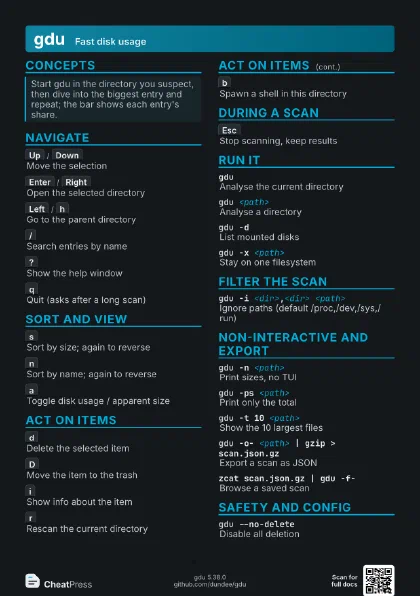
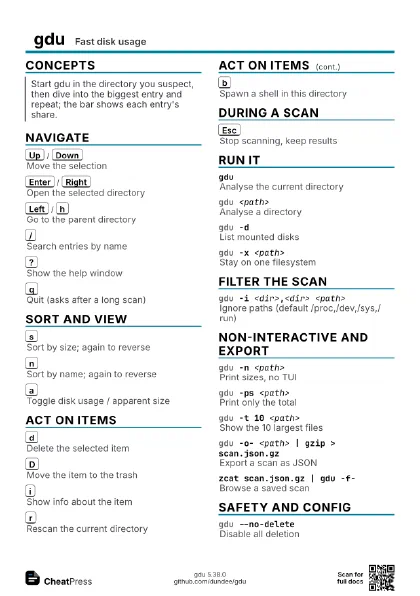
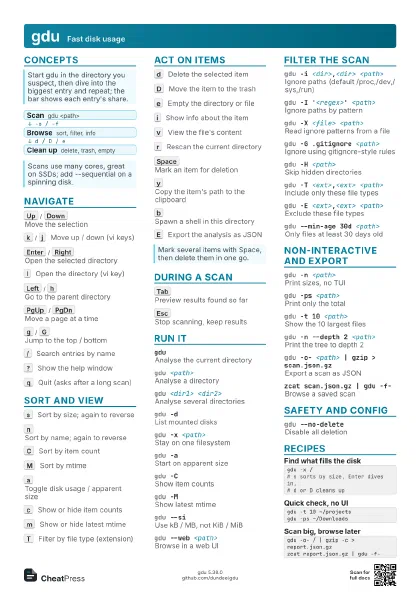
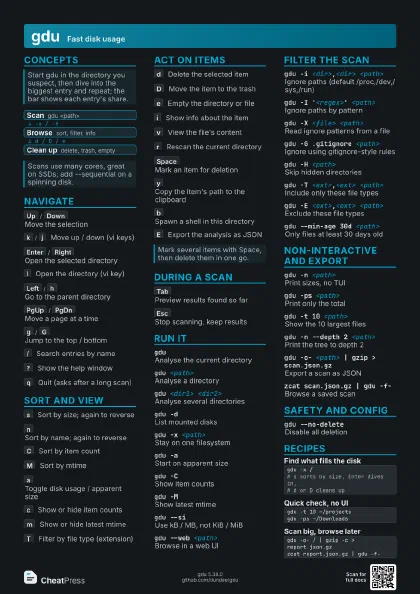
gdu Fast disk usage
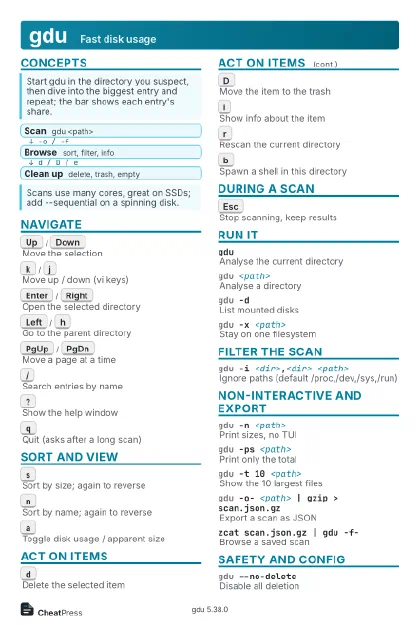 Light · Postcard
102 × 152 mm · PDF
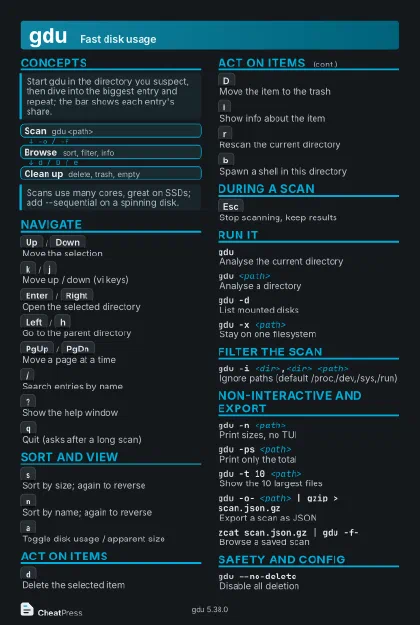 Dark · Postcard
102 × 152 mm · PDF
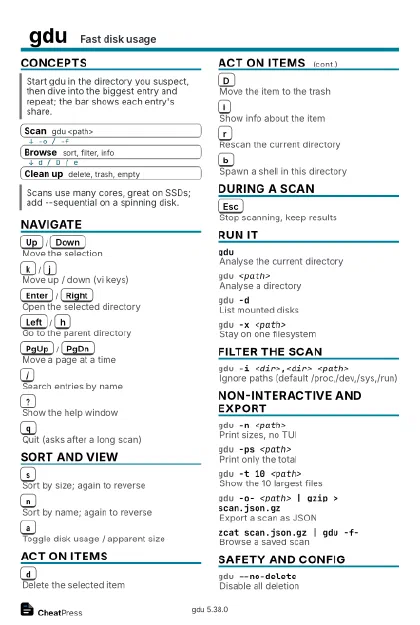 Ink saver · Postcard
102 × 152 mm · PDF
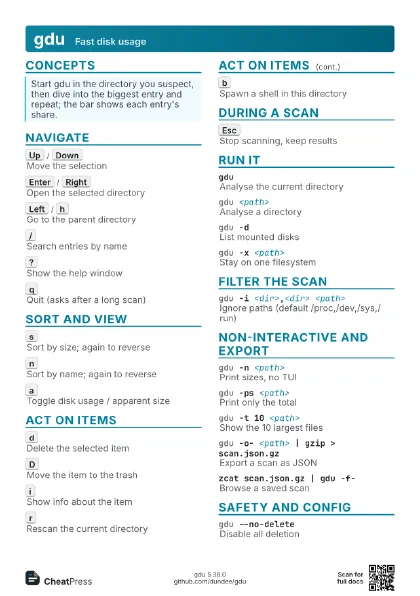
 Light · A4 landscape
297 × 210 mm · PDF
 Dark · A4 landscape
297 × 210 mm · PDF
 Ink saver · A4 landscape
297 × 210 mm · PDF
 Light · A3 landscape
420 × 297 mm · PDF
 Dark · A3 landscape
420 × 297 mm · PDF
 Ink saver · A3 landscape
420 × 297 mm · PDF
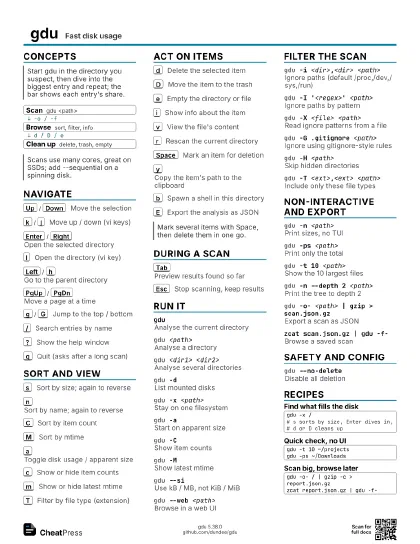
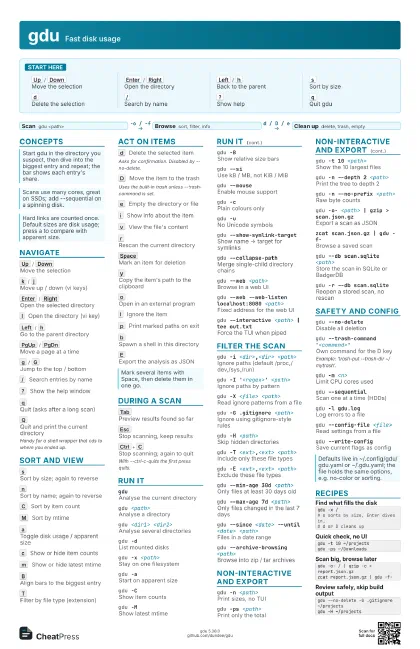
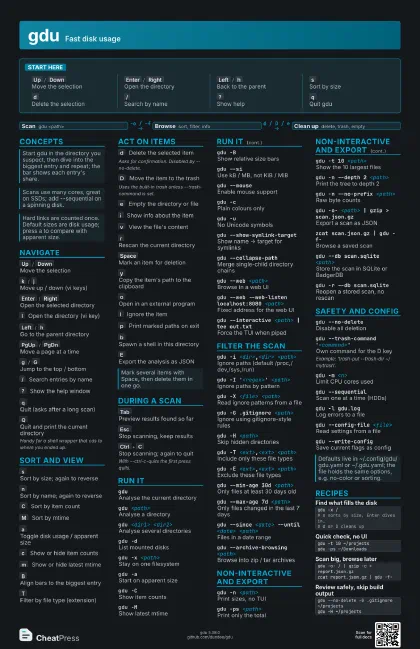
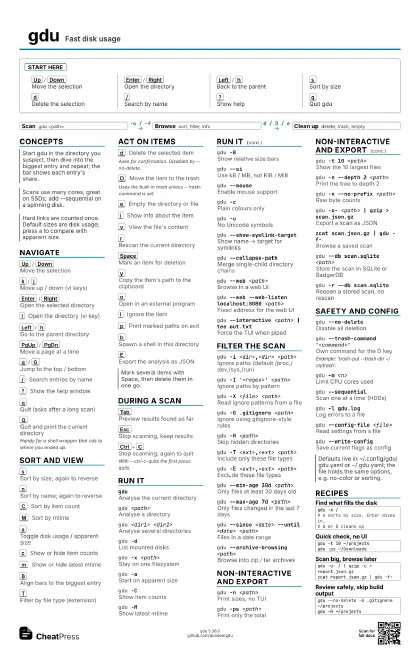
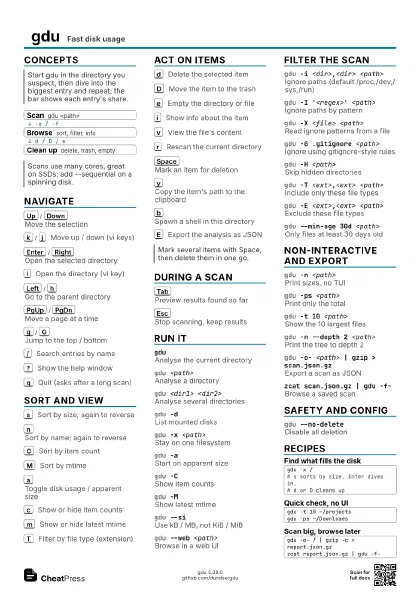
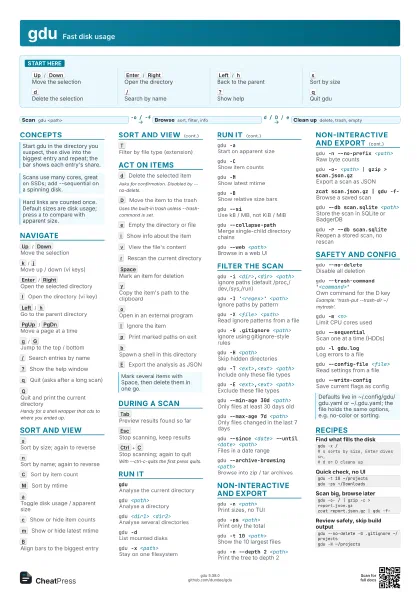
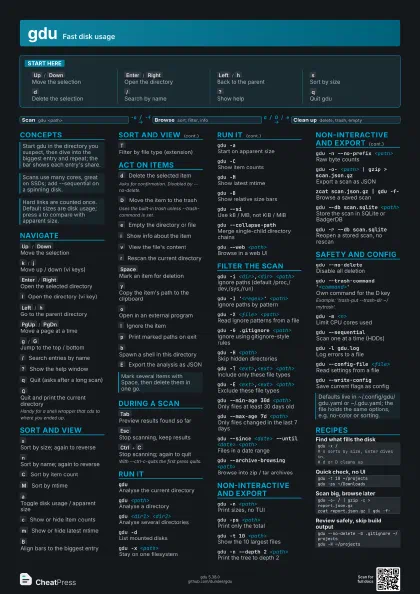
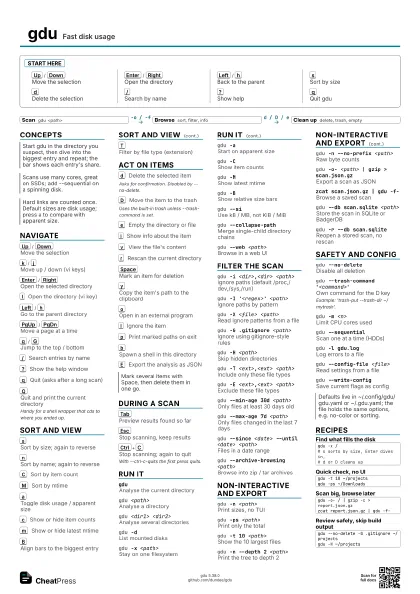
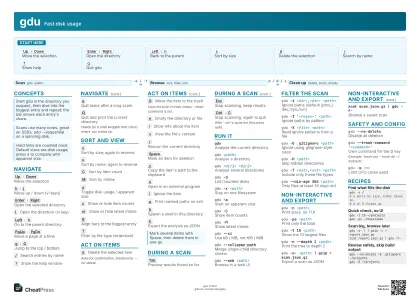
Start here
Up
/
Down
Move the selection
Enter
/
Right
Open the directory
Left
/
h
Back to the parent
s
Sort by size
d
Delete the selection
/
Search by name
?
Show help
q
Quit gdu
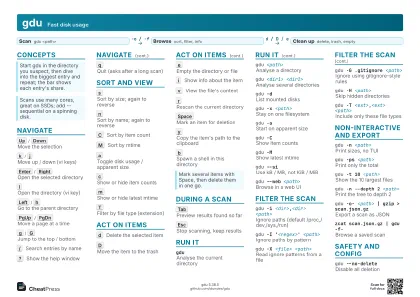
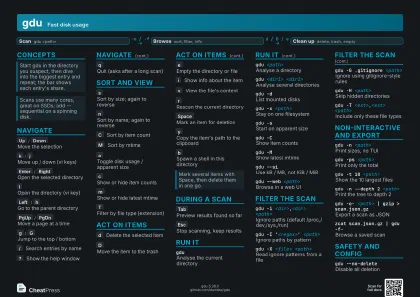
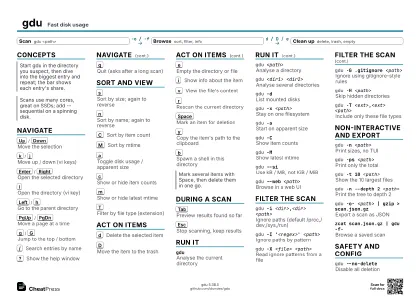
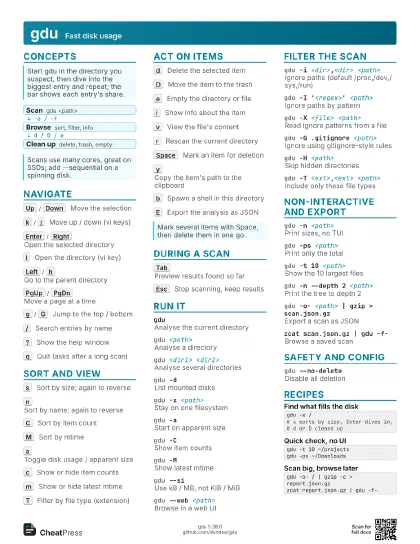
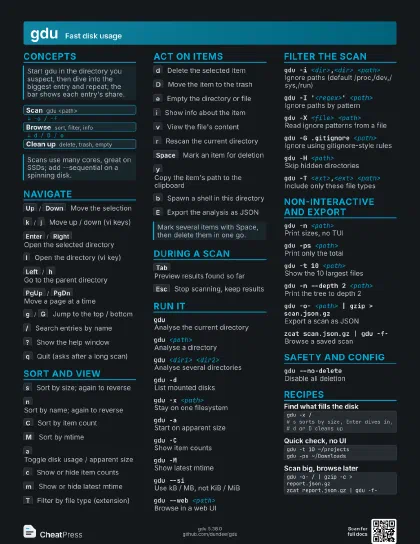
Concepts
- Scan gdu <path>
- Browse sort, filter, info
- Clean up delete, trash, empty
Navigate
Up
/
Down
Move the selection
k
/
j
Move up / down (vi keys)
Enter
/
Right
Open the selected directory
l
Open the directory (vi key)
Left
/
h
Go to the parent directory
PgUp
/
PgDn
Move a page at a time
g
/
G
Jump to the top / bottom
/
Search entries by name
?
Show the help window
q
Quit (asks after a long scan)
Q
Quit and print the current directory
Handy for a shell wrapper that cds to where you ended up.
Sort and view
s
Sort by size; again to reverse
n
Sort by name; again to reverse
C
Sort by item count
M
Sort by mtime
a
Toggle disk usage / apparent size
c
Show or hide item counts
m
Show or hide latest mtime
B
Align bars to the biggest entry
T
Filter by file type (extension)
Act on items
d
Delete the selected item
Asks for confirmation. Disabled by --no-delete.
D
Move the item to the trash
Uses the built-in trash unless --trash-command is set.
e
Empty the directory or file
i
Show info about the item
v
View the file's content
r
Rescan the current directory
Space
Mark an item for deletion
y
Copy the item's path to the clipboard
o
Open in an external program
I
Ignore the item
p
Print marked paths on exit
b
Spawn a shell in this directory
E
Export the analysis as JSON
During a scan
Tab
Preview results found so far
Esc
Stop scanning, keep results
Ctrl+C
Stop scanning; again to quit
With --ctrl-c-quits the first press quits.
Run it
gduAnalyse the current directory
gdu <path>
Analyse a directory
gdu <dir1> <dir2>
Analyse several directories
gdu -dList mounted disks
gdu -x <path>
Stay on one filesystem
gdu -aStart on apparent size
gdu -CShow item counts
gdu -MShow latest mtime
gdu -BShow relative size bars
gdu --siUse kB / MB, not KiB / MiB
gdu --mouseEnable mouse support
gdu -cPlain colours only
gdu -uNo Unicode symbols
gdu --show-symlink-target
Show name -> target for symlinks
gdu --collapse-path
Merge single-child directory chains
gdu --web <path>
Browse in a web UI
gdu --web --web-listen localhost:8080 <path>
Fixed address for the web UI
gdu --interactive <path> | tee out.txt
Force the TUI when piped
Filter the scan
gdu -i <dir>,<dir> <path>
Ignore paths (default /proc,/dev,/sys,/run)
gdu -I '<regex>' <path>
Ignore paths by pattern
gdu -X <file> <path>
Read ignore patterns from a file
gdu -G .gitignore <path>
Ignore using gitignore-style rules
gdu -H <path>
Skip hidden directories
gdu -T <ext>,<ext> <path>
Include only these file types
gdu -E <ext>,<ext> <path>
Exclude these file types
gdu --min-age 30d <path>
Only files at least 30 days old
gdu --max-age 7d <path>
Only files changed in the last 7 days
gdu --since <date> --until <date>
                    <path>
Files in a date range
gdu -L <path>
Size the targets of symlinked files
gdu --archive-browsing <path>
Browse into zip / tar archives
Non-interactive and export
gdu -n <path>
Print sizes, no TUI
gdu -ps <path>
Print only the total
gdu -t 10 <path>
Show the 10 largest files
gdu -n --depth 2 <path>
Print the tree to depth 2
gdu -n --reverse-sort <path>
Smallest first
gdu -n -k <path>
Sizes in KiB
gdu -n --no-prefix <path>
Raw byte counts
gdu -o- <path> | gzip > scan.json.gz
Export a scan as JSON
zcat scan.json.gz | gdu -f-
Browse a saved scan
gdu -o scan.json --output-attrs name,dsize
                    <path>
Export only chosen attributes
gdu --db scan.sqlite <path>
Store the scan in SQLite or BadgerDB
gdu -r --db scan.sqlite
Reopen a stored scan, no rescan
Safety and config
gdu --no-deleteDisable all deletion
gdu --no-view-file
Disable viewing file contents
gdu --no-spawn-shell
Disable the shell key
gdu --trash-command '<command>'
Own command for the D key
Example: 'trash-put --trash-dir ~/mytrash'.
gdu --no-confirm-quit
Quit without asking
gdu --ctrl-c-quits
Ctrl+C quits during a scan
gdu -m <n>
Limit CPU cores used
gdu --sequential
Scan one at a time (HDDs)
gdu -l gdu.logLog errors to a file
gdu --config-file <file>
Read settings from a file
gdu --write-config
Save current flags as config
Recipes
gdu -x /# s sorts by size, Enter dives in,# d or D cleans upgdu -t 10 ~/projectsgdu -ps ~/Downloadsgdu -o- / | gzip -c > report.json.gzzcat report.json.gz | gdu -f-gdu --no-delete -G .gitignore ~/projectsgdu -H ~/projects