Cheat
df and du Disk space usage
 Light · Postcard
102 × 152 mm · PDF
 Dark · Postcard
102 × 152 mm · PDF
 Ink saver · Postcard
102 × 152 mm · PDF
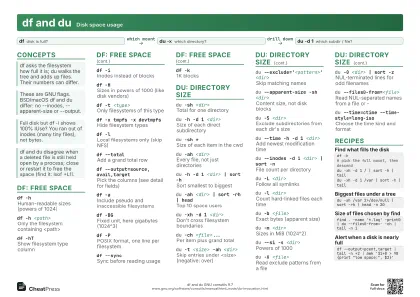 Light · A4 landscape
297 × 210 mm · PDF
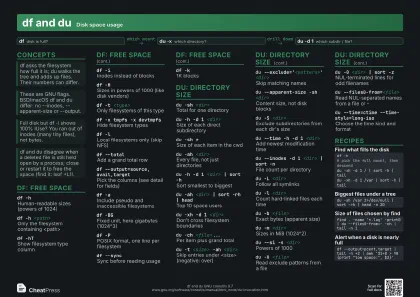 Dark · A4 landscape
297 × 210 mm · PDF
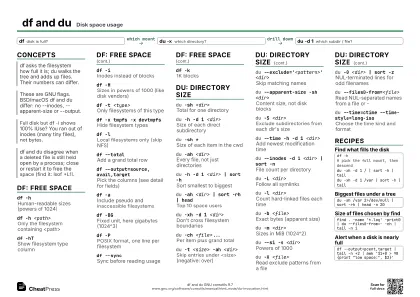 Ink saver · A4 landscape
297 × 210 mm · PDF
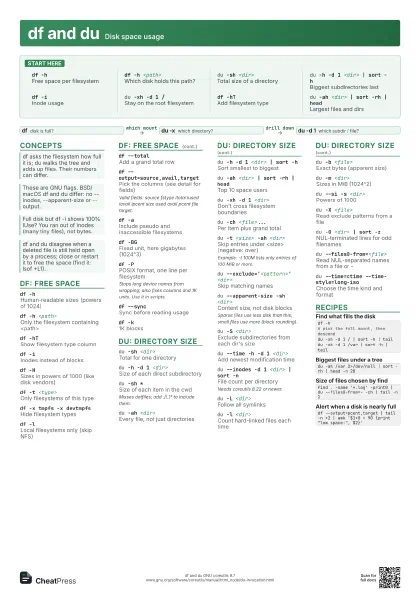
 Light · A3 landscape
420 × 297 mm · PDF
 Dark · A3 landscape
420 × 297 mm · PDF
 Ink saver · A3 landscape
420 × 297 mm · PDF
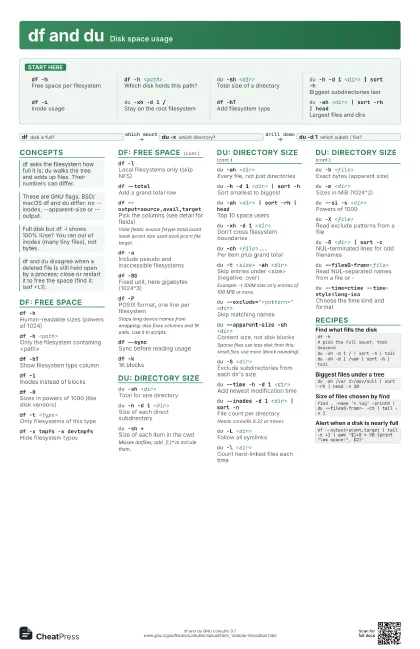
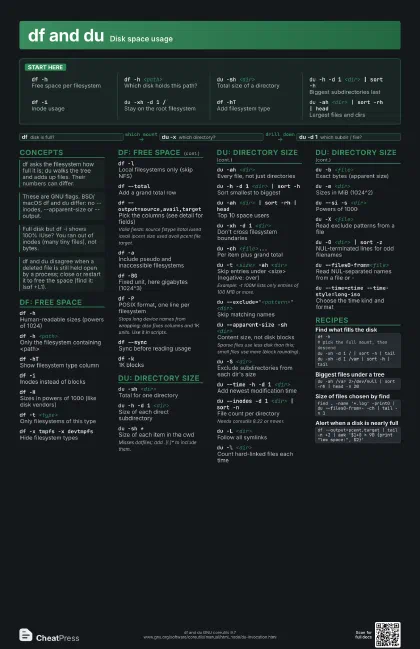
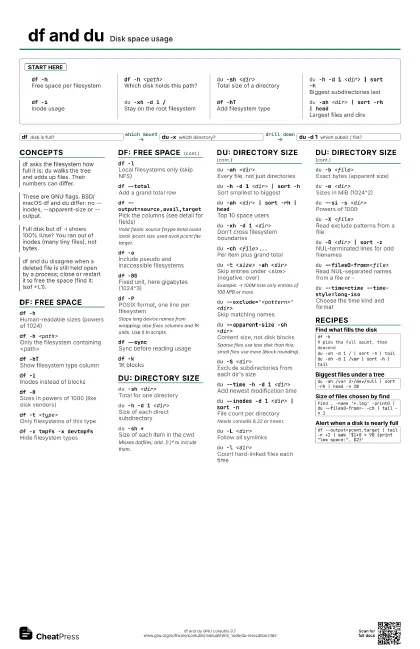
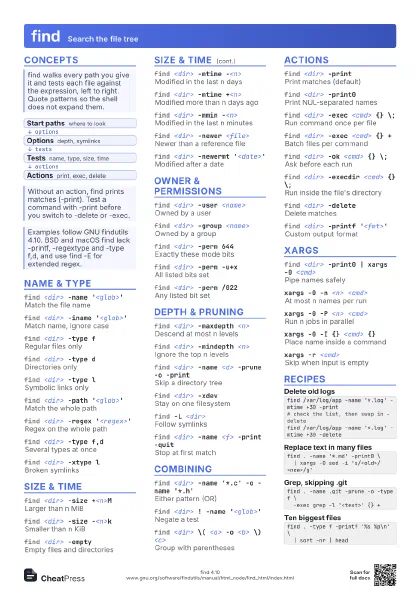
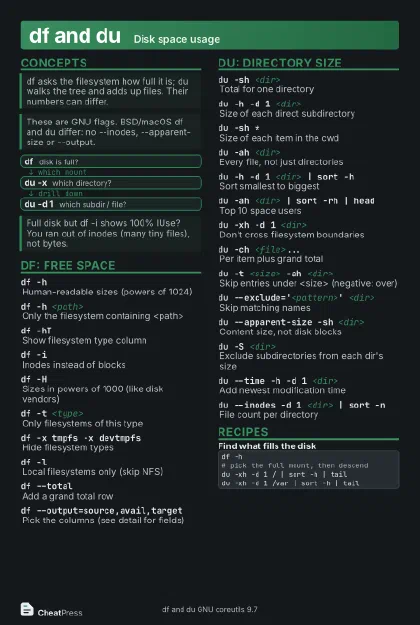
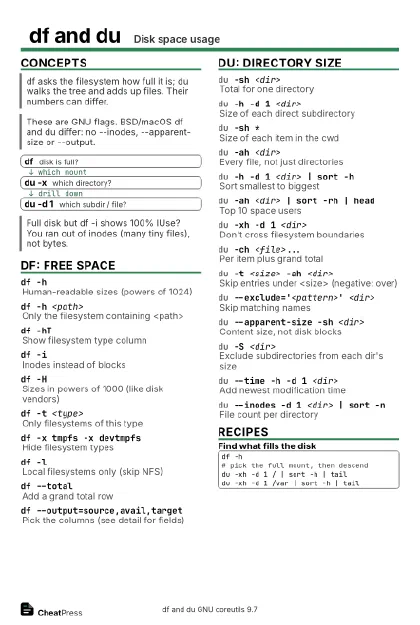
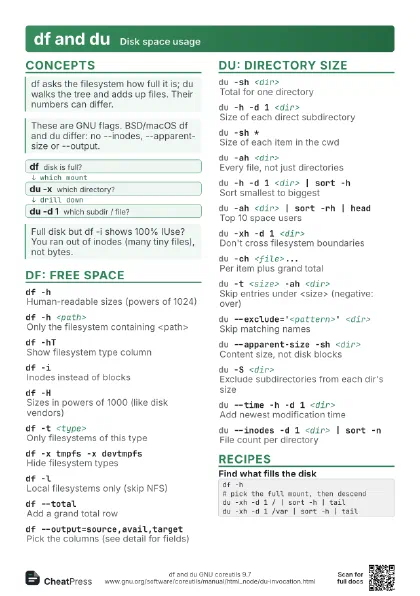
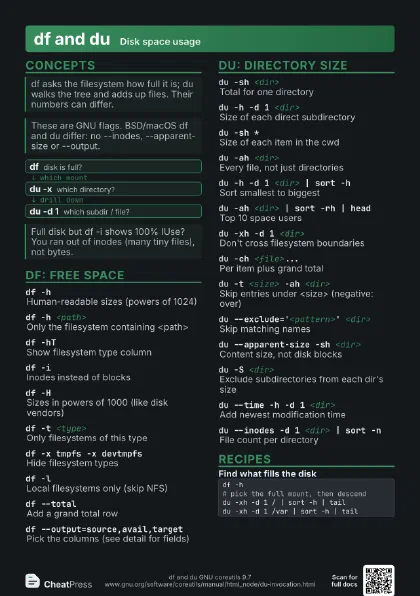
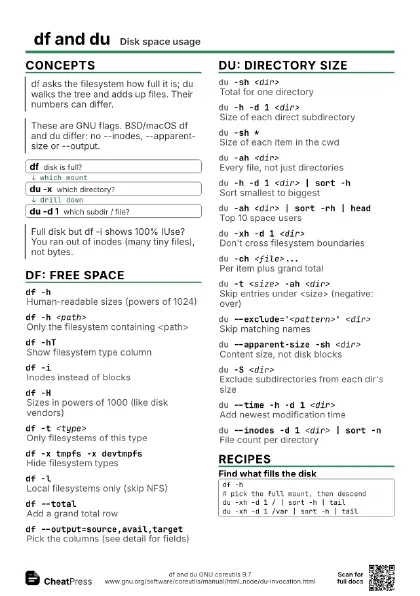
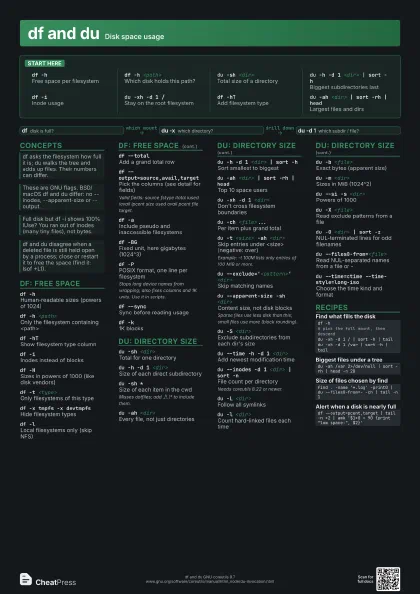
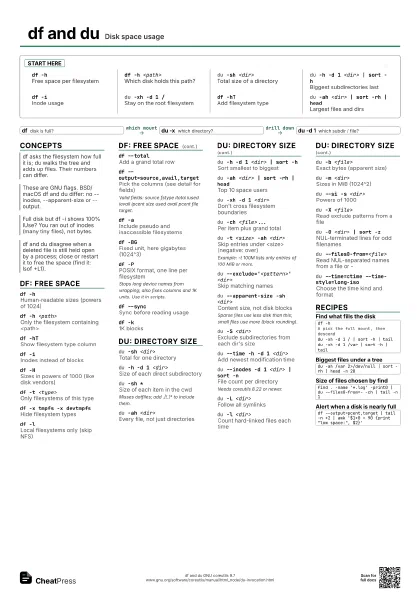
Start here
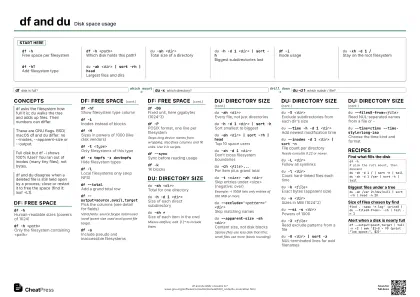
df -hFree space per filesystem
df -h <path>
Which disk holds this path?
du -sh <dir>
Total size of a directory
du -h -d 1 <dir> | sort -h
Biggest subdirectories last
df -iInode usage
du -xh -d 1 /Stay on the root filesystem
df -hTAdd filesystem type
du -ah <dir> | sort -rh | head
Largest files and dirs
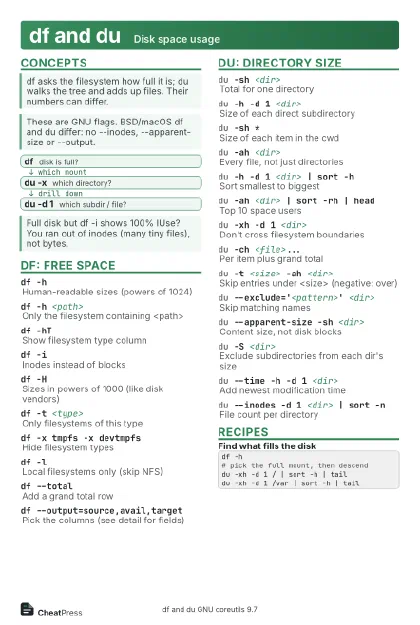
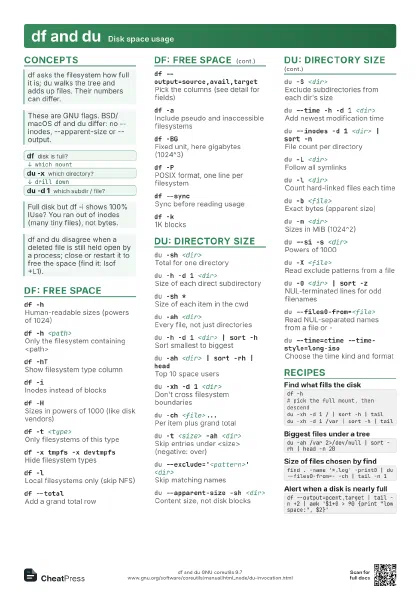
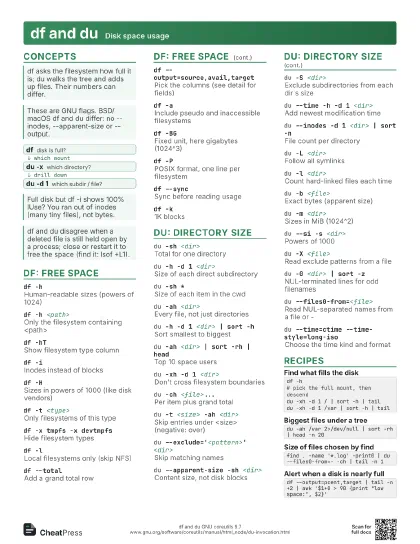
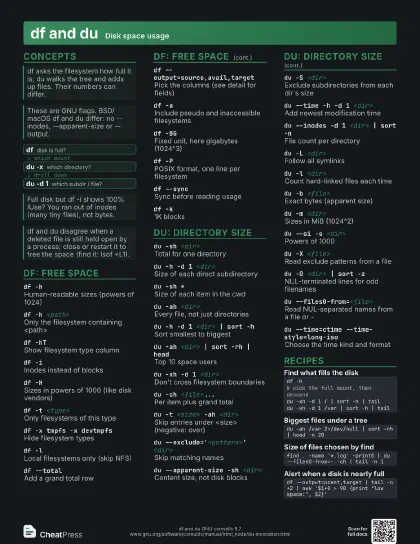
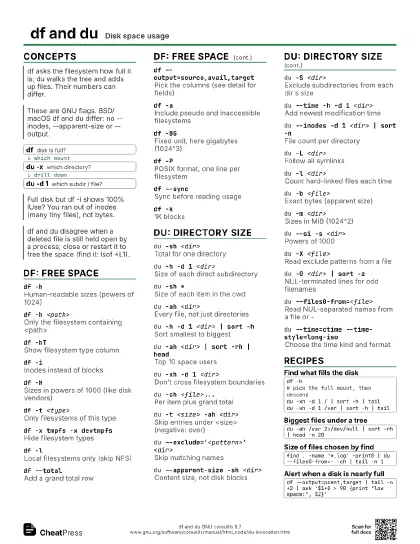
Concepts
- df disk is full?
- du -x which directory?
- du -d 1 which subdir / file?
df: free space
df -hHuman-readable sizes (powers of 1024)
df -h <path>
Only the filesystem containing <path>
df -hTShow filesystem type column
df -iInodes instead of blocks
df -H
Sizes in powers of 1000 (like disk vendors)
df -t <type>
Only filesystems of this type
df -x tmpfs -x devtmpfs
Hide filesystem types
df -lLocal filesystems only (skip NFS)
df --totalAdd a grand total row
df --output=source,avail,target
Pick the columns (see detail for fields)
Valid fields: source fstype itotal iused iavail ipcent size
used avail pcent file target.
df -a
Include pseudo and inaccessible filesystems
df -BGFixed unit, here gigabytes (1024^3)
df -PPOSIX format, one line per filesystem
Stops long device names from wrapping; also fixes columns and
1K units. Use it in scripts.
df --syncSync before reading usage
df -k1K blocks
du: directory size
du -sh <dir>
Total for one directory
du -h -d 1 <dir>
Size of each direct subdirectory
du -sh *Size of each item in the cwd
Misses dotfiles; add .[!.]* to include them.
du -ah <dir>
Every file, not just directories
du -h -d 1 <dir> | sort -h
Sort smallest to biggest
du -ah <dir> | sort -rh | head
Top 10 space users
du -xh -d 1 <dir>
Don't cross filesystem boundaries
du -ch <file>...
Per item plus grand total
du -t <size> -ah <dir>
Skip entries under <size> (negative: over)
Example: -t 100M lists only entries of 100 MiB or more.
du --exclude='<pattern>' <dir>
Skip matching names
du --apparent-size -sh <dir>
Content size, not disk blocks
Sparse files use less disk than this; small files use more
(block rounding).
du -S <dir>
Exclude subdirectories from each dir's size
du --time -h -d 1 <dir>
Add newest modification time
du --inodes -d 1 <dir> | sort -n
File count per directory
Needs coreutils 8.22 or newer.
du -L <dir>
Follow all symlinks
du -l <dir>
Count hard-linked files each time
du -b <file>
Exact bytes (apparent size)
du -m <dir>
Sizes in MiB (1024^2)
du --si -s <dir>
Powers of 1000
du -X <file>
Read exclude patterns from a file
du -0 <dir> | sort -z
NUL-terminated lines for odd filenames
du --files0-from=<file>
Read NUL-separated names from a file or -
du --time=ctime --time-style=long-iso
Choose the time kind and format
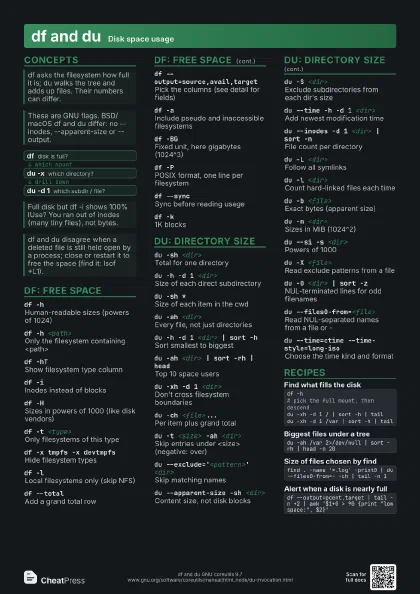
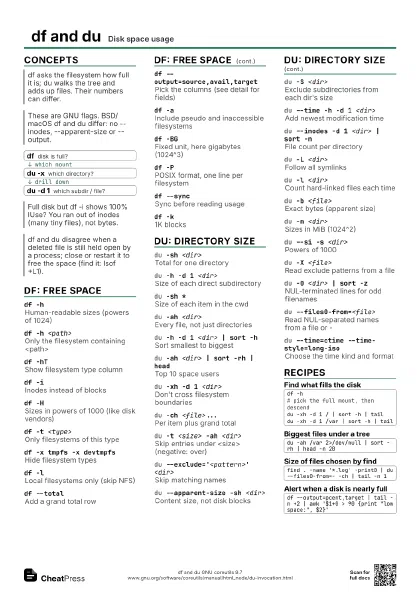
Recipes
df -h# pick the full mount, then descenddu -xh -d 1 / | sort -h | taildu -xh -d 1 /var | sort -h | taildu -ah /var 2>/dev/null | sort -rh | head -n 20find . -name '*.log' -print0 | du --files0-from=- -ch | tail -n 1df --output=pcent,target | tail -n +2 | awk '$1+0 > 90 {print "low space:", $2}'