Cheat
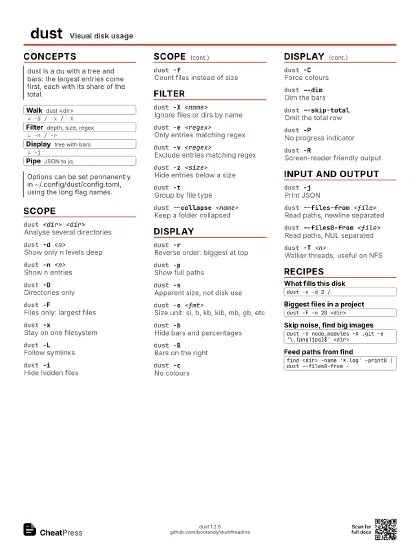
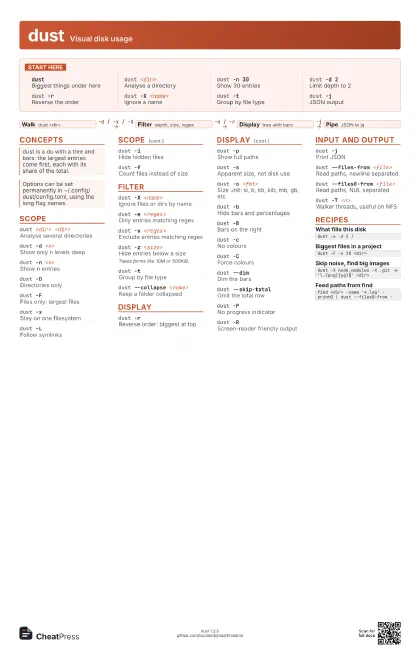
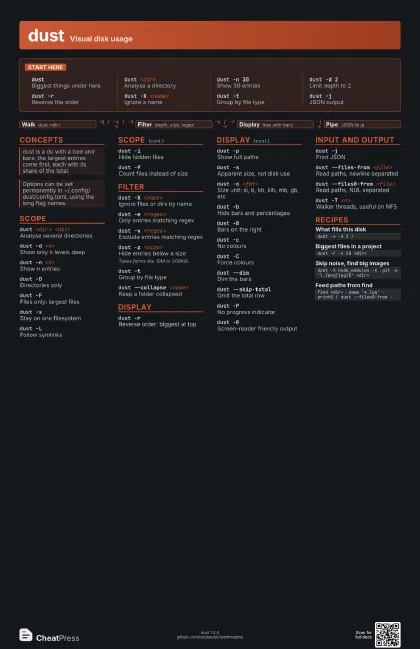
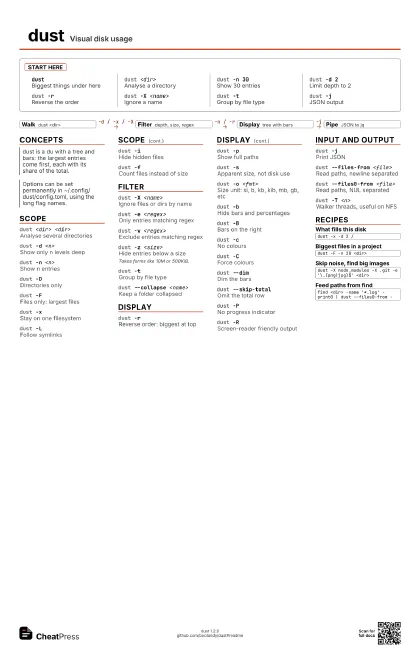
dust Visual disk usage
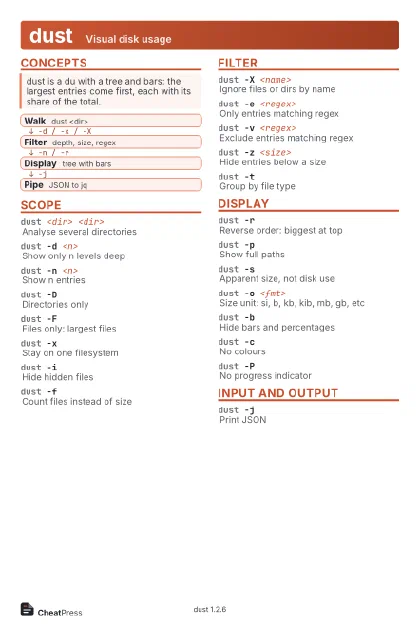 Light · Postcard
102 × 152 mm · PDF
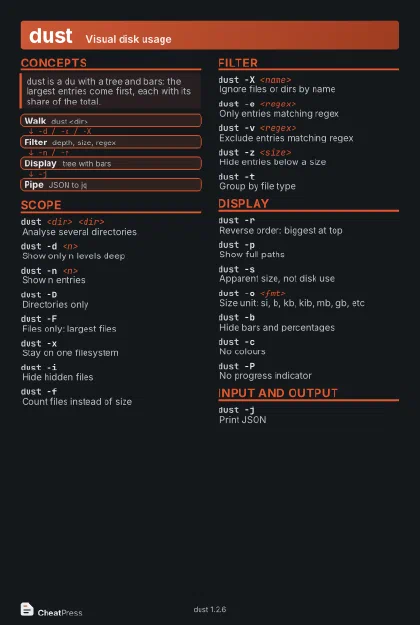 Dark · Postcard
102 × 152 mm · PDF
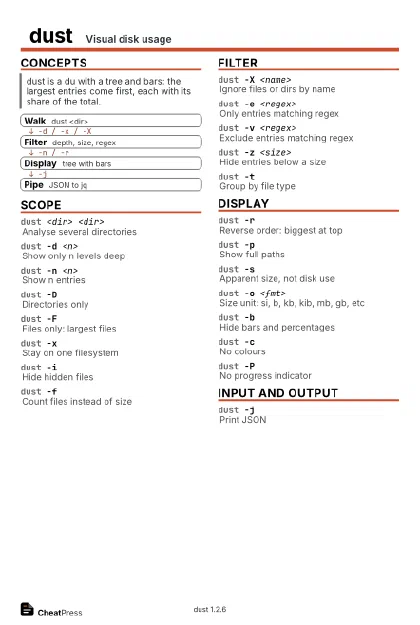 Ink saver · Postcard
102 × 152 mm · PDF
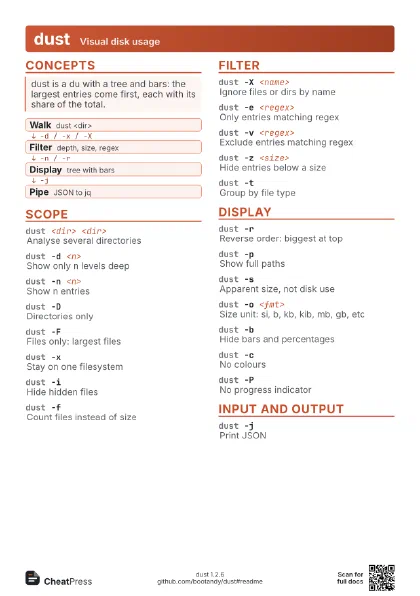
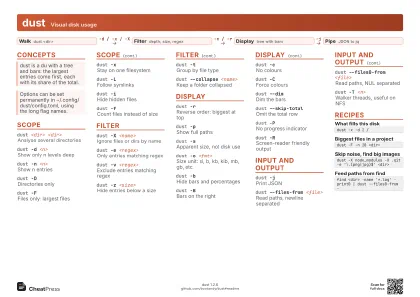 Light · A4 landscape
297 × 210 mm · PDF
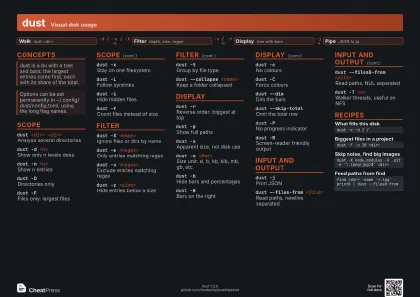 Dark · A4 landscape
297 × 210 mm · PDF
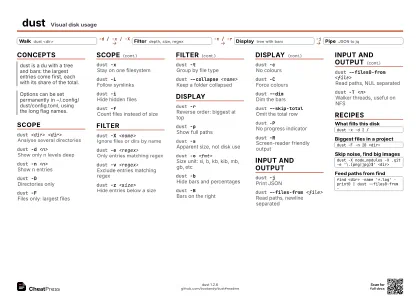 Ink saver · A4 landscape
297 × 210 mm · PDF
 Light · A3 landscape
420 × 297 mm · PDF
 Dark · A3 landscape
420 × 297 mm · PDF
 Ink saver · A3 landscape
420 × 297 mm · PDF
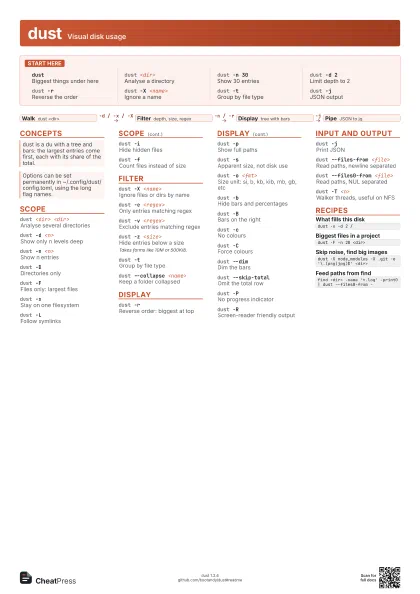
Start here
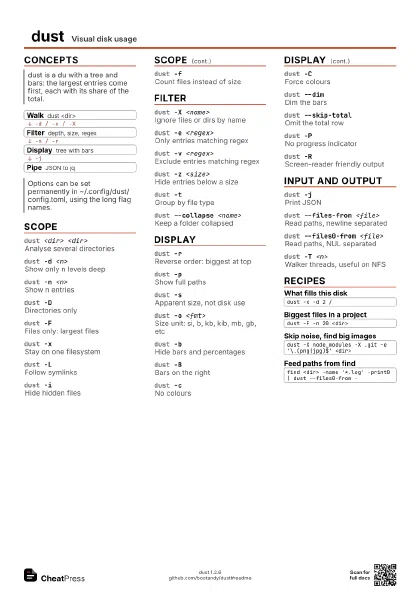
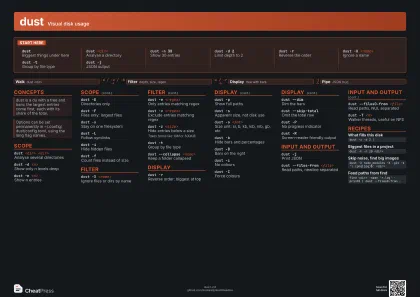
dustBiggest things under here
dust <dir>
Analyse a directory
dust -n 30Show 30 entries
dust -d 2Limit depth to 2
dust -rReverse the order
dust -X <name>
Ignore a name
dust -tGroup by file type
dust -jJSON output
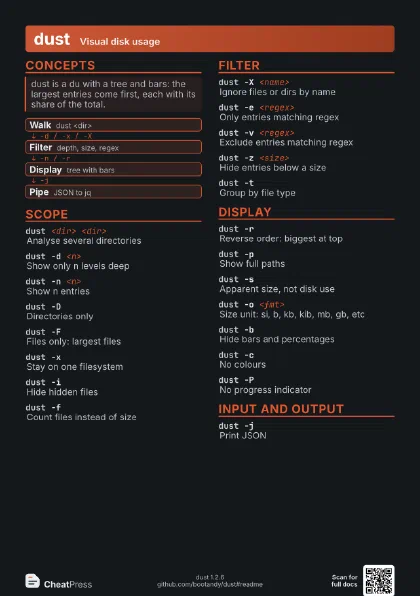
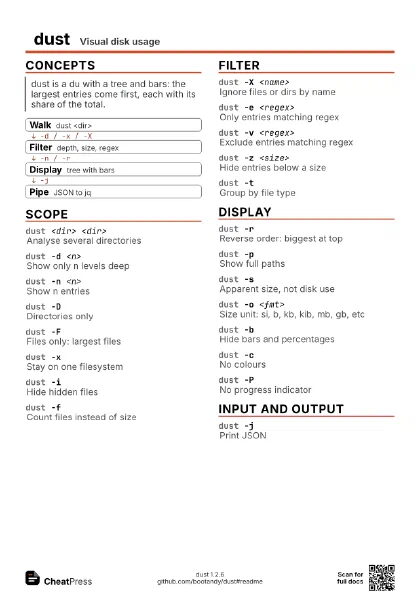
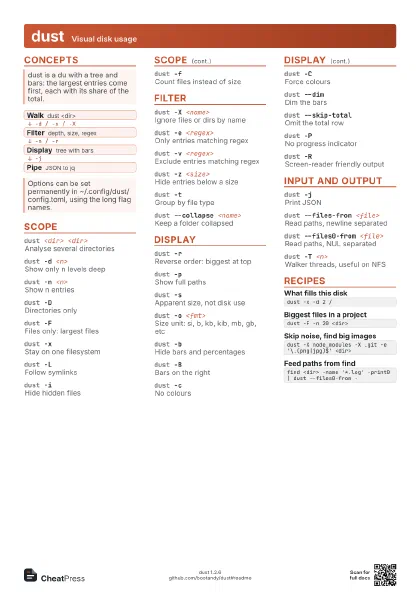
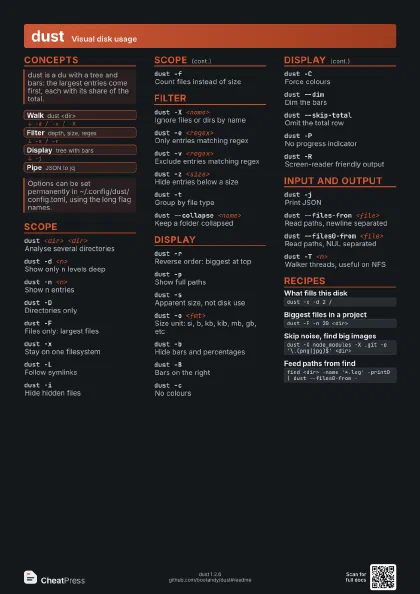
Concepts
- Walk dust <dir>
- Filter depth, size, regex
- Display tree with bars
- Pipe JSON to jq
Scope
dust <dir> <dir>
Analyse several directories
dust -d <n>
Show only n levels deep
dust -n <n>
Show n entries
dust -DDirectories only
dust -FFiles only: largest files
dust -xStay on one filesystem
dust -LFollow symlinks
dust -iHide hidden files
dust -fCount files instead of size
Filter
dust -X <name>
Ignore files or dirs by name
dust -e <regex>
Only entries matching regex
dust -v <regex>
Exclude entries matching regex
dust -z <size>
Hide entries below a size
Takes forms like 10M or 500KiB.
dust -tGroup by file type
dust --collapse <name>
Keep a folder collapsed
Display
dust -rReverse order: biggest at top
dust -pShow full paths
dust -sApparent size, not disk use
dust -o <fmt>
Size unit: si, b, kb, kib, mb, gb, etc
dust -bHide bars and percentages
dust -BBars on the right
dust -cNo colours
dust -CForce colours
dust --dimDim the bars
dust --skip-total
Omit the total row
dust -PNo progress indicator
dust -RScreen-reader friendly output
Input and output
dust -jPrint JSON
dust --files-from <file>
Read paths, newline separated
dust --files0-from <file>
Read paths, NUL separated
dust -T <n>
Walker threads, useful on NFS
Recipes
dust -x -d 2 /dust -F -n 20 <dir>dust -X node_modules -X .git -e '\.(png|jpg)$' <dir>find <dir> -name '*.log' -print0 | dust --files0-from -