Cheat
gcloud CLI Google Cloud CLI
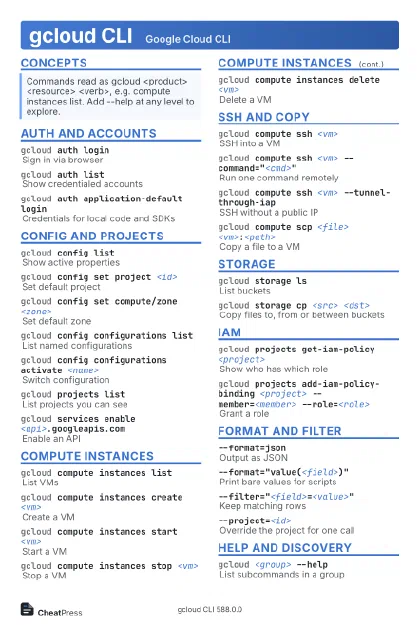 Light · Postcard
102 × 152 mm · PDF
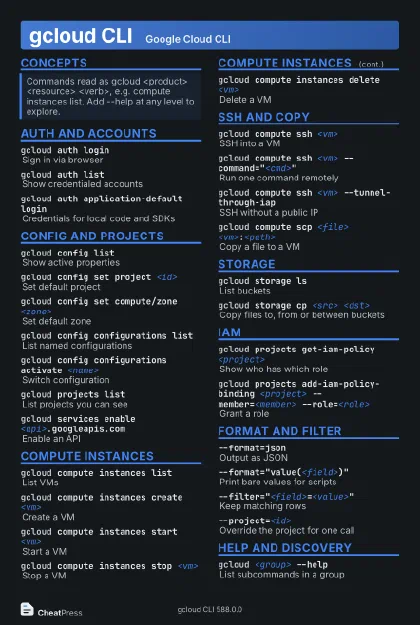 Dark · Postcard
102 × 152 mm · PDF
 Ink saver · Postcard
102 × 152 mm · PDF
 Light · A4 landscape
297 × 210 mm · PDF
 Dark · A4 landscape
297 × 210 mm · PDF
 Ink saver · A4 landscape
297 × 210 mm · PDF
 Light · A3 landscape
420 × 297 mm · PDF
 Dark · A3 landscape
420 × 297 mm · PDF
 Ink saver · A3 landscape
420 × 297 mm · PDF
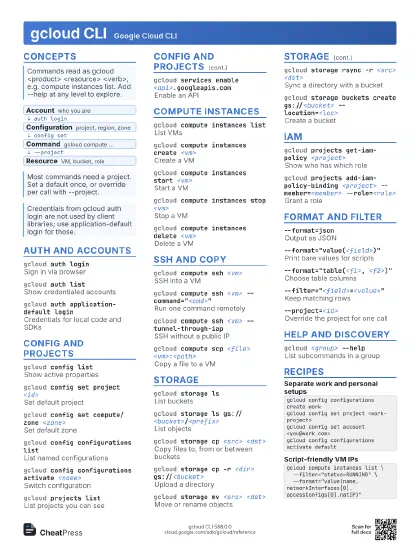
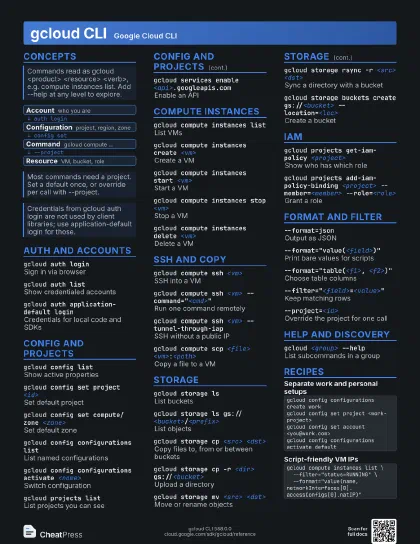
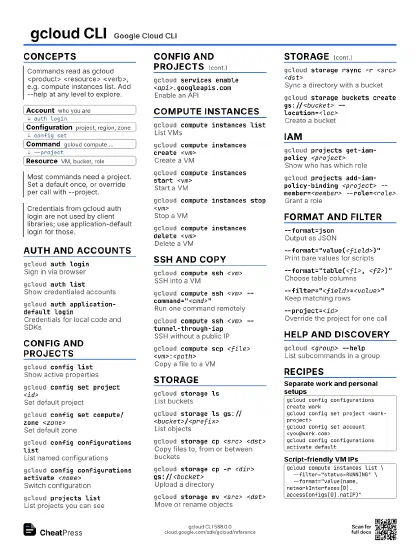
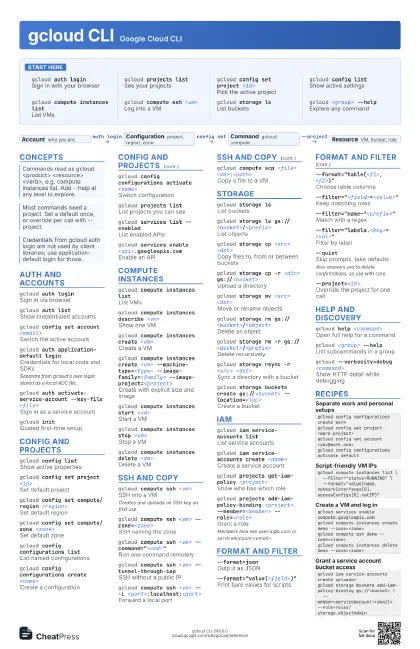
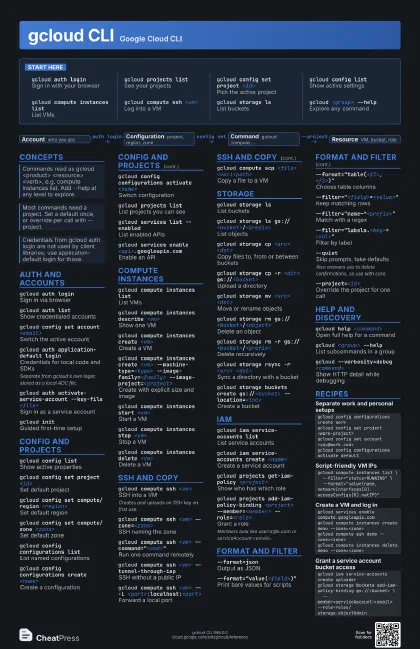
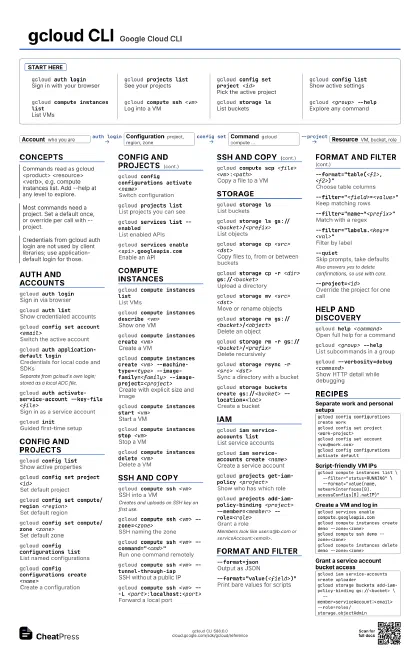
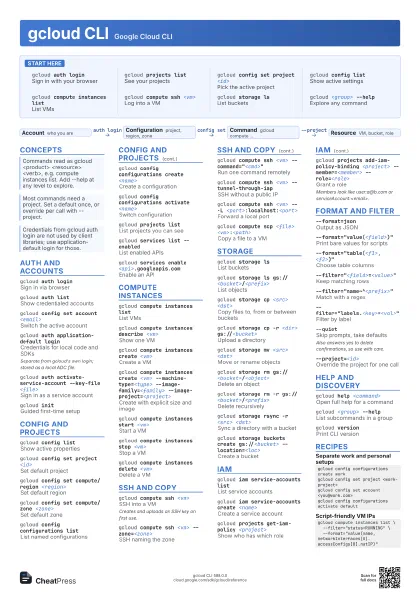
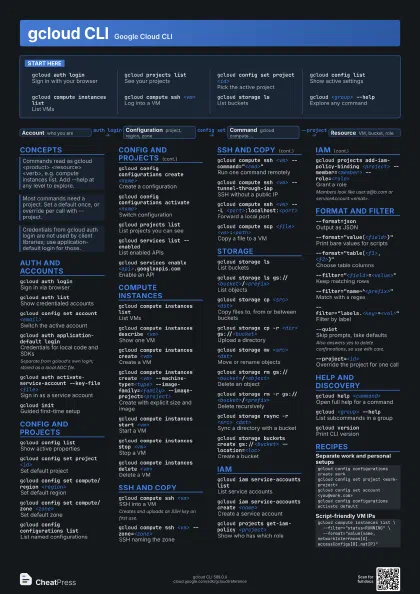
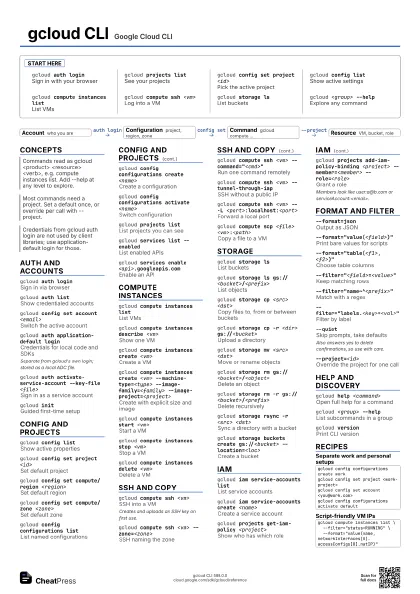
Start here
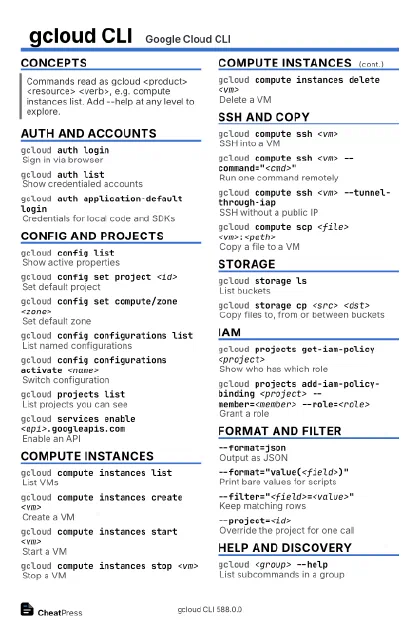
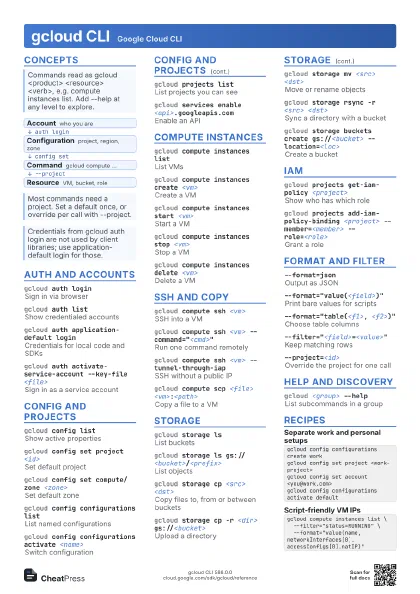
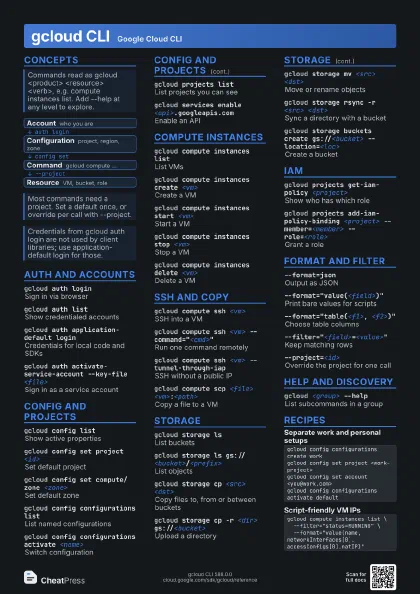
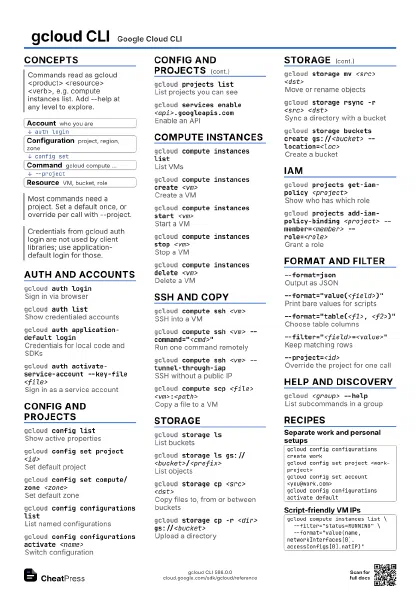
gcloud auth login
Sign in with your browser
gcloud projects list
See your projects
gcloud config set project <id>
Pick the active project
gcloud config list
Show active settings
gcloud compute instances list
List VMs
gcloud compute ssh <vm>
Log into a VM
gcloud storage ls
List buckets
gcloud <group> --help
Explore any command
Concepts
- Account who you are
- Configuration project, region, zone
- Command gcloud compute ...
- Resource VM, bucket, role
Auth and accounts
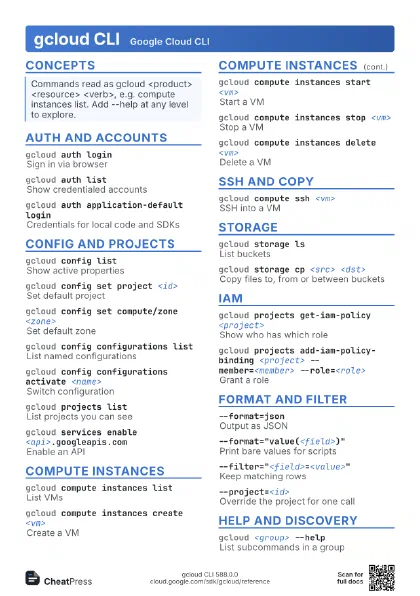
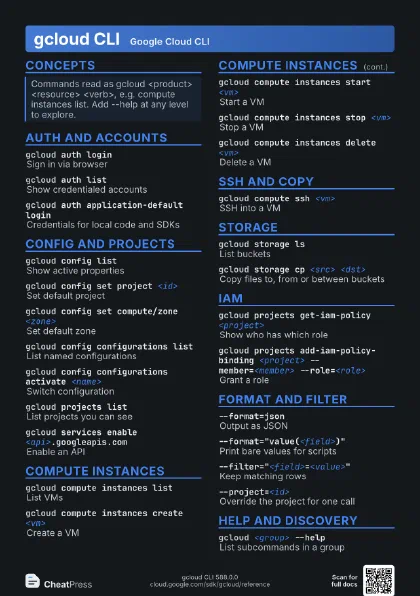
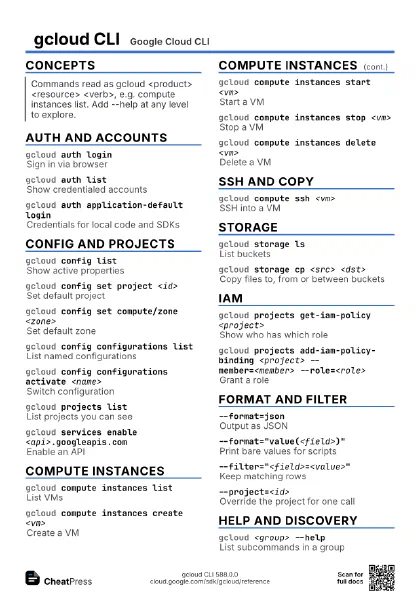
gcloud auth login
Sign in via browser
gcloud auth list
Show credentialed accounts
gcloud config set account <email>
Switch the active account
gcloud auth application-default login
Credentials for local code and SDKs
Separate from gcloud's own login; stored as a local ADC
file.
gcloud auth activate-service-account --key-file
                    <file>
Sign in as a service account
gcloud initGuided first-time setup
Config and projects
gcloud config list
Show active properties
gcloud config set project <id>
Set default project
gcloud config set compute/region <region>
Set default region
gcloud config set compute/zone <zone>
Set default zone
gcloud config configurations list
List named configurations
gcloud config configurations create <name>
Create a configuration
gcloud config configurations activate <name>
Switch configuration
gcloud projects list
List projects you can see
gcloud services list --enabled
List enabled APIs
gcloud services enable <api>.googleapis.com
Enable an API
Compute instances
gcloud compute instances list
List VMs
gcloud compute instances describe <vm>
Show one VM
gcloud compute instances create <vm>
Create a VM
gcloud compute instances create <vm>
                    --machine-type=<type> --image-family=<family>
                    --image-project=<project>
Create with explicit size and image
gcloud compute instances start <vm>
Start a VM
gcloud compute instances stop <vm>
Stop a VM
gcloud compute instances delete <vm>
Delete a VM
SSH and copy
gcloud compute ssh <vm>
SSH into a VM
Creates and uploads an SSH key on first use.
gcloud compute ssh <vm> --zone=<zone>
SSH naming the zone
gcloud compute ssh <vm>
                    --command="<cmd>"
Run one command remotely
gcloud compute ssh <vm> --tunnel-through-iap
SSH without a public IP
gcloud compute ssh <vm> -- -L
                    <port>:localhost:<port>
Forward a local port
gcloud compute scp <file>
                    <vm>:<path>
Copy a file to a VM
Storage
gcloud storage ls
List buckets
gcloud storage ls gs://<bucket>/<prefix>
List objects
gcloud storage cp <src> <dst>
Copy files to, from or between buckets
gcloud storage cp -r <dir> gs://<bucket>
Upload a directory
gcloud storage mv <src> <dst>
Move or rename objects
gcloud storage rm gs://<bucket>/<object>
Delete an object
gcloud storage rm -r
                    gs://<bucket>/<prefix>
Delete recursively
gcloud storage rsync -r <src> <dst>
Sync a directory with a bucket
gcloud storage buckets create gs://<bucket>
                    --location=<loc>
Create a bucket
IAM
gcloud iam service-accounts list
List service accounts
gcloud iam service-accounts create <name>
Create a service account
gcloud projects get-iam-policy <project>
Show who has which role
gcloud projects add-iam-policy-binding <project>
                    --member=<member> --role=<role>
Grant a role
Members look like user:a@b.com or
serviceAccount:<email>.
Format and filter
--format=jsonOutput as JSON
--format="value(<field>)"
Print bare values for scripts
--format="table(<f1>, <f2>)"
Choose table columns
--filter="<field>=<value>"
Keep matching rows
--filter="name~^<prefix>"
Match with a regex
--filter="labels.<key>=<val>"
Filter by label
--quietSkip prompts, take defaults
Also answers yes to delete confirmations, so use with care.
--project=<id>
Override the project for one call
Help and discovery
gcloud help <command>
Open full help for a command
gcloud <group> --help
List subcommands in a group
gcloud versionPrint CLI version
gcloud --verbosity=debug <command>
Show HTTP detail while debugging
Recipes
gcloud config configurations create workgcloud config set project <work-project>gcloud config set account <you@work.com>gcloud config configurations activate defaultgcloud compute instances list \ --filter="status=RUNNING" \ --format="value(name,networkInterfaces[0].accessConfigs[0].natIP)"gcloud services enable compute.googleapis.comgcloud compute instances create demo --zone=<zone>gcloud compute ssh demo --zone=<zone>gcloud compute instances delete demo --zone=<zone>gcloud iam service-accounts create uploadergcloud storage buckets add-iam-policy-binding gs://<bucket> \ --member=serviceAccount:<email> --role=roles/storage.objectAdmin