Cheat
AWS CLI Amazon cloud CLI
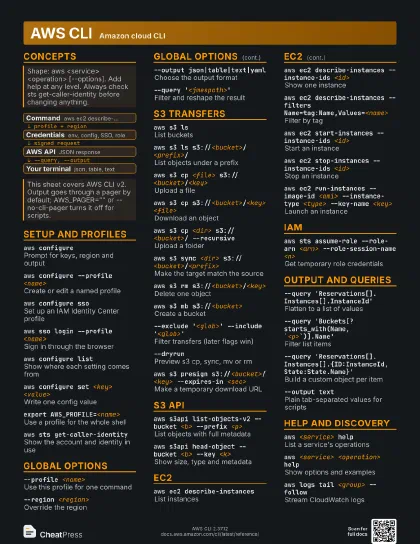
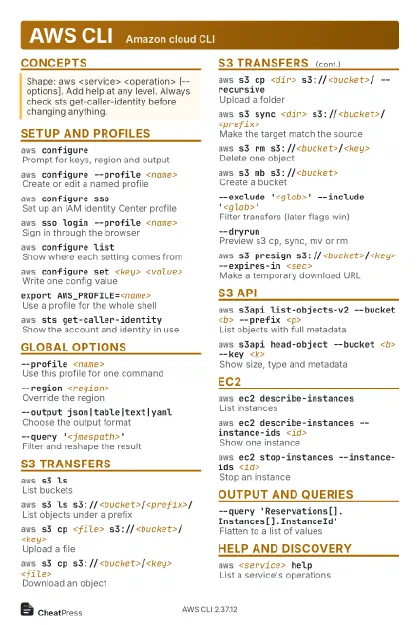 Light · Postcard
102 × 152 mm · PDF
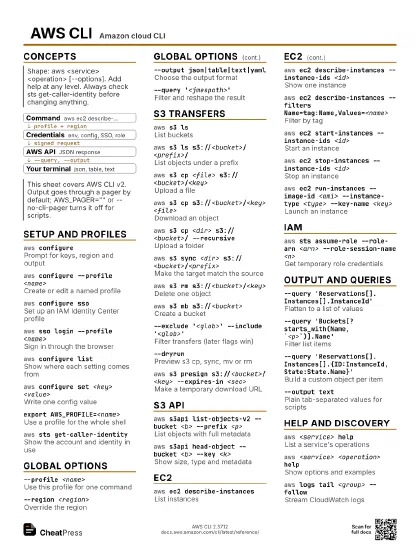
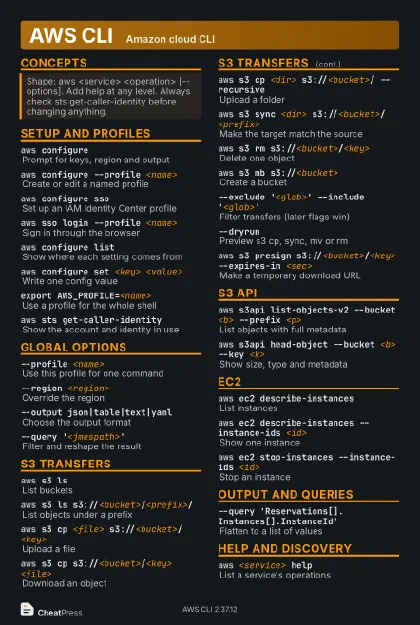 Dark · Postcard
102 × 152 mm · PDF
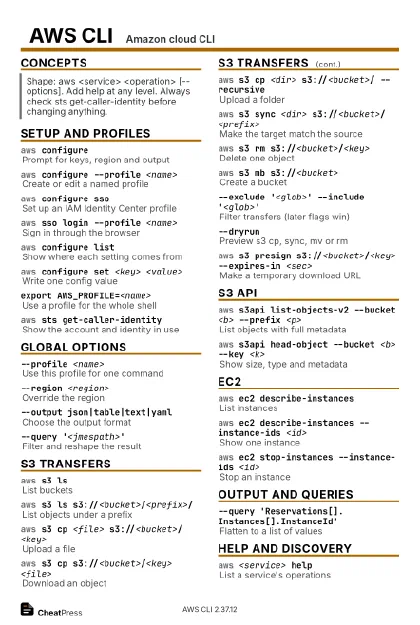 Ink saver · Postcard
102 × 152 mm · PDF
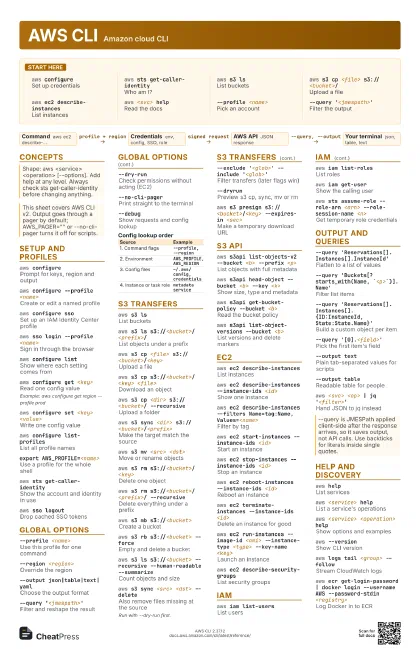
 Light · A4 landscape
297 × 210 mm · PDF
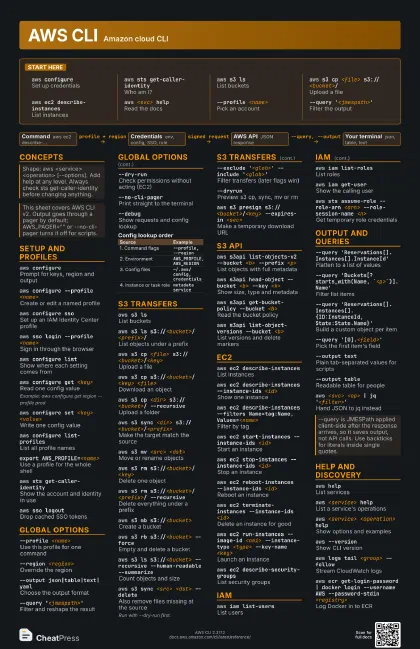
 Dark · A4 landscape
297 × 210 mm · PDF
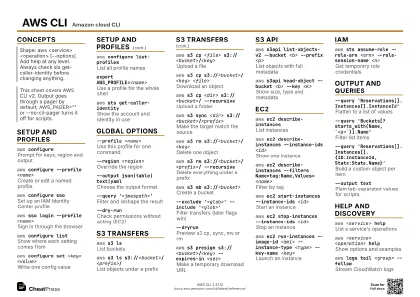 Ink saver · A4 landscape
297 × 210 mm · PDF
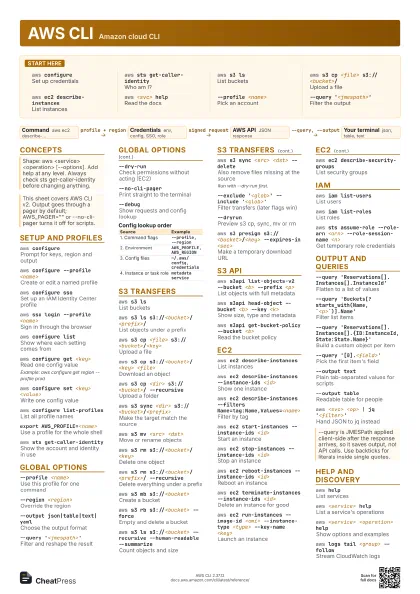
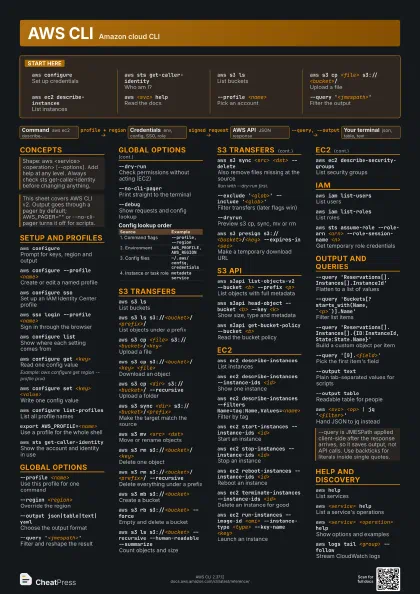
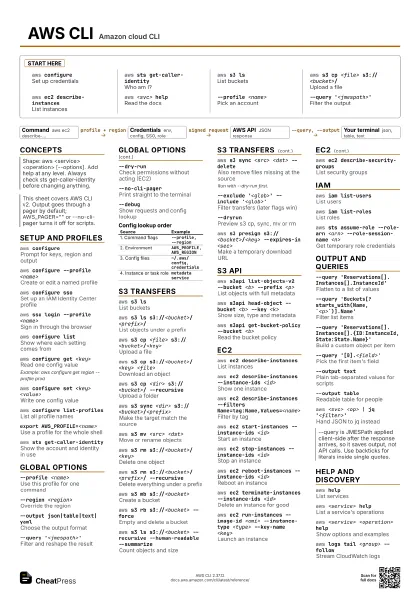
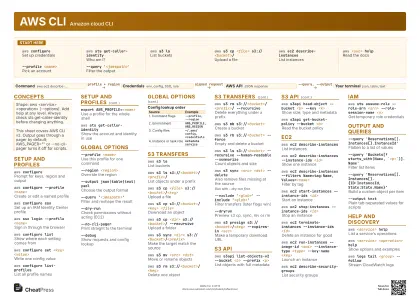 Light · A3 landscape
420 × 297 mm · PDF
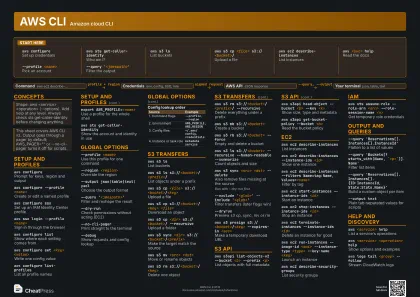 Dark · A3 landscape
420 × 297 mm · PDF
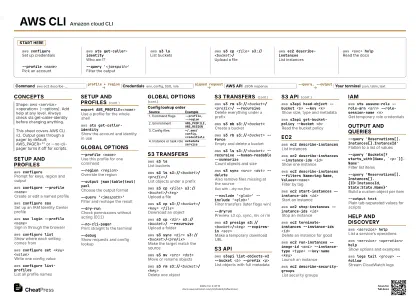 Ink saver · A3 landscape
420 × 297 mm · PDF
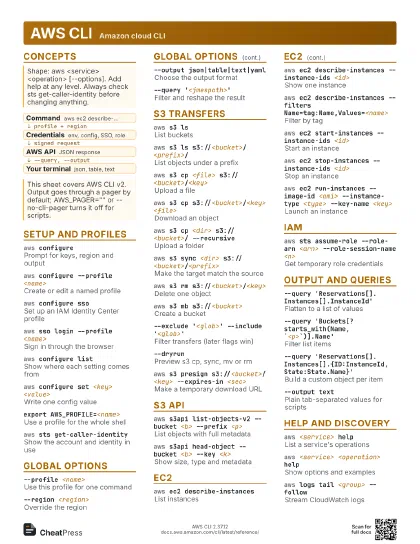
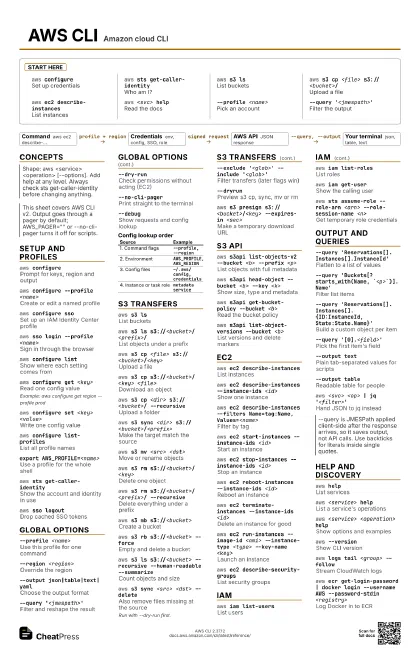
Start here
aws configureSet up credentials
aws sts get-caller-identity
Who am I?
aws s3 lsList buckets
aws s3 cp <file> s3://<bucket>/
Upload a file
aws ec2 describe-instances
List instances
aws <svc> help
Read the docs
--profile <name>
Pick an account
--query '<jmespath>'
Filter the output
Concepts
- Command aws ec2 describe-...
- Credentials env, config, SSO, role
- AWS API JSON response
- Your terminal json, table, text
Setup and profiles
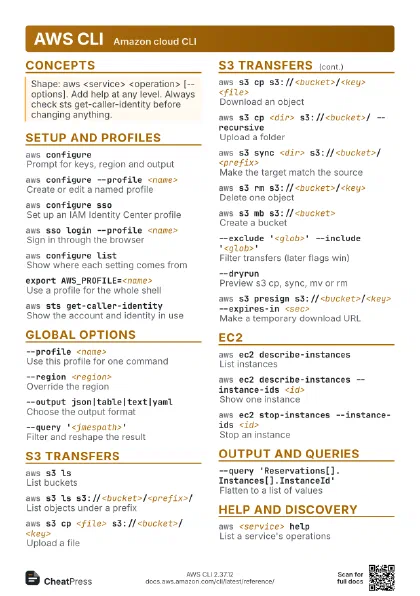
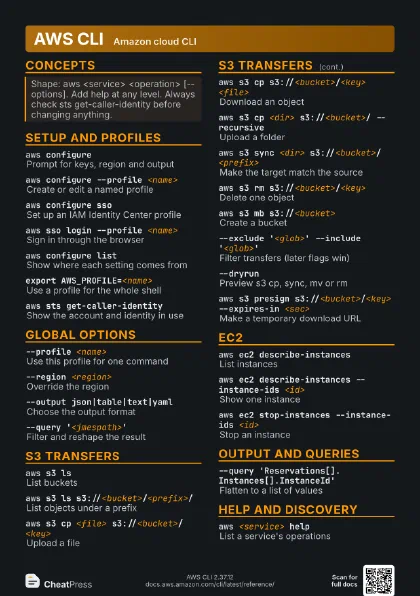
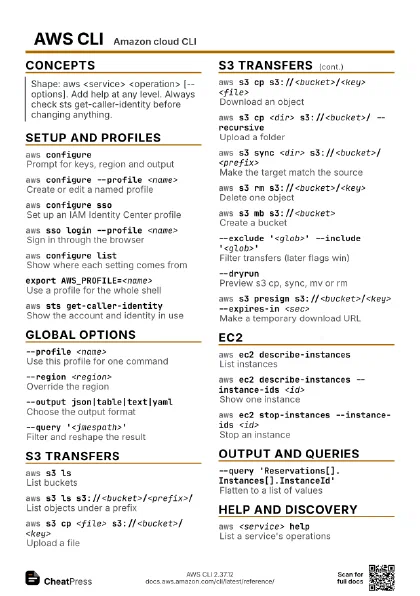
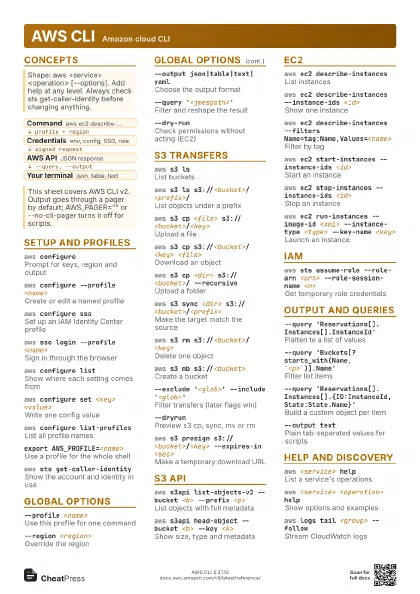
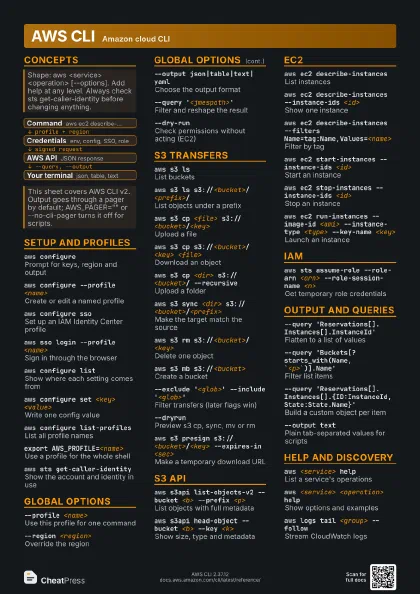
aws configurePrompt for keys, region and output
aws configure --profile <name>
Create or edit a named profile
aws configure sso
Set up an IAM Identity Center profile
aws sso login --profile <name>
Sign in through the browser
aws configure list
Show where each setting comes from
aws configure get <key>
Read one config value
Example: aws configure get region --profile prod
aws configure set <key> <value>
Write one config value
aws configure list-profiles
List all profile names
export AWS_PROFILE=<name>
Use a profile for the whole shell
aws sts get-caller-identity
Show the account and identity in use
aws sso logoutDrop cached SSO tokens
aws configure export-credentials --format env
Print temporary keys as exports
Useful for tools that cannot read profiles; needs a recent v2.
Global options
--profile <name>
Use this profile for one command
--region <region>
Override the region
--output json|table|text|yaml
Choose the output format
--query '<jmespath>'
Filter and reshape the result
--dry-runCheck permissions without acting (EC2)
--no-cli-pagerPrint straight to the terminal
--debugShow requests and config lookup
--endpoint-url <url>
Target another endpoint (LocalStack)
--no-paginateFetch only the first page
--max-items <n>
Cap the total items returned
--page-size <n>
Items per API call
--cli-input-json file://<f>
Read parameters from a file
--generate-cli-skeleton
Print a blank input template
--no-sign-request
Call without credentials (public data)
| Source | Example |
|---|---|
| 1. Command flags | --profile, --region |
| 2. Environment | AWS_PROFILE, AWS_REGION |
| 3. Config files | ~/.aws/config, credentials |
| 4. Instance or task role | metadata service |
S3 transfers
aws s3 lsList buckets
aws s3 ls s3://<bucket>/<prefix>/
List objects under a prefix
aws s3 cp <file>
                    s3://<bucket>/<key>
Upload a file
aws s3 cp s3://<bucket>/<key>
                    <file>
Download an object
aws s3 cp <dir> s3://<bucket>/
                    --recursive
Upload a folder
aws s3 sync <dir>
                    s3://<bucket>/<prefix>
Make the target match the source
aws s3 mv <src> <dst>
Move or rename objects
aws s3 rm s3://<bucket>/<key>
Delete one object
aws s3 rm s3://<bucket>/<prefix>/
                    --recursive
Delete everything under a prefix
aws s3 mb s3://<bucket>
Create a bucket
aws s3 rb s3://<bucket> --force
Empty and delete a bucket
aws s3 ls s3://<bucket> --recursive --human-readable
                    --summarize
Count objects and size
aws s3 sync <src> <dst> --delete
Also remove files missing at the source
Run with --dry-run first.
--exclude '<glob>' --include
                    '<glob>'
Filter transfers (later flags win)
--dryrunPreview s3 cp, sync, mv or rm
aws s3 presign s3://<bucket>/<key> --expires-in
                    <sec>
Make a temporary download URL
aws s3 cp - s3://<bucket>/<key>
Upload from stdin
--storage-class <class>
Set the storage class on upload
--acl <acl>
Set a canned ACL on upload
S3 API
aws s3api list-objects-v2 --bucket <b> --prefix
                    <p>
List objects with full metadata
aws s3api head-object --bucket <b> --key
                    <k>
Show size, type and metadata
aws s3api get-bucket-policy --bucket <b>
Read the bucket policy
aws s3api put-bucket-versioning --bucket <b>
                    --versioning-configuration Status=Enabled
Turn on versioning
aws s3api list-object-versions --bucket <b>
List versions and delete markers
aws s3api put-public-access-block --bucket <b>
                    --public-access-block-configuration <cfg>
Block public access
aws s3api get-object --bucket <b> --key <k>
                    <outfile>
Download with API options
EC2
aws ec2 describe-instances
List instances
aws ec2 describe-instances --instance-ids <id>
Show one instance
aws ec2 describe-instances --filters
                    Name=tag:Name,Values=<name>
Filter by tag
aws ec2 start-instances --instance-ids <id>
Start an instance
aws ec2 stop-instances --instance-ids <id>
Stop an instance
aws ec2 reboot-instances --instance-ids <id>
Reboot an instance
aws ec2 terminate-instances --instance-ids <id>
Delete an instance for good
aws ec2 run-instances --image-id <ami>
                    --instance-type <type> --key-name <key>
Launch an instance
aws ec2 describe-security-groups
List security groups
aws ec2 authorize-security-group-ingress --group-id
                    <sg> --protocol tcp --port <p> --cidr
                    <cidr>
Open an inbound port
aws ec2 describe-images --owners self
List your own AMIs
aws ec2 describe-regions --query
                    'Regions[].RegionName'
List enabled regions
aws ec2 describe-volumes
List EBS volumes
aws ec2 describe-vpcs
List VPCs
aws ec2 wait instance-running --instance-ids
                    <id>
Block until running
IAM
aws iam list-users
List users
aws iam list-roles
List roles
aws iam get-user
Show the calling user
aws iam list-attached-user-policies --user-name
                    <u>
See a user's managed policies
aws iam create-user --user-name <u>
Create a user
aws iam create-access-key --user-name <u>
Make a new access key
The secret is shown once.
aws iam attach-user-policy --user-name <u>
                    --policy-arn <arn>
Attach a managed policy
aws sts assume-role --role-arn <arn>
                    --role-session-name <n>
Get temporary role credentials
aws iam list-account-aliases
Show the account alias
aws iam simulate-principal-policy --policy-source-arn
                    <arn> --action-names <a>
Test what a principal may do
Output and queries
--query
                    'Reservations[].Instances[].InstanceId'
Flatten to a list of values
--query 'Buckets[?starts_with(Name,
                    `<p>`)].Name'
Filter list items
--query
                    'Reservations[].Instances[].{ID:InstanceId,State:State.Name}'
Build a custom object per item
--query '[0].<field>'
Pick the first item's field
--output textPlain tab-separated values for scripts
--output tableReadable table for people
--query '<q>' --output text | tr '\t'
                    '\n'
One value per line
aws <svc> <op> | jq
                    '<filter>'
Hand JSON to jq instead
aws <svc> <op> --generate-cli-skeleton
                    input
Print the parameter template
Help and discovery
aws helpList services
aws <service> help
List a service's operations
aws <service> <operation> help
Show options and examples
aws <service> wait help
List the available waiters
aws --versionShow CLI version
aws logs tail <group> --follow
Stream CloudWatch logs
aws lambda list-functions
List Lambda functions
aws cloudformation describe-stacks
List stacks
aws ecr get-login-password | docker login --username AWS
                    --password-stdin <registry>
Log Docker in to ECR
Recipes
aws configure ssoaws sso login --profile <name>export AWS_PROFILE=<name>aws sts get-caller-identityaws ec2 describe-instances \ --filters Name=instance-state-name,Values=running \ --query 'Reservations[].Instances[].[InstanceId,PrivateIpAddress]' \ --output textaws s3 sync ./site s3://<bucket> --delete --dryrun# looks right? run again without --dryrunaws s3 sync ./site s3://<bucket> --deleteaws sts assume-role --role-arn <arn> --role-session-name tmp \ --query Credentials --output json# export AccessKeyId, SecretAccessKey, SessionToken as# AWS_ACCESS_KEY_ID, AWS_SECRET_ACCESS_KEY, AWS_SESSION_TOKEN