Cheat
flyctl Fly.io CLI
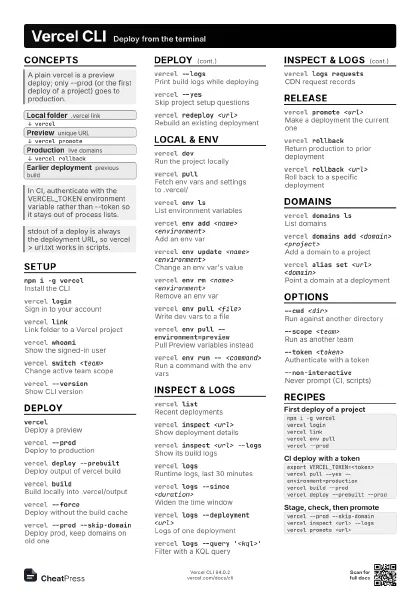
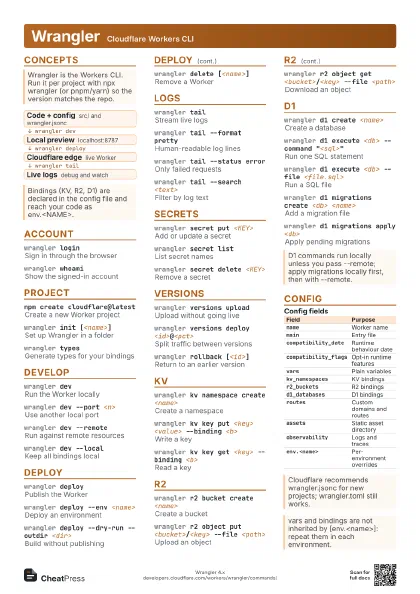
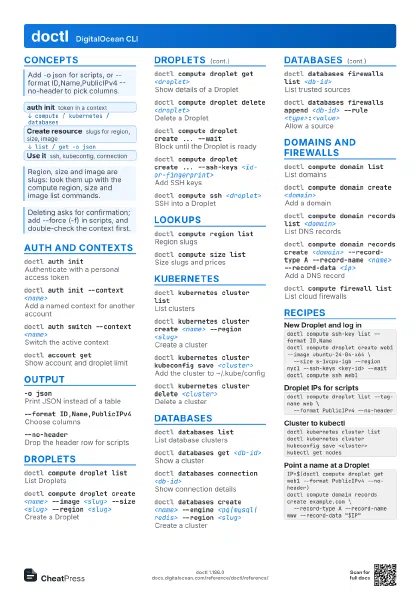
 Light · Postcard
102 × 152 mm · PDF
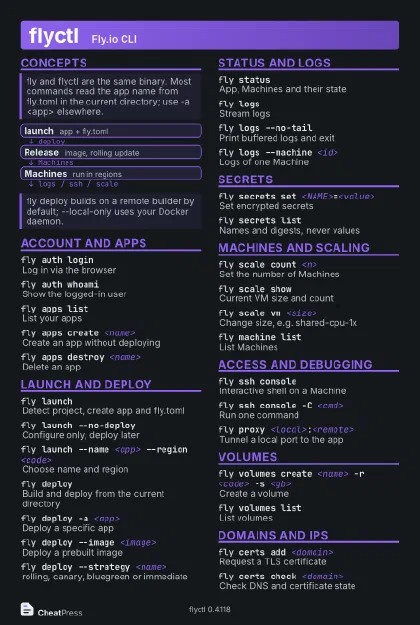 Dark · Postcard
102 × 152 mm · PDF
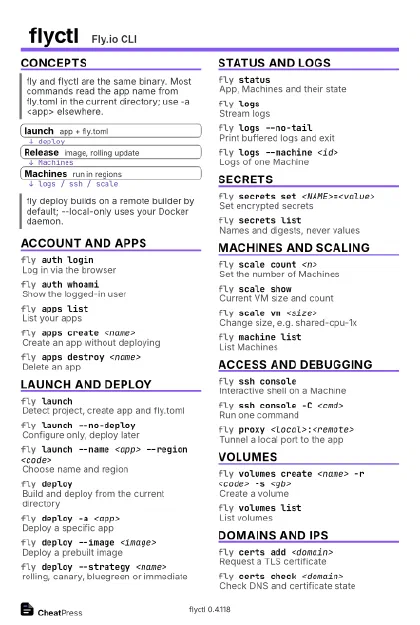 Ink saver · Postcard
102 × 152 mm · PDF
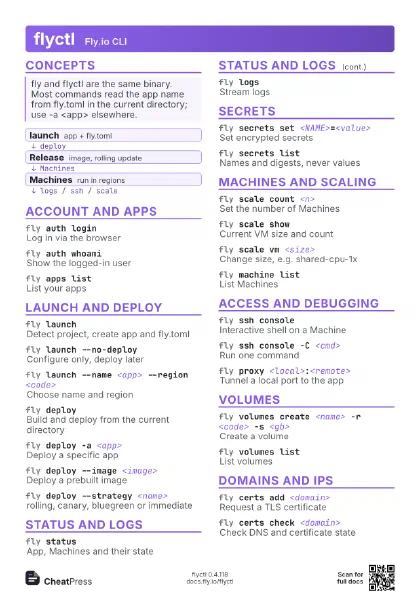
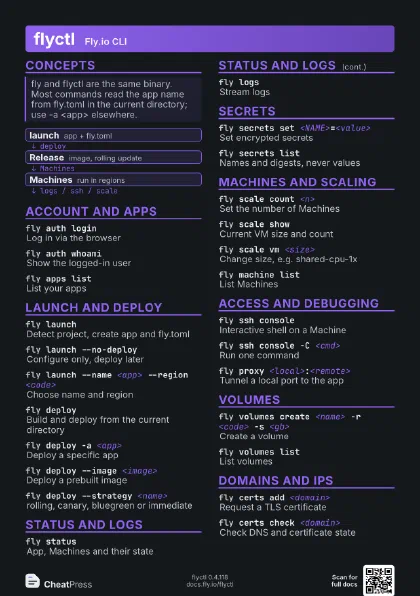
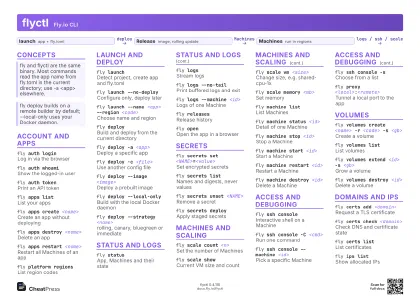 Light · A4 landscape
297 × 210 mm · PDF
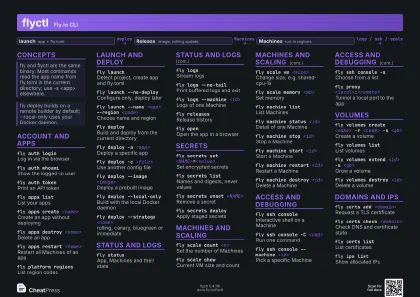 Dark · A4 landscape
297 × 210 mm · PDF
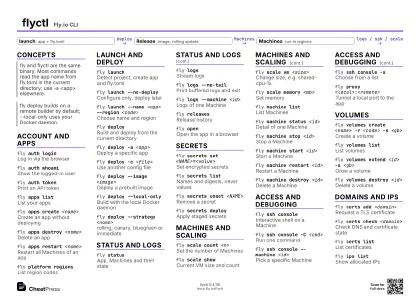 Ink saver · A4 landscape
297 × 210 mm · PDF
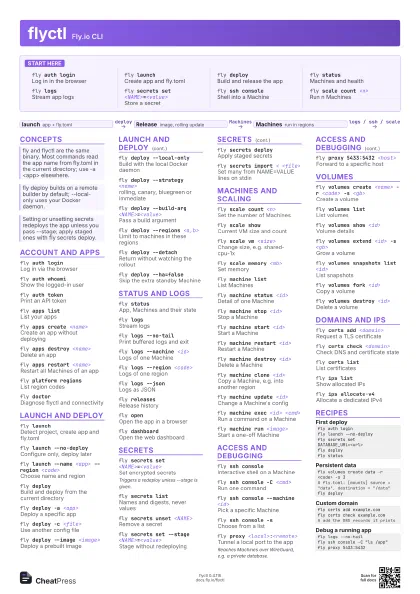
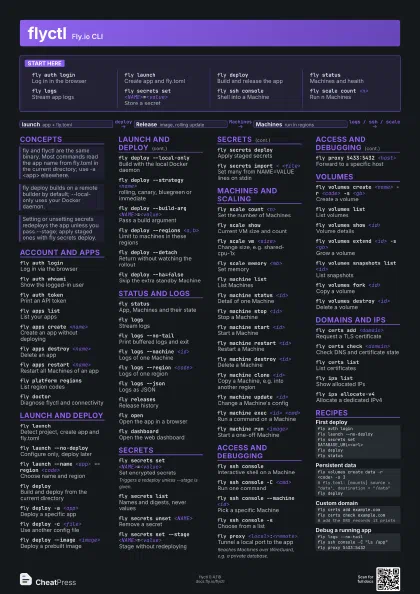
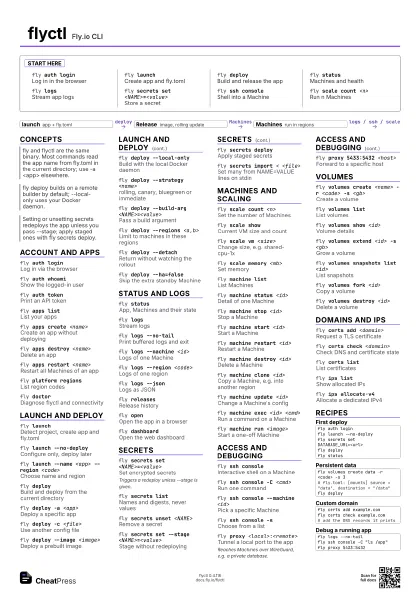
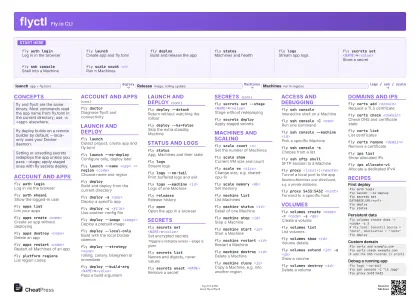 Light · A3 landscape
420 × 297 mm · PDF
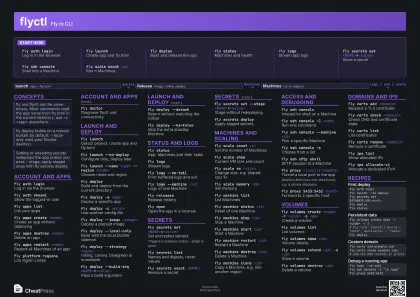 Dark · A3 landscape
420 × 297 mm · PDF
 Ink saver · A3 landscape
420 × 297 mm · PDF
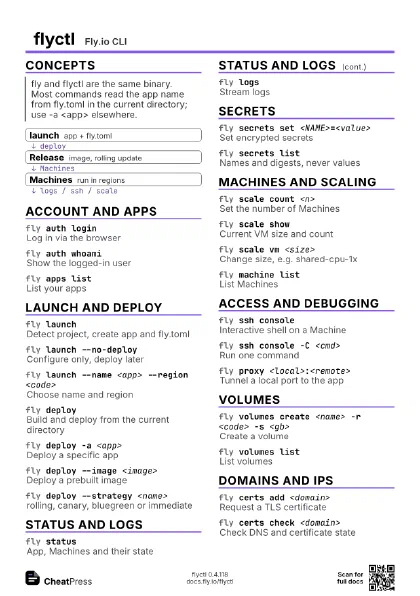
Start here
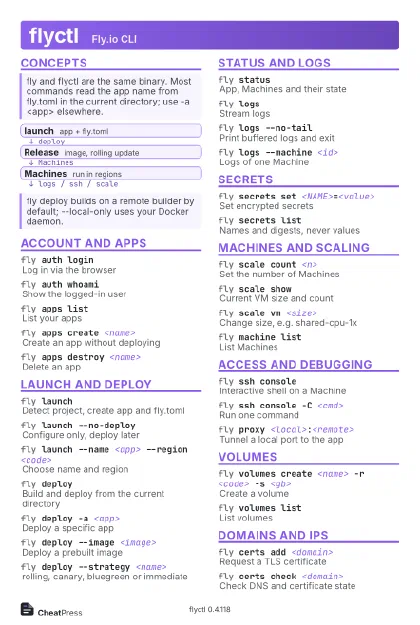
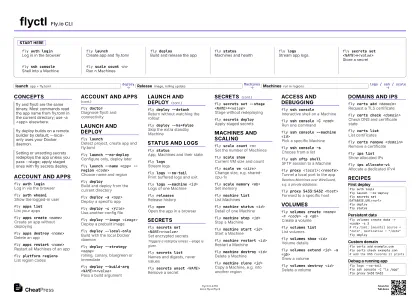
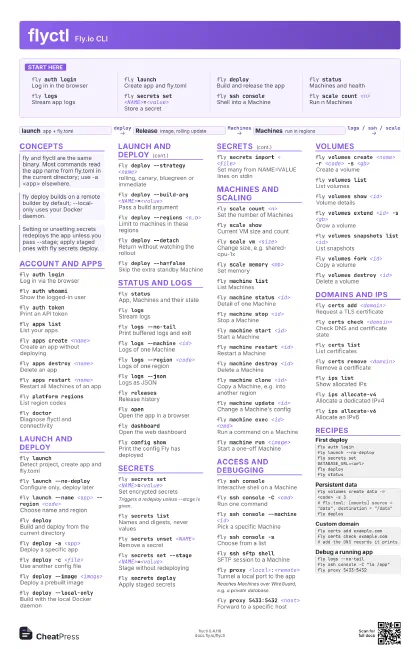
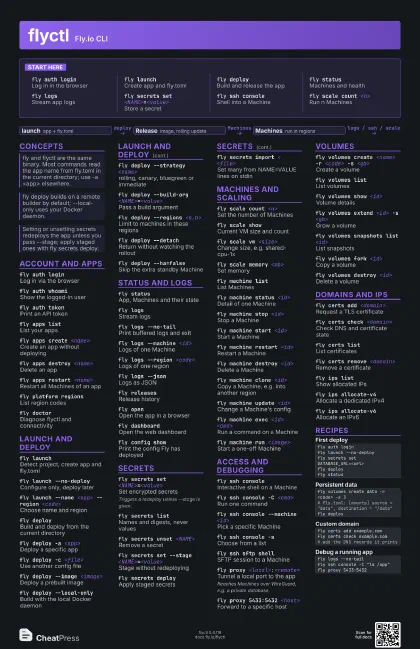
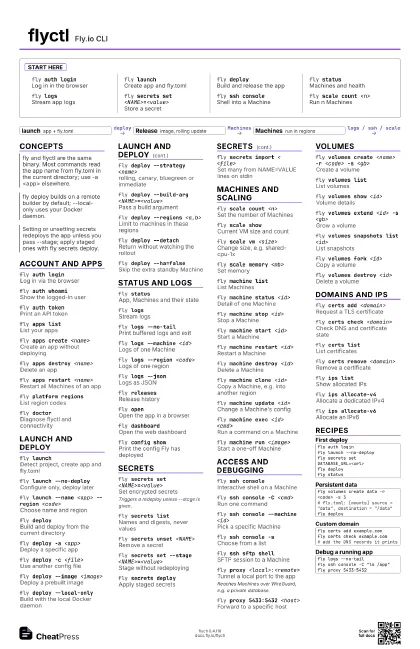
fly auth loginLog in in the browser
fly launchCreate app and fly.toml
fly deployBuild and release the app
fly statusMachines and health
fly logsStream app logs
fly secrets set <NAME>=<value>
Store a secret
fly ssh consoleShell into a Machine
fly scale count <n>
Run n Machines
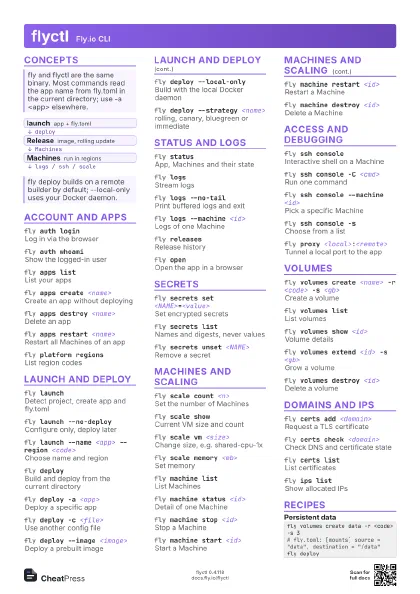
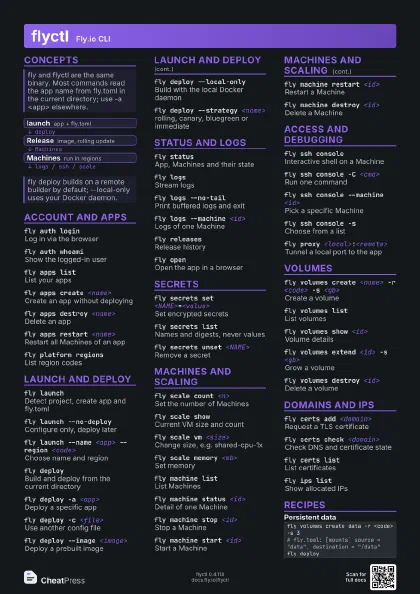
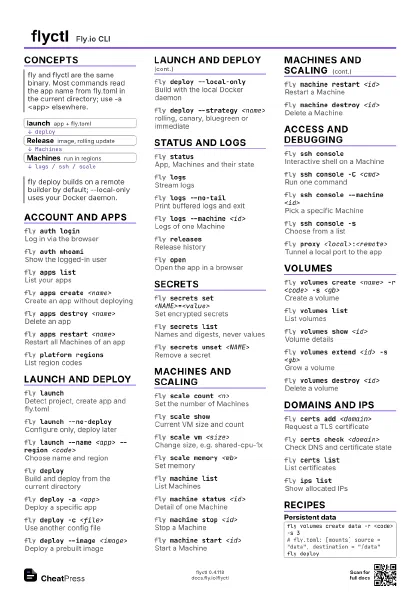
Concepts
- launch app + fly.toml
- Release image, rolling update
- Machines run in regions
Account and apps
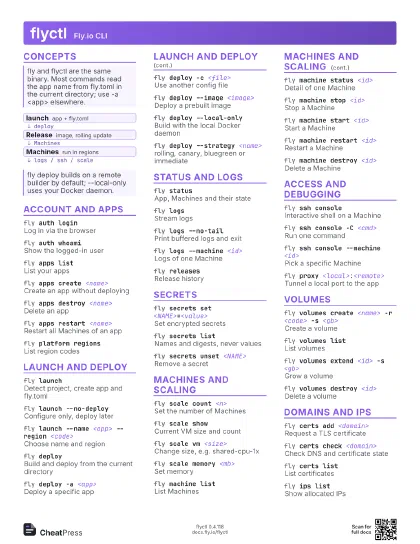
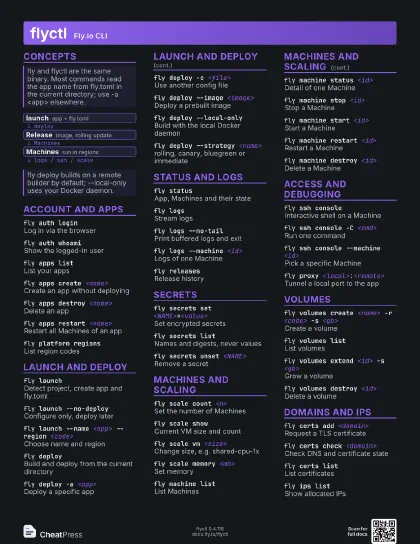
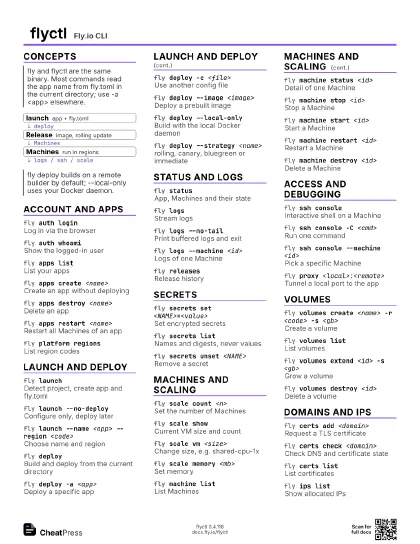
fly auth loginLog in via the browser
fly auth whoamiShow the logged-in user
fly auth tokenPrint an API token
fly apps listList your apps
fly apps create <name>
Create an app without deploying
fly apps destroy <name>
Delete an app
fly apps restart <name>
Restart all Machines of an app
fly platform regions
List region codes
fly doctorDiagnose flyctl and connectivity
Launch and deploy
fly launchDetect project, create app and fly.toml
fly launch --no-deploy
Configure only, deploy later
fly launch --name <app> --region <code>
Choose name and region
fly deploy
Build and deploy from the current directory
fly deploy -a <app>
Deploy a specific app
fly deploy -c <file>
Use another config file
fly deploy --image <image>
Deploy a prebuilt image
fly deploy --local-only
Build with the local Docker daemon
fly deploy --strategy <name>
rolling, canary, bluegreen or immediate
fly deploy --build-arg <NAME>=<value>
Pass a build argument
fly deploy --regions <a,b>
Limit to machines in these regions
fly deploy --detach
Return without watching the rollout
fly deploy --ha=false
Skip the extra standby Machine
Status and logs
fly statusApp, Machines and their state
fly logsStream logs
fly logs --no-tail
Print buffered logs and exit
fly logs --machine <id>
Logs of one Machine
fly logs --region <code>
Logs of one region
fly logs --jsonLogs as JSON
fly releasesRelease history
fly openOpen the app in a browser
fly dashboardOpen the web dashboard
fly config showPrint the config Fly has deployed
Secrets
fly secrets set <NAME>=<value>
Set encrypted secrets
Triggers a redeploy unless --stage is given.
fly secrets list
Names and digests, never values
fly secrets unset <NAME>
Remove a secret
fly secrets set --stage <NAME>=<value>
Stage without redeploying
fly secrets deploy
Apply staged secrets
fly secrets import < <file>
Set many from NAME=VALUE lines on stdin
Machines and scaling
fly scale count <n>
Set the number of Machines
fly scale showCurrent VM size and count
fly scale vm <size>
Change size, e.g. shared-cpu-1x
fly scale memory <mb>
Set memory
fly machine list
List Machines
fly machine status <id>
Detail of one Machine
fly machine stop <id>
Stop a Machine
fly machine start <id>
Start a Machine
fly machine restart <id>
Restart a Machine
fly machine destroy <id>
Delete a Machine
fly machine clone <id>
Copy a Machine, e.g. into another region
fly machine update <id>
Change a Machine's config
fly machine exec <id> <cmd>
Run a command on a Machine
fly machine run <image>
Start a one-off Machine
Access and debugging
fly ssh consoleInteractive shell on a Machine
fly ssh console -C <cmd>
Run one command
fly ssh console --machine <id>
Pick a specific Machine
fly ssh console -s
Choose from a list
fly ssh sftp shell
SFTP session to a Machine
fly proxy <local>:<remote>
Tunnel a local port to the app
Reaches Machines over WireGuard, e.g. a private database.
fly proxy 5433:5432 <host>
Forward to a specific host
Volumes
fly volumes create <name> -r <code> -s
                    <gb>
Create a volume
fly volumes list
List volumes
fly volumes show <id>
Volume details
fly volumes extend <id> -s <gb>
Grow a volume
fly volumes snapshots list <id>
List snapshots
fly volumes fork <id>
Copy a volume
fly volumes destroy <id>
Delete a volume
Domains and IPs
fly certs add <domain>
Request a TLS certificate
fly certs check <domain>
Check DNS and certificate state
fly certs listList certificates
fly certs remove <domain>
Remove a certificate
fly ips listShow allocated IPs
fly ips allocate-v4
Allocate a dedicated IPv4
fly ips allocate-v6
Allocate an IPv6
Recipes
fly auth loginfly launch --no-deployfly secrets set DATABASE_URL=<url>fly deployfly statusfly volumes create data -r <code> -s 3# fly.toml: [mounts] source = "data", destination = "/data"fly deployfly certs add example.comfly certs check example.com# add the DNS records it printsfly logs --no-tailfly ssh console -C "ls /app"fly proxy 5433:5432