Cheat
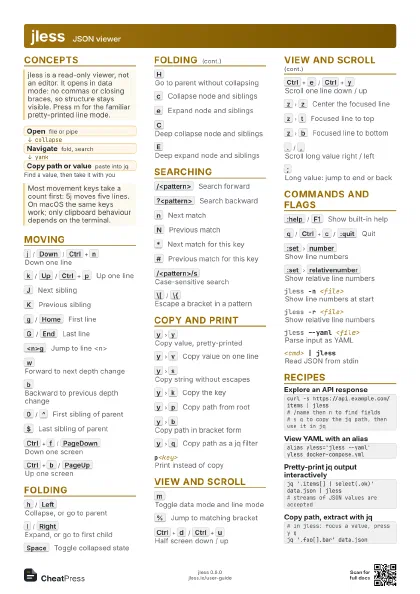
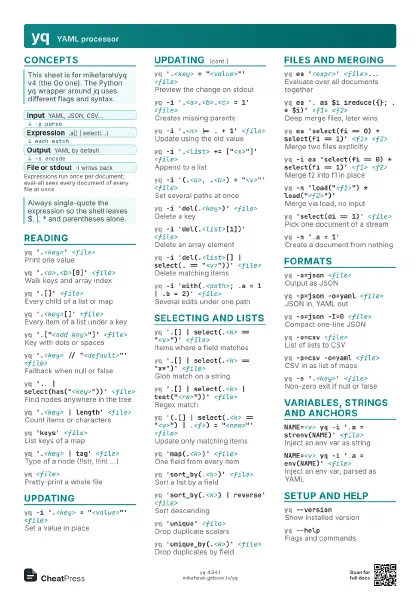
fx JSON viewer and processor
 Light · Postcard
102 × 152 mm · PDF
 Dark · Postcard
102 × 152 mm · PDF
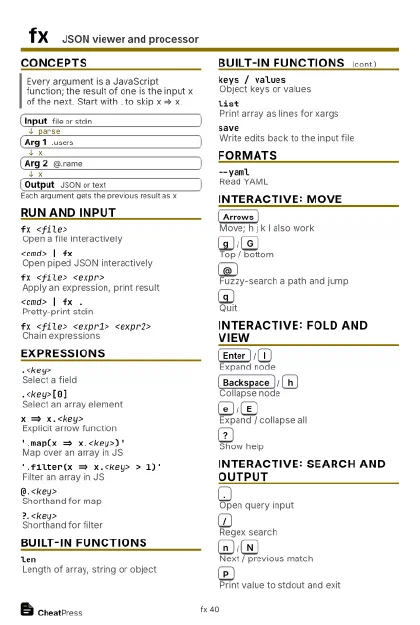 Ink saver · Postcard
102 × 152 mm · PDF
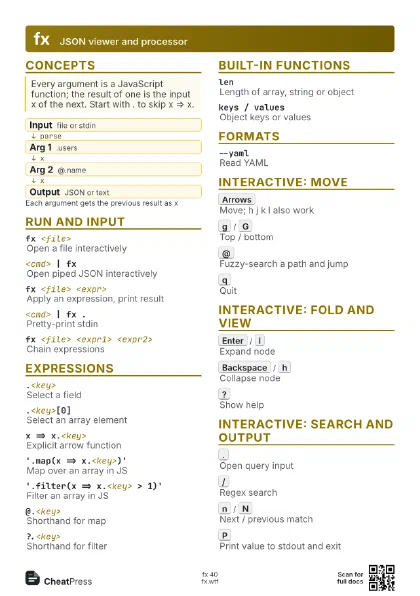
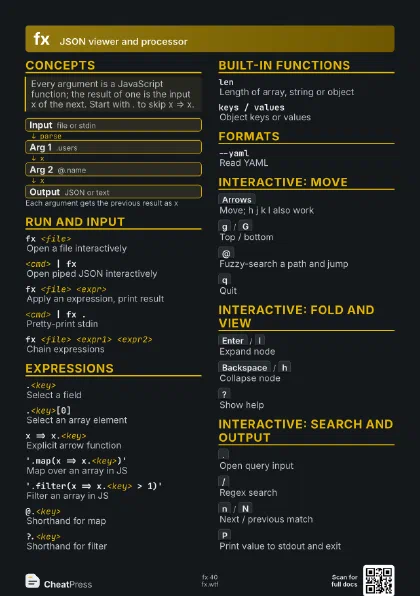
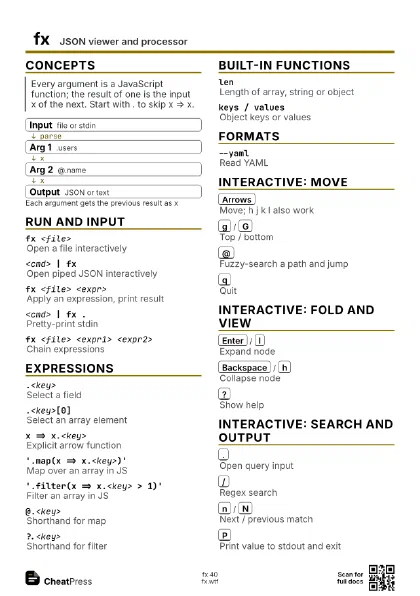
 Light · A4 landscape
297 × 210 mm · PDF
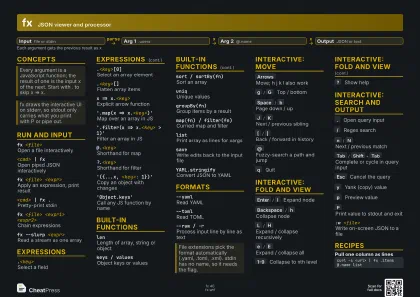 Dark · A4 landscape
297 × 210 mm · PDF
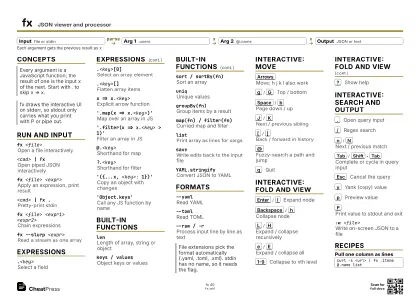 Ink saver · A4 landscape
297 × 210 mm · PDF
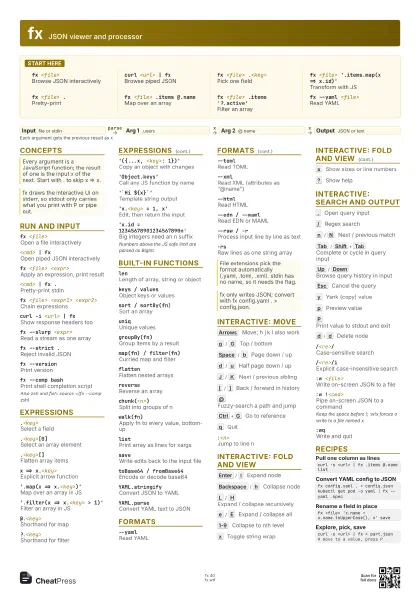
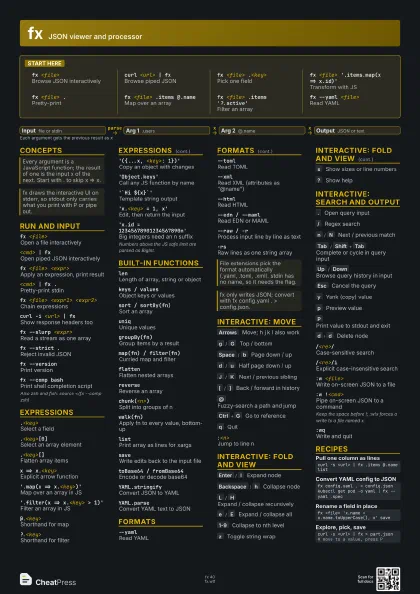
 Light · A3 landscape
420 × 297 mm · PDF
 Dark · A3 landscape
420 × 297 mm · PDF
 Ink saver · A3 landscape
420 × 297 mm · PDF
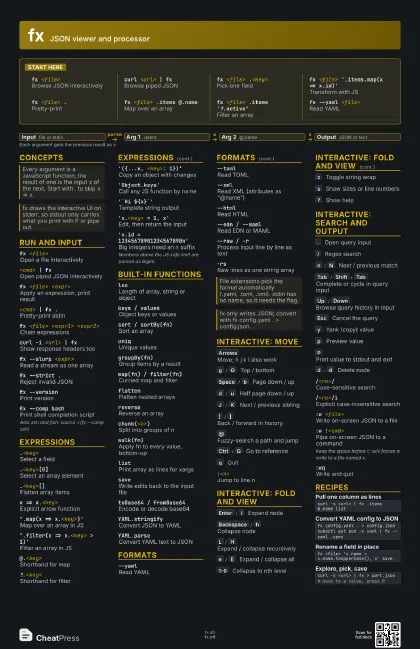
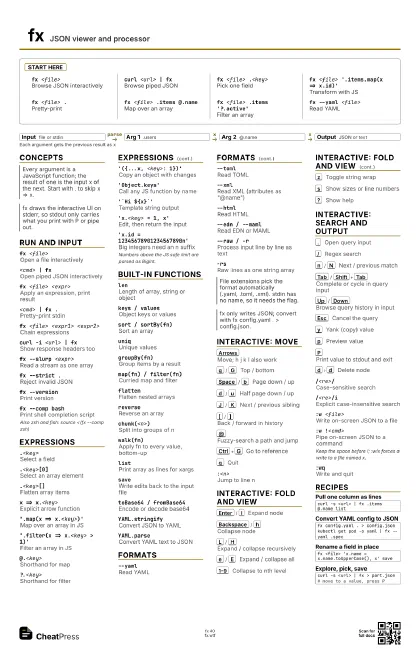
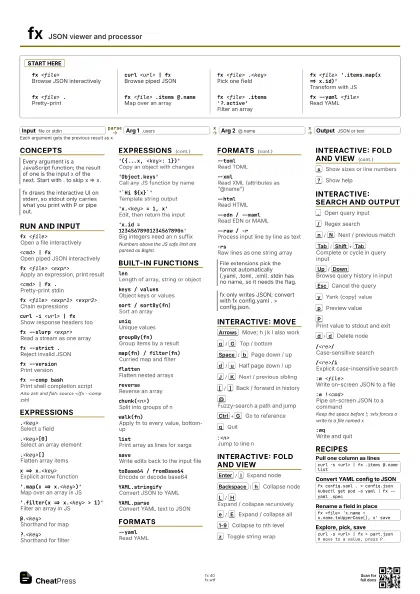
Start here
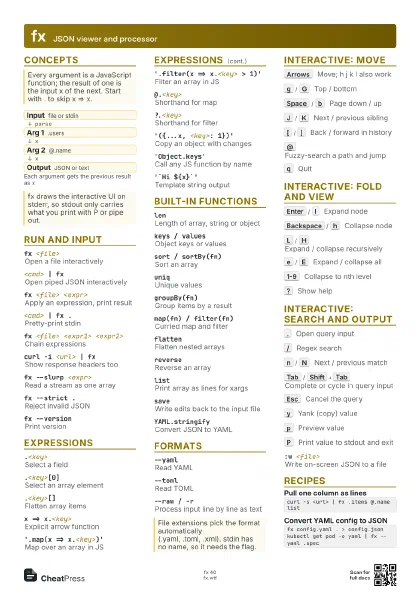
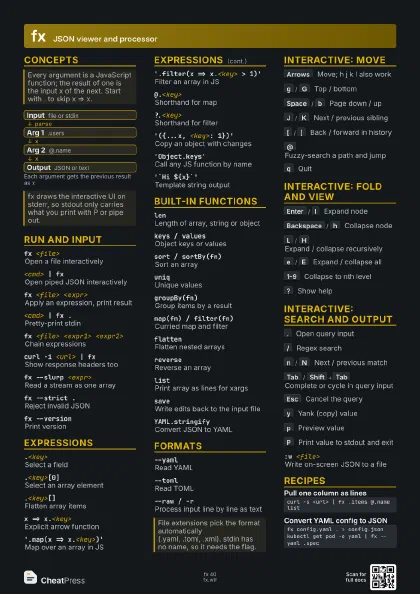
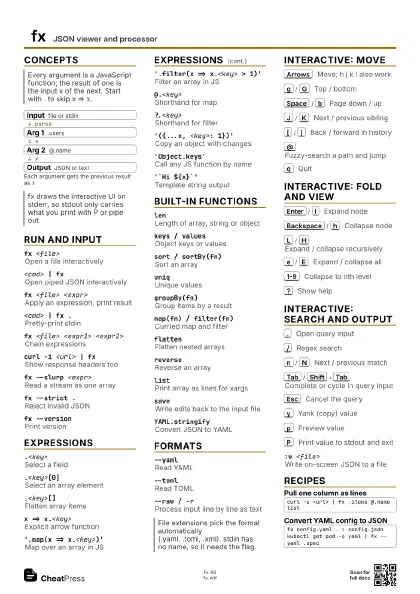
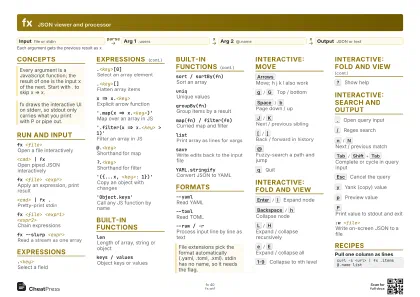
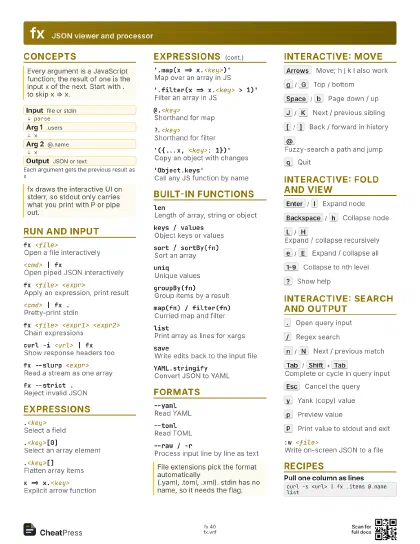
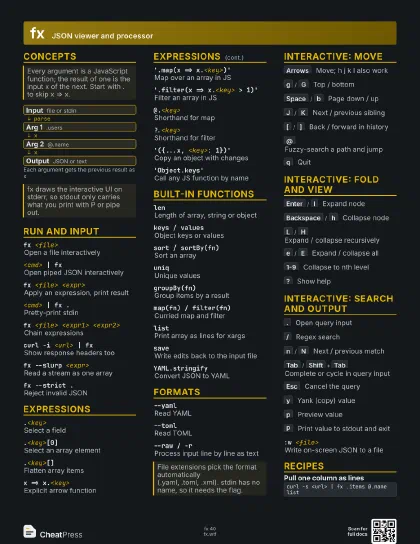
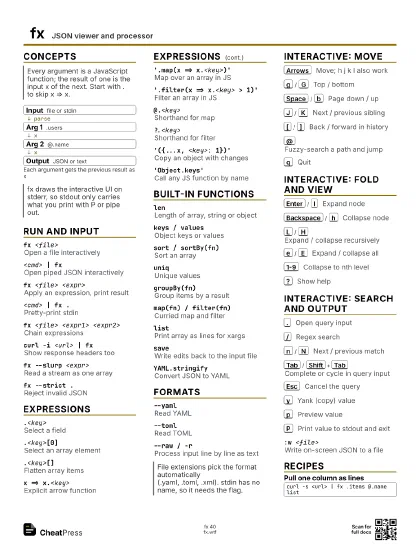
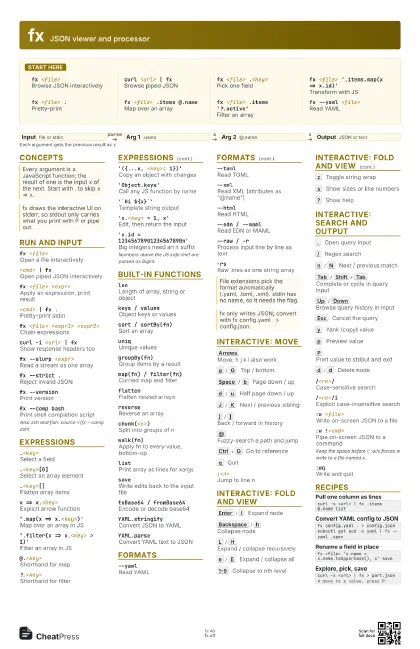
fx <file>Browse JSON interactively
curl <url> | fx
Browse piped JSON
fx <file> .<key>
Pick one field
fx <file> '.items.map(x => x.id)'
Transform with JS
fx <file> .
Pretty-print
fx <file> .items @.name
Map over an array
fx <file> .items '?.active'
Filter an array
fx --yaml <file>
Read YAML
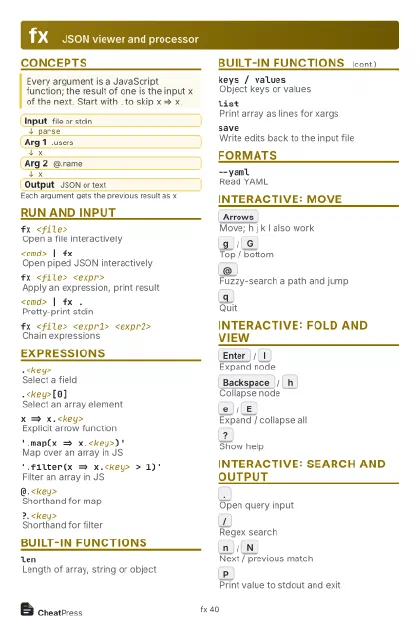
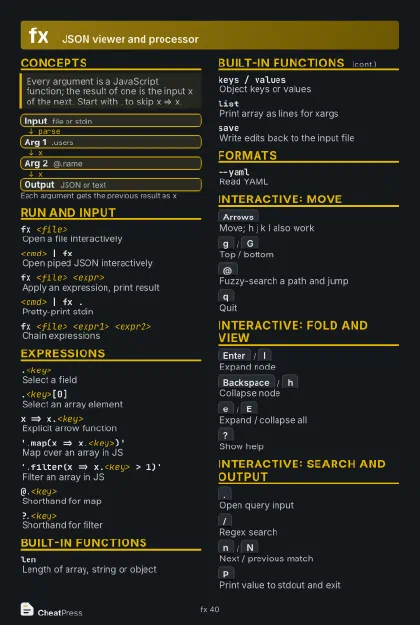
Concepts
- Input file or stdin
- Arg 1 .users
- Arg 2 @.name
- Output JSON or text
Run and input
fx <file>Open a file interactively
<cmd> | fx
Open piped JSON interactively
fx <file> <expr>
Apply an expression, print result
<cmd> | fx .
Pretty-print stdin
fx <file> <expr1> <expr2>
Chain expressions
curl -i <url> | fx
Show response headers too
fx --slurp <expr>
Read a stream as one array
fx --strict .Reject invalid JSON
fx --versionPrint version
fx --comp bashPrint shell completion script
Also zsh and fish: source <(fx --comp zsh)
Expressions
.<key>Select a field
.<key>[0]Select an array element
.<key>[]Flatten array items
x => x.<key>
Explicit arrow function
'.map(x => x.<key>)'
Map over an array in JS
'.filter(x => x.<key> > 1)'
Filter an array in JS
@.<key>Shorthand for map
?.<key>Shorthand for filter
'({...x, <key>: 1})'
Copy an object with changes
'Object.keys'
Call any JS function by name
'`Hi ${x}`'
Template string output
'x.<key> = 1, x'
Edit, then return the input
'x.id = 12345678901234567890n'
Big integers need an n suffix
Numbers above the JS safe limit are parsed as BigInt.
Built-in functions
lenLength of array, string or object
keys / valuesObject keys or values
sort / sortBy(fn)
Sort an array
uniqUnique values
groupBy(fn)Group items by a result
map(fn) / filter(fn)
Curried map and filter
flattenFlatten nested arrays
reverseReverse an array
chunk(<n>)
Split into groups of n
walk(fn)Apply fn to every value, bottom-up
listPrint array as lines for xargs
saveWrite edits back to the input file
toBase64 / fromBase64
Encode or decode base64
YAML.stringifyConvert JSON to YAML
YAML.parseConvert YAML text to JSON
Formats
--yamlRead YAML
--tomlRead TOML
--xmlRead XML (attributes as "@name")
--htmlRead HTML
--edn / --mamlRead EDN or MAML
--raw / -rProcess input line by line as text
-rsRaw lines as one string array
Interactive: move
Arrows
Move; h j k l also work
g
/
G
Top / bottom
Space
/
b
Page down / up
d
/
u
Half page down / up
J
/
K
Next / previous sibling
[
/
]
Back / forward in history
@
Fuzzy-search a path and jump
Ctrl+G
Go to reference
q
Quit
:<n>Jump to line n
Interactive: fold and view
Enter
/
l
Expand node
Backspace
/
h
Collapse node
L
/
H
Expand / collapse recursively
e
/
E
Expand / collapse all
1-9
Collapse to nth level
z
Toggle string wrap
s
Show sizes or line numbers
?
Show help
Interactive: search and output
.
Open query input
/
Regex search
n
/
N
Next / previous match
Tab
/
Shift+Tab
Complete or cycle in query input
Up
/
Down
Browse query history in input
Esc
Cancel the query
y
Yank (copy) value
p
Preview value
P
Print value to stdout and exit
d
d
Delete node
/<re>/Case-sensitive search
/<re>/iExplicit case-insensitive search
:w <file>Write on-screen JSON to a file
:w !<cmd>Pipe on-screen JSON to a command
Keep the space before !; :w!x forces a write to a file named
x.
:wqWrite and quit
Recipes
curl -s <url> | fx .items @.name listfx config.yaml . > config.jsonkubectl get pod -o yaml | fx --yaml .specfx <file> 'x.name = x.name.toUpperCase(), x' savecurl -s <url> | fx > part.json# move to a value, press P