Cheat
fd Fast file finder
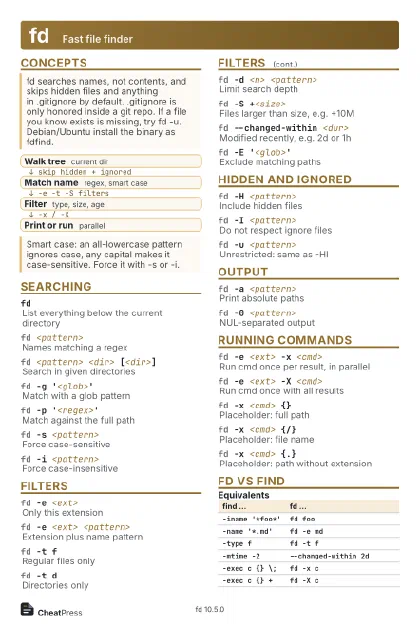 Light · Postcard
102 × 152 mm · PDF
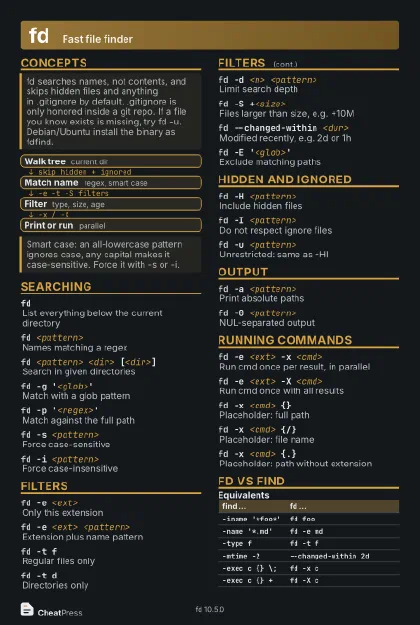 Dark · Postcard
102 × 152 mm · PDF
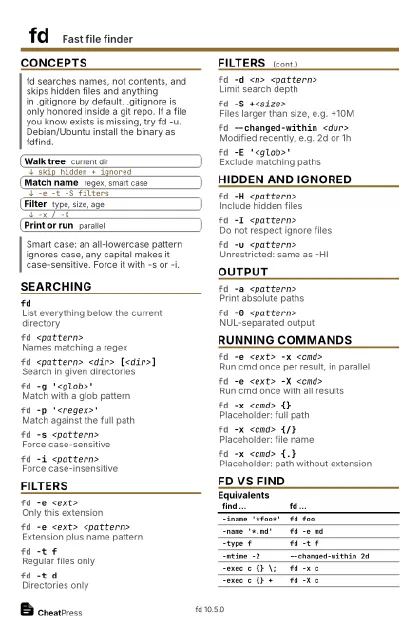 Ink saver · Postcard
102 × 152 mm · PDF
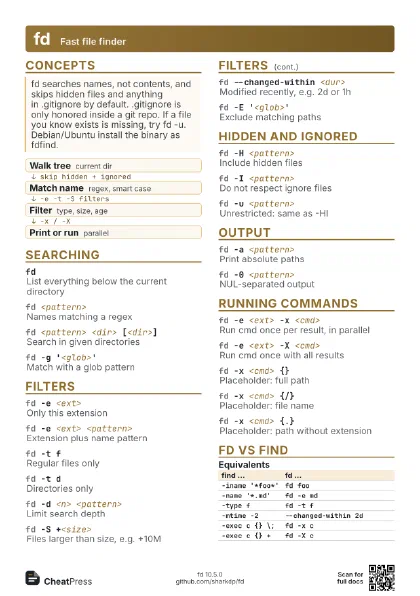
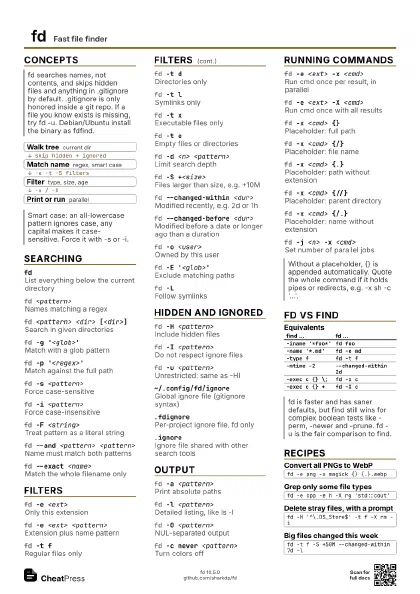
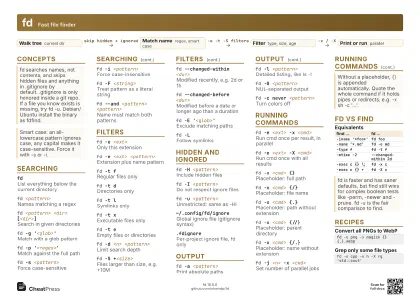 Light · A4 landscape
297 × 210 mm · PDF
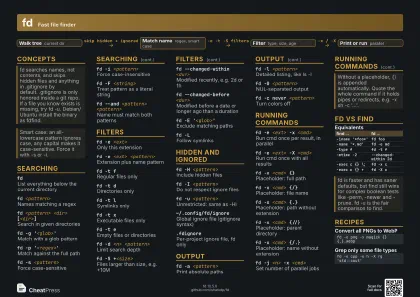 Dark · A4 landscape
297 × 210 mm · PDF
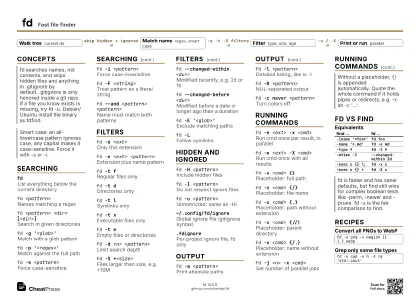 Ink saver · A4 landscape
297 × 210 mm · PDF
 Light · A3 landscape
420 × 297 mm · PDF
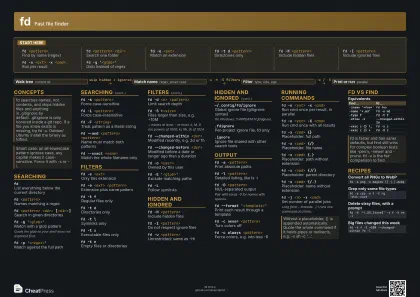 Dark · A3 landscape
420 × 297 mm · PDF
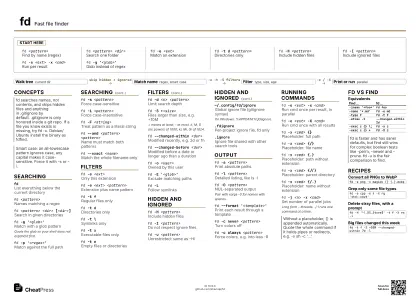 Ink saver · A3 landscape
420 × 297 mm · PDF
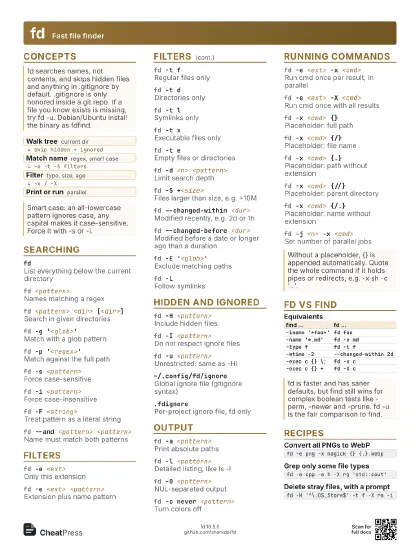
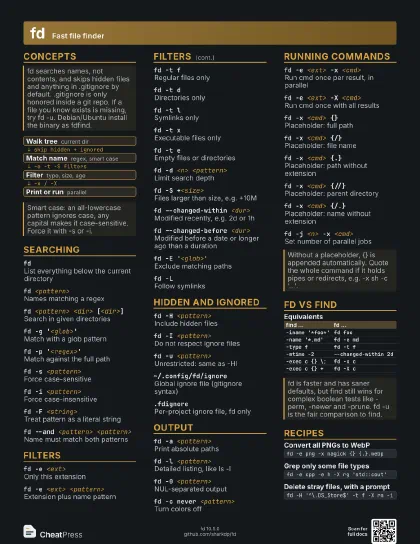
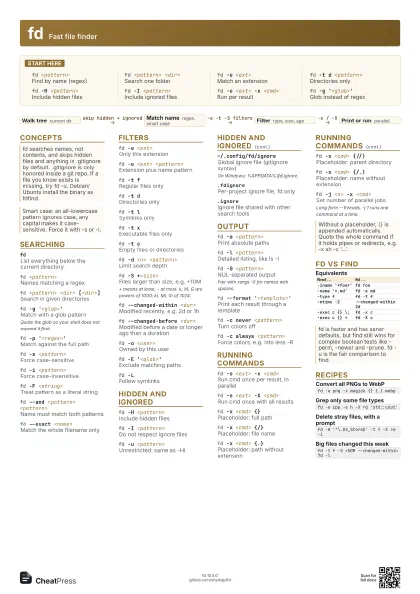
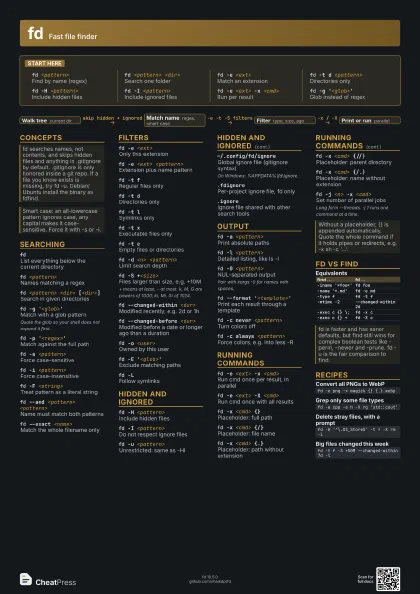
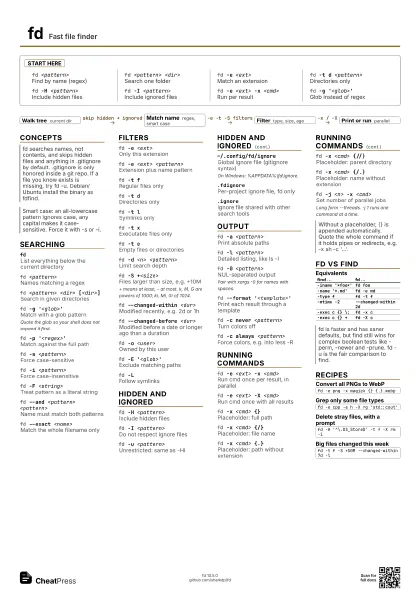
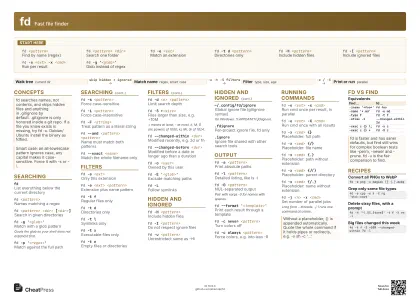
Start here
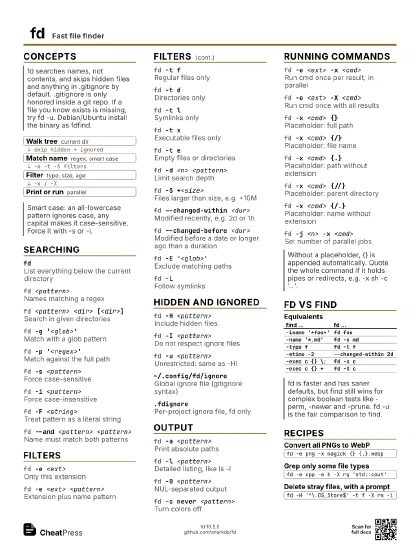
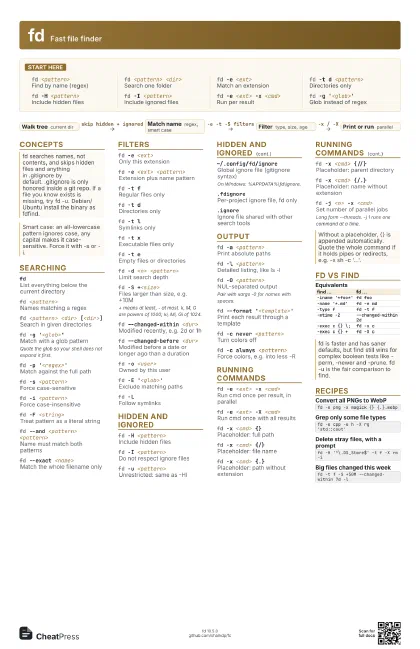
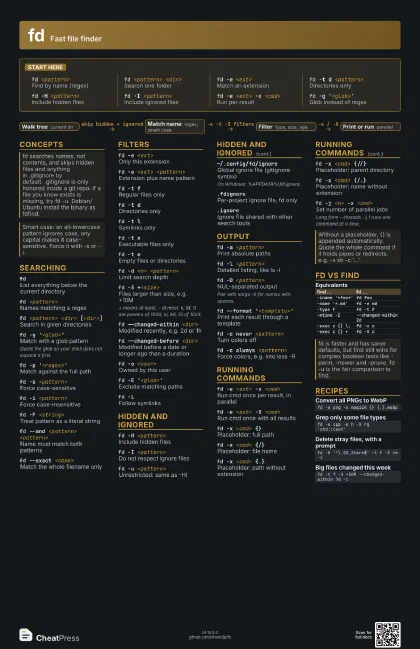
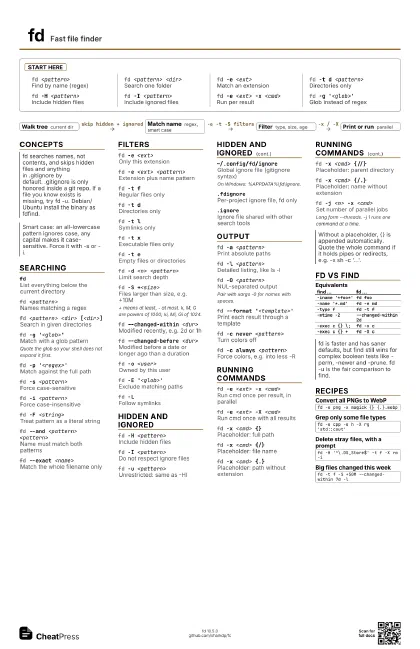
fd <pattern>
Find by name (regex)
fd <pattern> <dir>
Search one folder
fd -e <ext>
Match an extension
fd -t d <pattern>
Directories only
fd -H <pattern>
Include hidden files
fd -I <pattern>
Include ignored files
fd -e <ext> -x <cmd>
Run per result
fd -g '<glob>'
Glob instead of regex
Concepts
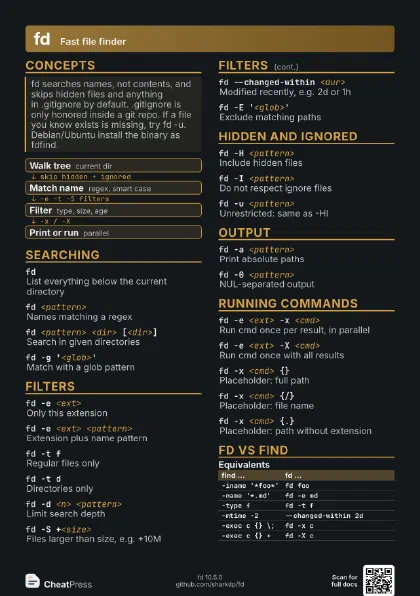
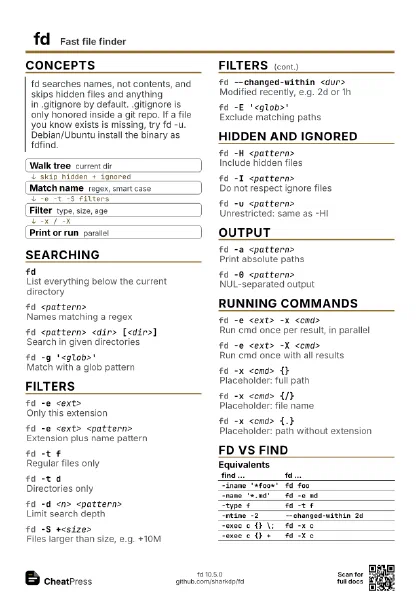
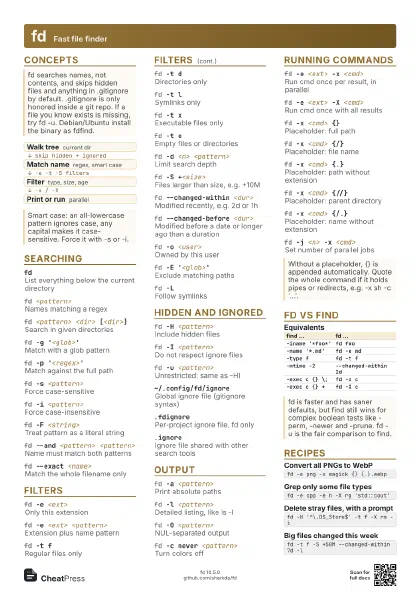
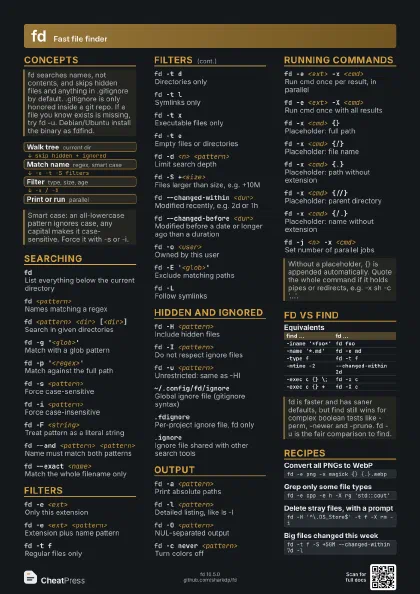
- Walk tree current dir
- Match name regex, smart case
- Filter type, size, age
- Print or run parallel
Searching
fd
List everything below the current directory
fd <pattern>
Names matching a regex
fd <pattern> <dir> [<dir>]
Search in given directories
fd -g '<glob>'
Match with a glob pattern
Quote the glob so your shell does not expand it first.
fd -p '<regex>'
Match against the full path
fd -s <pattern>
Force case-sensitive
fd -i <pattern>
Force case-insensitive
fd -F <string>
Treat pattern as a literal string
fd --and <pattern> <pattern>
Name must match both patterns
fd --exact <name>
Match the whole filename only
Filters
fd -e <ext>
Only this extension
fd -e <ext> <pattern>
Extension plus name pattern
fd -t fRegular files only
fd -t dDirectories only
fd -t lSymlinks only
fd -t xExecutable files only
fd -t eEmpty files or directories
fd -d <n> <pattern>
Limit search depth
fd -S +<size>
Files larger than size, e.g. +10M
+ means at least, - at most. k, M, G are powers of 1000;
ki, Mi, Gi of 1024.
fd --changed-within <dur>
Modified recently, e.g. 2d or 1h
fd --changed-before <dur>
Modified before a date or longer ago than a duration
fd -o <user>
Owned by this user
fd -E '<glob>'
Exclude matching paths
fd -LFollow symlinks
Hidden and ignored
fd -H <pattern>
Include hidden files
fd -I <pattern>
Do not respect ignore files
fd -u <pattern>
Unrestricted: same as -HI
~/.config/fd/ignore
Global ignore file (gitignore syntax)
On Windows: %APPDATA%\fd\ignore.
.fdignorePer-project ignore file, fd only
.ignore
Ignore file shared with other search tools
Output
fd -a <pattern>
Print absolute paths
fd -l <pattern>
Detailed listing, like ls -l
fd -0 <pattern>
NUL-separated output
Pair with xargs -0 for names with spaces.
fd --format '<template>'
Print each result through a template
fd -c never <pattern>
Turn colors off
fd -c always <pattern>
Force colors, e.g. into less -R
Running commands
fd -e <ext> -x <cmd>
Run cmd once per result, in parallel
fd -e <ext> -X <cmd>
Run cmd once with all results
fd -x <cmd> {}
Placeholder: full path
fd -x <cmd> {/}
Placeholder: file name
fd -x <cmd> {.}
Placeholder: path without extension
fd -x <cmd> {//}
Placeholder: parent directory
fd -x <cmd> {/.}
Placeholder: name without extension
fd -j <n> -x <cmd>
Set number of parallel jobs
Long form --threads. -j 1 runs one command at a time.
fd vs find
| find ... | fd ... |
|---|---|
-iname '*foo*' |
fd foo |
-name '*.md' |
fd -e md |
-type f |
fd -t f |
-mtime -2 |
--changed-within 2d |
-exec c {} \; |
fd -x c |
-exec c {} + |
fd -X c |
Recipes
fd -e png -x magick {} {.}.webpfd -e cpp -e h -X rg 'std::cout'fd -H '^\.DS_Store$' -t f -X rm -ifd -t f -S +50M --changed-within 7d -l