Cheat
fastfetch System info display
 Light · Postcard
102 × 152 mm · PDF
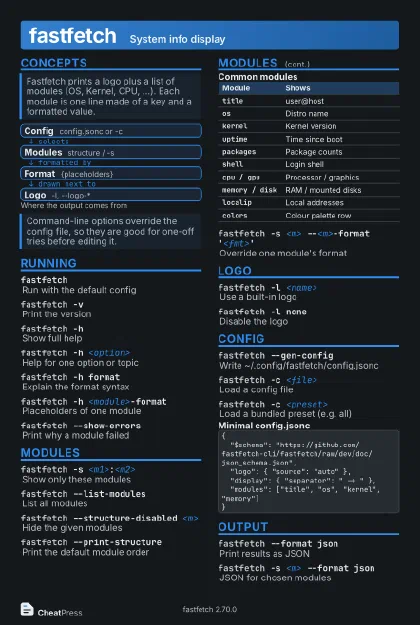 Dark · Postcard
102 × 152 mm · PDF
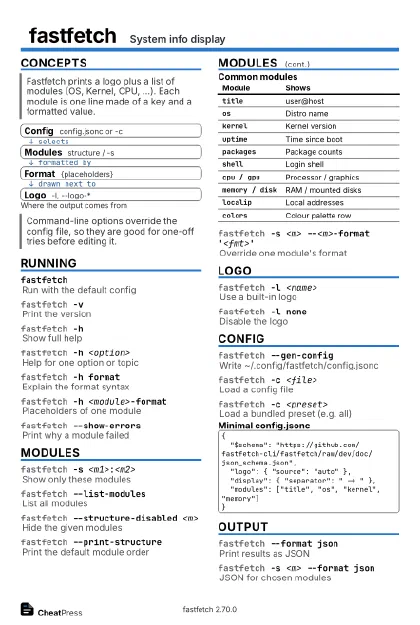 Ink saver · Postcard
102 × 152 mm · PDF
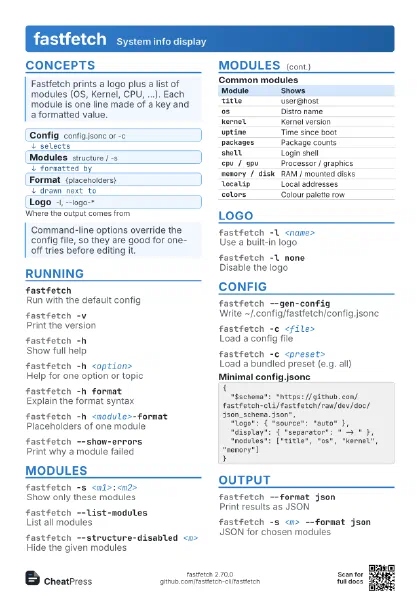
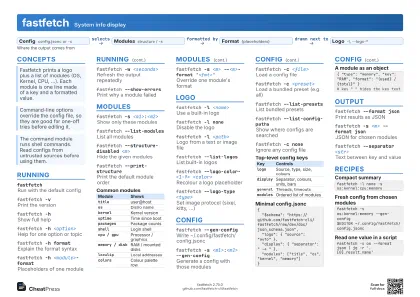 Light · A4 landscape
297 × 210 mm · PDF
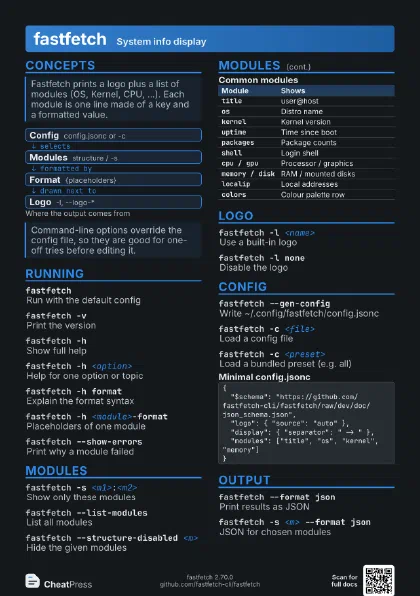
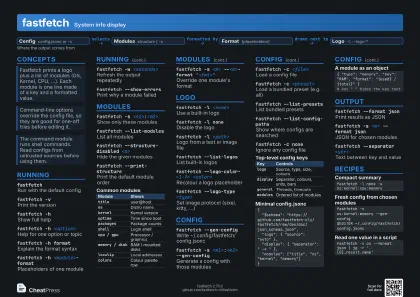 Dark · A4 landscape
297 × 210 mm · PDF
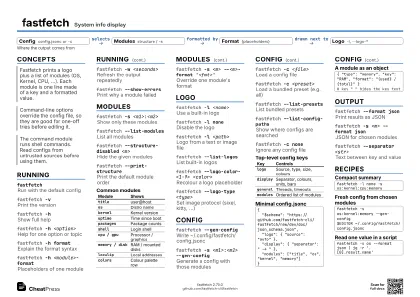 Ink saver · A4 landscape
297 × 210 mm · PDF
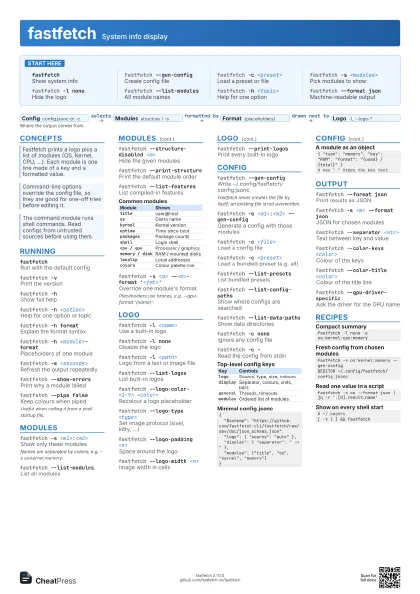
 Light · A3 landscape
420 × 297 mm · PDF
 Dark · A3 landscape
420 × 297 mm · PDF
 Ink saver · A3 landscape
420 × 297 mm · PDF
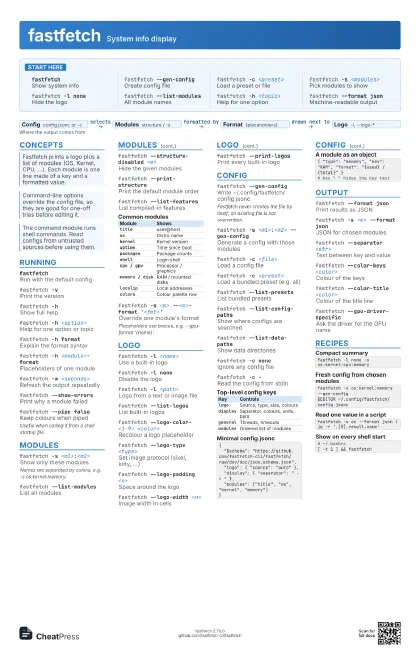
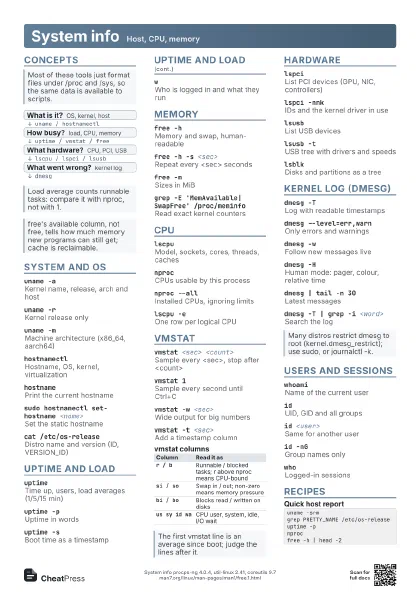
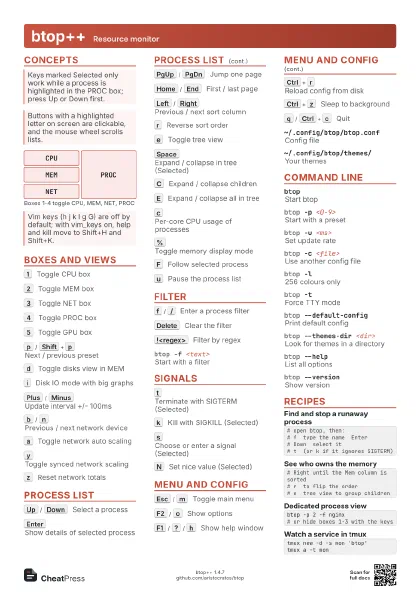
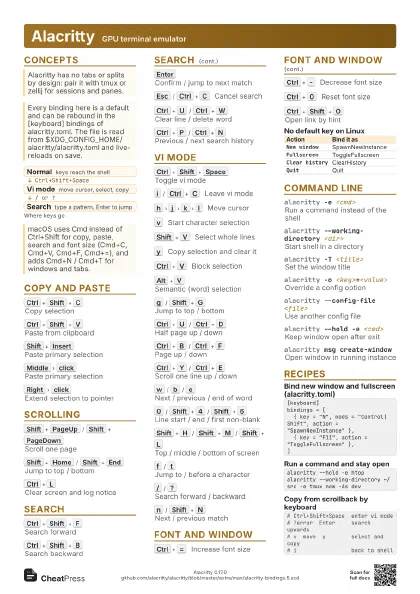
Start here
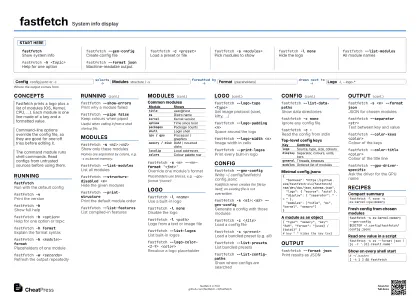
fastfetchShow system info
fastfetch --gen-config
Create config file
fastfetch -c <preset>
Load a preset or file
fastfetch -s <modules>
Pick modules to show
fastfetch -l none
Hide the logo
fastfetch --list-modules
All module names
fastfetch -h <topic>
Help for one option
fastfetch --format json
Machine-readable output
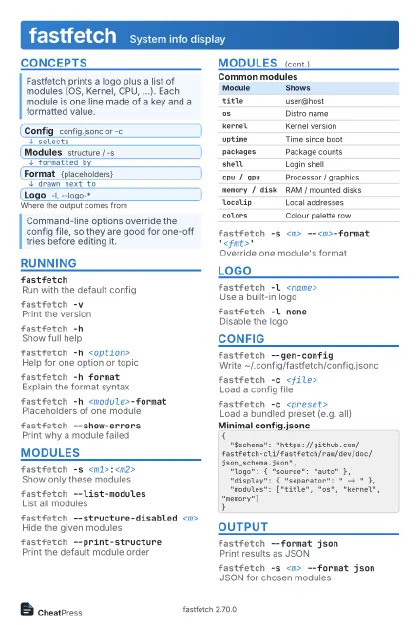
Concepts
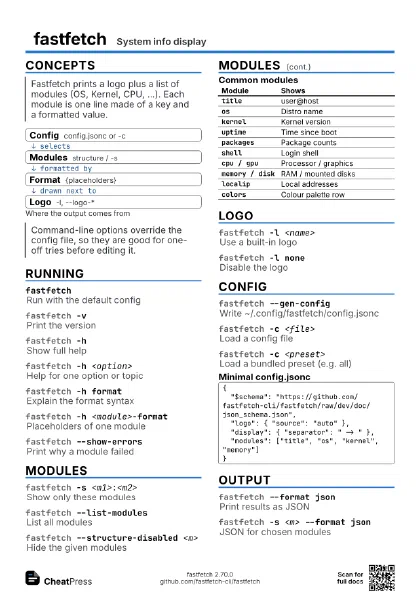
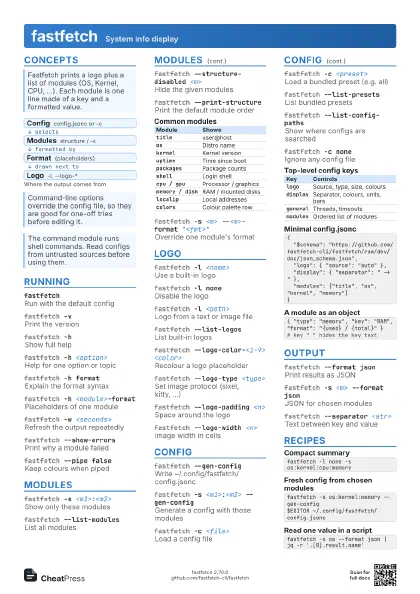
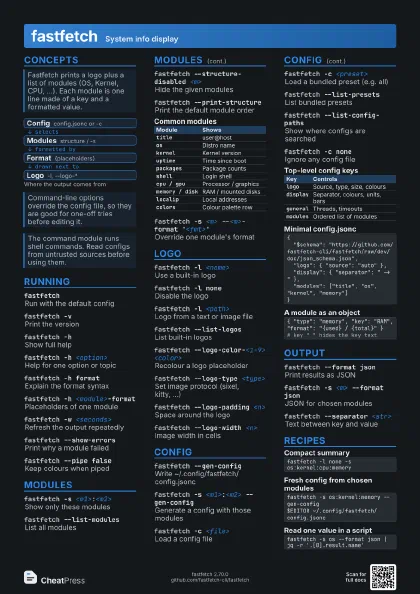
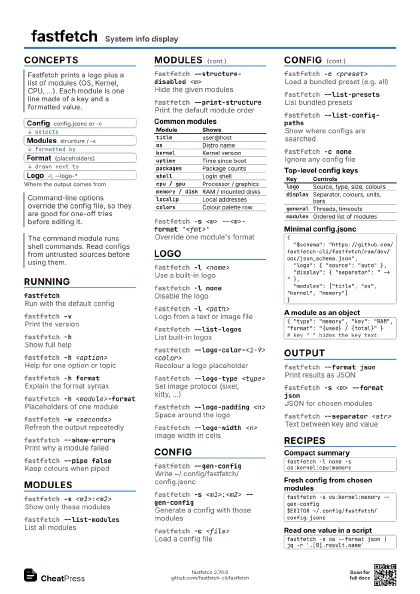
- Config config.jsonc or -c
- Modules structure / -s
- Format {placeholders}
- Logo -l, --logo-*
Running
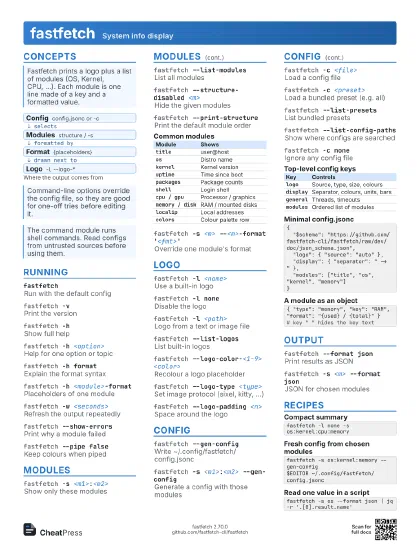
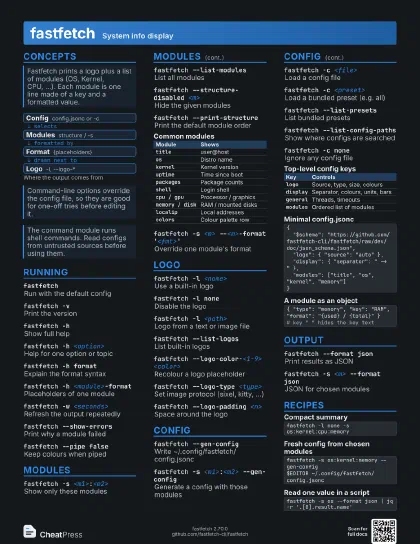
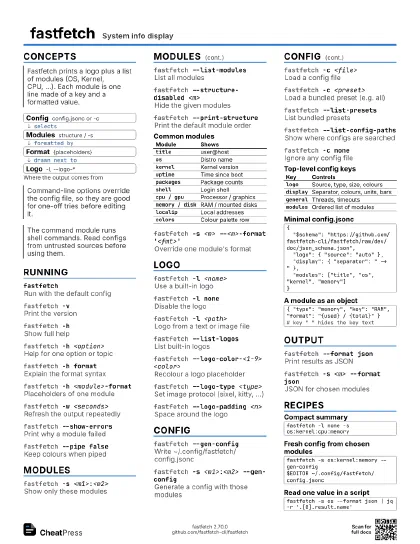
fastfetchRun with the default config
fastfetch -vPrint the version
fastfetch -hShow full help
fastfetch -h <option>
Help for one option or topic
fastfetch -h format
Explain the format syntax
fastfetch -h <module>-format
Placeholders of one module
fastfetch -w <seconds>
Refresh the output repeatedly
fastfetch --show-errors
Print why a module failed
fastfetch --pipe false
Keep colours when piped
Useful when calling it from a shell startup file.
Modules
fastfetch -s <m1>:<m2>
Show only these modules
Names are separated by colons, e.g. -s os:kernel:memory.
fastfetch --list-modules
List all modules
fastfetch --structure-disabled <m>
Hide the given modules
fastfetch --print-structure
Print the default module order
fastfetch --list-features
List compiled-in features
| Module | Shows |
|---|---|
title |
user@host |
os |
Distro name |
kernel |
Kernel version |
uptime |
Time since boot |
packages |
Package counts |
shell |
Login shell |
cpu / gpu |
Processor / graphics |
memory / disk |
RAM / mounted disks |
localip |
Local addresses |
colors |
Colour palette row |
fastfetch -s <m> --<m>-format
                    '<fmt>'
Override one module's format
Placeholders use braces, e.g. --gpu-format '{name}'.
Logo
fastfetch -l <name>
Use a built-in logo
fastfetch -l none
Disable the logo
fastfetch -l <path>
Logo from a text or image file
fastfetch --list-logos
List built-in logos
fastfetch --logo-color-<1-9> <color>
Recolour a logo placeholder
fastfetch --logo-type <type>
Set image protocol (sixel, kitty, ...)
fastfetch --logo-padding <n>
Space around the logo
fastfetch --logo-width <n>
Image width in cells
fastfetch --print-logos
Print every built-in logo
Config
fastfetch --gen-config
Write ~/.config/fastfetch/config.jsonc
Fastfetch never creates the file by itself; an existing file
is not overwritten.
fastfetch -s <m1>:<m2> --gen-config
Generate a config with those modules
fastfetch -c <file>
Load a config file
fastfetch -c <preset>
Load a bundled preset (e.g. all)
fastfetch --list-presets
List bundled presets
fastfetch --list-config-paths
Show where configs are searched
fastfetch --list-data-paths
Show data directories
fastfetch -c none
Ignore any config file
fastfetch -c -Read the config from stdin
| Key | Controls |
|---|---|
logo |
Source, type, size, colours |
display |
Separator, colours, units, bars |
general |
Threads, timeouts |
modules |
Ordered list of modules |
{ "$schema": "https://github.com/fastfetch-cli/fastfetch/raw/dev/doc/json_schema.json", "logo": { "source": "auto" }, "display": { "separator": " -> " }, "modules": ["title", "os", "kernel", "memory"]}{ "type": "memory", "key": "RAM", "format": "{used} / {total}" }# key " " hides the key textOutput
fastfetch --format json
Print results as JSON
fastfetch -s <m> --format json
JSON for chosen modules
fastfetch --separator <str>
Text between key and value
fastfetch --color-keys <color>
Colour of the keys
fastfetch --color-title <color>
Colour of the title line
fastfetch --gpu-driver-specific
Ask the driver for the GPU name
Recipes
fastfetch -l none -s os:kernel:cpu:memoryfastfetch -s os:kernel:memory --gen-config$EDITOR ~/.config/fastfetch/config.jsoncfastfetch -s os --format json | jq -r '.[0].result.name'# ~/.bashrc[ -t 1 ] && fastfetch