Cheat
eza Modern ls replacement
 Light · Postcard
102 × 152 mm · PDF
 Dark · Postcard
102 × 152 mm · PDF
 Ink saver · Postcard
102 × 152 mm · PDF
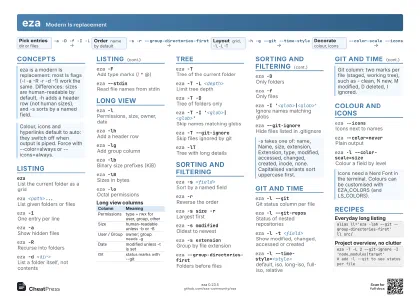 Light · A4 landscape
297 × 210 mm · PDF
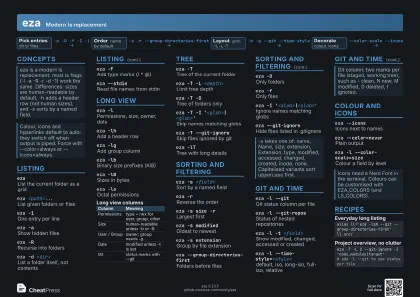 Dark · A4 landscape
297 × 210 mm · PDF
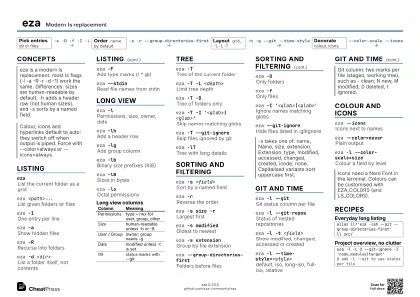 Ink saver · A4 landscape
297 × 210 mm · PDF
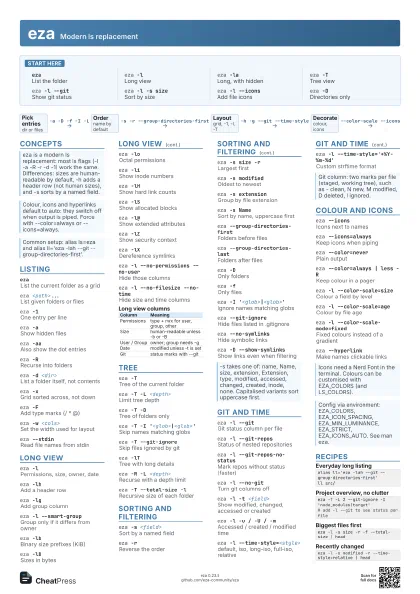
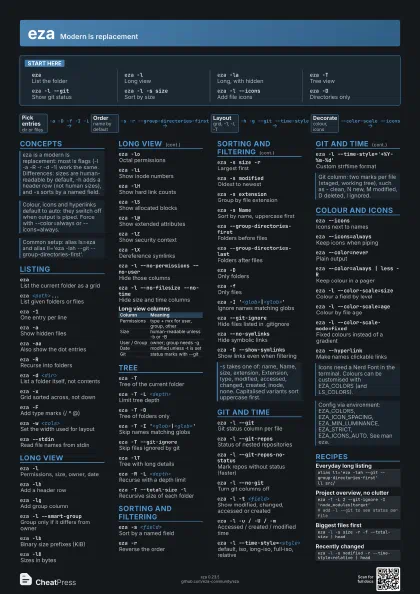
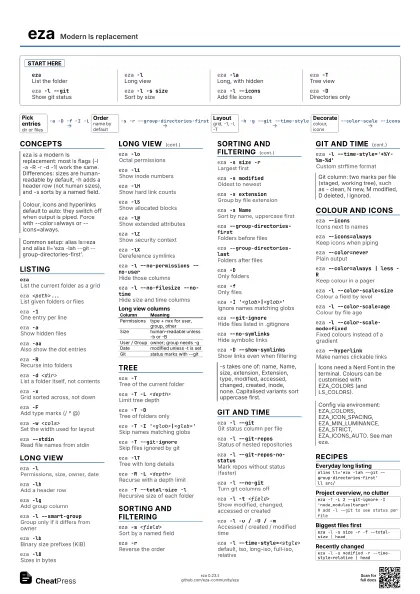
 Light · A3 landscape
420 × 297 mm · PDF
 Dark · A3 landscape
420 × 297 mm · PDF
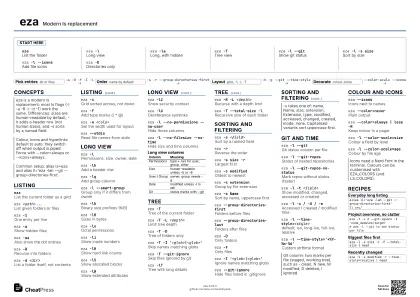 Ink saver · A3 landscape
420 × 297 mm · PDF
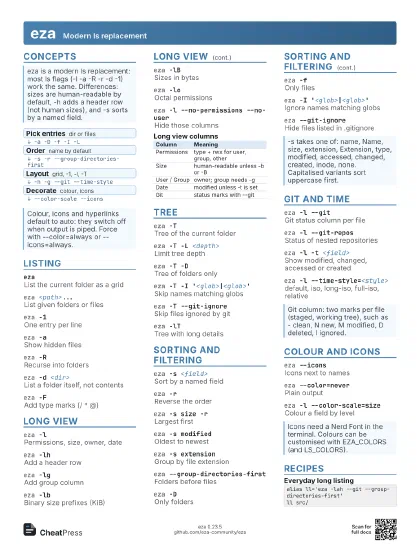
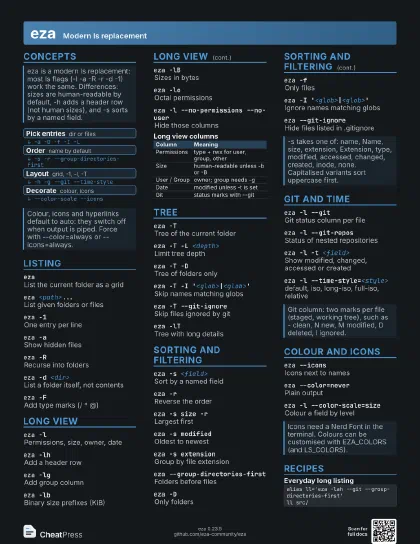
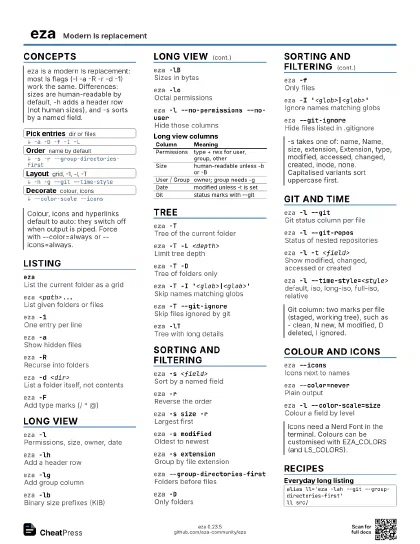
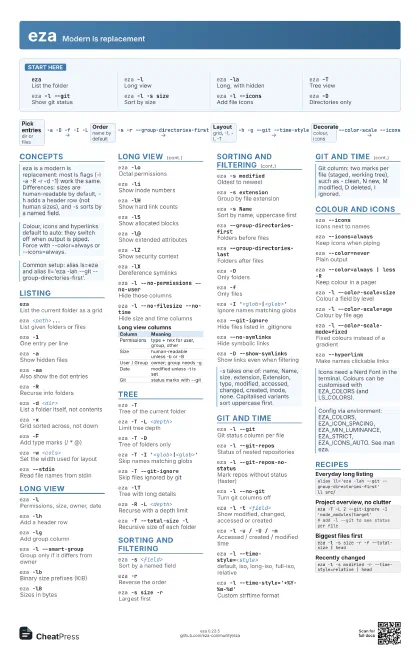
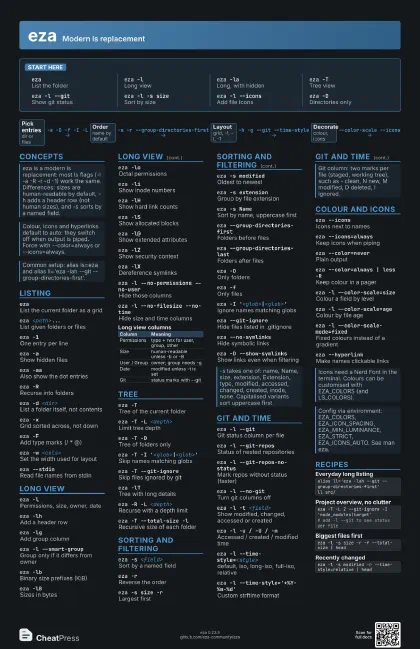
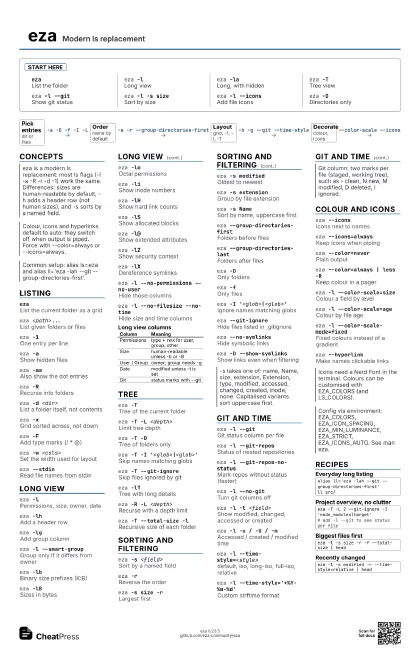
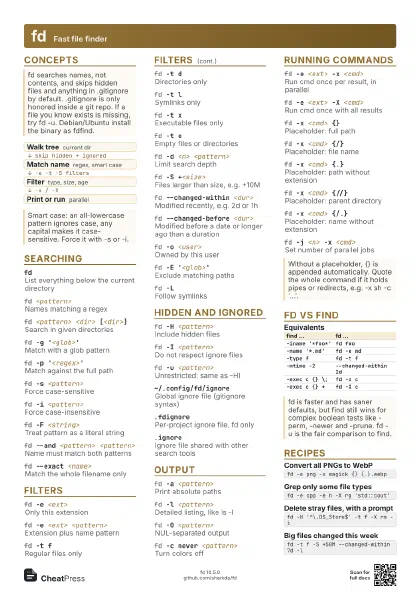
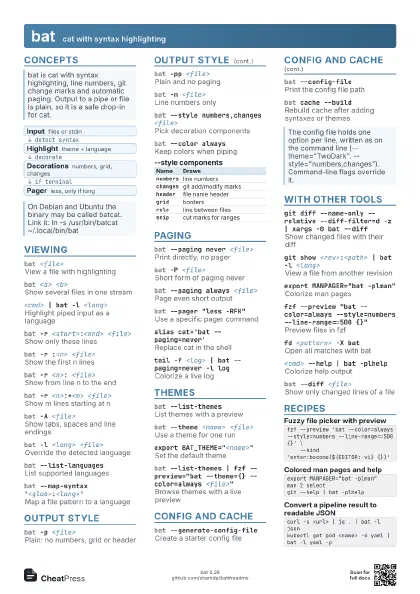
Start here
ezaList the folder
eza -lLong view
eza -laLong, with hidden
eza -TTree view
eza -l --gitShow git status
eza -l -s sizeSort by size
eza -l --iconsAdd file icons
eza -DDirectories only
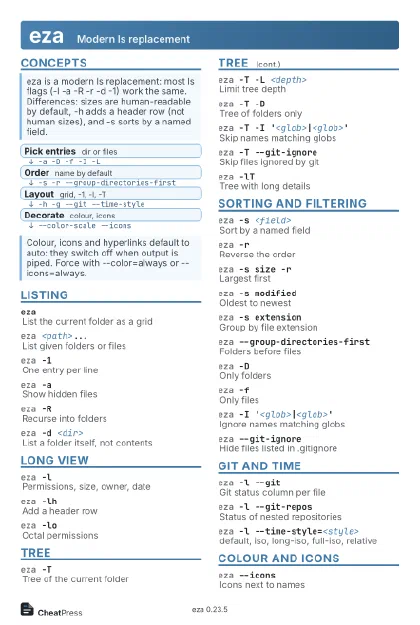
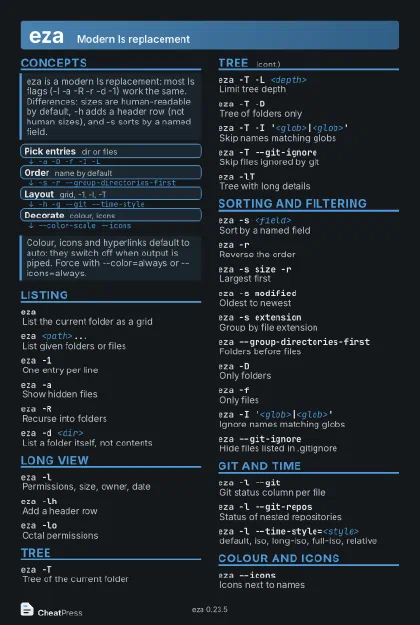
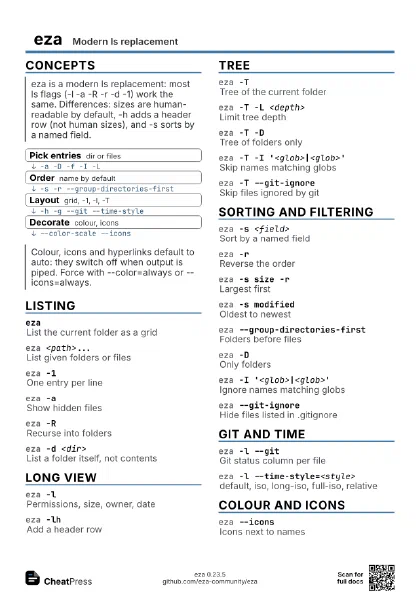
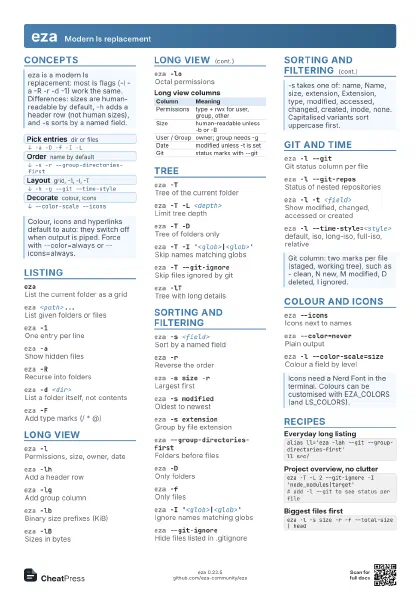
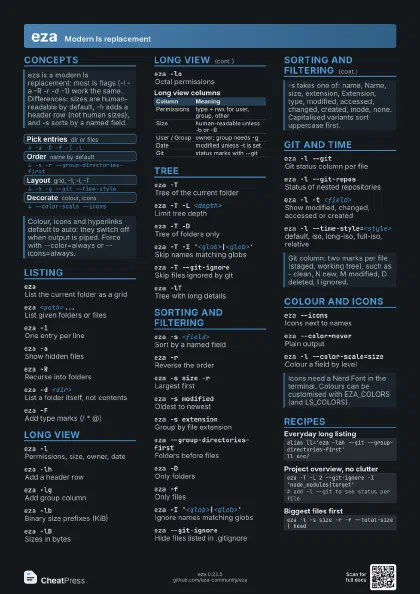
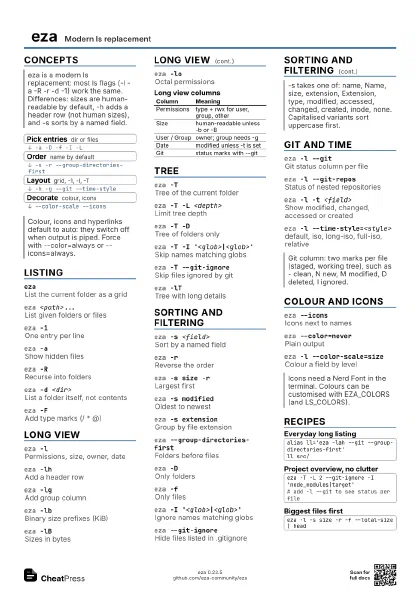
Concepts
- Pick entries dir or files
- Order name by default
- Layout grid, -1, -l, -T
- Decorate colour, icons
Listing
ezaList the current folder as a grid
eza <path>...
List given folders or files
eza -1One entry per line
eza -aShow hidden files
eza -aaAlso show the dot entries
eza -RRecurse into folders
eza -d <dir>
List a folder itself, not contents
eza -xGrid sorted across, not down
eza -FAdd type marks (/ * @)
eza -w <cols>
Set the width used for layout
eza --stdinRead file names from stdin
Long view
eza -lPermissions, size, owner, date
eza -lhAdd a header row
eza -lgAdd group column
eza -l --smart-group
Group only if it differs from owner
eza -lbBinary size prefixes (KiB)
eza -lBSizes in bytes
eza -loOctal permissions
eza -liShow inode numbers
eza -lHShow hard link counts
eza -lSShow allocated blocks
eza -l@Show extended attributes
eza -lZShow security context
eza -lXDereference symlinks
eza -l --no-permissions --no-user
Hide those columns
eza -l --no-filesize --no-time
Hide size and time columns
| Column | Meaning |
|---|---|
| Permissions | type + rwx for user, group, other |
| Size | human-readable unless -b or -B |
| User / Group | owner; group needs -g |
| Date | modified unless -t is set |
| Git | status marks with --git |
Tree
eza -TTree of the current folder
eza -T -L <depth>
Limit tree depth
eza -T -DTree of folders only
eza -T -I '<glob>|<glob>'
Skip names matching globs
eza -T --git-ignore
Skip files ignored by git
eza -lTTree with long details
eza -R -L <depth>
Recurse with a depth limit
eza -T --total-size -l
Recursive size of each folder
Sorting and filtering
eza -s <field>
Sort by a named field
eza -rReverse the order
eza -s size -rLargest first
eza -s modifiedOldest to newest
eza -s extension
Group by file extension
eza -s NameSort by name, uppercase first
eza --group-directories-first
Folders before files
eza --group-directories-last
Folders after files
eza -DOnly folders
eza -fOnly files
eza -I '<glob>|<glob>'
Ignore names matching globs
eza --git-ignore
Hide files listed in .gitignore
eza --no-symlinks
Hide symbolic links
eza -D --show-symlinks
Show links even when filtering
Git and time
eza -l --gitGit status column per file
eza -l --git-repos
Status of nested repositories
eza -l --git-repos-no-status
Mark repos without status (faster)
eza -l --no-gitTurn git columns off
eza -l -t <field>
Show modified, changed, accessed or created
eza -l -u / -U / -m
Accessed / created / modified time
eza -l --time-style=<style>
default, iso, long-iso, full-iso, relative
eza -l --time-style='+%Y-%m-%d'
Custom strftime format
Colour and icons
eza --iconsIcons next to names
eza --icons=always
Keep icons when piping
eza --color=never
Plain output
eza --color=always | less -R
Keep colour in a pager
eza -l --color-scale=size
Colour a field by level
eza -l --color-scale=age
Colour by file age
eza -l --color-scale-mode=fixed
Fixed colours instead of a gradient
eza --hyperlinkMake names clickable links
Recipes
alias ll='eza -lah --git --group-directories-first'll src/eza -T -L 2 --git-ignore -I 'node_modules|target'# add -l --git to see status per fileeza -l -s size -r -f --total-size | headeza -l -s modified -r --time-style=relative | head