Cheat
ethtool NIC settings and stats
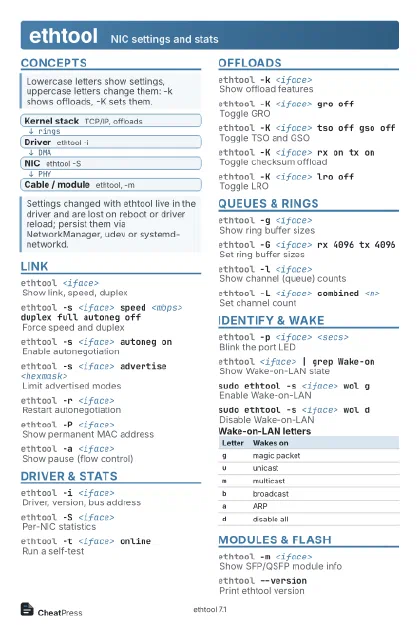 Light · Postcard
102 × 152 mm · PDF
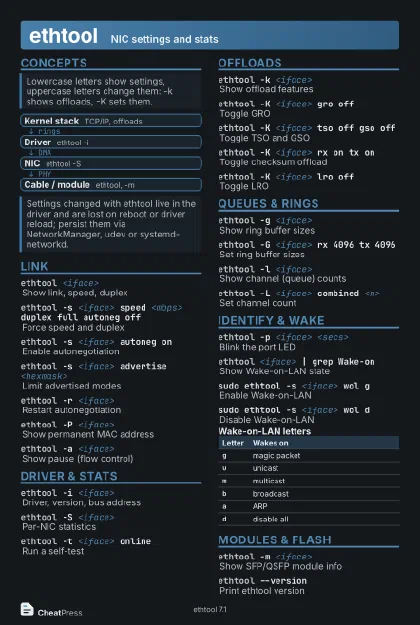 Dark · Postcard
102 × 152 mm · PDF
 Ink saver · Postcard
102 × 152 mm · PDF
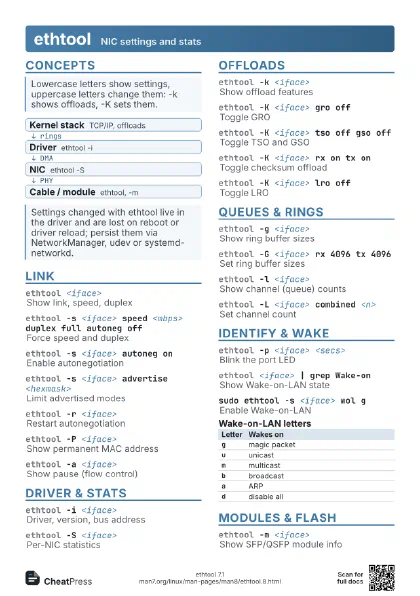
 Light · A4 landscape
297 × 210 mm · PDF
 Dark · A4 landscape
297 × 210 mm · PDF
 Ink saver · A4 landscape
297 × 210 mm · PDF
 Light · A3 landscape
420 × 297 mm · PDF
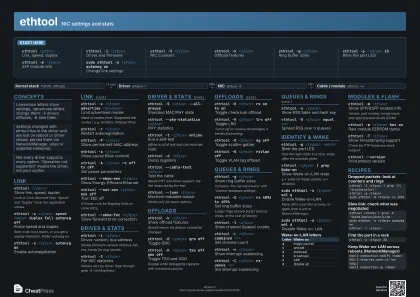 Dark · A3 landscape
420 × 297 mm · PDF
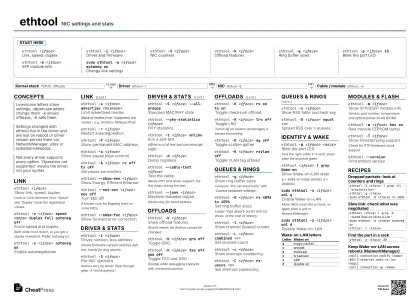 Ink saver · A3 landscape
420 × 297 mm · PDF
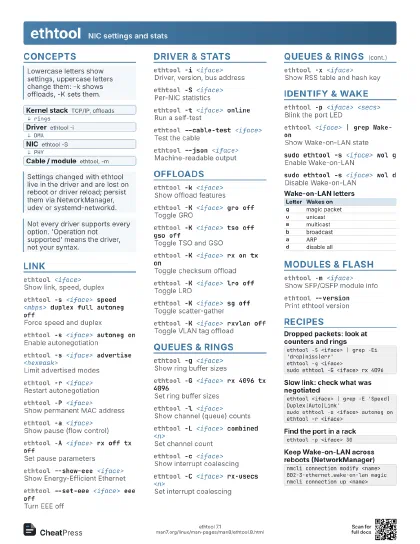
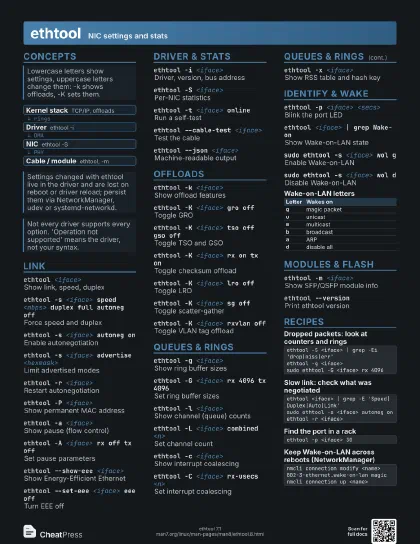
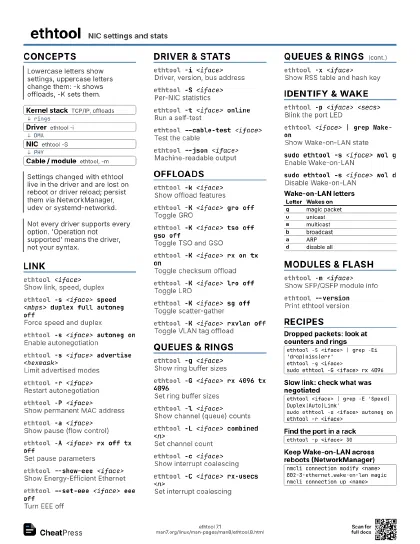
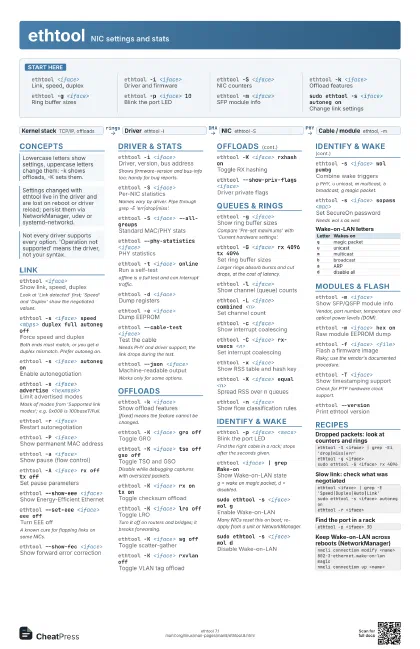
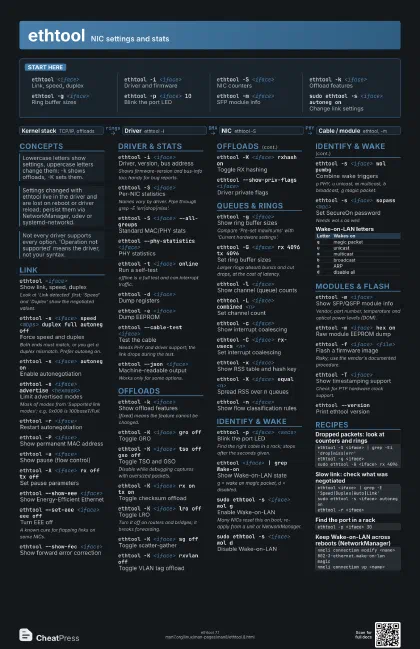
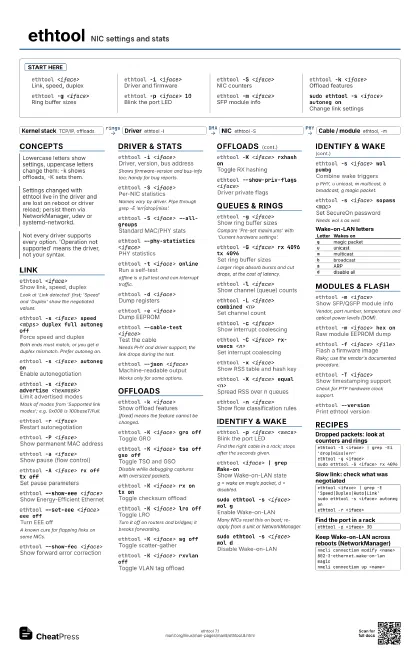
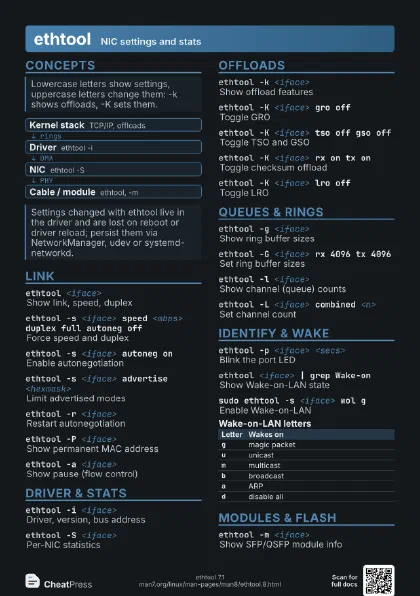
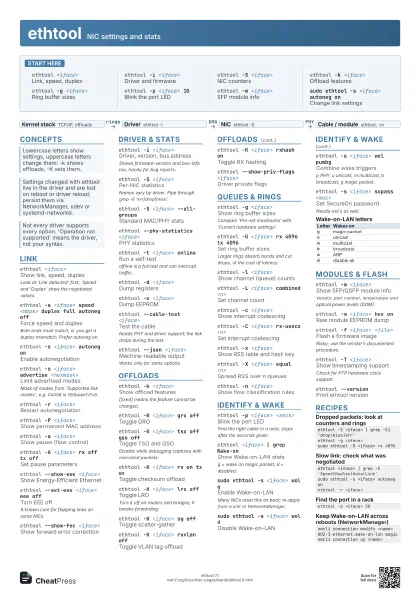
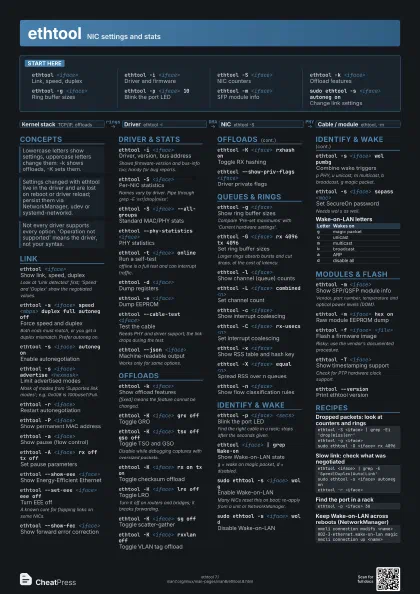
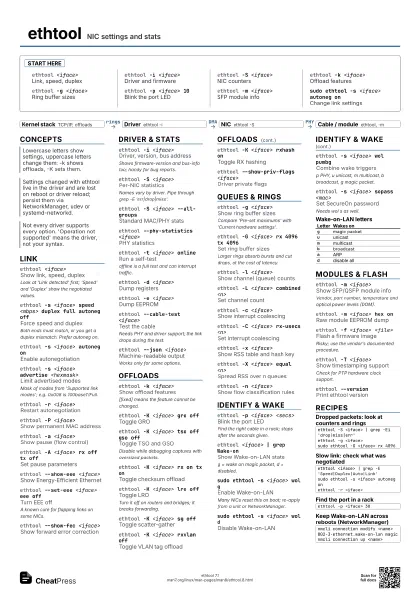
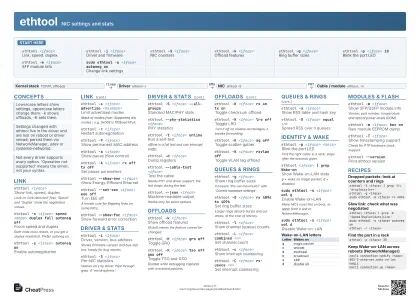
Start here
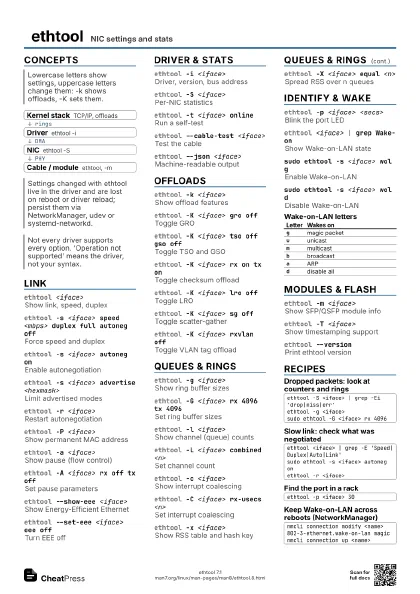
ethtool <iface>
Link, speed, duplex
ethtool -i <iface>
Driver and firmware
ethtool -S <iface>
NIC counters
ethtool -k <iface>
Offload features
ethtool -g <iface>
Ring buffer sizes
ethtool -p <iface> 10
Blink the port LED
ethtool -m <iface>
SFP module info
sudo ethtool -s <iface> autoneg on
Change link settings
Concepts
- Kernel stack TCP/IP, offloads
- Driver ethtool -i
- NIC ethtool -S
- Cable / module ethtool, -m
Link
ethtool <iface>
Show link, speed, duplex
Look at 'Link detected' first; 'Speed' and
'Duplex' show the negotiated values.
ethtool -s <iface> speed <mbps> duplex full
                    autoneg off
Force speed and duplex
Both ends must match, or you get a duplex mismatch. Prefer
autoneg on.
ethtool -s <iface> autoneg on
Enable autonegotiation
ethtool -s <iface> advertise <hexmask>
Limit advertised modes
Mask of modes from 'Supported link modes'; e.g. 0x008
is 100baseT/Full.
ethtool -r <iface>
Restart autonegotiation
ethtool -P <iface>
Show permanent MAC address
ethtool -a <iface>
Show pause (flow control)
ethtool -A <iface> rx off tx off
Set pause parameters
ethtool --show-eee <iface>
Show Energy-Efficient Ethernet
ethtool --set-eee <iface> eee off
Turn EEE off
A known cure for flapping links on some NICs.
ethtool --show-fec <iface>
Show forward error correction
Driver & Stats
ethtool -i <iface>
Driver, version, bus address
Shows firmware-version and bus-info too; handy for bug
reports.
ethtool -S <iface>
Per-NIC statistics
Names vary by driver. Pipe through grep -E
'err|drop|miss'.
ethtool -S <iface> --all-groups
Standard MAC/PHY stats
ethtool --phy-statistics <iface>
PHY statistics
ethtool -t <iface> online
Run a self-test
offline is a full test and can interrupt traffic.
ethtool -d <iface>
Dump registers
ethtool -e <iface>
Dump EEPROM
ethtool --cable-test <iface>
Test the cable
Needs PHY and driver support; the link drops during the test.
ethtool --json <iface>
Machine-readable output
Works only for some options.
Offloads
ethtool -k <iface>
Show offload features
[fixed] means the feature cannot be changed.
ethtool -K <iface> gro off
Toggle GRO
ethtool -K <iface> tso off gso off
Toggle TSO and GSO
Disable while debugging captures with oversized packets.
ethtool -K <iface> rx on tx on
Toggle checksum offload
ethtool -K <iface> lro off
Toggle LRO
Turn it off on routers and bridges; it breaks forwarding.
ethtool -K <iface> sg off
Toggle scatter-gather
ethtool -K <iface> rxvlan off
Toggle VLAN tag offload
ethtool -K <iface> rxhash on
Toggle RX hashing
ethtool --show-priv-flags <iface>
Driver private flags
Queues & Rings
ethtool -g <iface>
Show ring buffer sizes
Compare 'Pre-set maximums' with 'Current hardware
settings'.
ethtool -G <iface> rx 4096 tx 4096
Set ring buffer sizes
Larger rings absorb bursts and cut drops, at the cost of
latency.
ethtool -l <iface>
Show channel (queue) counts
ethtool -L <iface> combined <n>
Set channel count
ethtool -c <iface>
Show interrupt coalescing
ethtool -C <iface> rx-usecs <n>
Set interrupt coalescing
ethtool -x <iface>
Show RSS table and hash key
ethtool -X <iface> equal <n>
Spread RSS over n queues
ethtool -n <iface>
Show flow classification rules
Identify & Wake
ethtool -p <iface> <secs>
Blink the port LED
Find the right cable in a rack; stops after the seconds given.
ethtool <iface> | grep Wake-on
Show Wake-on-LAN state
g = wake on magic packet, d = disabled.
sudo ethtool -s <iface> wol g
Enable Wake-on-LAN
Many NICs reset this on boot; re-apply from a unit or
NetworkManager.
sudo ethtool -s <iface> wol d
Disable Wake-on-LAN
ethtool -s <iface> wol pumbg
Combine wake triggers
p PHY, u unicast, m multicast, b broadcast, g magic packet.
ethtool -s <iface> sopass <mac>
Set SecureOn password
Needs wol s as well.
| Letter | Wakes on |
|---|---|
g |
magic packet |
u |
unicast |
m |
multicast |
b |
broadcast |
a |
ARP |
d |
disable all |
Modules & Flash
ethtool -m <iface>
Show SFP/QSFP module info
Vendor, part number, temperature and optical power levels
(DOM).
ethtool -m <iface> hex on
Raw module EEPROM dump
ethtool -f <iface> <file>
Flash a firmware image
Risky; use the vendor's documented procedure.
ethtool -T <iface>
Show timestamping support
Check for PTP hardware clock support.
ethtool --version
Print ethtool version
Recipes
ethtool -S <iface> | grep -Ei 'drop|miss|err'ethtool -g <iface>sudo ethtool -G <iface> rx 4096ethtool <iface> | grep -E 'Speed|Duplex|Auto|Link'sudo ethtool -s <iface> autoneg onethtool -r <iface>ethtool -p <iface> 30nmcli connection modify <name> 802-3-ethernet.wake-on-lan magicnmcli connection up <name>