Cheat
ip (iproute2) Linux networking
 Light · Postcard
102 × 152 mm · PDF
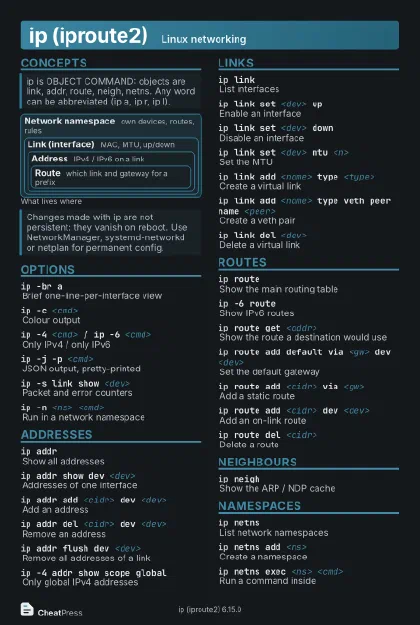 Dark · Postcard
102 × 152 mm · PDF
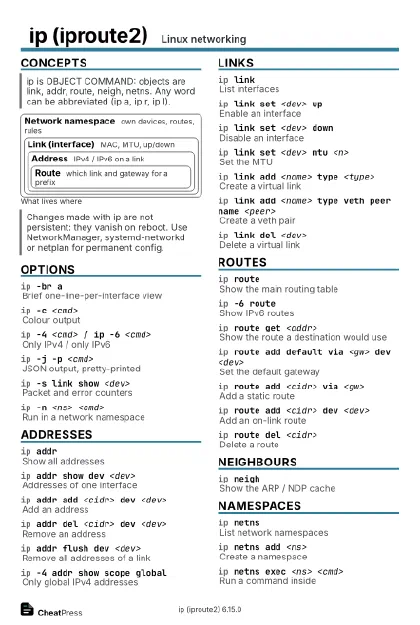 Ink saver · Postcard
102 × 152 mm · PDF
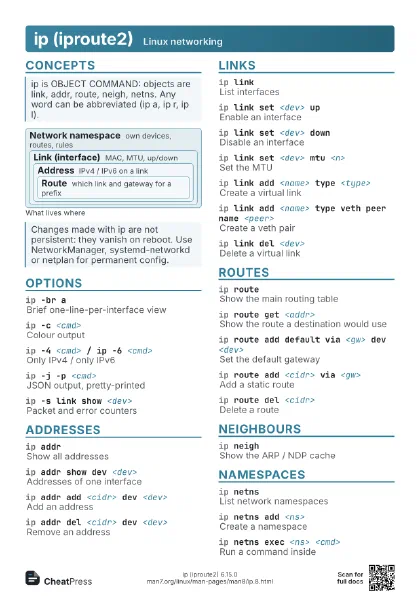
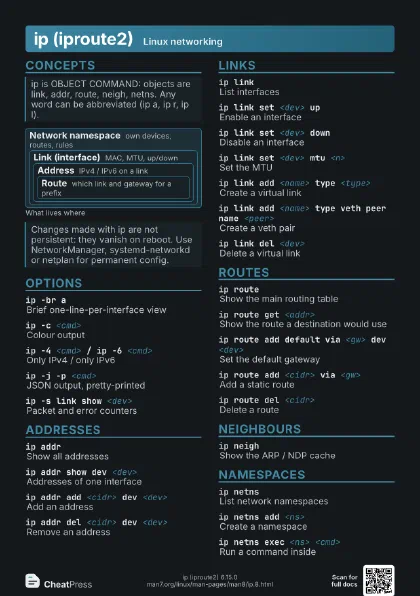
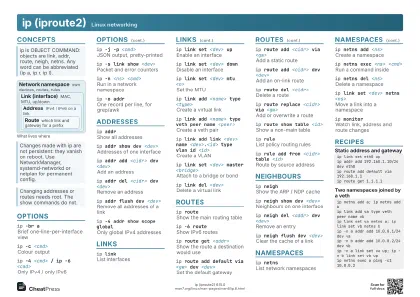 Light · A4 landscape
297 × 210 mm · PDF
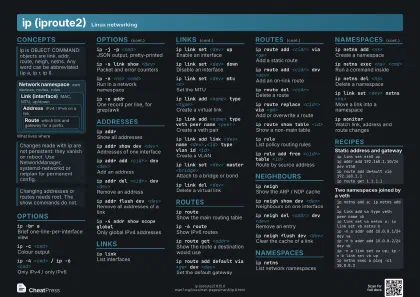 Dark · A4 landscape
297 × 210 mm · PDF
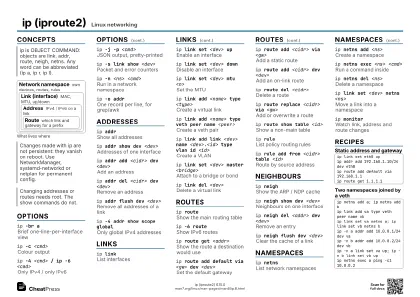 Ink saver · A4 landscape
297 × 210 mm · PDF
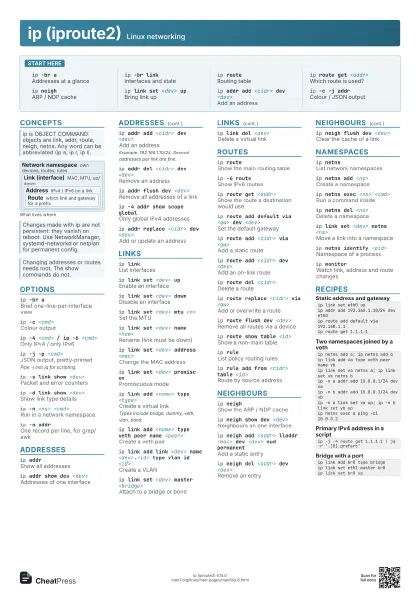
 Light · A3 landscape
420 × 297 mm · PDF
 Dark · A3 landscape
420 × 297 mm · PDF
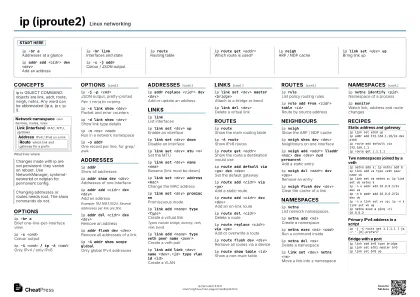 Ink saver · A3 landscape
420 × 297 mm · PDF
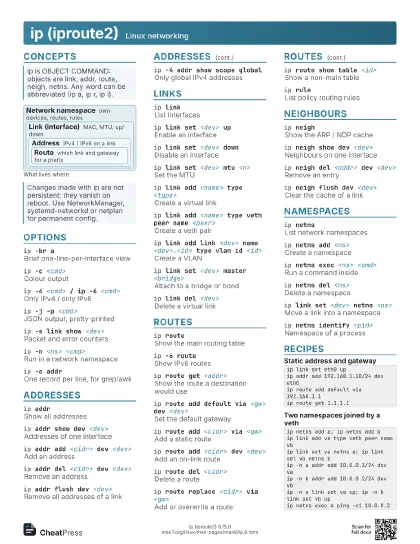
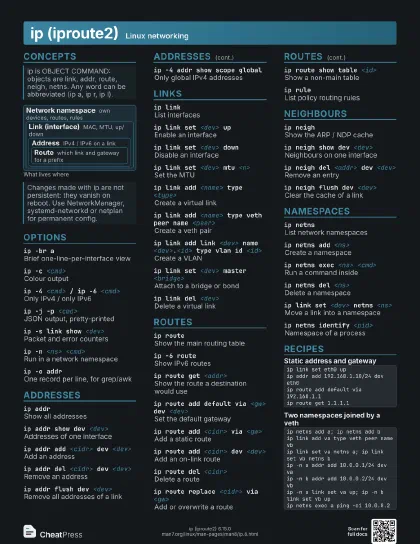
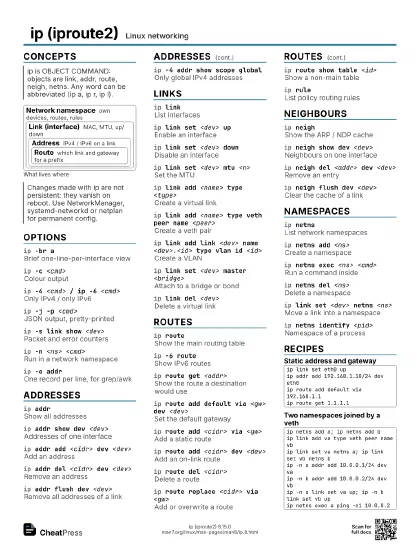
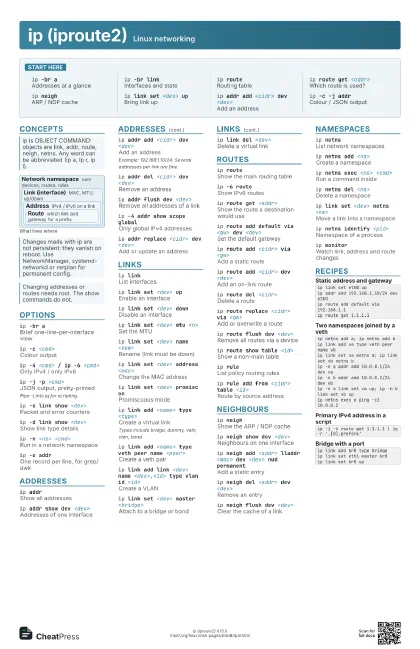
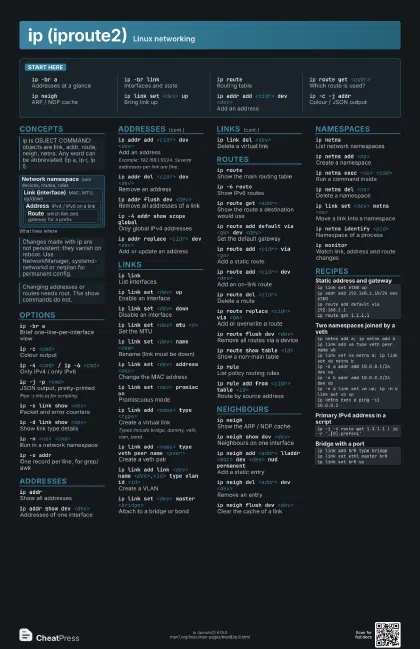
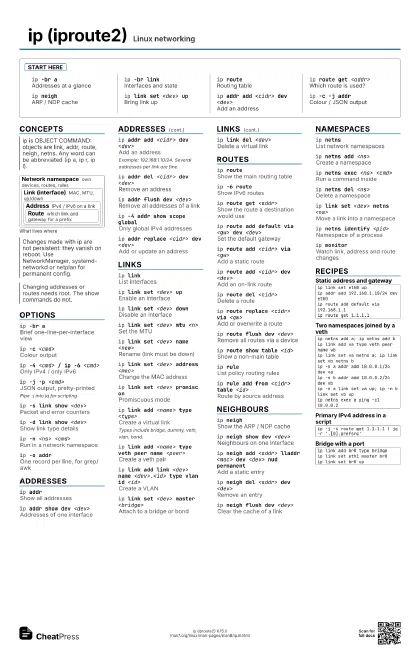
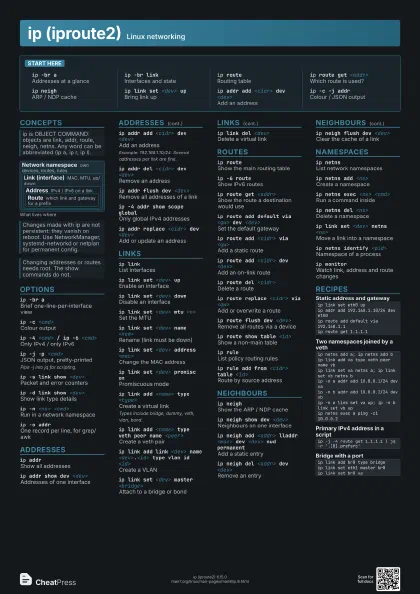
Start here
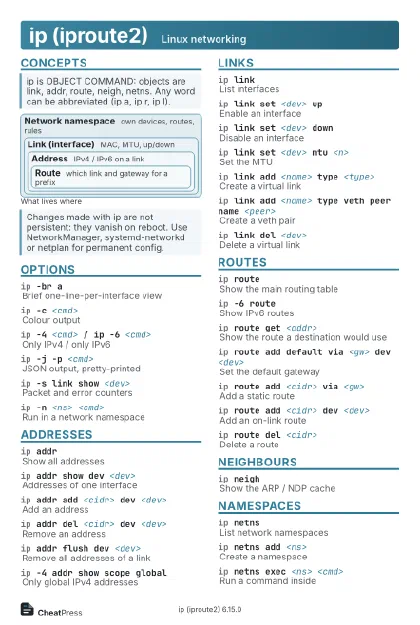
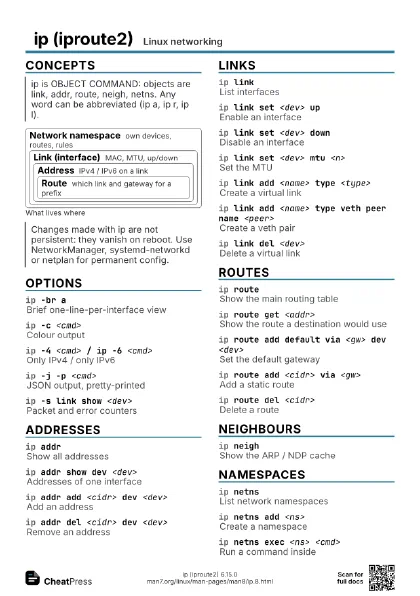
ip -br aAddresses at a glance
ip -br linkInterfaces and state
ip routeRouting table
ip route get <addr>
Which route is used?
ip neighARP / NDP cache
ip link set <dev> up
Bring link up
ip addr add <cidr> dev <dev>
Add an address
ip -c -j addrColour / JSON output
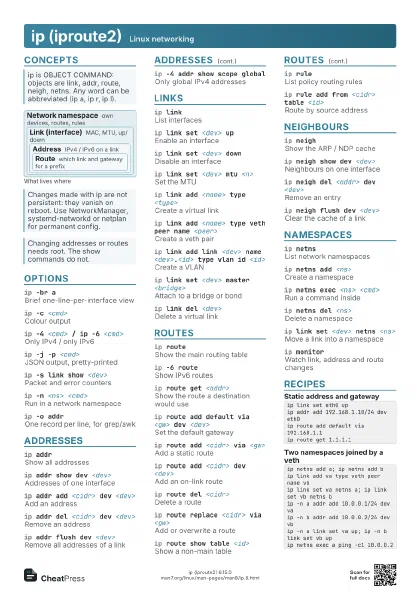
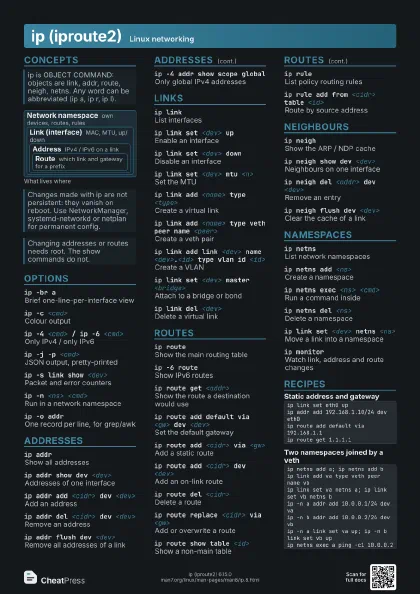
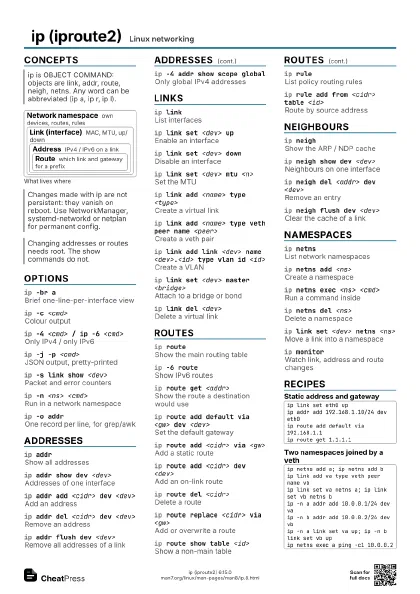
Concepts
Network namespace
own devices, routes, rules
Link (interface)
MAC, MTU, up/down
Address
IPv4 / IPv6 on a link
Route
which link and gateway for a prefix
Options
ip -br aBrief one-line-per-interface view
ip -c <cmd>
Colour output
ip -4 <cmd> / ip -6 <cmd>
Only IPv4 / only IPv6
ip -j -p <cmd>
JSON output, pretty-printed
Pipe -j into jq for scripting.
ip -s link show <dev>
Packet and error counters
ip -d link show <dev>
Show link type details
ip -n <ns> <cmd>
Run in a network namespace
ip -o addrOne record per line, for grep/awk
Addresses
ip addrShow all addresses
ip addr show dev <dev>
Addresses of one interface
ip addr add <cidr> dev <dev>
Add an address
Example: 192.168.1.10/24. Several addresses per link are fine.
ip addr del <cidr> dev <dev>
Remove an address
ip addr flush dev <dev>
Remove all addresses of a link
ip -4 addr show scope global
Only global IPv4 addresses
ip addr replace <cidr> dev <dev>
Add or update an address
Links
ip linkList interfaces
ip link set <dev> up
Enable an interface
ip link set <dev> down
Disable an interface
ip link set <dev> mtu <n>
Set the MTU
ip link set <dev> name <new>
Rename (link must be down)
ip link set <dev> address <mac>
Change the MAC address
ip link set <dev> promisc on
Promiscuous mode
ip link add <name> type <type>
Create a virtual link
Types include bridge, dummy, veth, vlan, bond.
ip link add <name> type veth peer name
                    <peer>
Create a veth pair
ip link add link <dev> name <dev>.<id>
                    type vlan id <id>
Create a VLAN
ip link set <dev> master <bridge>
Attach to a bridge or bond
ip link del <dev>
Delete a virtual link
Routes
ip routeShow the main routing table
ip -6 routeShow IPv6 routes
ip route get <addr>
Show the route a destination would use
ip route add default via <gw> dev <dev>
Set the default gateway
ip route add <cidr> via <gw>
Add a static route
ip route add <cidr> dev <dev>
Add an on-link route
ip route del <cidr>
Delete a route
ip route replace <cidr> via <gw>
Add or overwrite a route
ip route flush dev <dev>
Remove all routes via a device
ip route show table <id>
Show a non-main table
ip ruleList policy routing rules
ip rule add from <cidr> table <id>
Route by source address
Neighbours
ip neighShow the ARP / NDP cache
ip neigh show dev <dev>
Neighbours on one interface
ip neigh add <addr> lladdr <mac> dev
                    <dev> nud permanent
Add a static entry
ip neigh del <addr> dev <dev>
Remove an entry
ip neigh flush dev <dev>
Clear the cache of a link
Namespaces
ip netnsList network namespaces
ip netns add <ns>
Create a namespace
ip netns exec <ns> <cmd>
Run a command inside
ip netns del <ns>
Delete a namespace
ip link set <dev> netns <ns>
Move a link into a namespace
ip netns identify <pid>
Namespace of a process
ip monitorWatch link, address and route changes
Recipes
ip link set eth0 upip addr add 192.168.1.10/24 dev eth0ip route add default via 192.168.1.1ip route get 1.1.1.1ip netns add a; ip netns add bip link add va type veth peer name vbip link set va netns a; ip link set vb netns bip -n a addr add 10.0.0.1/24 dev vaip -n b addr add 10.0.0.2/24 dev vbip -n a link set va up; ip -n b link set vb upip netns exec a ping -c1 10.0.0.2ip -j -4 route get 1.1.1.1 | jq -r '.[0].prefsrc'ip link add br0 type bridgeip link set eth1 master br0ip link set br0 up