Cheat
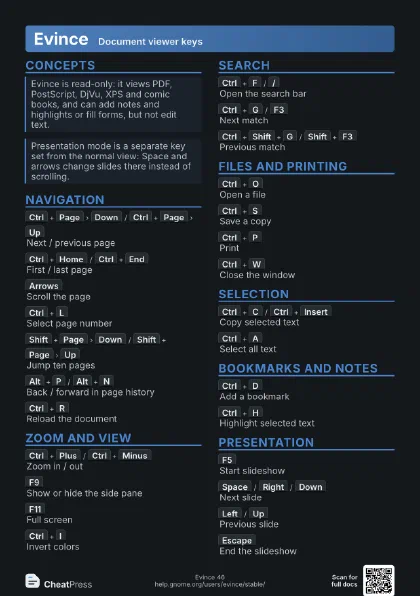
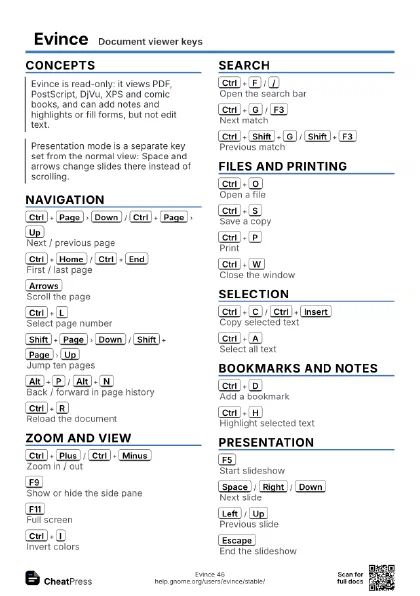
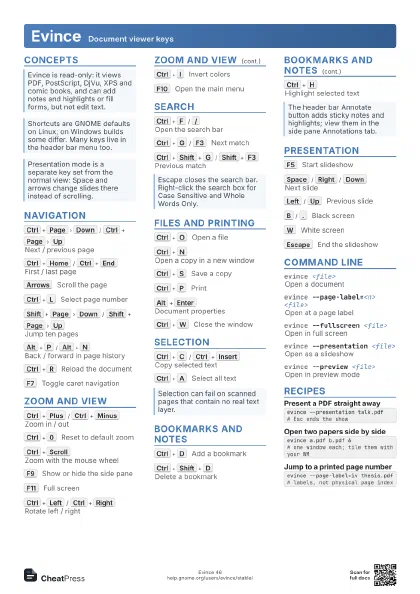
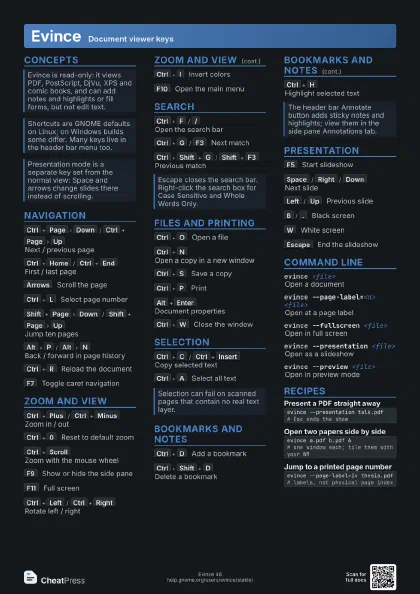
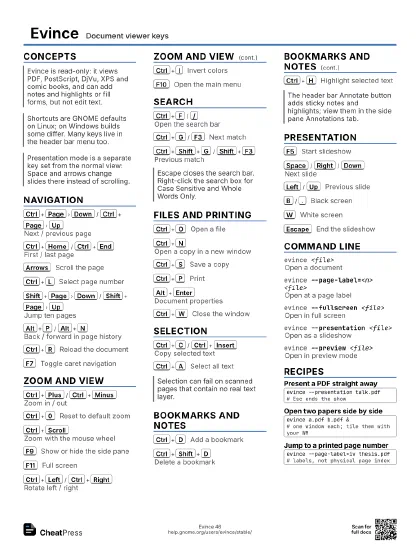
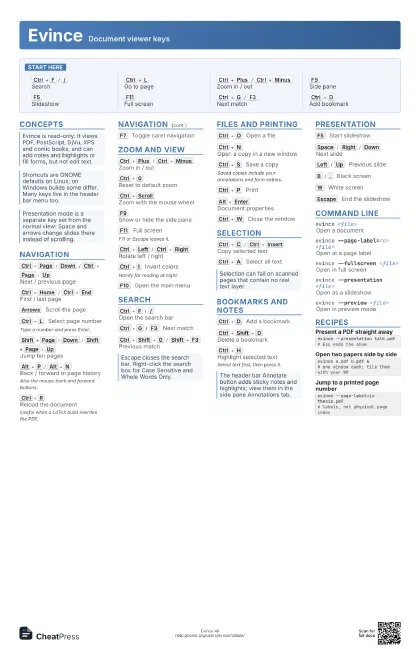
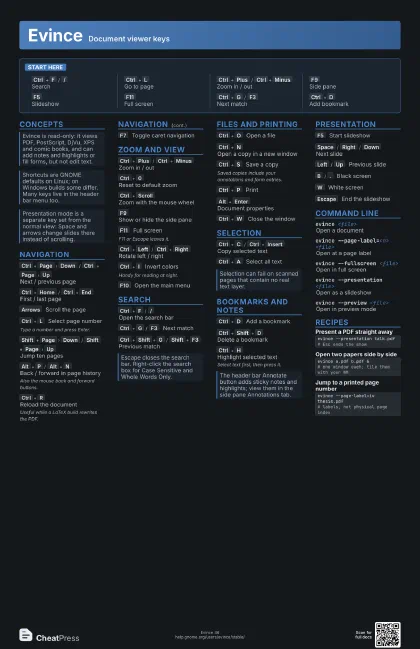
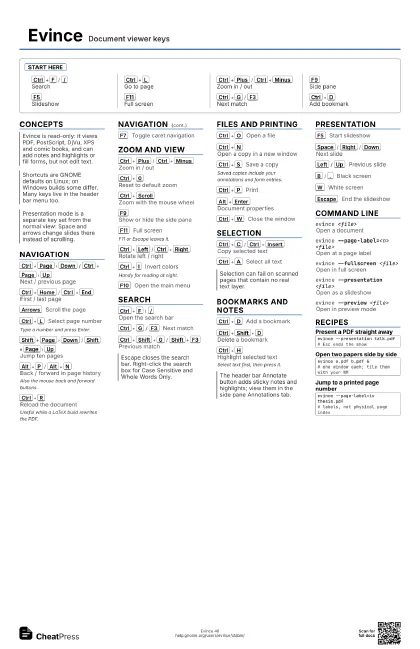
Evince Document viewer keys
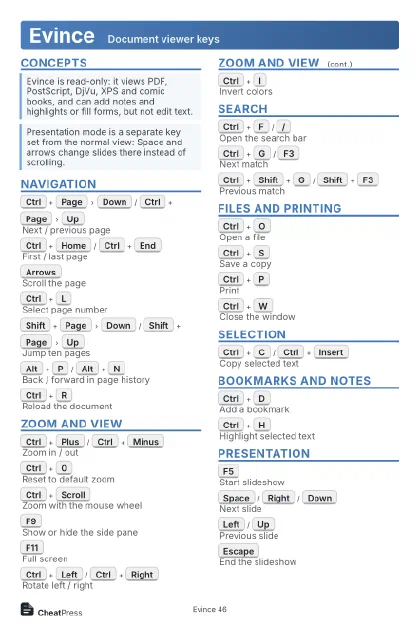 Light · Postcard
102 × 152 mm · PDF
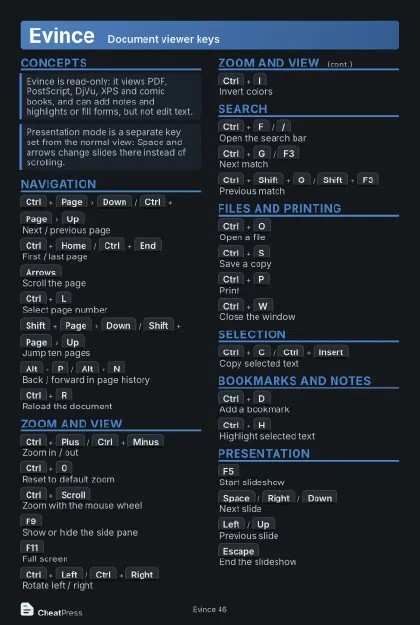 Dark · Postcard
102 × 152 mm · PDF
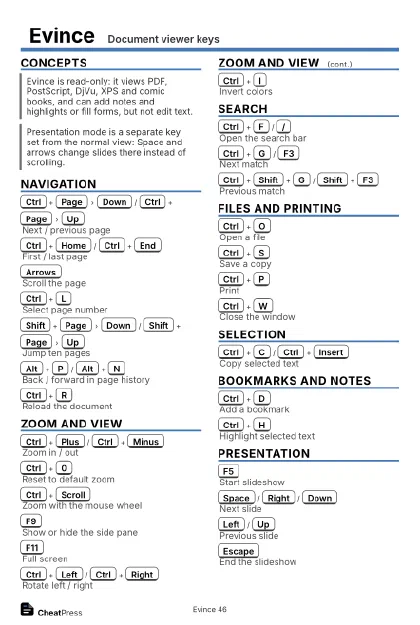 Ink saver · Postcard
102 × 152 mm · PDF
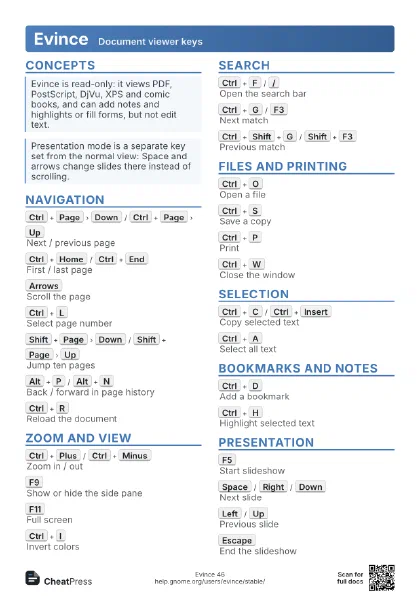
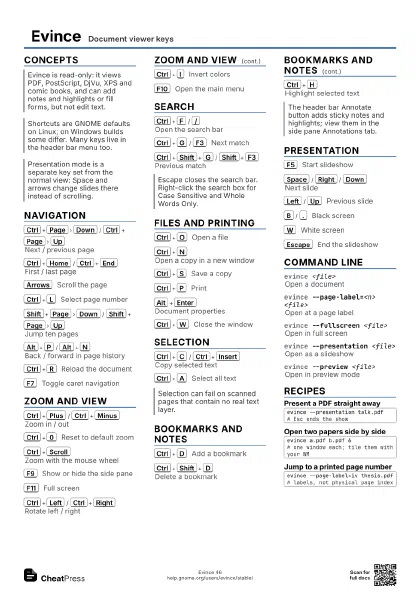
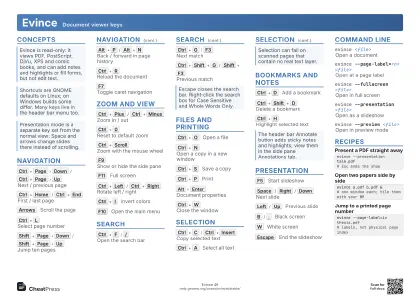 Light · A4 landscape
297 × 210 mm · PDF
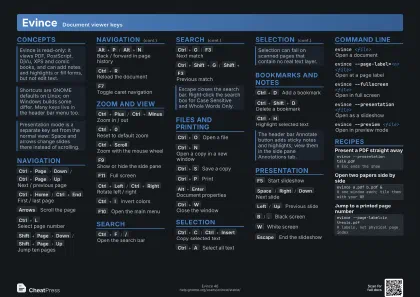 Dark · A4 landscape
297 × 210 mm · PDF
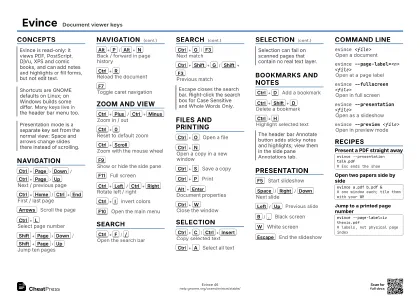 Ink saver · A4 landscape
297 × 210 mm · PDF
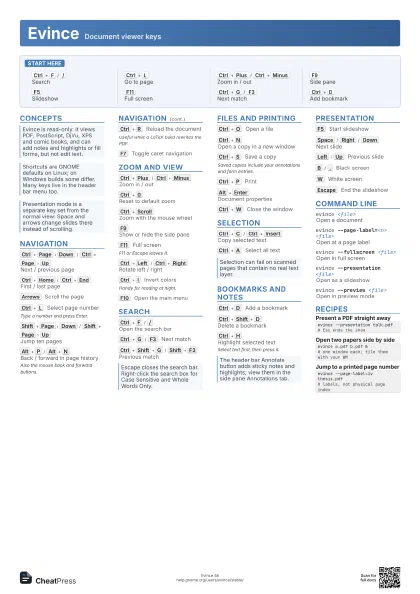
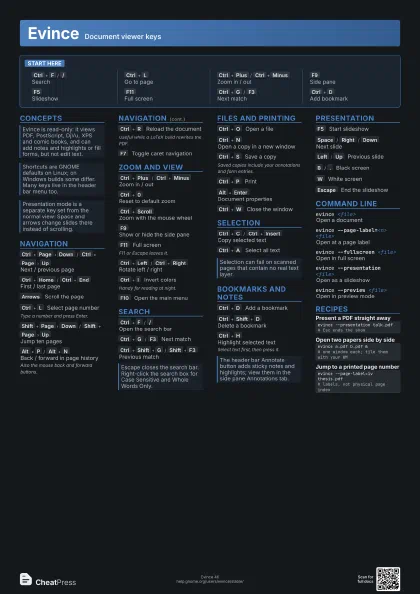
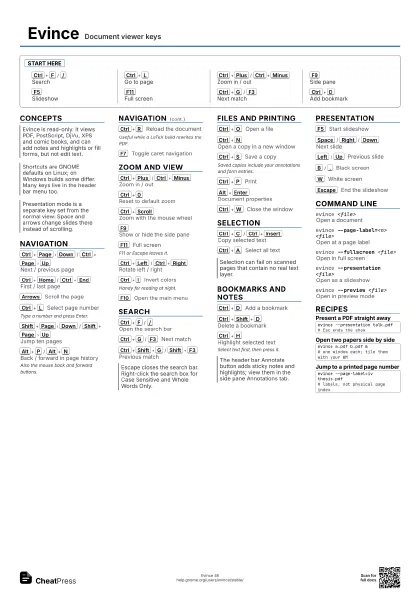
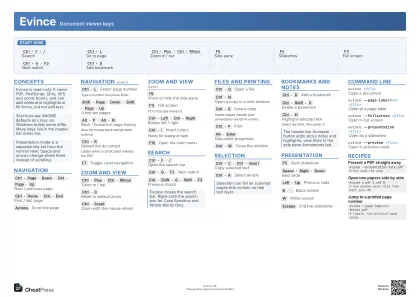 Light · A3 landscape
420 × 297 mm · PDF
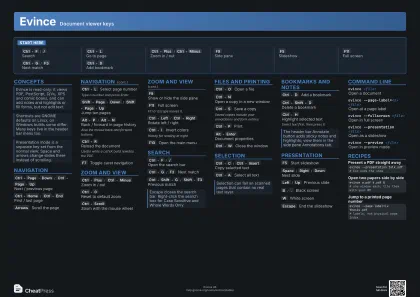 Dark · A3 landscape
420 × 297 mm · PDF
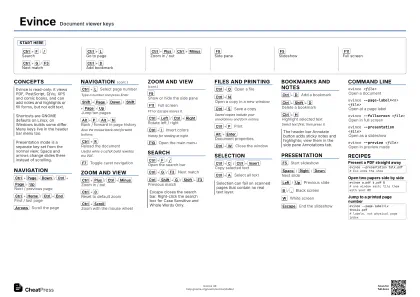 Ink saver · A3 landscape
420 × 297 mm · PDF
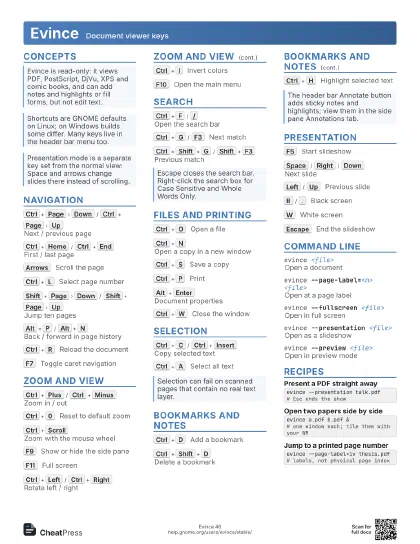
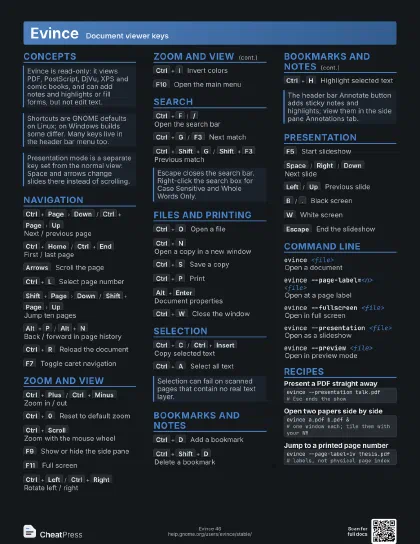
Start here
Ctrl+F
/
/
Search
Ctrl+L
Go to page
Ctrl+Plus
/
Ctrl+Minus
Zoom in / out
F9
Side pane
F5
Slideshow
F11
Full screen
Ctrl+G
/
F3
Next match
Ctrl+D
Add bookmark
Concepts
Navigation
Ctrl+Page
Down
/
Ctrl+Page
Up
Next / previous page
Ctrl+Home
/
Ctrl+End
First / last page
Arrows
Scroll the page
Ctrl+L
Select page number
Type a number and press Enter.
Shift+Page
Down
/
Shift+Page
Up
Jump ten pages
Alt+P
/
Alt+N
Back / forward in page history
Also the mouse back and forward buttons.
Ctrl+R
Reload the document
Useful while a LaTeX build rewrites the PDF.
F7
Toggle caret navigation
Zoom and View
Ctrl+Plus
/
Ctrl+Minus
Zoom in / out
Ctrl+0
Reset to default zoom
Ctrl+Scroll
Zoom with the mouse wheel
F9
Show or hide the side pane
F11
Full screen
F11 or Escape leaves it.
Ctrl+Left
/
Ctrl+Right
Rotate left / right
Ctrl+I
Invert colors
Handy for reading at night.
F10
Open the main menu
Search
Ctrl+F
/
/
Open the search bar
Ctrl+G
/
F3
Next match
Ctrl+Shift+G
/
Shift+F3
Previous match
Files and Printing
Ctrl+O
Open a file
Ctrl+N
Open a copy in a new window
Ctrl+S
Save a copy
Saved copies include your annotations and form entries.
Ctrl+P
Print
Alt+Enter
Document properties
Ctrl+W
Close the window
Selection
Ctrl+C
/
Ctrl+Insert
Copy selected text
Ctrl+A
Select all text
Bookmarks and Notes
Ctrl+D
Add a bookmark
Ctrl+Shift+D
Delete a bookmark
Ctrl+H
Highlight selected text
Select text first, then press it.
Presentation
F5
Start slideshow
Space
/
Right
/
Down
Next slide
Left
/
Up
Previous slide
B
/
.
Black screen
W
White screen
Escape
End the slideshow
Command Line
evince <file>
Open a document
evince --page-label=<n> <file>
Open at a page label
evince --fullscreen <file>
Open in full screen
evince --presentation <file>
Open as a slideshow
evince --preview <file>
Open in preview mode
Recipes
evince --presentation talk.pdf# Esc ends the showevince a.pdf b.pdf &# one window each; tile them with your WMevince --page-label=iv thesis.pdf# labels, not physical page index