Cheat
duf Disk usage overview
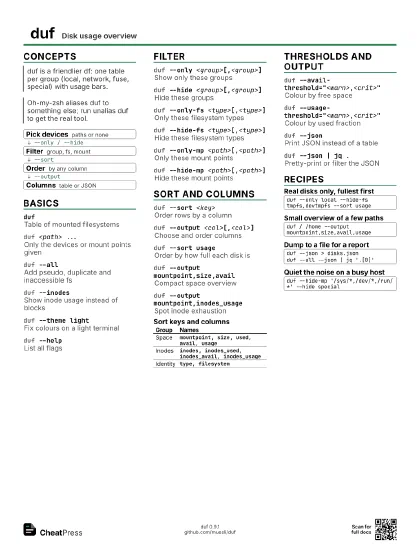
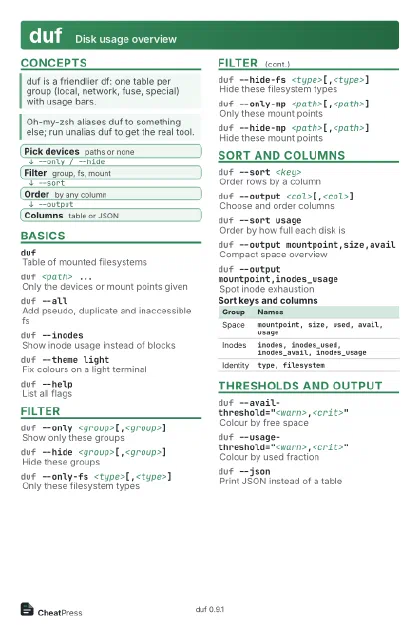 Light · Postcard
102 × 152 mm · PDF
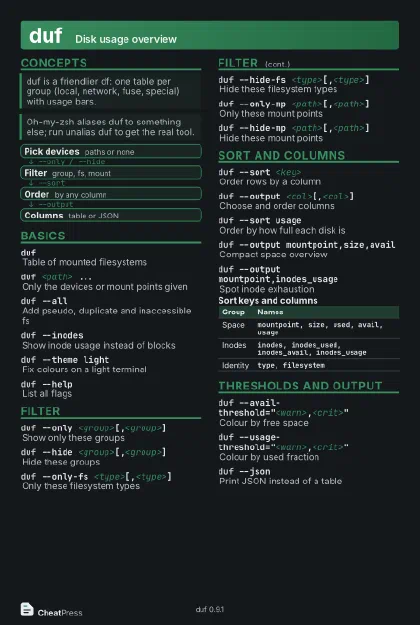 Dark · Postcard
102 × 152 mm · PDF
 Ink saver · Postcard
102 × 152 mm · PDF
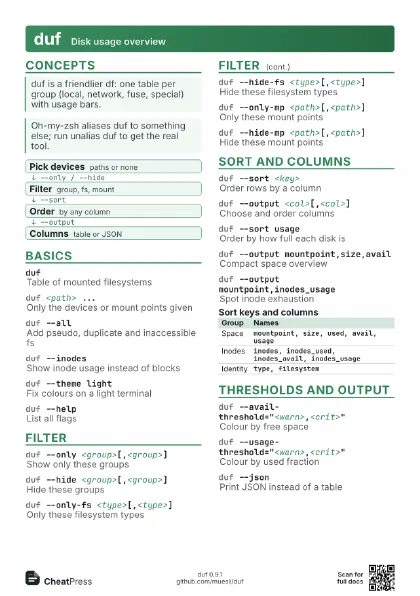
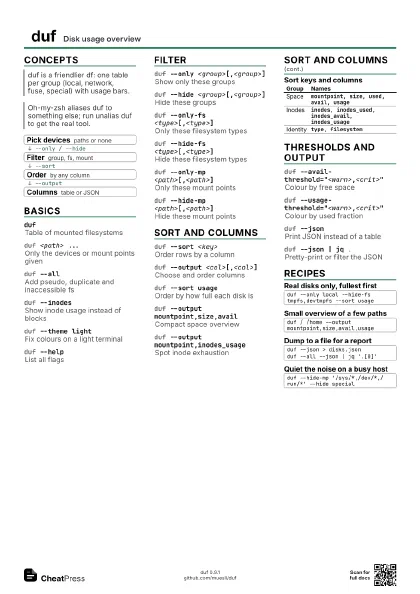
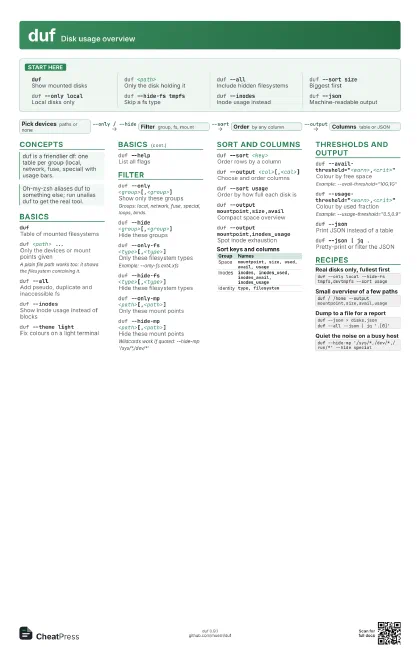
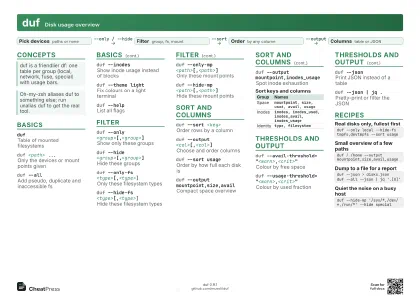 Light · A4 landscape
297 × 210 mm · PDF
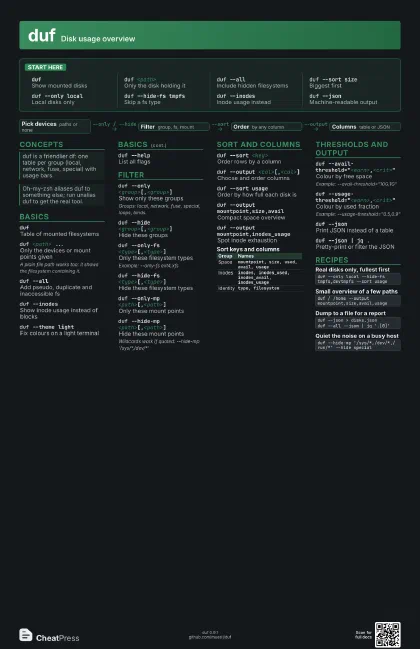
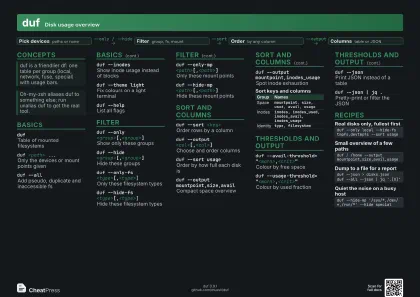 Dark · A4 landscape
297 × 210 mm · PDF
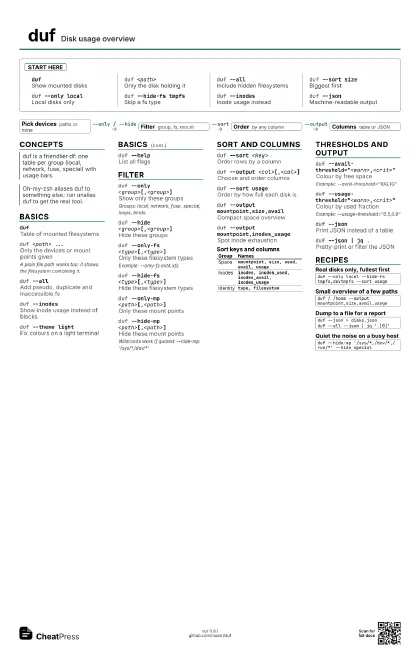
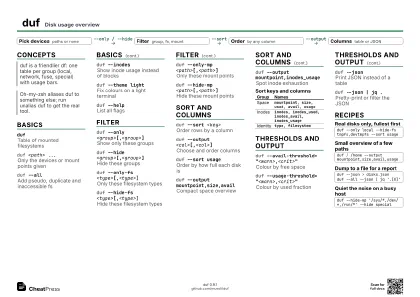 Ink saver · A4 landscape
297 × 210 mm · PDF
 Light · A3 landscape
420 × 297 mm · PDF
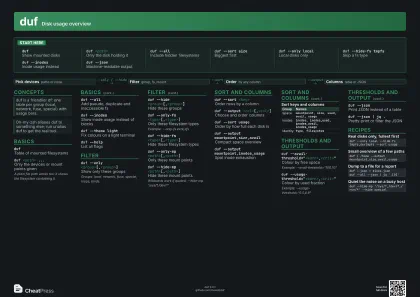 Dark · A3 landscape
420 × 297 mm · PDF
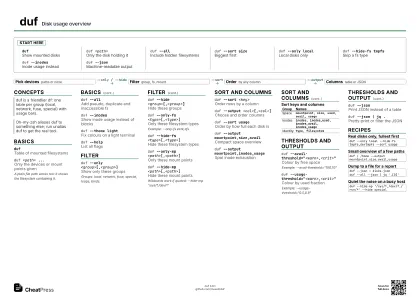 Ink saver · A3 landscape
420 × 297 mm · PDF
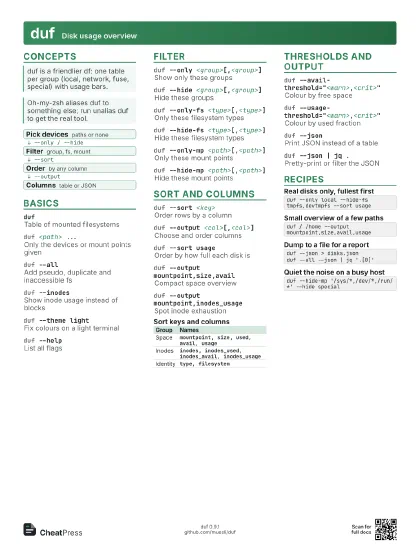
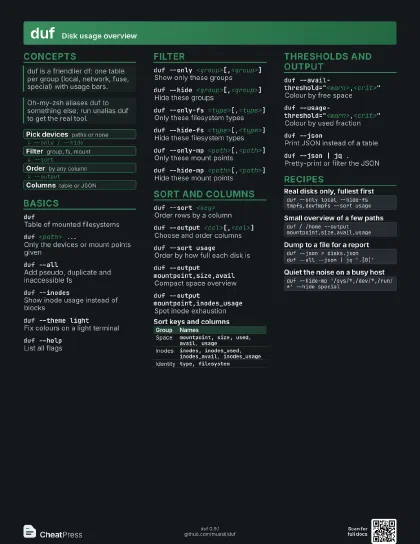
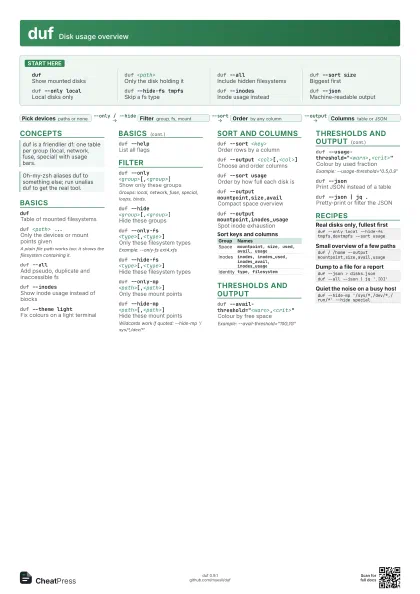
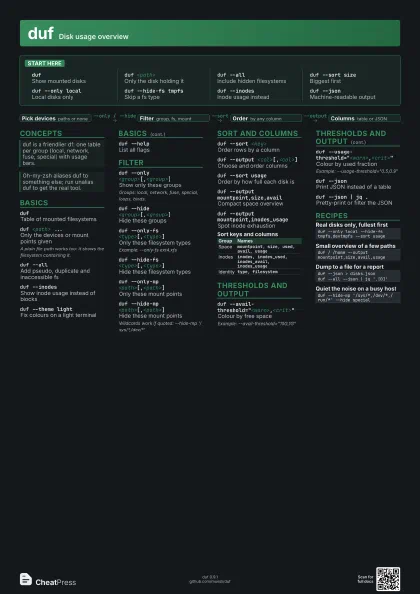
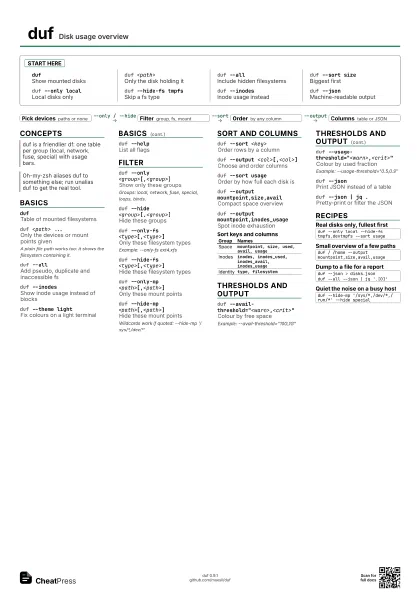
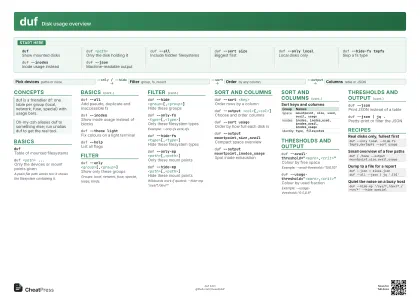
Start here
dufShow mounted disks
duf <path>
Only the disk holding it
duf --allInclude hidden filesystems
duf --sort sizeBiggest first
duf --only local
Local disks only
duf --hide-fs tmpfs
Skip a fs type
duf --inodesInode usage instead
duf --jsonMachine-readable output
Concepts
- Pick devices paths or none
- Filter group, fs, mount
- Order by any column
- Columns table or JSON
Basics
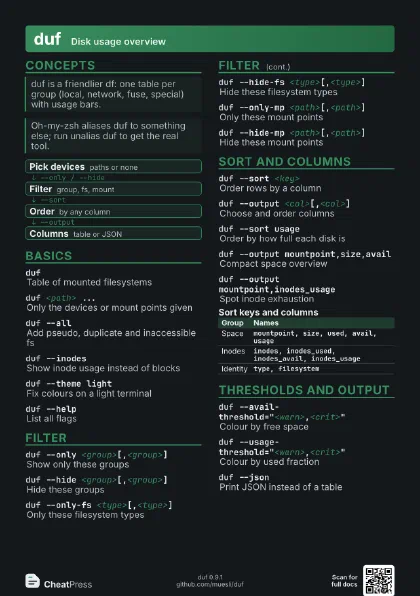
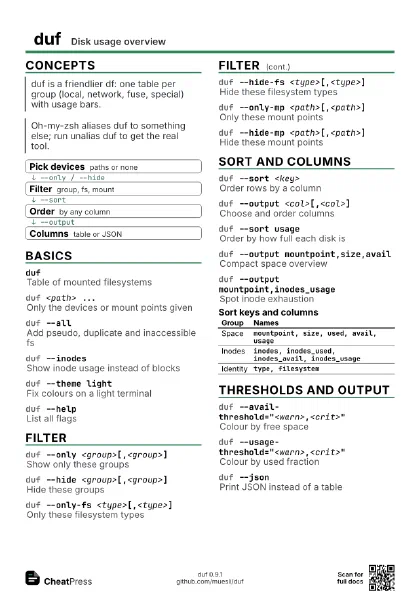
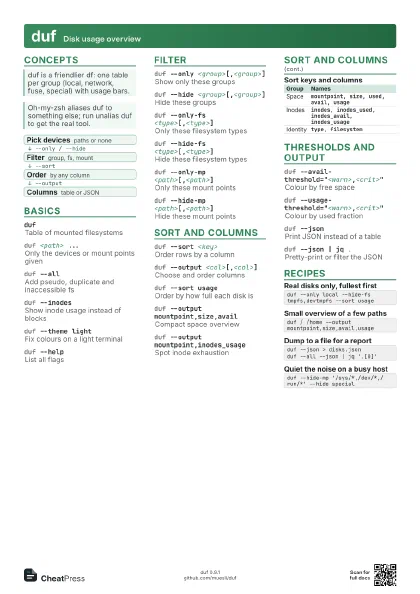
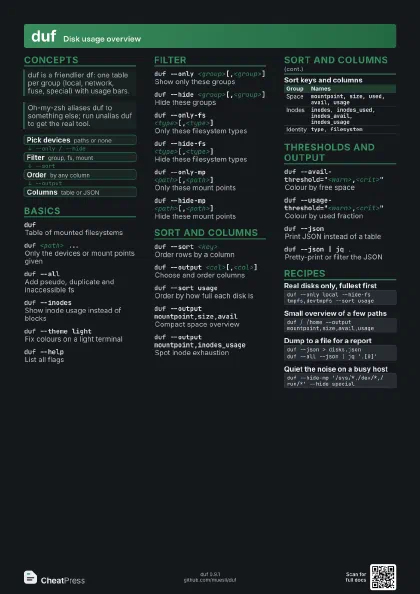
dufTable of mounted filesystems
duf <path> ...
Only the devices or mount points given
A plain file path works too: it shows the filesystem
containing it.
duf --all
Add pseudo, duplicate and inaccessible fs
duf --inodesShow inode usage instead of blocks
duf --theme light
Fix colours on a light terminal
duf --helpList all flags
Filter
duf --only <group>[,<group>]
Show only these groups
Groups: local, network, fuse, special, loops, binds.
duf --hide <group>[,<group>]
Hide these groups
duf --only-fs <type>[,<type>]
Only these filesystem types
Example: --only-fs ext4,xfs
duf --hide-fs <type>[,<type>]
Hide these filesystem types
duf --only-mp <path>[,<path>]
Only these mount points
duf --hide-mp <path>[,<path>]
Hide these mount points
Wildcards work if quoted: --hide-mp '/sys/*,/dev/*'
Sort and columns
duf --sort <key>
Order rows by a column
duf --output <col>[,<col>]
Choose and order columns
duf --sort usage
Order by how full each disk is
duf --output mountpoint,size,avail
Compact space overview
duf --output mountpoint,inodes_usage
Spot inode exhaustion
| Group | Names |
|---|---|
| Space | mountpoint, size, used, avail, usage |
| Inodes |
inodes, inodes_used, inodes_avail, inodes_usage
|
| Identity | type, filesystem |
Thresholds and output
duf
                    --avail-threshold="<warn>,<crit>"
Colour by free space
Example: --avail-threshold="10G,1G"
duf
                    --usage-threshold="<warn>,<crit>"
Colour by used fraction
Example: --usage-threshold="0.5,0.9"
duf --jsonPrint JSON instead of a table
duf --json | jq .
Pretty-print or filter the JSON
Recipes
duf --only local --hide-fs tmpfs,devtmpfs --sort usageduf / /home --output mountpoint,size,avail,usageduf --json > disks.jsonduf --all --json | jq '.[0]'duf --hide-mp '/sys/*,/dev/*,/run/*' --hide special