Cheat
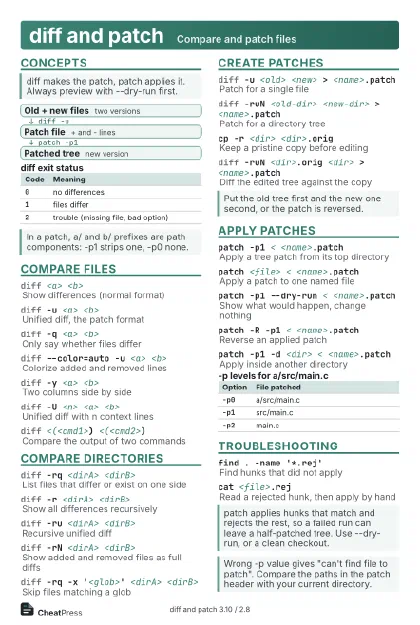
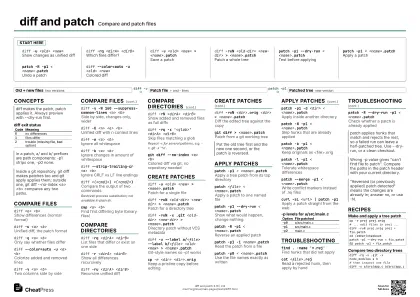
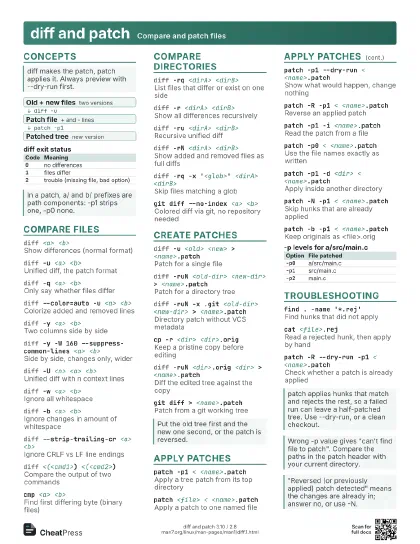
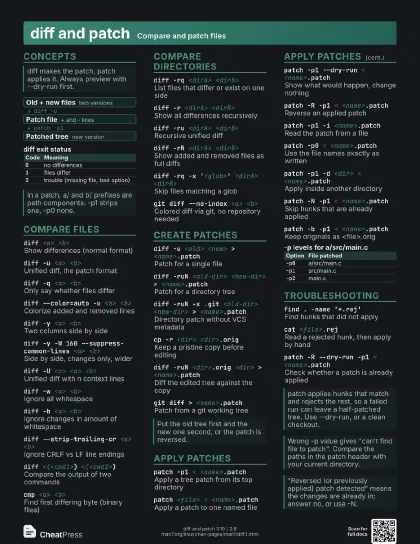
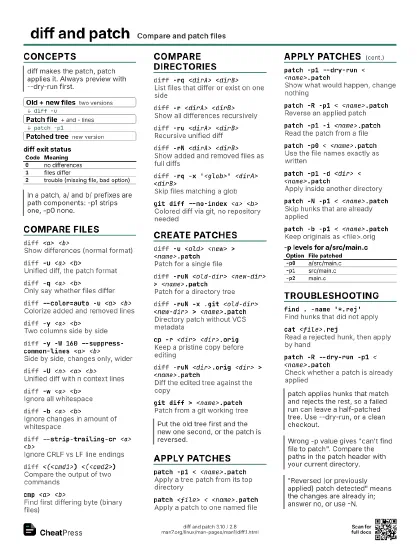
diff and patch Compare and patch files
 Light · Postcard
102 × 152 mm · PDF
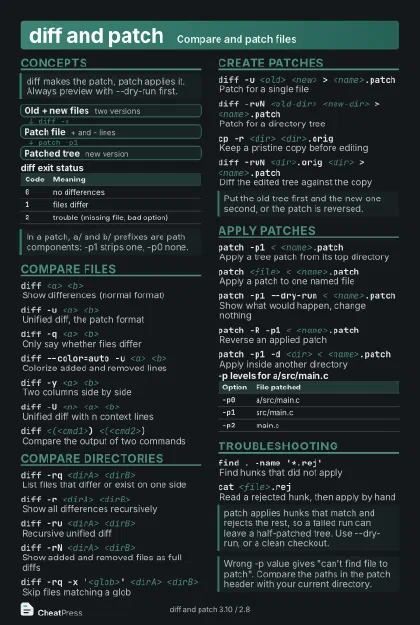 Dark · Postcard
102 × 152 mm · PDF
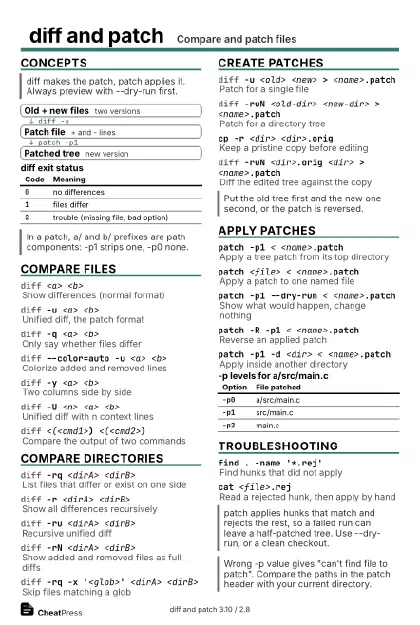 Ink saver · Postcard
102 × 152 mm · PDF
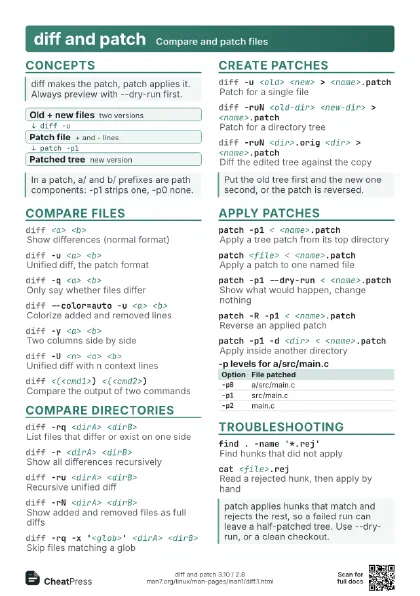
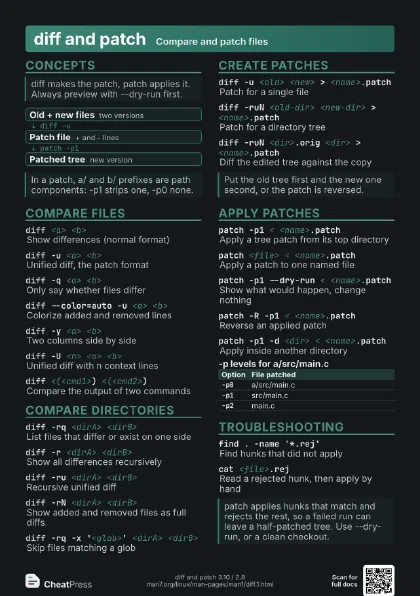
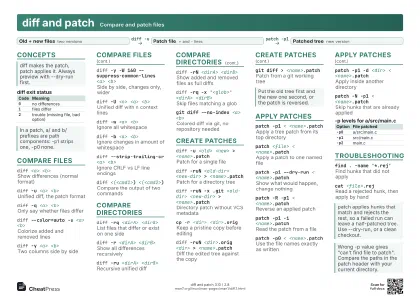 Light · A4 landscape
297 × 210 mm · PDF
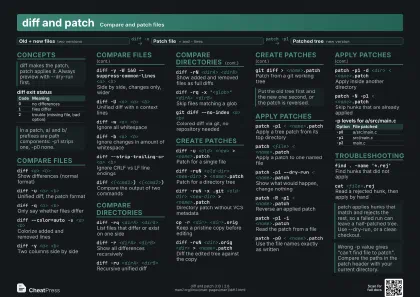 Dark · A4 landscape
297 × 210 mm · PDF
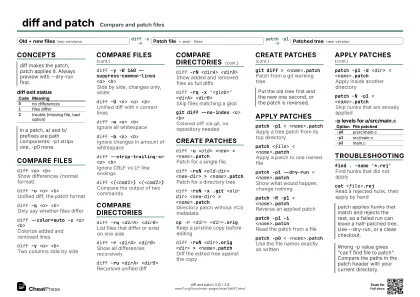 Ink saver · A4 landscape
297 × 210 mm · PDF
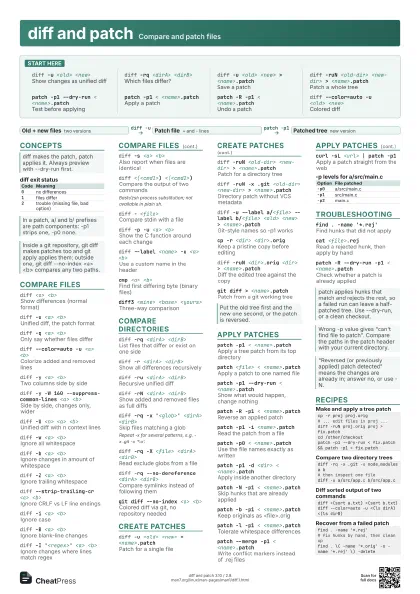
 Light · A3 landscape
420 × 297 mm · PDF
 Dark · A3 landscape
420 × 297 mm · PDF
 Ink saver · A3 landscape
420 × 297 mm · PDF
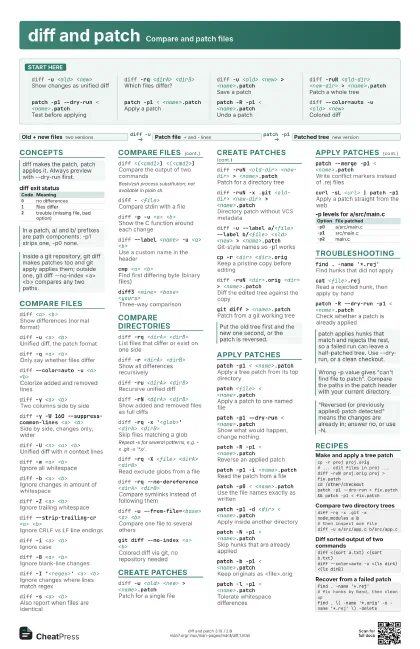
Start here
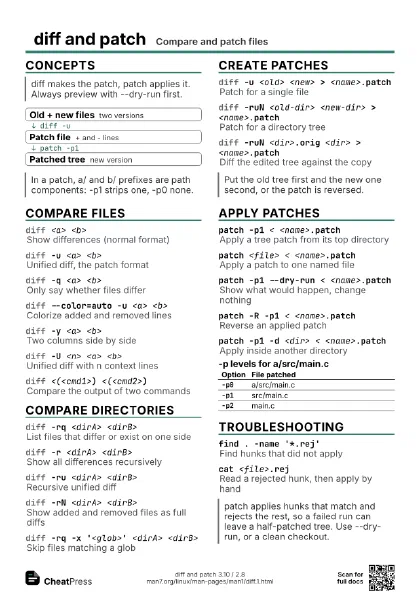
diff -u <old> <new>
Show changes as unified diff
diff -rq <dirA> <dirB>
Which files differ?
diff -u <old> <new> >
                    <name>.patch
Save a patch
diff -ruN <old-dir> <new-dir> >
                    <name>.patch
Patch a whole tree
patch -p1 --dry-run < <name>.patch
Test before applying
patch -p1 < <name>.patch
Apply a patch
patch -R -p1 < <name>.patch
Undo a patch
diff --color=auto -u <old> <new>
Colored diff
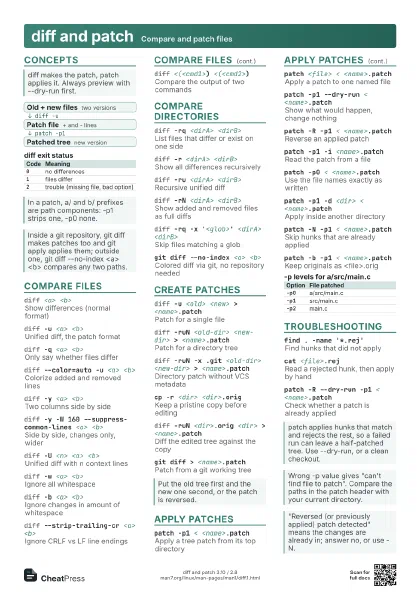
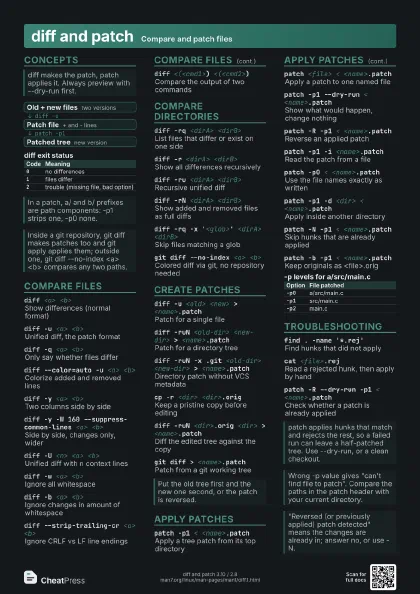
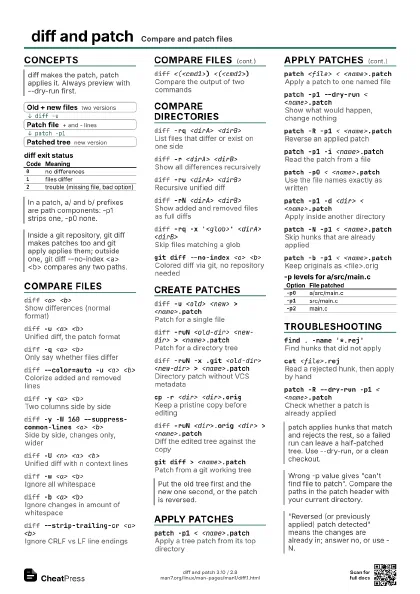
Concepts
- Old + new files two versions
- Patch file + and - lines
- Patched tree new version
| Code | Meaning |
|---|---|
0 |
no differences |
1 |
files differ |
2 |
trouble (missing file, bad option) |
Compare files
diff <a> <b>
Show differences (normal format)
diff -u <a> <b>
Unified diff, the patch format
diff -q <a> <b>
Only say whether files differ
diff --color=auto -u <a> <b>
Colorize added and removed lines
diff -y <a> <b>
Two columns side by side
diff -y -W 160 --suppress-common-lines <a>
                    <b>
Side by side, changes only, wider
diff -U <n> <a> <b>
Unified diff with n context lines
diff -w <a> <b>
Ignore all whitespace
diff -b <a> <b>
Ignore changes in amount of whitespace
diff -Z <a> <b>
Ignore trailing whitespace
diff --strip-trailing-cr <a> <b>
Ignore CRLF vs LF line endings
diff -i <a> <b>
Ignore case
diff -B <a> <b>
Ignore blank-line changes
diff -I '<regex>' <a> <b>
Ignore changes where lines match regex
diff -s <a> <b>
Also report when files are identical
diff <(<cmd1>) <(<cmd2>)
Compare the output of two commands
Bash/zsh process substitution; not available in plain sh.
diff - <file>
Compare stdin with a file
diff -p -u <a> <b>
Show the C function around each change
diff -c <a> <b>
Context diff (older patch format)
diff --label <name> -u <a> <b>
Use a custom name in the header
cmp <a> <b>
Find first differing byte (binary files)
diff3 <mine> <base> <yours>
Three-way comparison
Compare directories
diff -rq <dirA> <dirB>
List files that differ or exist on one side
diff -r <dirA> <dirB>
Show all differences recursively
diff -ru <dirA> <dirB>
Recursive unified diff
diff -rN <dirA> <dirB>
Show added and removed files as full diffs
diff -rq -x '<glob>' <dirA>
                    <dirB>
Skip files matching a glob
Repeat -x for several patterns, e.g. -x .git -x '*.o'.
diff -rq -X <file> <dirA> <dirB>
Read exclude globs from a file
diff -rq --no-dereference <dirA> <dirB>
Compare symlinks instead of following them
diff -r -S <file> <dirA> <dirB>
Resume the comparison at a file name
diff -u --from-file=<base> <a> <b>
Compare one file to several others
diff -rq --ignore-file-name-case <dirA>
                    <dirB>
Ignore case in file names
git diff --no-index <a> <b>
Colored diff via git, no repository needed
Create patches
diff -u <old> <new> >
                    <name>.patch
Patch for a single file
diff -ruN <old-dir> <new-dir> >
                    <name>.patch
Patch for a directory tree
diff -ruN -x .git <old-dir> <new-dir> >
                    <name>.patch
Directory patch without VCS metadata
diff -u --label a/<file> --label b/<file>
                    <old> <new> > <name>.patch
Git-style names so -p1 works
cp -r <dir> <dir>.orig
Keep a pristine copy before editing
diff -ruN <dir>.orig <dir> >
                    <name>.patch
Diff the edited tree against the copy
git diff > <name>.patch
Patch from a git working tree
Apply patches
patch -p1 < <name>.patch
Apply a tree patch from its top directory
patch <file> < <name>.patch
Apply a patch to one named file
patch -p1 --dry-run < <name>.patch
Show what would happen, change nothing
patch -R -p1 < <name>.patch
Reverse an applied patch
patch -p1 -i <name>.patch
Read the patch from a file
patch -p0 < <name>.patch
Use the file names exactly as written
patch -p1 -d <dir> < <name>.patch
Apply inside another directory
patch -N -p1 < <name>.patch
Skip hunks that are already applied
patch -b -p1 < <name>.patch
Keep originals as <file>.orig
patch -l -p1 < <name>.patch
Tolerate whitespace differences
patch --merge -p1 < <name>.patch
Write conflict markers instead of .rej files
patch -F <n> -p1 < <name>.patch
Allow more fuzz when matching context
patch -E -p1 < <name>.patch
Delete files left empty by the patch
patch -o <out> <file> <
                    <name>.patch
Write the result to a new file
patch -s -p1 < <name>.patch
Quiet unless something fails
patch --no-backup-if-mismatch -p1 <
                    <name>.patch
No .orig files after fuzzy matches
curl -sL <url> | patch -p1
Apply a patch straight from the web
| Option | File patched |
|---|---|
-p0 |
a/src/main.c |
-p1 |
src/main.c |
-p2 |
main.c |
Troubleshooting
find . -name '*.rej'
Find hunks that did not apply
cat <file>.rej
Read a rejected hunk, then apply by hand
patch -R --dry-run -p1 < <name>.patch
Check whether a patch is already applied
find . \( -name '*.orig' -o -name '*.rej'
                    \) -delete
Clean up leftovers
patch -p1 --reject-format=unified <
                    <name>.patch
Write .rej files in unified format
patch -f -p1 < <name>.patch
Never ask questions; assume forward
patch --binary -p1 < <name>.patch
No CRLF translation
Recipes
cp -r proj proj.orig# ... edit files in proj ...diff -ruN proj.orig proj > fix.patchcd /other/checkoutpatch -p1 --dry-run < fix.patch && patch -p1 < fix.patchdiff -rq -x .git -x node_modules a b# then inspect one filediff -u a/src/app.c b/src/app.cdiff <(sort a.txt) <(sort b.txt)diff --color=auto -u <(ls dirA) <(ls dirB)find . -name '*.rej'# fix hunks by hand, then clean upfind . \( -name '*.orig' -o -name '*.rej' \) -delete