Cheat
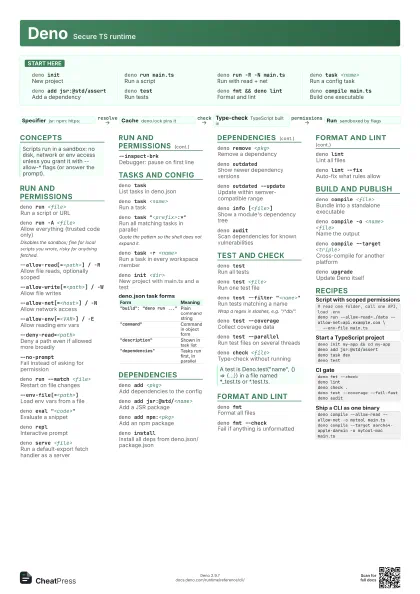
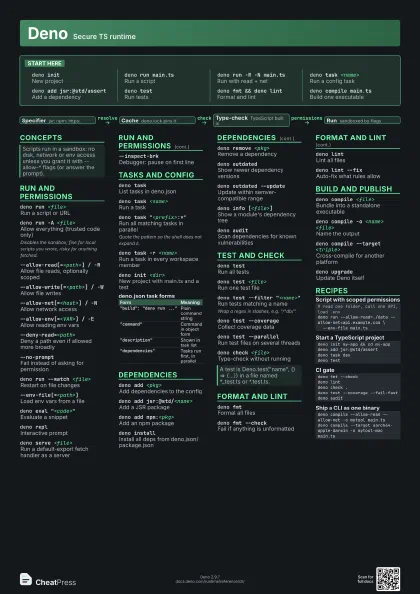
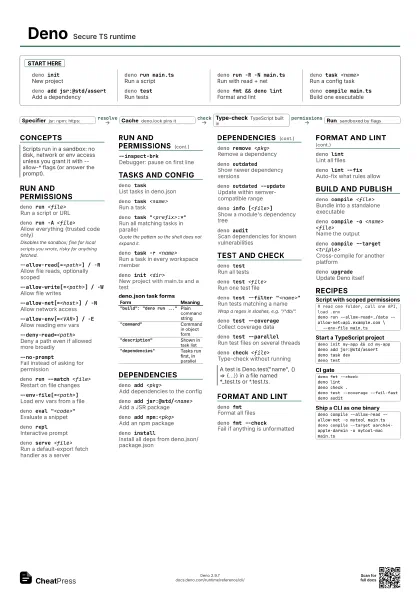
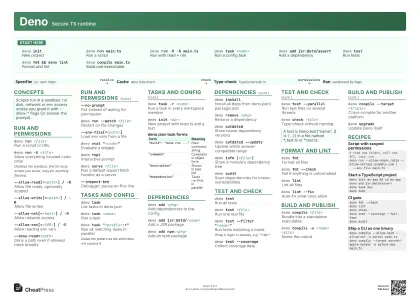
Deno Secure TS runtime
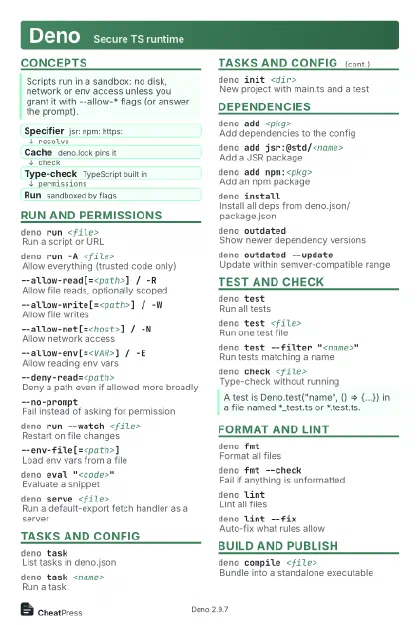 Light · Postcard
102 × 152 mm · PDF
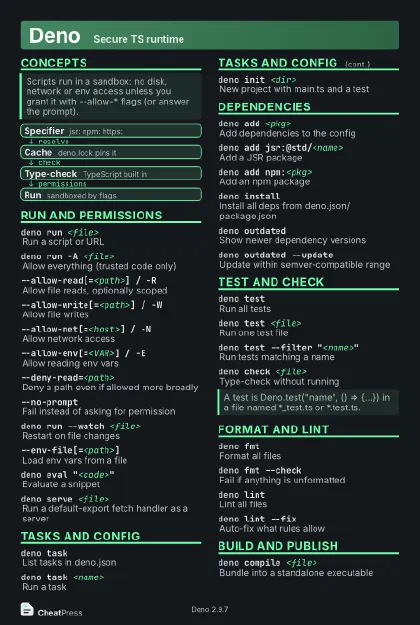 Dark · Postcard
102 × 152 mm · PDF
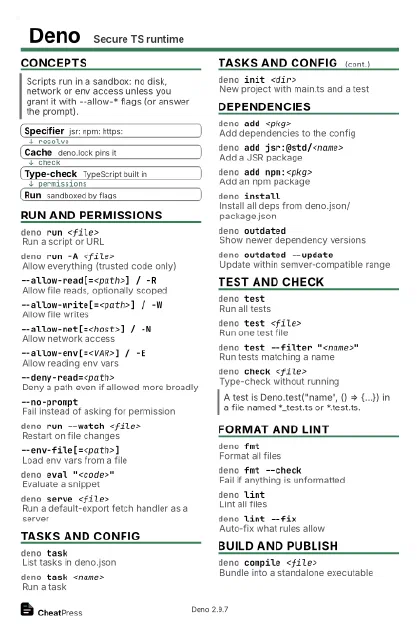 Ink saver · Postcard
102 × 152 mm · PDF
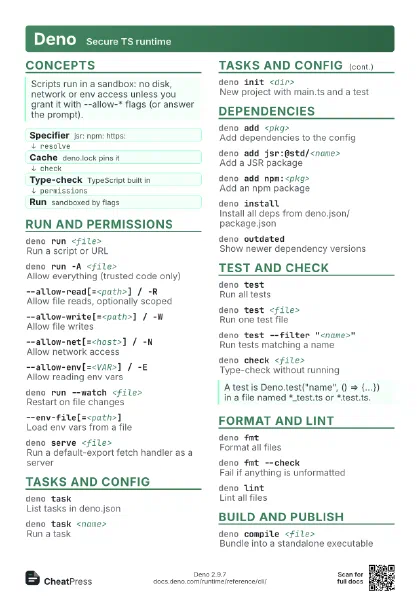
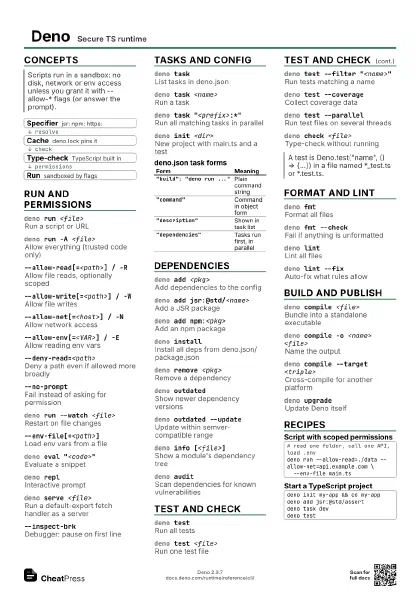
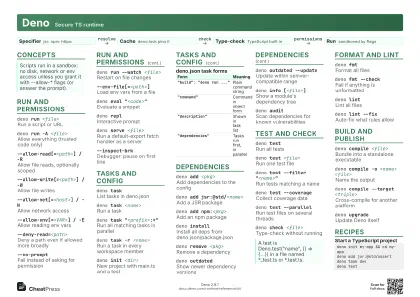 Light · A4 landscape
297 × 210 mm · PDF
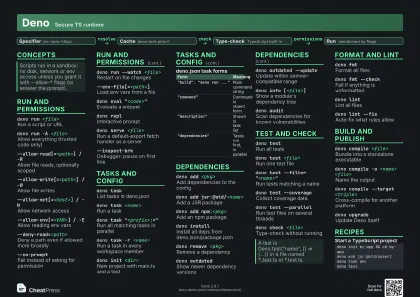 Dark · A4 landscape
297 × 210 mm · PDF
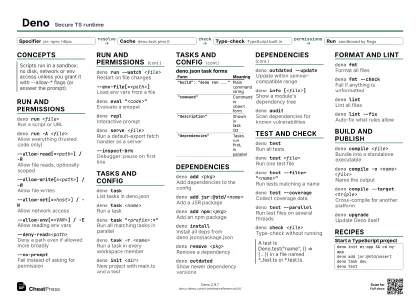 Ink saver · A4 landscape
297 × 210 mm · PDF
 Light · A3 landscape
420 × 297 mm · PDF
 Dark · A3 landscape
420 × 297 mm · PDF
 Ink saver · A3 landscape
420 × 297 mm · PDF
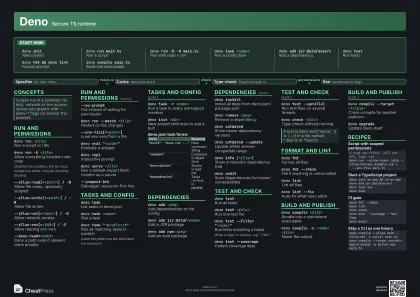
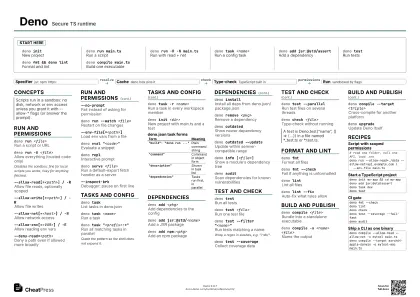
Start here
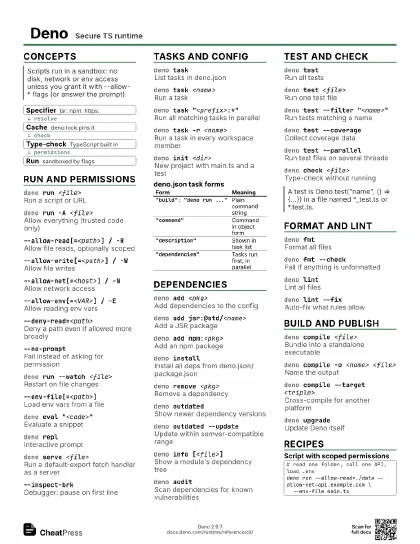
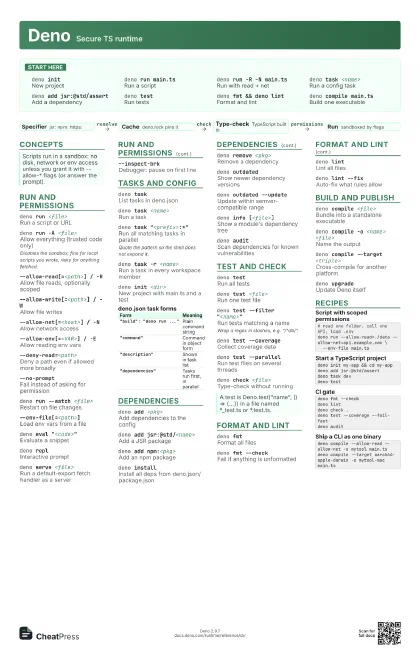
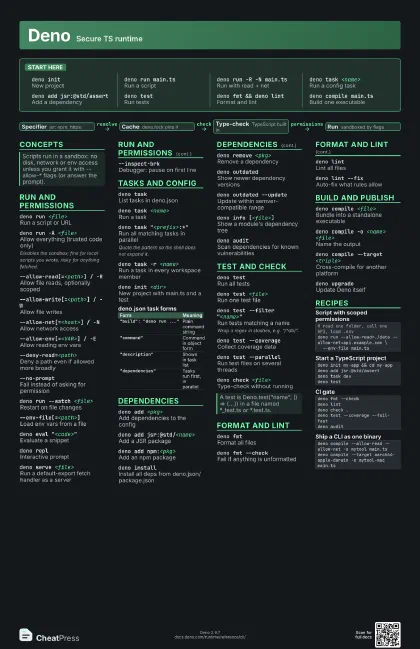
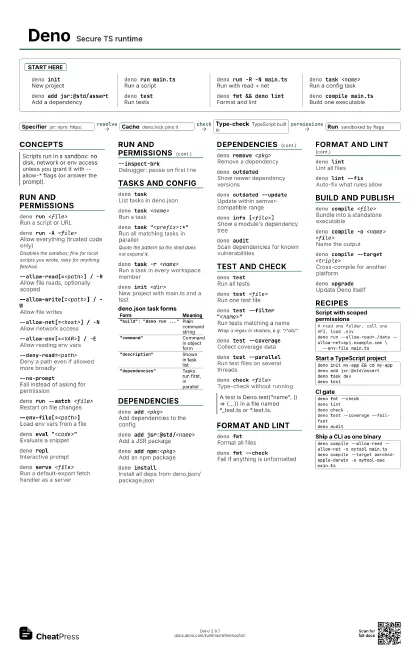
deno initNew project
deno run main.ts
Run a script
deno run -R -N main.ts
Run with read + net
deno task <name>
Run a config task
deno add jsr:@std/assert
Add a dependency
deno testRun tests
deno fmt && deno lint
Format and lint
deno compile main.ts
Build one executable
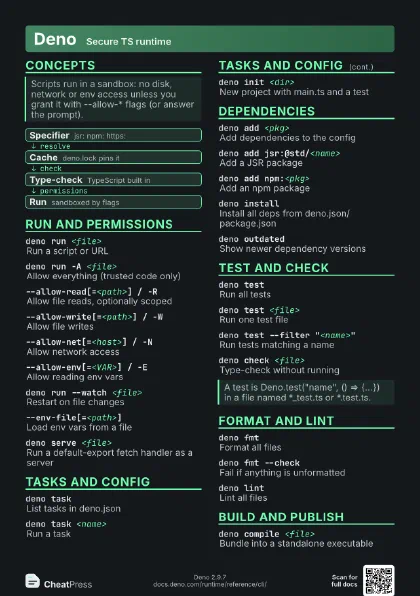
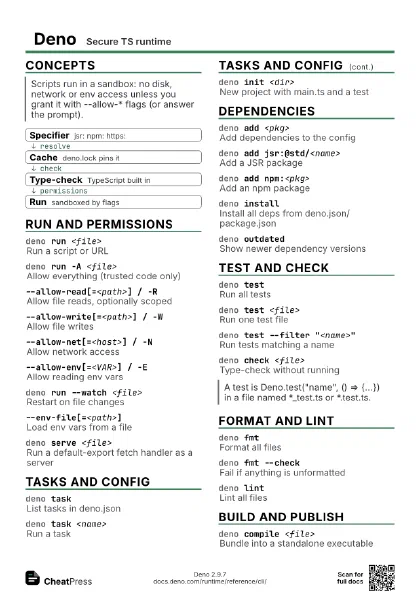
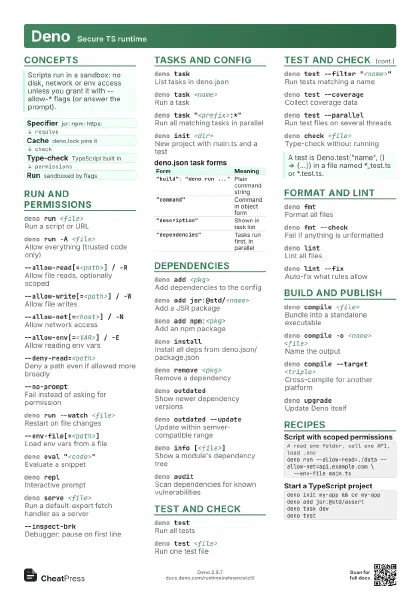
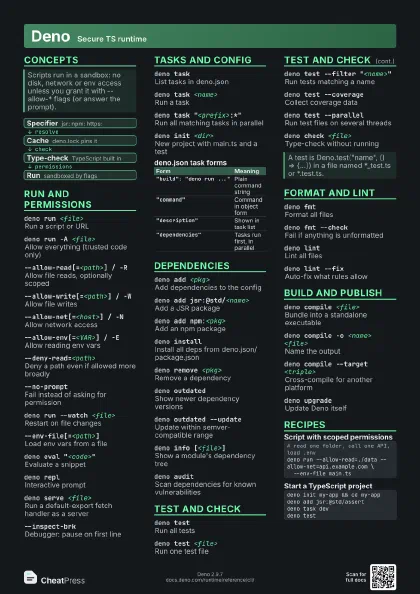
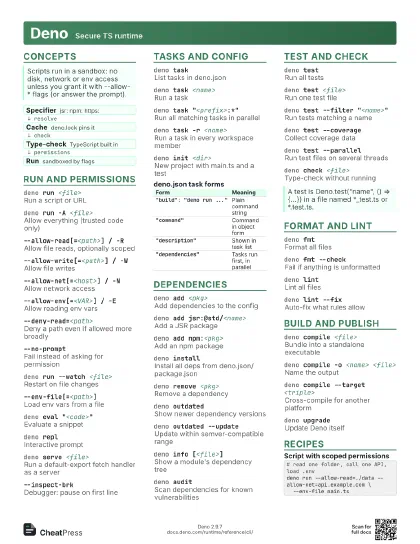
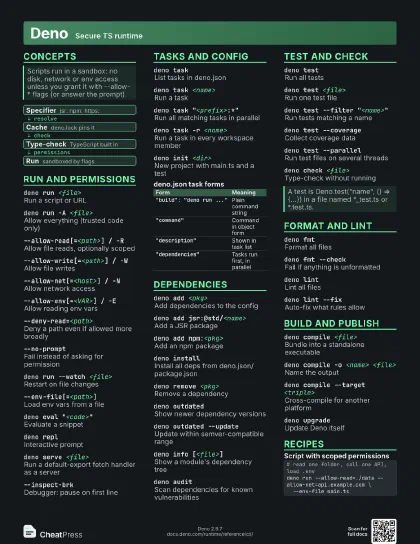
Concepts
- Specifier jsr: npm: https:
- Cache deno.lock pins it
- Type-check TypeScript built in
- Run sandboxed by flags
Run and permissions
deno run <file>
Run a script or URL
deno run -A <file>
Allow everything (trusted code only)
Disables the sandbox; fine for local scripts you wrote, risky
for anything fetched.
--allow-read[=<path>] / -R
Allow file reads, optionally scoped
--allow-write[=<path>] / -W
Allow file writes
--allow-net[=<host>] / -N
Allow network access
--allow-env[=<VAR>] / -E
Allow reading env vars
--deny-read=<path>
Deny a path even if allowed more broadly
--no-promptFail instead of asking for permission
deno run --watch <file>
Restart on file changes
--env-file[=<path>]
Load env vars from a file
deno eval "<code>"
Evaluate a snippet
deno replInteractive prompt
deno serve <file>
Run a default-export fetch handler as a server
--inspect-brkDebugger: pause on first line
Tasks and config
deno taskList tasks in deno.json
deno task <name>
Run a task
deno task "<prefix>:*"
Run all matching tasks in parallel
Quote the pattern so the shell does not expand it.
deno task -r <name>
Run a task in every workspace member
deno init <dir>
New project with main.ts and a test
| Form | Meaning |
|---|---|
"build": "deno run ..."
|
Plain command string |
"command" |
Command in object form |
"description" |
Shown in task list |
"dependencies" |
Tasks run first, in parallel |
Dependencies
deno add <pkg>
Add dependencies to the config
deno add jsr:@std/<name>
Add a JSR package
deno add npm:<pkg>
Add an npm package
deno install
Install all deps from deno.json/package.json
deno remove <pkg>
Remove a dependency
deno outdatedShow newer dependency versions
deno outdated --update
Update within semver-compatible range
deno info [<file>]
Show a module's dependency tree
deno audit
Scan dependencies for known vulnerabilities
Test and check
deno testRun all tests
deno test <file>
Run one test file
deno test --filter "<name>"
Run tests matching a name
Wrap a regex in slashes, e.g. "/^db/".
deno test --coverage
Collect coverage data
deno test --parallel
Run test files on several threads
deno check <file>
Type-check without running
Format and lint
deno fmtFormat all files
deno fmt --check
Fail if anything is unformatted
deno lintLint all files
deno lint --fixAuto-fix what rules allow
Build and publish
deno compile <file>
Bundle into a standalone executable
deno compile -o <name> <file>
Name the output
deno compile --target <triple>
Cross-compile for another platform
deno upgradeUpdate Deno itself
Recipes
# read one folder, call one API, load .envdeno run --allow-read=./data --allow-net=api.example.com \ --env-file main.tsdeno init my-app && cd my-appdeno add jsr:@std/assertdeno task devdeno testdeno fmt --checkdeno lintdeno check .deno test --coverage --fail-fastdeno auditdeno compile --allow-read --allow-net -o mytool main.tsdeno compile --target aarch64-apple-darwin -o mytool-mac main.ts