Cheat
Node.js JavaScript runtime CLI
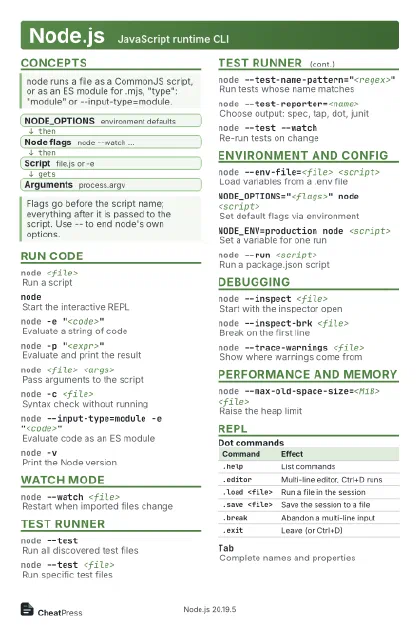 Light · Postcard
102 × 152 mm · PDF
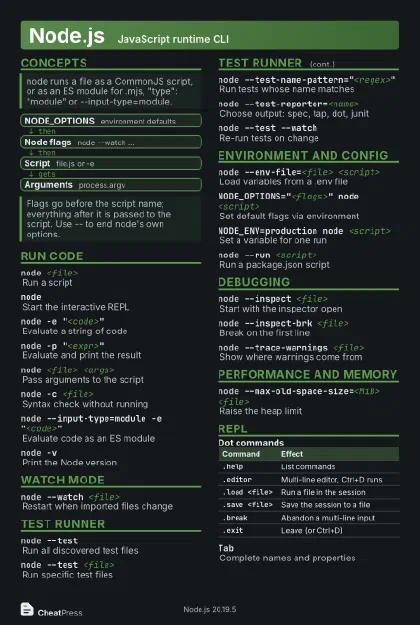 Dark · Postcard
102 × 152 mm · PDF
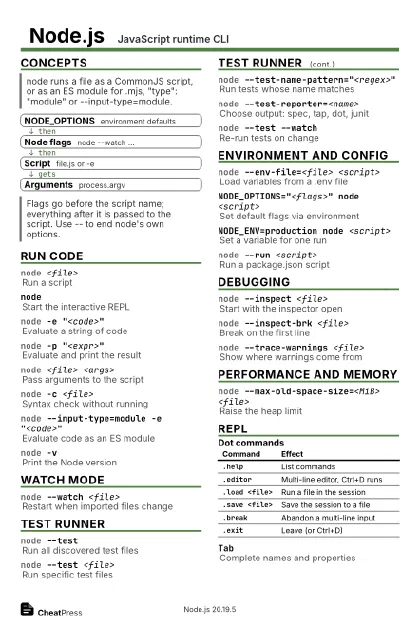 Ink saver · Postcard
102 × 152 mm · PDF
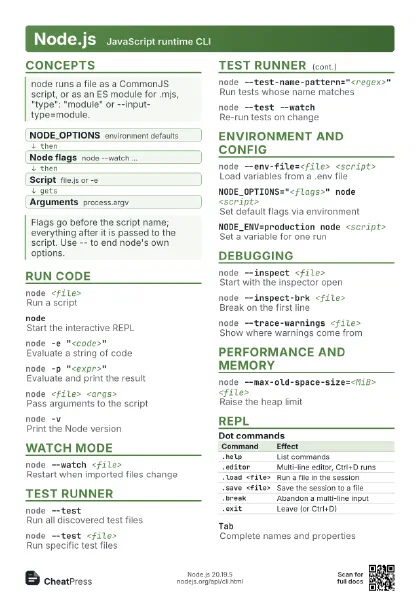
 Light · A4 landscape
297 × 210 mm · PDF
 Dark · A4 landscape
297 × 210 mm · PDF
 Ink saver · A4 landscape
297 × 210 mm · PDF
 Light · A3 landscape
420 × 297 mm · PDF
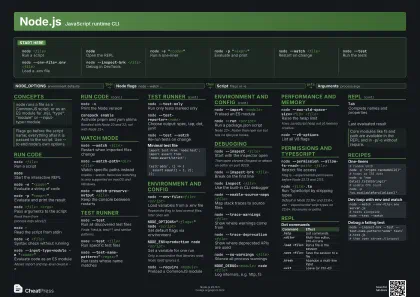 Dark · A3 landscape
420 × 297 mm · PDF
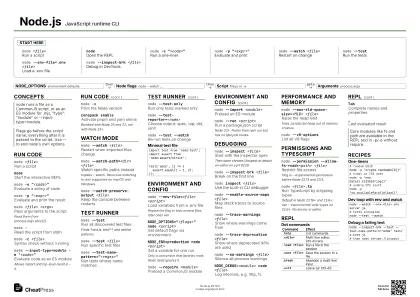 Ink saver · A3 landscape
420 × 297 mm · PDF
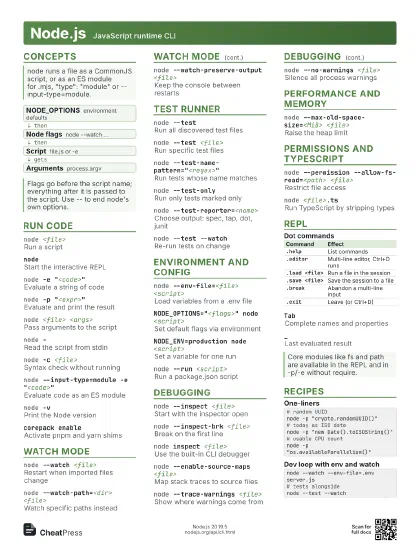
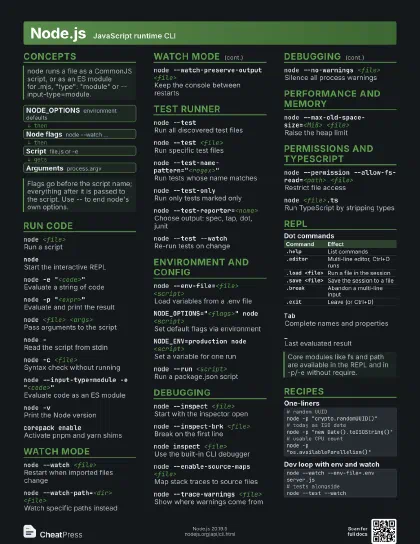
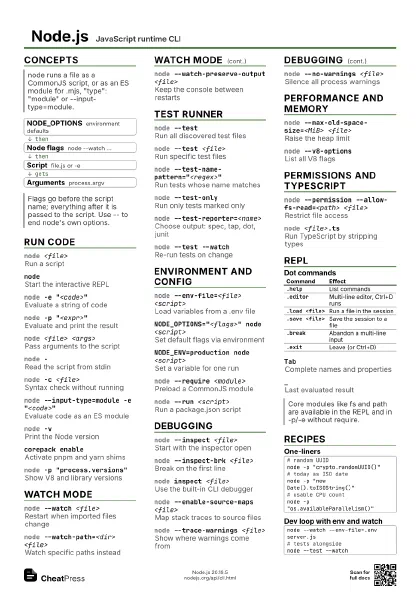
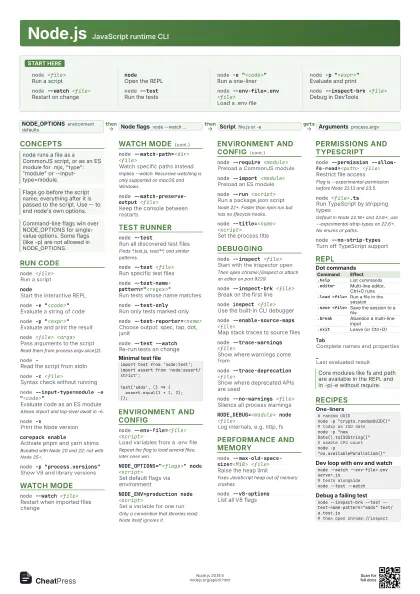
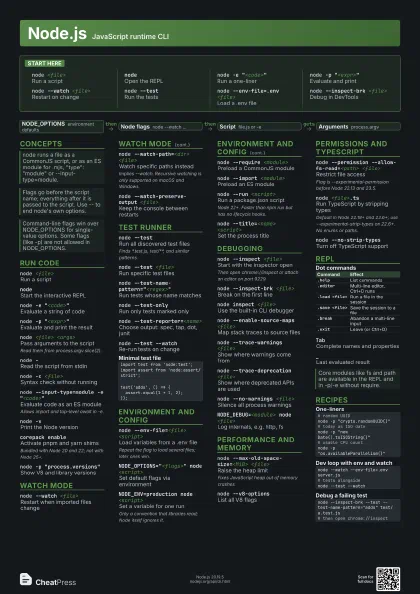
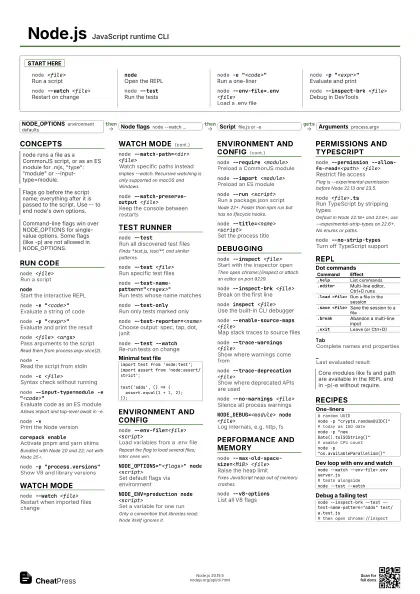
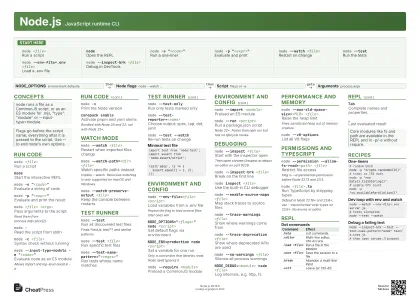
Start here
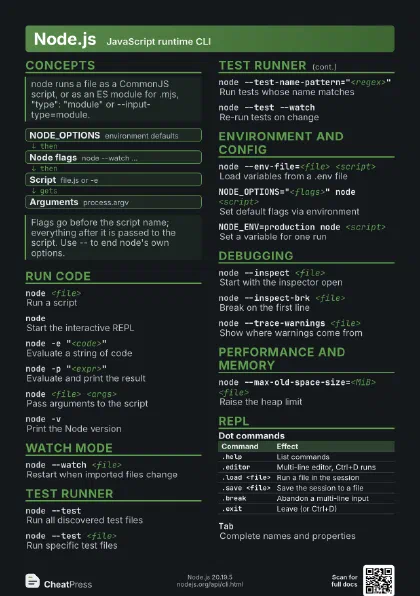
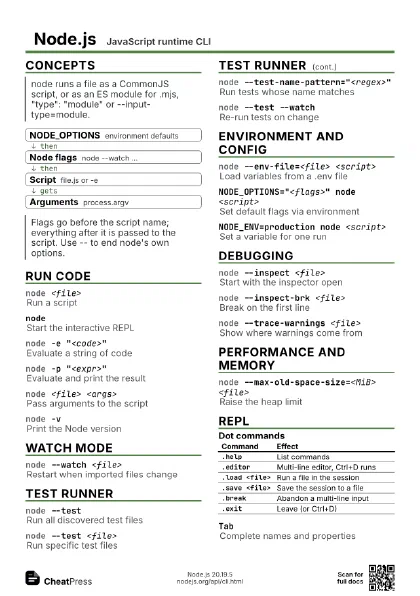
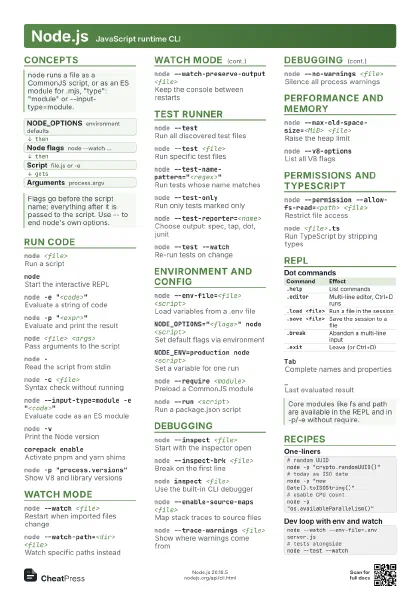
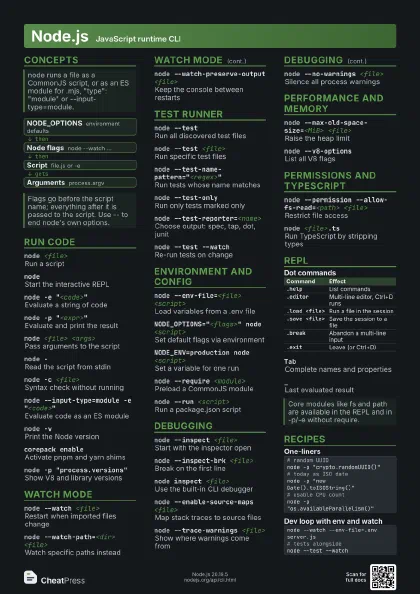
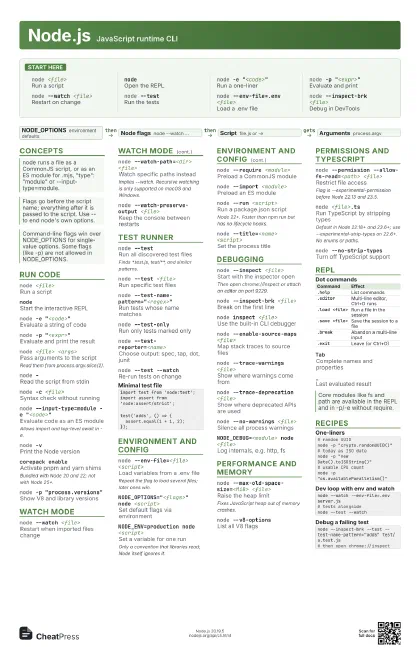
node <file>
Run a script
nodeOpen the REPL
node -e "<code>"
Run a one-liner
node -p "<expr>"
Evaluate and print
node --watch <file>
Restart on change
node --testRun the tests
node --env-file=.env <file>
Load a .env file
node --inspect-brk <file>
Debug in DevTools
Concepts
- NODE_OPTIONS environment defaults
- Node flags node --watch ...
- Script file.js or -e
- Arguments process.argv
Run code
node <file>
Run a script
nodeStart the interactive REPL
node -e "<code>"
Evaluate a string of code
node -p "<expr>"
Evaluate and print the result
node <file> <args>
Pass arguments to the script
Read them from process.argv.slice(2).
node -Read the script from stdin
node -c <file>
Syntax check without running
node --input-type=module -e "<code>"
Evaluate code as an ES module
Allows import and top-level await in -e.
node -vPrint the Node version
corepack enableActivate pnpm and yarn shims
Bundled with Node 20 and 22; not with Node 25+.
node -p "process.versions"
Show V8 and library versions
Watch mode
node --watch <file>
Restart when imported files change
node --watch-path=<dir> <file>
Watch specific paths instead
Implies --watch. Recursive watching is only supported on macOS
and Windows.
node --watch-preserve-output <file>
Keep the console between restarts
Test runner
node --testRun all discovered test files
Finds *.test.js, test/**, and similar patterns.
node --test <file>
Run specific test files
node --test-name-pattern="<regex>"
Run tests whose name matches
node --test-only
Run only tests marked only
node --test-reporter=<name>
Choose output: spec, tap, dot, junit
node --test --watch
Re-run tests on change
import test from 'node:test';import assert from 'node:assert/strict';test('adds', () => { assert.equal(1 + 1, 2);});Environment and config
node --env-file=<file> <script>
Load variables from a .env file
Repeat the flag to load several files; later ones win.
NODE_OPTIONS="<flags>" node
                    <script>
Set default flags via environment
NODE_ENV=production node <script>
Set a variable for one run
Only a convention that libraries read; Node itself ignores it.
node --require <module>
Preload a CommonJS module
node --import <module>
Preload an ES module
node --run <script>
Run a package.json script
Node 22+. Faster than npm run but has no lifecycle hooks.
node --title=<name> <script>
Set the process title
Debugging
node --inspect <file>
Start with the inspector open
Then open chrome://inspect or attach an editor on port 9229.
node --inspect-brk <file>
Break on the first line
node inspect <file>
Use the built-in CLI debugger
node --enable-source-maps <file>
Map stack traces to source files
node --trace-warnings <file>
Show where warnings come from
node --trace-deprecation <file>
Show where deprecated APIs are used
node --no-warnings <file>
Silence all process warnings
NODE_DEBUG=<module> node <file>
Log internals, e.g. http, fs
Performance and memory
node --max-old-space-size=<MiB> <file>
Raise the heap limit
Fixes JavaScript heap out of memory crashes.
node --v8-options
List all V8 flags
Permissions and TypeScript
node --permission --allow-fs-read=<path>
                    <file>
Restrict file access
Flag is --experimental-permission before Node 22.13 and 23.5.
node <file>.ts
Run TypeScript by stripping types
Default in Node 22.18+ and 23.6+; use
--experimental-strip-types on 22.6+. No enums or paths.
node --no-strip-types
Turn off TypeScript support
REPL
| Command | Effect |
|---|---|
.help |
List commands |
.editor |
Multi-line editor, Ctrl+D runs |
.load <file> |
Run a file in the session |
.save <file> |
Save the session to a file |
.break |
Abandon a multi-line input |
.exit |
Leave (or Ctrl+D) |
TabComplete names and properties
_Last evaluated result
Recipes
# random UUIDnode -p "crypto.randomUUID()"# today as ISO datenode -p "new Date().toISOString()"# usable CPU countnode -p "os.availableParallelism()"node --watch --env-file=.env server.js# tests alongsidenode --test --watchnode --inspect-brk --test --test-name-pattern="adds" test/a.test.js# then open chrome://inspect