Cheat
Devbox Nix dev environments
 Light · Postcard
102 × 152 mm · PDF
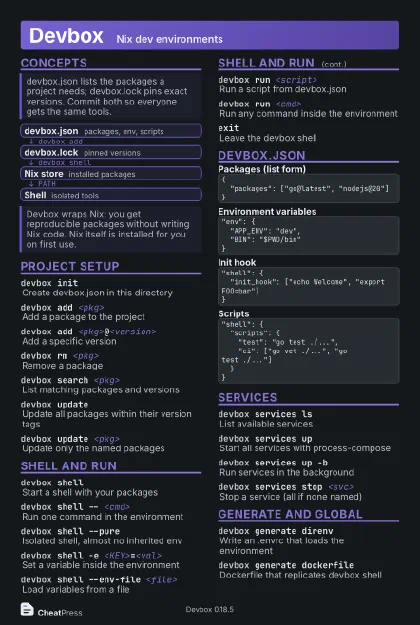 Dark · Postcard
102 × 152 mm · PDF
 Ink saver · Postcard
102 × 152 mm · PDF
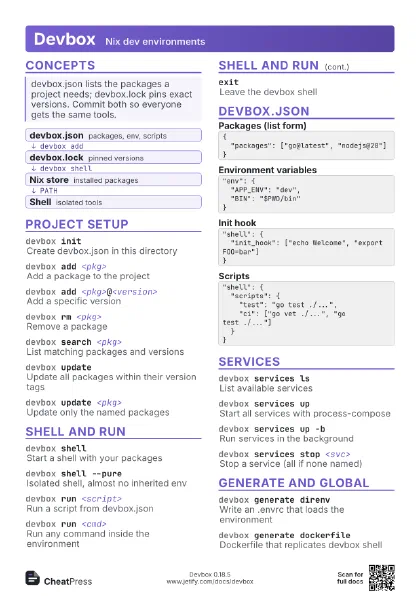
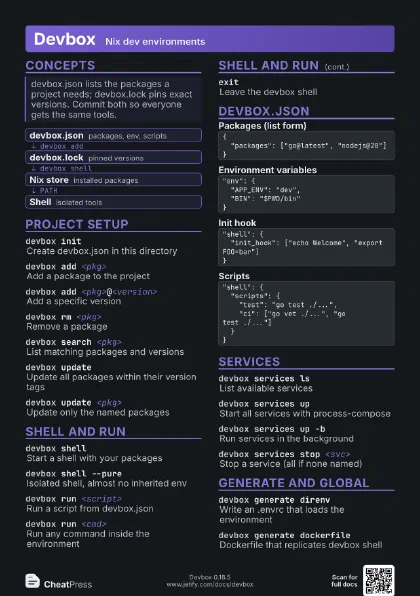
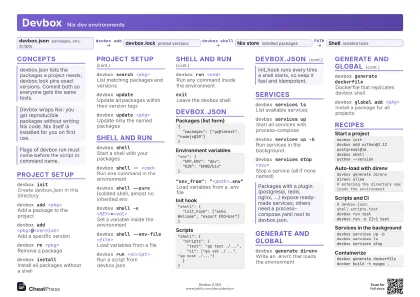 Light · A4 landscape
297 × 210 mm · PDF
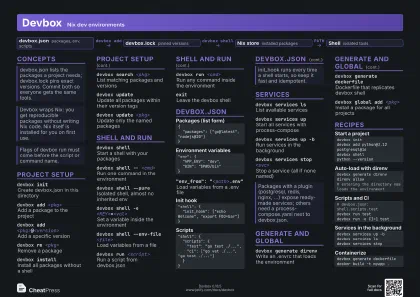 Dark · A4 landscape
297 × 210 mm · PDF
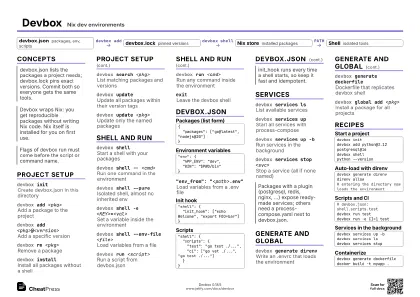 Ink saver · A4 landscape
297 × 210 mm · PDF
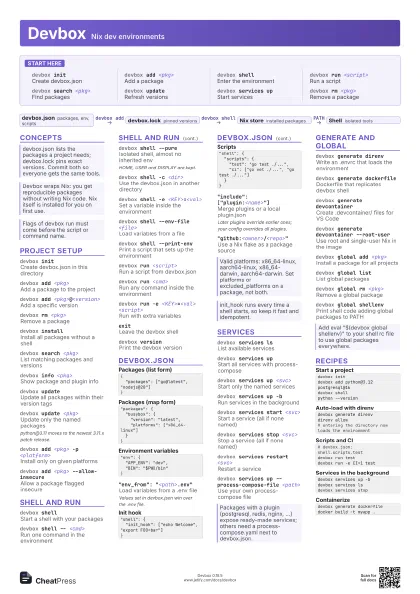
 Light · A3 landscape
420 × 297 mm · PDF
 Dark · A3 landscape
420 × 297 mm · PDF
 Ink saver · A3 landscape
420 × 297 mm · PDF
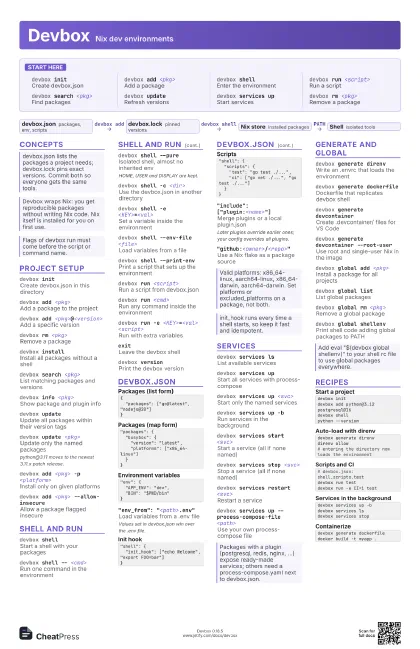
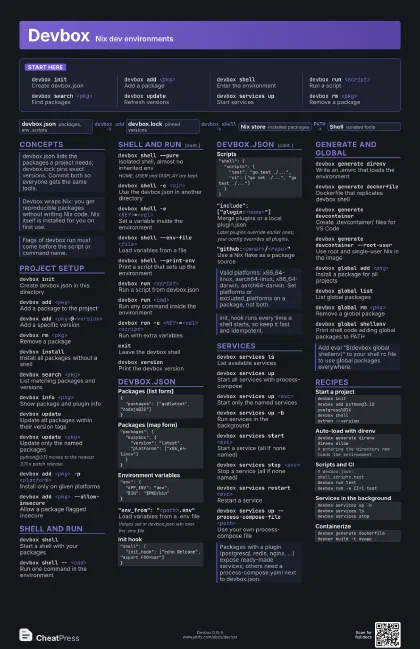
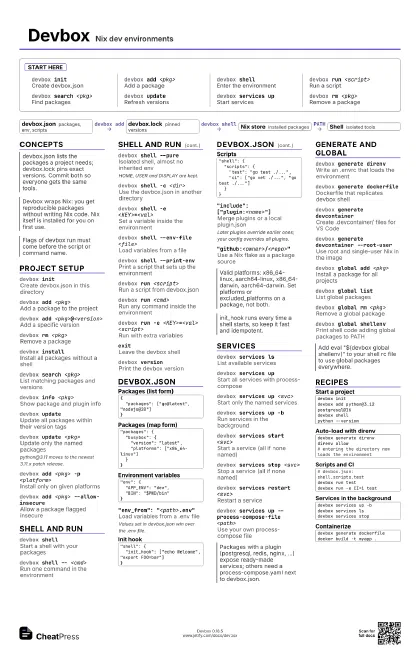
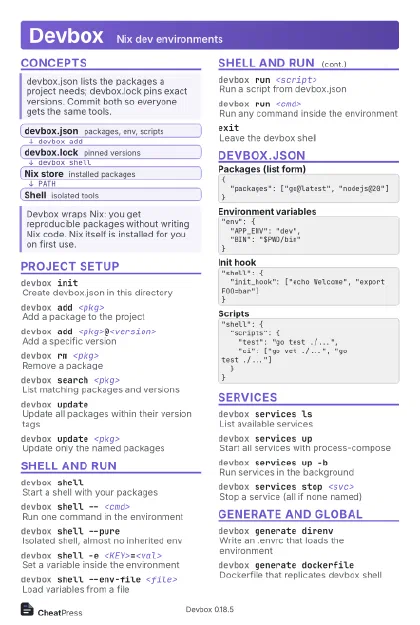
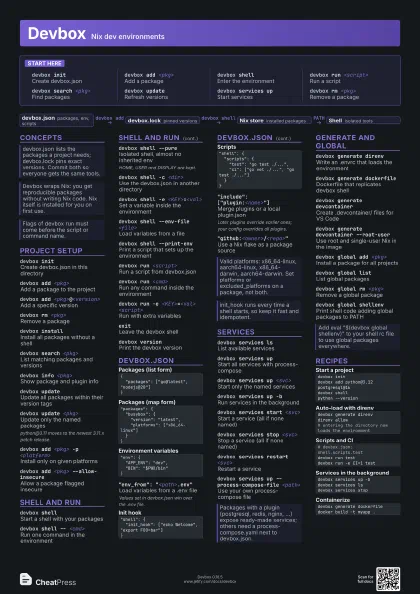
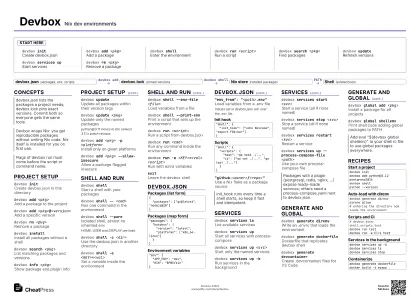
Start here
devbox initCreate devbox.json
devbox add <pkg>
Add a package
devbox shellEnter the environment
devbox run <script>
Run a script
devbox search <pkg>
Find packages
devbox updateRefresh versions
devbox services up
Start services
devbox rm <pkg>
Remove a package
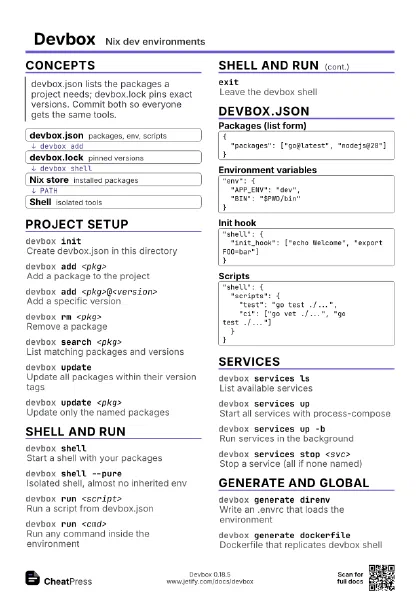
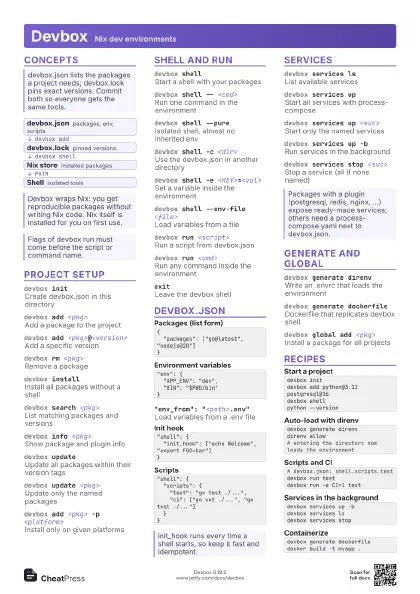
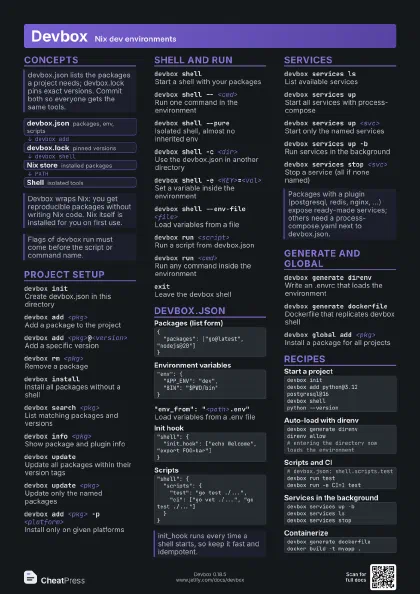
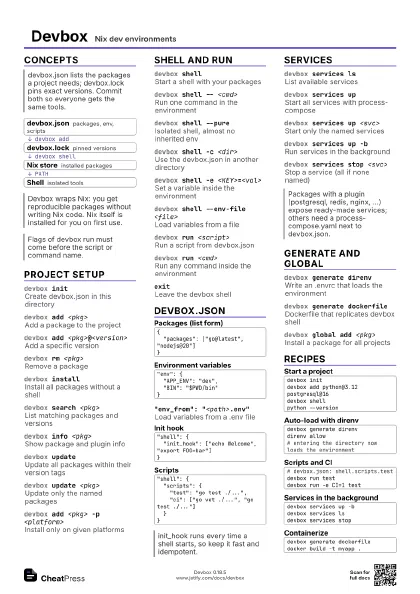
Concepts
- devbox.json packages, env, scripts
- devbox.lock pinned versions
- Nix store installed packages
- Shell isolated tools
Project setup
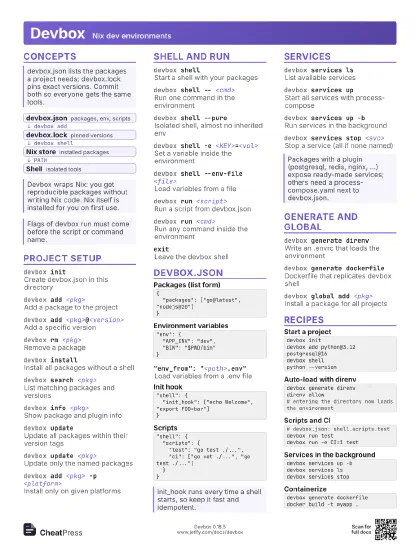
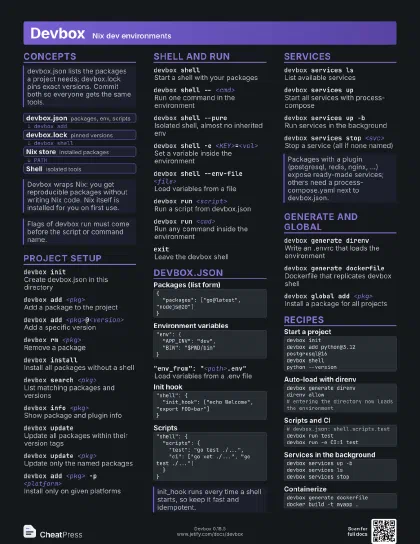
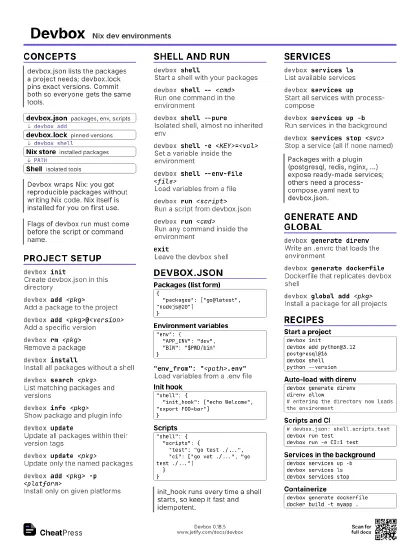
devbox initCreate devbox.json in this directory
devbox add <pkg>
Add a package to the project
devbox add <pkg>@<version>
Add a specific version
devbox rm <pkg>
Remove a package
devbox installInstall all packages without a shell
devbox search <pkg>
List matching packages and versions
devbox info <pkg>
Show package and plugin info
devbox update
Update all packages within their version tags
devbox update <pkg>
Update only the named packages
python@3.11 moves to the newest 3.11.x patch release.
devbox add <pkg> -p <platform>
Install only on given platforms
devbox add <pkg> --allow-insecure
Allow a package flagged insecure
Shell and run
devbox shellStart a shell with your packages
devbox shell -- <cmd>
Run one command in the environment
devbox shell --pure
Isolated shell, almost no inherited env
HOME, USER and DISPLAY are kept.
devbox shell -c <dir>
Use the devbox.json in another directory
devbox shell -e <KEY>=<val>
Set a variable inside the environment
devbox shell --env-file <file>
Load variables from a file
devbox shell --print-env
Print a script that sets up the environment
devbox run <script>
Run a script from devbox.json
devbox run <cmd>
Run any command inside the environment
devbox run -e <KEY>=<val> <script>
Run with extra variables
exitLeave the devbox shell
devbox versionPrint the devbox version
devbox.json
{ "packages": ["go@latest", "nodejs@20"]}"packages": { "busybox": { "version": "latest", "platforms": ["x86_64-linux"] }}"env": { "APP_ENV": "dev", "BIN": "$PWD/bin"}"env_from": "<path>.env"
Load variables from a .env file
Values set in devbox.json win over the .env file.
"shell": { "init_hook": ["echo Welcome", "export FOO=bar"]}"shell": { "scripts": { "test": "go test ./...", "ci": ["go vet ./...", "go test ./..."] }}"include": ["plugin:<name>"]
Merge plugins or a local plugin.json
Later plugins override earlier ones; your config overrides all
plugins.
"github:<owner>/<repo>"
Use a Nix flake as a package source
Services
devbox services ls
List available services
devbox services up
Start all services with process-compose
devbox services up <svc>
Start only the named services
devbox services up -b
Run services in the background
devbox services start <svc>
Start a service (all if none named)
devbox services stop <svc>
Stop a service (all if none named)
devbox services restart <svc>
Restart a service
devbox services up --process-compose-file
                    <path>
Use your own process-compose file
Generate and global
devbox generate direnv
Write an .envrc that loads the environment
devbox generate dockerfile
Dockerfile that replicates devbox shell
devbox generate devcontainer
Create .devcontainer/ files for VS Code
devbox generate devcontainer --root-user
Use root and single-user Nix in the image
devbox global add <pkg>
Install a package for all projects
devbox global list
List global packages
devbox global rm <pkg>
Remove a global package
devbox global shellenv
Print shell code adding global packages to PATH
Recipes
devbox initdevbox add python@3.12 postgresql@16devbox shellpython --versiondevbox generate direnvdirenv allow# entering the directory now loads the environment# devbox.json: shell.scripts.testdevbox run testdevbox run -e CI=1 testdevbox services up -bdevbox services lsdevbox services stopdevbox generate dockerfiledocker build -t myapp .