Cheat
Delve Go debugger
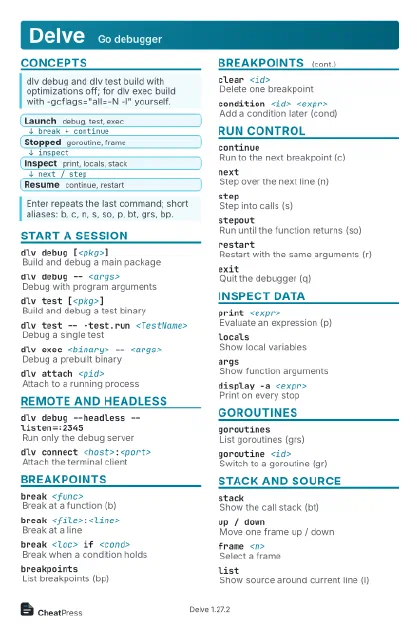 Light · Postcard
102 × 152 mm · PDF
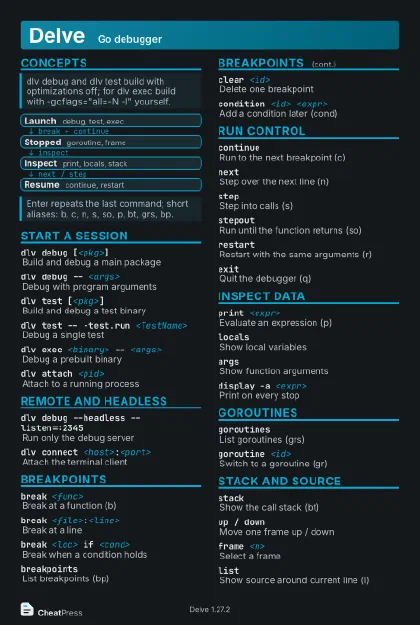 Dark · Postcard
102 × 152 mm · PDF
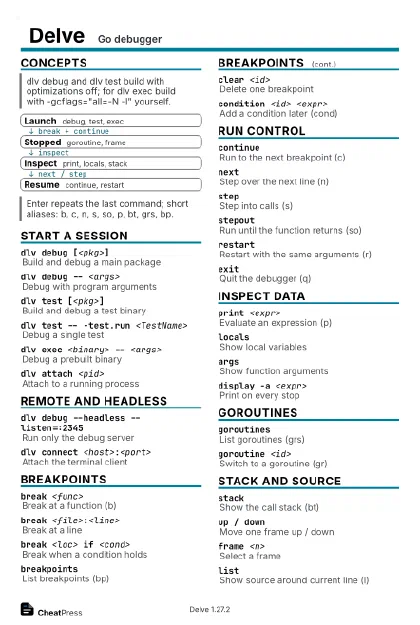 Ink saver · Postcard
102 × 152 mm · PDF
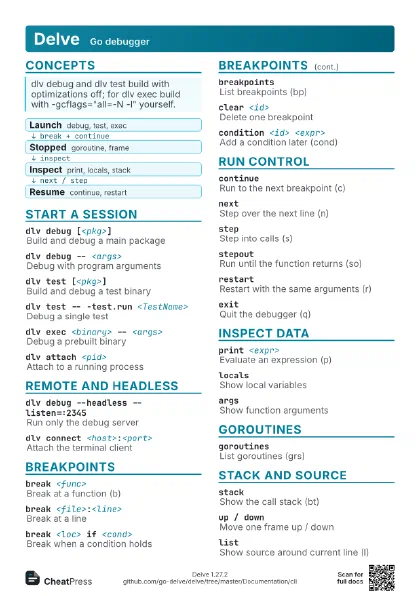
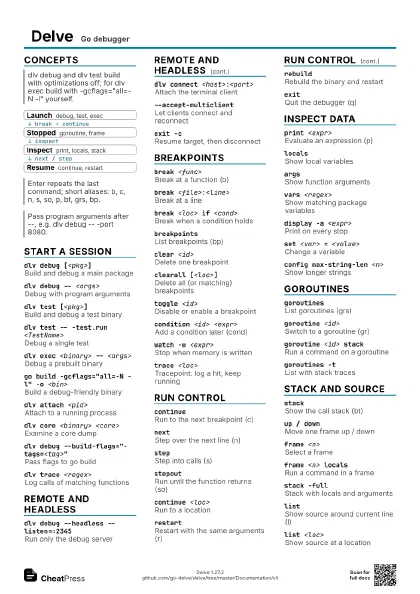
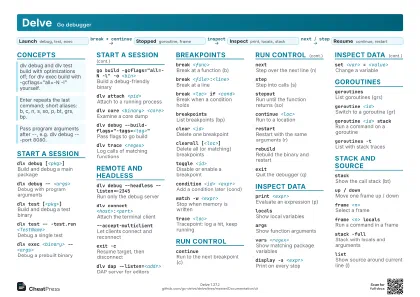 Light · A4 landscape
297 × 210 mm · PDF
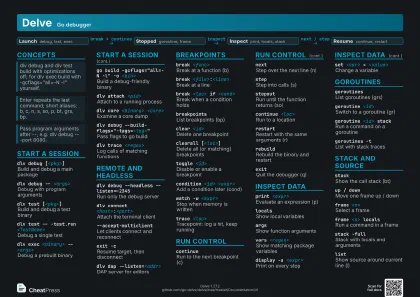 Dark · A4 landscape
297 × 210 mm · PDF
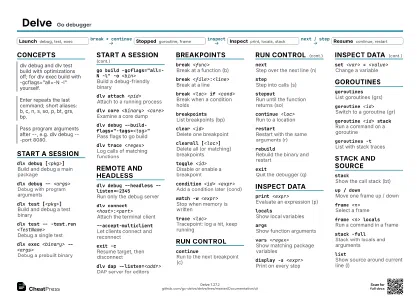 Ink saver · A4 landscape
297 × 210 mm · PDF
 Light · A3 landscape
420 × 297 mm · PDF
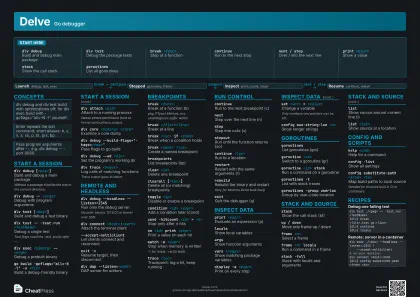 Dark · A3 landscape
420 × 297 mm · PDF
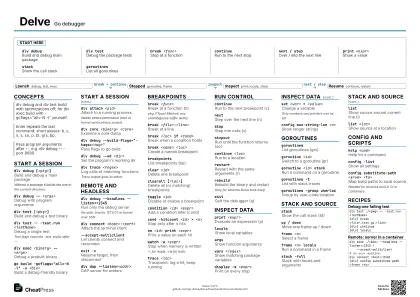 Ink saver · A3 landscape
420 × 297 mm · PDF
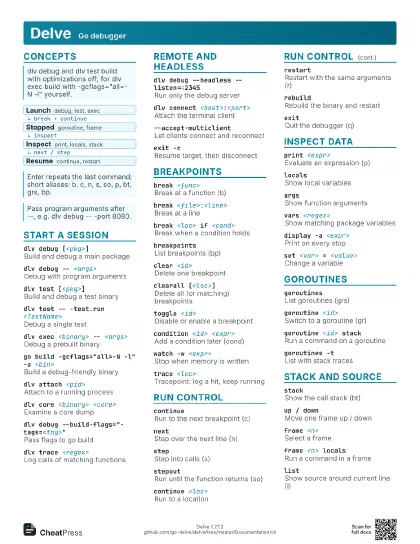
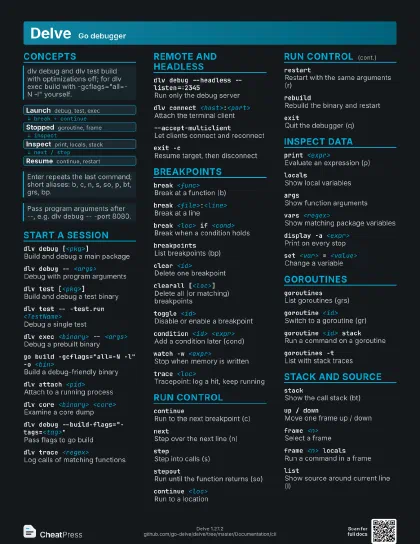
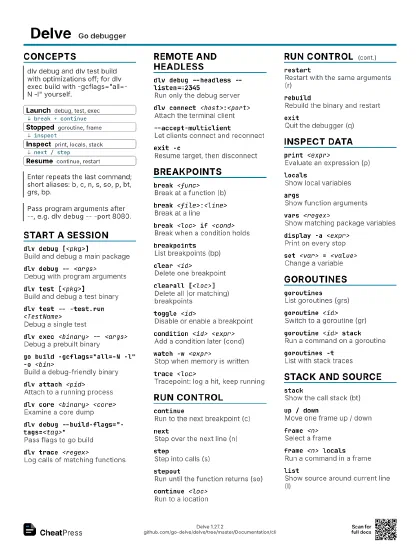
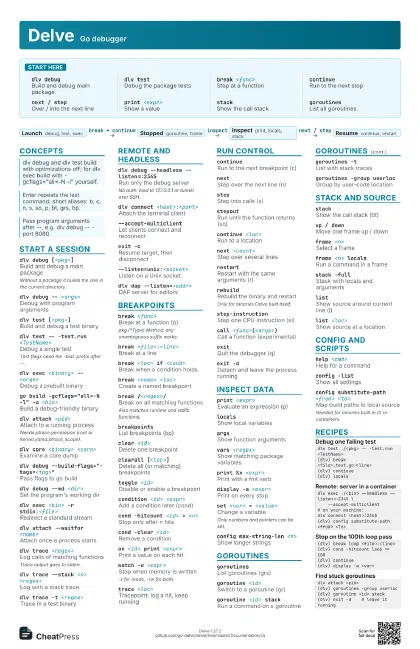
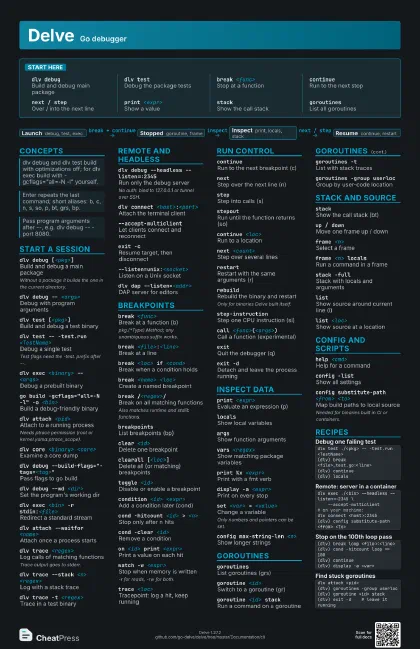
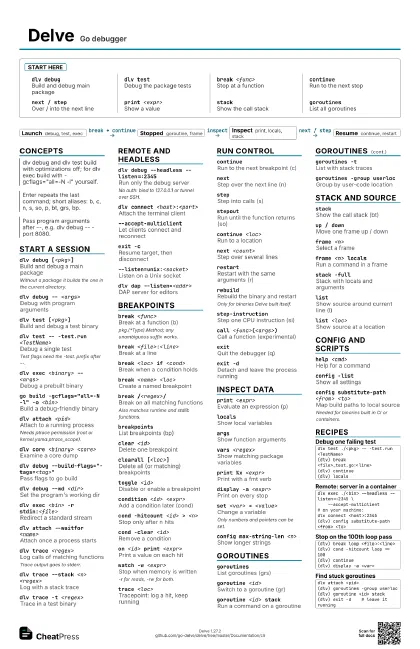
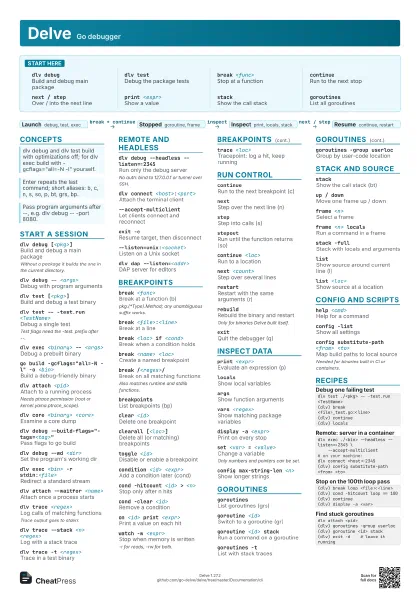
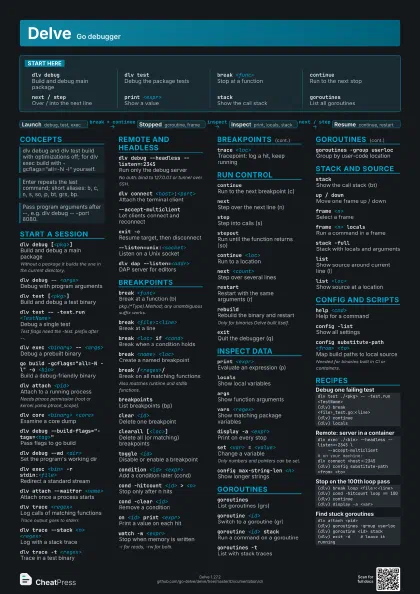
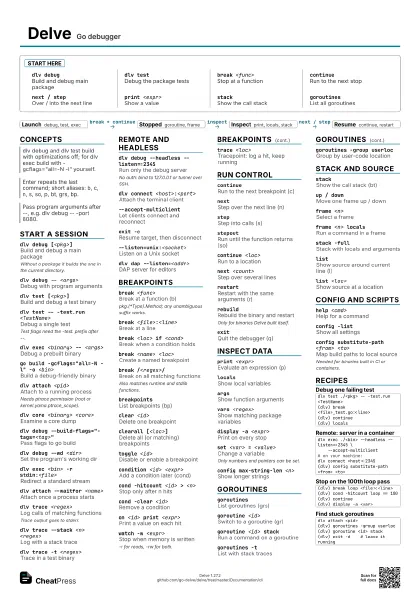
Start here
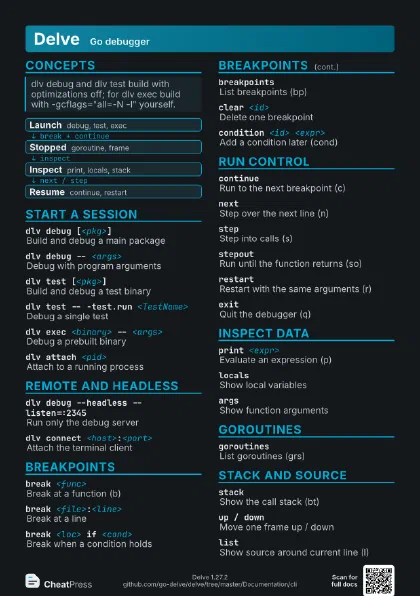
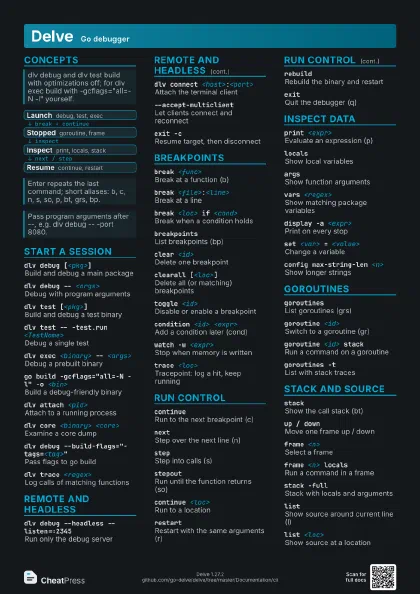
dlv debugBuild and debug main package
dlv testDebug the package tests
break <func>
Stop at a function
continueRun to the next stop
next / stepOver / into the next line
print <expr>
Show a value
stackShow the call stack
goroutinesList all goroutines
Concepts
- Launch debug, test, exec
- Stopped goroutine, frame
- Inspect print, locals, stack
- Resume continue, restart
Start a session
dlv debug [<pkg>]
Build and debug a main package
Without a package it builds the one in the current directory.
dlv debug -- <args>
Debug with program arguments
dlv test [<pkg>]
Build and debug a test binary
dlv test -- -test.run <TestName>
Debug a single test
Test flags need the -test. prefix after --.
dlv exec <binary> -- <args>
Debug a prebuilt binary
go build -gcflags="all=-N -l" -o <bin>
Build a debug-friendly binary
dlv attach <pid>
Attach to a running process
Needs ptrace permission (root or kernel.yama.ptrace_scope).
dlv core <binary> <core>
Examine a core dump
dlv debug --build-flags="-tags=<tag>"
Pass flags to go build
dlv debug --wd <dir>
Set the program's working dir
dlv exec <bin> -r stdin:<file>
Redirect a standard stream
dlv attach --waitfor <name>
Attach once a process starts
dlv trace <regex>
Log calls of matching functions
Trace output goes to stderr.
dlv trace --stack <n> <regex>
Log with a stack trace
dlv trace -t <regex>
Trace in a test binary
dlv versionShow Delve version
Remote and headless
dlv debug --headless --listen=:2345
Run only the debug server
No auth: bind to 127.0.0.1 or tunnel over SSH.
dlv connect <host>:<port>
Attach the terminal client
--accept-multiclient
Let clients connect and reconnect
exit -cResume target, then disconnect
--listen=unix:<socket>
Listen on a Unix socket
dlv dap --listen=<addr>
DAP server for editors
Breakpoints
break <func>
Break at a function (b)
pkg.(*Type).Method; any unambiguous suffix works.
break <file>:<line>
Break at a line
break <loc> if <cond>
Break when a condition holds
break <name> <loc>
Create a named breakpoint
break /<regex>/
Break on all matching functions
Also matches runtime and stdlib functions.
breakpointsList breakpoints (bp)
clear <id>
Delete one breakpoint
clearall [<loc>]
Delete all (or matching) breakpoints
toggle <id>
Disable or enable a breakpoint
condition <id> <expr>
Add a condition later (cond)
cond -hitcount <id> > <n>
Stop only after n hits
cond -clear <id>
Remove a condition
on <id> print <expr>
Print a value on each hit
watch -w <expr>
Stop when memory is written
-r for reads, -rw for both.
trace <loc>
Tracepoint: log a hit, keep running
Run control
continueRun to the next breakpoint (c)
nextStep over the next line (n)
stepStep into calls (s)
stepoutRun until the function returns (so)
continue <loc>
Run to a location
next <count>
Step over several lines
restartRestart with the same arguments (r)
rebuildRebuild the binary and restart
Only for binaries Delve built itself.
step-instruction
Step one CPU instruction (si)
call <func>(<args>)
Call a function (experimental)
exitQuit the debugger (q)
exit -dDetach and leave the process running
Inspect data
print <expr>
Evaluate an expression (p)
localsShow local variables
argsShow function arguments
vars <regex>
Show matching package variables
print %x <expr>
Print with a fmt verb
display -a <expr>
Print on every stop
display -d <n>
Stop displaying an expression
whatis <expr>
Show the type
set <var> = <value>
Change a variable
Only numbers and pointers can be set.
x -fmt hex -count <n> -x <expr>
Dump raw memory
config max-string-len <n>
Show longer strings
Goroutines
goroutinesList goroutines (grs)
goroutine <id>
Switch to a goroutine (gr)
goroutine <id> stack
Run a command on a goroutine
goroutines -tList with stack traces
goroutines -group userloc
Group by user-code location
goroutines -with userloc <text>
Filter by location
threadsList OS threads
Stack and source
stackShow the call stack (bt)
up / downMove one frame up / down
frame <n>Select a frame
frame <n> locals
Run a command in a frame
stack -fullStack with locals and arguments
listShow source around current line (l)
list <loc>
Show source at a location
deferred <n> locals
Inspect a deferred call
funcs <regex>
Find functions
sources <regex>
Find source files
disassembleDisassemble current function
editOpen location in $EDITOR
Config and scripts
help <cmd>
Help for a command
config -listShow all settings
config substitute-path <from> <to>
Map build paths to local source
Needed for binaries built in CI or containers.
config -saveWrite settings to config.yml
source <file>
Run commands from a file
dlv debug --init <file>
Run a command file on start
transcript <file>
Append output to a file
dump <file>
Write a core dump of the process
Recipes
dlv test ./<pkg> -- -test.run <TestName>(dlv) break <file>_test.go:<line>(dlv) continue(dlv) localsdlv exec ./<bin> --headless --listen=:2345 \ --accept-multiclient# on your machine:dlv connect <host>:2345(dlv) config substitute-path <from> <to>(dlv) break loop <file>:<line>(dlv) cond -hitcount loop == 100(dlv) continue(dlv) display -a <var>dlv attach <pid>(dlv) goroutines -group userloc(dlv) goroutine <id> stack(dlv) exit -d # leave it running