Cheat
darktable Photo workflow shortcuts
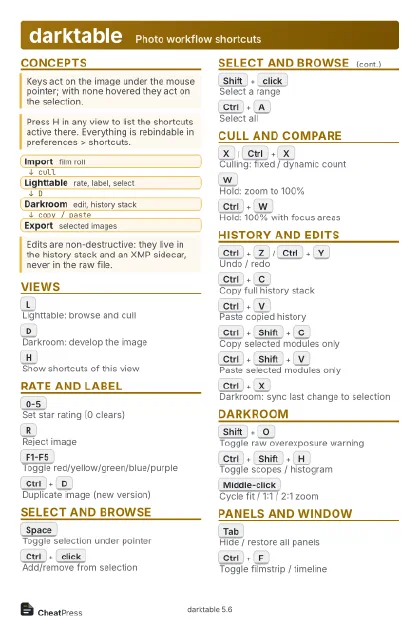 Light · Postcard
102 × 152 mm · PDF
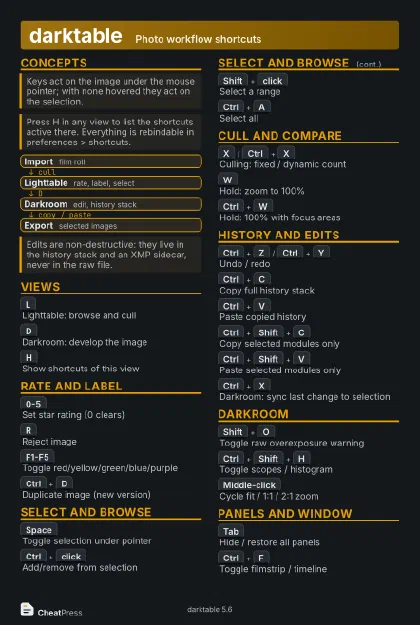 Dark · Postcard
102 × 152 mm · PDF
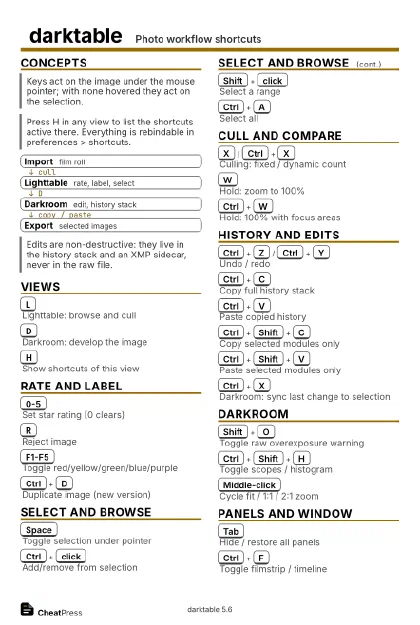 Ink saver · Postcard
102 × 152 mm · PDF
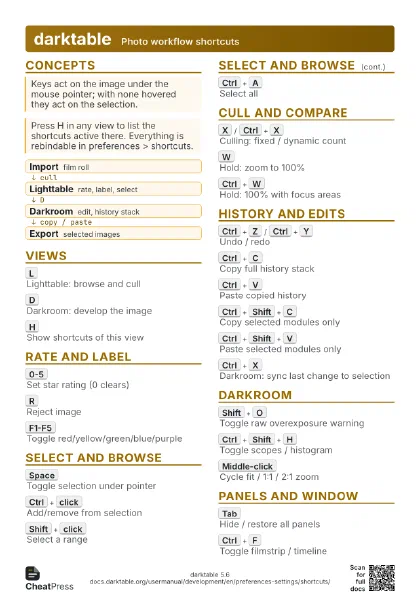
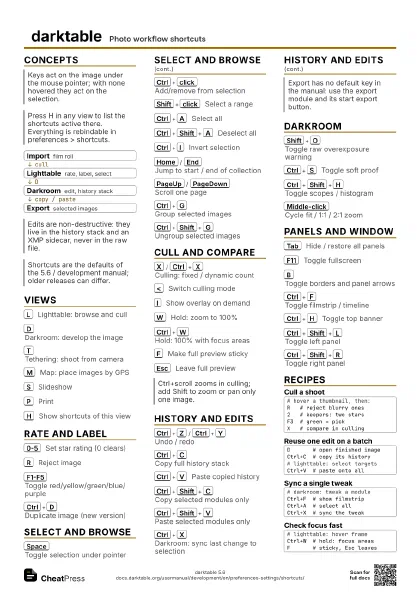
 Light · A4 landscape
297 × 210 mm · PDF
 Dark · A4 landscape
297 × 210 mm · PDF
 Ink saver · A4 landscape
297 × 210 mm · PDF
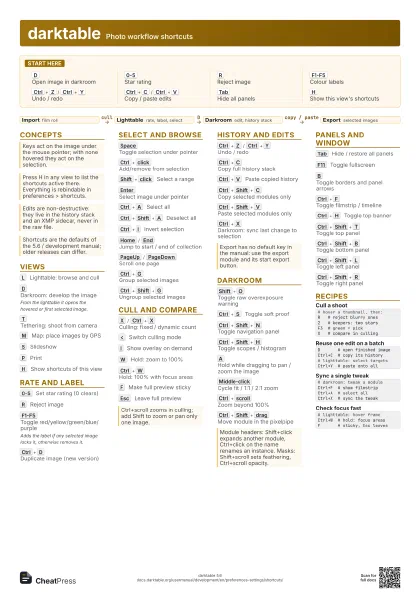
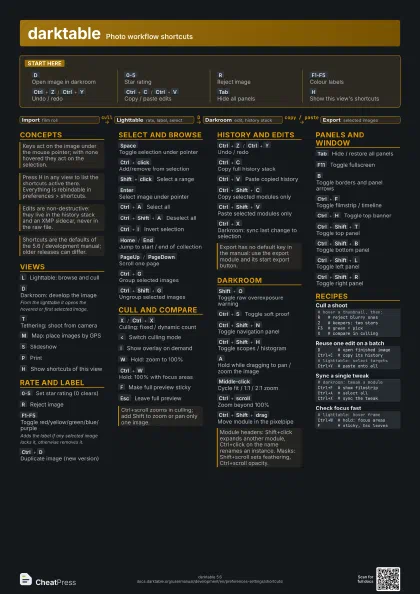
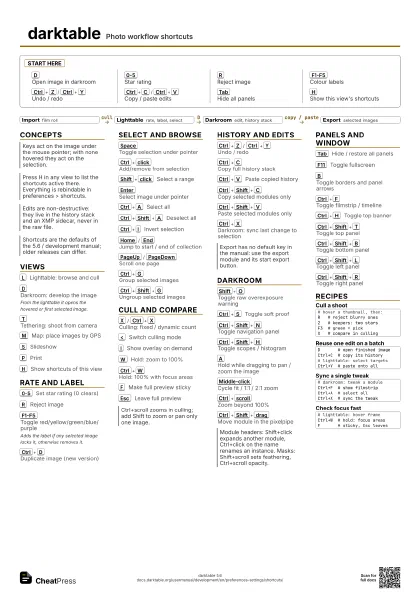
 Light · A3 landscape
420 × 297 mm · PDF
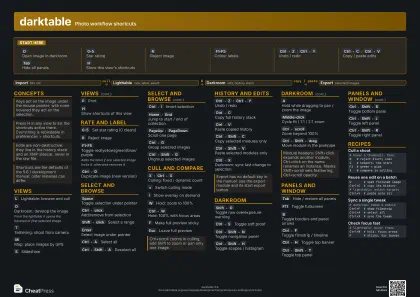 Dark · A3 landscape
420 × 297 mm · PDF
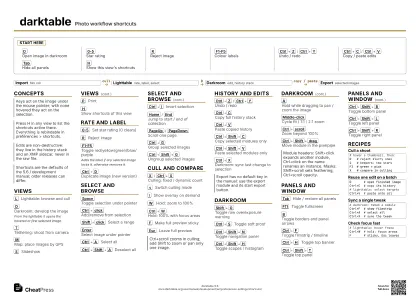 Ink saver · A3 landscape
420 × 297 mm · PDF
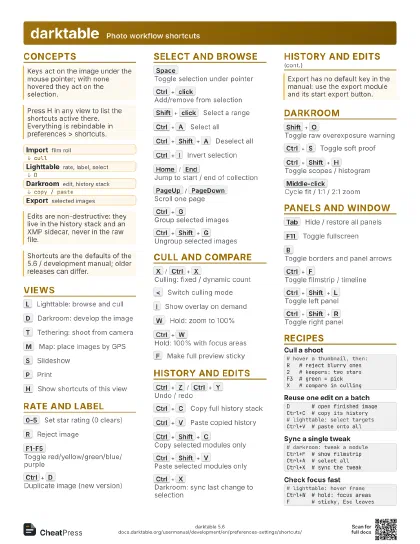
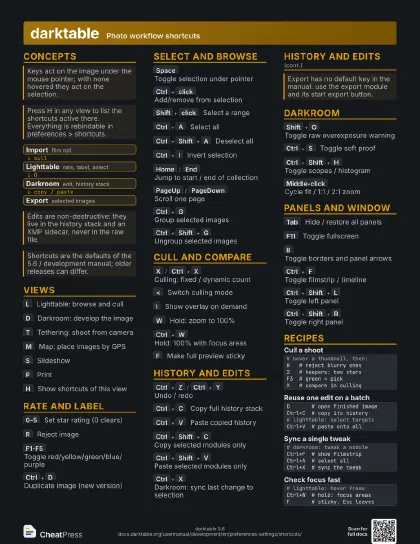
Start here
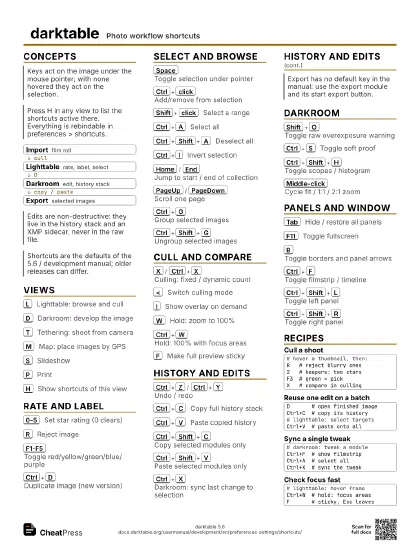
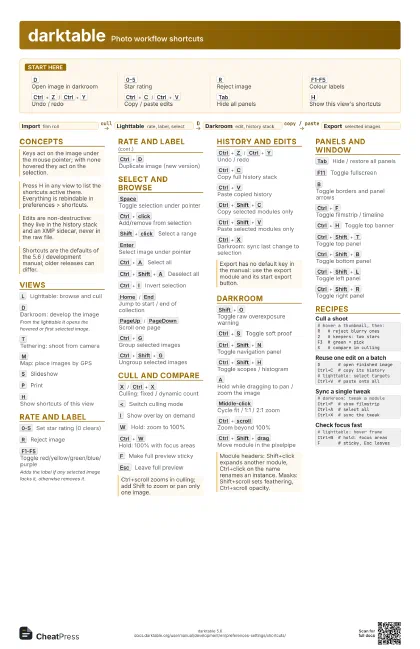
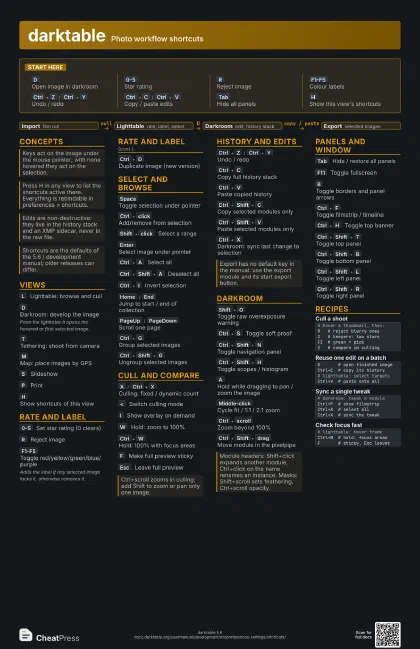
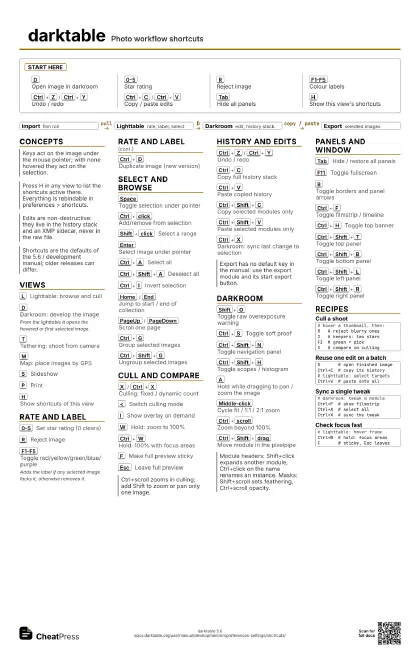
D
Open image in darkroom
0-5
Star rating
R
Reject image
F1-F5
Colour labels
Ctrl+Z
/
Ctrl+Y
Undo / redo
Ctrl+C
/
Ctrl+V
Copy / paste edits
Tab
Hide all panels
H
Show this view's shortcuts
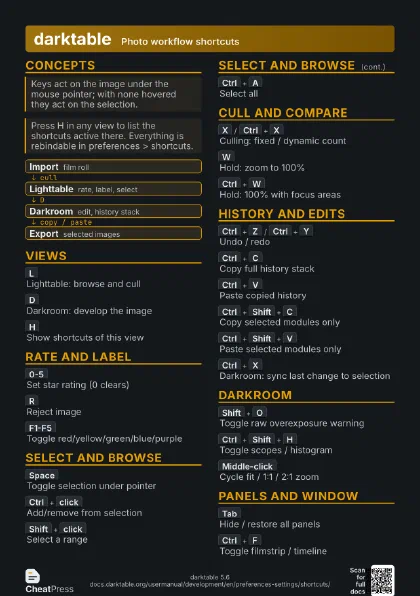
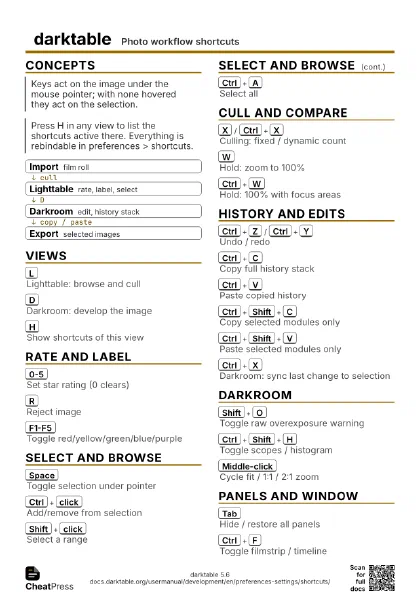
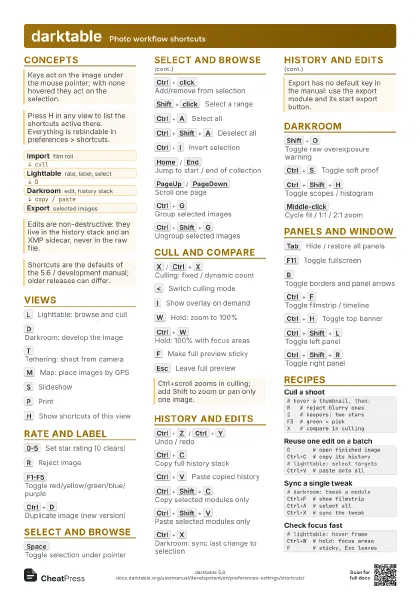
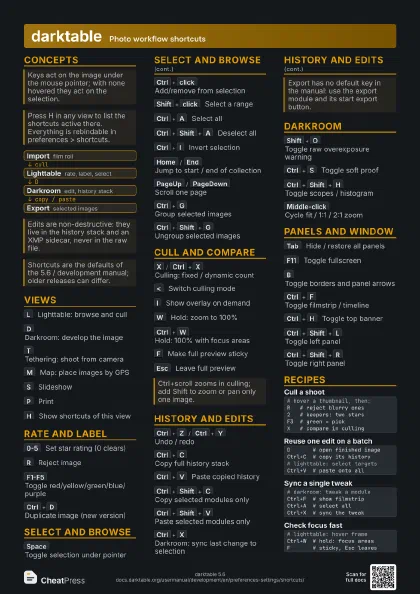
Concepts
- Import film roll
- Lighttable rate, label, select
- Darkroom edit, history stack
- Export selected images
Views
L
Lighttable: browse and cull
D
Darkroom: develop the image
From the lighttable it opens the hovered or first selected
image.
T
Tethering: shoot from camera
M
Map: place images by GPS
S
Slideshow
P
Print
H
Show shortcuts of this view
Rate and label
0-5
Set star rating (0 clears)
R
Reject image
F1-F5
Toggle red/yellow/green/blue/purple
Adds the label if any selected image lacks it, otherwise
removes it.
Ctrl+D
Duplicate image (new version)
Select and browse
Space
Toggle selection under pointer
Ctrl+click
Add/remove from selection
Shift+click
Select a range
Enter
Select image under pointer
Ctrl+A
Select all
Ctrl+Shift+A
Deselect all
Ctrl+I
Invert selection
Home
/
End
Jump to start / end of collection
PageUp
/
PageDown
Scroll one page
Ctrl+G
Group selected images
Ctrl+Shift+G
Ungroup selected images
Cull and compare
X
/
Ctrl+X
Culling: fixed / dynamic count
<
Switch culling mode
I
Show overlay on demand
W
Hold: zoom to 100%
Ctrl+W
Hold: 100% with focus areas
F
Make full preview sticky
Esc
Leave full preview
History and edits
Ctrl+Z
/
Ctrl+Y
Undo / redo
Ctrl+C
Copy full history stack
Ctrl+V
Paste copied history
Ctrl+Shift+C
Copy selected modules only
Ctrl+Shift+V
Paste selected modules only
Ctrl+X
Darkroom: sync last change to selection
Darkroom
Shift+O
Toggle raw overexposure warning
Ctrl+S
Toggle soft proof
Ctrl+Shift+N
Toggle navigation panel
Ctrl+Shift+H
Toggle scopes / histogram
A
Hold while dragging to pan / zoom the image
Middle-click
Cycle fit / 1:1 / 2:1 zoom
Ctrl+scroll
Zoom beyond 100%
Ctrl+Shift+drag
Move module in the pixelpipe
Panels and window
Tab
Hide / restore all panels
F11
Toggle fullscreen
B
Toggle borders and panel arrows
Ctrl+F
Toggle filmstrip / timeline
Ctrl+H
Toggle top banner
Ctrl+Shift+T
Toggle top panel
Ctrl+Shift+B
Toggle bottom panel
Ctrl+Shift+L
Toggle left panel
Ctrl+Shift+R
Toggle right panel
Recipes
# hover a thumbnail, then:R # reject blurry ones2 # keepers: two starsF3 # green = pickX # compare in cullingD # open finished imageCtrl+C # copy its history# lighttable: select targetsCtrl+V # paste onto all# darkroom: tweak a moduleCtrl+F # show filmstripCtrl+A # select allCtrl+X # sync the tweak# lighttable: hover frameCtrl+W # hold: focus areasF # sticky, Esc leaves